Search the Community
Showing results for tags 'json'.
Found 7 results
-
Version 1.0.2
20 downloads
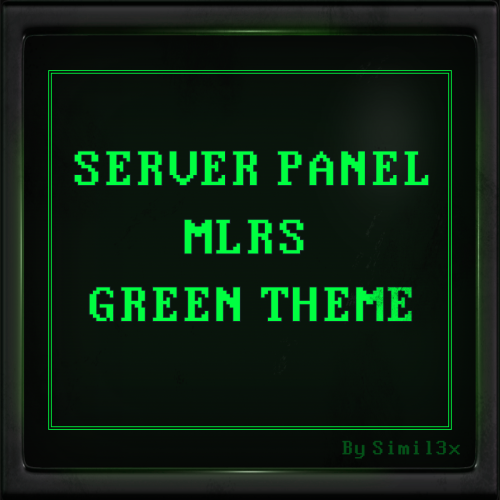
MLRS Green Theme for Server Panel by Simil3x Turn your Rust server interface into a tactical command terminal! This UI is inspired by the in-game MLRS system and classic DOS-style aesthetics. ⚙ Features ● Ready-to-use JSON configuration - no coding required ● Complete visual redesign of the Server Panel UI ● Authentic MLRS/DOS-style layout with terminal-like visuals ● Displays player name, SteamID, coordinates, and players count ● Server info panel with wipe schedule and color highlights ● Fast navigation tabs: Home, Server Binds, Rules, Commands ● Interactive Discord and website links (easy to copy) ● Scalable layout with multi-page support Installation 1. Download the provided .zip archive 2. Extract its contents into your server’s oxide folder 3. Restart the plugin Done - your new interface is now active! 🛠 Editable Without Coding Easily customize content in-game with the Server Panel’s intuitive editor - no need to modify JSON files manually. Need a Custom UI? Looking for a completely unique design? I offer full-service UI development for Rust plugins - from concept and Figma prototypes to game-ready implementation. Contact Discord: Simil3x Telegram: @Simil3x_dm ✔ Compatibility Fully compatible with the latest version of the Server Panel plugin. Easy setup - instant results. After purchase, contact me on Discord or Telegram to insert your server name into the template.$16.99 -
Version 1.0.0
4 downloads
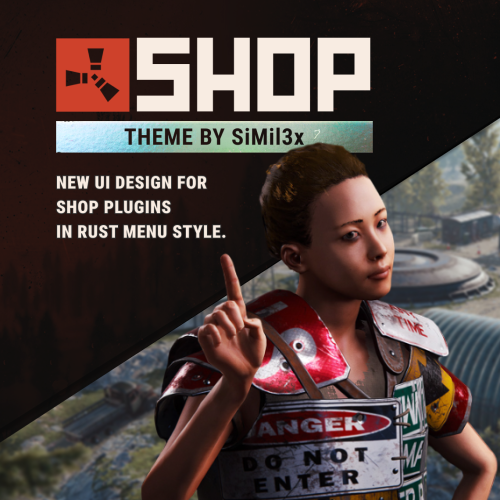
Installation: 1. Make sure you have the latest version of the SHOP plugin installed. 2. Download the theme archive. 3. Extract the contents of the archive into \data\Shop folder. 4. Reload plugin (o.reload Shop or c.reload Shop) Done - your new interface is live! To make everything work correctly, you must use the “Mevent Rust Styled” template. If you are using the “Mevent Old Style” template, run the shop.reset template command in the console, then install the required template using the /shop.install command in the in-game chat. (You must have the shop.admin permission.)$16.99 -
Version 1.1.1
39 downloads
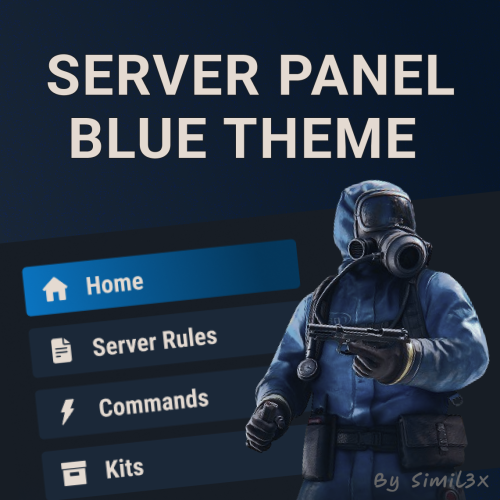
Blue Theme for Server Panel by Simil3x Transform your server interface with a modern look using this clean blue-themed UI for the Server Panel plugin. Designed to enhance clarity and usability while keeping all core features intact. What's Included: ● Ready-to-use JSON configuration - no coding required ● Complete visual redesign of the Server Panel UI ● Calm blue color palette with improved contrast ● Streamlined layout with consistent spacing and alignment ● Enhanced readability for commands and settings Installation: 1. Make sure you have the latest version of the Server Panel plugin installed. 2, Use the /sp.install command and install the V5 template. 3, Download the theme archive. 4, Extract the contents of the archive into your oxide folder. 5, Reload Server Panel plugin Done - your new interface is live! Why Choose This Theme? This isn't just a recolor - it’s a full UI refresh. Every element, from headers to buttons, was rebuilt with usability and clean aesthetics in mind. Whether you're managing kits, commands, or player stats, this layout makes interactions smoother and more intuitive. You can modify content without touching JSON files, plugin includes an intuitive in-game editor. Looking for custom plugin design? Need something completely unique? I offer full-service UI design for any Rust plugin. From initial concept and Figma prototypes to final game-ready implementation - professional custom interfaces tailored to your needs. Contact me: Discord: Simil3x Telegram: @Simil3x_dm Compatible with the latest version of the Server Panel plugin. Easy installation, instant results.$16.99 -
Version 1.0.0
12 downloads
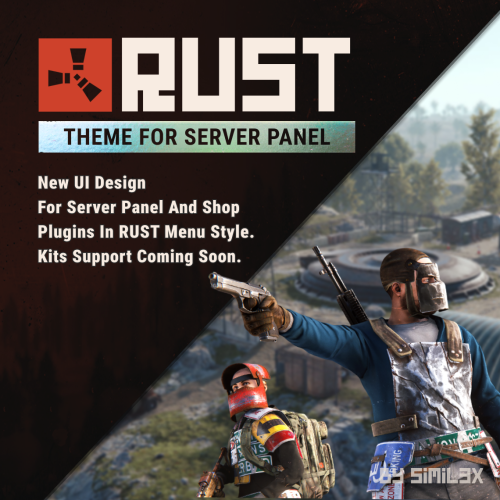
RUST Menu Theme for Server Panel & Shop A custom theme for Server Panel and Shop, inspired by the in-game RUST menu. Give your server’s interface a native look and feel that blends seamlessly with the game world. Familiar, immersive, and user-friendly for your players. Ready-to-use JSON configuration - no coding required. Simply install and enjoy a fully styled UI in minutes. 1. Install the Server Panel plugin using the chat command: /sp.install — select the FULLSCREEN V2 template. 2. Install the Shop plugin using the chat command: /shop.install — select the Mevent Rust Styled Template V2. 3. Download the theme archive. 4. Extract its contents into your /oxide folder, overwriting existing files. 5. Open \oxide\data\ServerPanel\Categories.json, find "menu_shop" and change it to "shop". 6. Open \oxide\config\Shop.json and disable "Additional Economics": Replace "Enabled": true, with "Enabled": false,. 7. Reload both plugins using the following commands: o.reload Shop o.reload ServerPanel You're all set! Need a Custom UI? Looking for a completely unique design? I offer full-service UI development for Rust plugins - from concept and Figma prototypes to game-ready implementation. Contact Discord: Simil3x Telegram: @Simil3x_dm Compatibility Fully compatible with the latest version of the Server Panel plugin. Easy setup - instant results.$20.00 -
Version 1.0.2
90 downloads
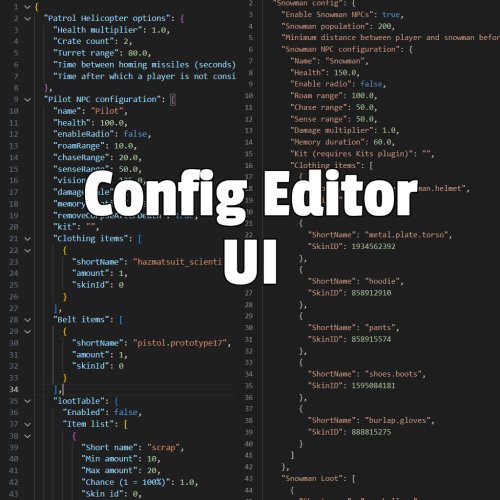
Are you tired of editing config files in a text editor? This plugin allows you to edit configurations and data files directly in-game. Features: Edit config files and data files via in-game UI Prevents syntax errors like missing commas Option to reload plugin when saving a config file Intuitive UI Works with any JSON file Command: /config Permission: configeditorui.use$25.00 -
Version 1.14
1,944 downloads
Vanilla LootTable example for use with BetterLoot includes min and max amount of each item to spawn per container and min and max items to spawn per container.Free- 9 comments
-
- 2
-

-

-
- #configuration
- #json
- (and 4 more)
-
.thumb.png.92865e92ae7e0f88a20eb894626d964d.png)
Version 2021.05.29
1,039 downloads
Config file containing every skin for every item in the game. Only officially accepted skins! Plugin by misticos: https://umod.org/plugins/skinsFree