
Search the Community
Showing results for tags 'loading'.
Found 2 results
-
Version 1.0.3
132 downloads
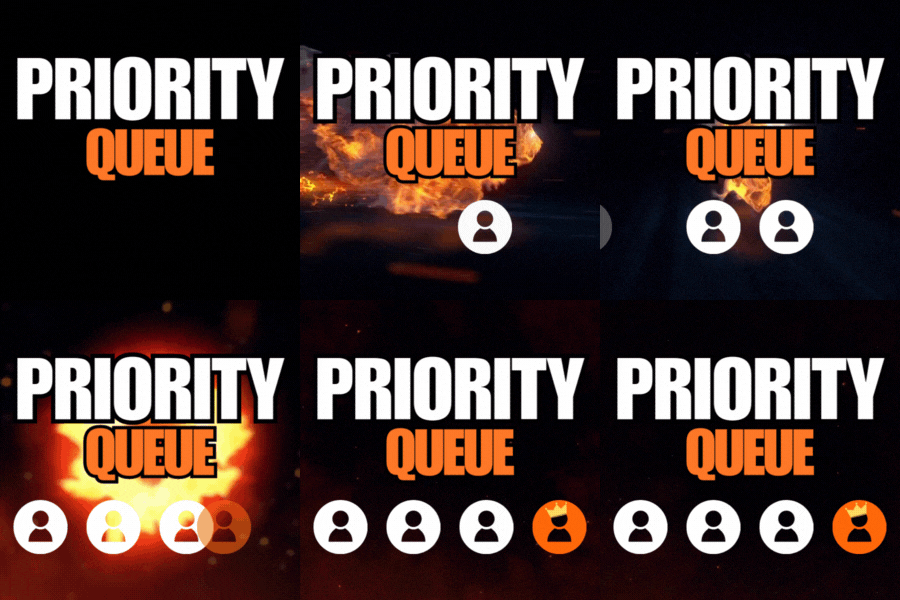
Priority Queue redefines the vanilla queue skip with a brand new permission based system. Previously queue skips would allow players to bypass the max player limit of a server. Priority queue gives you full control of which players move to the front of the queue or can skip the queue. You can also offer players a new system of saving their spot when they disconnect from the queue or the server. Priority Queue - Skip Players to the front of the queue Bypass Queue - Skip the entire queue Hold Queue Position - Holds your position in queue if you disconnect Bypass Queue on Disconnect - Allows you to bypass the queue if you just dc'ed Noob Bypass or Priority - Allows first time players to skip or priority queue priorityqueue.bypass - permission for queue skip priorityqueue.priority - permission to skip all non-priority players in the current queue priorityqueue.bypassDC - permission to bypass the queue if you have recently disconnected priorityqueue.hold - permission to hold your position in the queue if recently disconnected { "Bypass Queue on Disconnect Timeout (minutes)": 5, "Hold Queue Position on Disconnect Timeout (minutes)": 5, "Disable native slot reservation": true, "Noob Queue Priority": false, "Noob Bypass Priority": false }$9.99- 6 comments
- 1 review
-
- 3
-

-
- #priorityqueue
- #priority queue
- (and 14 more)
-
Version 1.1.2
1,416 downloads
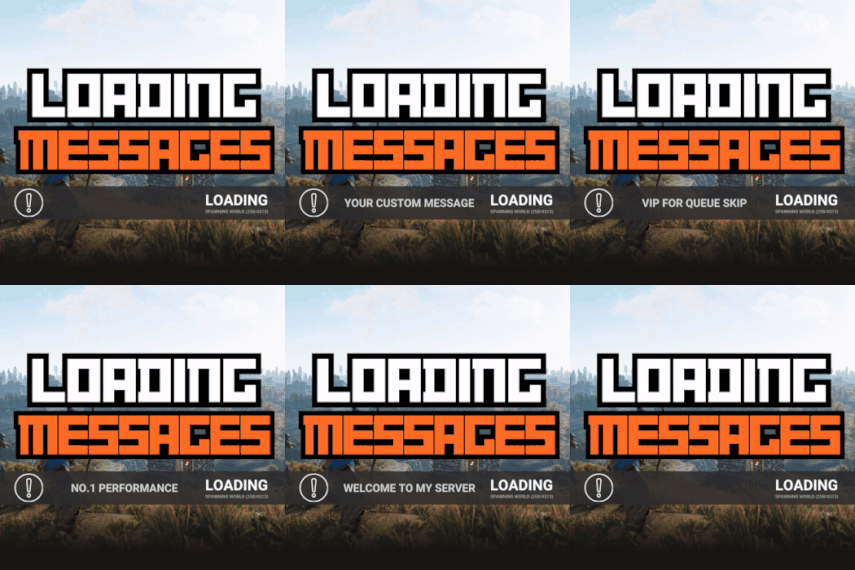
Loading Messages is a high-performance plugin that features customizable loading panel messages with adjustable display times and icons. Custom Messages for Queued and Loading Players Language Support - Display messages in local languages Loading Messages on Respawn and Teleport Loading Screens Configurable Display Time per Message High Performance Plugin! Loading Messages has three main message types: Queued - When a player is in the server queue Joining - When a player is joining the server Loading - The loading screen displayed when a player is teleporting or in a pending gamemode state Each custom type allows for options including icon ID, next message display time & message content. Loading Messages can use the following rich text tags - color, b, u, and i To display local languages set: "Use Language Support": true in you configuration. Custom languages will only be displayed after the first time a user connects to the server. Add multiple languages in the configuration listing: "Lang Messages": { "es-ES": { "Queue Messages": [ { "iconID": "0", "NextMessageTime": 5.0, "Message": "Estás en la cola" }, { "iconID": "0", "NextMessageTime": 5.0, "Message": "Por favor espera" }, { "iconID": "0", "NextMessageTime": 5.0, "Message": "Reporta tramposos usando f7" } ] } } You can see a list of most of the icons by going to https://fontawesome.com/icons.$9.99- 45 comments
- 7 reviews
-
- 3
-
-

-
- #loading messages
- #loading
- (and 15 more)

