Search the Community
Showing results for tags 'minitracker'.
Found 1 result
-
Version 1.0.2
4 downloads
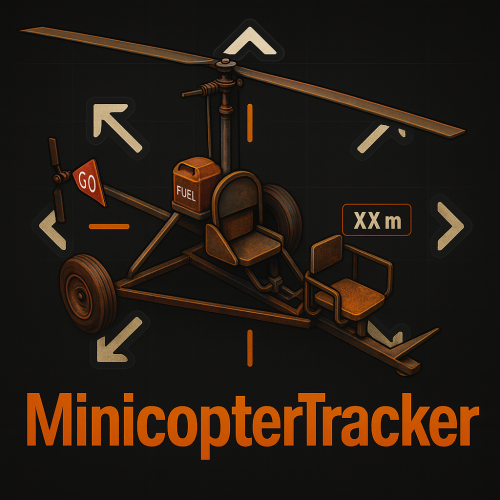
MinicopterTracker by EasyServer | Version 1.0.0 Description MinicopterTracker adds a simple and modern tracking UI that helps players locate the nearest minicopter in real time. The plugin is, accurate, and designed for any type of Rust server where players often lose their minicopters. No dependencies required — it runs out of the box. To test this plugin, you can connect to this server to get a detailed impression of the plugin: [EU/DE][x2][PVP]~EasyServer~ client.connect 136.243.34.238:28020 Features Real-time tracking of the nearest minicopter (updates every 0.3s) Directional arrows (⇦ ⇧ ⇩ ⇨) showing the minicopter’s relative direction Automatic stop when the minicopter is reached or destroyed Clean, minimal UI with configurable colors and position Permission-based access for player groups Fully customizable messages Lightweight and performance-friendly Commands /mini (Starts tracking your nearest minicopter) /ministop (Stops tracking manually) Permissions PermissionDescription minicoptertracker.defaultAllows default players to use /mini minicoptertracker.vipFor VIP group members minicoptertracker.adminFull admin access (Use Oxide permission commands like oxide.grant or group add to assign permissions.) Configuration The configuration file is automatically created on first plugin load. You can adjust update intervals, distance range, colors, and UI layout directly in the .cfg file. Example: "Settings": { "UpdateIntervalSeconds": 0.3, "DistanceStopRange": 5.0 } Performance Runs efficiently without background timers when idle Automatically cleans up UI and timers on player disconnect Safe plugin unload with zero residual elements Credits Developer: ~EasyServer~ Language: English Version: 1.0.0 (Stable Release) Note: Color adjustments, layout positioning, and language refinements were verified and optimized with the assistance of AI to ensure clarity, accuracy, and consistency across all plugin elements.$4.99