

Beschreibung
SiteSkite is a WebOps for WordPress site maintenance platform built for agencies, developers, and site owners who manage multiple websites.
With built-in AI Chat and MCP. SiteSkite goes beyond unline traditional site maintenance plugins to give you more power, automation, and visibility across all your sites. It allows you to create new websites from backups, use prebuilt blueprints, manage updates in bulk, monitor uptime, automate backups, and control everything from one centralized dashboard.
Whether you manage 1 site or 100+, SiteSkite simplifies WordPress maintenance and scales with your workflow.
Important: SiteSkite only manages your website after you connect it using a secure API key.
All plugin installation, activation, and maintenance actions must be initiated from your SiteSkite account — ensuring full control and secure access.
💡 What SiteSkite Helps You Do
✔️ Manage multiple WordPress sites from one dashboard
✔️ Automate backups & restore anytime
✔️ SiteSkite AI: Privacy Safe-AI that manage your site
✔️ SiteSkite MCP Server: Manage your sites directly from Claude.ai, ChatGPT, and Cursor AI.
✔️ Advanced Site Recovery: Keep your site up & live even it has Fatal Error.
✔️ Snapshot backup & incremental backup support
✔️ Create blueprints for rapid deployment
✔️ Launch sandbox site
✔️ Spin new sites from existing backups (On SiteSkite servers)
✔️ Store backups in your own cloud (BYO cloud)
✔️ Vulerabilities detection guard
✔️ Monitor uptime & site health across all sites
✔️ Bulk update, activate, deactivate, and delete plugins/themes
✔️ Roll back plugin/theme versions safely
✔️ Add team members & organize sites into workspaces
✔️ WP Canvas (Maintenance mode, Debug, Search & Replace, Indexing control, WP Reset & more)
✔️ Manage WP Admin Users & Roles
✔️ Track Core Web Vitals performance
✔️ Install curated plugin presets with WP Essentials
✔️ White-label the plugin for agency clients
✔️ Automated Reports for your customers
✔️ Preety logs view for Error, Debug and Custom logs
✔️ White Lable plugin for your agency & customers
✔️ and much more…
Built to simplify workflows and scale your WordPress operations without stress.
Get started in minutes.
🚀 Key Features
🔄 Backups & Restore
- On-demand, daily, or weekly backups
- Full, database-only, or file-only backups
- Incremental backups (resource-efficient)
- Classic snapshot backups (full archive)
- Restore with a click
☁ BYO Cloud Storage
Use your own cloud storage, including:
– Google Drive
– Dropbox
– AWS S3
– BackBlaze B2
– pCloud
⚙️ Bulk WordPress Actions
- Update plugins, themes, and core
- Activate/Deactivate/Delete plugins & themes
- Rollback plugin & theme versions
- Install bulk plugins from presets
🧰 WP Canvas Tools
- Maintenance Mode
- WP Debug
- Search & Replace
- Permalink settings
- WP Reset
- Site Indexing toggle
📊 Performance & Monitoring
- Uptime monitoring
- BirdEye status overview
- Core Web Vitals metrics
👥 Collaboration & Scaling
- Workspaces to group sites & clients
- Add users, team members, and clients
- White-label plugin branding
🛍 Marketplace Access
- Browse tools, presets, and digital assets
- Wishlist & follow sellers
🔗 Learn More
🌐 Website: https://www.siteskite.com
📘 Documentation: https://knowledgebase.siteskite.com
🧭 Who is SiteSkite for?
- WordPress website owners
- Agencies managing client sites
- Freelancers & developers
- Hosting providers offering WP upkeep
- Anyone who wants peace of mind & automation
External services
This plugin connects to external services to perform backups, restores, and operational callbacks. Below is a list of services, what they are used for, what data is sent, and relevant policies.
-
Dropbox
- What it’s used for: Uploading and downloading backup archives to the site owner’s Dropbox.
- What data is sent and when: Backup file contents and related metadata (e.g., file name and size) during backup and restore operations initiated by the administrator.
- Endpoints:
https://content.dropboxapi.com,https://api.dropboxapi.com - Policies: Terms https://www.dropbox.com/terms · Privacy https://www.dropbox.com/privacy
-
Google Drive
- What it’s used for: Uploading and downloading backup archives to the site owner’s Google Drive.
- What data is sent and when: Backup file contents and related metadata during backup and restore operations initiated by the administrator.
- Endpoints:
https://www.googleapis.com/drive/v3/filesand related upload endpoints such ashttps://www.googleapis.com/upload/drive/v3/files(resumable/multipart uploads). - Policies: Terms https://policies.google.com/terms · Privacy https://policies.google.com/privacy
-
Amazon S3
- What it’s used for: Uploading and downloading backup archives to the site owner’s Amazon S3 bucket.
- What data is sent and when: Backup file contents and related metadata during backup and restore operations initiated by the administrator.
- Endpoints: Region-specific S3 REST API (e.g.,
https://s3.<region>.amazonaws.com). - Policies: Service Terms https://aws.amazon.com/service-terms/ · Privacy https://aws.amazon.com/privacy/
-
Backblaze B2
- What it’s used for: Uploading and downloading backup archives to the site owner’s Backblaze B2 bucket.
- What data is sent and when: Backup file contents and related metadata during backup and restore operations initiated by the administrator.
- Endpoints: Backblaze B2 API (e.g.,
https://api.backblazeb2.com). - Policies: Terms https://www.backblaze.com/company/legal/terms.html · Privacy https://www.backblaze.com/company/privacy.html
-
pCloud
- What it’s used for: Uploading and downloading backup archives to the site owner’s pCloud storage.
- What data is sent and when: Backup file contents and related metadata during backup and restore operations initiated by the administrator.
- Endpoints: pCloud API (e.g.,
https://api.pcloud.com) and regional variants such ashttps://eapi.pcloud.com(EU) andhttps://asiaapi.pcloud.com(Asia). OAuth token exchange:https://my.pcloud.com/oauth2_token. - Policies: Terms https://www.pcloud.com/terms.html · Privacy https://www.pcloud.com/privacy-policy.html
-
SiteSkite endpoints (operational callbacks and validation)
- What it’s used for: Validating the plugin API key, linking a site, downloading managed assets, and sending operational status callbacks to SiteSkite services. Some staging endpoints may be used for validation or asset download during testing.
- What data is sent and when: Site identifier and operation status metadata (e.g., backup/restore status) during validation and callbacks. For asset downloads, only the requested asset path is transmitted. Backup contents are never sent to SiteSkite; only selected metadata required to coordinate operations.
- Policies: Terms https://www.siteskite.com/terms-of-service · Privacy https://www.siteskite.com/privacy-policy
-
WordPress.org (downloads)
- What it’s used for: Downloading official WordPress core translation files when requested by an administrator.
- What data is sent and when: The request URL includes the WordPress core version and language code to retrieve the matching translation archive; no personal data is sent.
- Endpoints:
https://downloads.wordpress.org/translation/core/<version>/<locale>.zip - Policies: Terms https://wordpress.org/about/privacy/ · Privacy https://wordpress.org/about/privacy/
Notes:
– Data is transmitted only when you initiate an action that requires it (e.g., starting a backup/restore, validating your API key, or downloading translations).
– You choose and configure the cloud storage provider(s) to be used.
Screenshots
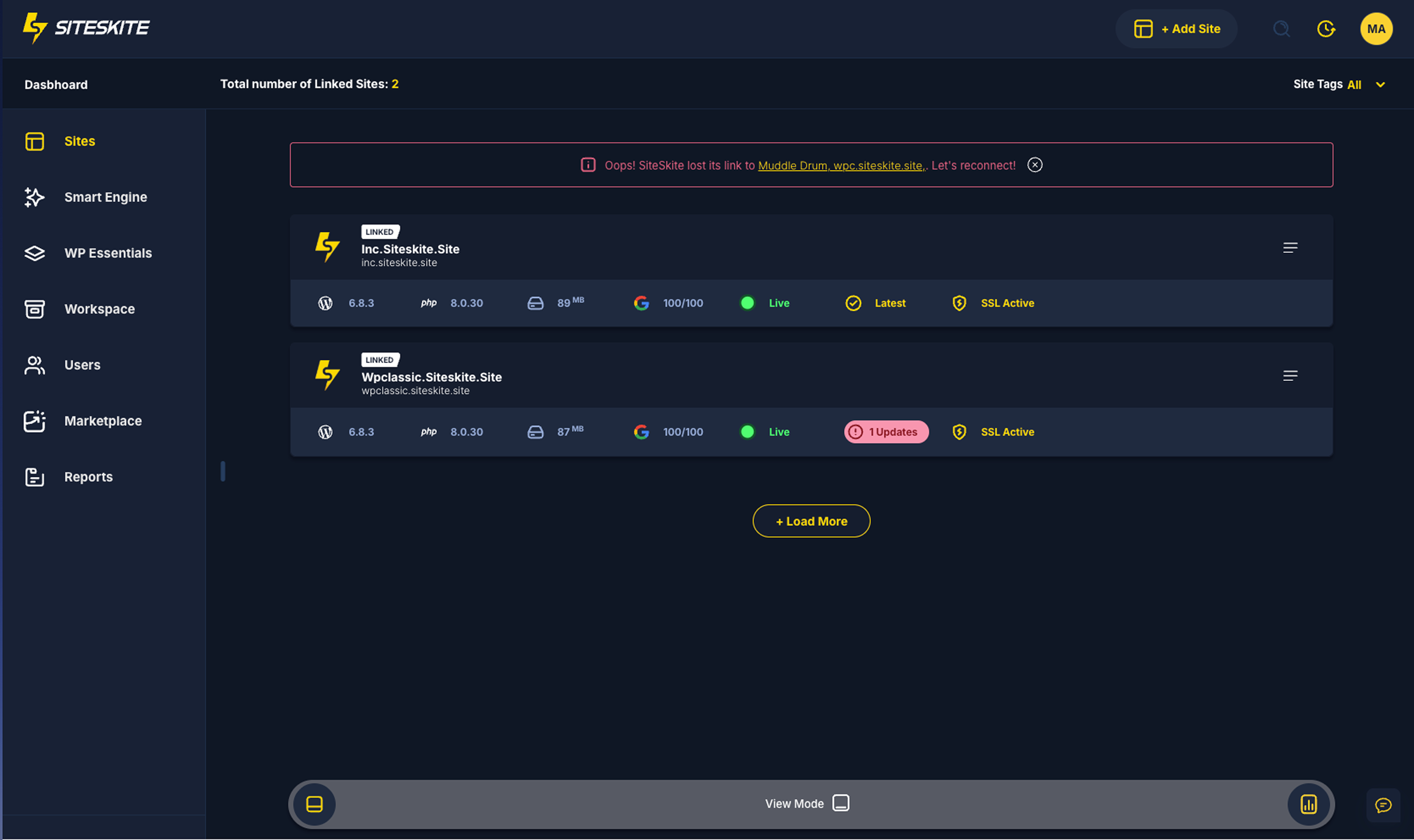
All Linked Sites 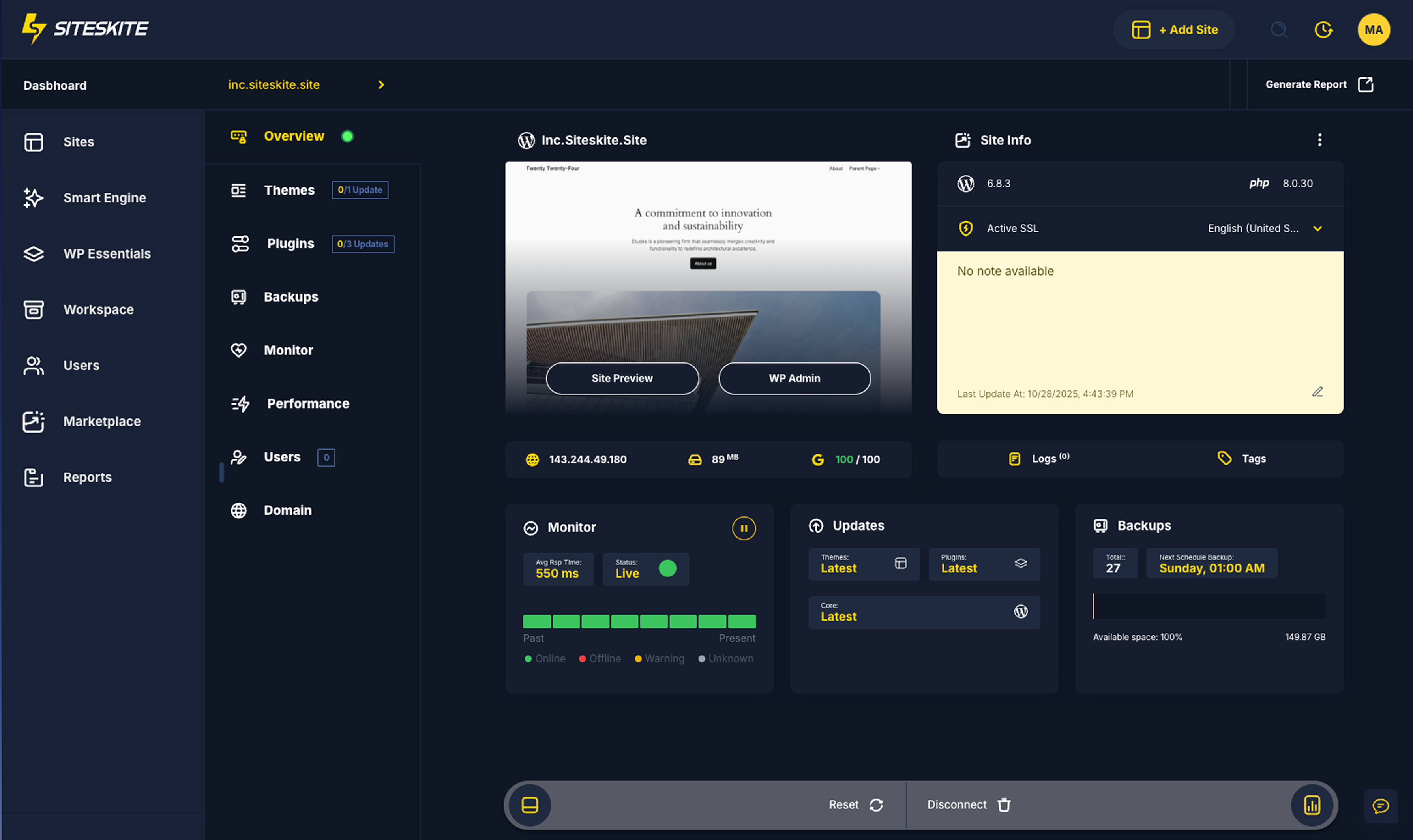
Site Overview 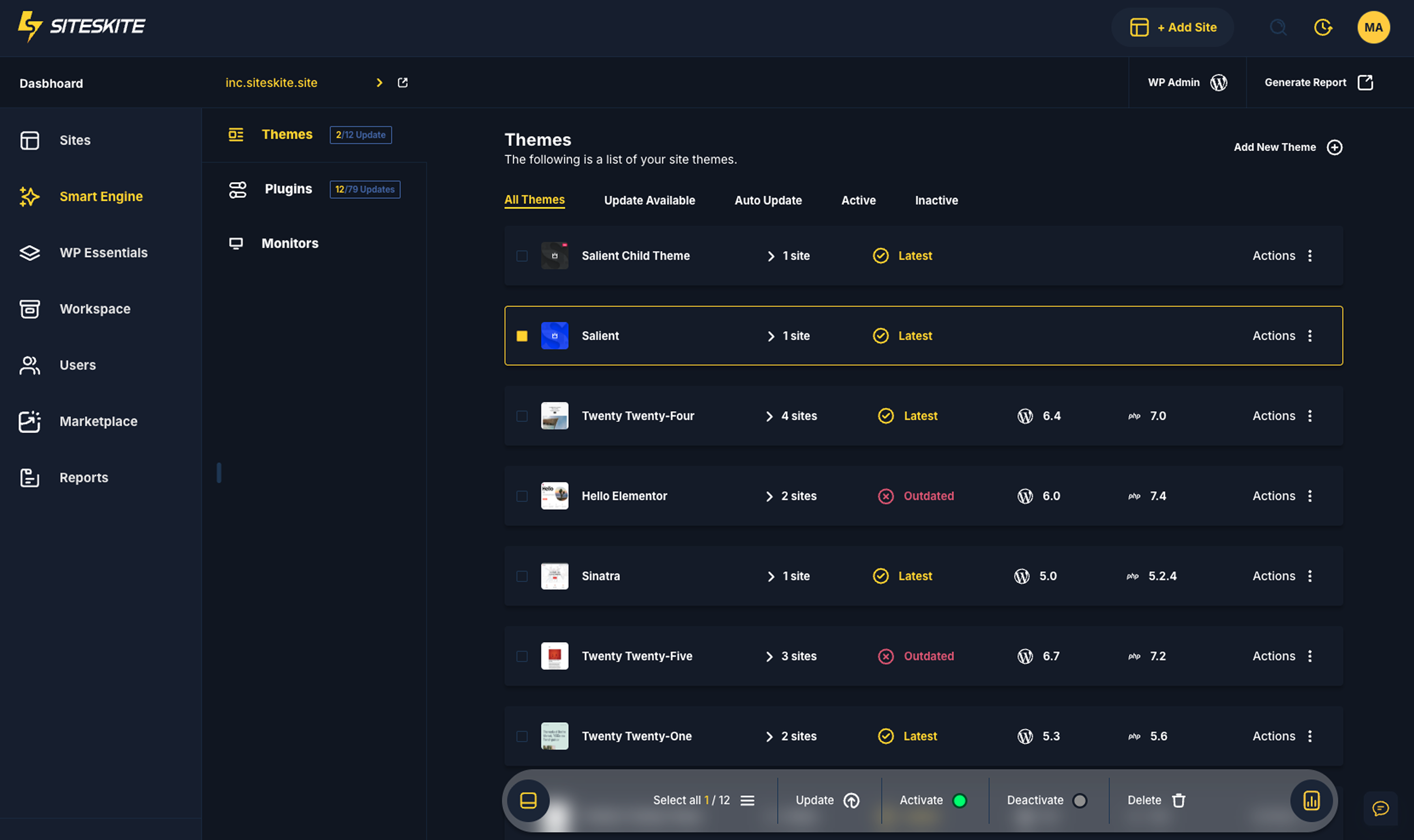
SmartEngine 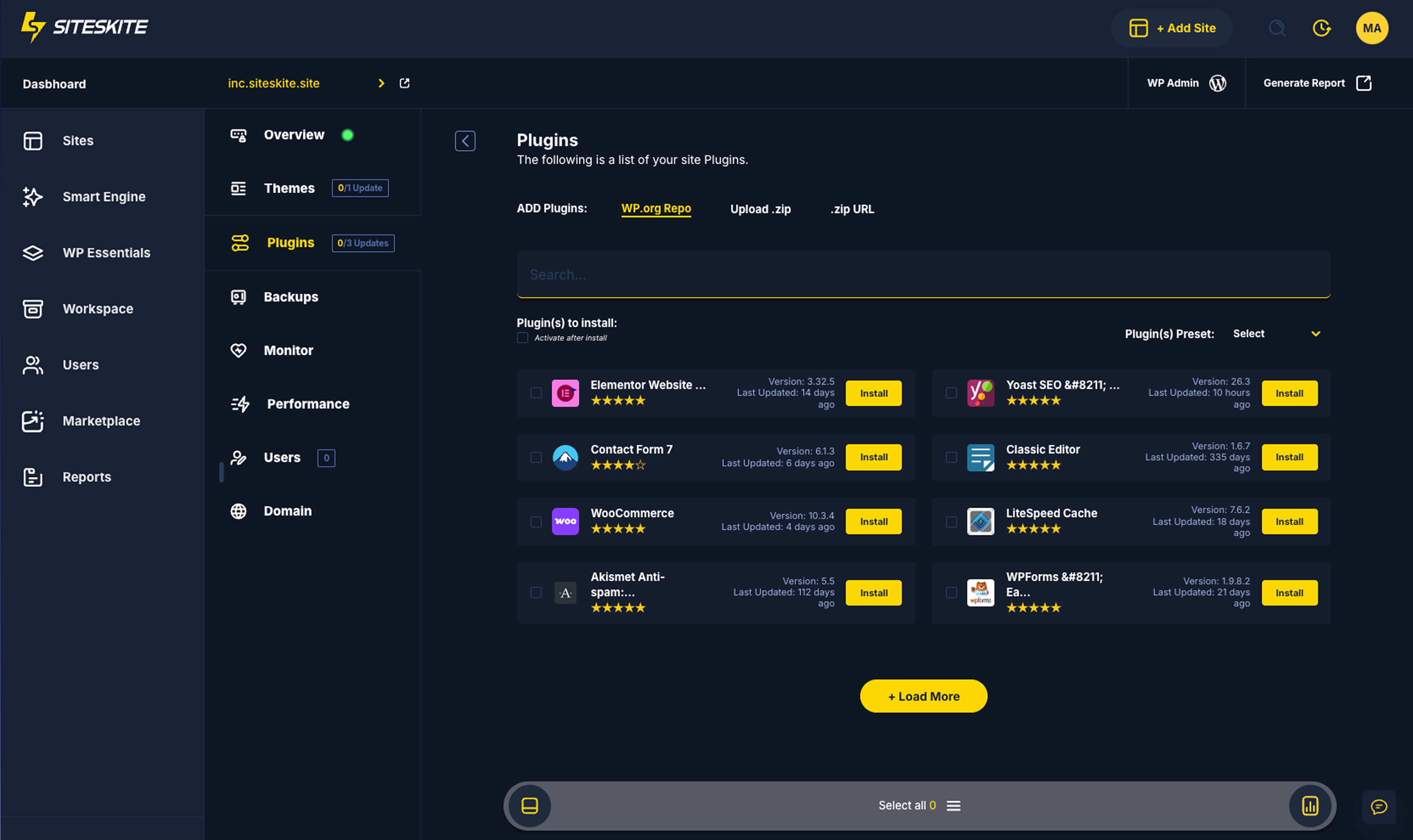
Plugins Install 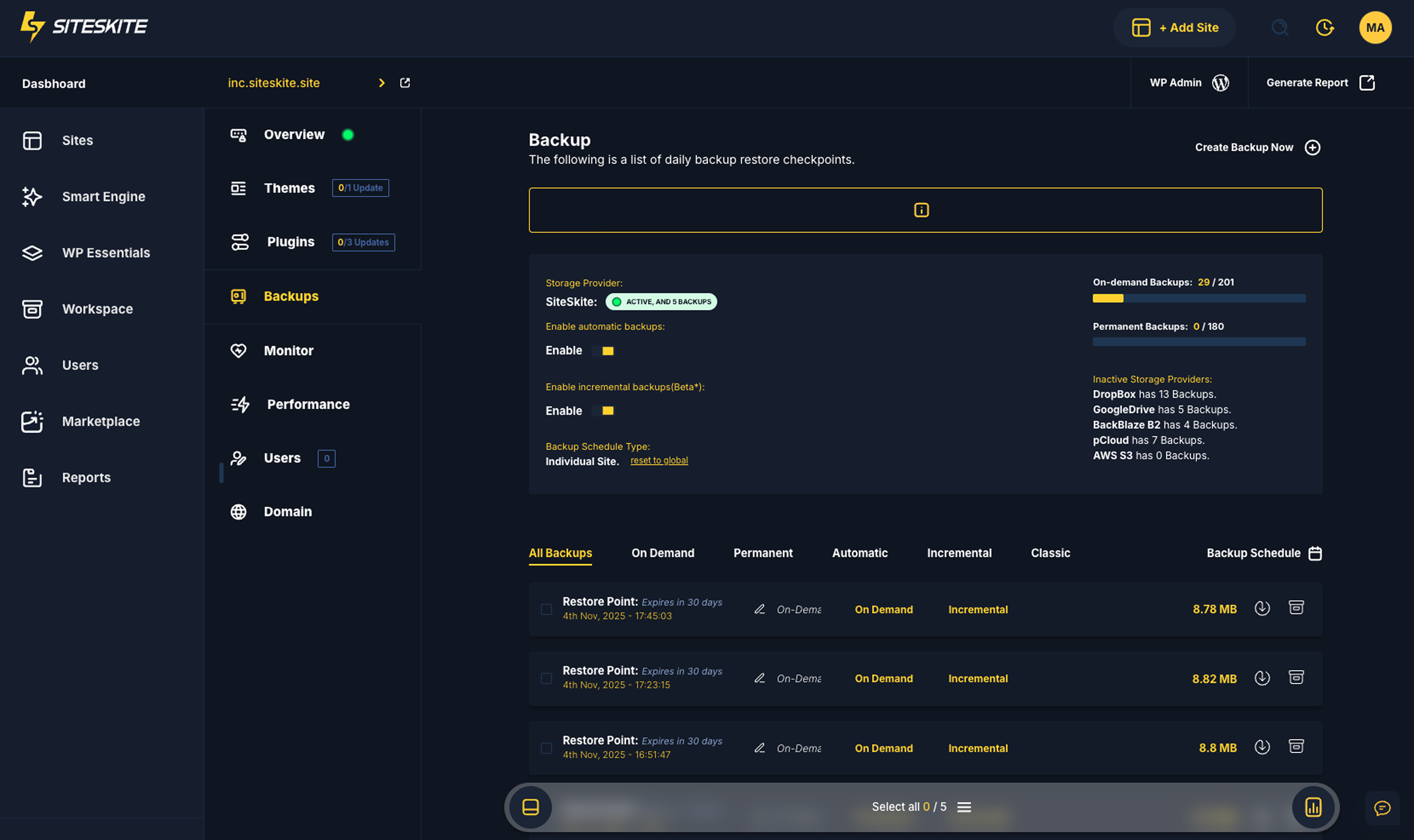
Backup & Restore 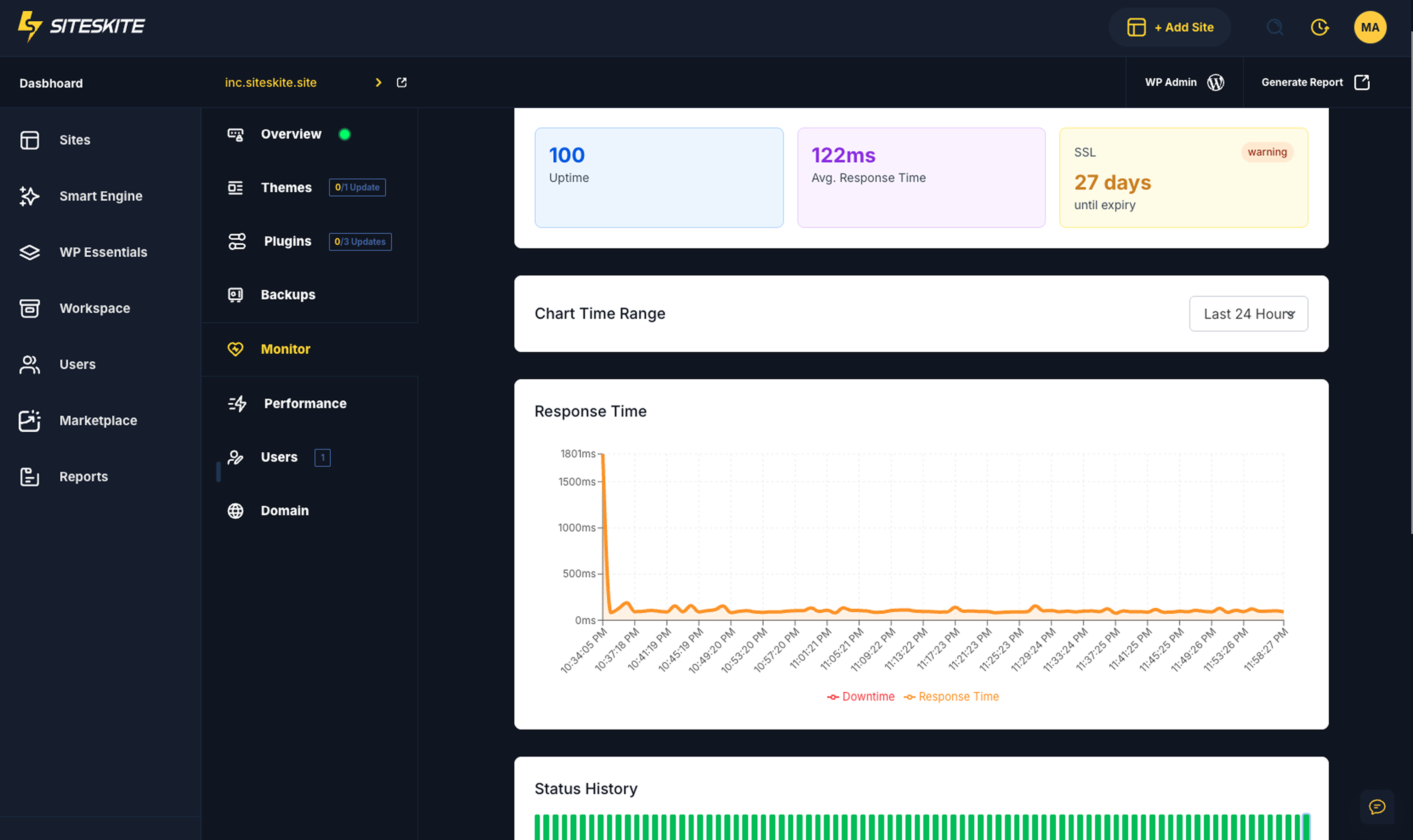
Monitor 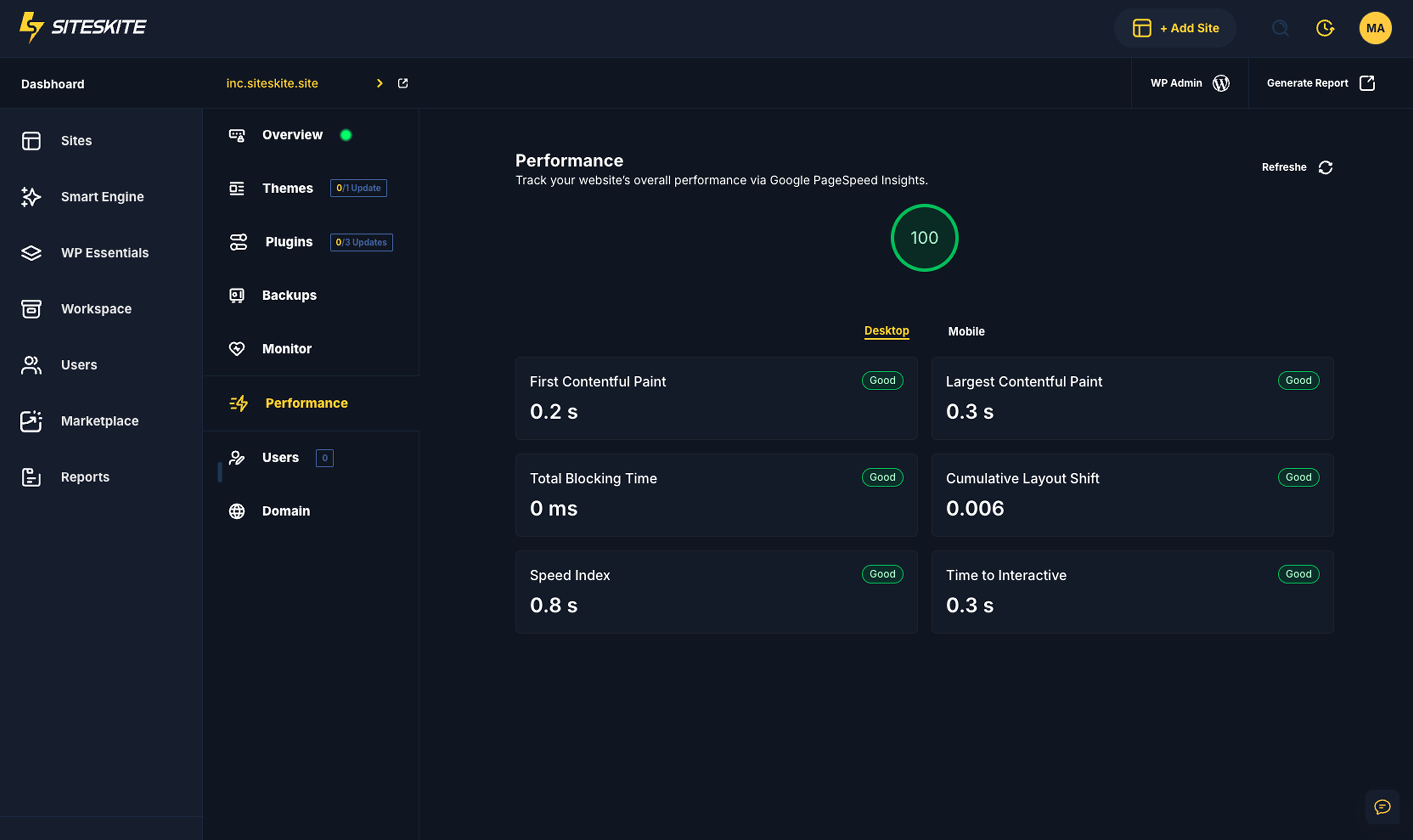
Core Web Vitals performance 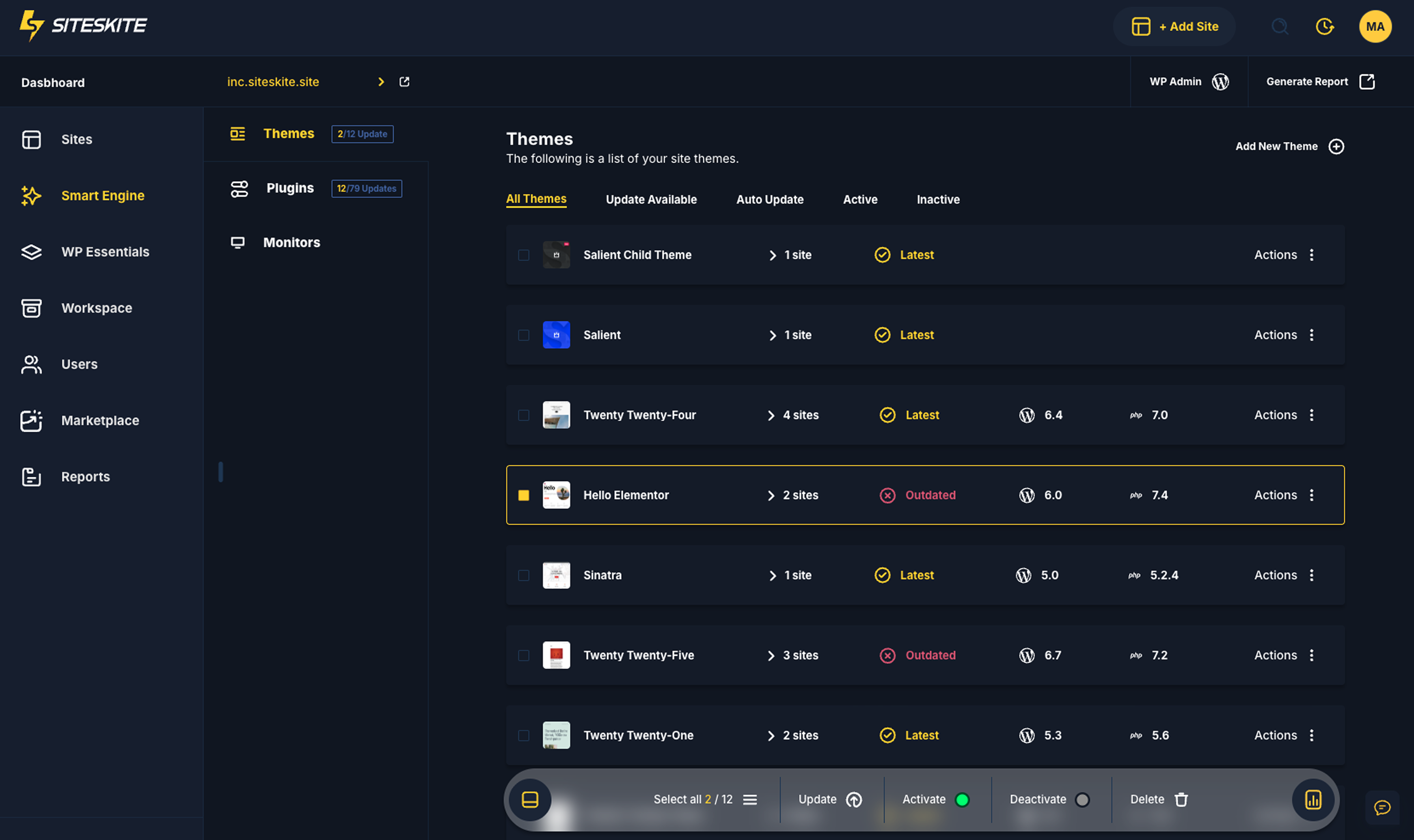
Themes Management 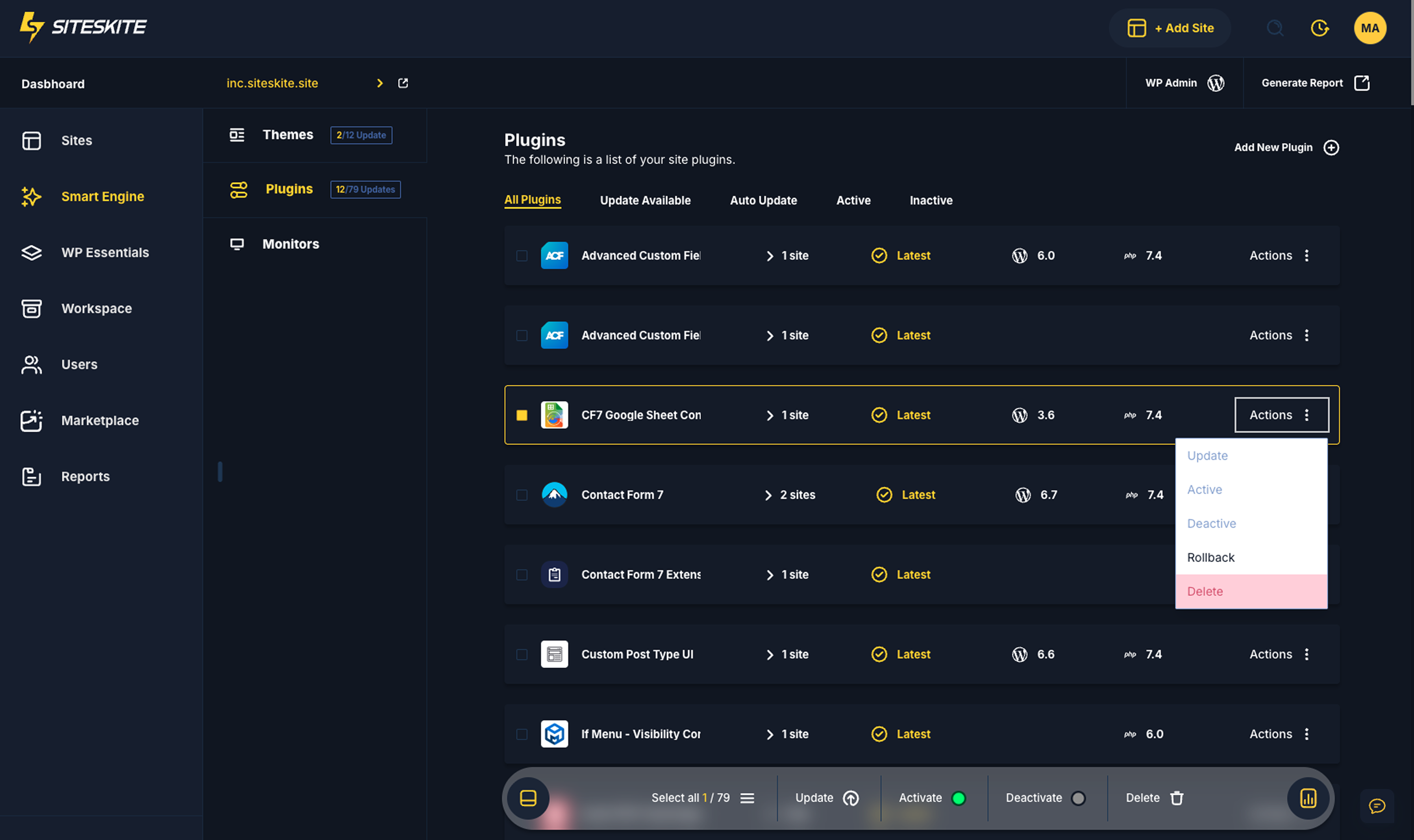
Plugins Management 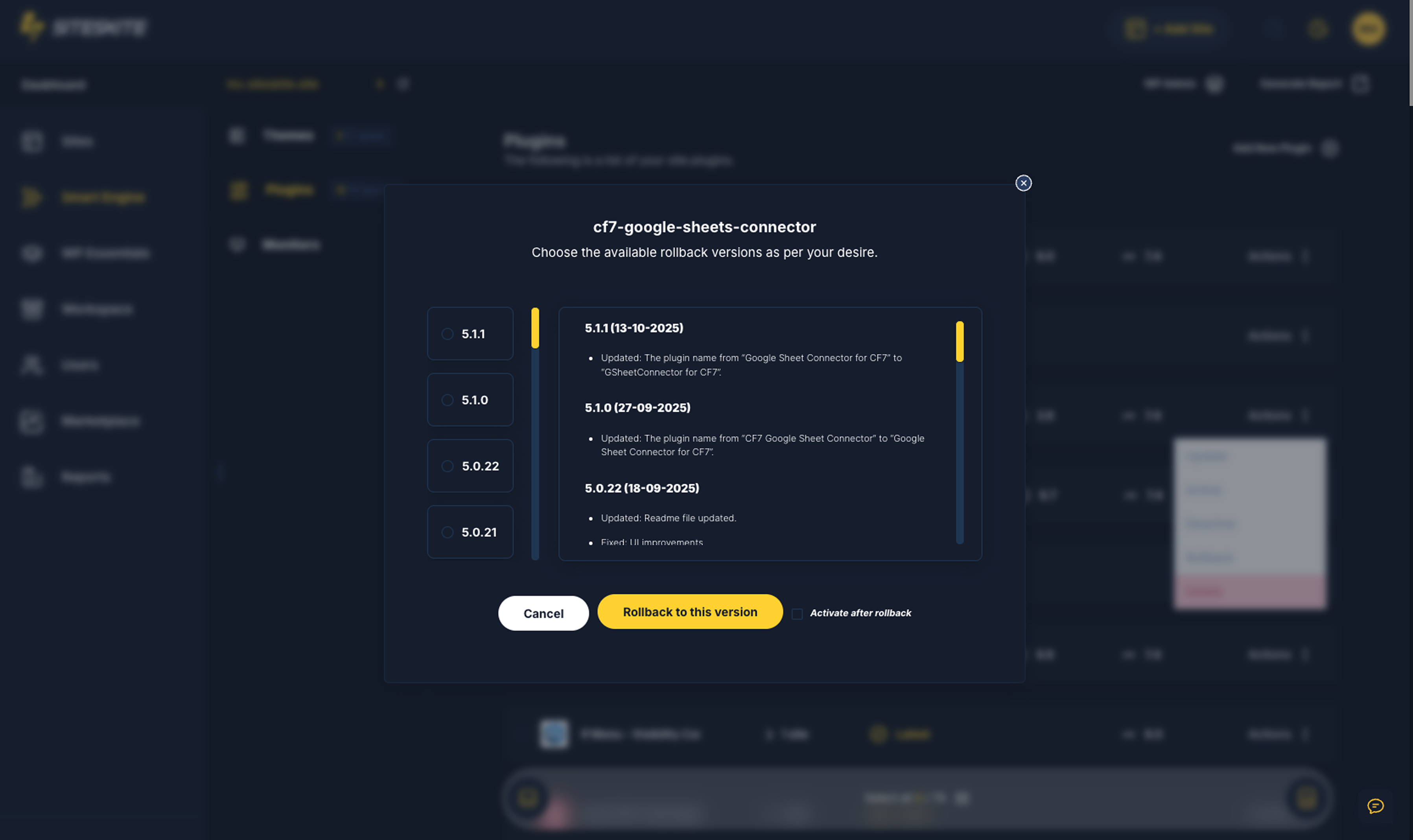
Rollback 


Installation
- Upload the plugin folder to
/wp-content/plugins/siteskite-linkor install via Plugins Add New - Activate the plugin
- Go to Settings SiteSkite and enter your API key
- Configure backup & cloud storage options
FAQ
-
Where are backups stored?
-
In your connected cloud storage (Google Drive, Dropbox, S3, BackBlaze B2, pCloud).
You remain in full control of your data. -
Do I need a specific host?
-
No — SiteSkite works on any WordPress hosting provider.
-
Is SiteSkite secure?
-
Yes. Your credentials are never shared, and all actions require authenticated API connection and admin permission.
-
What makes SiteSkite different?
-
SiteSkite combines smart backups, sandbox launch, spin site from backup, multi-site management, rollback tools, uptime monitoring, WP developer utilities, cloud storage freedom, team access, and many other features in one platform built for growth.
-
Does SiteSkite work without an account?
-
No. A SiteSkite account is required to securely manage and control your websites.
-
Can I create a new site from a backup?
-
Yes. SiteSkite allows you to create new websites using backup-based sandbox environments.
-
Is this plugin suitable for agencies?
-
Absolutely. SiteSkite is built specifically for agencies and professionals managing multiple sites.
-
Does SiteSkite replace hosting?
-
No. SiteSkite manages your WordPress sites but does not replace your hosting provider.
Rezensionen


Mitwirkende und Entwickler
„SiteSkite: Manage Multiple Sites, Maintenance, Backups, Updates, Sandbox, Monitoring & More“ ist Open-Source-Software. Folgende Menschen haben an diesem Plugin mitgewirkt:
Mitwirkende
Interessiert an der Entwicklung?
Durchstöbere den Code, sieh dir das SVN-Repository an oder abonniere das Entwicklungsprotokoll per RSS.
Änderungsprotokoll
1.2.12 (12 April 2026)
- Fix: Improved RestAPI FallbackAPI Support
1.2.11 (06 March 2026)
- Fix: Incremental Backup Continue fix for low resource hosting
1.2.10 (04 March 2026)
- Fix: Schedule type: Automatic/Ondemand Detection
1.2.9 (04 March 2026)
- New: Incremental Backup is Deletable Now
- Added: Monitor Email Notification Control
- Improved: Improved Backup performance on less resource hosting
- Improved: Improved Incremental Backup Schedule Continuity
- Improved: Workspace Experience For All Roles
- Improved: Backup Progress Fetching on Cross Server
1.2.8 (23 February 2026)
- Improved: Improved Backup Deletion and Cleanups
1.2.7 (22 February 2026)
- Added: 1 Click Dropbox & Google Drive Storage Authentication
1.2.6 (09 February 2026)
- Improved: 1 Click WP Admin Login
1.2.5 (03 February 2026)
- New: Recovery Mode: Regain WordPress admin access after fatal errors or failed updates.”
- Improved: 1 Click WP Admin Login
- Improved: Site Connection Experience (RestAPI Fallback)
- Improved: Smart Cron Jobs
- Improved: Classic Backup & Restore
- Improved: Cache Busting
- Improved: Site Data Syncing
- Improved: Add new site connection experience
- Improved: Incremental Backup & Restore
- Fixed: Trigger new database when restore job done
- Fixed: Trigger new database when making files only backup
1.2.3 (25 January 2026)
*Improved: Backup performance
1.2.2 (23 January 2026)
- Improved: Backup PCLZIP Support
- Improved: Backup performance on caching servers
- Improved: Site Connection Experience
1.2.1 (22 January 2026)
- Improved: Backup stability
1.2.0 (20 January 2026)
- New: Create Sandbox site from existing backup
- New: Create Blueprints via Sandbox site
- Improved: Backup performance
- Improved: Site data sync
- Improved: UI/UX – Site thumbnail and logo
1.1.0 (1 January 2026)
- Improvied: Classic & Incremental Backup performance
- New: Blueprints, Create reusable sandbox sites from blueprints. · https://knowledgebase.siteskite.com/articles/siteskite-blueprints
- New: Preety Error logs: Error log, Debug log, or Custom error log paths.
- Improvements: Overall SiteSkite platform performance.
1.0.9 (25 December 2025)
- Fixed: Subdirectory site paths now preserved when adding domain (e.g., abc.com/newsite instead of abc.com)
1.0.8 (16 December 2025)
- Improved: Backup performance
1.0.7 (13 December 2025)
- New: Better Backup management
- Improved: Backup performance
1.0.6 (10 December 2025)
- New: pCloud Auth based Authentication
- Improved: Backup performance
1.0.5 (22 November 2025)
- Improved: WPCanvas and API improvements
1.0.4 (18 November 2025)
- Improved: Notifications
1.0.3 (18 November 2025)
- Improved: WPCanvas Improvements
1.0.2 (15 November 2025)
- Improved: Backup & Restore Service for CDN enabled sites
1.0.1 (08 November 2025)
- Admin view update
1.0.0
- Initial release
