-
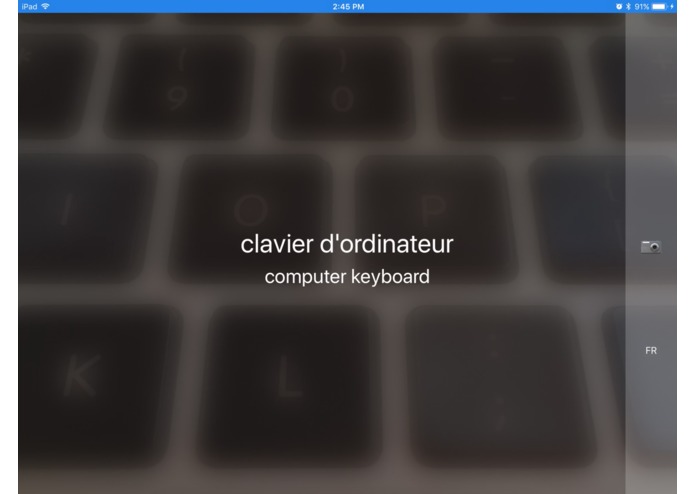
How do you say "keyboard" in French?

BabelCamera
Find out how to describe the things around you in another language!
An iOS app using Core ML and the Vision framework in iOS 11 as well as the Google Translate API.
Running
- Get a Google Translate API Key
- Copy
Keys.example.xcconfigtoKeys.xcconfigand replaceYOUR_API_KEY_HEREin the file with your API key from step 1 - Clean build folder / clear derived data (
⌥⇧⌘K) - Run the app
Vision model
The app currently comes with SqueezeNet. You can replace it with another model available on the Apple's Core ML page (ex. ResNet50, Inception v3, VGG16) by dragging the .mlmodel file (ex. VGG16.mlmodel) into Xcode where you see SqueezeNet.model, and then:
In VisionService.swift, replace the line:
model = try? VNCoreMLModel(for: SqueezeNet().model)
with
model = try? VNCoreMLModel(for: VGG16().model)
or the model of your choice
Languages currently supported
These are languages that can both be translated by Google Translate and pronounced by iOS (listed in Language.swift)
- Arabic
- Chinese (Simplified)
- Chinese (Traditional)
- Czech
- Danish
- Dutch
- English
- Finnish
- French
- German
- Greek
- Hewbrew
- Hindi
- Hungarian
- Indonesian
- Italian
- Japanese
- Korean
- Norwegian
- Polish
- Portuguese
- Romanian
- Russian
- Slovak
- Spanish
- Swedish
- Thai
- Turkish
Built With
- computer-vision
- coreml
- google-translate
- ios
- ios11
- machine-learning
- swift
- visionframework
- xcode


Log in or sign up for Devpost to join the conversation.