-
-
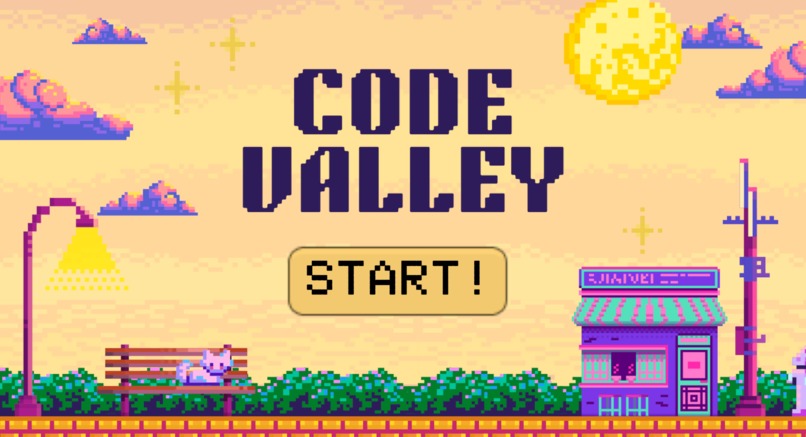
Code Valley Home Page
-
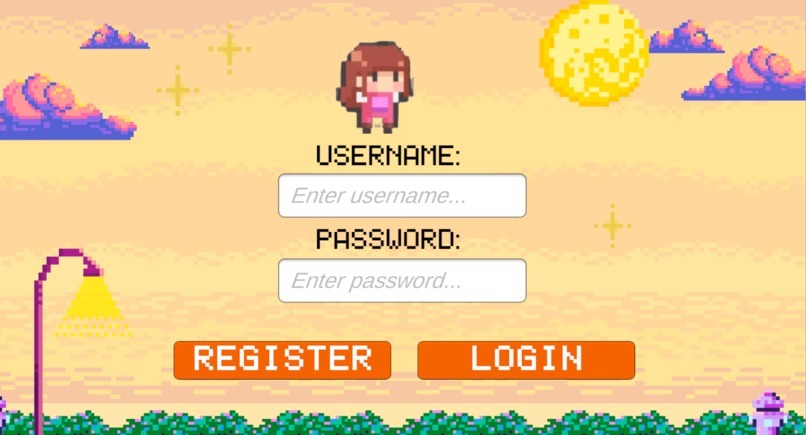
Code Valley Login Page
-
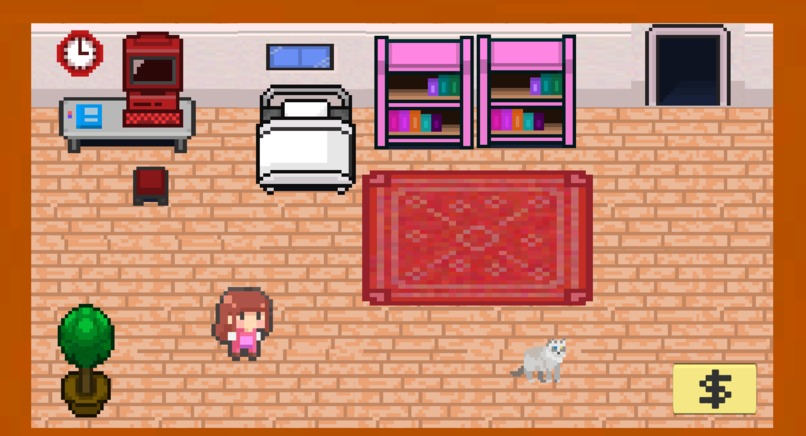
Code Valley Main Page
-
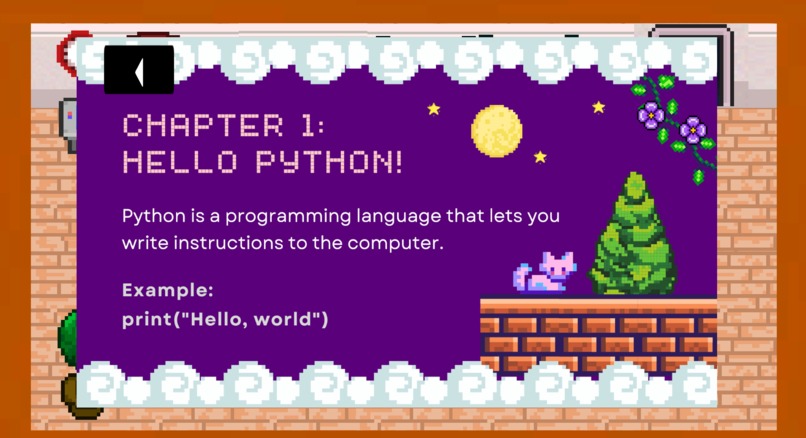
Code Valley Python Study
-
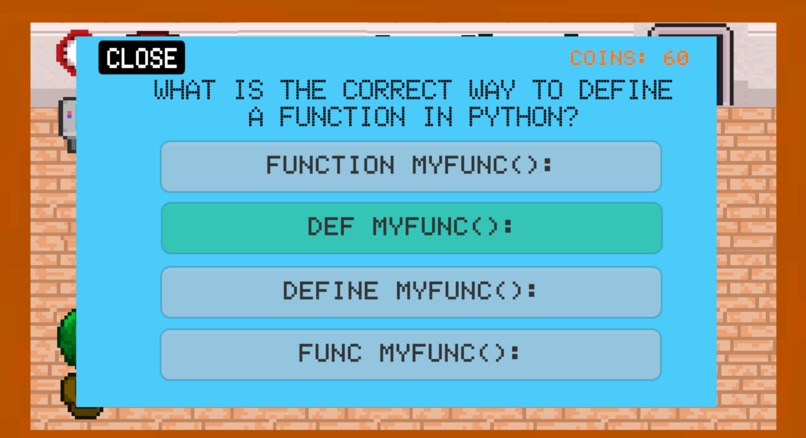
Code Valley Python Quiz
-
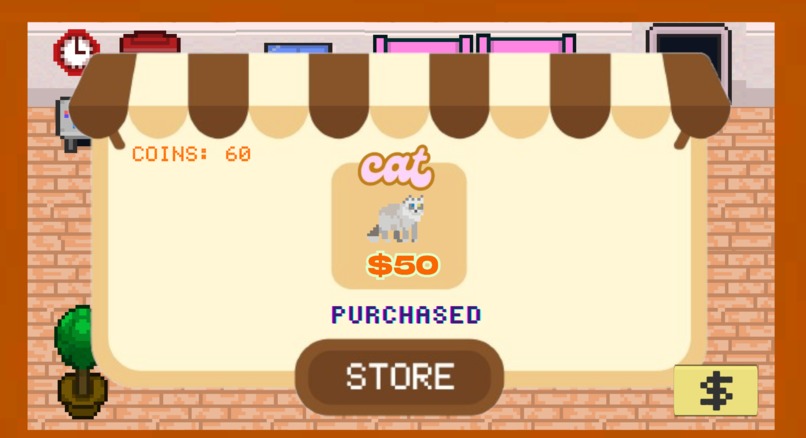
Code Valley Store
-
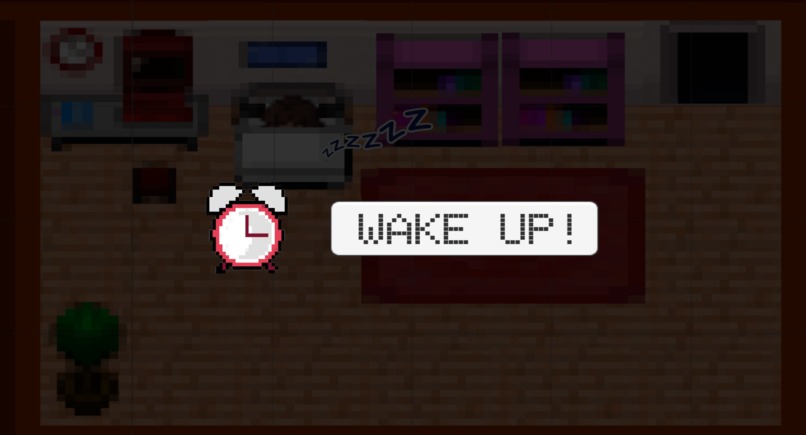
Code Valley Sleeping Page


Inspiration
As a part-time coding instructor teaching kids Python, I often noticed how they struggled to stay engaged with dry theory and repetitive exercises. They were capable and curious — but the delivery just didn’t excite them. So, I decided to build something different: a cozy, gamified learning environment where coding concepts are explored through interaction and play. That’s how Code Valley was born!
What it does
Code Valley is an interactive quiz game designed to make learning Python (or any subject) more enjoyable. Players answer quiz questions to earn coins, which they can use to unlock adorable characters. The game saves player data such as their username, coin balance, and unlocked characters — making it easy to return and continue progress later.
How I built it
• Built in Unity with C# handling the logic.
• Designed multiple scenes (login, shop, quiz, game world) with persistent data using DontDestroyOnLoad().
• Used JSON serialisation to save and load player progress locally.
• Integrated coin systems, character unlocks, and UI management across scenes.
Challenges I ran into
• Managing data persistence across scenes and sessions was initially difficult.
• Handling Unity-specific issues like null references, component links, and script timing.
• Encountered namespace conflicts (e.g., Application and Random) which required explicit declarations.
• Keeping UI updates and GameManager data in sync required careful coordination.
Accomplishments that I'm proud of
• Created a complete login and save system with persistent player progress.
• Successfully merged gameplay with educational value.
• Developed a cozy and kid-friendly interface that makes learning feel like play.
What I learned
• Unity data persistence using JSON and PlayerPrefs.
• How to manage script communication across multiple scenes.
• Designing user flows that balance fun with functionality.
What's next for Code Valley ᯓ★
• Add themed quiz categories (like Python loops, conditionals, etc.).
• Include a sandbox mode where kids can write and test simple Python snippets.
• Expand to mobile platforms so kids can play and learn on the go.
• Add more avatars, pets, and decorative room (school/library/garden) upgrades for more personalisation.
• Introduce virtual study rooms where students can “sit down” to study and track their learning streaks.
• Implement a Pomodoro timer to help players stay focused and manage their study time more effectively.


Log in or sign up for Devpost to join the conversation.