-
-
Splash Screen
-
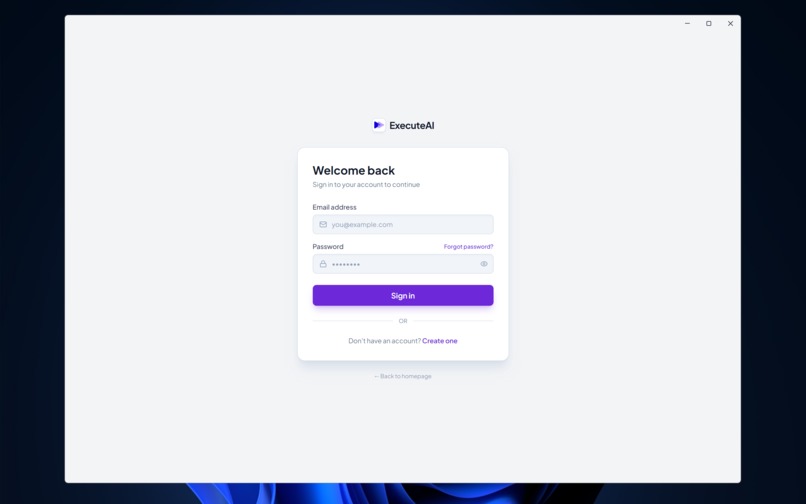
Login Screen
-
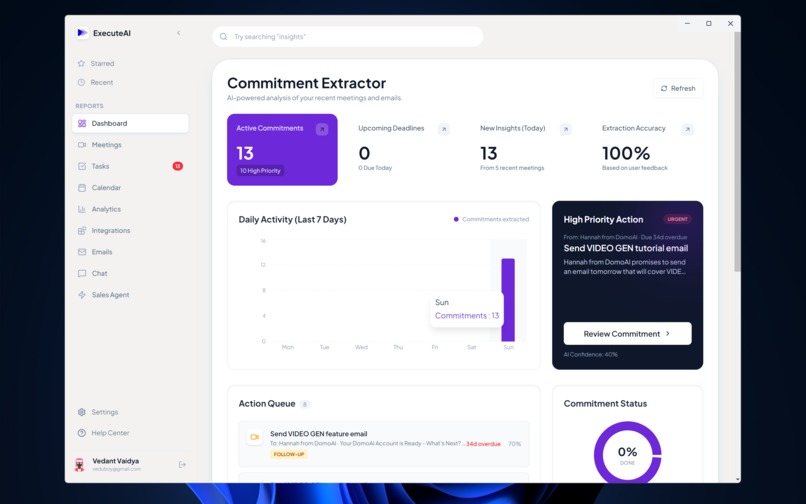
Dashboard Screen
-
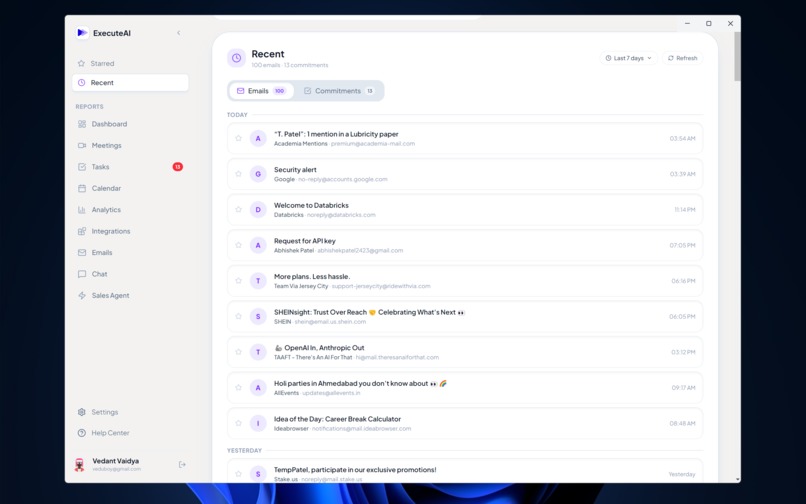
Recent Emails Screen
-
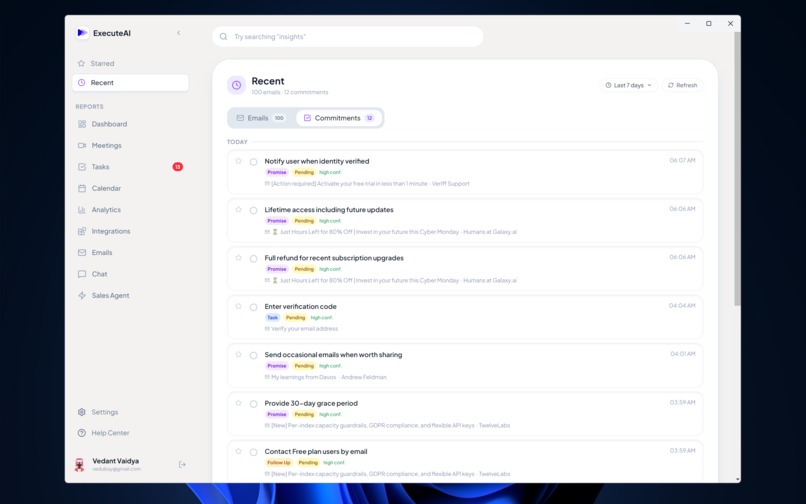
Recent Commitment Screen
-
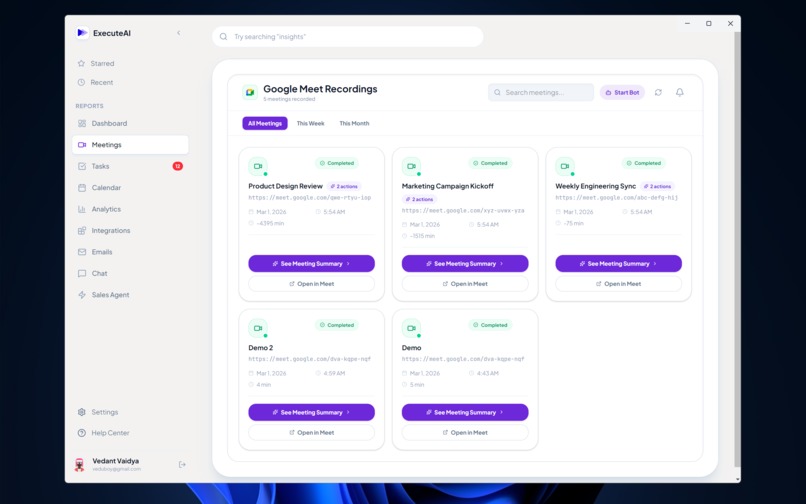
Recorded Meeting List Screen
-
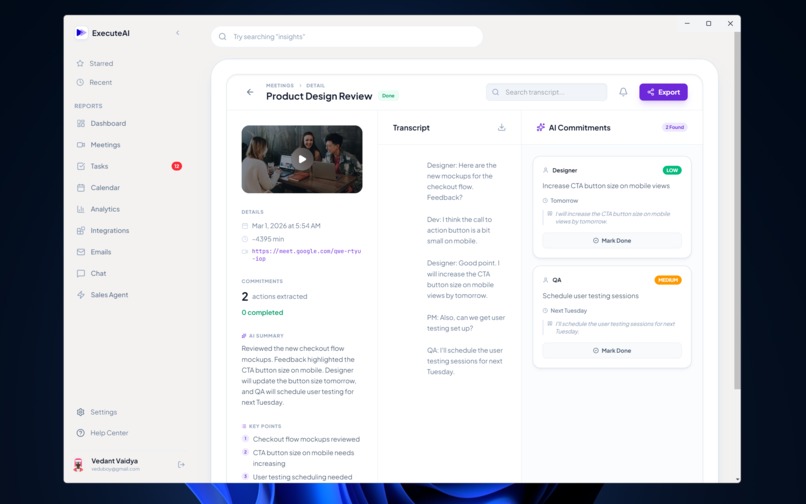
Detail Meeting Screen
-
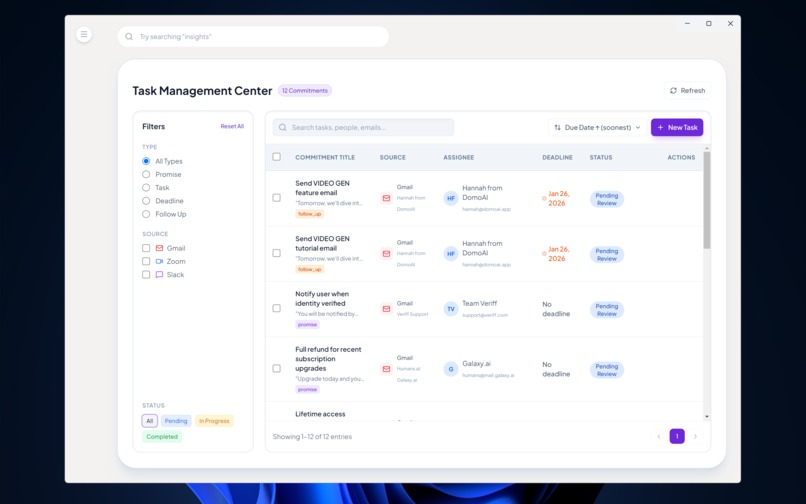
Task Management Screen
-
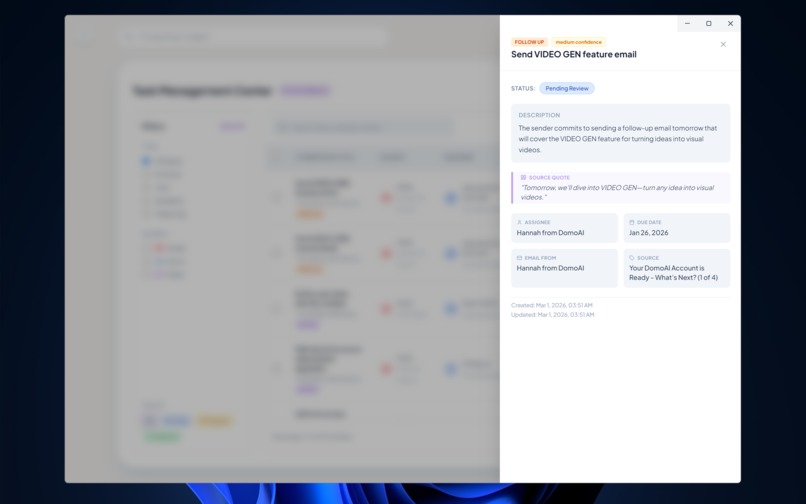
Task/Commitment Details Pop Bar
-
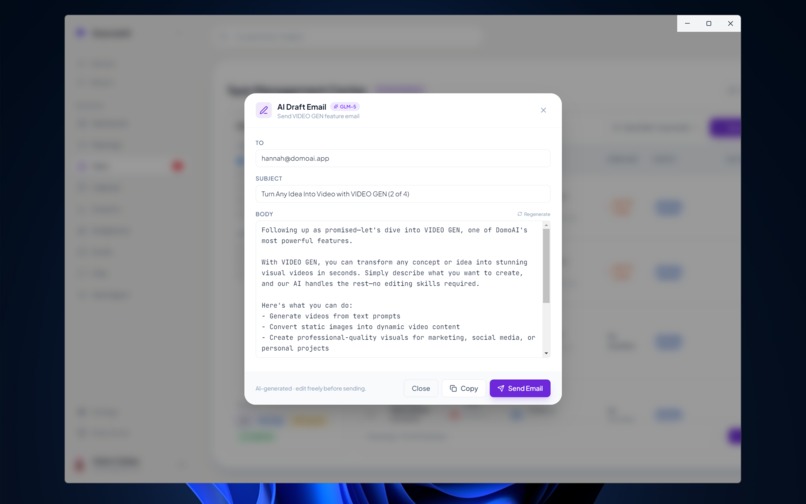
AI based Email Response Generator Modal
-
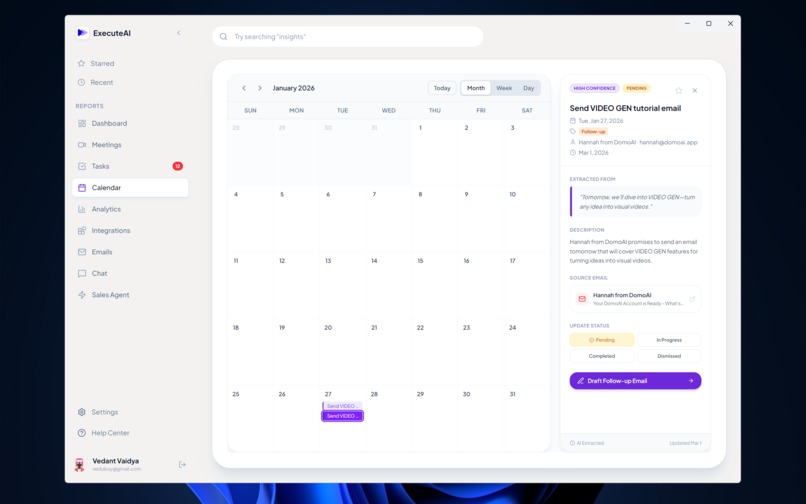
Synced Google Calendar with commitments for timely reminder
-
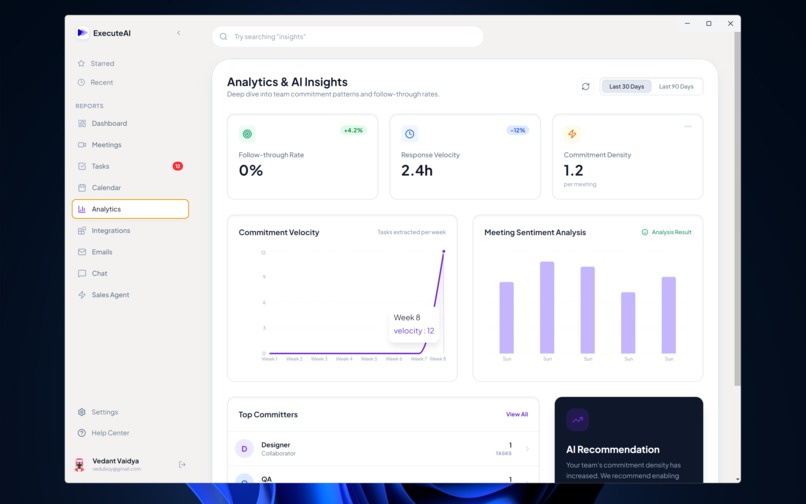
Analytics and AI Insights Screen for performance majoring
-
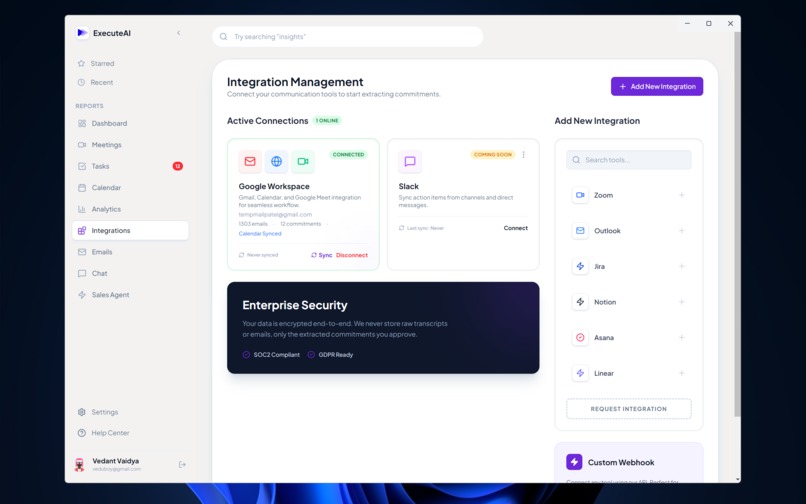
Integrations Screen for connecting external apps
-
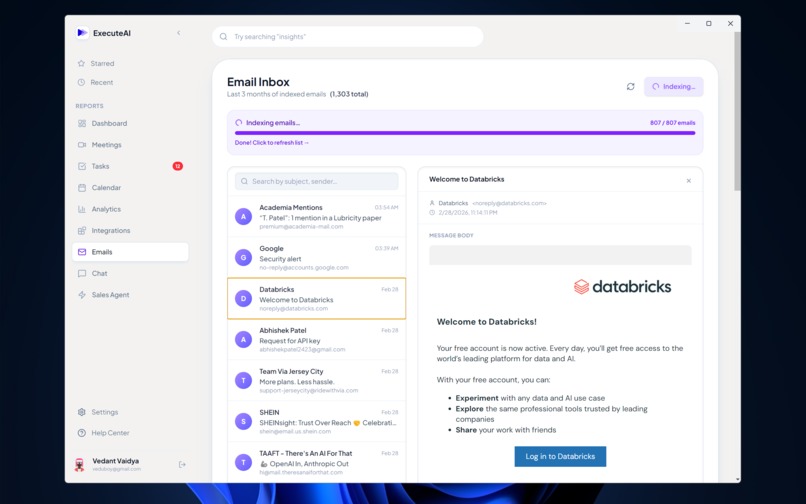
Full Email Inbox for detail content viewing and Indexing for AI Agent
-
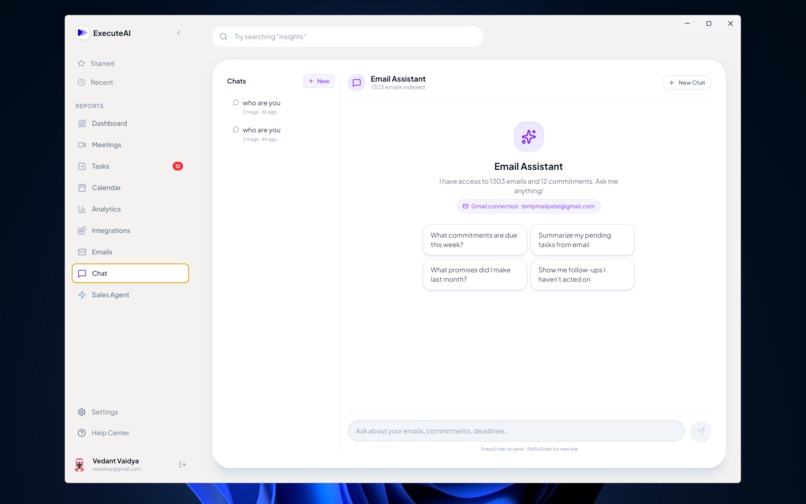
AI Agent Chat Screen which has more than 25 tools/functions specifically made for Sale Operations
-
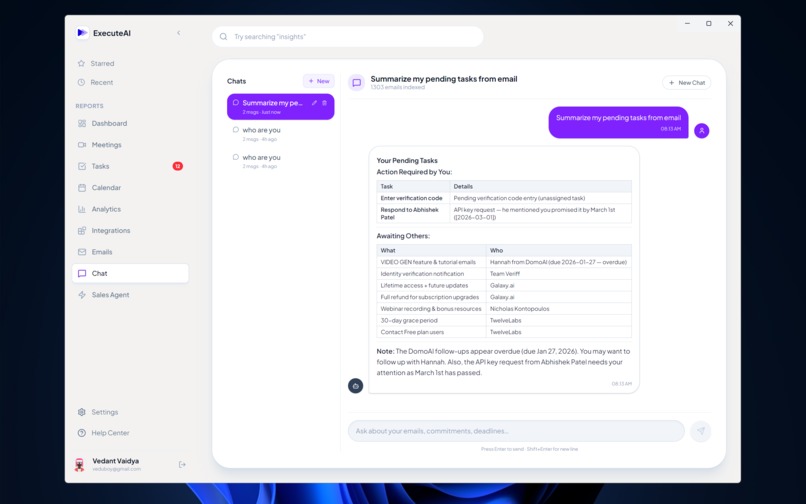
Demo of a normal chat session
-
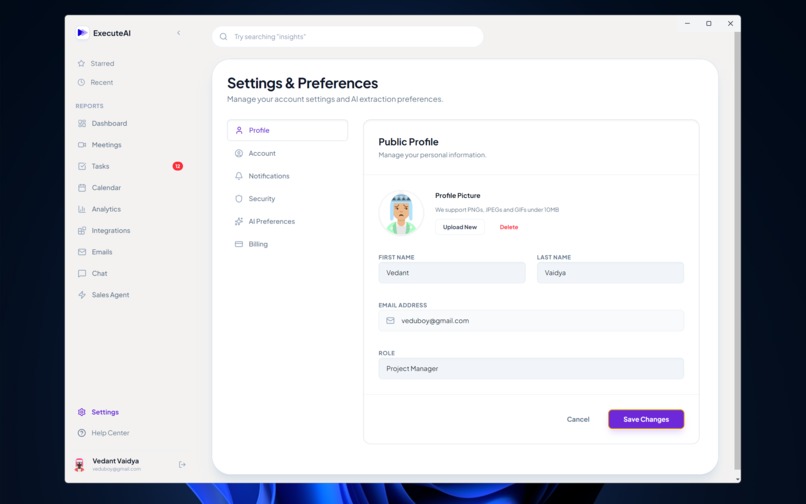
Setting and Preference Screen
-
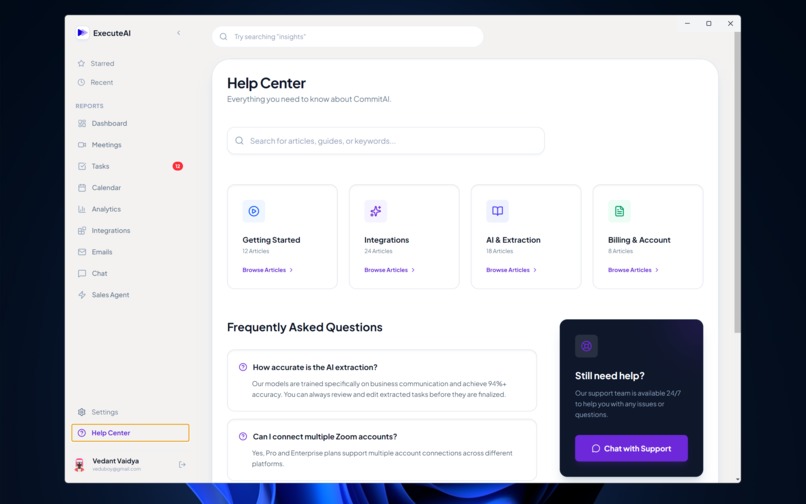
Help Center


Inspiration
In today’s fast-paced work environment, crucial action items get buried in long email threads or forgotten the moment a virtual meeting ends. "I'll send that report by Friday" or "I'll look into the database latency" are promises made daily, yet teams spend countless hours manually tracking them down. We were inspired to build ExecuteAI: a silent, intelligent copilot that attends your meetings, reads your emails, and automatically extracts, tracks, and acts on commitments so nothing slips through the cracks.
How we built it
ExecuteAI is a comprehensive full-stack application with a heavy emphasis on Agentic AI workflows, real-time data streaming, and local+cloud hybrid ML processing.
- The Meeting Bot Pipeline: We built a custom headless bot using Selenium that authenticates and joins Google Meet calls. It captures system audio via virtual sinks (or WASAPI loopback) and records it using
sounddevice. - Local Transcription & Extraction: Once a meeting finishes (or during it), the audio is transcribed locally using
faster-whisper(CTranslate2 backend) to avoid costly API roundtrips. The transcript is chunked and sent to our LLMs to extract a structured JSON array of "commitments" (who, what, when, priority). - Gmail & RAG Engine: We integrated the Gmail and Google Calendar APIs to pull historical communications. To make this searchable, we used local
sentence-transformers(pplx-embed-v1-0.6B) to generate embeddings for every email. We perform fast, in-memory semantic search using pure NumPy vector operations. - The Agentic Sales Copilot: We built an interactive Copilot using the Model Context Protocol (MCP). We designed a standalone Python subprocess that exposes 11 specialized tools (e.g.,
search_emails,analyze_lead,compose_email_draft). The AI can autonomously query the database, calculate lead scores, and even send emails via Resend. - Real-Time Frontend: The client is built with React, Vite, and Tailwind CSS, and packaged as a desktop app via Electron. It connects to a Django Channels WebSocket server to receive live streaming updates (transcription status, live commitment extraction) and Server-Sent Events (SSE) for the AI chat responses.
Challenges we faced
- Audio Capture in Headless Browsers: Capturing pristine audio from a headless Chrome instance required writing OS-specific virtual audio sink managers (PulseAudio for Linux, WASAPI for Windows).
- LLM Rate Limiting and Concurrency: Parsing massive meeting transcripts can easily trigger
429 Too Many Requests. We solved this by implementing a robust fallback mechanism. ExecuteAI primarily uses Featherless AI (GLM-5), but dynamically falls back to Google Gemini (gemini-3-flash-preview) if rate limits are hit or the stream fails. - Asynchronous Chaos: Managing synchronous tasks (Selenium) alongside asynchronous WebSockets (Django Channels) and background queues (Celery) required carefully isolating the browser automation in daemon threads so the ASGI event loop wouldn't block.
What we learned
- We gained deep practical experience with the Model Context Protocol (MCP), learning how to decouple AI reasoning from tool execution.
- We learned how to optimize local LLM infrastructure. Switching from
openai-whispertofaster-whisperyielded a 4x speedup, and running embeddings locally saved significant API costs. - We mastered complex WebSocket state management in React to render typing indicators, tool-usage drawers, and streaming text simultaneously without UI jitter.


Log in or sign up for Devpost to join the conversation.