-
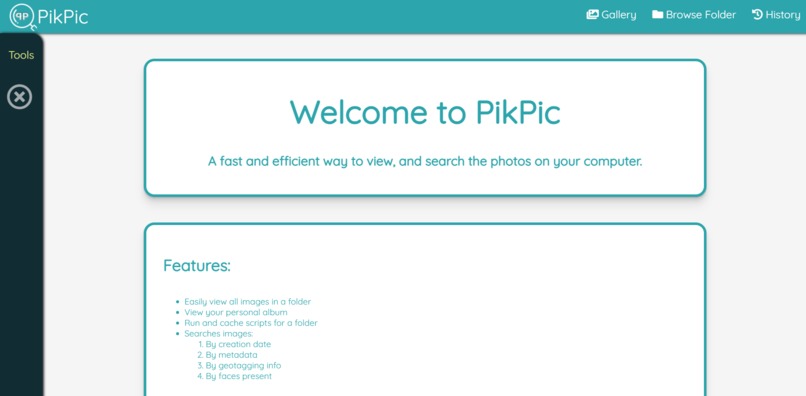
The home page, explaining all the features.
-
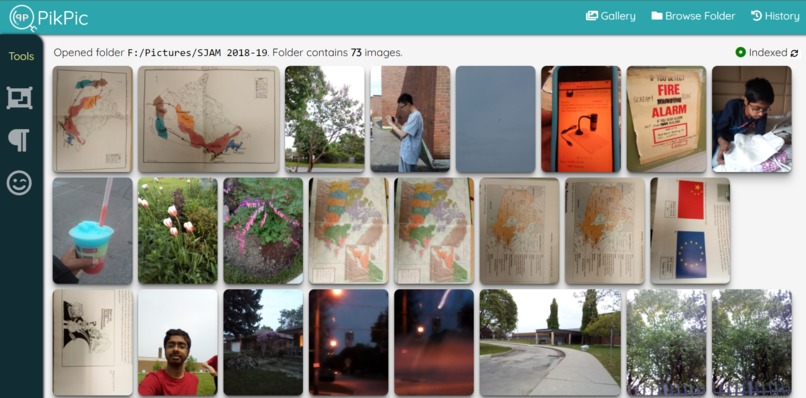
An open folder.
-
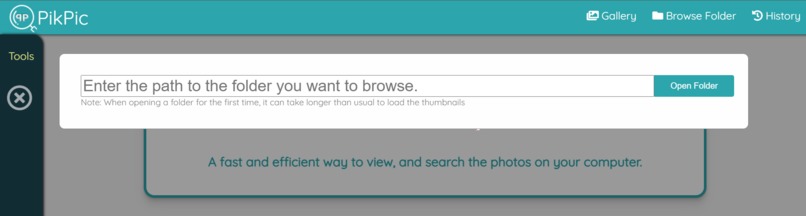
The modal to open a folder on the computer
-
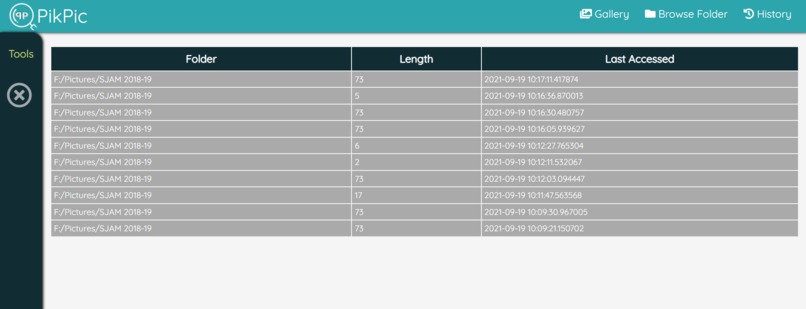
The history of opened folders.
-
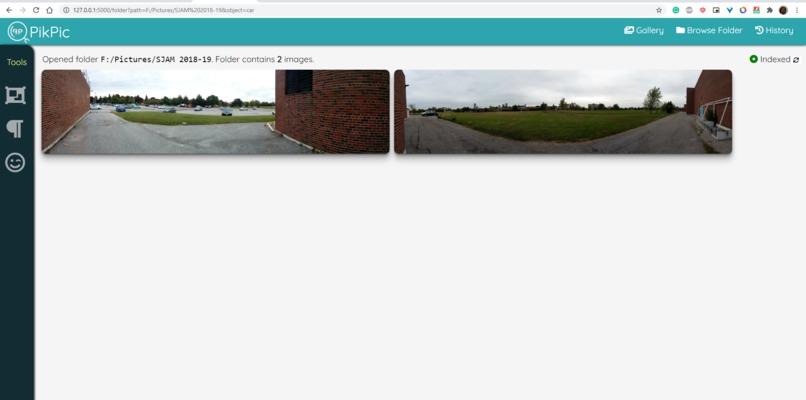
Object search for 'CAR'


NOTE TO JUDGES: Please contact on Discord for a live demo. The DNN's are too big to upload or run in the cloud.
Inspiration
Many people store all their photos somewhere on their computer's storage, and they do not have any way to view or search them. Looking for a specific image in a filesystem like this is very boring, inefficient, and time-consuming.
What it does
PikPic provides a fast, and reliable way to search through the images on your computer. It allows you to not only view your images in a comfortable manner but also with the help of neural networks, allows you to search through piles of images with ease! Here are some of the features:
- Open a folder on your computer to view all its images.
- Load hundreds of images at once because of the resource optimizations.
- Search through the folders of images:
- By objects found in the image.
- By text in the image.
- By people in the image.
How we built it
The backend is written in Python. It runs a Flask web server, which can be accessed in the browser, or in an Electron app. The frontend is written in HTML, CSS and JavaScript. The search functionality uses Deep Neural networks to search and index the images. Some of the DNN's used are YOLO (for object detection), Tesseract (for text recognition), and FaceNet (for face detection).
Challenges we ran into
We decided to make the project without the use of any front-end frameworks. The entire user interface is built with HTML, CSS, and Vanilla JS.
Accomplishments that we're proud of
We were able to utilize 3 different deep neural networks in this project in the span of just one weekend!
What we learned
We learned how to incorporate deep neural networks into a web server. We also learned how to display large quantities of images without wasting many resources
What's next for PikPic
We plan to implement more useful features and create a better user experience, as we see this is as a program we'd be using in our daily lives.





Log in or sign up for Devpost to join the conversation.