-
-
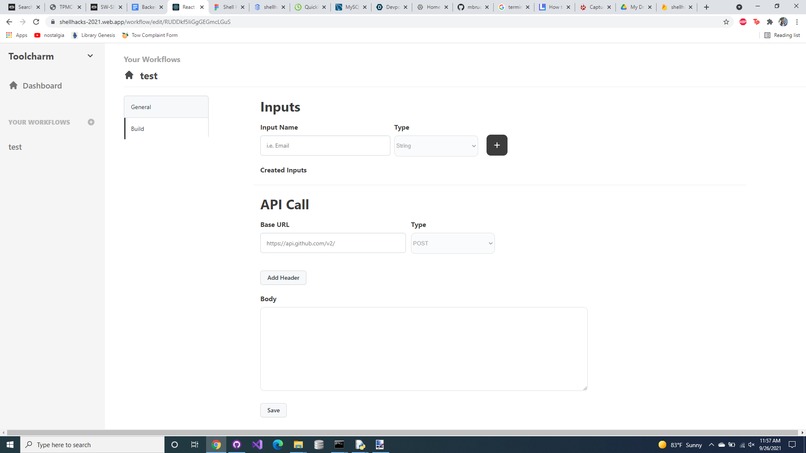
Our final website
-
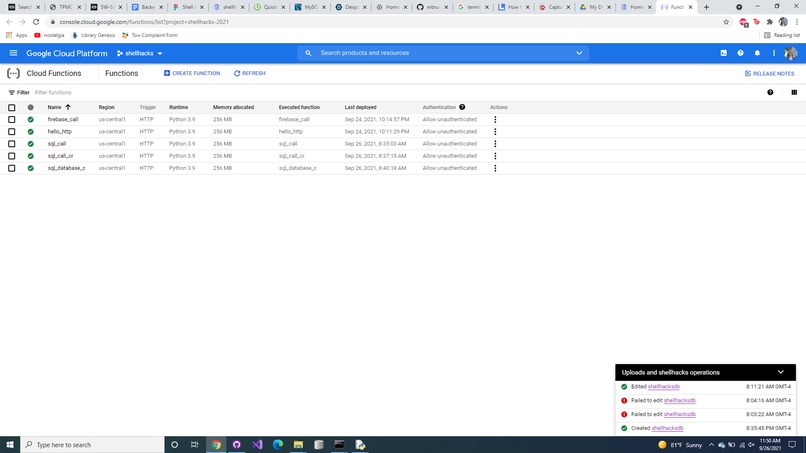
The cloud functions we created
-
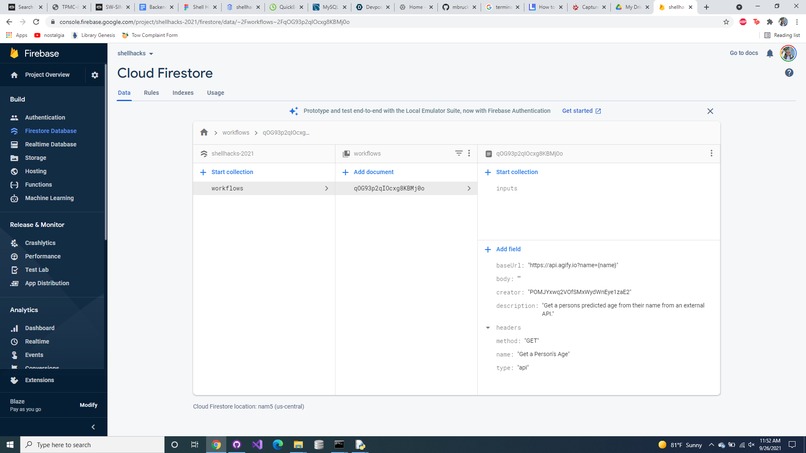
The firestore database for user created workflows
-
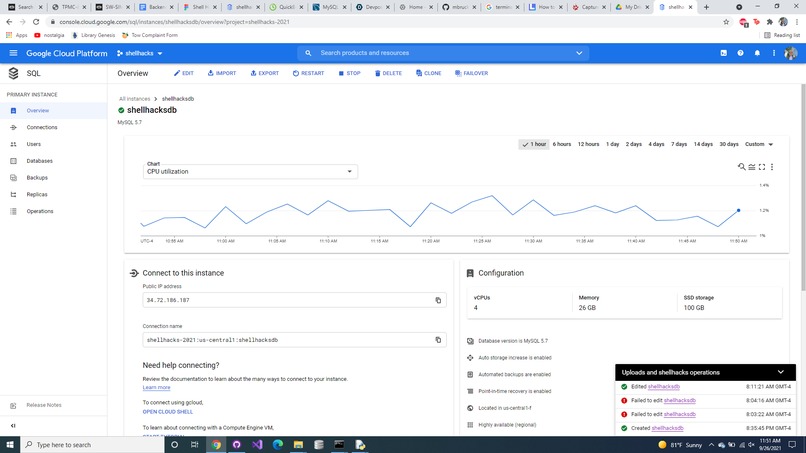
Cloud SQL console
-
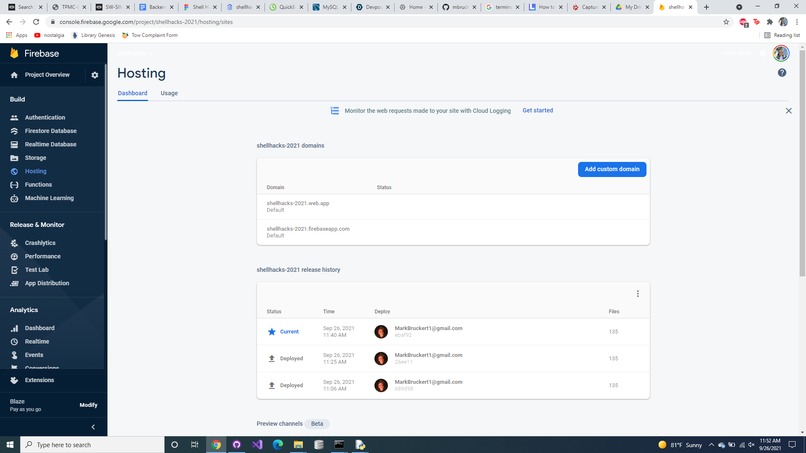
The cloud hosting page where we hosted the website
-
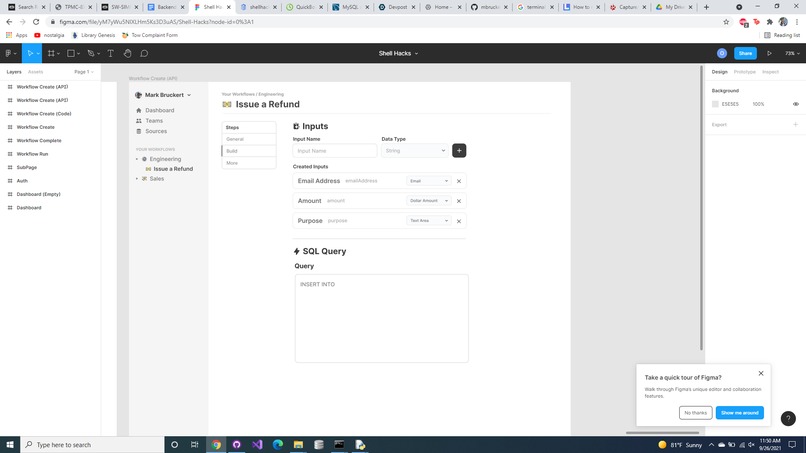
The figma design


Inspiration
Both of us have experience at companies that rely heavily on backend tools like company APIs and databases, but suffer from the problem of these tools being difficult for non-IT employees to use. Creating custom UIs for each of these tools individually to make them more accessible was the unfortunate and inefficient solution adopted, which led us to devise a way to automate this headache.
What it does
Toolcharm allows users to create custom workflows- in essence, simple GUIs that make accessing backend tools like APIs and SQL databases easy for users without any technical knowledge. First, an IT employee would go to the create workflow page and choose whether they want to create an API workflow or an SQL workflow.
If they chose to create an API workflow, they are able to enter the details of the API, create any variables they would like the end-user to be able to enter, add headers, choose whether the request will be GET or POST, and create the structure of the request body.
If they choose to create an SQL workflow, they are able to choose whether to use an existing database or have the backend create one for them. If they choose to use an existing database, text boxes appear for the database url, username, password, and database name. If they choose to create a new database, they simply need to enter the database name they desire and proceed. Then, they create any variables they want the end-user to be able to enter and write the SQL query with those variables in place of the values.
After entering the required information, the workflow is created and end-users are presented with a screen containing textboxes that correspond to the variables created when creating the workflow. When the user presses run, the entered values are substituted into the SQL query or the API call which is then run with the results displayed on the screen.
How we built it
The frontend was designed in Figma and then brought to life using React and CSS, while the backend was coded in Python and then hosted as a set of Google Cloud Functions. The SQL server that the backend creates databases in is also hosted on Google Cloud.
The first step we undertook was getting a prototype of the cloud functions working to test permissions; after accomplishing that, we divided the work so Mark completed the Frontend the first night and then I wrote the backend during the second day. We collaborated on Sunday morning to squash bugs and finish the frontend work required to tie the frontend to the backend.
Challenges we ran into
The biggest challenge we ran into was time; our schedules were very different this weekend so we were available at essentially opposite times. As a result, there was very little time where we were actually able to be in a room working together in parallel, so we were rushed putting our work together towards the end.
Accomplishments that we're proud of
We are proud that we were able to bring so much of our concept to life successfully; the frontend looks almost exactly like the original Figma design, and both the API call option and the SQL option have working code written, with the API call option fully integrated with the frontend UI. We even accomplished the stretch goal of the backend being able to create a database for the user, which we weren't sure if we would have time for originally.
What we learned
We learned a ton about using the Google Cloud; neither of us had worked with cloud SQL or cloud functions before, so figuring everything out about setting the right permissions and bundling Python dependencies was a bit of a (very informative) rollercoaster.
What's next for Toolcharm
After ShellHacks we plan to continue to develop Toolcharm to the full scope of its original concept, allowing for the creation of easy-to-use cloud functions written in Javascript or Python, as well as streamlining the existing workflows. From our experiences in the work world we see a market for this concept, and look forward to seeing where it will go in the near future.
Built With
- google-cloud-functions
- google-cloud-sql
- python
- react



Log in or sign up for Devpost to join the conversation.