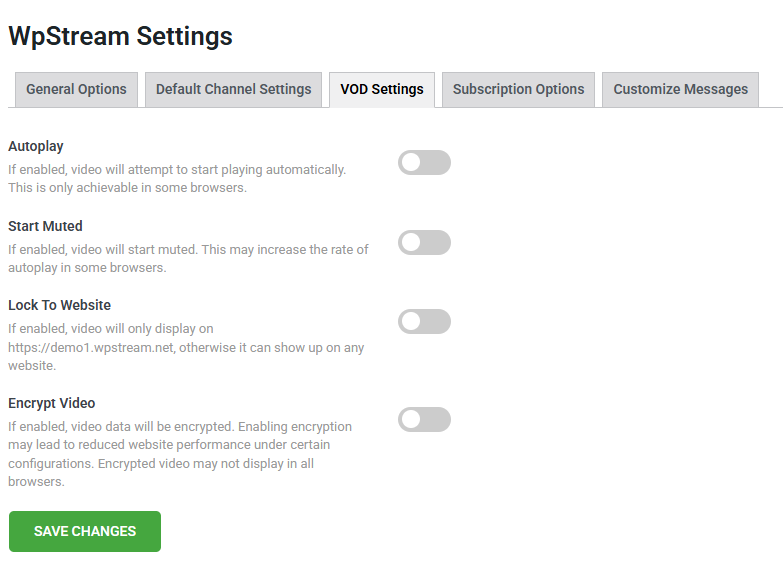
Everything you enable/disable in the VOD Settings section will be also set for any new channels you create. You can still manually change settings on your channel settings, but these are simply the ‘Universal default VOD settings’.
When a new VOD is created, they will have these settings by default. However, you can always overwrite these settings from here.
- Autoplay for a VOD (Video on Demand) refers to a feature that automatically starts playing the video as soon as the page loads or when the player becomes visible, without requiring the viewer to manually click the play button.
- Start Muted is for when autoplay is enabled; most modern browsers require the video to start muted, especially on mobile devices or if the user hasn’t interacted with the site before. To prevent intrusive experiences, browsers like Chrome, Safari, and Firefox enforce this rule.
- Lock to Website: Restricts playback to a specific domain (your website). It blocks attempts to embed on another site.
- Encrypt Video enables content protection by preventing unauthorized access, downloading, or redistribution of your video files.