What is Edit PDF?
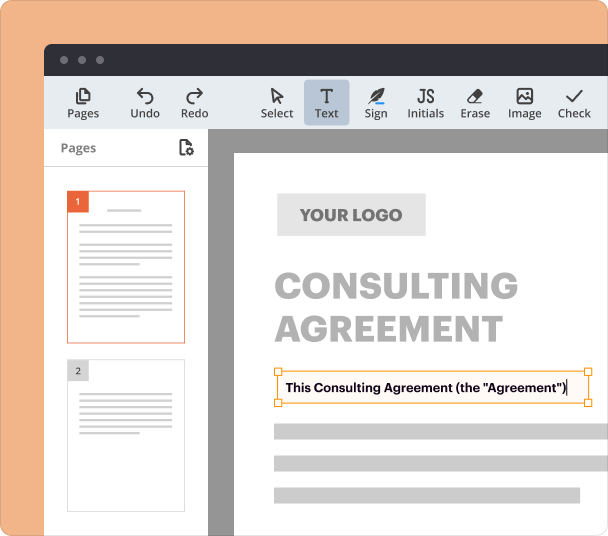
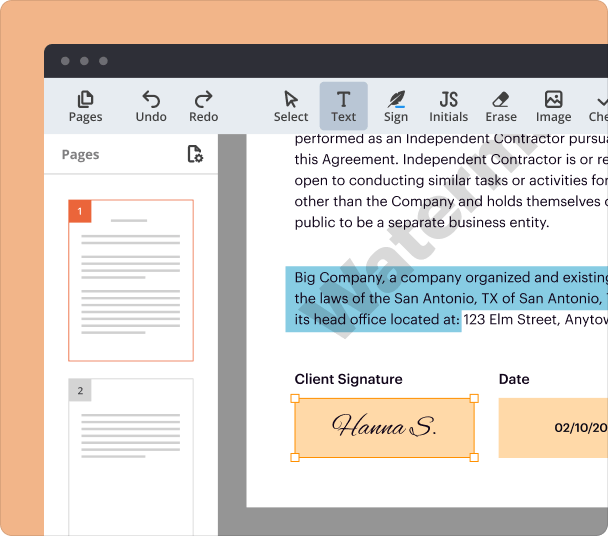
The Edit PDF feature in pdfFiller empowers you to easily modify, customize, and enhance your PDF documents directly online. With powerful tools, you can edit text, add images or comments, and much more, all without complex software.
Why editing PDFs enhances document usability
Editable PDFs allow you to adapt documents to meet specific needs, increasing their flexibility and relevance. By updating text, images, or layouts, you ensure your files remain current and actionable, reducing the need to recreate documents from scratch.
Use cases for PDF editing
-
Contracts: Quickly update terms, dates, or contact information in employment or business agreements without delays.
-
Reports: Make corrections or add annotations directly to reports and presentations for enhanced clarity and accuracy.
-
Forms: Customize fields, pre-fill data, or adjust formatting to simplify the completion process for users.
Benefits of versatile PDF editing tools
With pdfFiller's versatile PDF editor, you save time by making quick adjustments directly within your documents. You can reduce errors by editing and reviewing content seamlessly in real-time. Additionally, collaboration improves since users can revise and share updated PDFs online, ensuring smooth teamwork and greater productivity.
Why choose Edit PDF for your document needs?
-
Effortlessly modify text, images, and links in your PDFs with intuitive tools.
-
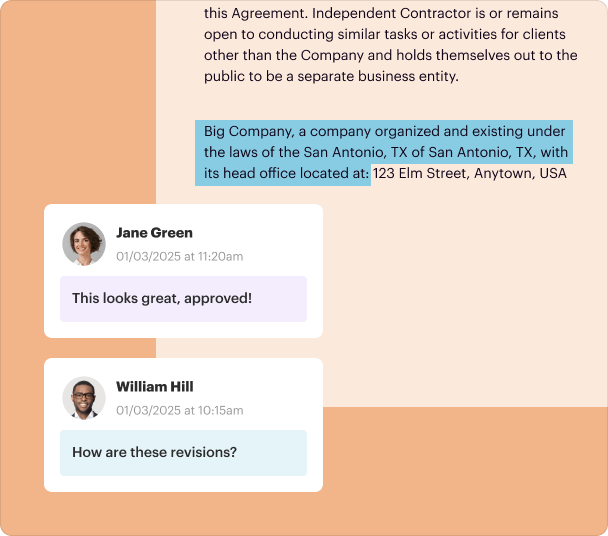
Add comments, annotations, and markup to boost collaboration and teamwork.
-
Combine multiple PDF files into a single, seamless document in just a few clicks.
-
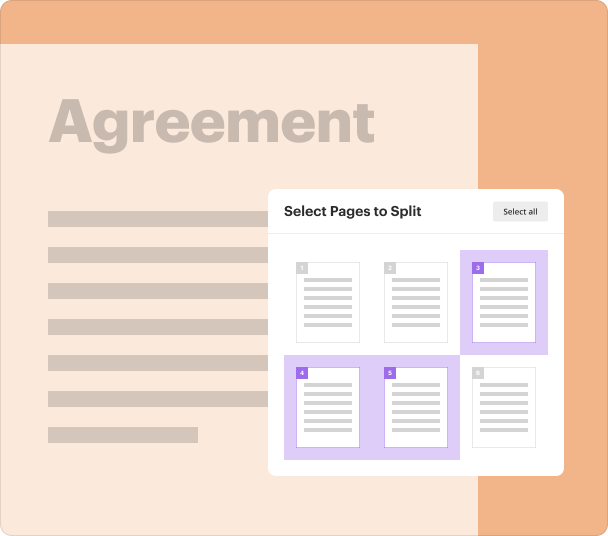
Simplify large documents by breaking them into smaller, more manageable files.
-
Customize PDFs to suit your needs, streamlining your workflow and increasing efficiency.
-
Work smarter by managing and editing PDFs without the frustration of static formats.
Take control of your documents and transform the way you handle PDFs. Experience the ease, precision, and flexibility of pdfFiller today!
How to edit a PDF document with pdfFiller
Editing a PDF is quick, easy, and straightforward with pdfFiller. Follow these simple steps to make changes to your documents like a pro, without the hassle of complicated software.
Follow the steps to edit your PDF in minutes:
-
1.
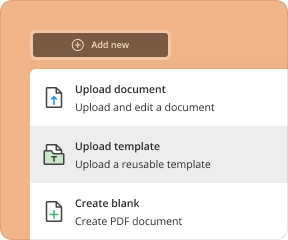
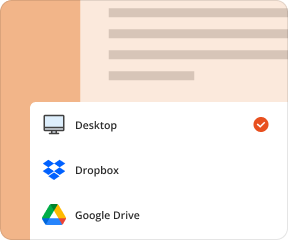
On this page, drop your document into the upload area at the top or upload one from your device.
-
2.
Once the file is uploaded, it automatically opens in the PDF editor so you can start customizing it right away.
-
3.
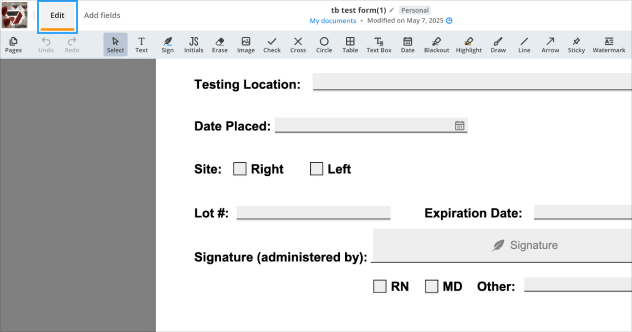
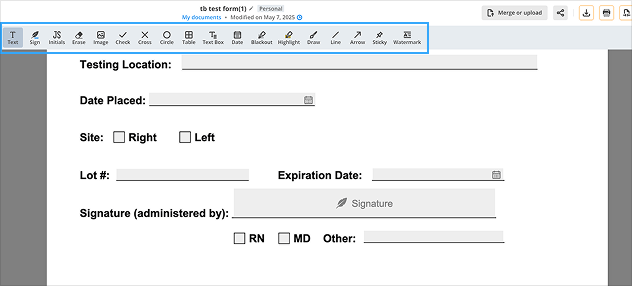
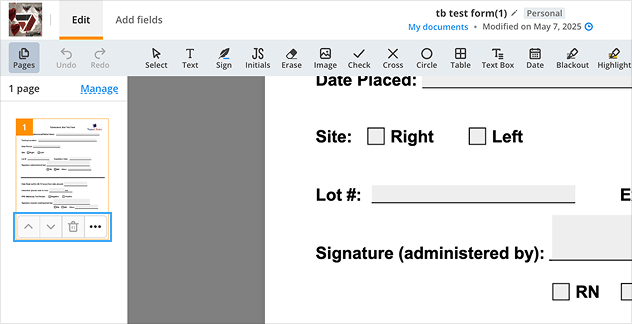
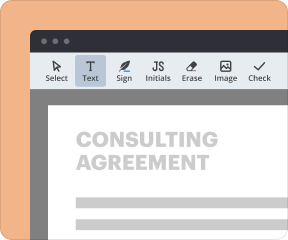
Use the toolbar at the top to edit your document. Highlight text, add notes and images, erase unwanted parts, draw, or insert a text box with just a few clicks.
-
4.
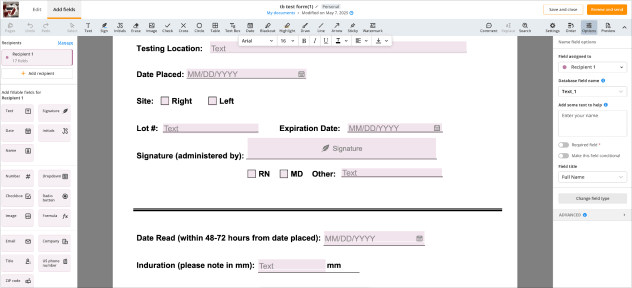
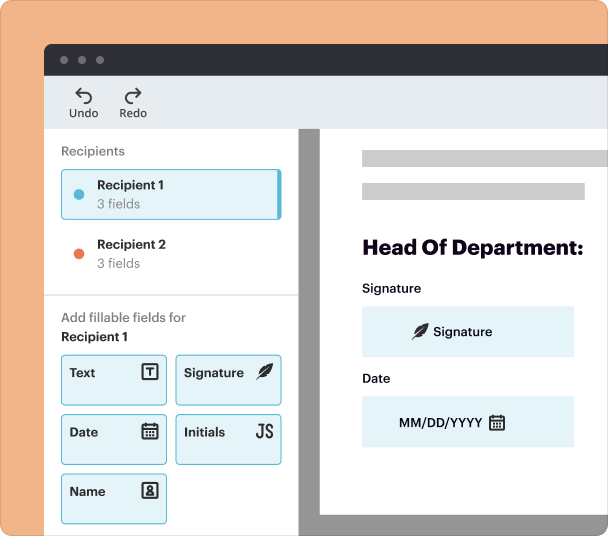
Access advanced options from the top menu to add fillable fields, dropdown menus, checkboxes, formulas, etc.
-
5.
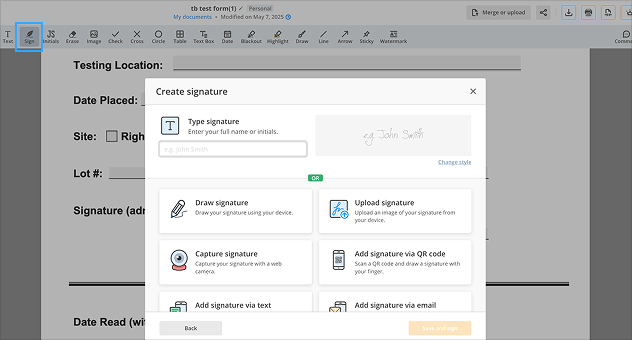
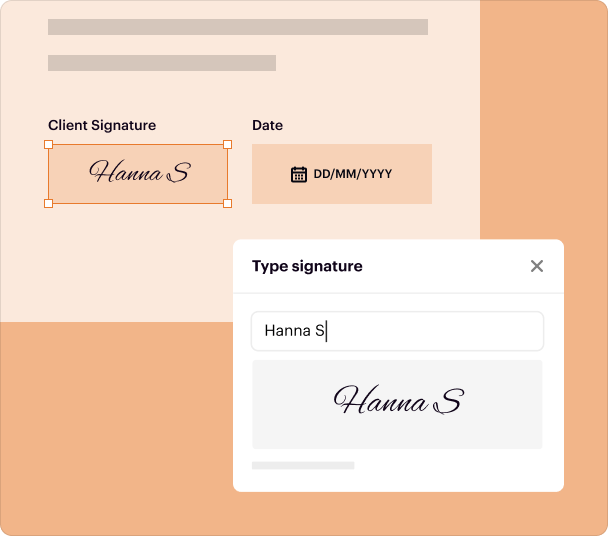
Sign documents yourself or request signatures from others by adding an eSignature field.
-
6.
Click
Pages to manage your document’s pages. You can arrange, rotate, duplicate, delete, or add pages to shape your file exactly how you need it.
-
7.
When you’re satisfied with your edits, click
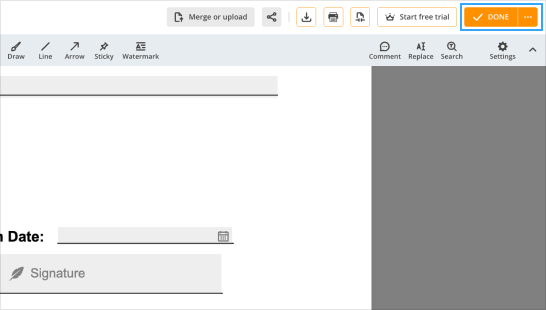
DONE to save your updated document and head back to your Dashboard.
With pdfFiller, editing PDFs is as flexible as possible. Whether you’re updating, annotating, or customizing, you’ll have everything you need to make your PDF document perfect.