


go get -u github.com/oakmound/oak/v4
- Window Management
- Windows and key events forked from shiny
- Support for multiple windows running at the same time
- Image Rendering
- Manipulation
render.Modifiableinterface- Integrated with optimized image manipulation via gift
- Built in
Renderabletypes covering common use casesSprite,Sequence,Switch,Composite- Primitive builders,
ColorBox,Line,Bezier - History-tracking
Reverting
- Primarily 2D
- Manipulation
- Particle System
- Mouse Handling
- Joystick Support
- Audio Support
- Collision
- Collision R-Tree forked from rtreego
- 2D Raycasting
- Collision Spaces
- Attachable to Objects
- Auto React to collisions through events
- 2D Physics System
- Event Handler
For discussions not significant enough to be an Issue or PR, feel free to ping us in the #oak channel on the gophers slack. For insight into what is happening in oak see the blog.
This is an example of the most basic oak program:
package main

import (
    "github.com/oakmound/oak/v4"
    "github.com/oakmound/oak/v4/scene"
)

func main() {
    oak.AddScene("firstScene", scene.Scene{
        Start: func(*scene.Context) {
            // ... draw entities, bind callbacks ...
        },
    })
    oak.Init("firstScene")
}
See below or navigate to the examples folder for demos. For more examples and documentation checkout godoc for reference documentation, the wiki, or our extended features in grove.
 Platformer Platformer |
 Top down shooter Top down shooter |
 Flappy Bird Flappy Bird |
 Bezier Curves Bezier Curves |
 Joysticks Joysticks |
 Piano Piano |
 Screen Options Screen Options |
 Multi Window Multi Window |
 Particles Particles |
To kick off a larger game project you can get started with game-template.
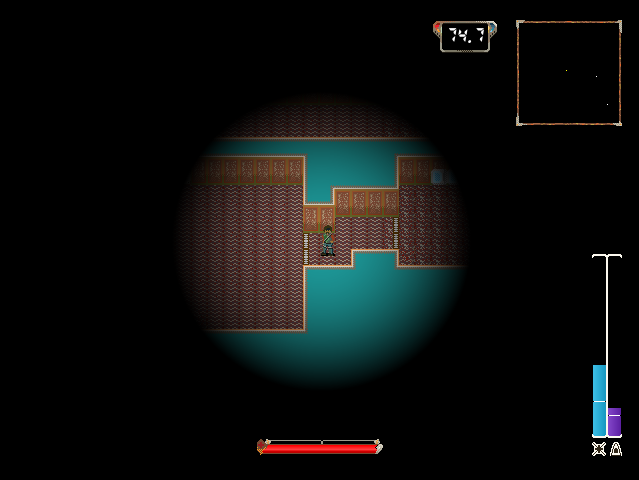 Agent Blue Agent Blue |
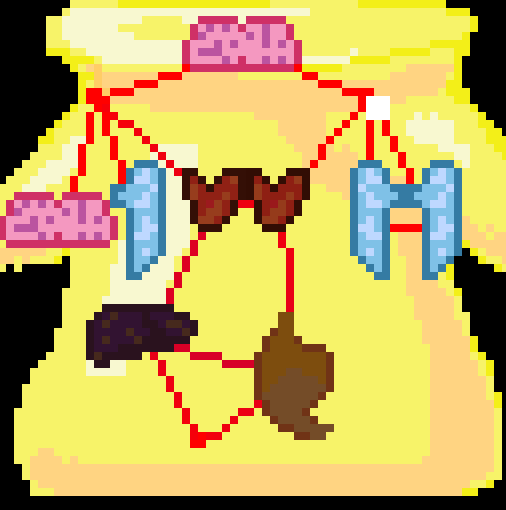 Fantastic Doctor Fantastic Doctor |
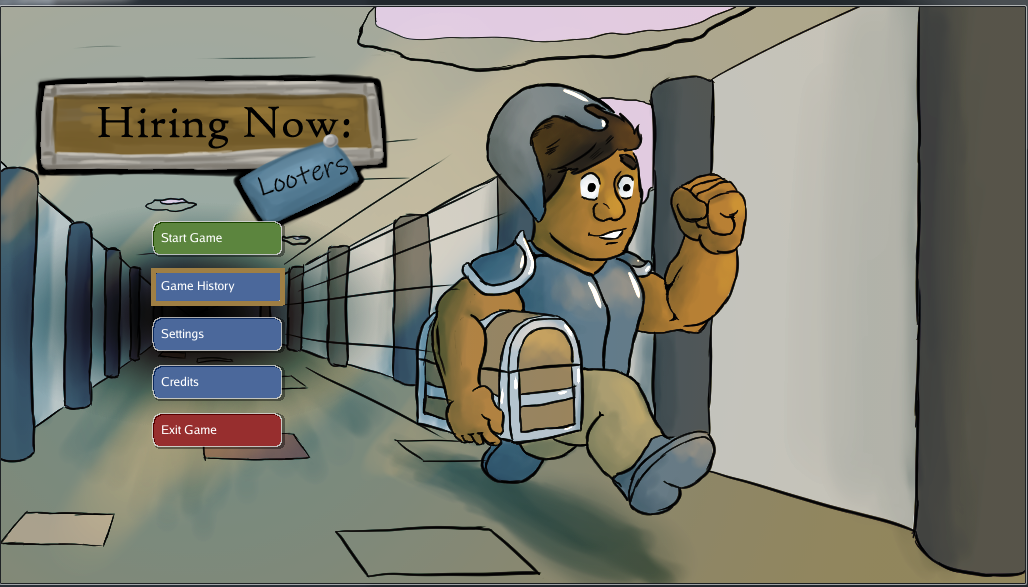 Hiring Now: Looters Hiring Now: Looters |
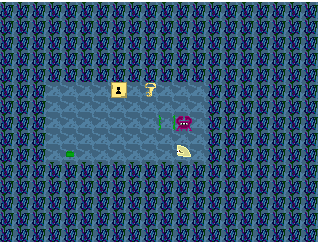 Jeremy The Clam Jeremy The Clam |
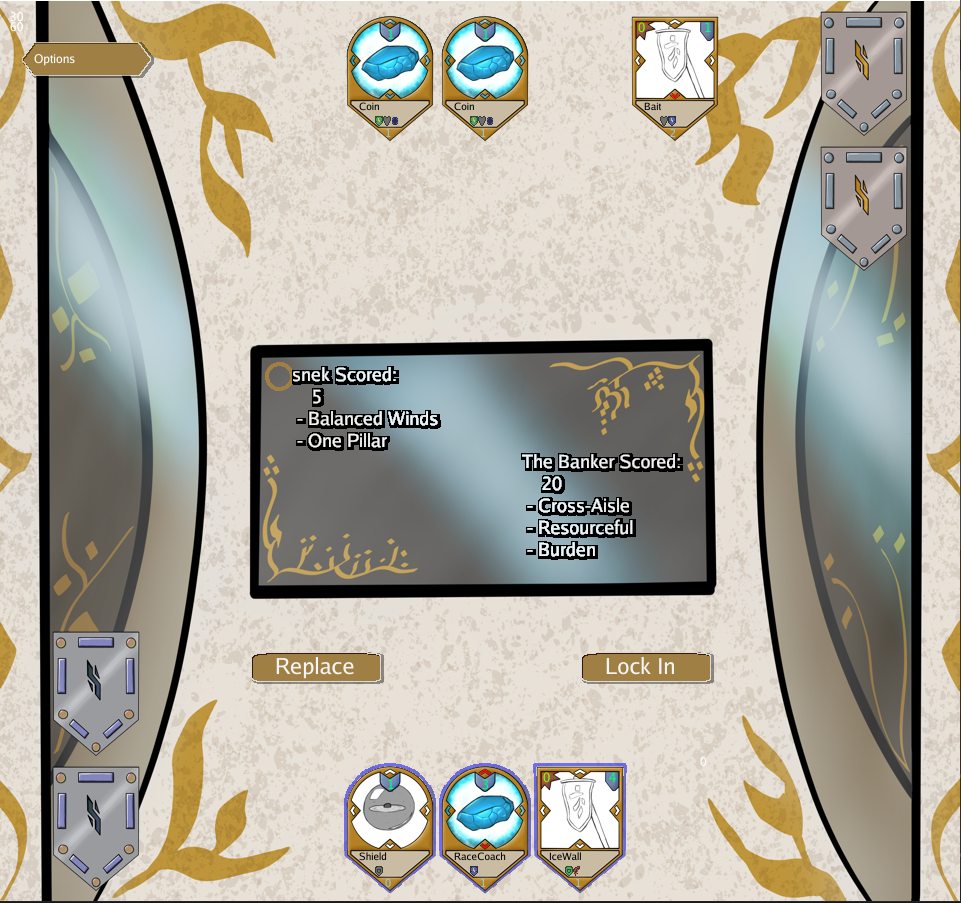 Diamond Deck Championship Diamond Deck Championship |
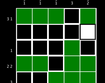 SokoPic SokoPic |
Oak has recently brought in dependencies that include C code, but we still describe the engine as a Pure Go engine, which at face value seems contradictory. Oak's goal is that, by default, a user can pull down the engine and create a fully functional game or GUI application on a machine with no C compiler installed, so when we say Pure Go we mean that, by default, the library is configured so no C compilation is required, and that no major features are locked behind C compliation.
We anticipate in the immediate future needing to introduce alternate drivers that include C dependencies for performance improvements in some scasenarios, and currently we have no OSX solution that lacks objective C code.
