TechPP - Technology Personalized
Discover the Secrets of Tech





Latest

Making Tech Simpler

Get the best advice

Get the best tech for your needs

Get the most out of your tech
What's Popular


Reviews
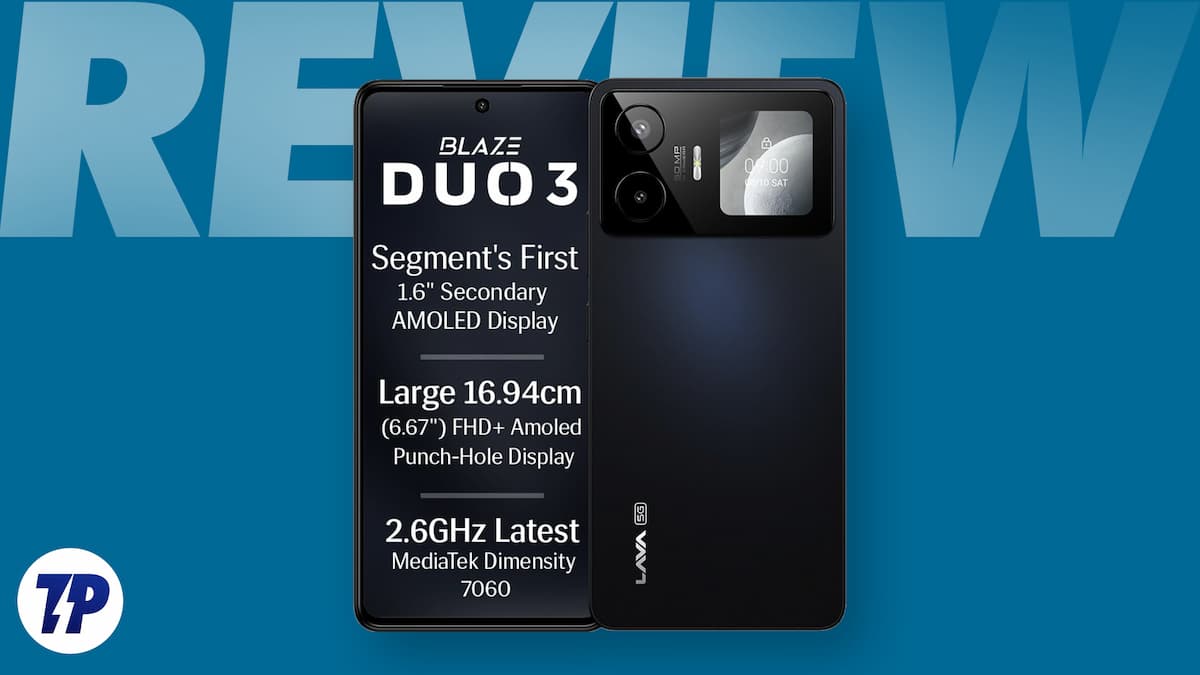
Lava Blaze Duo 3 Review: Dual display magic on a budget!
Lava Blaze Duo 3 Review Verdict: The Lava Blaze Duo 3 stands out with its unique rear display. Solid mid-range performance, but buy it only if that…
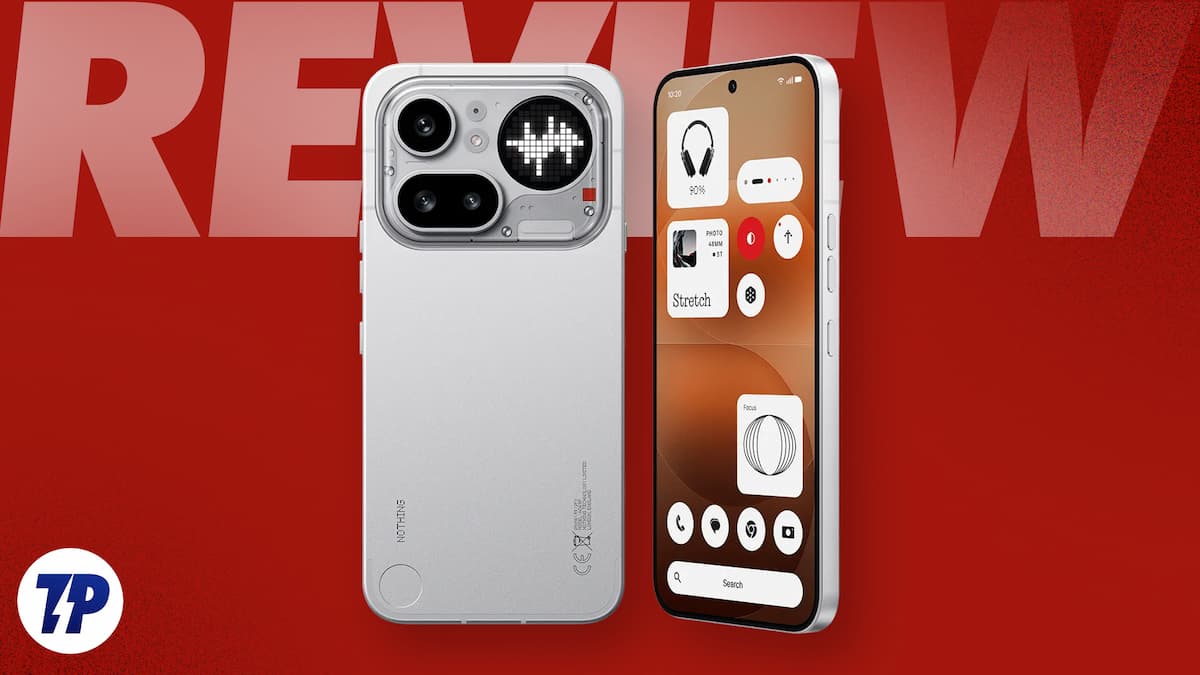
Nothing Phone (4a) Pro Review: Want a “different” phone for about Rs 40,000? Nothing beats this
Nothing Phone (4a) Pro Review Verdict: The Nothing Phone (4a) Pro is for those who want a very good mid-segment phone that stands out, feels different, and…
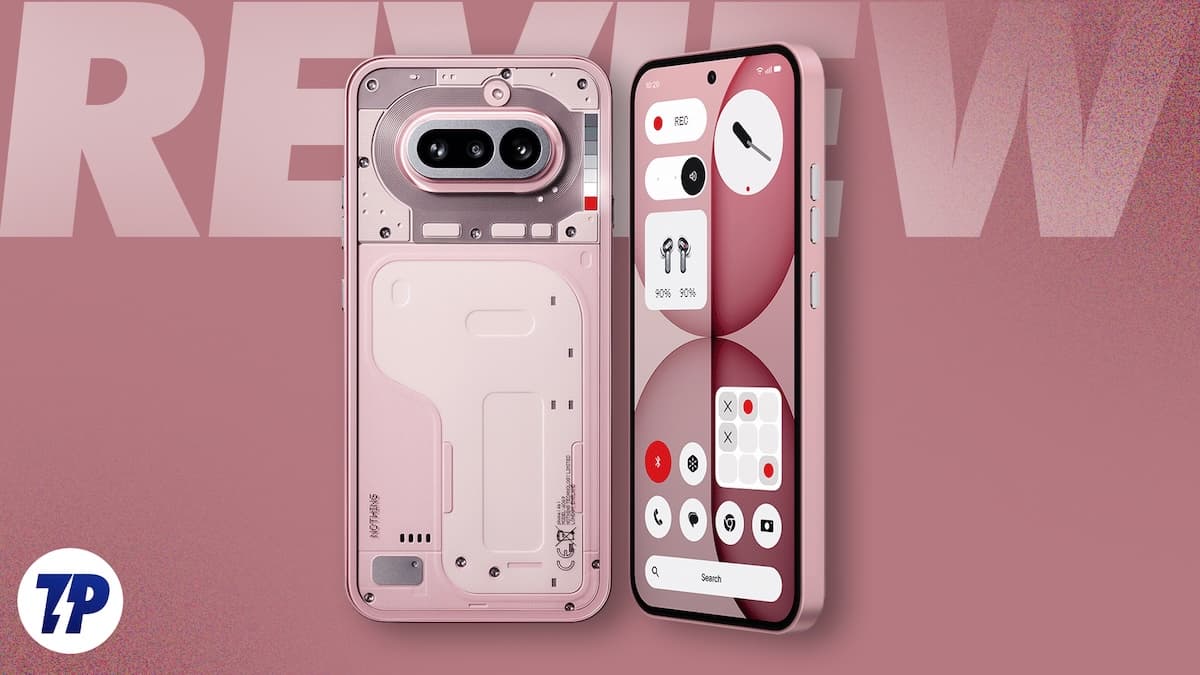
Nothing Phone (4a) Review: Edgy-Looking, Zoom Boss of the Mid-Segment
Nothing Phone (4a) Review Verdict: The Nothing Phone (4a) costs more but steps up in performance and specs, almost replacing the (3a) Pro. Rivals may offer bigger…
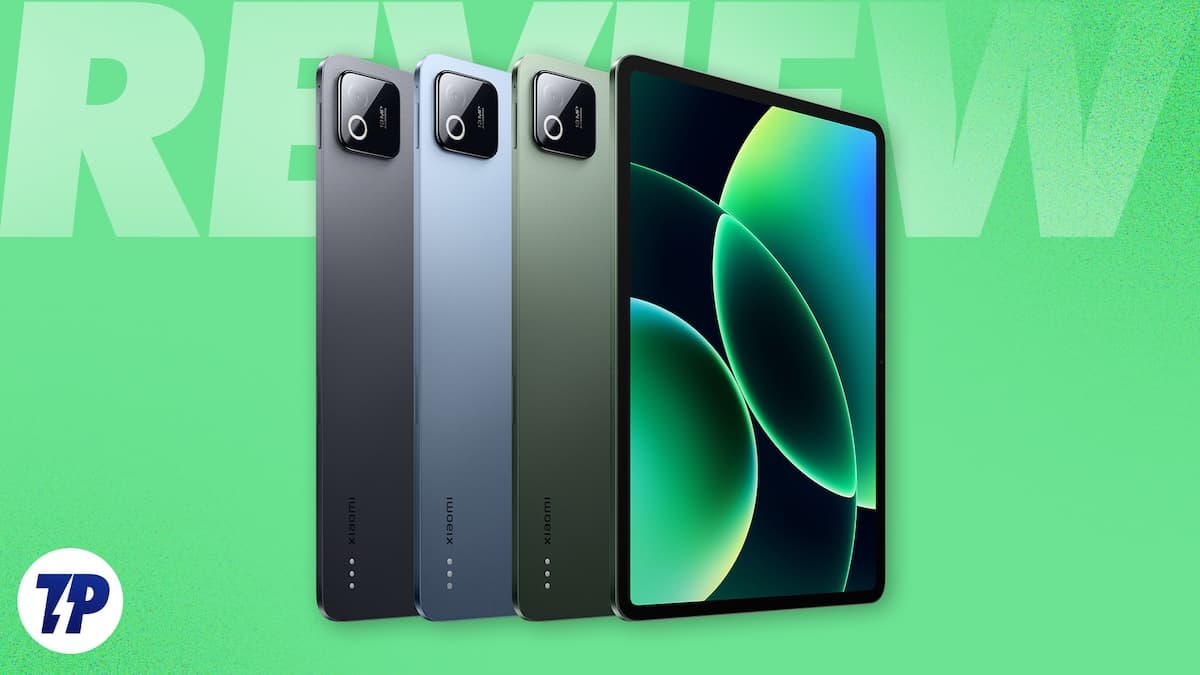
Xiaomi Pad 8 Review: Tablet Boss, Notebook Wannabe
Xiaomi Pad 8 Review Verdict: If you want a terrific, not-too-big tablet, the Xiaomi Pad 8 is a top pick. Smooth, elegant, powerful, with great accessories. A…
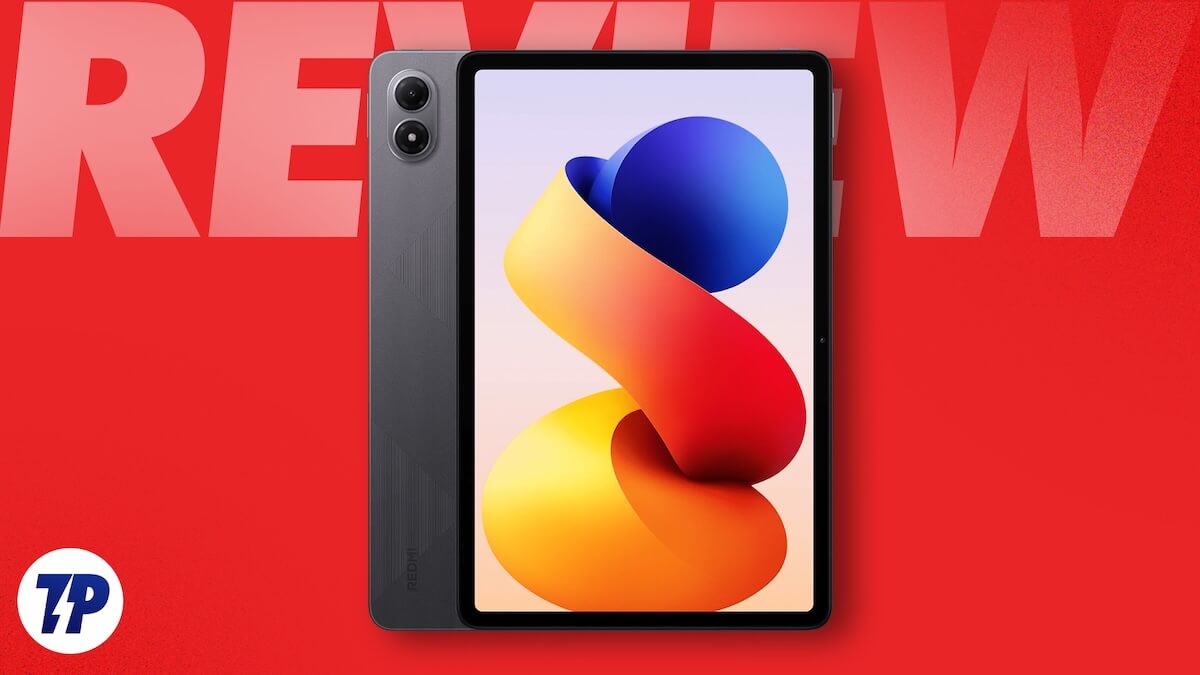
Redmi Pad 2 Pro Review: The versatile mid-segment tablet we have been waiting for
Redmi Pad 2 Pro Review Verdict: A brilliant display, epic battery, and handy accessories make the Redmi Pad 2 Pro the most versatile mid-segment tablet you can…
How to Guides
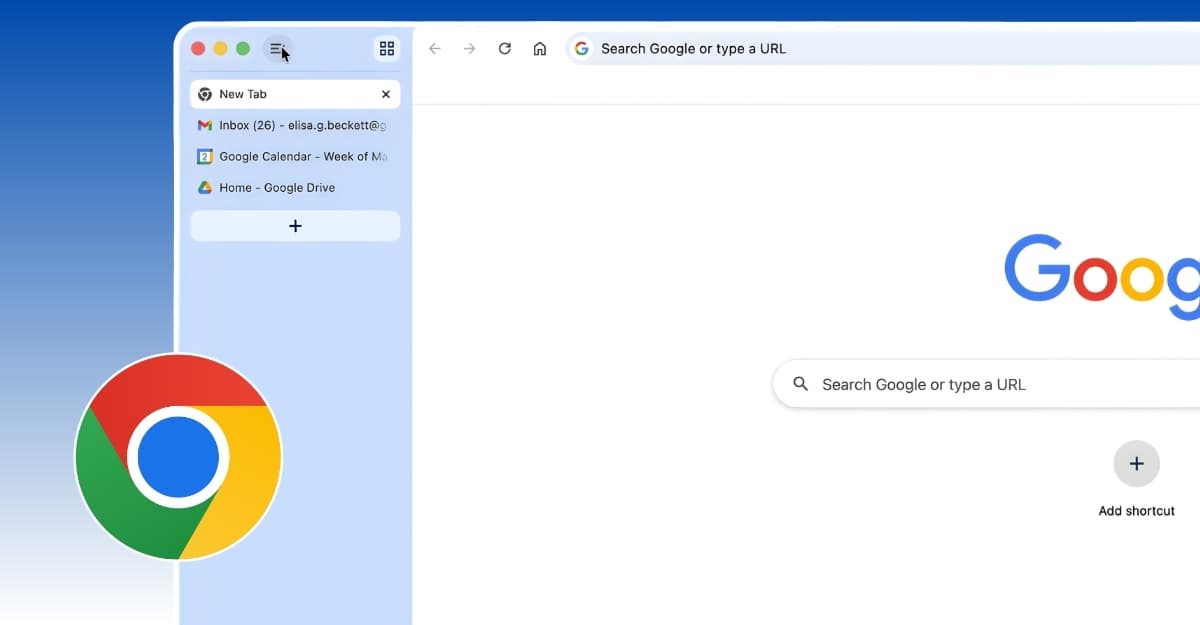
How to Enable Vertical Tabs in Google Chrome
Enable vertical tabs in Google Chrome for a cleaner sidebar layout, better tab visibility, and improved multitasking with quick setup steps using settings or flags.
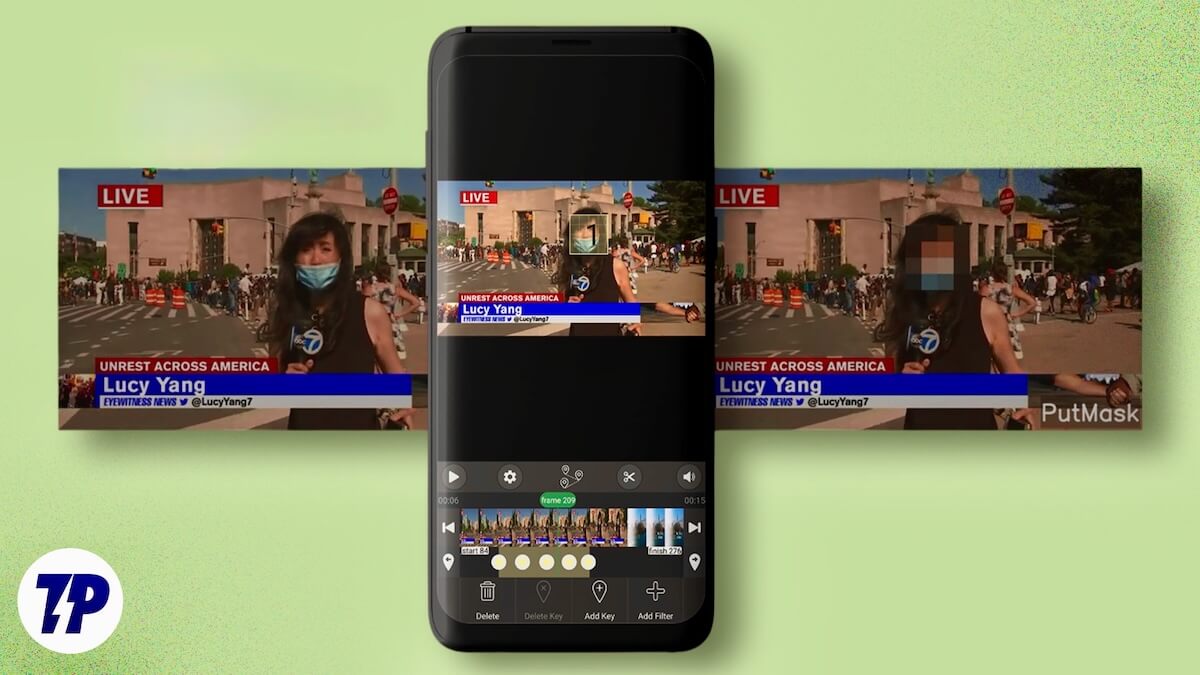
How to Automatically Blur Faces in Android Videos for Free
Protect privacy in photos and videos with PutMask, a free AI-powered app for Android that automatically detects and blurs faces and license plates before sharing online.
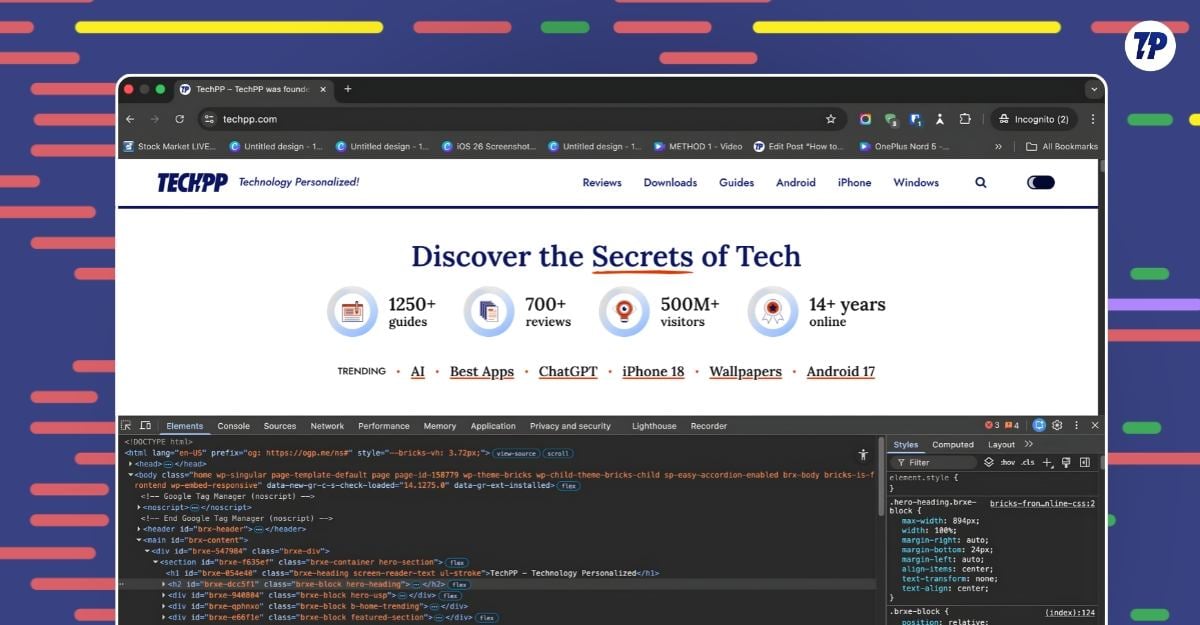
I Tested Chrome DevTools and Found 8 Surprisingly Useful Features for Regular Users
Tested Chrome DevTools and uncovered 8 surprisingly useful features for everyday users, from full-page screenshots and scripts to blocking ads, redirects, and tracking.
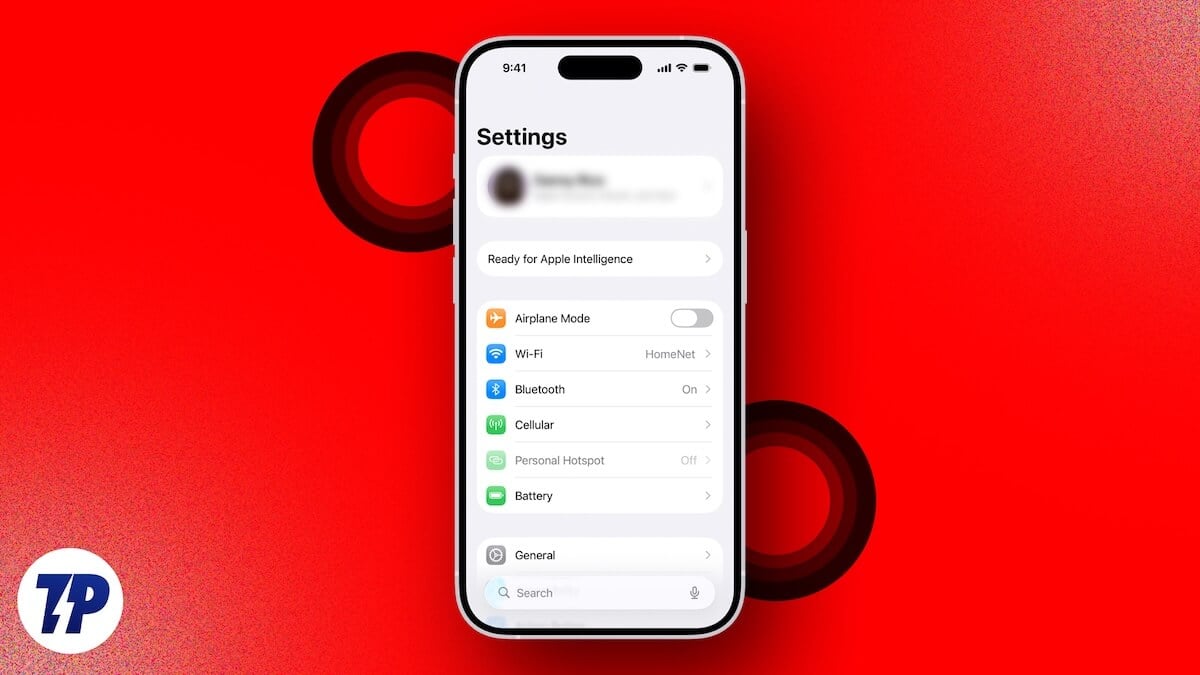
Here’s How to Get iPhone Navigation Buttons Back
Bring back navigation buttons on iPhone using AssistiveTouch, Back Tap, and Reachability. Set up simple controls for Home, App Switcher, and easier one-hand navigation.
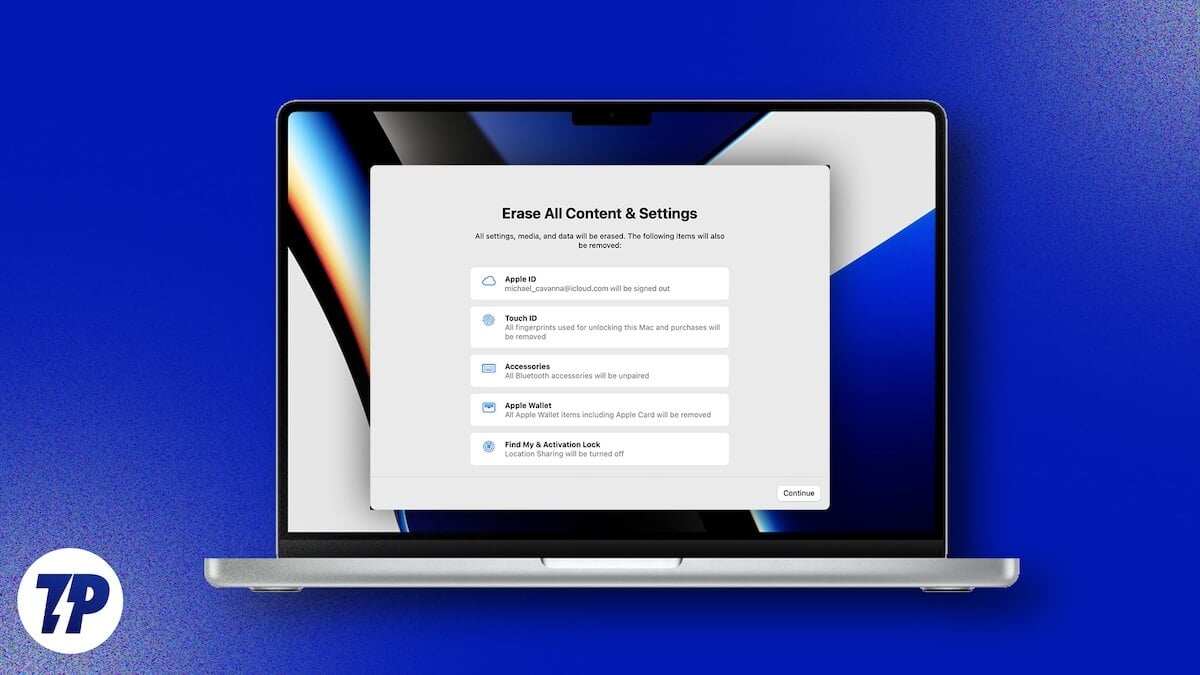
How to Factory Reset Mac Without Getting Stuck on Sign-Out
Factory reset your Mac without getting stuck on the Apple ID sign-out screen. Fix common causes, disable iCloud syncing issues, and complete the reset smoothly.
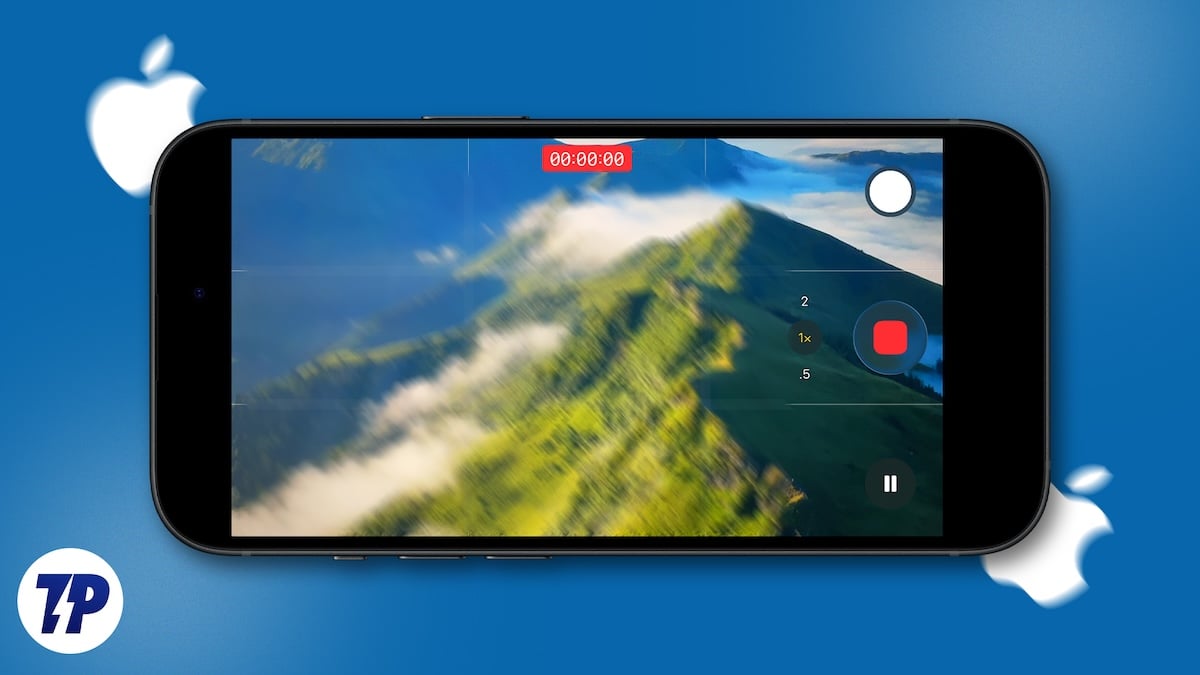
How I Fix Shaky Phone Videos in Minutes (Works Every Time)
Fix shaky phone videos quickly using simple built-in tools and apps. This guide shows the exact method I use to stabilize footage and make it look smooth.