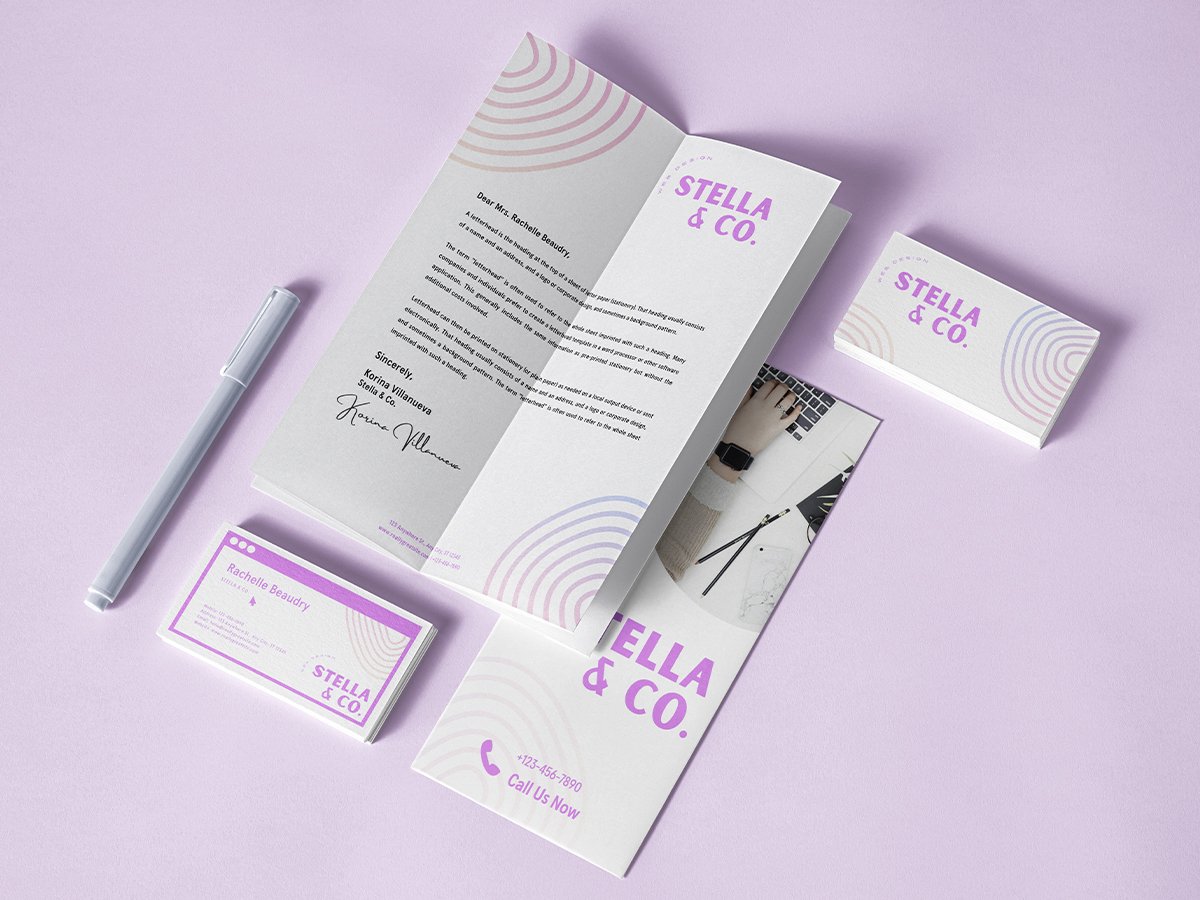
Design professional logos instantly
Build a unique brand identity, starting with custom logos you can easily produce and use.




+75M customers trust Canva Worldwide
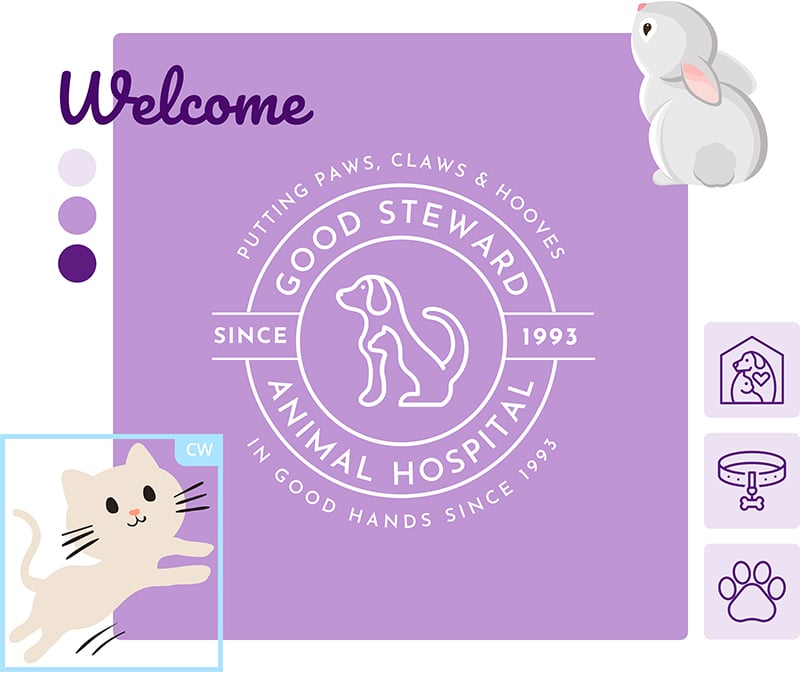
Everything you need for an on-brand logo

Thousands of professionally designed templates

Millions of free icons and illustrations

Hundreds of eye-catching font combinations
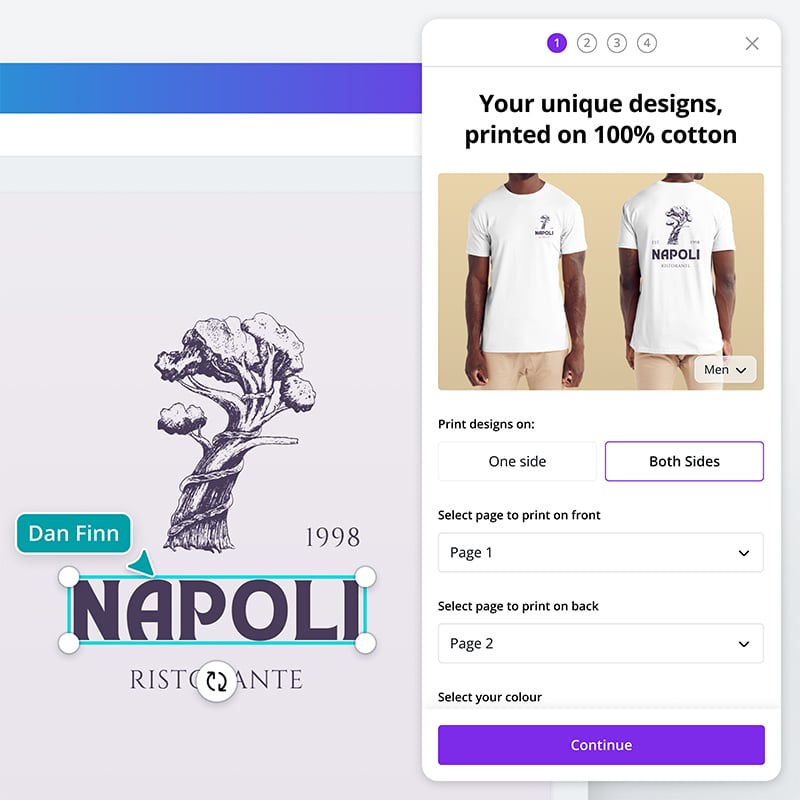
Craft custom logos in minutes

Free and easy-to-use logo editor

Visualize your logo on any product
Create realistic product mockups using your design with the Mockups integration.

Resize your logo for any use
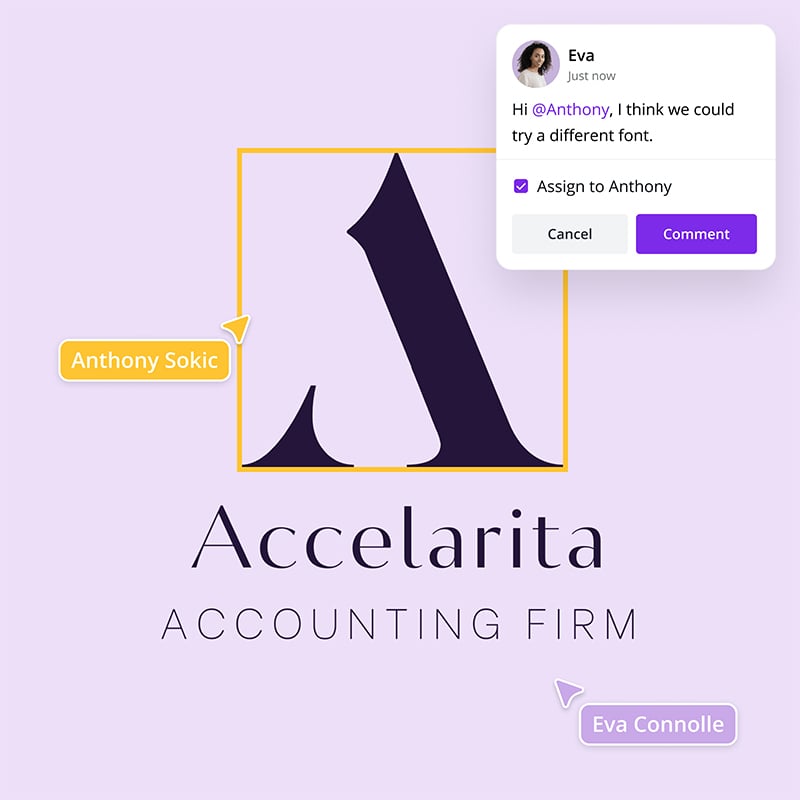
Work and collaborate with ease

Share access to your design

Easily get everyone’s comments

Design on the go
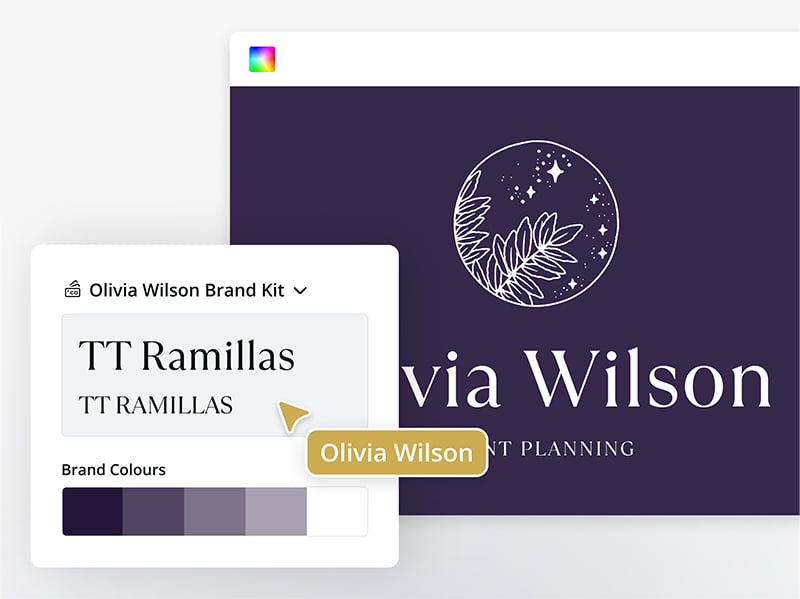
Effortlessly stay on brand
Ensure consistency across all your designs with Brand Kit (Pro). Simply store your logo, brand colors, and fonts to your kit and apply them onto your designs with a single click. Let anyone on your team access the pre-set brand assets and templates so everyone’s always on the same page.
Start inspired
Get a headstart with free design templates you can customize in a few clicks.






All the features you need
Canva's free drag-and-drop design tools make it easy to create any design, fast!
Thousands of free templates
Plenty of template design inspiration for any occasion, no need to start from scratch and 100% customizable.
Millions of free images, icons, and graphics
Get access to our entire library of millions of photos, icons, graphics, media elements, audio, sound effects, and more.

Font library
Upload your own or access 3,000+ free and premium fonts.

Brand Kit (Pro)
Store your logo, brand colors, and fonts to stay effortlessly on-brand.

Real-time collaboration
Create, collaborate, comment on designs, and get everyone on the same page, at the same time, from anywhere.

One-click magic switch (Pro)
Design once, resize to anything.
Easy sharing and exporting tools
Share and export designs as a JPG, PNG, PDF, and PPTX. And when you embed a doc, you can customize which page will be displayed.
Access on any device
Jump from mobile to desktop—design how you work best!

Invite your team
Invite unlimited members to your class space or NFP team and easily share and manage work together. Pro teams are part of Canva Pro.

Built-in comments
Collaborate and communicate within designs.
Team templates (pro)
Simply publish a design as a template and the design will automatically be added to your brand page.
Brand control (Pro)
Limit access to images, templates, fonts, and colors.
How to design your logo for free
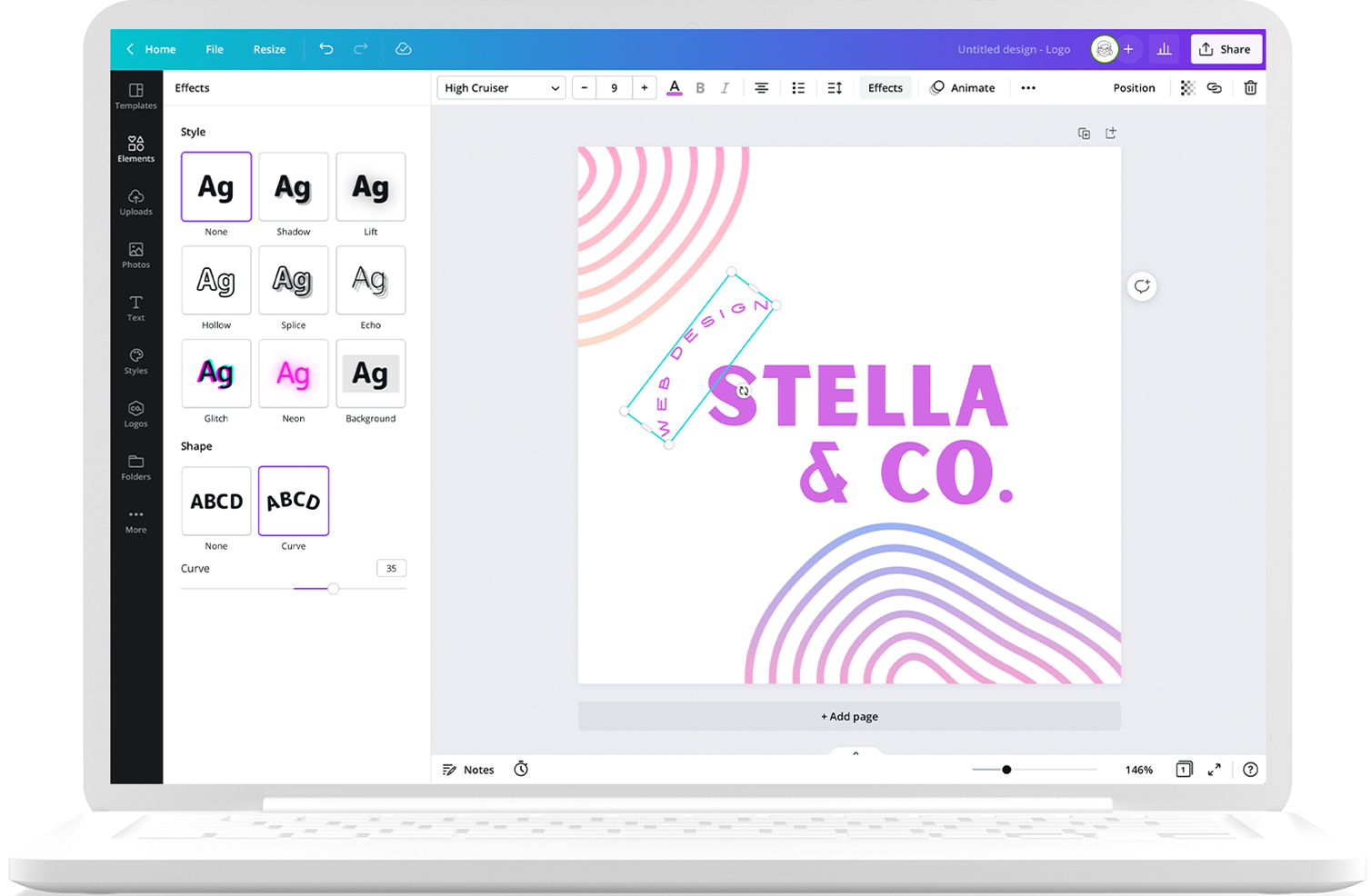
- Browse our logo design templates or start one from scratch.
- Customize your logo with your brand colors on our design dashboard.
- Insert icons and text to bring your visual identity to life.
- Send a link to your team, get their input, and collaborate.
- Save your design, create product mockups, or order prints from Canva Print.
Your questions, answered
Your logo is the face of your brand, the first piece of your visual identity that people will likely see when encountering your business. Therefore, your logo design should be easily recognizable and memorable. To achieve this, everything about your logo — from its color, shape, and typeface — should speak of your brand philosophy, spirit, and story.
In a single glance, you want your audience to see your logo, recall your name, and know what services or products you offer. Inserting a touch of humor in your logo design — a simple visual pun, for instance — also helps in setting your brand apart and showing the human side of your business.
Simply click the Uploads tab on the left sidebar and drag your image or graphic element from your folder or desktop. Once it’s properly uploaded, drag it onto your design on the editing dashboard.
If you’re looking for other options, you can explore our media library for free stock images or elements.
To export your design as a transparent logo, download it as a PNG. Now you can attach it to your other marketing materials sans a background.
Yes, you can. There are two ways to do so:
1. Create a logo on Canva from scratch.
Come up with a logo design from a blank slate on our design dashboard. You can use all the fonts from our free font selection and basic lines and shapes from our free media library on your design.
Unfortunately, you can’t use stock images and graphics on your design if you’re applying for a trademark. That’s because we can only grant you non-exclusive licenses on these elements. This means other Canva users can use the same content. And for a logo to be trademarkable, all the elements on it should be exclusive to you.
Learn more about Canva’s licenses here in Licensing explained (https://www.canva.com/licensing-explained/).
Additionally, you can’t trademark any logo created using our free customizable logo templates, as these can be used by anyone and are not exclusive to you.
2. Upload your original logo to Canva.
This could be a logo you designed yourself or one that you commissioned another graphic designer to create. After uploading your logo to Canva, you can store it in your Brand Kit (Pro) along with your brand colors and fonts. You can now easily apply them onto the branded designs that you will create on Canva, like social media content, business cards, flyers, posters, and many others.
The One Print, One Tree initiative is just one of the ways we are making our printing solutions more sustainable, as part of doing the most good that we can through our Two-Step Plan. So, how does it work? Simple: for every print order you make with us, we will plant one tree. For more information, visit here.
More resources

Discover more about creating beautiful logos in Canva.
Grab creative inspiration from these logo designs.
How to design a logo that will get you noticed.
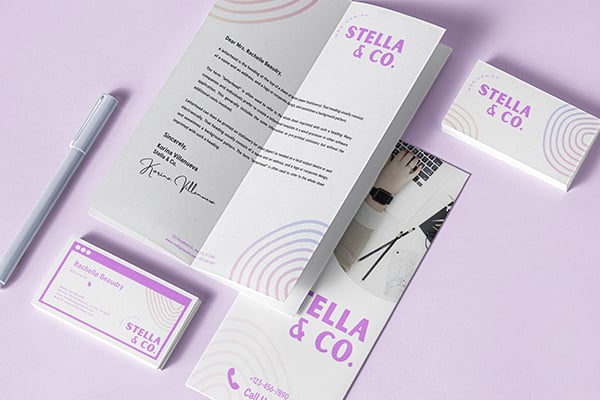
10 design logo principles to keep in mind when creating a logo.
Discover more products

Design professional-looking logos in an instant
Build a unique brand identity, starting with custom logos you can easily produce and use.
