
AI Editing AT PACE WITH PROS
Edit photos with AI in the VSCO app on iOS. Enhance and refine photos in full resolution with a dedicated AI photo editor built for precision, quality, and creative control.
EDIT IN YOUR OWN WORDS
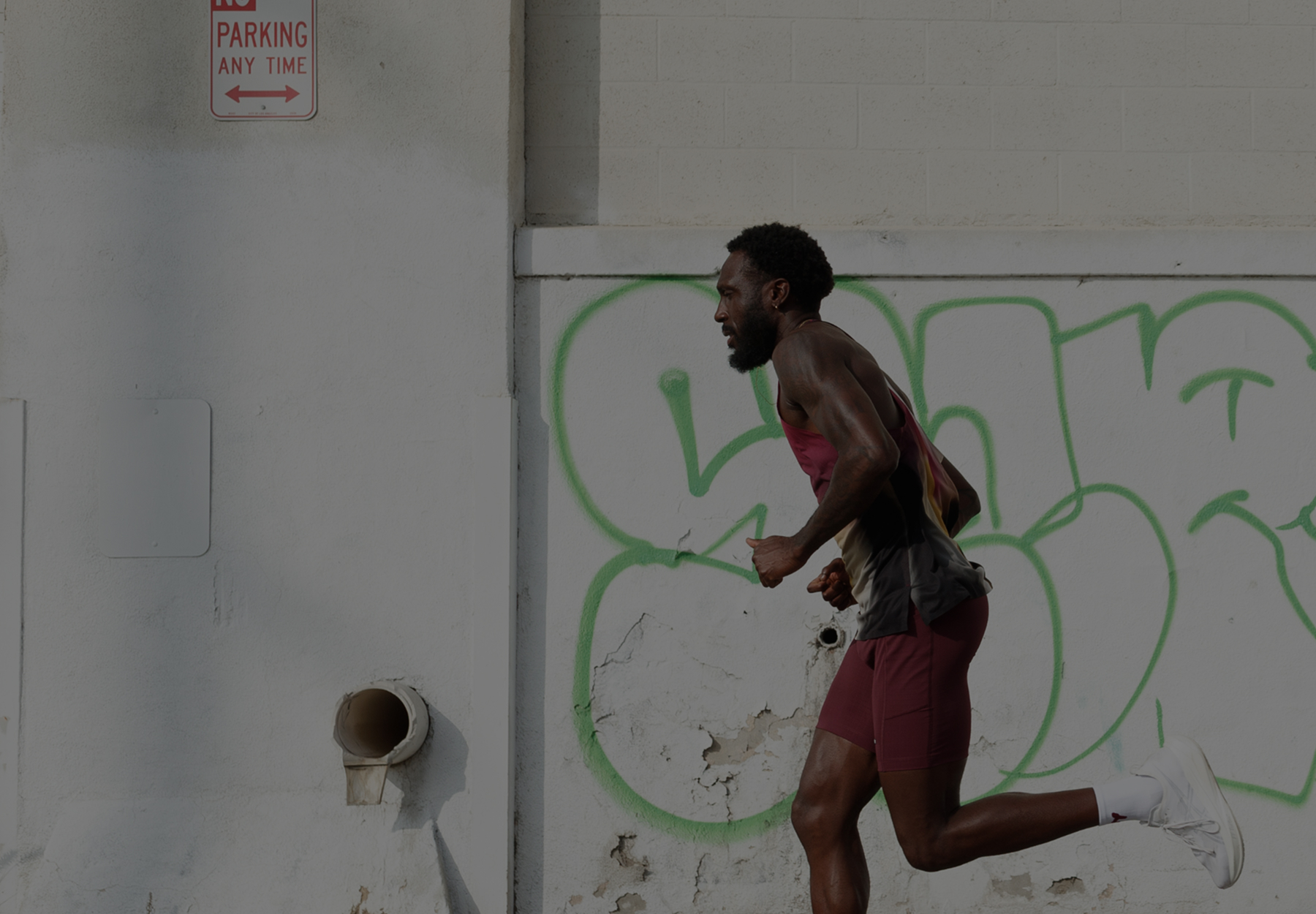
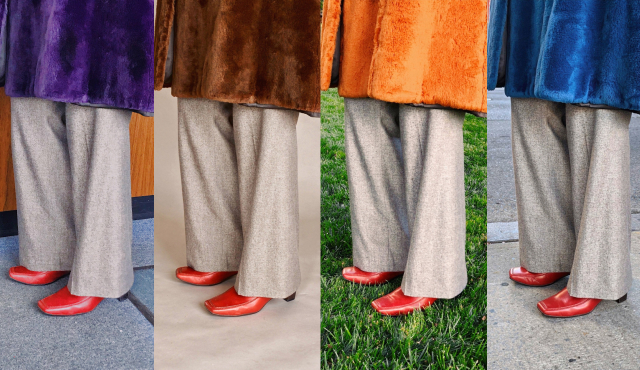
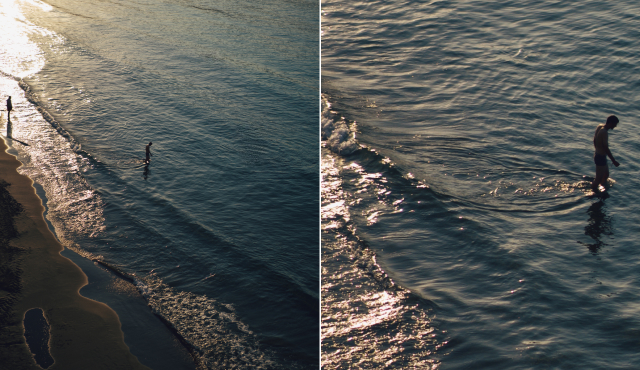
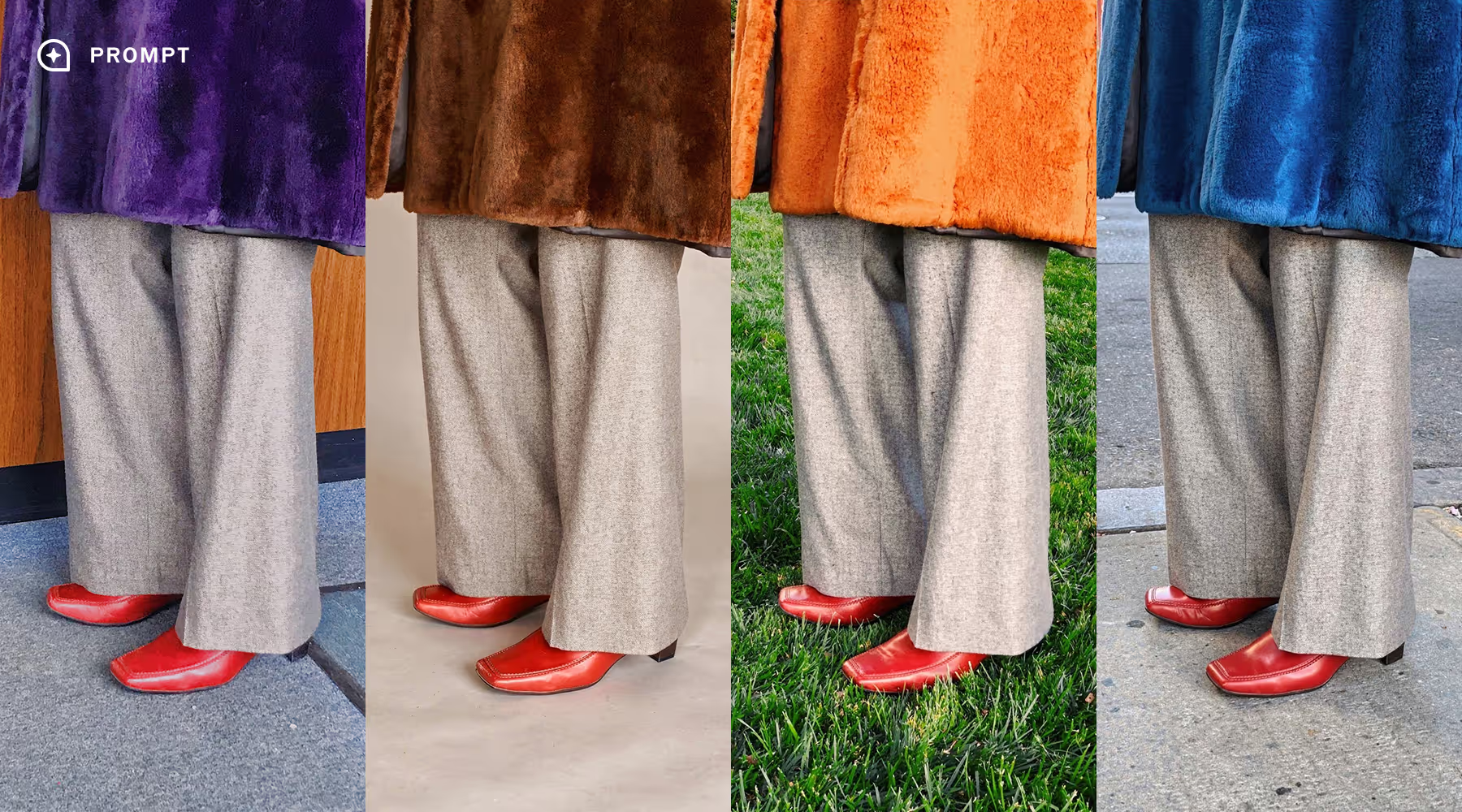
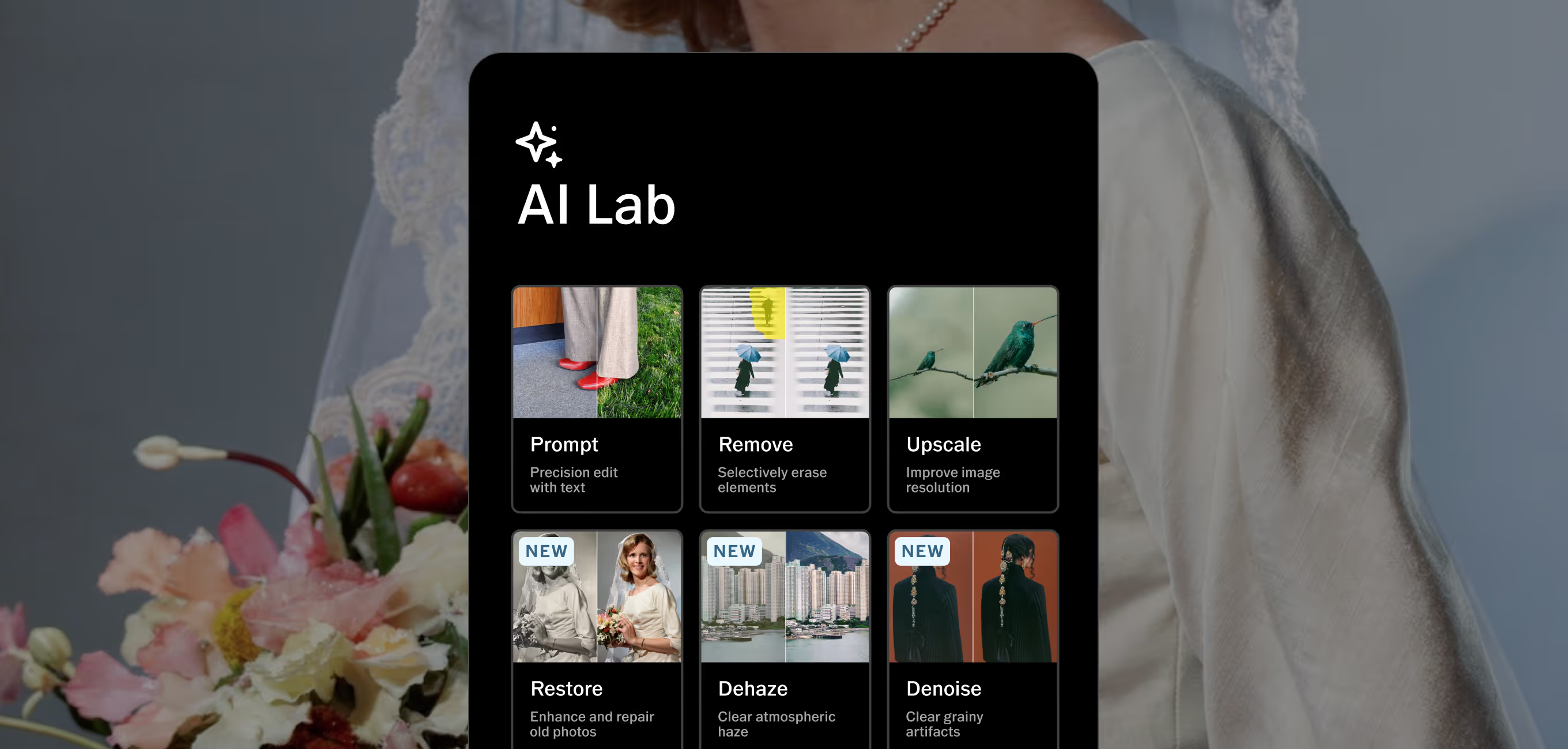
Prompt lets you write exactly what you want to change—soften harsh midday light, warm skin tones, remove distractions, deepen shadows, even shift the setting.
For commercial, portrait, and editorial photographers, Prompt means faster creative iteration and precise refinements exactly as you describe it.
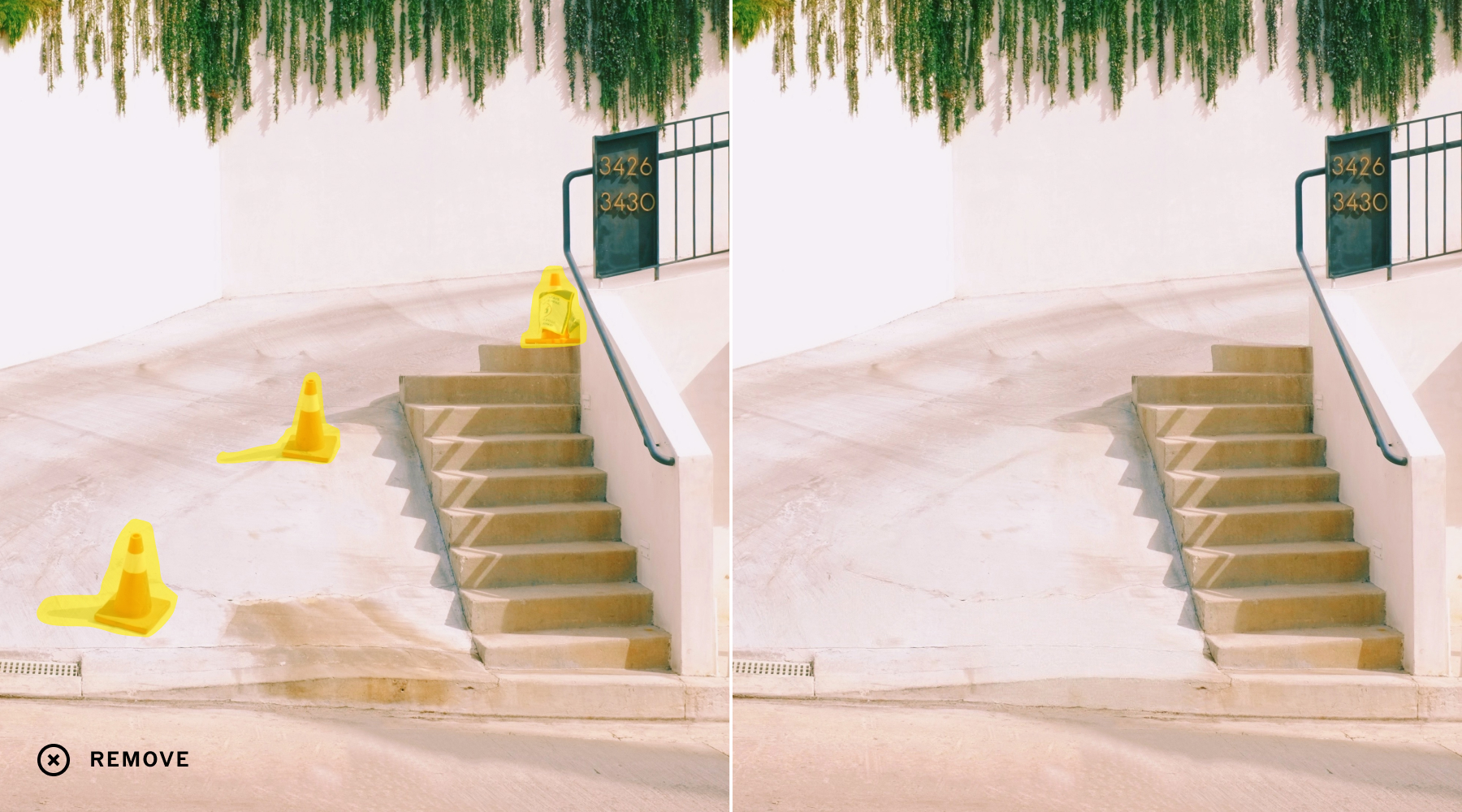
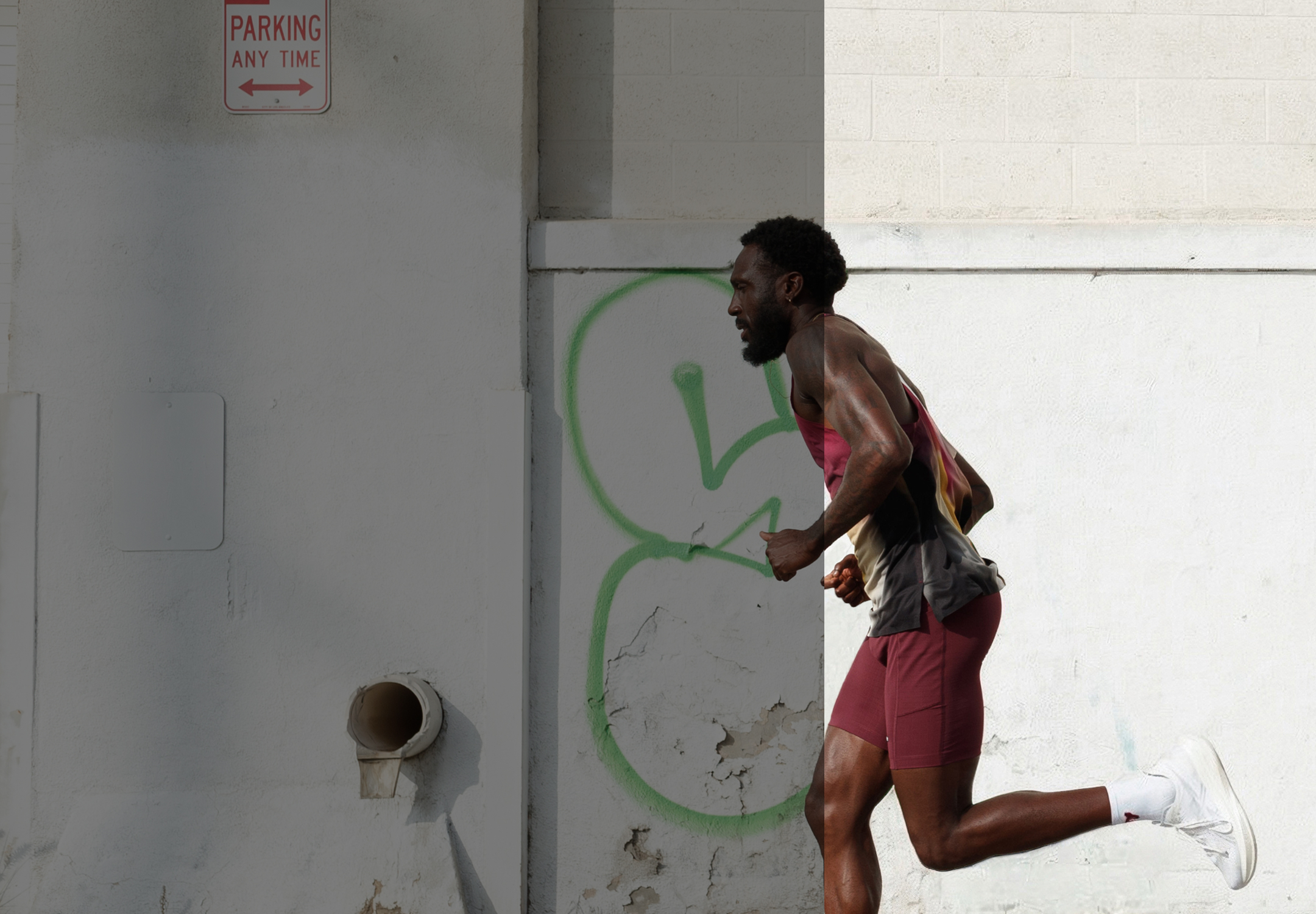
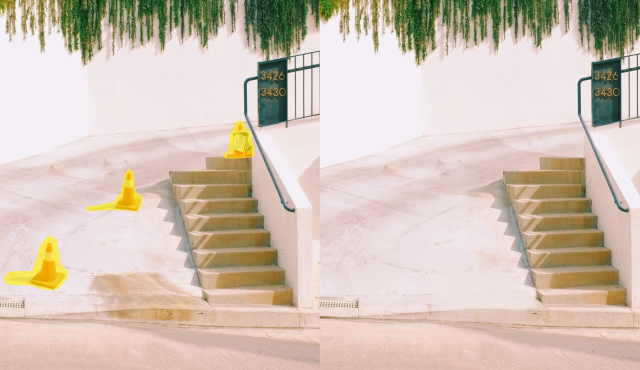
NOW YOU SEE IT, NOW YOU DON’T
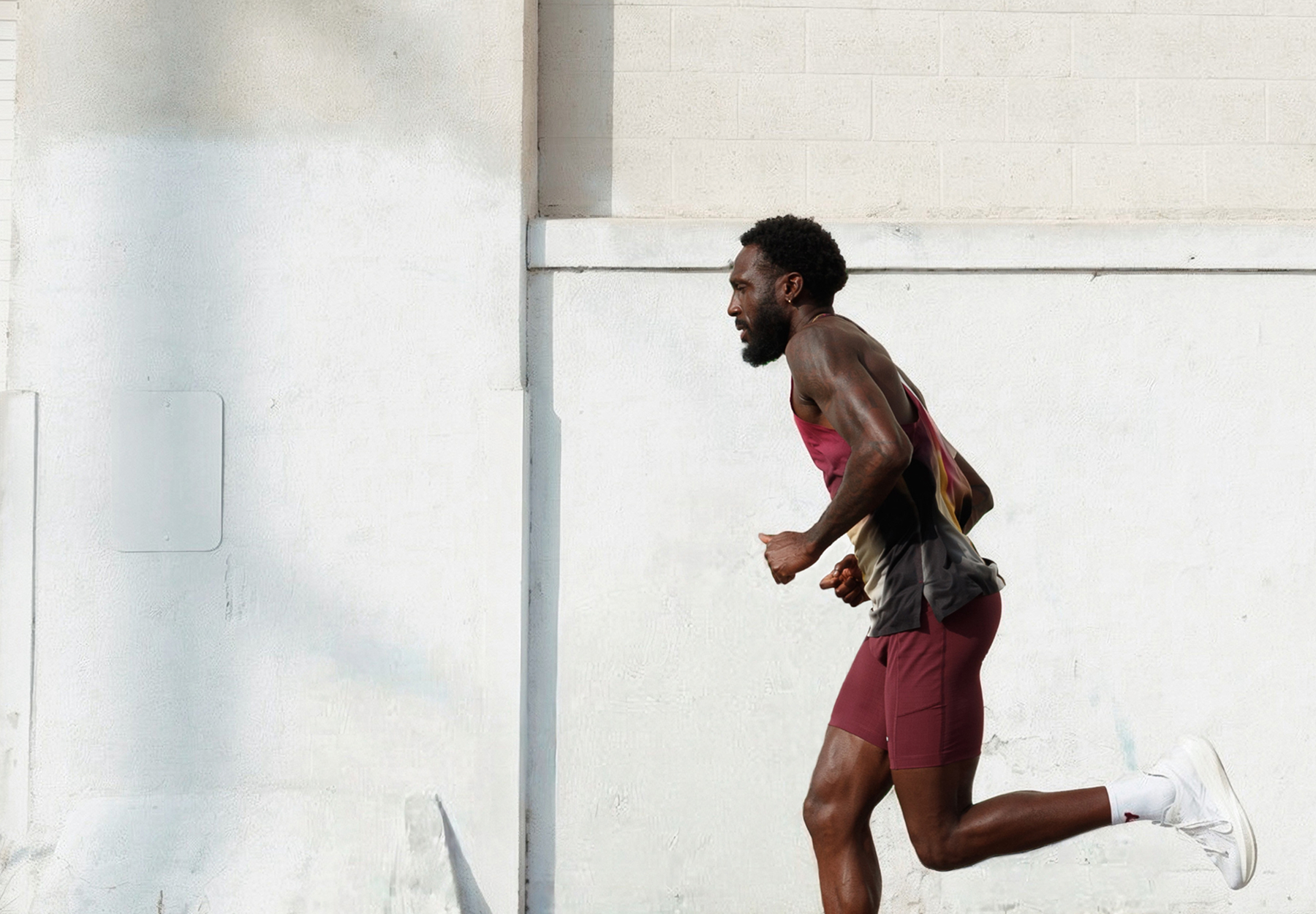
Paint over power lines, stray objects, blemishes, or any distraction. Remove intelligently fills the space while preserving detail, texture, and perspective.
Skip the cloning and healing work. Get a clean frame in seconds—without the telltale retouching artifacts.
“The Remove tool delivers edits with required visual fidelity that enhance my photos without compromising creative intent.”

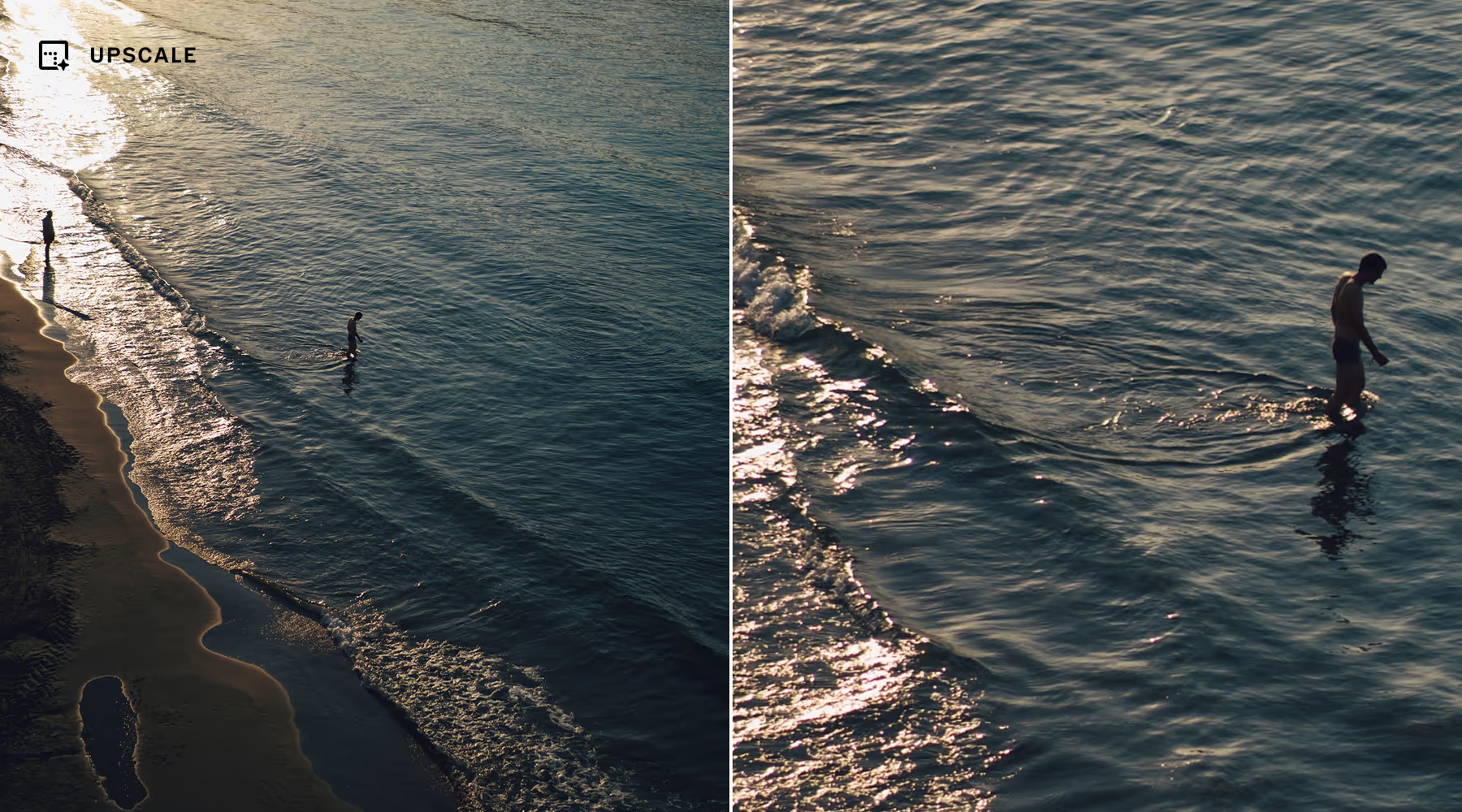
More resolution. More OPTIONS.
Increase image resolution up to 4x while preserving natural detail and tonal depth. Perfect for large prints, client deliverables, and tighter crops.
No harsh sharpening or fake texture. Just sharper, high-quality images that hold up to your most demanding professional use cases.
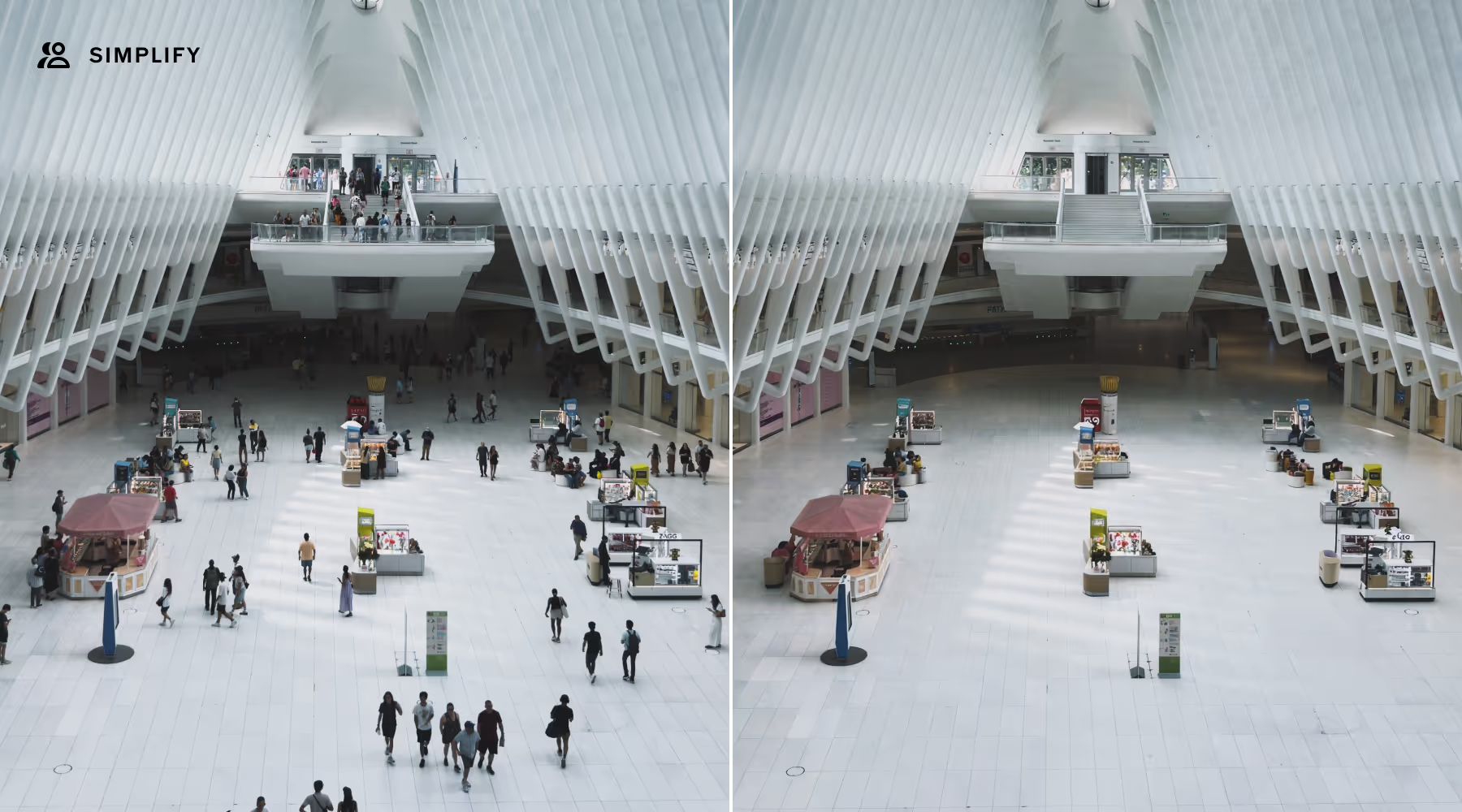
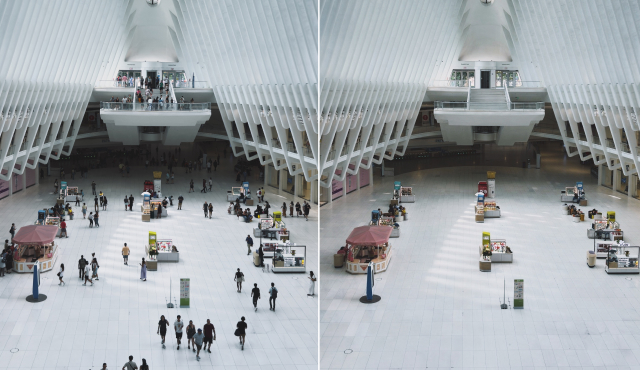
Clear the clutter confidently
Reduce background crowds and visual clutter with one click. Simplify helps your subject stand out—especially in busy city, travel, or event shots.
What used to take careful masking now takes seconds. The result is a cleaner overall composition, without tedious retouching.
“Prompt is evolutionary. It has become an extension of my imagination, allowing me to engage more deeply with intention.”

“AI Lab saves time, keeps the image honest, and helps me stay in flow. It gives you more room to create the work you’ve always seen in your head.”

“What stands out most is the efficiency. I love how I can achieve precise results using short, intuitive prompts without losing image clarity.”

AI photo editing that meets the exceeding demands of professional photographers.
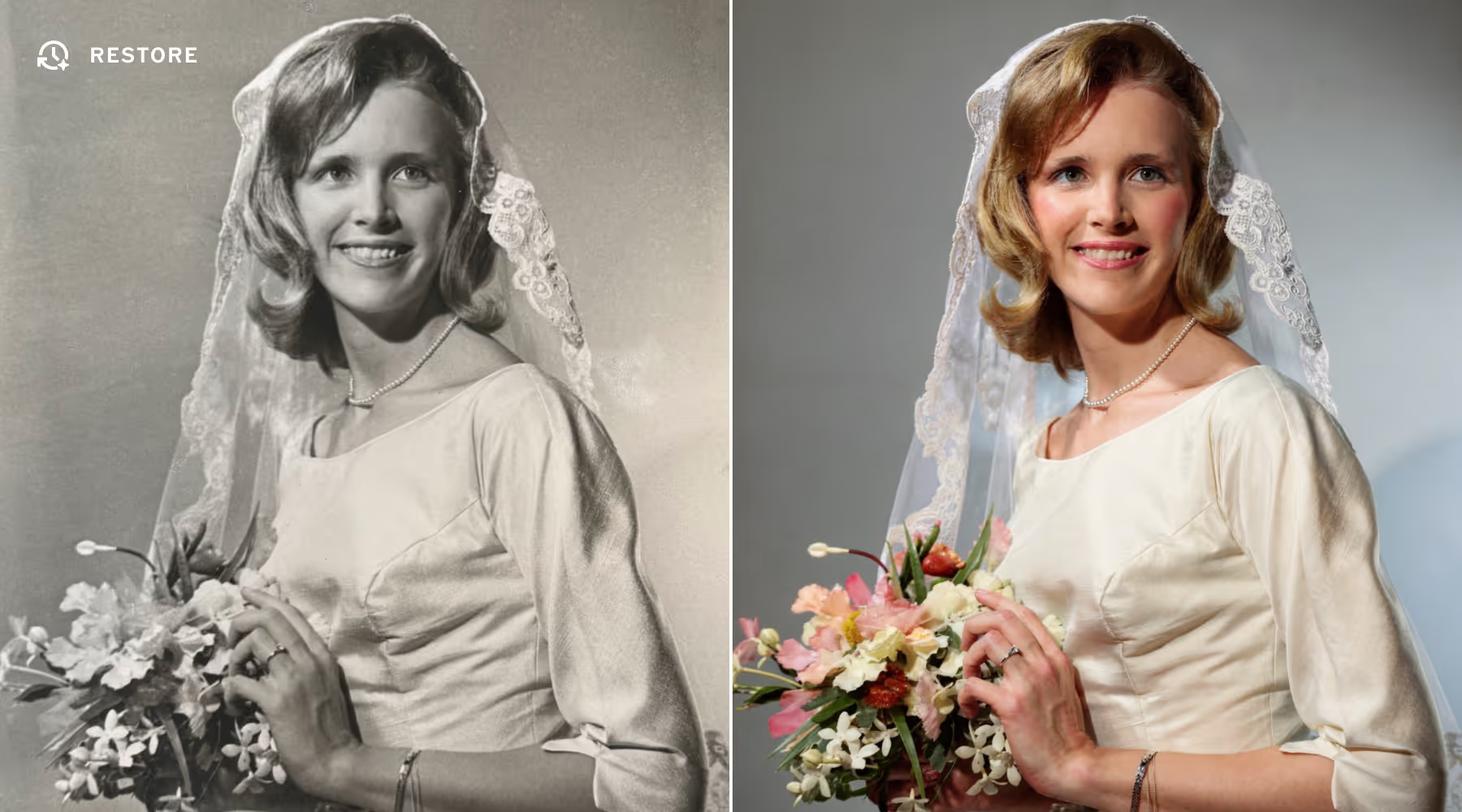
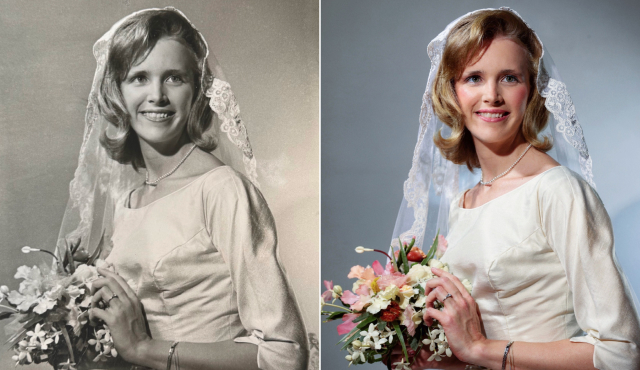
Bring old images back to life
Repair and enhance aging photos by brightening faded color, sharpening softened detail, and reducing visible damage like scratches and dust.
Perfect for family archives, scanned film, or historical work that deserves new clarity. What once required hours of manual repair now happens in seconds—reviving memories while respecting their story.
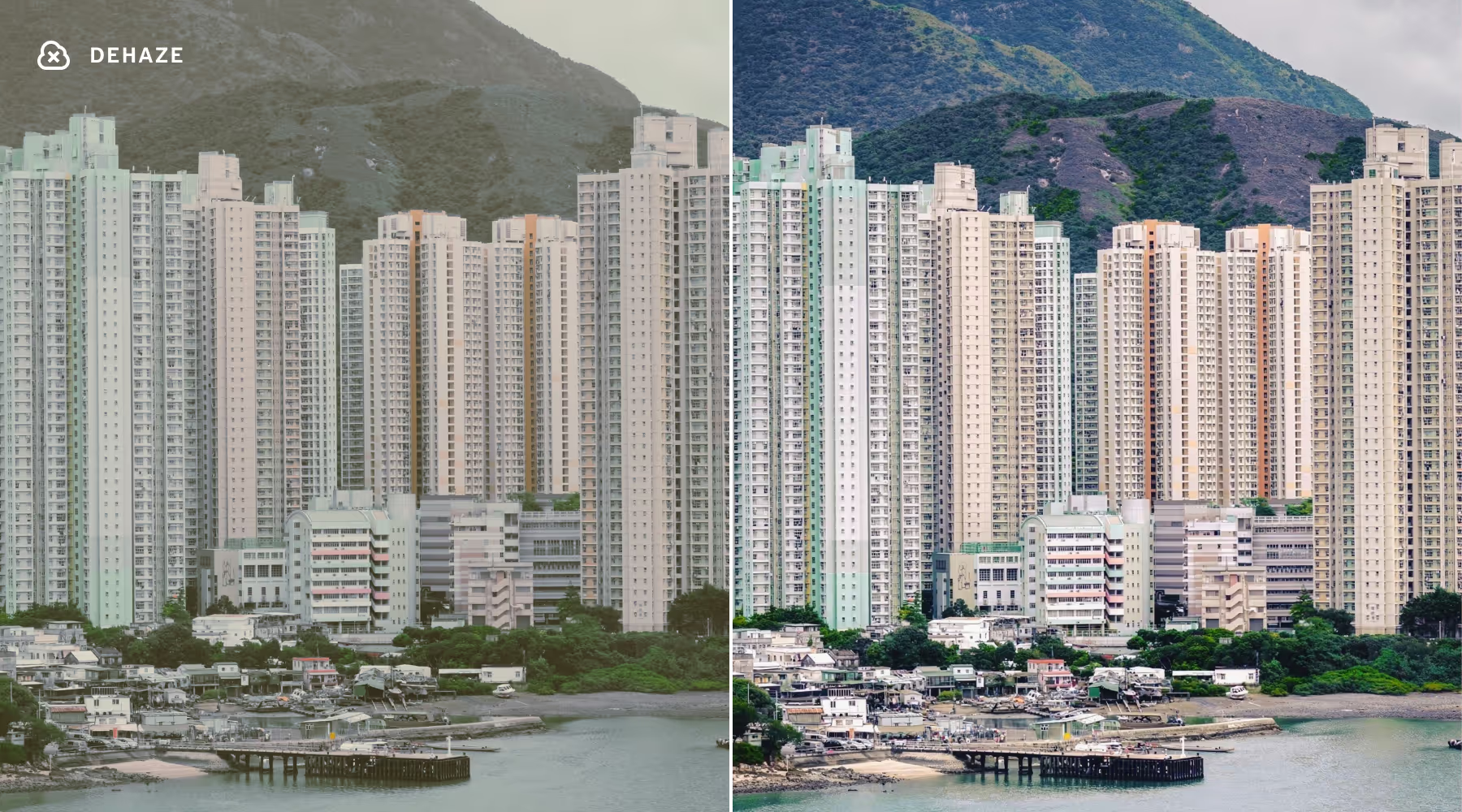
Cut through the haze
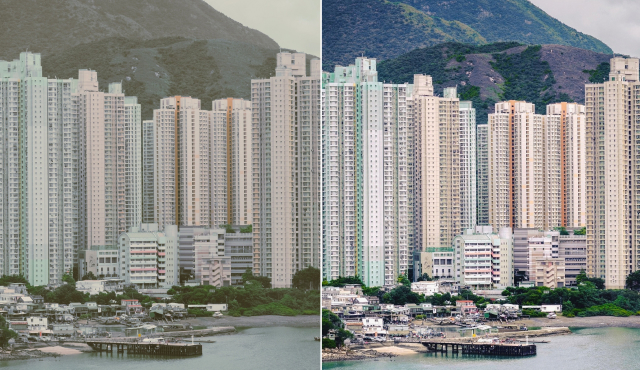
Restore contrast and color depth in flat, overcast, or misty outdoor images.
Instead of stacking clarity and curve adjustments, Dehaze brings back depth in a single step resulting in photos that looks crisp, not over-processed.
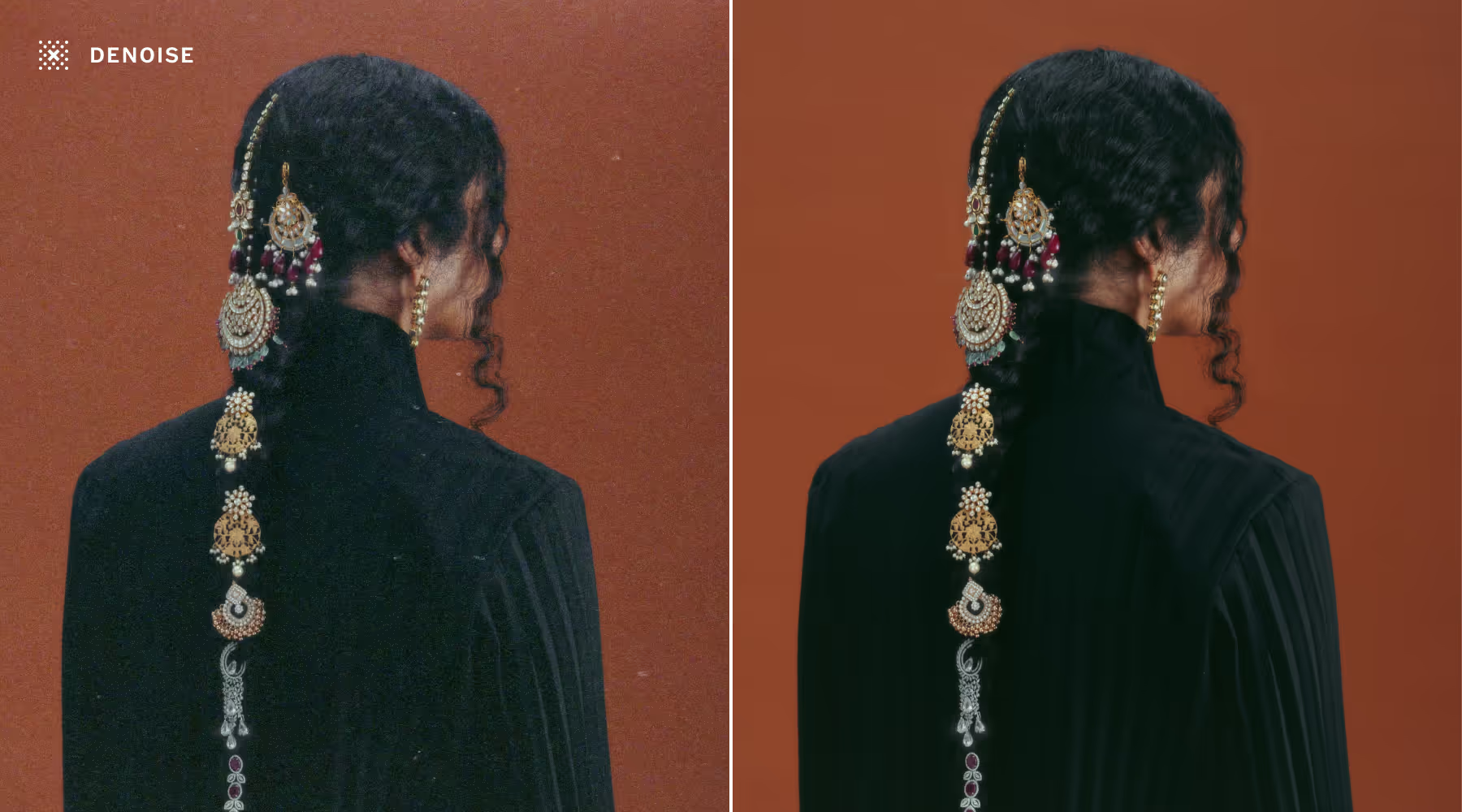
CRYSTAL CLEAR WITH JUST A CLICK
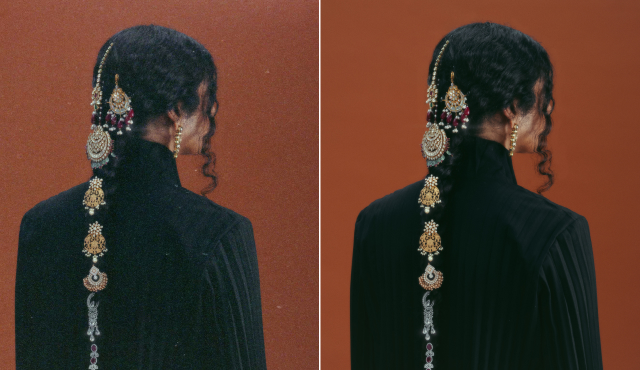
Automatically remove unwanted grain, dust, scratches, and high-ISO artifacts while protecting your photograph’s authentic texture.
Low-light shots and scanned film stay sharp and natural—without over-smoothing skin or detail.
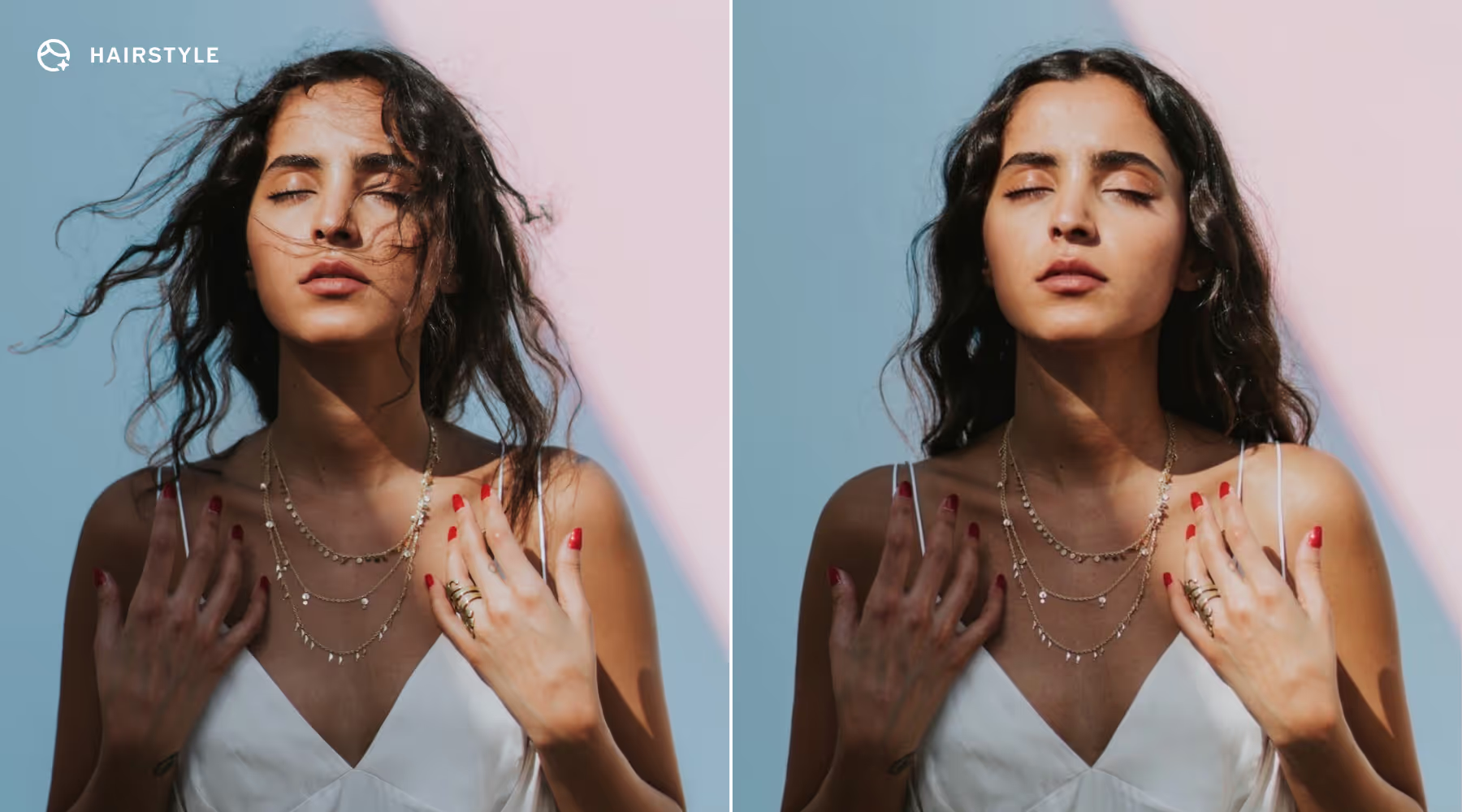
MAKE HAIR APPARENT
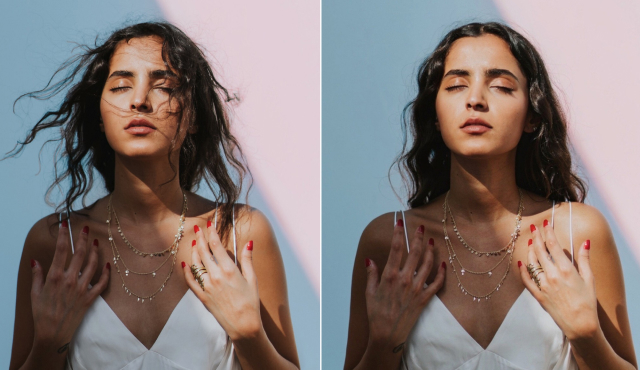
Intelligently reshape and refine hair—improving shape, volume, and definition while preserving natural texture.
For portrait and fashion photographers, that means elevating hair from incidental to directional, without artifacts or over-softening. What once required tedious masking and retouching now happens in one-click.

HONE YOUR CRAFT
Shape every image with film-grade color science, advanced editing tools, and pro-level control—from capture to client delivery.

Filters
200+ film-inspired looks, plus Pro Presets that give you even more control to define your own style.
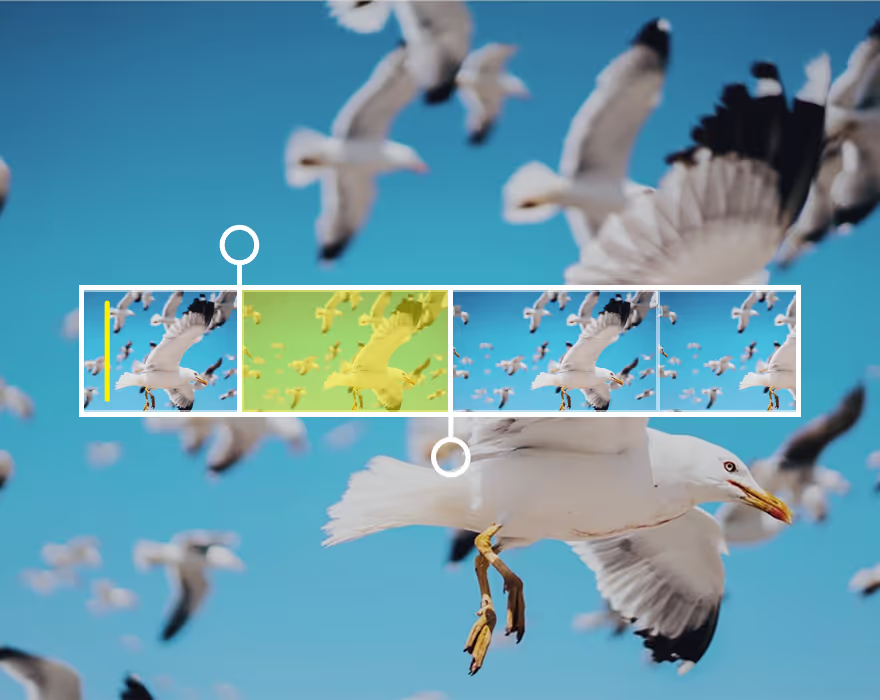
Edit video in full resolution with cinematic tools. Slo-mo, film effects, cropping, compositing, and more.

Frequently asked questions
What is VSCO’s AI Lab?
AI Lab is VSCO’s high-fidelity AI photo editor, built for creators who work at full resolution. It helps you remove distractions, enhance details, and refine your images with intelligent AI-powered tools that elevate your edits without overpowering your vision. Learn more about getting started and using AI Lab.
Can I remove unwanted objects from photos using AI?
Yes. The Remove tool in AI Lab lets you erase objects, people, or background distractions while keeping every detail in full resolution. It’s perfect for cleaning up compositions without compromising quality or creativity.
Can I edit my existing photos with text prompts?
Yes. With AI Lab, you can edit existing photos with text prompts by uploading your photo and describing the changes in words. Whether you want to brighten the sky, shift tones, or remove objects, Prompt applies your edits to a new version of your photo—so you can always go back.
How does prompt-based photo editing work?
Prompt-based photo editing lets you edit photos using text commands. Simply describe the adjustments you want—like “make the green more vibrant” or “soften the shadows”—and the AI editor applies them to your existing photo. It’s a fast, intuitive way to tell AI how to edit a photo without navigating sliders or complex tools.
Does VSCO’s AI photo editor reduce image quality?
Not at all. AI Lab is built for high-resolution photo editing, preserving sharpness, detail, and texture. Unlike other AI tools that compress or downsize, your edits stay true to your original vision.
Is there an AI image upscaler in VSCO?
Yes. Upscale lets you increase resolution, sharpen details, and reduce pixelation. AI upscaling is ideal for printing, cropping, and revitalizing older photos.
How do I get access to AI editing in VSCO?
AI Lab is included with VSCO Pro Membership, giving you unlimited AI edits, access to Pro presets and film effects, plus advanced desktop editing tools. Start with a free trial and explore everything VSCO has to offer.
Can I use VSCO’s AI tools on desktop?
AI Lab is currently only available on the VSCO iPhone app. However, you can sync your Studio to continue refining images with desktop editing tools, integrate the Adobe Lightroom plugin, and maintain full control over your creative workflow.
What makes VSCO’s AI photo editor different?
AI Lab is built for photographers who value fidelity and control. Every tool preserves full resolution, enhances your edits without altering intent, and fits seamlessly into your workflow—it’s AI photo editing that puts creativity first.
