VSCO Capture
Shoot photos and videos with a camera app that follows your lead. Shape your style with live filters, film effects, and manual controls.
Download for Free
Start shooting your way. Download VSCO Capture free on iOS.
See the world through VSCO’s iconic presets and capture photos and videos with unmatched creative control at your fingertips.
VSCO Capture empowers you to bring your vision to life in real time. Built for photographers who want a camera app that moves with their creativity, VSCO Capture lets you see and adjust your style as you shoot — so you can frame the world exactly as you see it.
Live camera filters
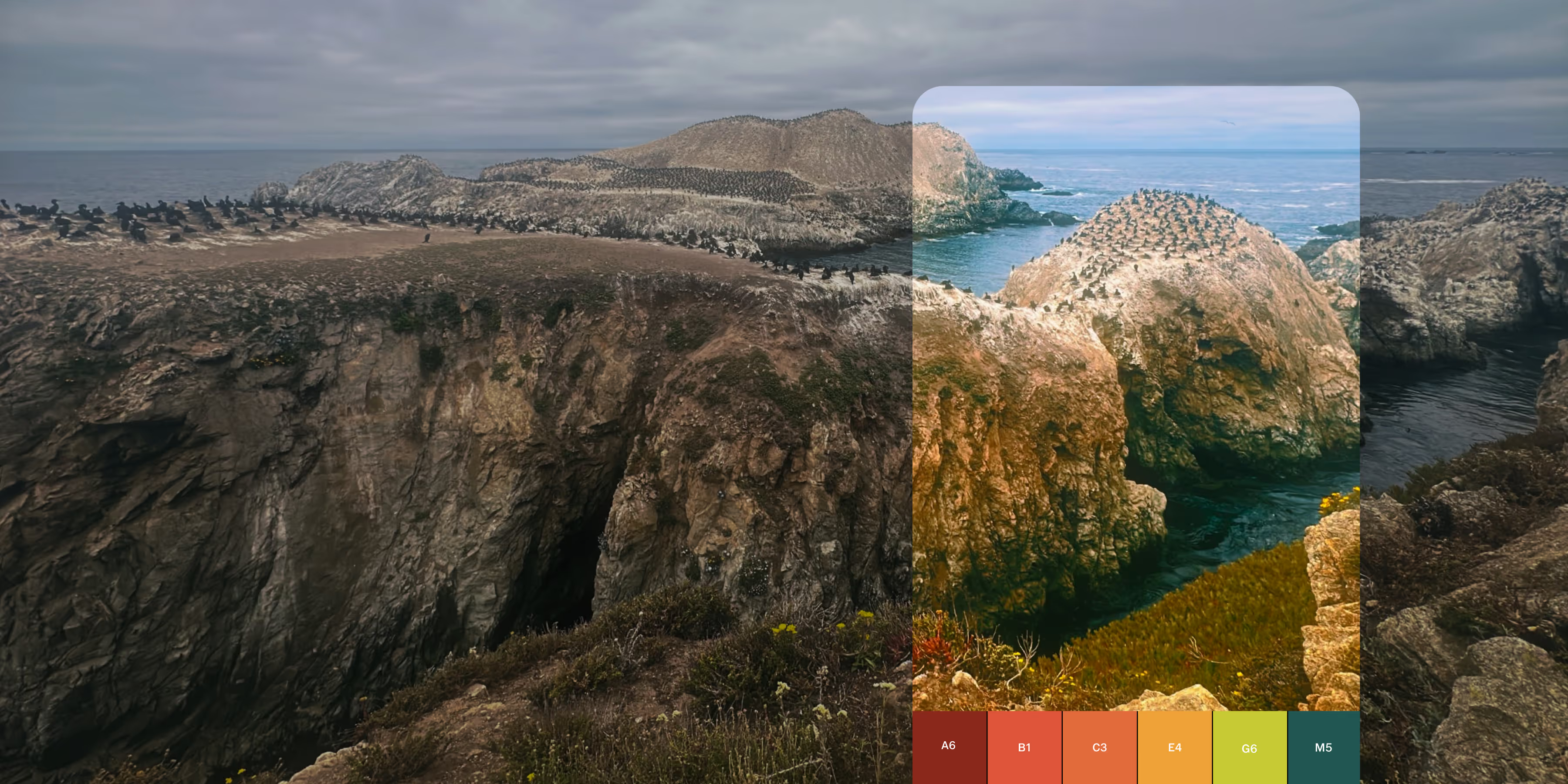
Shoot photos and videos using over 50 world-renowned presets, and set your style before you capture. From classic film to modern, creator-inspired looks, live camera filters let you see, shape, and refine your aesthetic in real time.
Manual controls
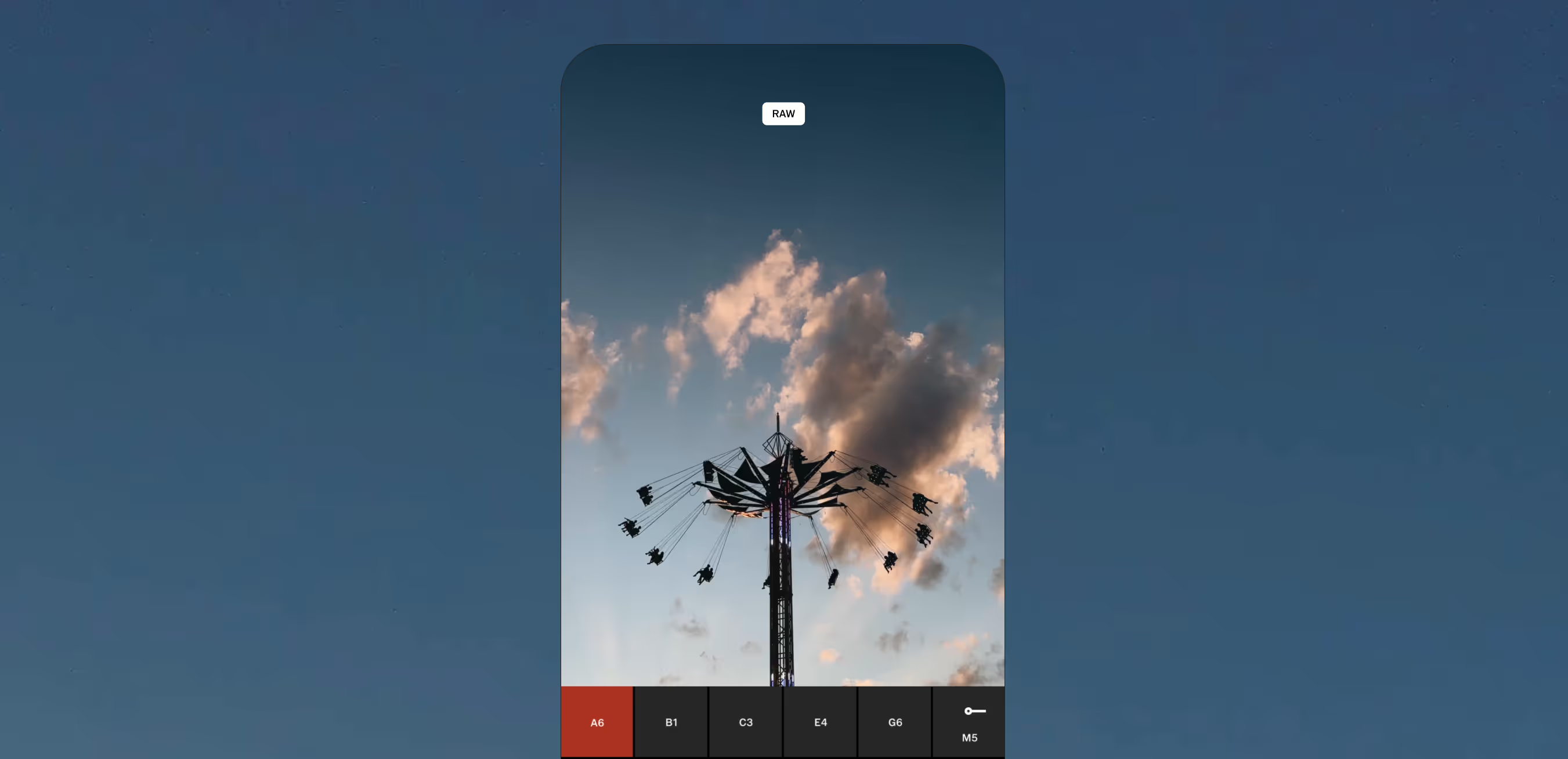
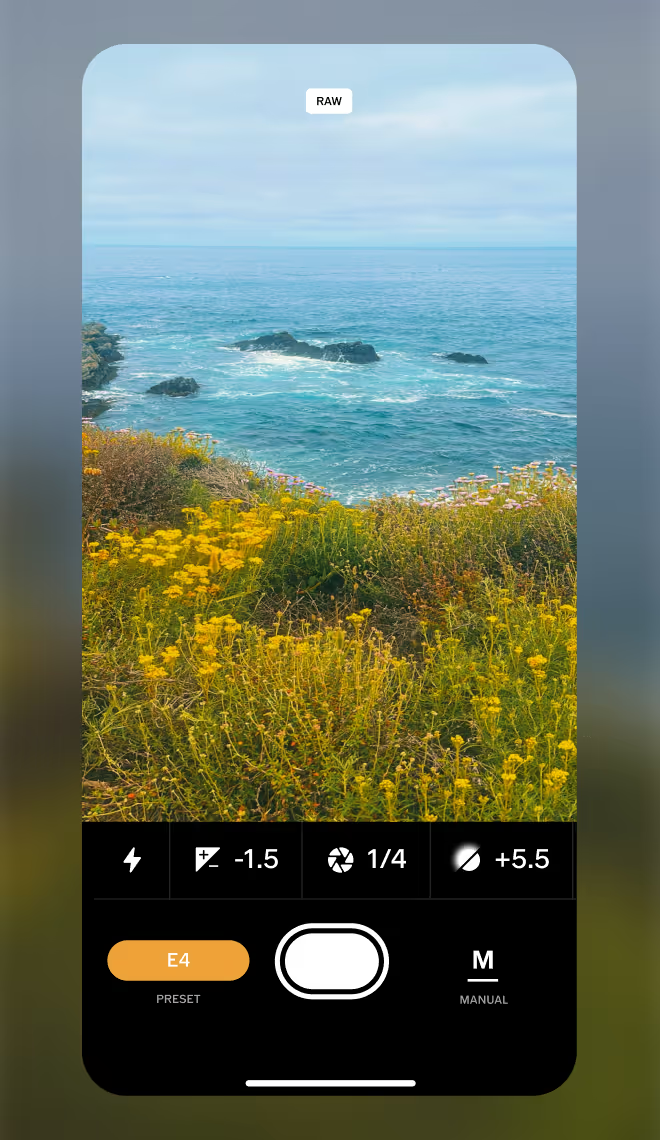
Dial in your look with precise manual controls and high-quality RAW capture. Easily toggle flash modes and get the perfect exposure by adjusting ISO, white balance, and shutter speed.
Bloom and Halation
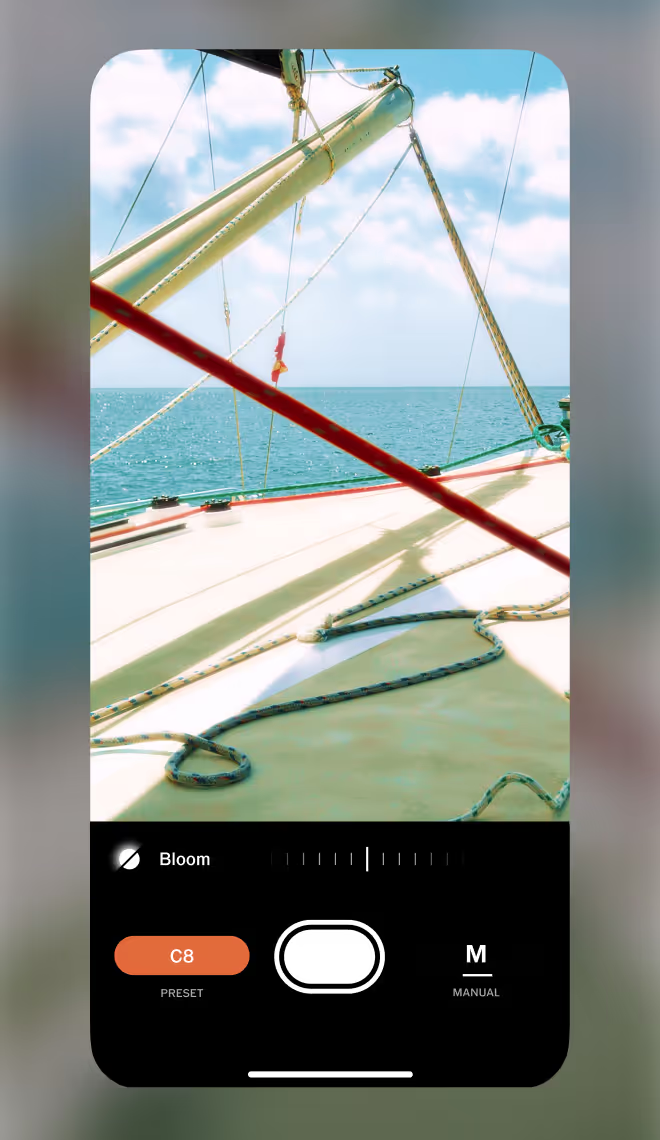
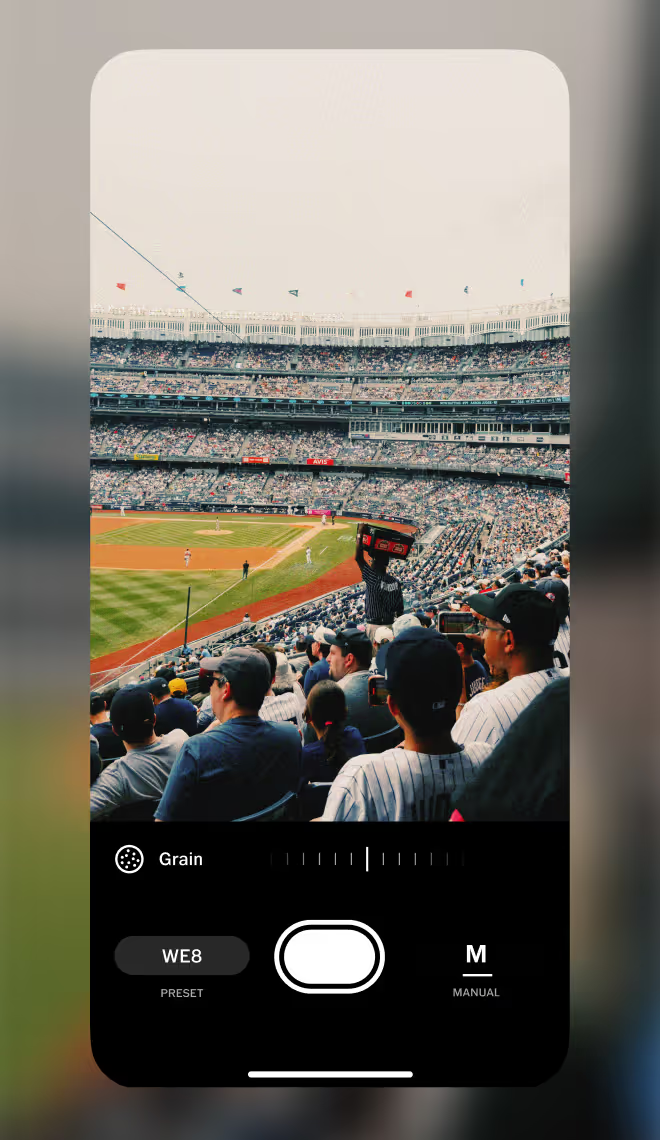
Film Grain
Add film-like texture as you shoot and customize your look with dedicated with Strength, Size, and Color sliders. See your adjustments in real time and effortlessly create a classic film aesthetic.
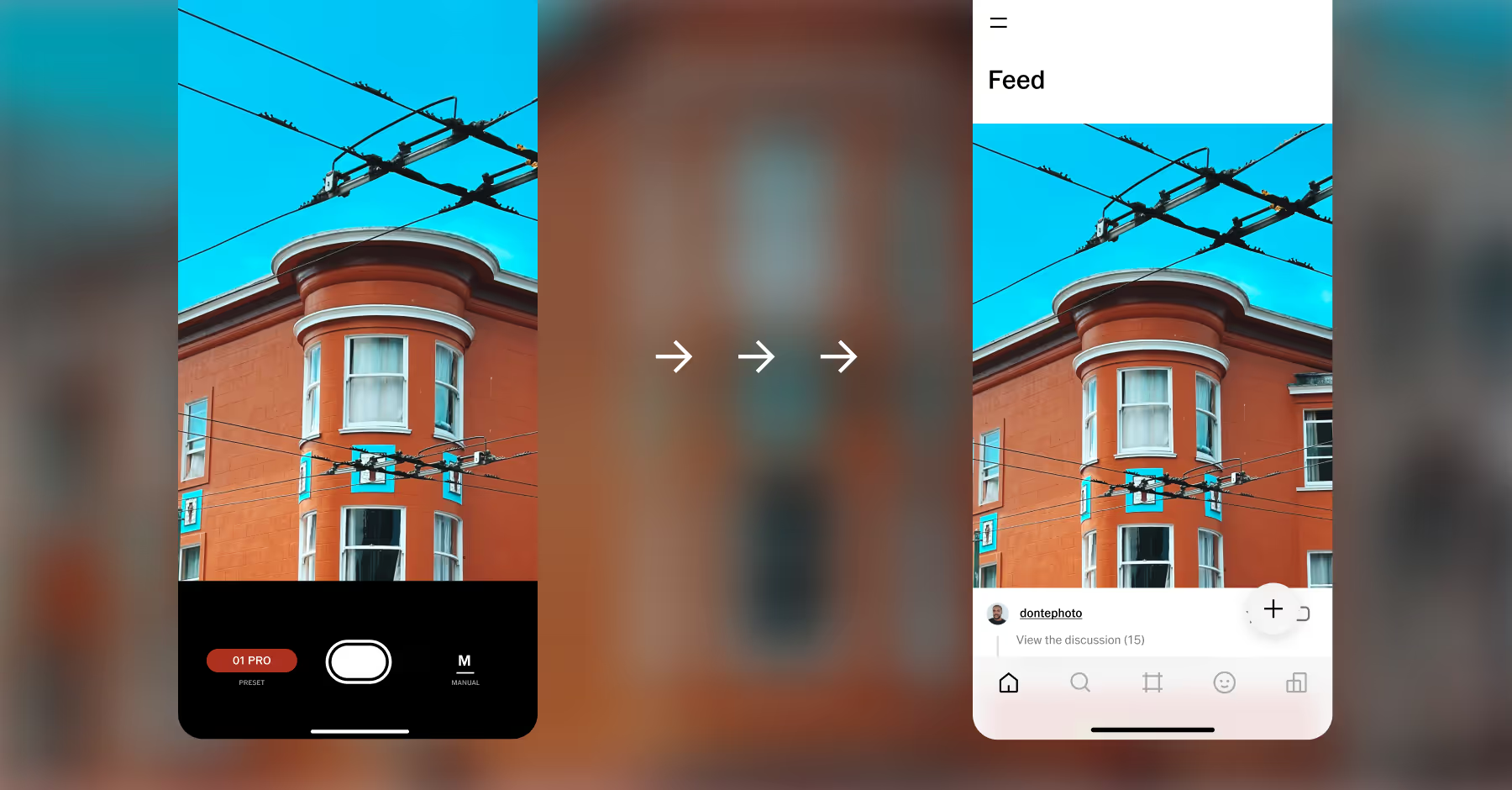
Edit and share
Post to your VSCO profile in one tap and edit seamlessly with instant exporting to the VSCO app — where you can fine-tune your photos with even more powerful tools and presets.
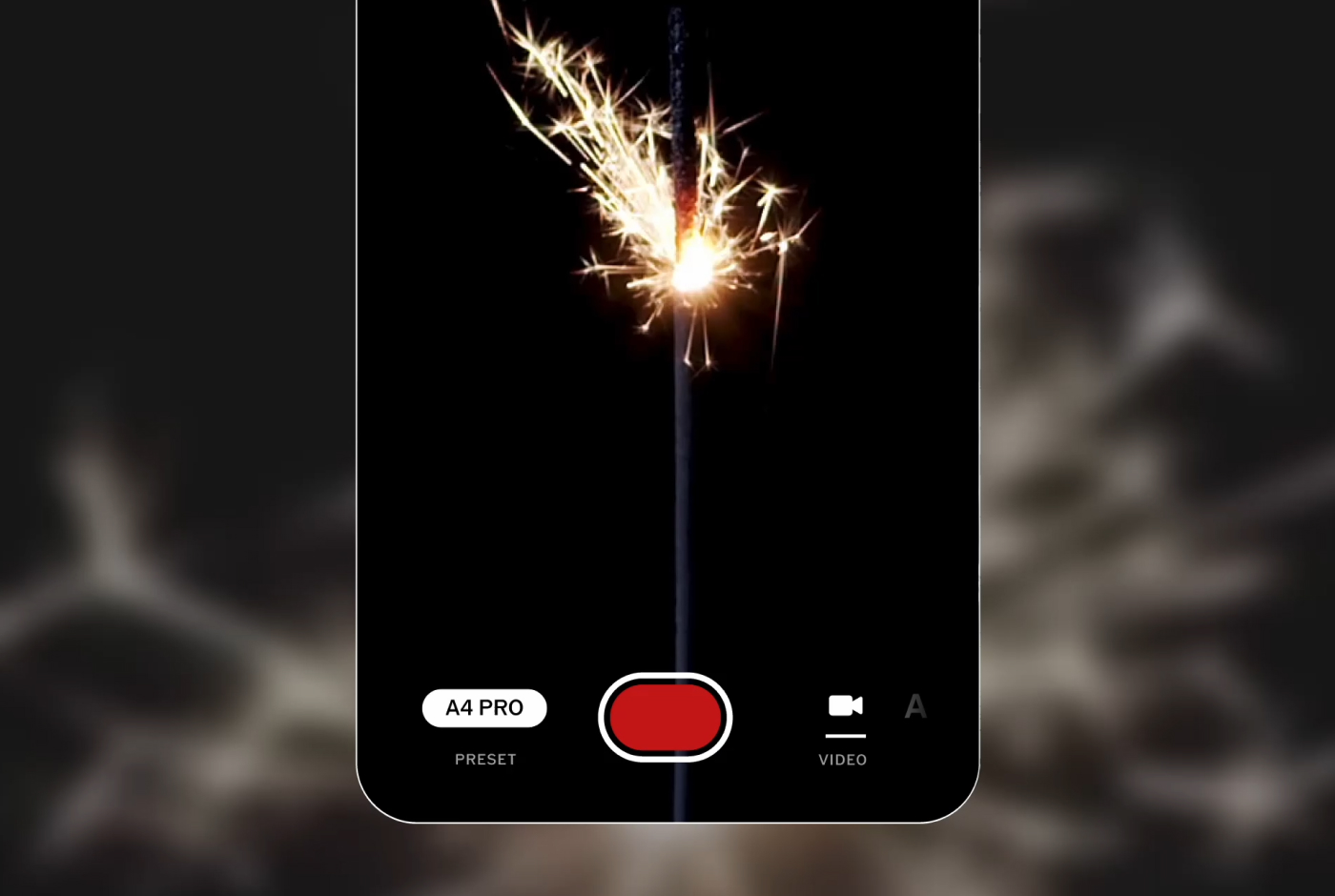
Film with live presets
Record video in VSCO Capture with the presets and creative control you love — instantly and authentically.
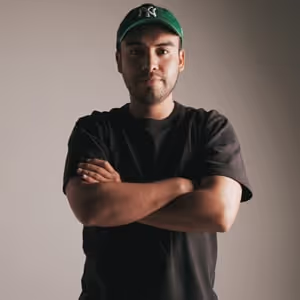
“The presets deliver incredible results straight out of camera, and I love that I can adjust the intensity in real time.”
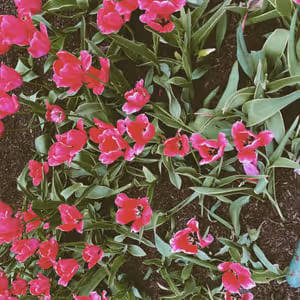
“What I really like is the dedication to film emulation. Seeing how the app is trying to bring a historical homage to film has been really interesting.”
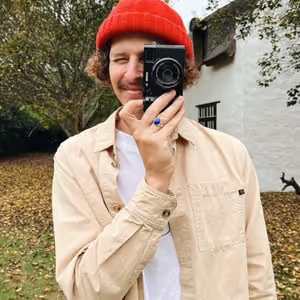
“Shooting with presets already applied minimized my editing time. For me, the real special moments always happen in the moment.”
Frequently asked questions
What is the VSCO Capture camera app?
VSCO Capture is a free camera app for iPhone that lets you shoot with live camera filters, manual controls, and film camera effects, all in real time.
Can I use VSCO’s filters while taking a photo?
Yes, VSCO Capture is a live camera filter app that lets you apply camera presets as you shoot, so you can lock in your look before you tap the shutter.
Can I record videos with VSCO Capture?
Yes, you can record videos with VSCO Capture using live video filters. While effects and manual camera controls aren’t available for video, live VSCO presets let you preview your look in real time and capture a consistent style as you record.
What live camera filters are available in VSCO Capture?
VSCO Capture includes over 50 live camera filters inspired by vintage and retro aesthetics, film photography, and editorial looks so you can preview your aesthetic in real time.
Does the VSCO camera have manual controls?
Photos can be automatically saved to your photo library or stored in your VSCO Capture Gallery, depending on your preferences. To adjust these settings, open Camera Settings from the top-left menu and choose your auto-save options. You can also export photos from your Gallery to the VSCO app with a single tap, where Pro Members can cloud sync their images across mobile and desktop and continue editing with advanced tools, including Pro presets, film effects, and more.
Can I shoot in RAW with VSCO Capture?
Yes, VSCO Capture is a free camera app that supports RAW and ProRAW formats, giving photographers high-quality image files ideal for editing and preserving details. Tap the file format icon at the top of the camera screen to select between HEIC, JPEG, RAW, ProRAW, as well as resolution settings like 12 MP and 48 MP.
How do I adjust exposure in the VSCO camera?
There are a few ways to adjust exposure as you’re shooting with VSCO Capture. Tap anywhere in your live composition to focus and slide to adjust the exposure up or down. You can also adjust with the exposure compensation dial, just look for +/- icon when in Manual (M) mode. For even more control, you can dial in a custom shutter speed and ISO to fit your scene. You always adjust exposure later in the VSCO photo editor app as well.
Can I take grainy pictures with my iPhone?
Yes, you can easily add film grain when you take photos with VSCO Capture, a free camera app for iPhone. Take grainy pictures and apply other film effects like Bloom and Halation, all in real time.
Are VSCO Capture photos saved automatically?
Photos can be automatically saved to your photo library or stored in your VSCO Capture Gallery, depending on your preferences. To adjust these settings, open Camera Settings from the top-left menu and choose your auto-save options. You can also export photos from your Gallery to the VSCO app with a single tap, where Pro Members can cloud sync their images across mobile and desktop and continue editing with advanced tools, including Pro presets, film effects, and more.
Can I take double exposure photos with VSCO Capture?
VSCO doesn’t currently support double exposure directly in the VSCO Capture camera app, but you can create the look using layering Collage tools in the VSCO photo editor.
Is the VSCO Capture camera app available on Android?
VSCO Capture is currently available as an iPhone camera app only and is not yet available on Android.
What’s the difference between my phone’s default camera and VSCO Capture?
VSCO Capture is a free camera app that gives you more creative control than most default phone cameras. With live filters, RAW support, manual controls, and vintage film effects, you can capture images your way and make all post-processing decisions, rather than relying on automatic adjustments that often overpower your vision.
Do I need to create a VSCO account?
Yes, you’ll need a VSCO account to use VSCO Capture. Creating one gives you a seamless experience across both VSCO Capture and the VSCO photo editing app, making it easy to import your photos and access even more creative tools.
MORE WAYS TO SHOOT AND EDIT
Capture images and videos with real-time camera filters to see your style as you create, then refine your images in the VSCO photo editor app with tools like Exposure.
CAMERA FILTERS
Shoot with VSCO presets in real time with VSCO Capture app and shape your look from the start, not just in the edit.
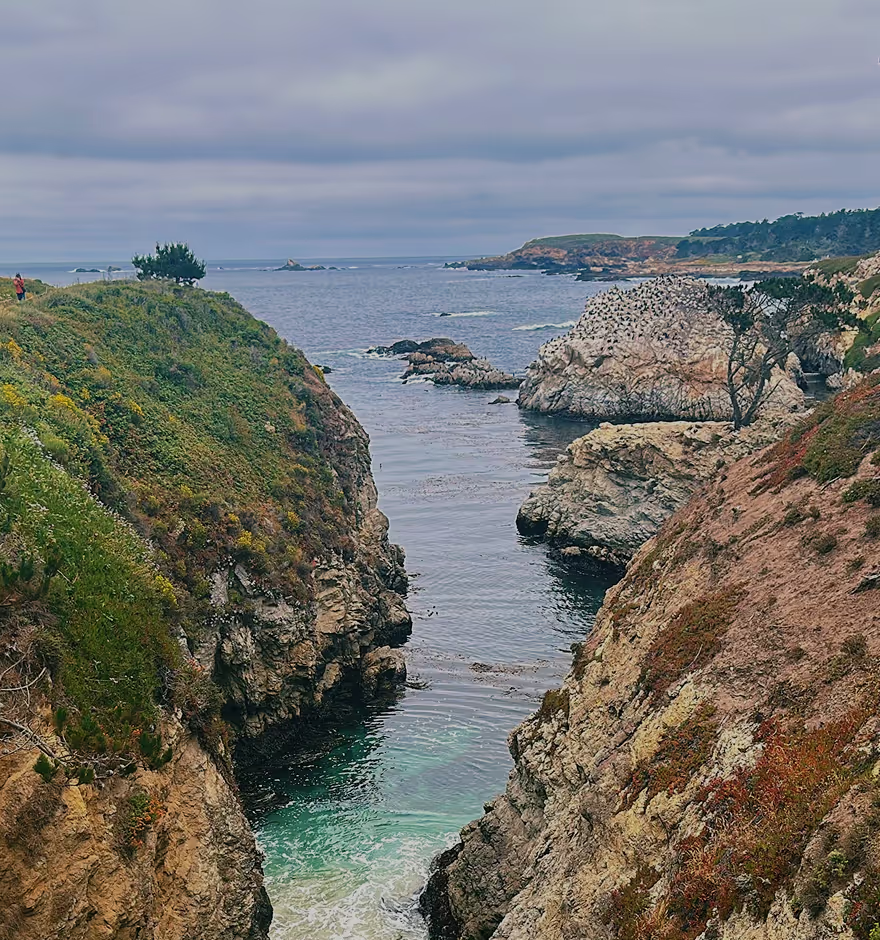
PHOTO EDITOR
Seamlessly add the pictures you take in VSCO Capture to the VSCO photo editor app to continue fine-tuning your look.
Photo EXPOSURE
Didn’t get the perfect shot in camera? Brighten or darken your images with VSCO’s photo exposure editor.