

How to install Yoast SEO for WordPress
Thank you for choosing Yoast SEO for WordPress for your website! In this article, we’ll explain how to install the Yoast SEO plugin on your WordPress website. If you want to use Composer, we have a separate manual on how to install Yoast plugins using Composer.

Free or Premium?
Want to install Yoast SEO Premium? Use the Yoast SEO Premium for WordPress installation manual instead!
How to install Yoast SEO automatically
You can install Yoast SEO for WordPress automatically on your site. Follow the steps below.
- Go to the automatic Yoast SEO installer
- Fill in your site URL and tick the box to accept the Terms of service
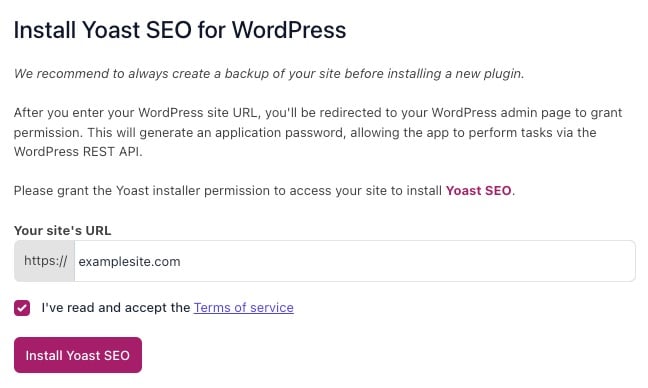
- Click Install Yoast SEO

- Authorize the application and click Yes, I approve of this connection
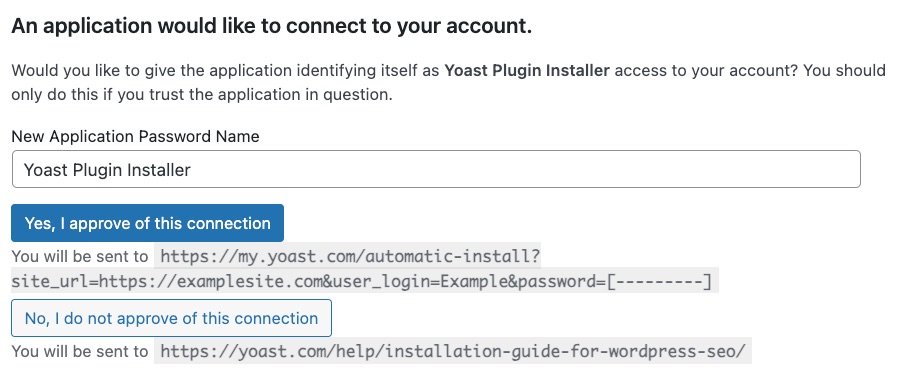
- Complete the installation
Installation may take some time. Did the automatic installation not work? Install Yoast SEO manually instead.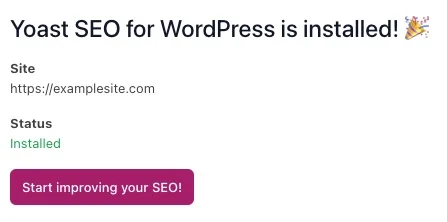
How to install Yoast SEO through Plugins
To install the free Yoast SEO for WordPress plugin on your WordPress site by downloading the plugin through the Plugins menu, follow the steps below.
- In your WordPress Dashboard, go to Plugins
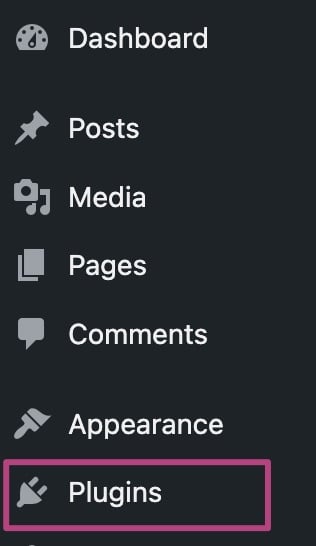
- Click Add Plugin
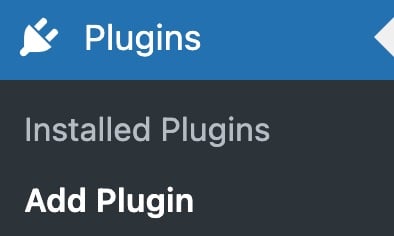
- In the Search Plugins search bar, search for Yoast SEO

- Click Install Now

- Click Activate

- Congratulations on installing the Yoast SEO plugin!
You can now go and configure the plugin.
How to install Yoast SEO through a .zip file
To install the free Yoast SEO for WordPress plugin on your WordPress site by manually uploading a .zip file, follow the steps below.
- In your WordPress Dashboard, go to Plugins
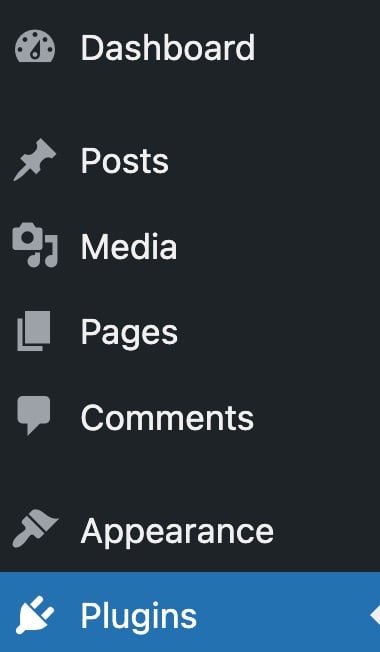
- Go to Add Plugin
- Click Upload Plugin at the top of the screen
The screen will expand with the option to upload plugins.
- Under Choose file, upload the .zip file
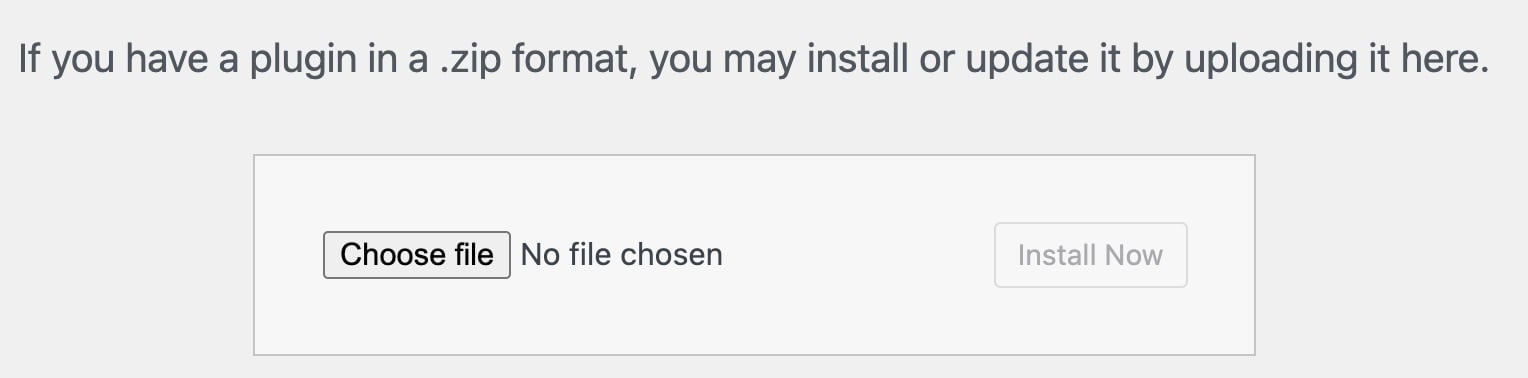
- Click Install Now
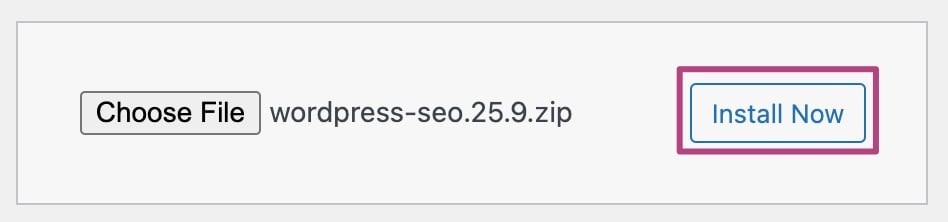
- Click Activate Plugin
After installing the plugin, click on Activate Plugin to complete the installation.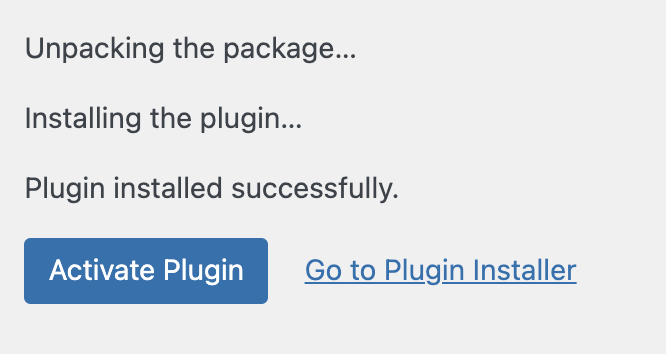
How do I use Yoast SEO for WordPress?
Want to start using Yoast SEO for WordPress immediately? Check out the full Yoast SEO configuration guide, or do the free Yoast SEO Academy course on Yoast SEO for WordPress to get the most out of the plugin!
I have an error installing the Yoast SEO plugin
If you run into problems installing the Yoast SEO plugin, please consult our Common installation and update errors help article.

Get Yoast SEO Premium
Drive more traffic to your site. Use AI to save time doing SEO tasks. Make SEO easier. And get 24/7 support.
Includes Local SEO, Video SEO & News SEO.
Did this article answer your question?
Still having issues?
Try searching for your issue below
