Zen Writing Mode
At GitHub, we love finding new ways to help people get in the zone. Today we’re excited to announce a feature that we hope will do just that. You’ll now…
At GitHub, we love finding new ways to help people get in the zone.
Today we’re excited to announce a feature that we hope will do just that.
You’ll now find a Zen Mode button on every new comment, issue, and pull
request form across the site.

This will immediately launch you into Zen Writing Mode, removing all
distractions so you can focus completely on writing.
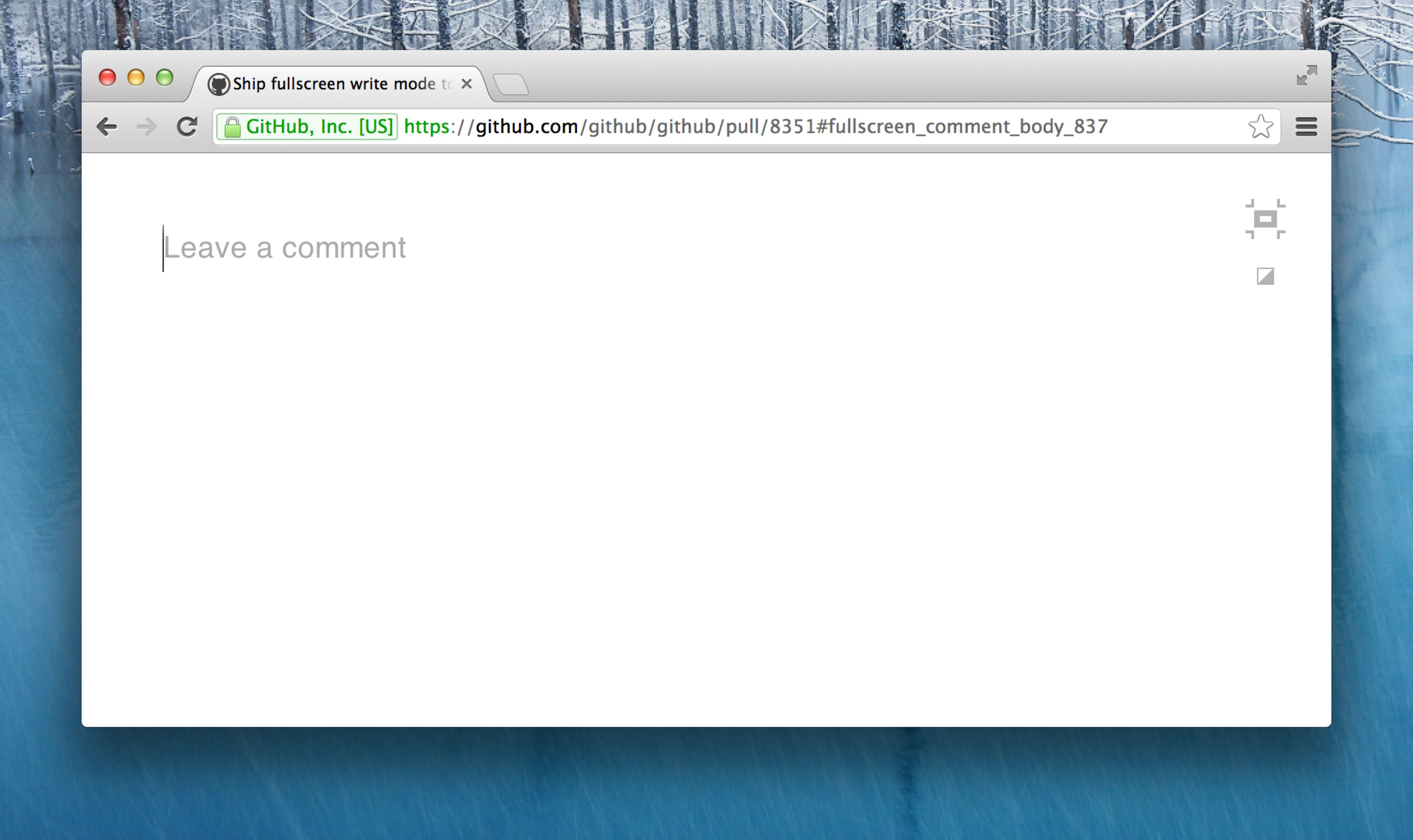
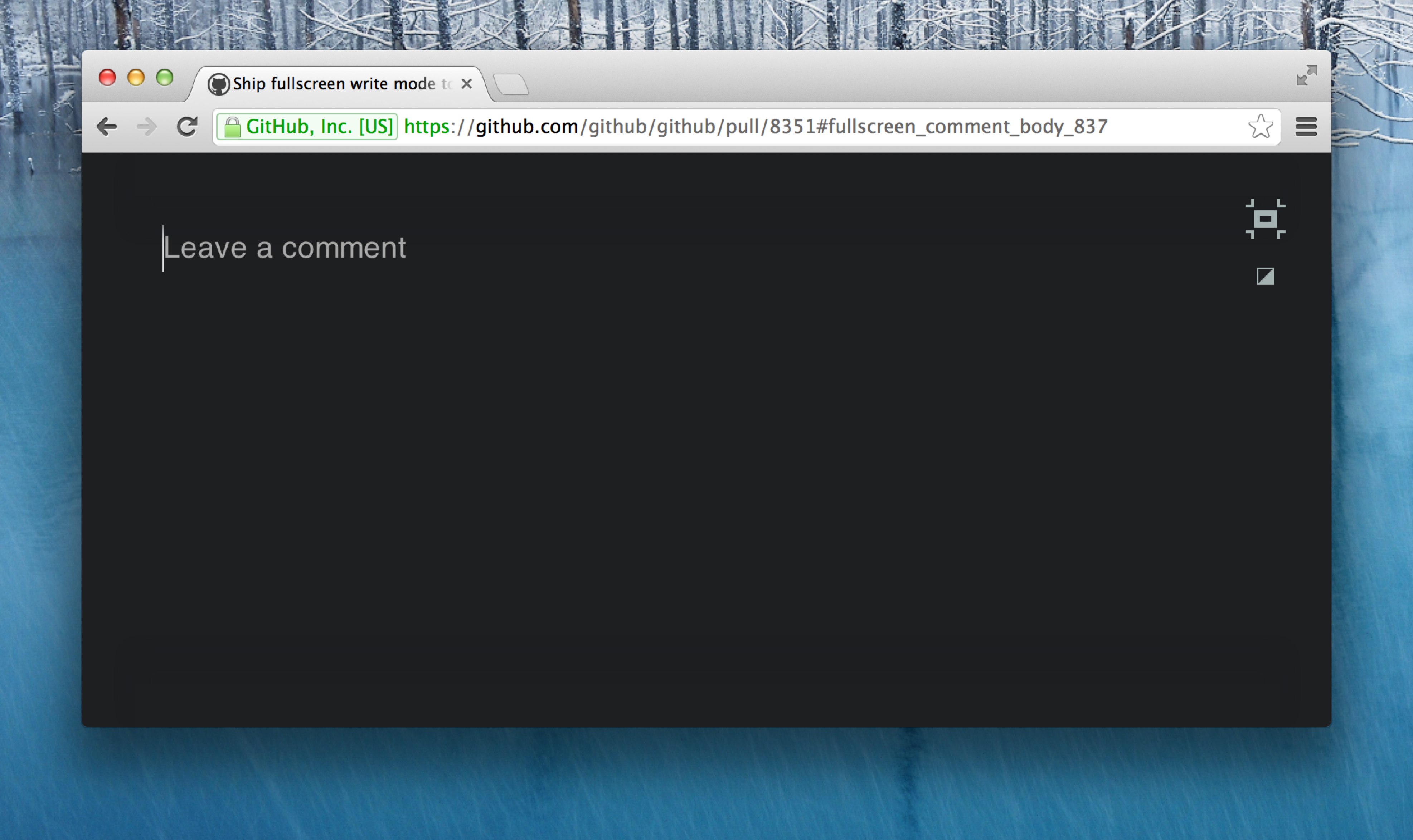
You can choose between two themes—light (above), or dark (below).
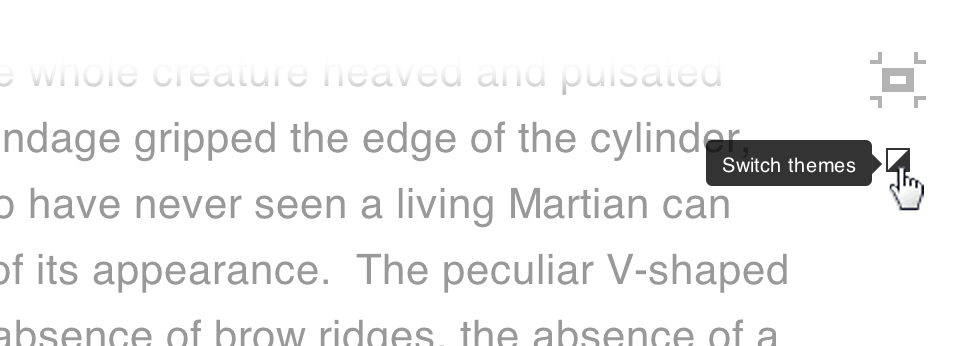
To change your theme, use the switcher at the top right of your window:
Zen Mode file editing
Zen Writing Mode is designed to work best when composing regular content
rather than code, so it’s also a perfect solution for writing documentation
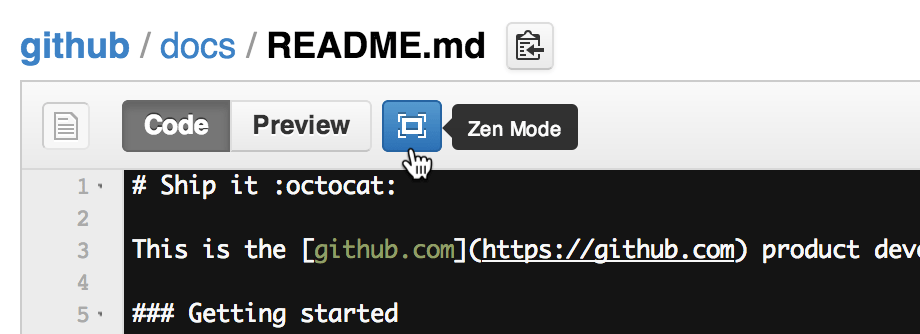
within your projects. For this reason, we’ve made it available when
creating and editing
files. Simply use the Zen Mode button above the file box:
Autocomplete
We all love emoji,
@mentions, and issue
autocompletion, so you’ll be
glad to know that they’ve all been invited to the party.

Written by

Related posts

Your stack, your rules: Introducing custom agents in GitHub Copilot for observability, IaC, and security
Use partner-built Copilot agents to debug, secure, and automate engineering workflows across your terminal, editor, and github.com.

The ultimate gift guide for the developer in your life
Finding the perfect gift for your favorite developer is easy with our top tips.

Why developers still flock to Python: Guido van Rossum on readability, AI, and the future of programming
Discover how Python changed developer culture—and see why it keeps evolving.
