#192: Git Tricks for Getting Yourself Out of Trouble
As amazing as Git is for handling your source code, you can certain git (lol) yourself into trouble. What if you make a change to a file and you want to get rid of the change? What if you just …
The merits of Git as a version control system are difficult to contest, but while Git will do a superb job in keeping track of the commits you and your teammates have made to a repository, it will not, in …
When I was looking through the documentation of git commands, I noticed that many of them had an option for <pathspec></pathspec>. I initially thought that this was just a technical way to say “path,” and assumed that it could …
I just did this the other day so I figured I’d blog it up. There is a thing called Git Large File Storage (Git LFS). Here’s the entire point of it: it keeps large files out of your repo …
The world of software development offers an infinite amount of ways to mess up: deleting the wrong things, coding into dead ends, littering commit messages with typos, are a mere few of the plentitude.
Fortunately, however, we have a …
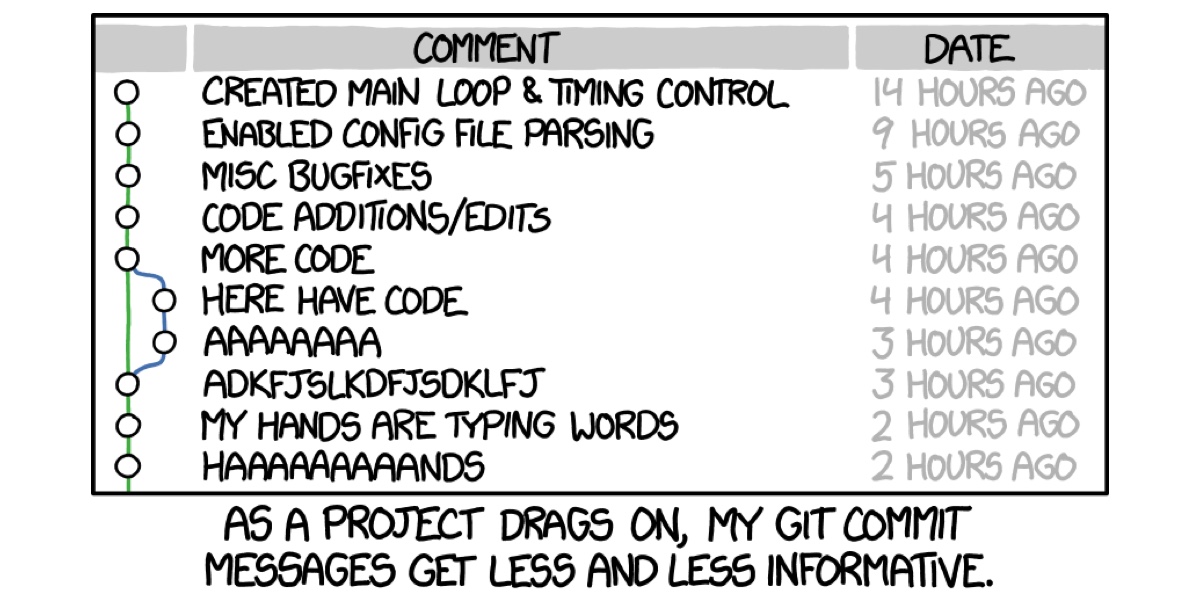
An oldie but goodie, Chris Beams writes about the secret art of writing helpful Git commit messages. Here’s why he thinks it’s so important:
…If you haven’t given much thought to what makes a great Git commit message, it may
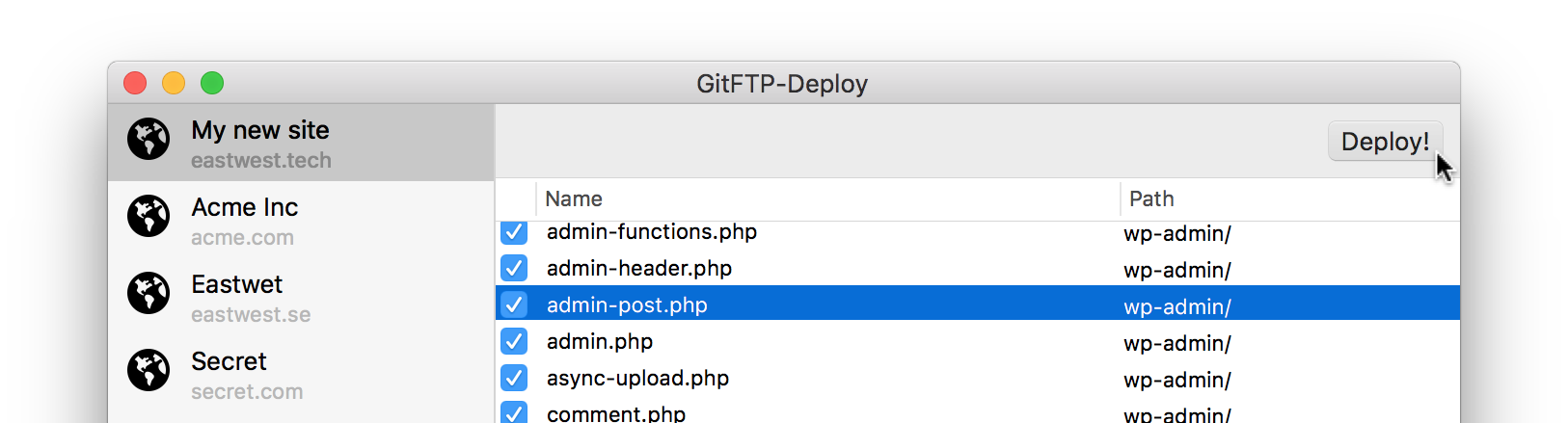
Let's set the scene. Say you are a web freelancer and are almost finished with a client's new website. Over the years, you have learned the hard way not to edit the files directly over FTP. It's too easy to make breaking changes with no record of what changed and who did what. Nowadays you are using Git to manage the version of the files. Let's cover that, and also the last mile: deploying only the files known to be changed to the server.
I got frustrated of not being able to tell the tabs apart as I was working on stuff. So this is my so-dumb-it’s-smart solution.
The only hitch in my gittyup was that I had to add it to .gitignore, which …
Let’s say we’ve just changed some CSS in a file and we want to stage it with Git. …