-
-

HackSpace Logo
-

HackSpace Circular Logo
-
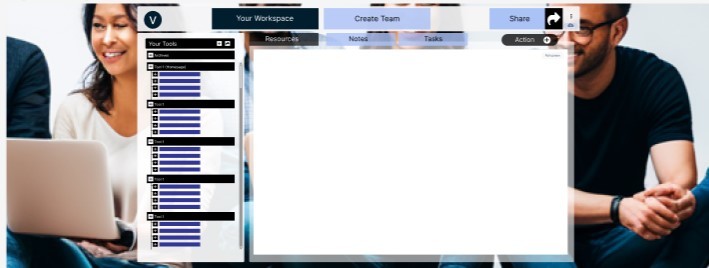
Workspace Image
-
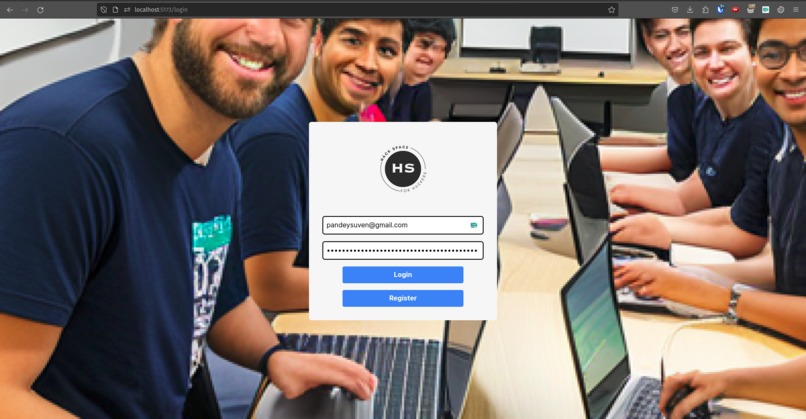
Login page
-
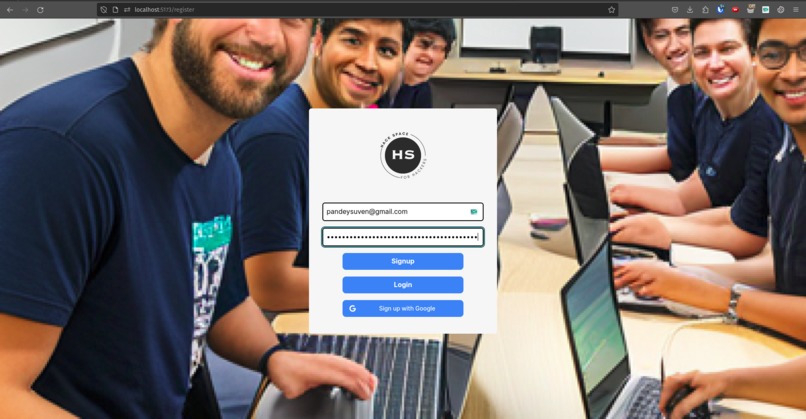
Register page
-
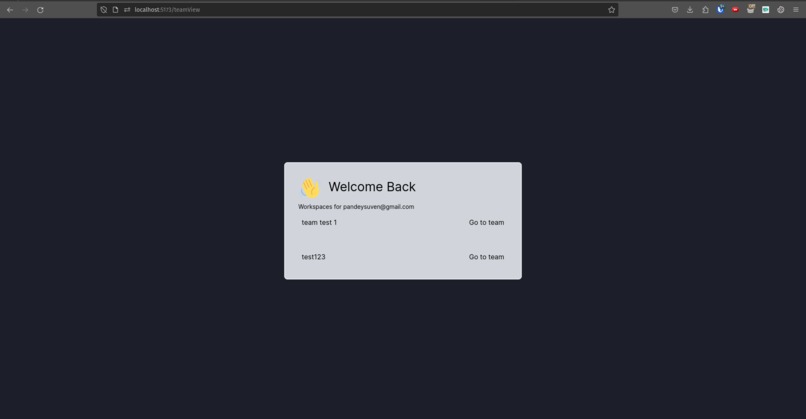
Team list page
-
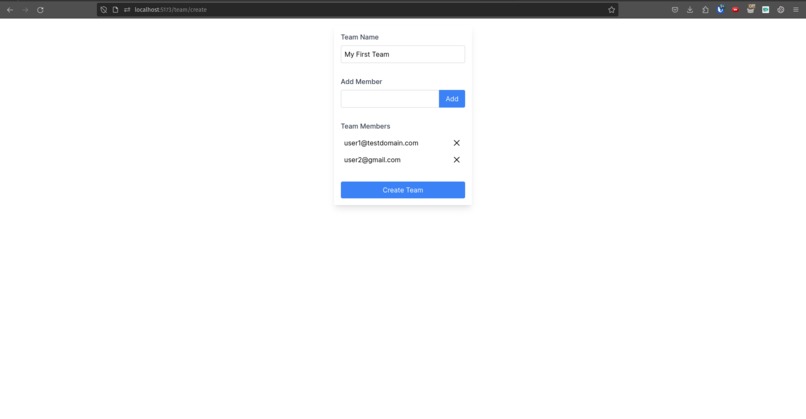
Team create page
-
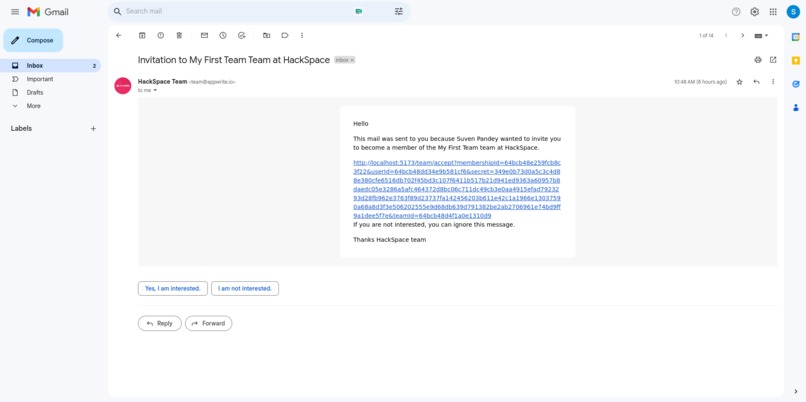
Team Invitation Email
-
-


Inspiration
We have come across various platforms like Workona and Toby (which provides workspace-like features for managing tabs in browser) or Canva (which enables multiple people in a team to collaborate and work on the same project simultaneously) but these products are not Hackathon/Developer specific.
We aim to build a solution that would work like a container holding all the tools a Hacker needs to successfully collaborate and build simultaneously. It will enable teammates to view other's progress without glitches. The idea was to create a Chrome Extension, which was managed using a website but we had to adjust our goal to create a website which will later be available as an extension.
Tools like Workona and Toby are also not easily accessible and affordable, hence our solution- HACKSPACE
DESIGN- Figma
Features
- It will be easily accessible and available for use as a Chrome Extension- Developer Tool. For now our goal is to create a website which will later be available as an extension.
- It is like a container consisting of various tools like-
- Designer Tools like,
- Figma, Moqups, Basalmiq, Invision, Axure, OmniGraffle
- File sharing tools like,
- Dropbox, Google Drive
- Planning and Project Management Tools like,
- Trello, Plan.io, Kanbanize, Jira
- Image editing Tools and Video making/editing like,
- Photoshop, Gimp, Illustrator, Inkscape, Sketch, Pixelmator, Canva or their online alternatives.
- Version Control Tools like,
- GitHub, GitLab etc.
- Libraries for various frameworks like, BootStrap, React, Angular etc.
- Other design tools for fonts, background, CSS etc.
- Documentation tools etc.
- Designer Tools like,
- User can create a workspace for themselves or invite a team.
- Workspace creation involves selecting above mentioned tools from the section- select tools.
- This hack workspace for team will be similar to the working space of Canva where multiple people can work on same project, use same tools (even add more tools as required), make notes, add comments, add tasks, add other actions like creating a new GitHub Repository, creating a new Pull Request, opening a new Figma JamBoard, opening a new or existing Document and more.
- These working spaces can be customized every time teammates/users want to, allowing for flexibility and can also be saved as a template for making projects of similar type in future.
- Users can duplicate workspace.
- Users can make workspaces private and public as and when required.
- It offers lock, hide and deny access features also, while working in teams.
- At each step users can share the link of current workspace to other team mates and start working from scratch.
- In addition to these distinguishing features, HackSpace will provide, Fullscreen mode, Change Theme options, Create new section option and will be available with Autosave capability.
How we built it
- We built using Front-end Web Development tools like-
- HTML
- CSS
- JavaScript
- TypeScript
- TailwindCSS
- React
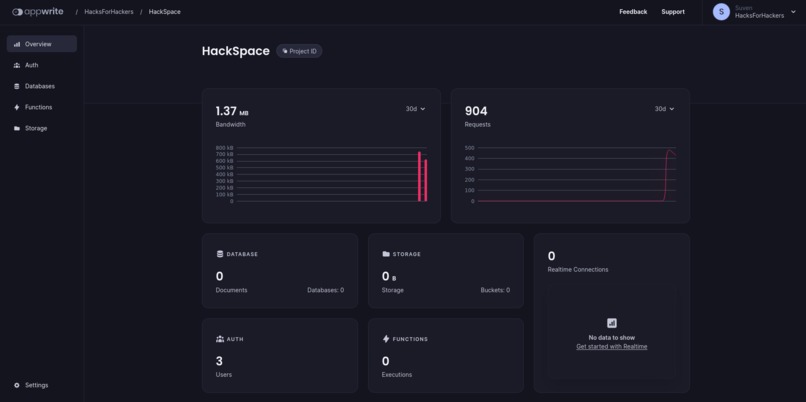
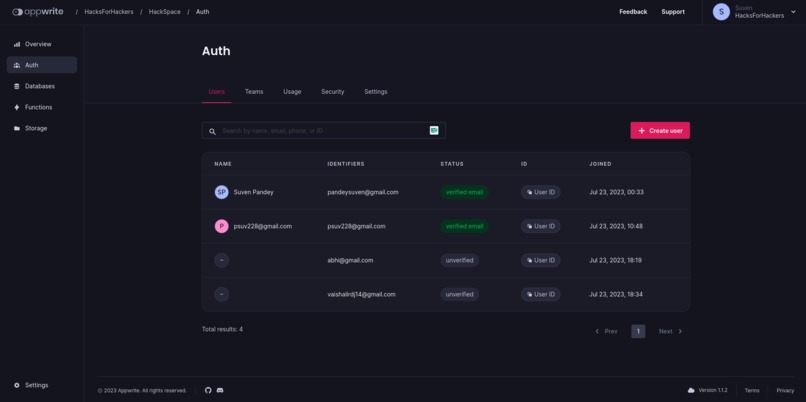
- In the backend we have used Appwrite for strong and smooth working.
- In addition to these frameworks, our team came up with a great design in the very beginning of the Hackathon using tools like Figma and Canva
Challenges we ran into
Throughout the hackathon we felt shortage of time and for a larger part of the hackathon, we had trouble collaborating with each other. We had to always keep in mind to first build the MVP of our project. Oath with google was very confusing.
Accomplishments that we're proud of
Initially we had trouble brainstorming an idea and begin building since, many of our team members were first time hackers. But we were able to come up with an idea early and managed to build the MVP.
What we learned
The most valuable skill that we learnt is time management, focusing on first building the MVP and collaborating more actively with each other.
What's next for HackSpace
- HackSpace needs to made available as a chrome extension for everybody's use. Currently we have just built the website.
- We have not been able to implement some of the functionality claimed above, we aim to implement them.
- We aim to add more tools apart from GitHub and Figma for future use.
- We aim to implement auto-save functionality in the future.
Built With
- appwrite
- css
- html
- javascript
- react
- tailwindcss
- typescript


Log in or sign up for Devpost to join the conversation.