Image

The Events Calendar

The Original Calendar for WordPress

Power your events for free with The Events Calendar, or upgrade to Pro to unlock recurring events, views, premium support, and more.

Free

Get started with our flagship calendar plugin for free.

Free Forever Essential features:
  • Month, list & day view
  • Fully responsive
  • Categories & tags

Pro

Image

Go beyond the basics with extra features and premium support.

$149

Includes updates & support for 1 year

$299

Includes updates & support for 1 year

$499

Includes updates & support for 1 year

$499

Includes updates & support for 1 year

$999

Includes updates & support for 1 year

Everything in the free plugin, plus:
  • Premium support
  • Additional calendar views
  • Recurring events
  • Elementor widget compatibility
  • Custom fields
  • Advanced widgets
  • Location search
  • Events Manager

Want a closer look?

Take the calendar for a spin!
Image
Image
Image
Image
Image
Image
Image

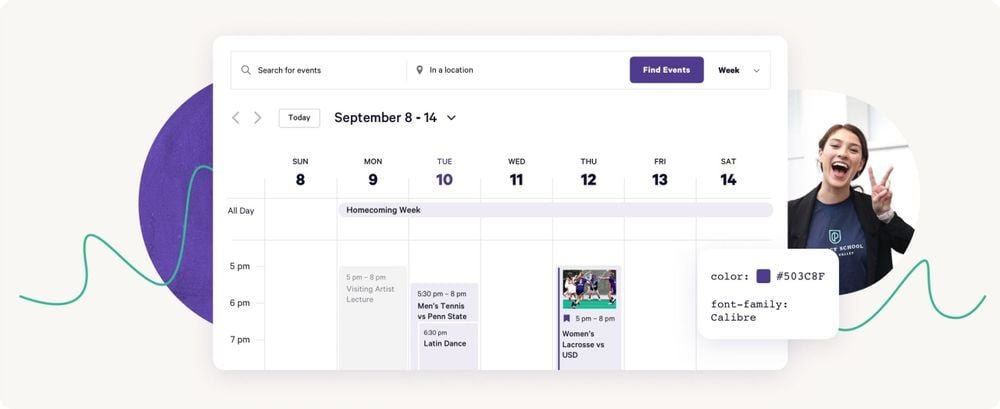
Highlight your events with multiple views.
Image

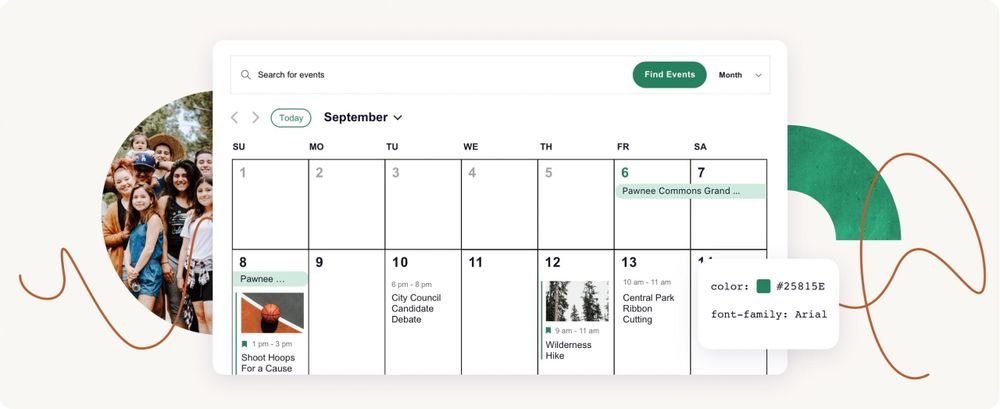
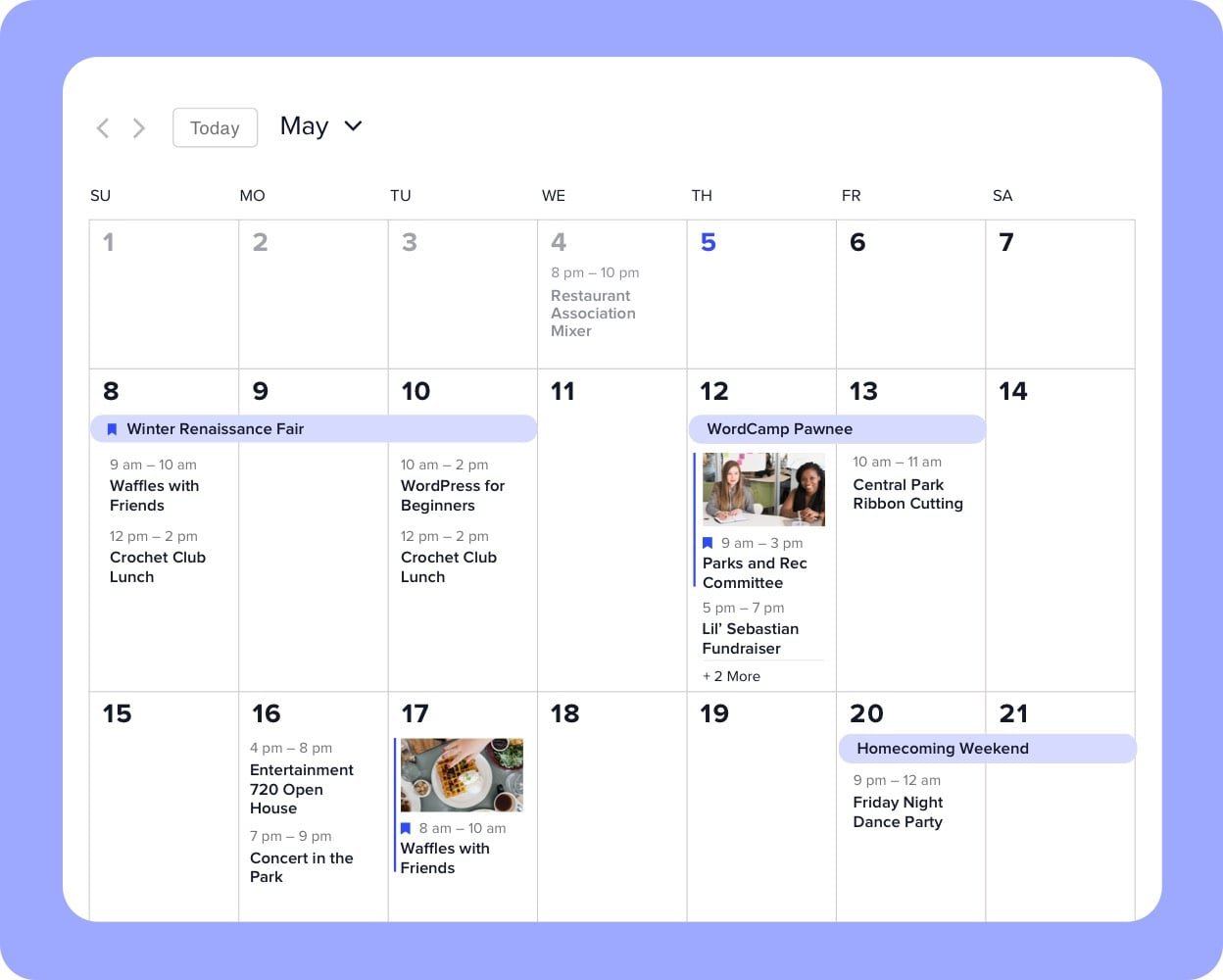
A classic calendar view to display a whole month of events.
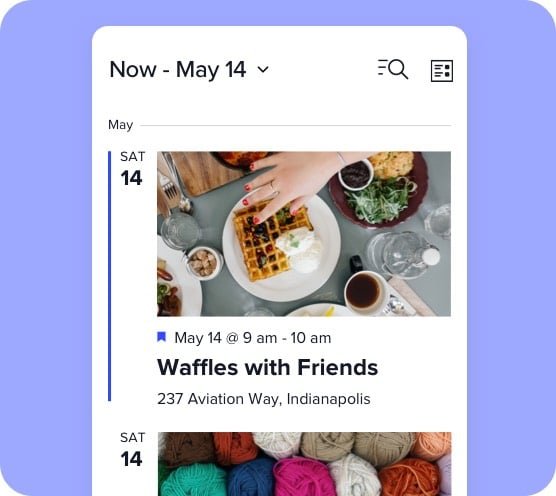
Image

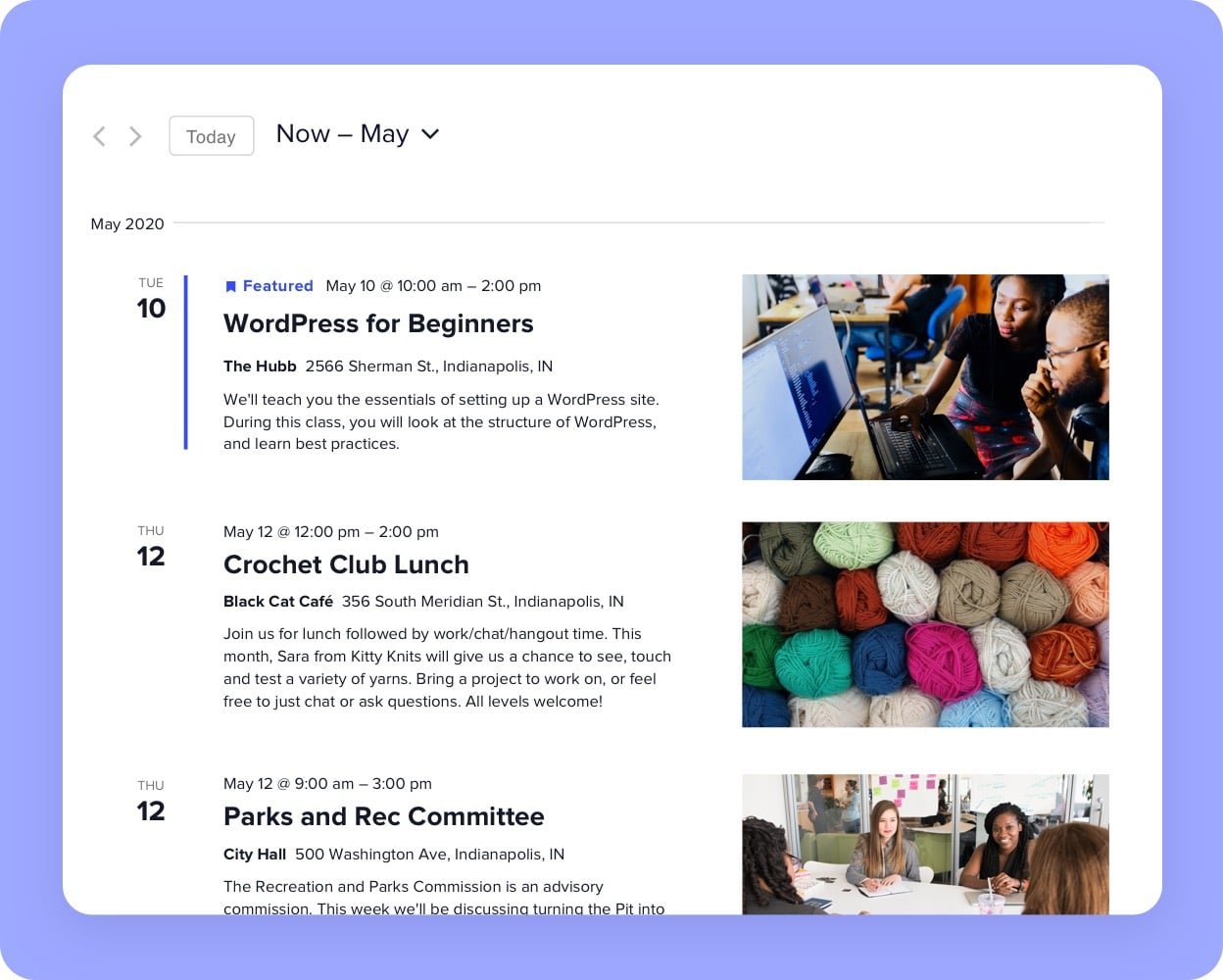
The perfect at-a-glance view of all your upcoming events.
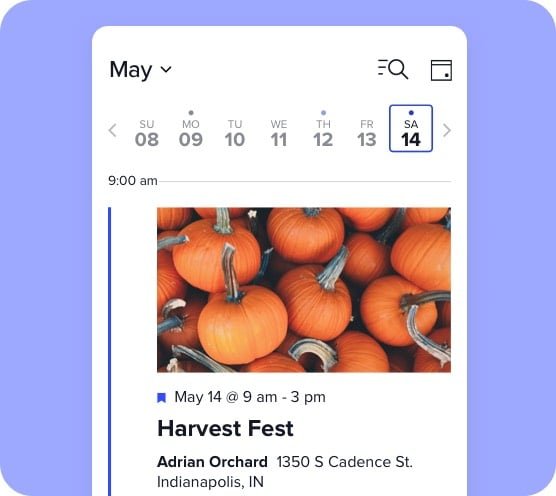
Image

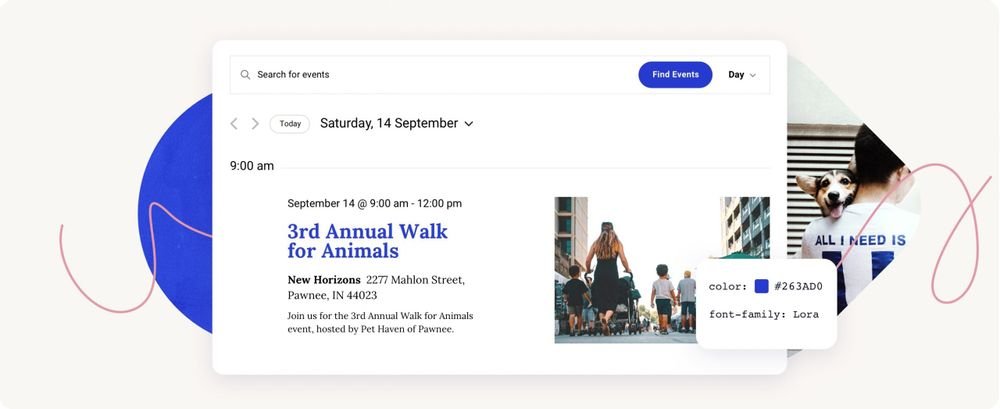
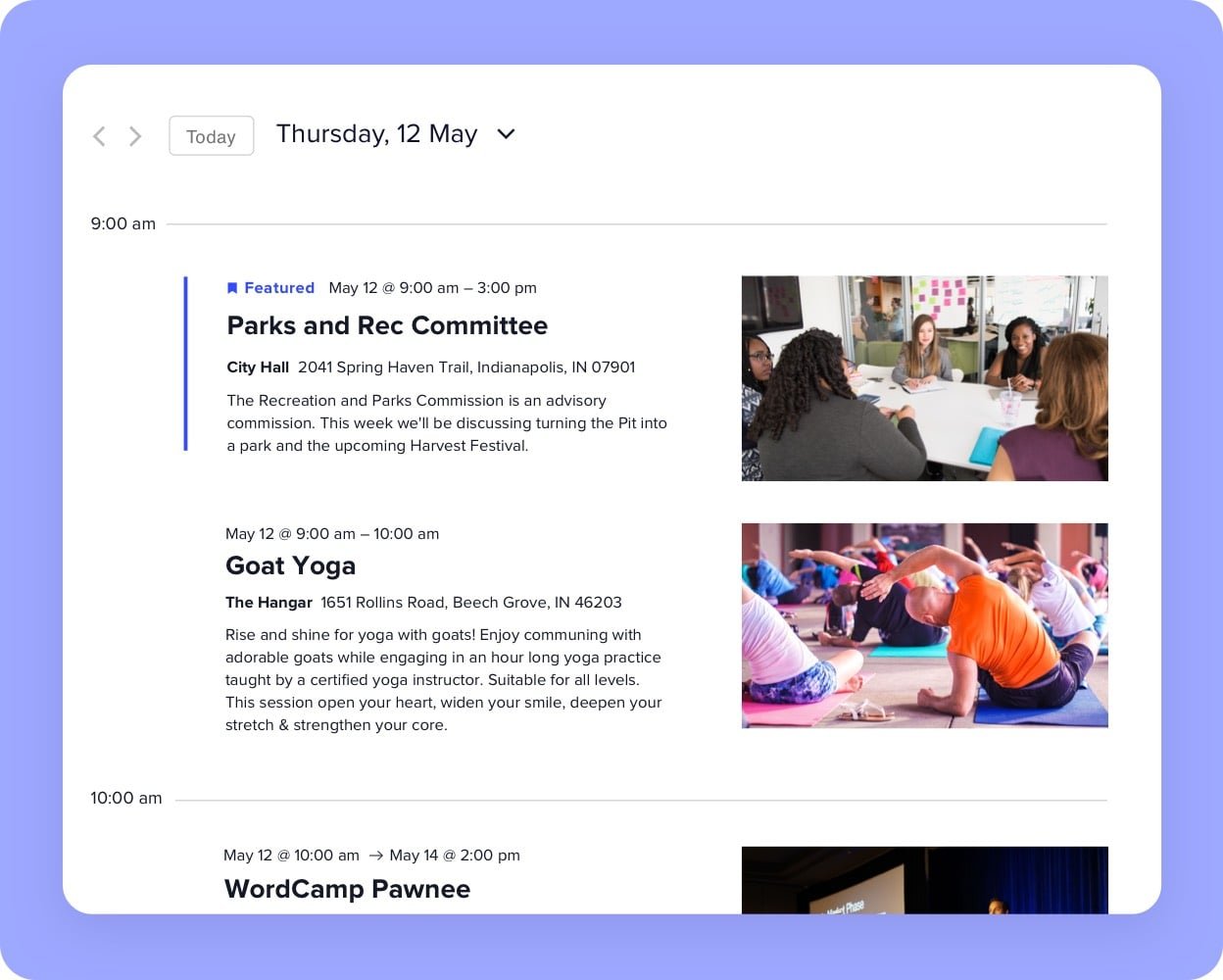
Give your audience the full rundown of all events occurring on the same day.
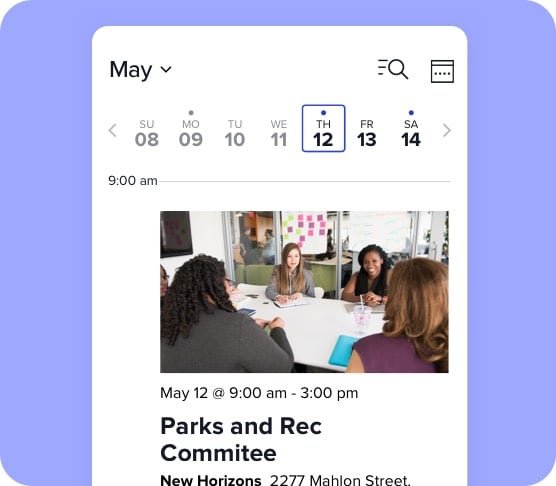
Image

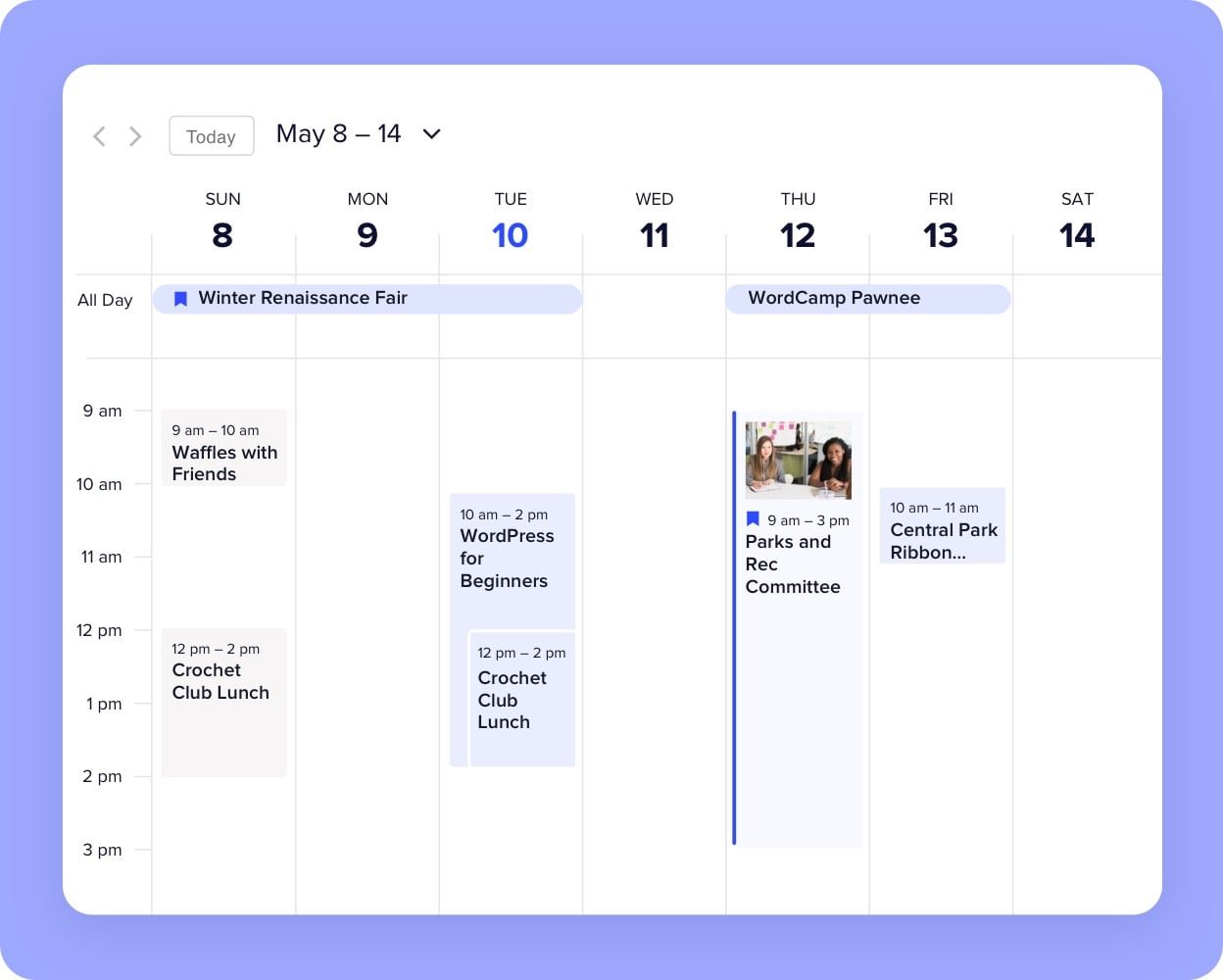
Take it one week at a time with this view that works great for recurring events.
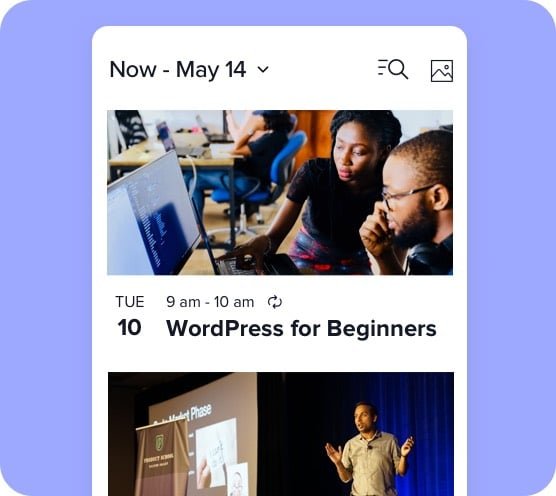
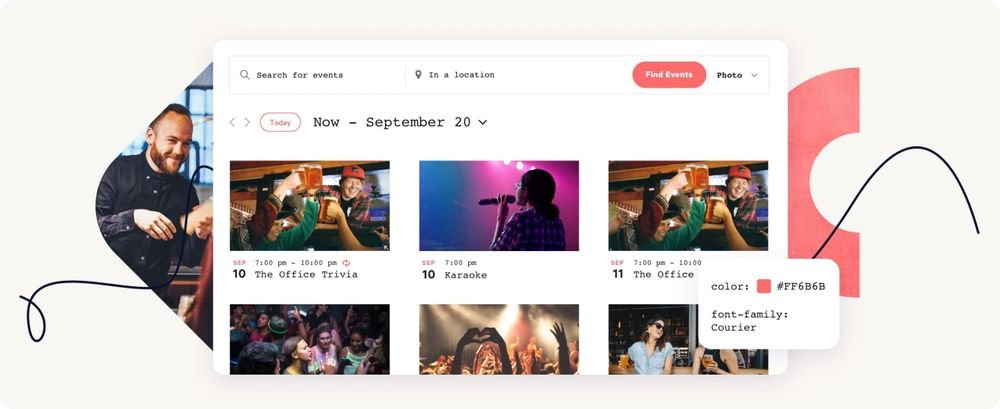
photo-view-mobile

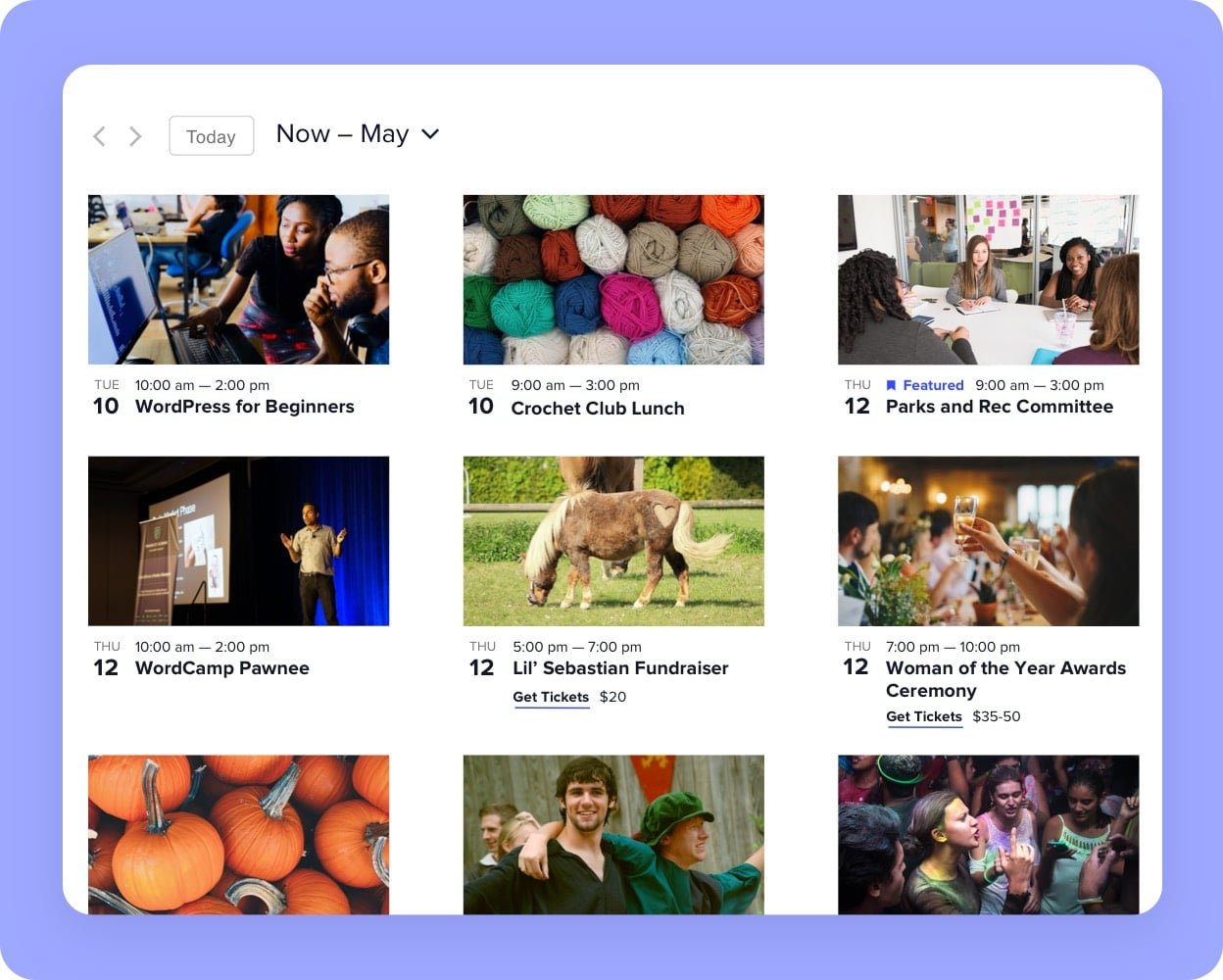
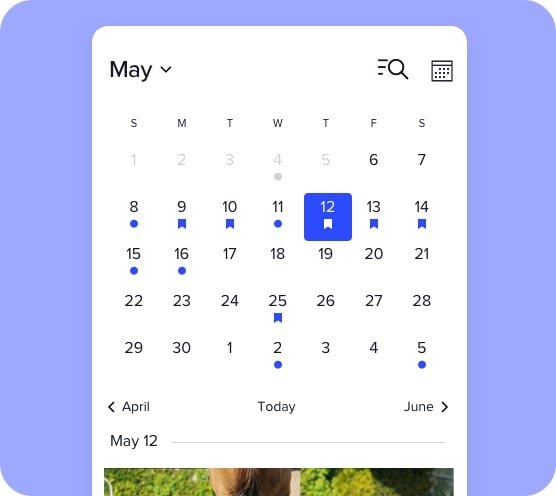
Photo view puts eye-catching event images first—perfect for mobile.
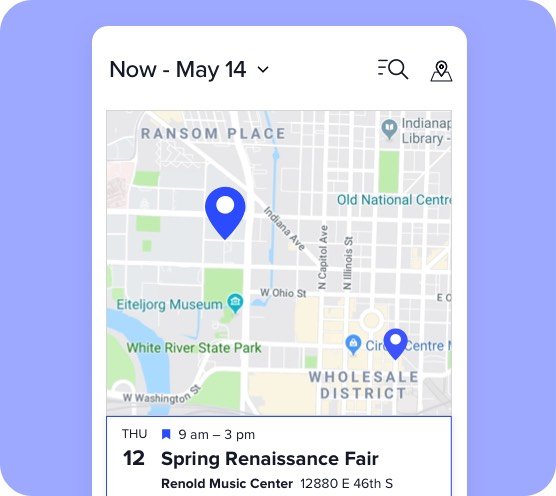
Image

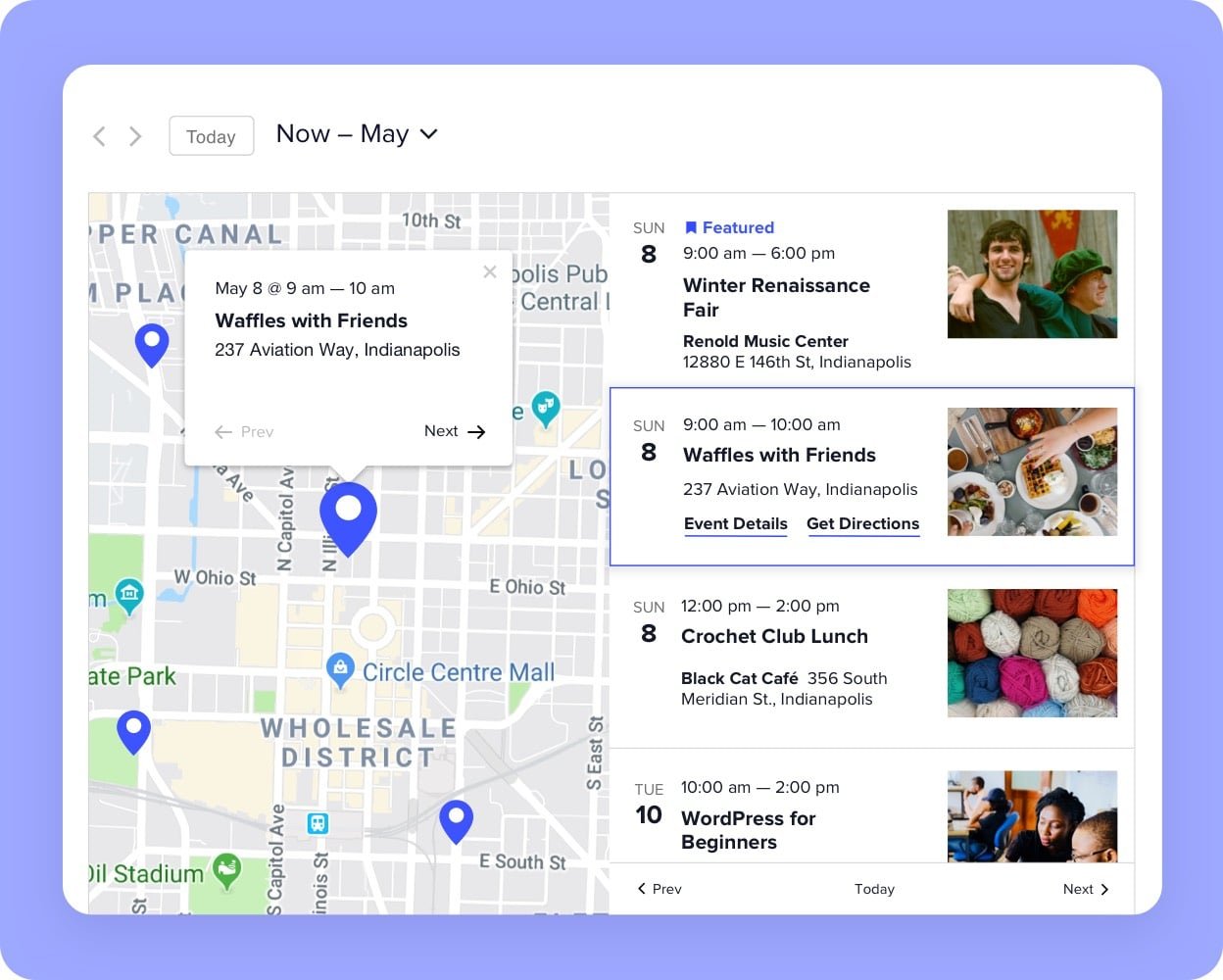
Create a stellar map view of your events using Google Maps.
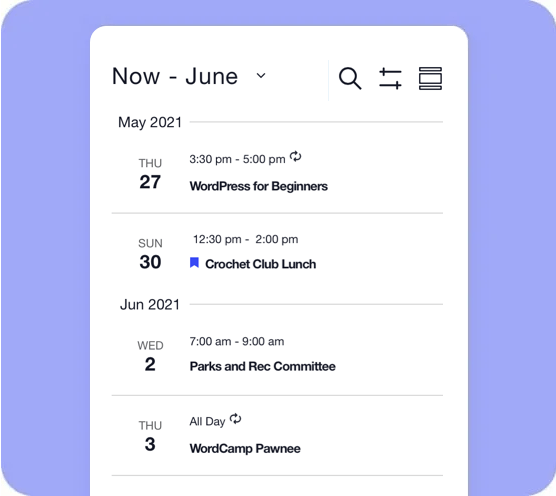
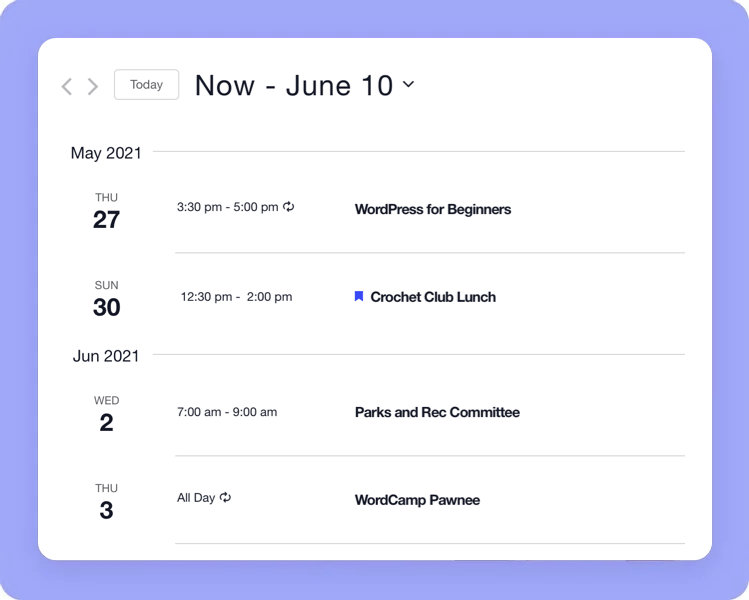
Showing the calendar summary view on a mobile phone screen with the date range in large type at the top, followed by a month header and events listed on individual dates through the month of June 2021. Each event displays the title, starting time and ending time.

Lets users easily scan through what you have coming up, without any unnecessary information in the way.

The Events Calendar features

Image

Customizable

Our developer-friendly code is completely customizable so you can create the exact calendar you want.
Image

Subscribe to your calendar

Easily import events from other calendars with our CSV importer. Users can subscribe to event updates with iCalendar or Google Calendar.

Image

Time zone support

Set the time zone for your events and keep everyone on the same schedule.
Image

Multiple views

Choose between flexible calendar views and display your events by day, month, or in a list. Each view integrates seamlessly with your WordPress theme.

Image

Featured events

Shine a spotlight on specific events to drive engagement and increase attendance.

Image

Recurring events

Image

Our developer-friendly code is completely customizable so you can create the exact calendar you want.
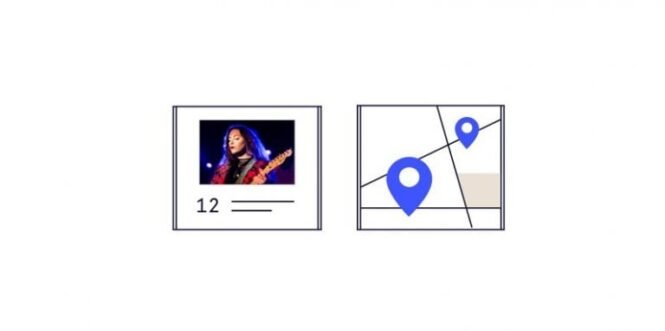
Illustration of calendar views

Additional views

Image

Show off your events in a photo grid, on a map, by week, or in summary, in addition to all the standard views that come with The Events Calendar.
Image

Shortcodes & blocks

Image

Use shortcodes and blocks to embed a calendar or event anywhere on your site, display event countdowns, or highlight featured venues.

Illustration of a widget area

Advanced widgets

Image

Share events from any spot on your website with widgets to display mini calendar grid view, upcoming events, featured venues, and event countdowns.
ea-feature-MS Power Automate

Event Automator

Image

Zapier and MS Power Automate integrations let you connect with thousands of the most popular apps.
Image

Virtual Events

Image

Highlight virtual and hybrid events on your calendar and integrate with your favorite online meeting tools.

Image

Livestream embed

Image

Keep traffic right on your site by embedding your YouTube Live or Facebook Live (or pre-recorded video) link and more.

We’re here for you with hands-on support, as part of Events Calendar Pro

Image

Why go Pro?

When events are your business, you need a calendar with more than the basics. Events Calendar Pro has all the features you need (and none of the junk you don’t).

Feature Free
Pro
Month View
Included with the free plugin
Included with pro
List View
Included with the free plugin
Included with pro
Day View
Included with the free plugin
Included with pro
Events List Widget
Included with the free plugin
Included with pro
Saved Content
Included with the free plugin
Included with pro
Keyword Search
Included with the free plugin
Included with pro
Ajax Loading
Included with the free plugin
Included with pro
Subscribe with iCal / Google Calendar
Included with the free plugin
Included with pro
Event Status
Included with the free plugin
Included with pro
Responsive Design
Included with the free plugin
Included with pro
Premium Support Access
Not included in the free version
Included with pro
Recurring Events and Series
Not included in the free version
Included with pro
Week View
Not included in the free version
Included with pro
Photo View
Not included in the free version
Included with pro
Map View
Not included in the free version
Included with pro
Summary View
Not included in the free version
Included with pro
Calendar Shortcodes
Not included in the free version
Included with pro
Custom Event Fields
Not included in the free version
Included with pro
Elementor Widget Compatible
Not included in the free version
Included with pro
Additional Calendar Widgets and Blocks
Not included in the free version
Included with pro
Venue & Organizer Pages
Not included in the free version
Included with pro
Locations Search
Not included in the free version
Included with pro
Events Manager
Not included in the free version
Included with pro
Filterbar Support for Shortcodes & Event Manager
Not included in the free version
Included with pro
Series Page
Not included in the free version
Included with pro
Duplicate Events
Not included in the free version
Included with pro
Zapier Automations
Not included in the free version
Included with pro
Virtual & Hybrid Events
Not included in the free version
Included with pro
Integration with Zoom, Teams, Google Meet, WebEx
Not included in the free version
Included with pro
Live-stream Embed Youtube & Facebook
Not included in the free version
Included with pro

Frequent Updates

When you purchase one of our plugins, you’re also getting access to new features, bug fixes, and support.

Tested Design

We don’t just design plugins that look good. Our tools are also intuitive and delightful to use. We rely on user feedback to help us make improvements and updates.


Frequently Asked Questions

The Events Calendar is our cornerstone plugin, and it’s required in order to run any of our premium calendar add-ons, including Events Calendar Pro, Community, Filter Bar, and others.

In other words, Events Calendar Pro runs alongside The Events Calendar and enhances it with extra features, including recurring events, additional calendar views, calendar shortcodes, advanced widgets, custom event fields and more.

To keep your plugin up-to-date and retain access to assistance from our support team, yes, you need to renew each year.

However, that doesn’t mean you have to renew in order to keep using our products. Once you download and install our plugins, they’re yours to use as long as you like. But if you don’t renew your subscription, you won’t receive important product updates or support.

Unfortunately, no. However, you can use event categories or tags to create calendar views that only display certain events. For example, you could create a direct link to a calendar view that only shows events categorized as “Fitness,” like this example from our demo site.

With Events Calendar Pro, you can use shortcodes to embed your calendar on other WordPress pages and posts, then filter that calendar by category.

Absolutely! Our Community add-on is designed to facilitate submissions. Install Community alongside The Events Calendar and a page will be added to your WordPress site with a form that visitors can use to submit events. As the calendar owner, you have full control over whether event submissions are published immediately or require moderation first.

Community also lets users create and sell tickets for the events they submit.

You’ll want to use our Event Tickets plugin for that. This free plugin works alongside The Events Calendar and lets you create RSVPs and tickets for events. Event Tickets integrates with PayPal so you can collect payments for tickets.

Nothing. Whether you disable the plugin or uninstall it, your events will remain intact if you re-enable or re-install the plugin later. The plugin will not delete your events unless you tell it to.

Yes! For direct access to support, you’ll need an active paid license for any of our premium plugins.

If you don’t have a license, you’re always welcome to use any of our self-help resources, including our knowledgebaseextensionsrelease notes, and the WordPress.org forums where everyone can help one another.

Installing The Events Calendar is the best way to try it out. This plugin is available for free from the WordPress plugin directory and includes all of the core calendar features.

If you’re curious about the features included in Events Calendar Pro, we have a live demo you can check out to see recurring eventswidgets and shortcodes, and venues and organizers.

You can import events via a CSV file or import events from your Google Calendar, iCalendar, Meetup, and other sources with our Event Aggregator service.

Yes, we’ve got an integration with LearnDash that allows you to add your LearnDash online courses to your event pages. Learn more in our Knowledgebase article.

Zapier

  • For basic automation, you can use Zapier’s Free personal plan.
  • To create Multi-step Zaps, you’ll need to upgrade to the Starter plan or above.
  • Some Zapier apps are only available to premium account holders.
  • Choose the Zapier pricing plan that meets your needs

Power Automate

Once you authorize your Zoom account (free or premium), the Zoom integration for your virtual events will be available each time you add an event on WordPress. Instead of going to Zoom and setting up a meeting link, you can create unique Zoom links and manage settings right from your WordPress dashboard. Plus, you can add pre-existing Zoom links directly into the URL field as well.

Please note, that at this time there isn’t the ability to generate Zoom links for recurring events, each must be created on its own.

Do more with The Events Calendar

The most trusted event solution for WordPress

Event Marketing Bundle

Online events management

Ticket sales, attendee management, and email marketing for your events in one bundle.