Image

Community

User-Submitted Events for WordPress

Add an event submission form to your website so users can submit events to your calendar. Add Event Tickets Plus and let users create and sell tickets for events they submit to your calendar.

1 Site

$129

Includes updates & support for one year.

3 Sites

$249

Includes updates & support for one year.

10 Sites

$399

Includes updates & support for one year.

Multisite

$399

Includes updates & support for one year.

Unlimited

$999

Includes updates & support for one year.

Unlimited and multisite licenses are also available.

Show more optionsshow more Show less optionsshow less
crowdsource-community

Curate events from your community

Let users submit their own events while you retain full publishing controls on your calendar.

Image
Image
Image
Image
Image

Create a bustling community calendar

Image

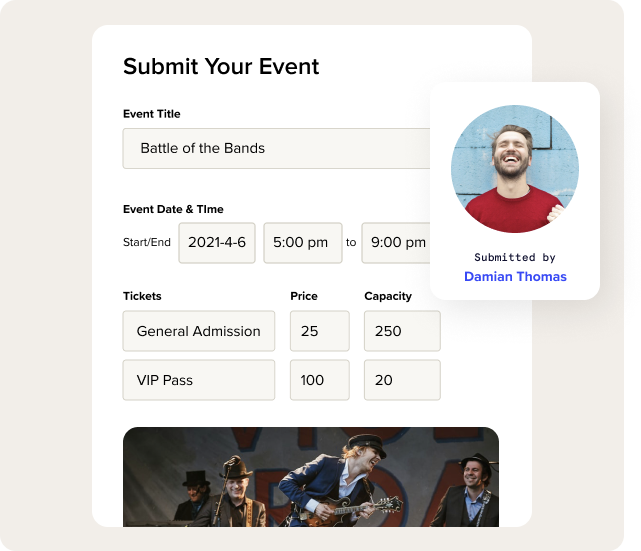
Users submit their own listings through a form on your site — no more manual entry.

Image

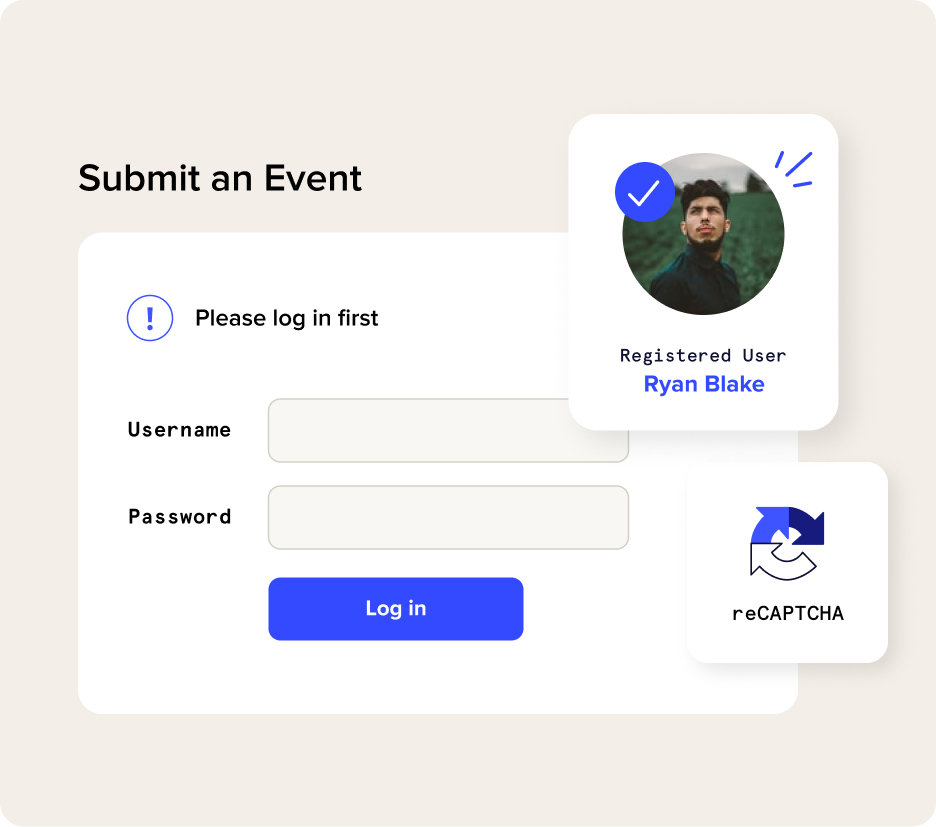
Accept submissions from all users or restrict them to registered users. Rest easy with reCAPTCHA to protect you from spam. You decide whether user-submitted events get published immediately or go into a queue for review.

Image

Website visitors can register to create and sell tickets for the events they submit to your calendar.

Image

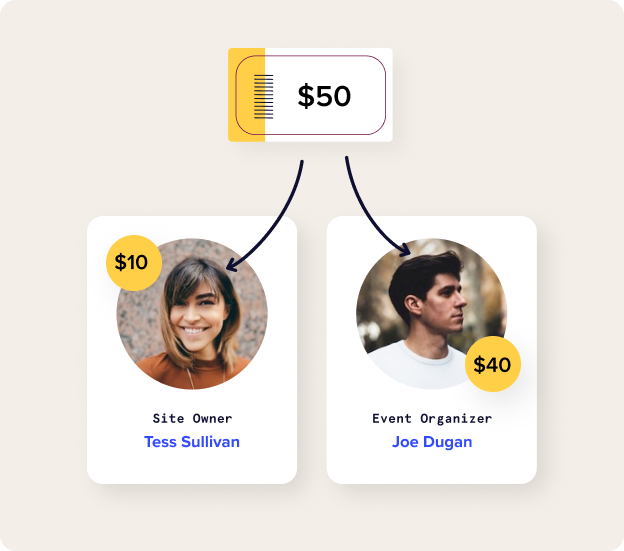
Collect a fee from ticket sales that other event organizers run through your calendar.

Image

Many hands make light work. By crowdsourcing events, you’ll build a robust calendar full of quality events.

Community features

Image

Event submission form

Add a simple form to your site where users can submit their events—no admin access required.

Image

Publishing control

Choose whether events are automatically published or created as a draft for moderation.

Image

Registered user settings

Let users submit events anonymously or require registration.

Image

User ticketing platform

Event organizers can sell tickets to their own events from your website.

Image

Collect ticket fees

Calendar owners can set ticket fees on a per-ticket, per-event, or per-sale basis. Include fees in the ticket price or display fees as an additional cost.

Image

Split payments

A win-win: Split ticket revenue between you (the calendar owner) and event organizers at the time of ticket purchase.

Image

Saved venues and organizers

Restrict event submissions to pre-set venues and organizers or allow users to add their own.

Image

Spam protection

Use reCAPTCHA technology to prevent spam.

Image

Email notifications

Receive an email notification when new events are submitted.

Frequently Asked Questions

Yep! The Events Calendar provides the calendar, and Community adds the submission form for users to submit events to your calendar.

The Events Calendar is free and available to download in the WordPress plugin directory.

Absolutely, but this function requires a couple extra plugins.

In addition to Community, you’ll need the Event Tickets plugin, Event Tickets Plus, and WooCommerce. All of these plugins will connect to the Community submission form, allowing users to create tickets and RSVPs for the events they submit.

Event Tickets Plus is a paid add-on. Event Tickets and WooCommerce are both free and available to download in the WordPress plugin directory.

PS: You can also save by purchasing the Community Manager Bundle.

Yes. There’s a setting that puts all incoming submissions in draft mode, so you can check them before they’re published to the calendar.

Nope! Community integrates with reCAPTCHA, an industry standard for screening form submissions. It’s possible for spam to occasionally slip through, but the majority of spam submissions are blocked.

For additional protection, Community has a setting that requires users to sign into your site to submit events.

Once Community is activated, it automatically creates a new page on your site with the submission form. You can make changes to the page by creating a template override. You can also style Community pages to your liking.

If you’d like the form somewhere else, Community provides a shortcode to embed the form on any WordPress page, post, or custom post type.

Yes, and that’s one of the biggest benefits of Community. You can charge flat or percentage-based fees, and fees can be applied on a per-ticket or per-event basis.

Community also handles splitting the proceeds between you and the user that created the tickets. We call these “split payments,” and they’re a great way for you to monetize your calendar’s events.

Absolutely! With Community, you have access to a sales report that tracks sales and payments for your events.

You can even track payouts to event organizers, which is a great way to confirm how much users on your site are earning and whether their payments have successfully completed.

As the calendar owner, you can limit who is allowed to create tickets. By default, any registered user on your site assigned to at least a Subscriber role is able to create tickets on submitted events. You can change this setting to limit permission to other user roles.

They can, as long as they’re logged in when submitting events. Community provides a page where registered users can view and edit all of their submitted events in one place.

Community has a setting that enables notifications when new events are submitted. You can also use a snippet to notify the person who submitted the event when their event has been published.

Image
Community Manager Bundle

Create a powerful events marketplace

Save when you bundle Community, Events Calendar Pro, Event Tickets Plus, and Filter Bar.

Choose your license

1 Site

$129

Includes updates & support for one year.

3 Sites

$249

Includes updates & support for one year.

10 Sites

$399

Includes updates & support for one year.

Multisite

$399

Includes updates & support for one year.

Unlimited

$999

Includes updates & support for one year.

Unlimited and multisite licenses are also available.

Show more optionsshow more Show less optionsshow less