
Note: this is a beta feature available by request only. Please email [email protected] with your username to request the feature.
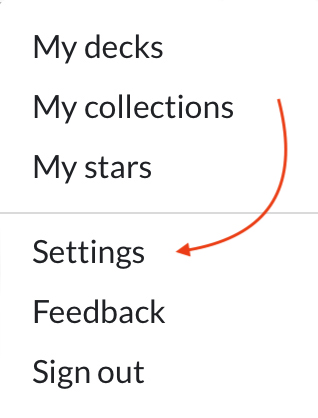
- Log into your account and click the icon on the top right to show the menu
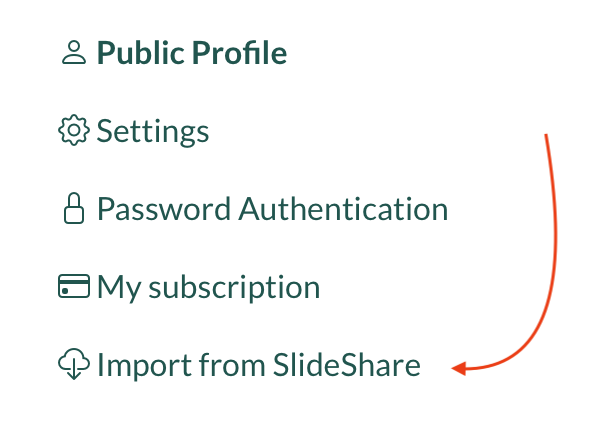
- Click Settings
- On the left, click Import from SlideShare
- Paste in a link to a deck you'd like to import (e.g. https://www.slideshare.net/jnunemaker/mongodb-grand-rapids-rug)
- Click Begin Import
Your deck will be importing in the background. One complete, you will receive an email notification with a link to preview it. All imported decks are set to Draft by default, so that you can review and edit information before publishing.
Once you receive the link, click Edit Deck and choose Anyone Now to make the deck live.
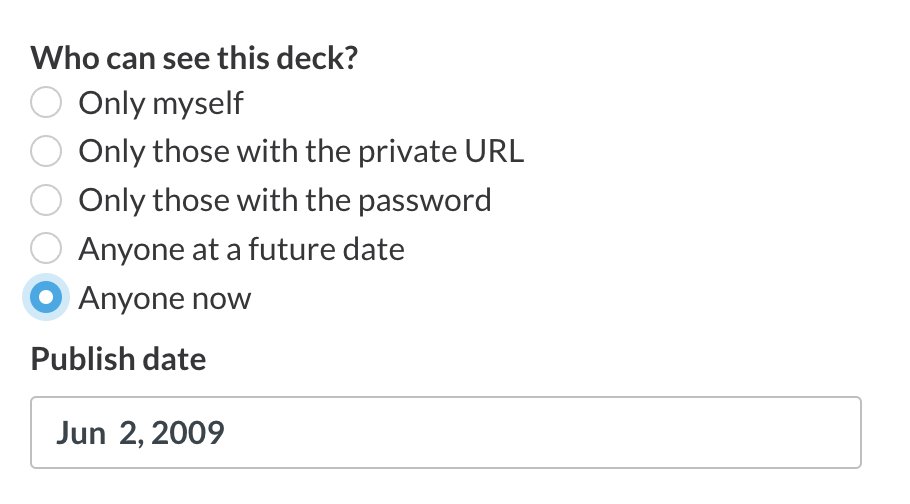
We import: slides, title, description, and original published date.
 Can't find what you're looking for?