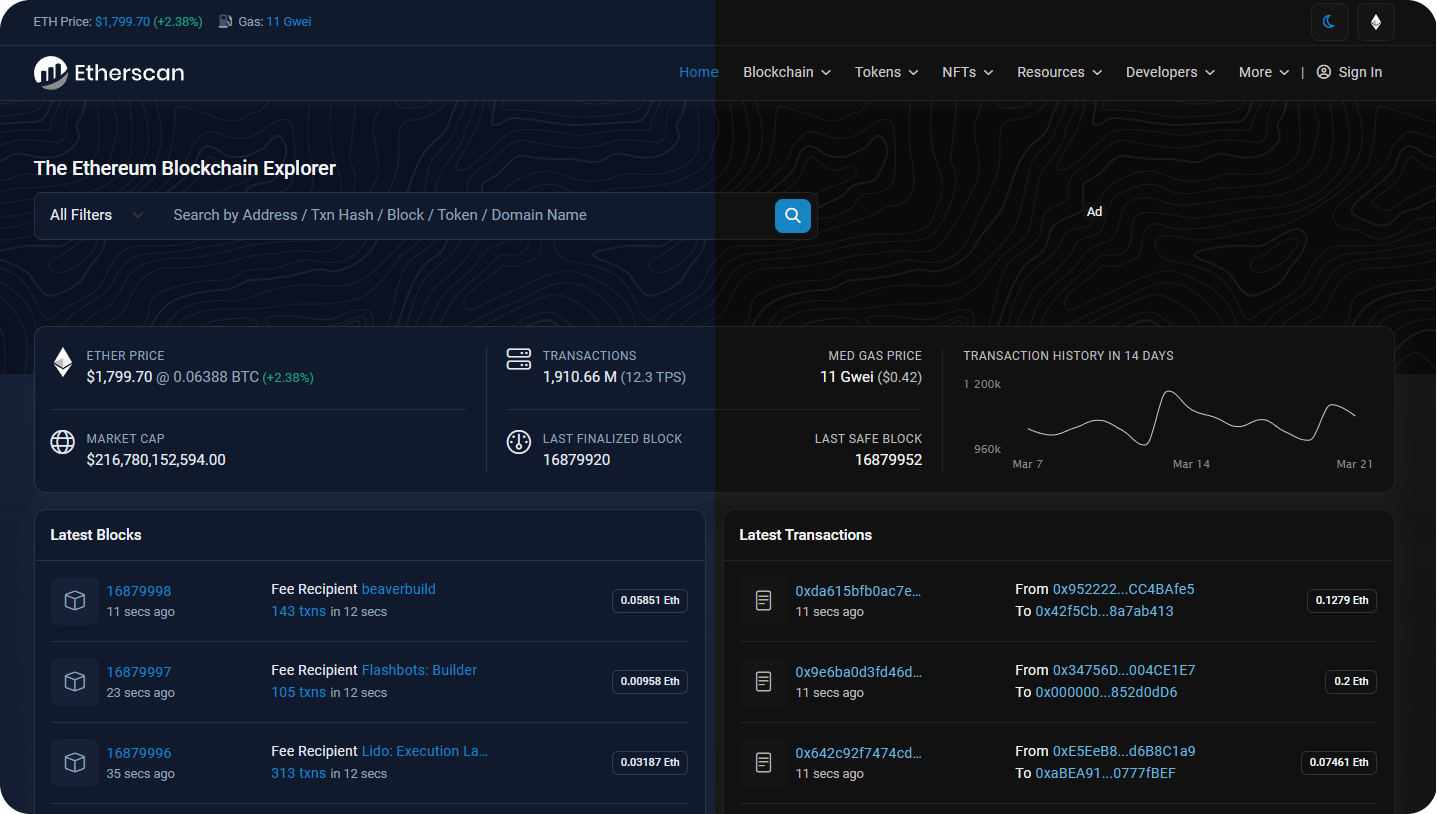
Dark Mode
Users and developers can now switch between Light, Dim, and Dark Mode on Etherscan for a better viewing experience.
To access the feature, click on the Day/Night Mode toggle switch located next to the Ethereum logo at the top right of the website (refer to the screenshot below).
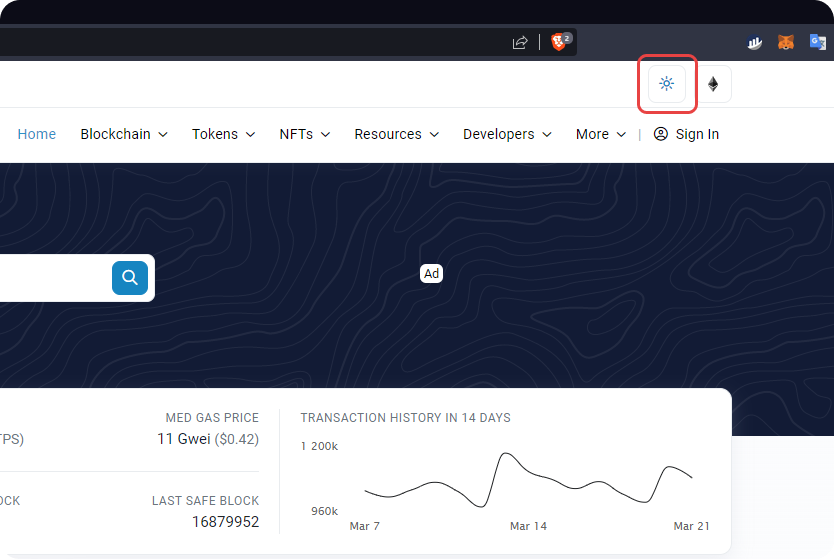
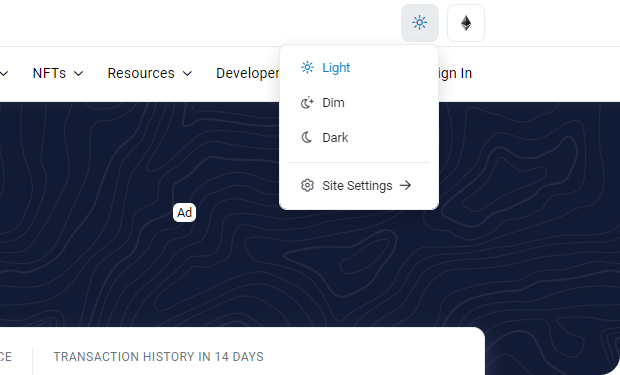
You will have the option to change your favorite Etherscan website to Dim or Dark mode.
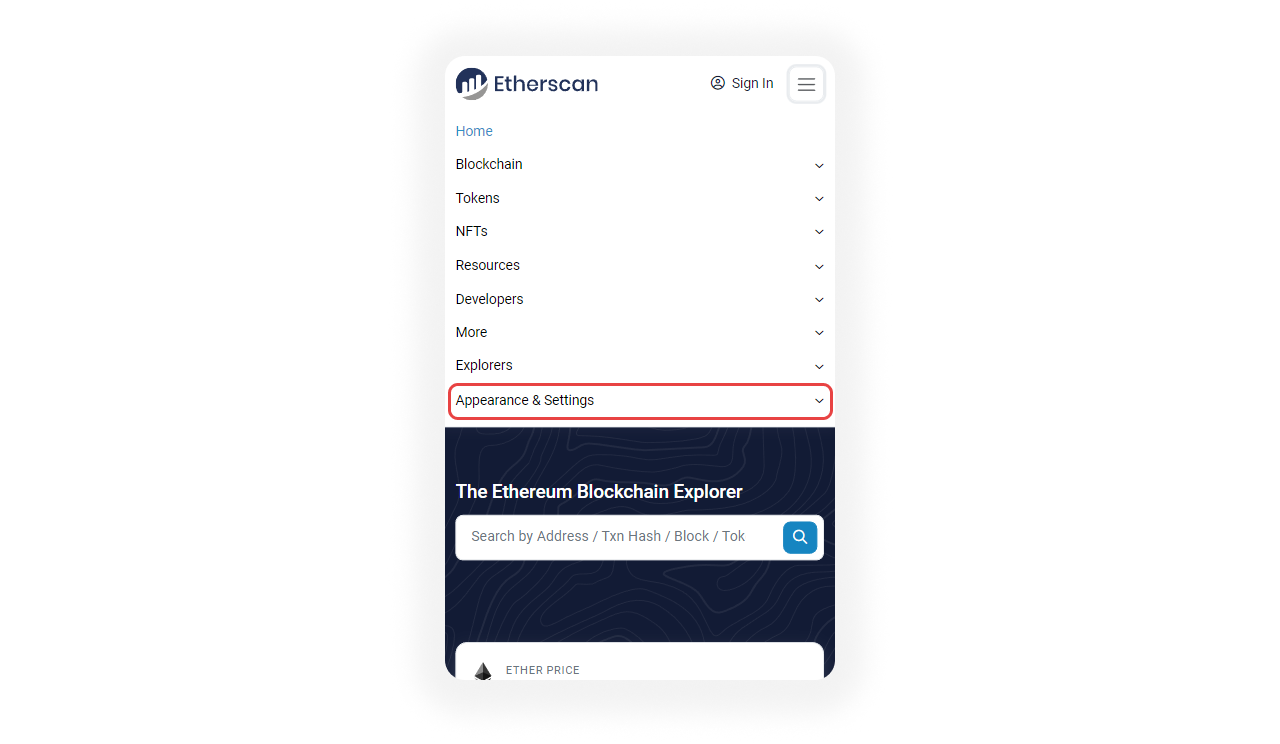
On mobile, the Dark Mode option is located in a different place. To access the feature, click on the hamburger button located at the top right of the page.
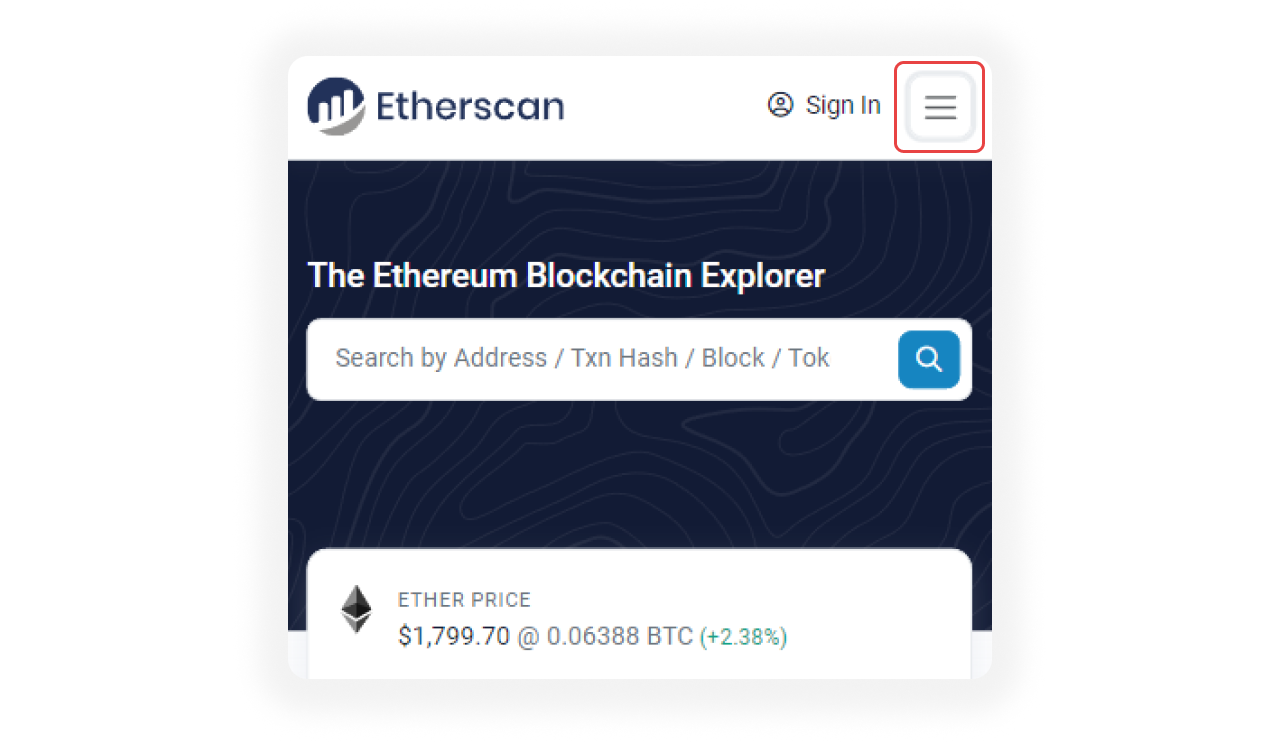
Then, click on the Appearance & Settings dropdown button.
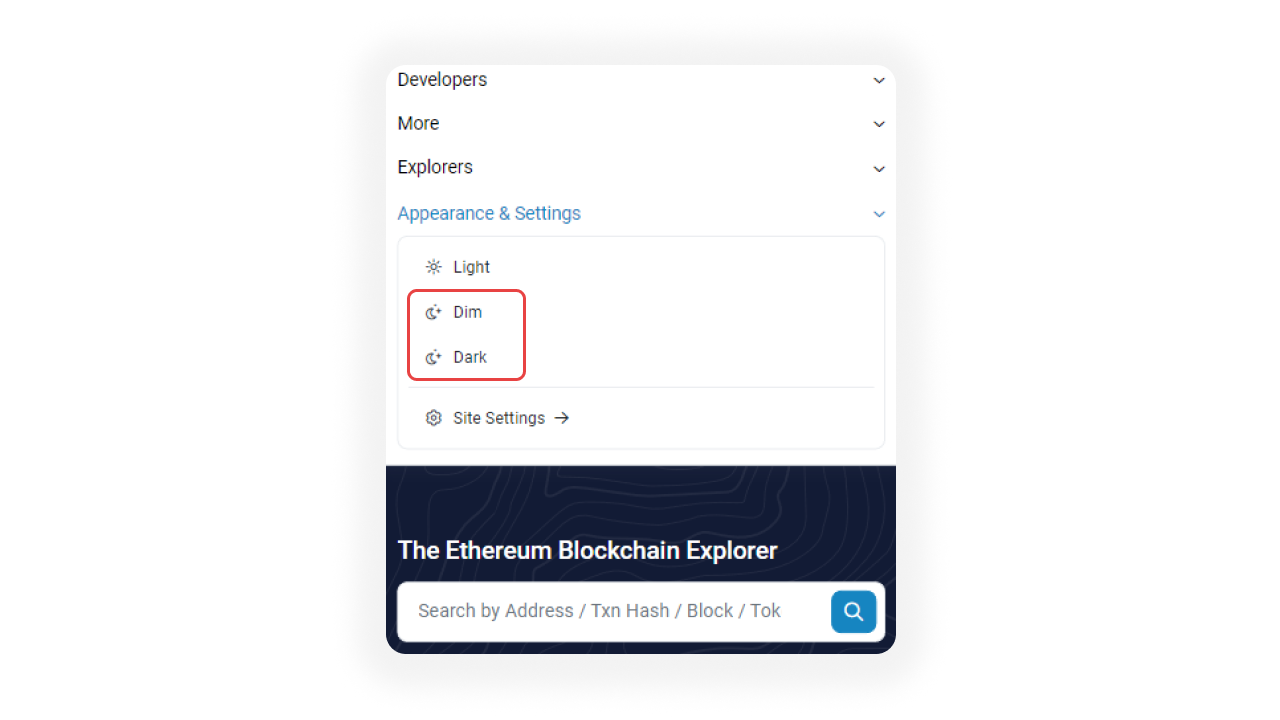
From here, you can view the Etherscan website in Dim or Dark mode on mobile.
With this, you have more options to view Etherscan no matter whether it's broad daylight or dark at night. If you are interested in how to navigate through the Etherscan homepage, please visit this article.