Before installing Python we need to download Python IDLE from Python web site.
How to download Python IDLE
- Open website https://www.python.org/ from your web browser.
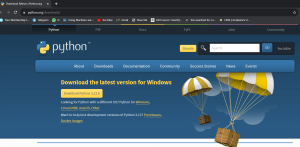
- Click at Downloads. Different options will be shown. You can choose the version you want to download as per your operating system.
- We can click at all releases if we want to download an older version of Python.

Installing Python on your Windows based computer
- Double click at Python installer downloaded on your computer. Dialog box will appear as follow:
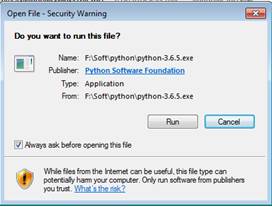
- Click at Run button to continue installation. Dialog Box will appear as
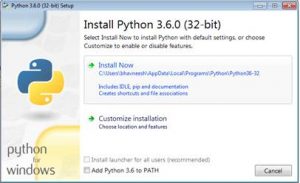
- Click at Install Now.
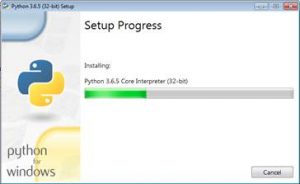
- Python installation will start and following window will appear
- When installation gets completed following window will appear
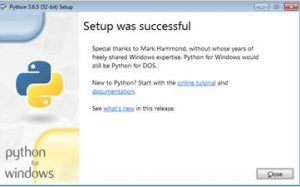
- Click close to close this window.
