HURRY, SAVE 20% on the ai bootcamp. USE PROMO-CODE: 500OFFAIBOOTCAMP
Want To Become A Generative AI Data Scientist In 2025?
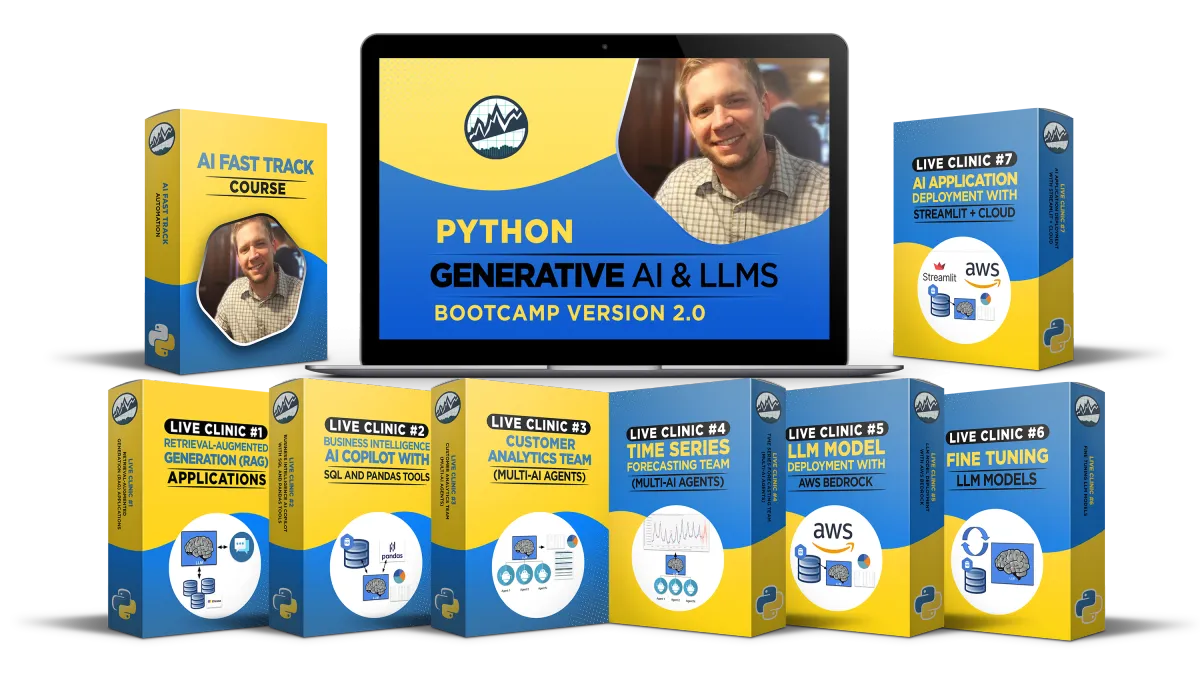
Live 8-Week Generative AI & LLM's Bootcamp
$500 OFF EXPIRES SATURDAY
Learn How To Build and Deploy AI-Powered Data Science Solutions With Our Live 8-Week Bootcamp.
Webinar Replay
Recorded Live
Get $500 OFF The 8 Week Bootcamp Here:

Enroll Here:
SAVE 20% OFF WITH PROMO CODE: 500OFFAIBOOTCAMP
Schedule of Live Events
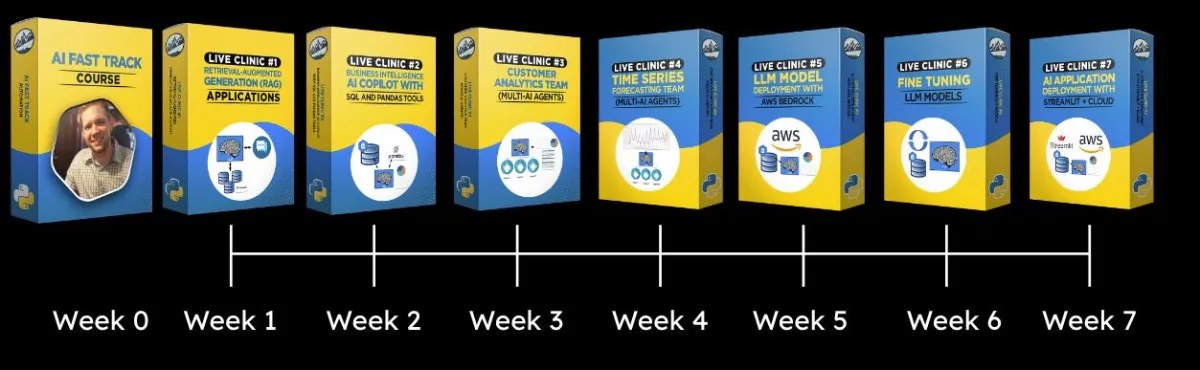
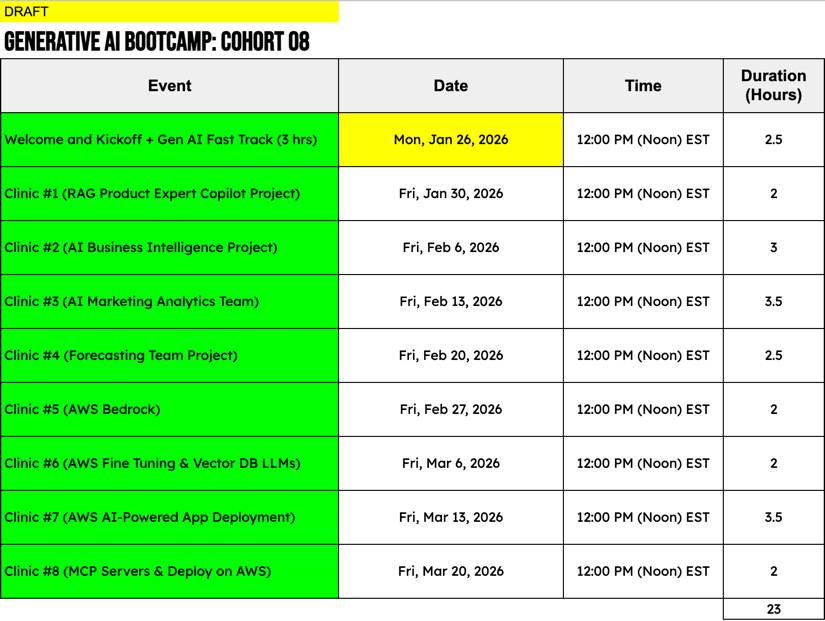
Week 1: Live Kickoff Clinic + Local LLM Training + AI Fast Track
Week 2: Retrieval Augmented Generation (RAG)
Week 3: Business Intelligence AI Copilot (SQL + Pandas Tools)
Week 4: Customer Analytics Team (Multi-Agent Workflows)
Week 5: Time Series Forecasting Team (Multi-Agent Machine Learning Workflows)
Week 6: LLM Model Deployment AWS Bedrock
Week 7: Fine-Tuning LLM Models AWS Bedrock
Week 8: AI App Deployment With AWS Cloud
Some Of The Tools Covered In This Bootcamp:
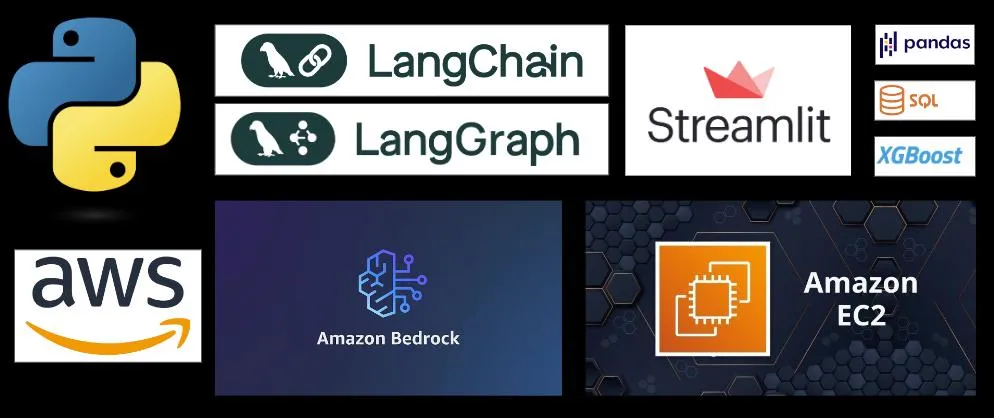
A few of the techniques you will be implementing in this program:
Python AI Agents with LangChain
Retrieval Augmented Generation (RAG)
Vector Databases
Python Code Generation with AI
SQL Code Generation with AI
Machine Learning (ML) Code Generation with AI
Code Execution within AI Applications
AI Application Deployment
Python Multi-AI Agents with LangGraph
Directed Acyclic Graphs (DAGs)
AI Workflows and Routing
LLM Model Deployment
Fine-Tuning LLMs
AWS Bedrock
AWS EC2 Services
Amazon Web Services (AWS) Cloud
What Some Of Our Students Have Said After Taking The Program:
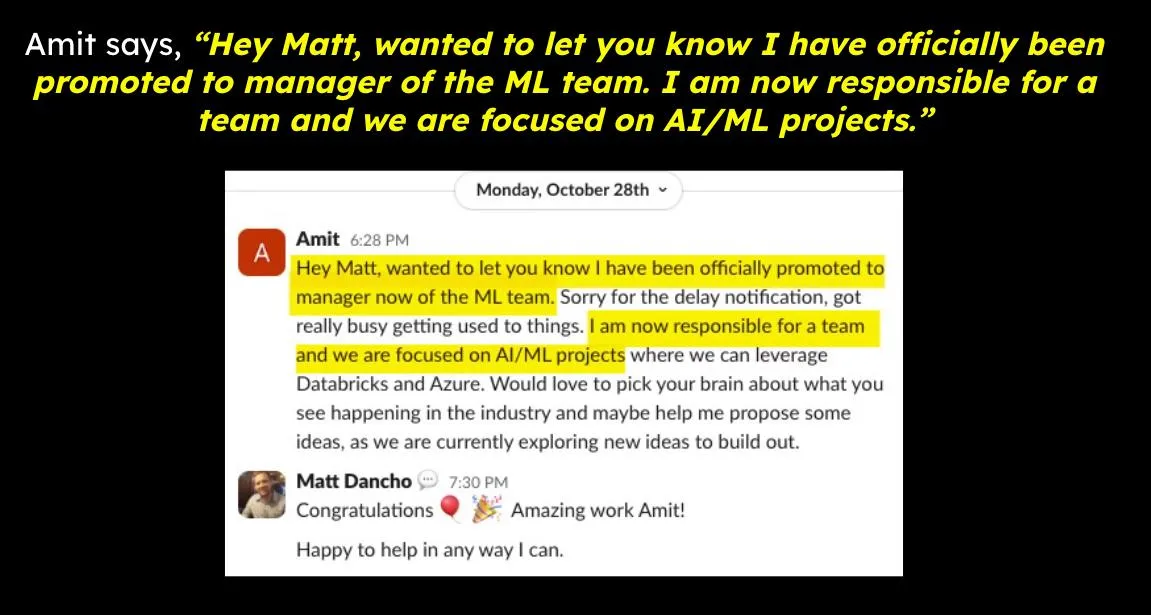
"I have officially been promoted to manager of the ML team. We are focused on AI/ML projects."
-Amit
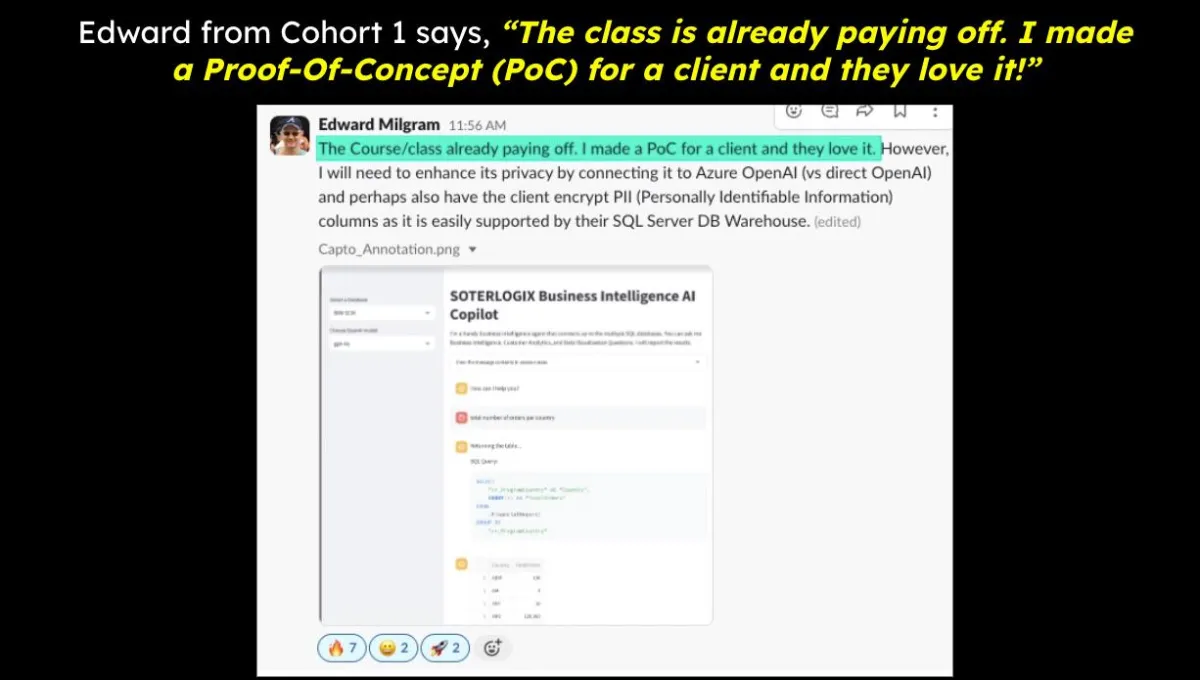
"The class is already paying off. I made a Proof-Of-Concept for a client and they love it!"
-Edward
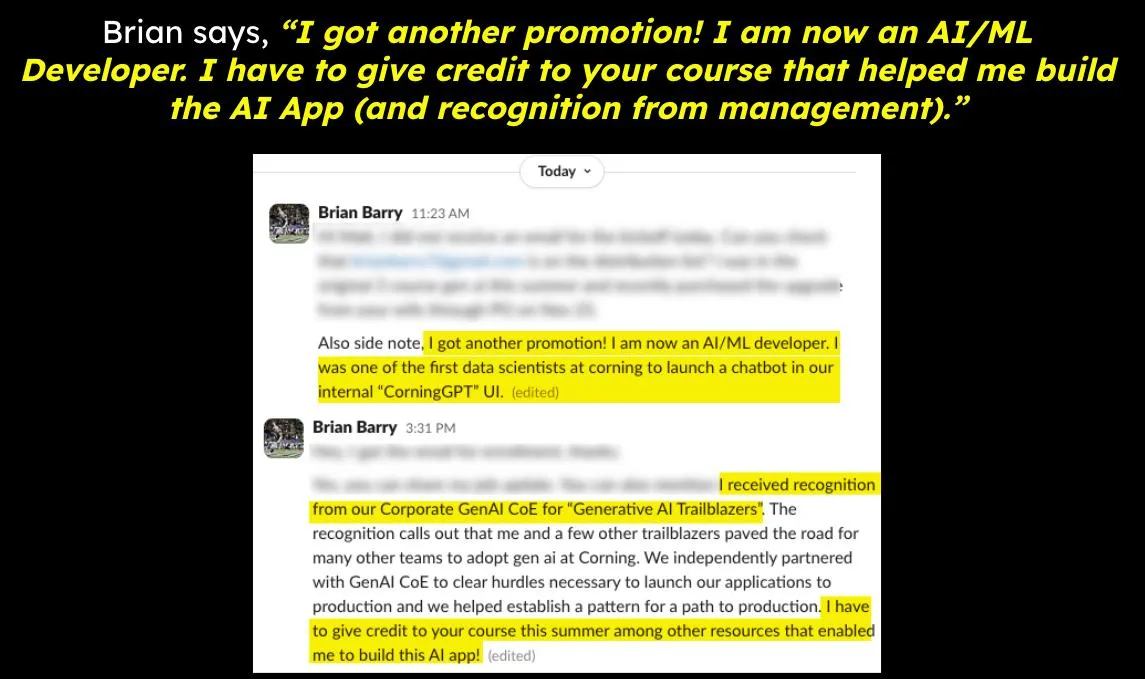
"I got another promotion! I am now an AI/ML Developer. I have to give credit to your course that helped me build the AI App (and recognition from management)."
-Brian
Here's What's Inside:
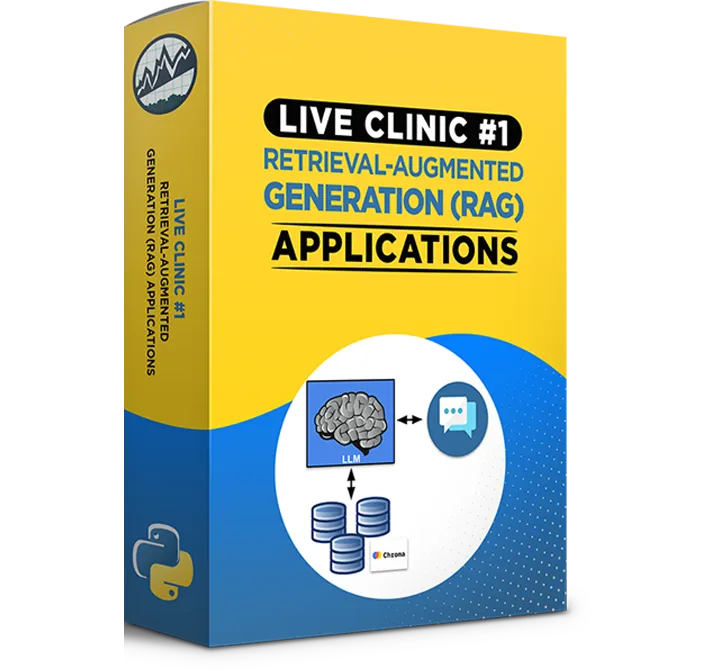
Clinic #1:
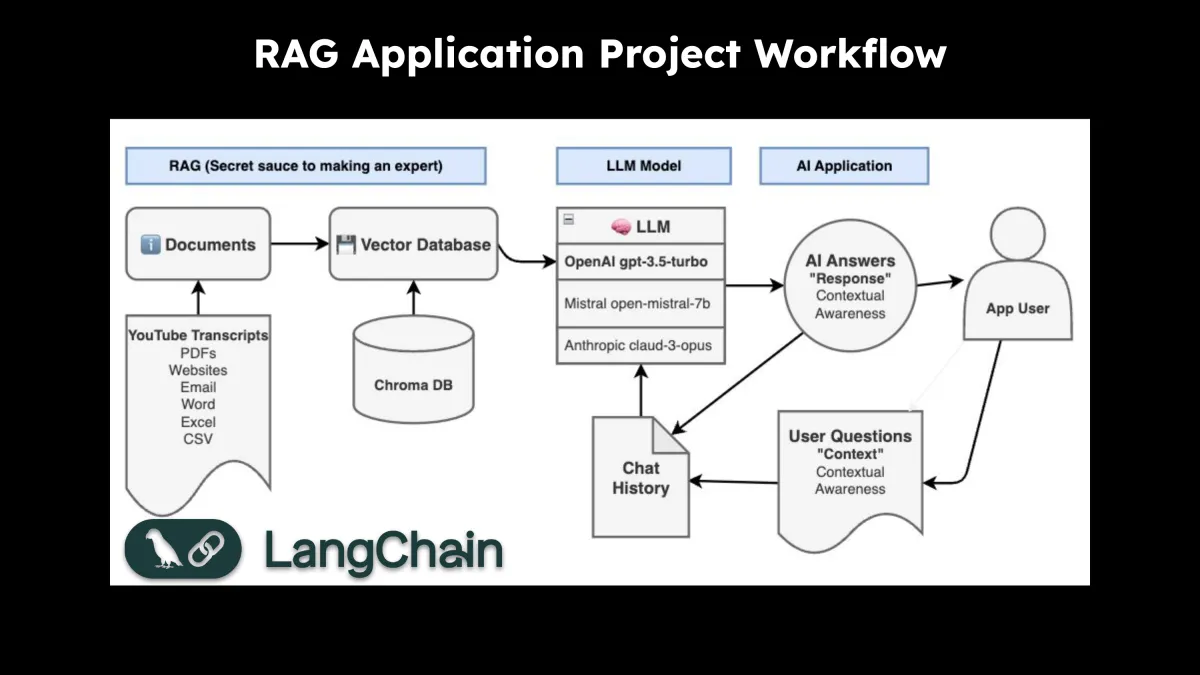
Retrieval Augmented Generation (RAG) Applications
Here's The Highlights Of What's Inside:
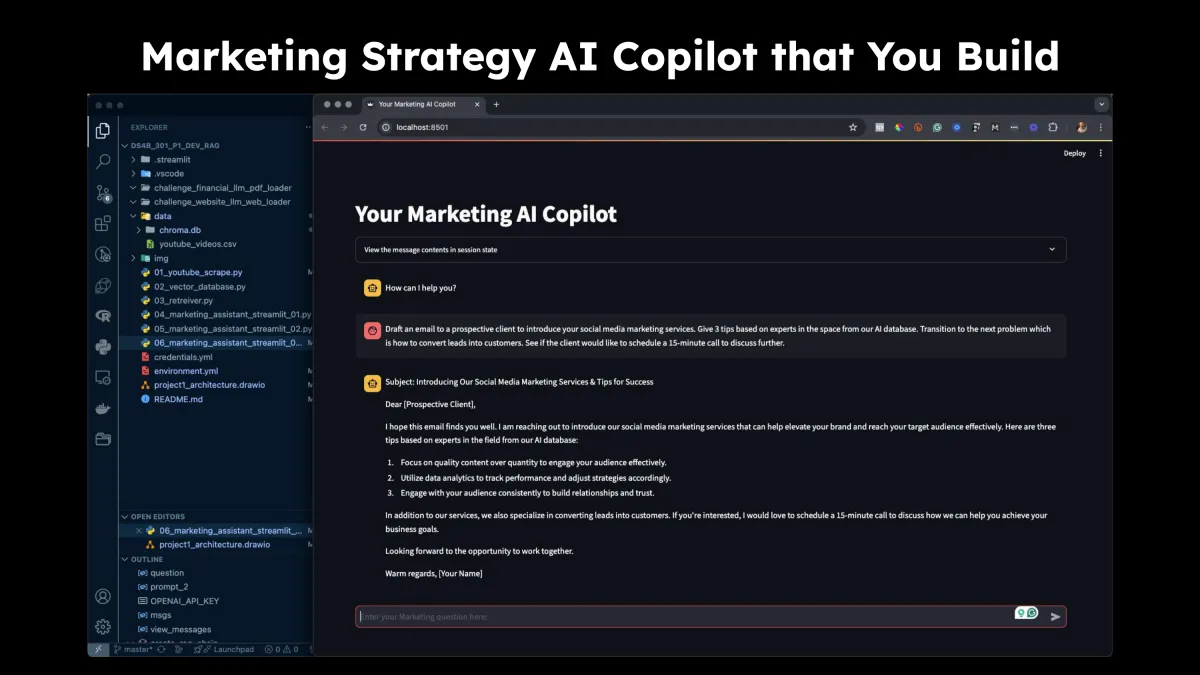
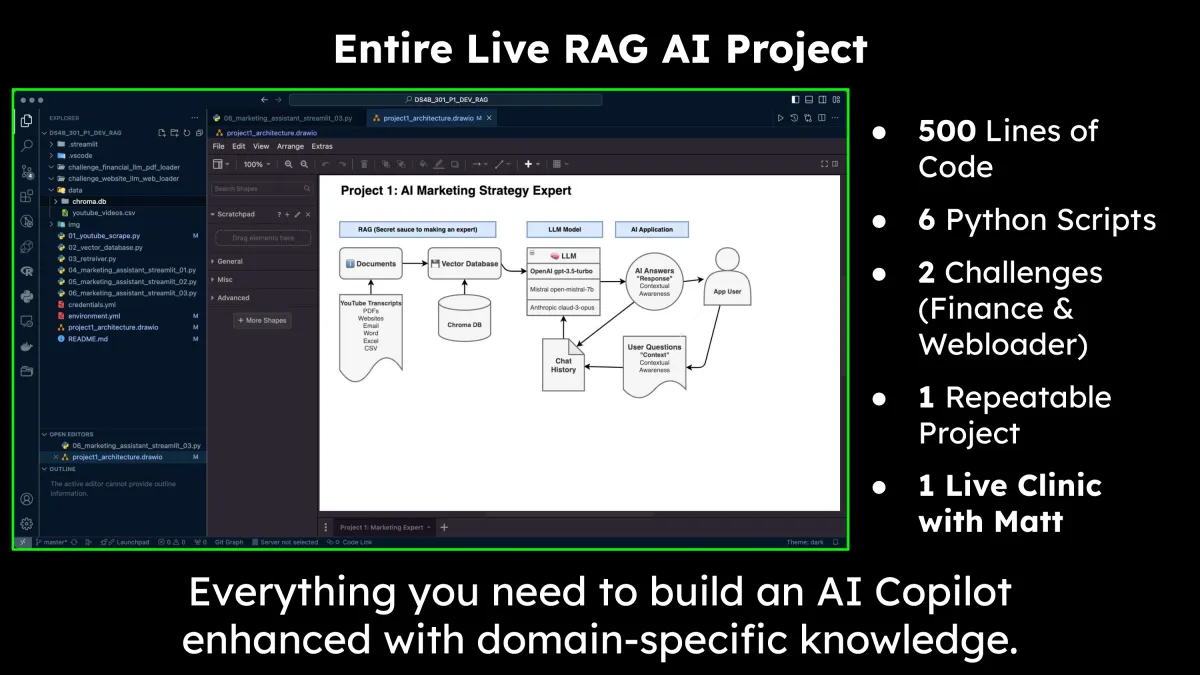
Build a Marketing Strategy AI Copilot
Learn how to architect RAG applications
Use domain knowledge to enhance LLMs
Work with Vector Databases
Parse Audio Transcripts
Use Text Transformers to create Vector Embeddings
Build a RAG Application with both RAG Context and Chat Memory
Everything you need to turn your company’s documents into AI Copilots
$997 Value
Clinic #2:
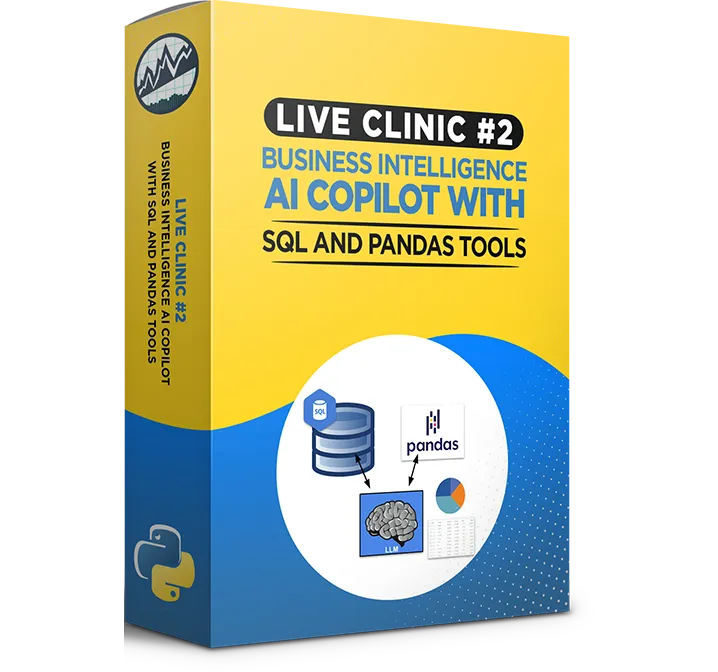
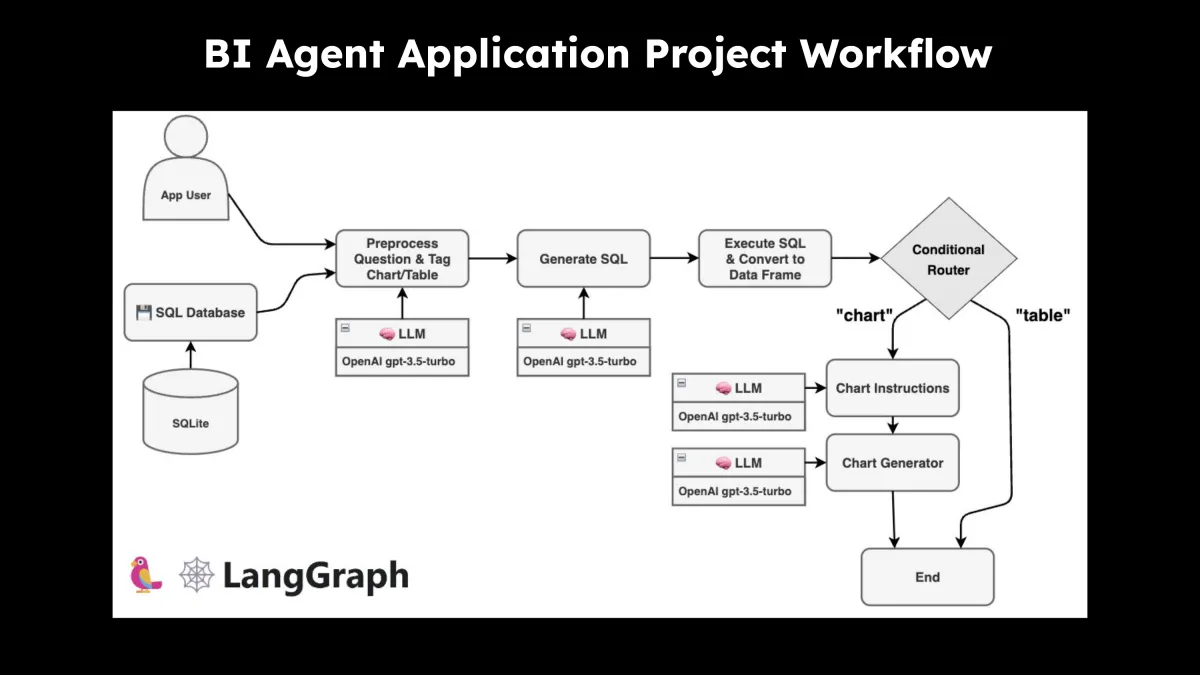
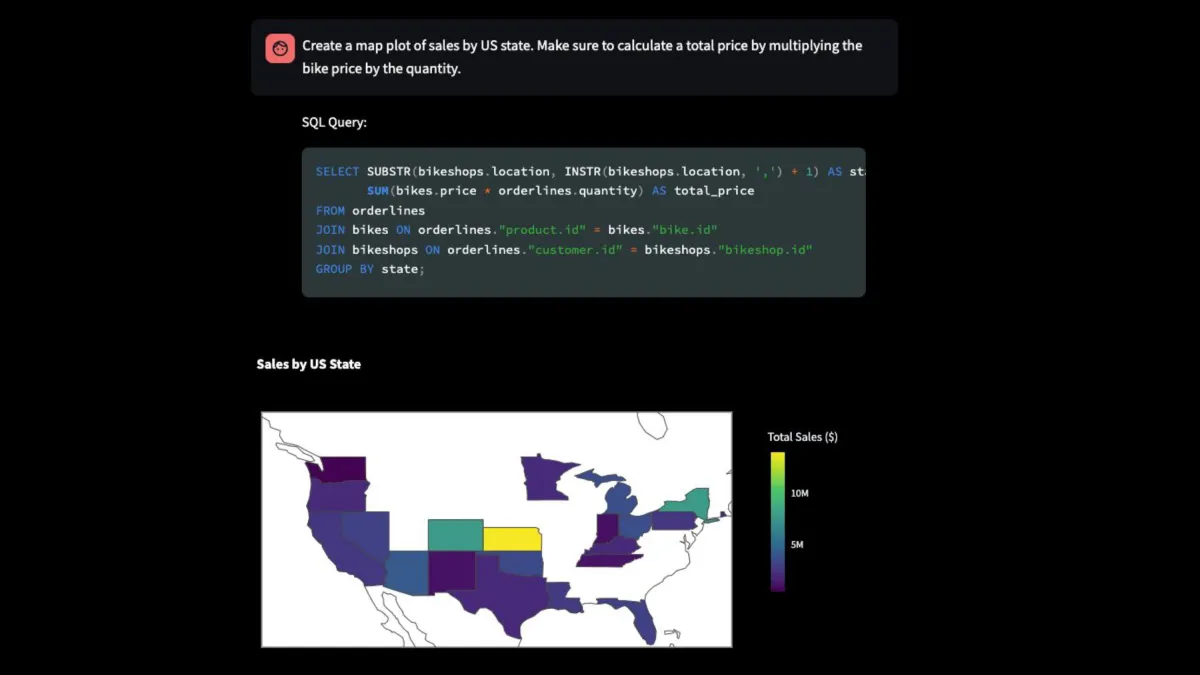
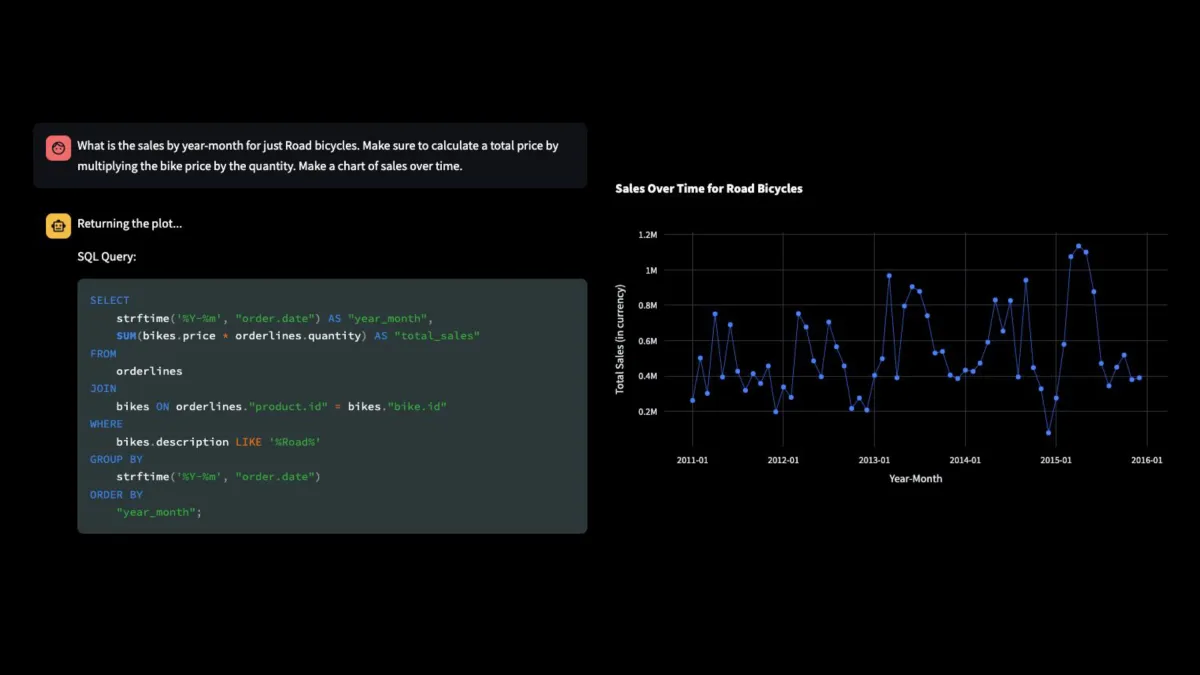
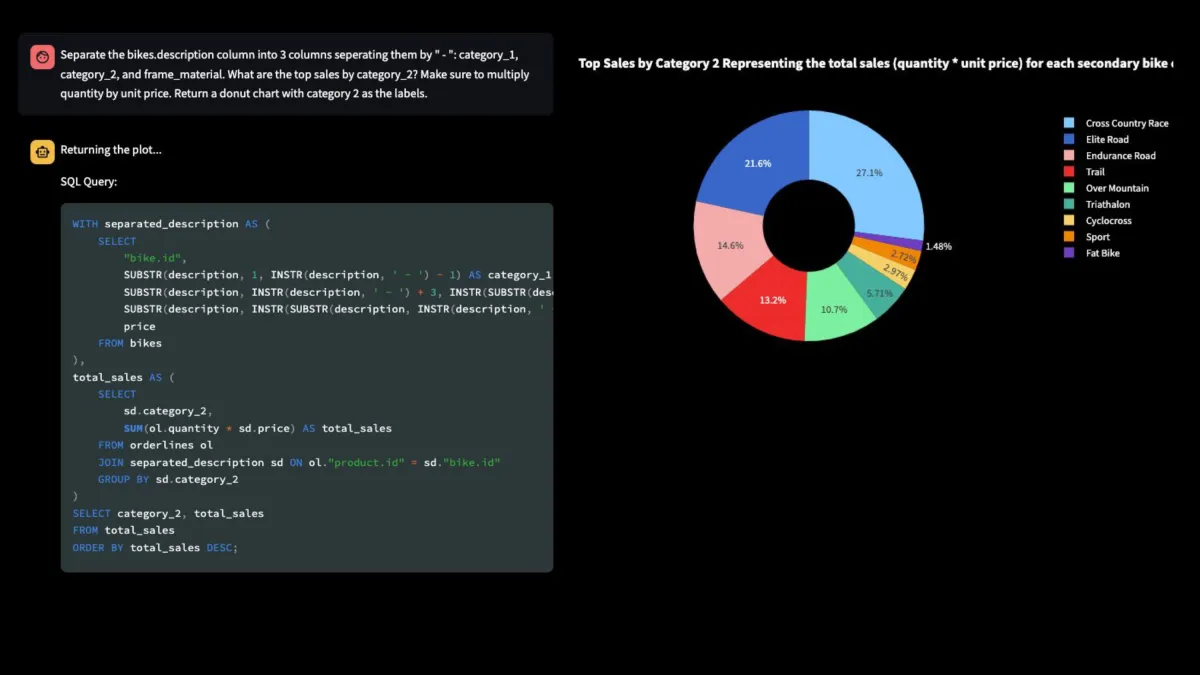
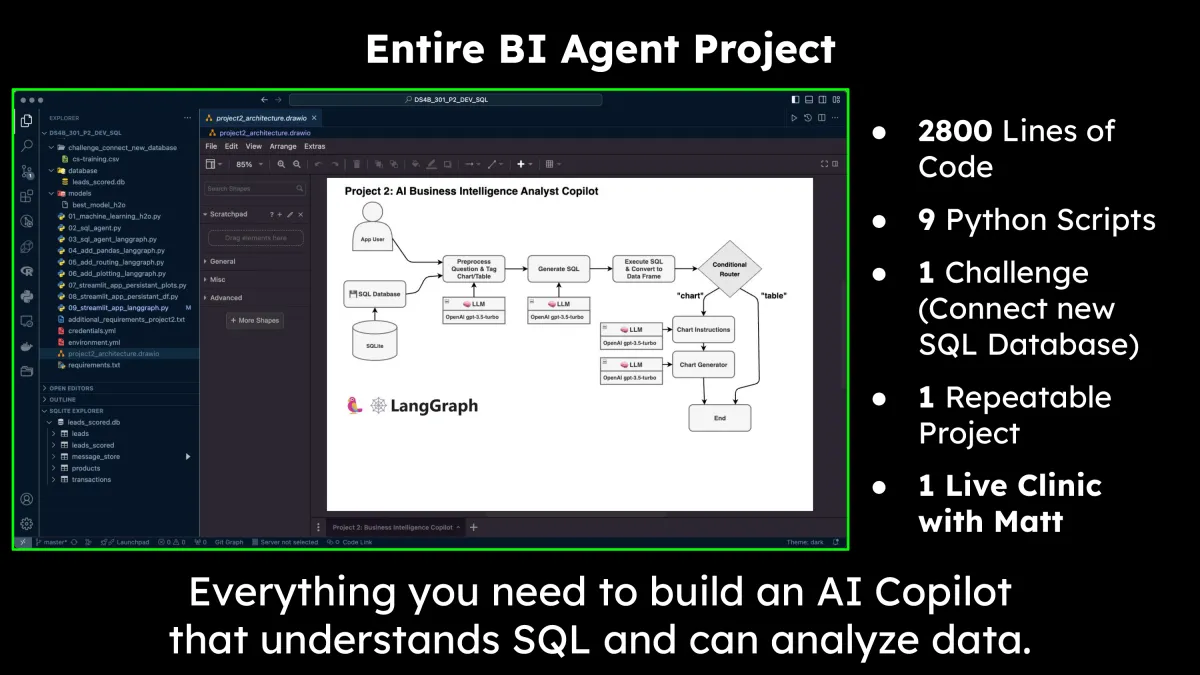
Business Intelligence AI Copilot (SQL and Pandas)
Here's The Highlights Of What's Inside:
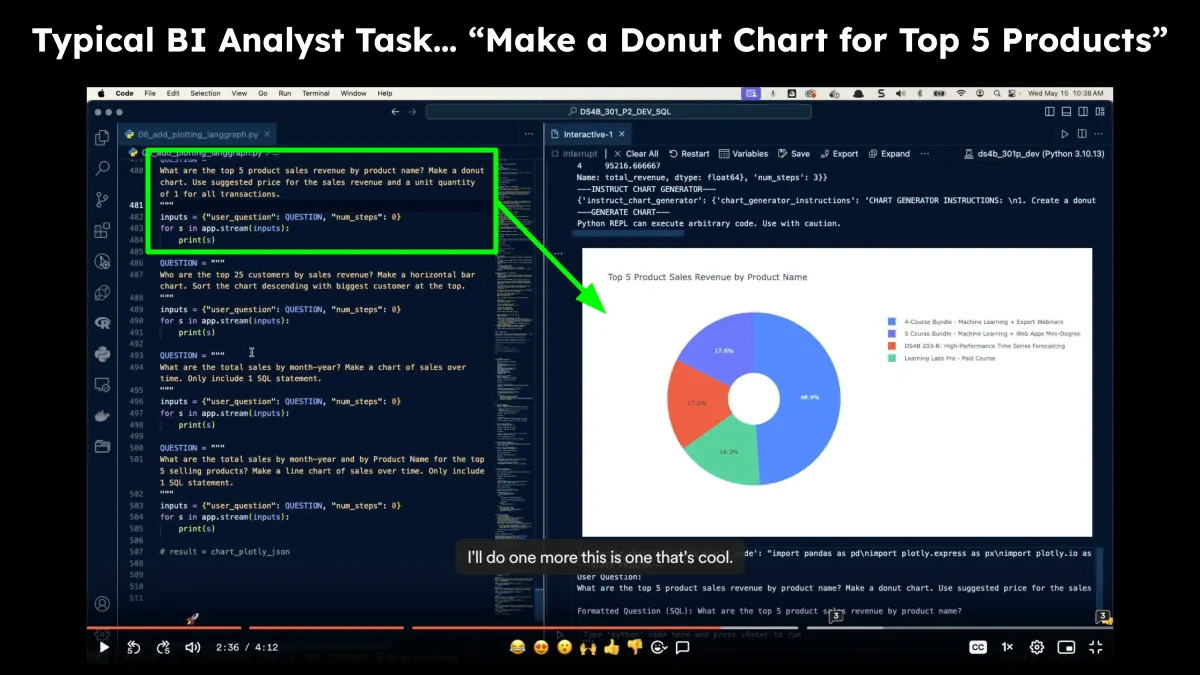
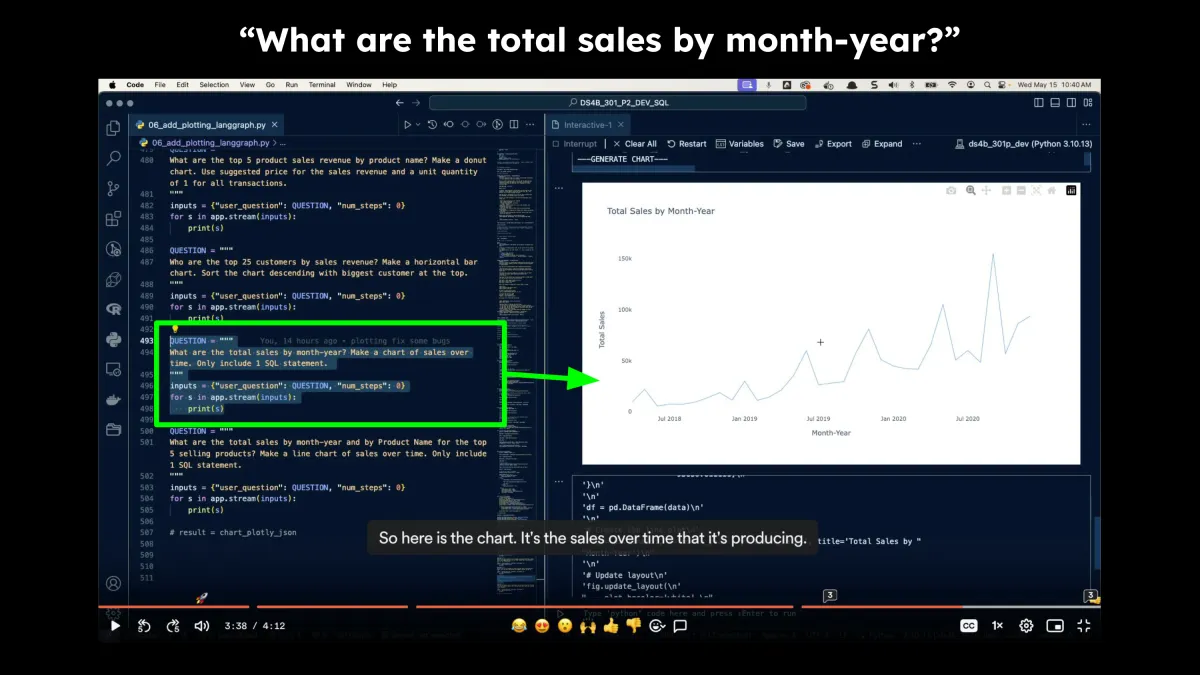
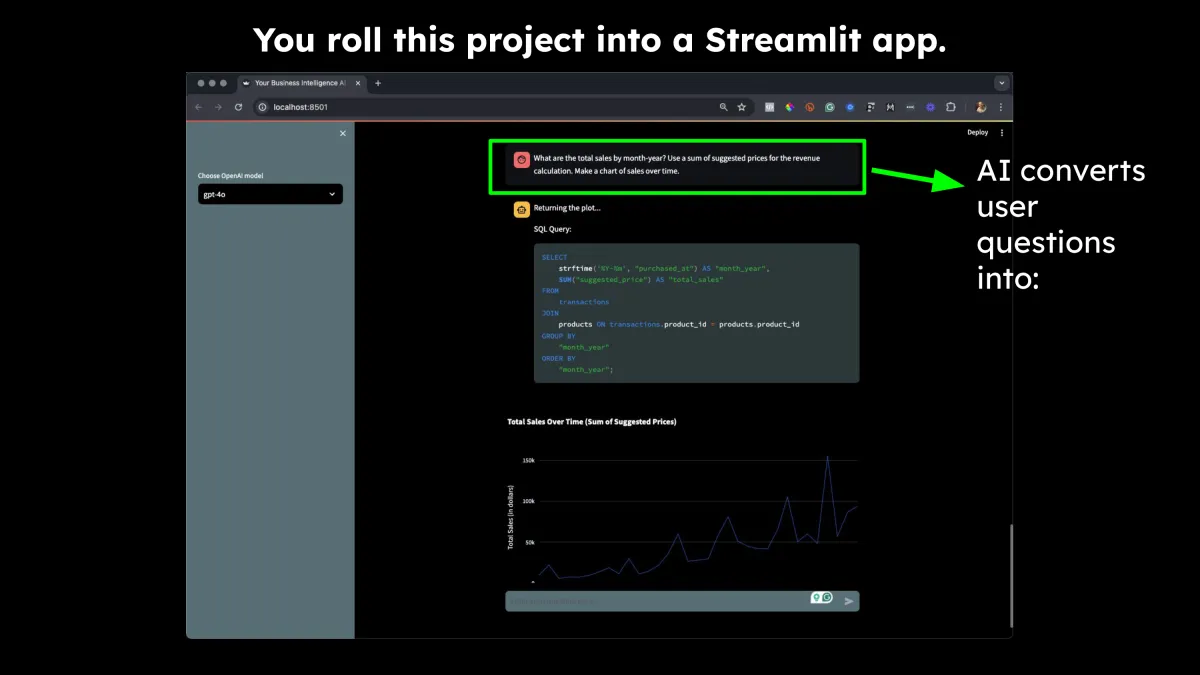
Build a Business Intelligence AI Copilot
Learn how to connect multiple agents
Combine AI with Machine Learning
Use LangGraph to create AI DAGs (Directed Acyclic Graphs)
Discover Conditional Routing (the secret to 10X-ing your AI bots)
Automate a complete Business Intelligence (BI) Analytics workflow
Everything you need to turn your company’s ERP into Business Analytics Copilots
$997 Value
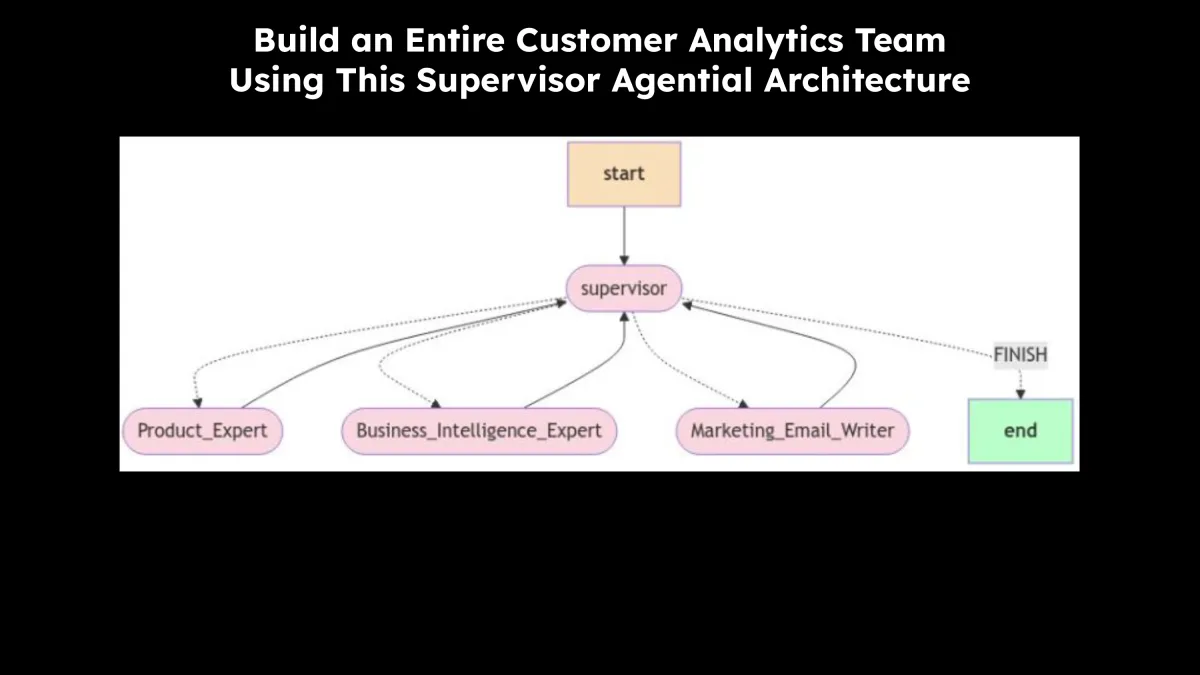
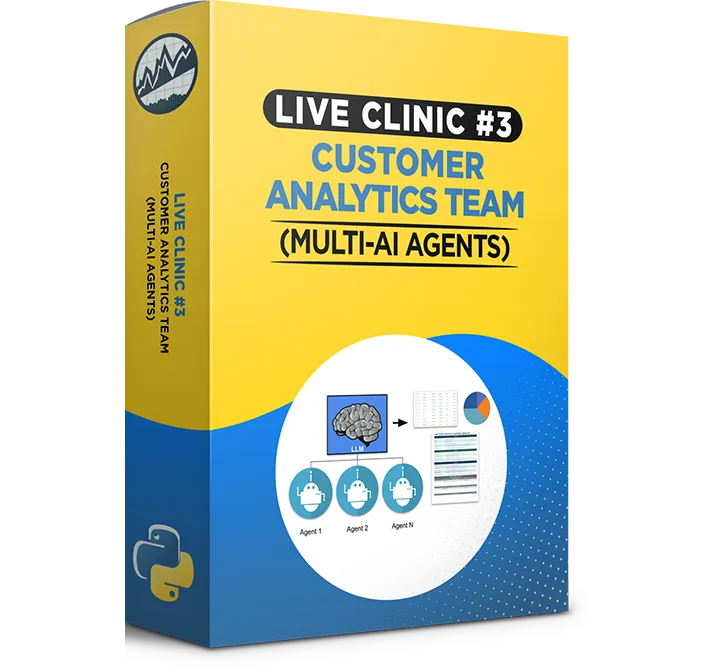
Clinic #3:
Customer Analytics Team
Here's The Highlights Of What's Inside:
Build a “Supervised” Team of Agents
Use a Hierarchical Team Structure with a Supervisor that manages sub-agents
Learn how to create a Supervisor that manages AI
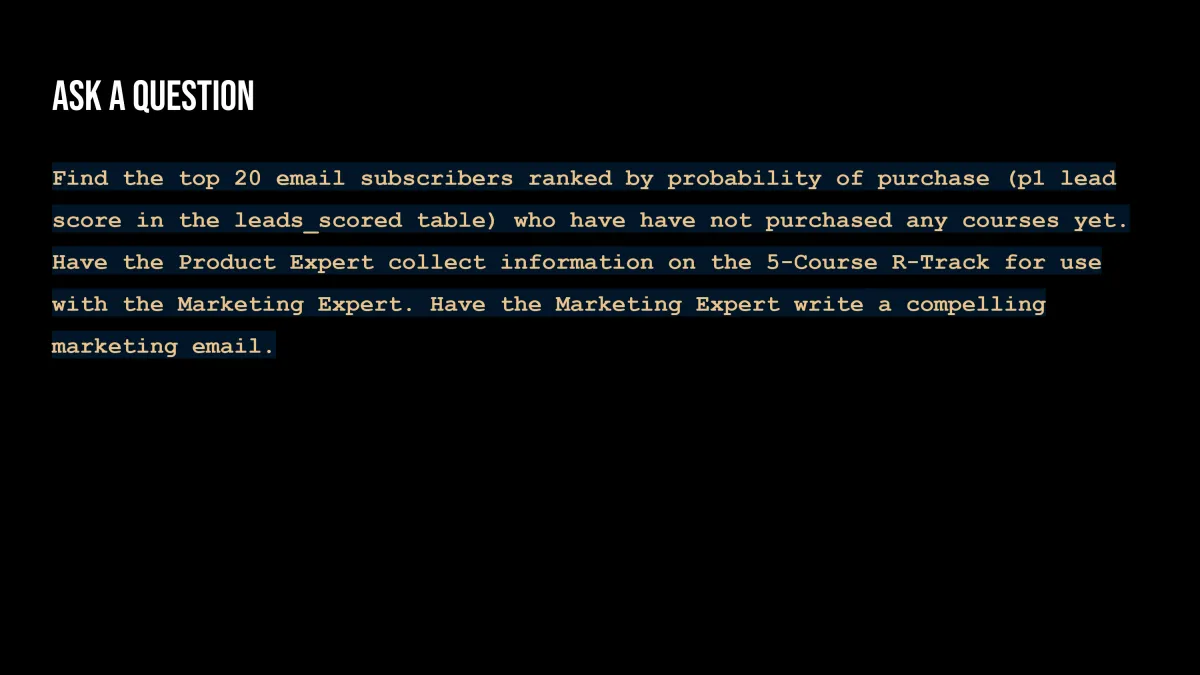
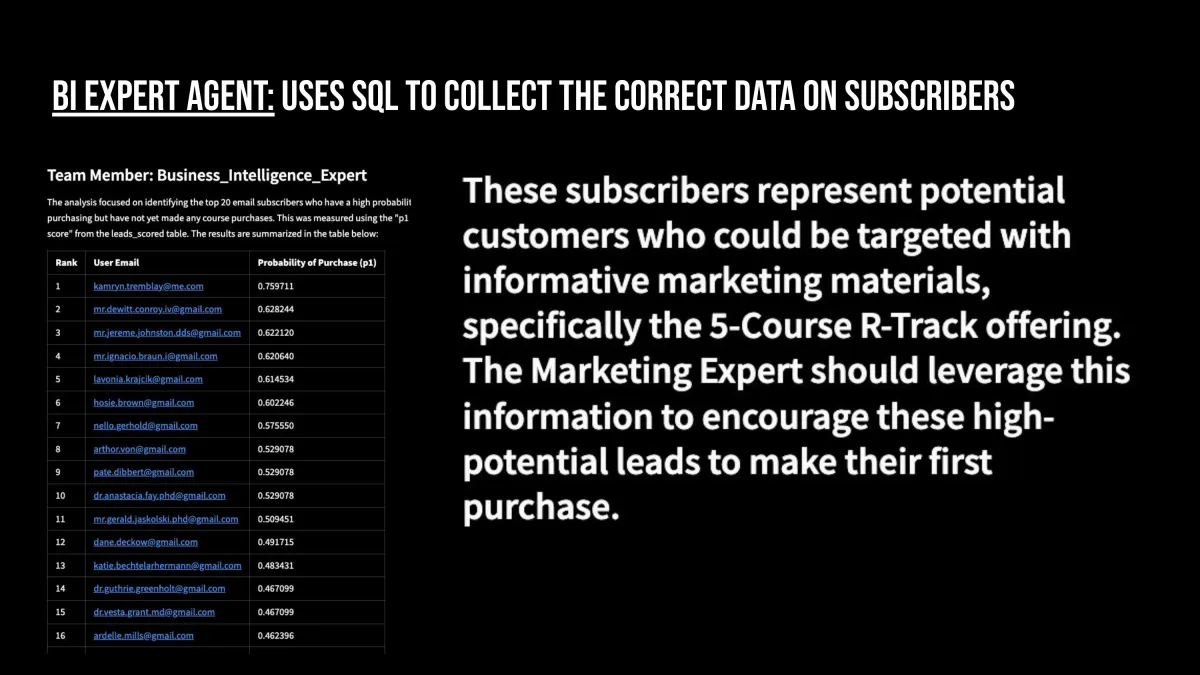
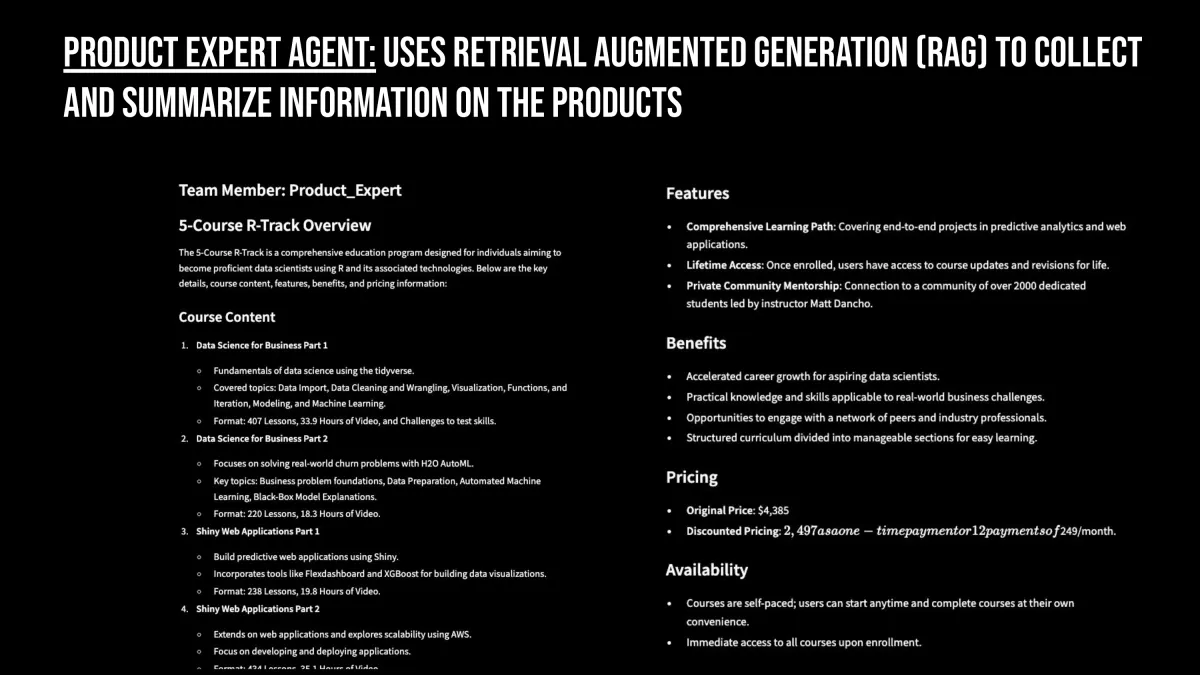
Integrate Marketing Strategy, Business Intelligence, and Product Expert Agents
Everything you need to develop complete business analysis, marketing strategies, and targeted email marketing using data and AI
$997 Value
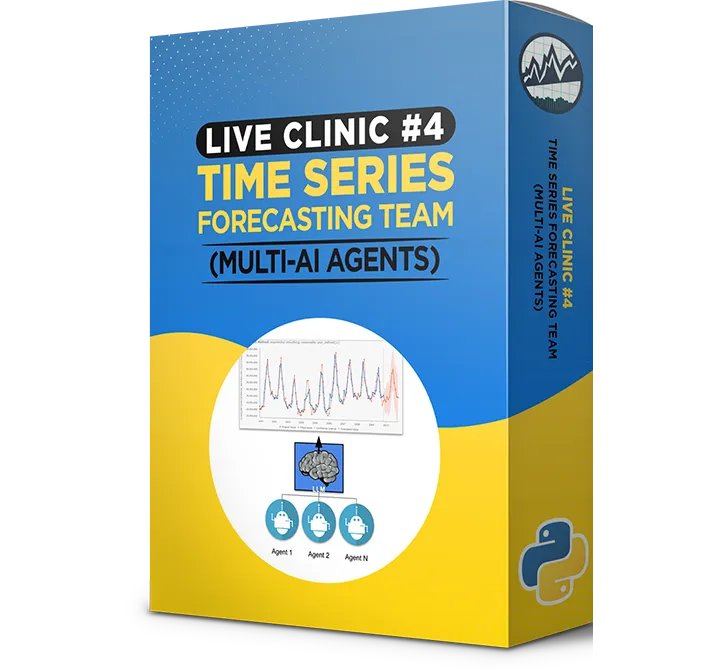
Clinic #4:
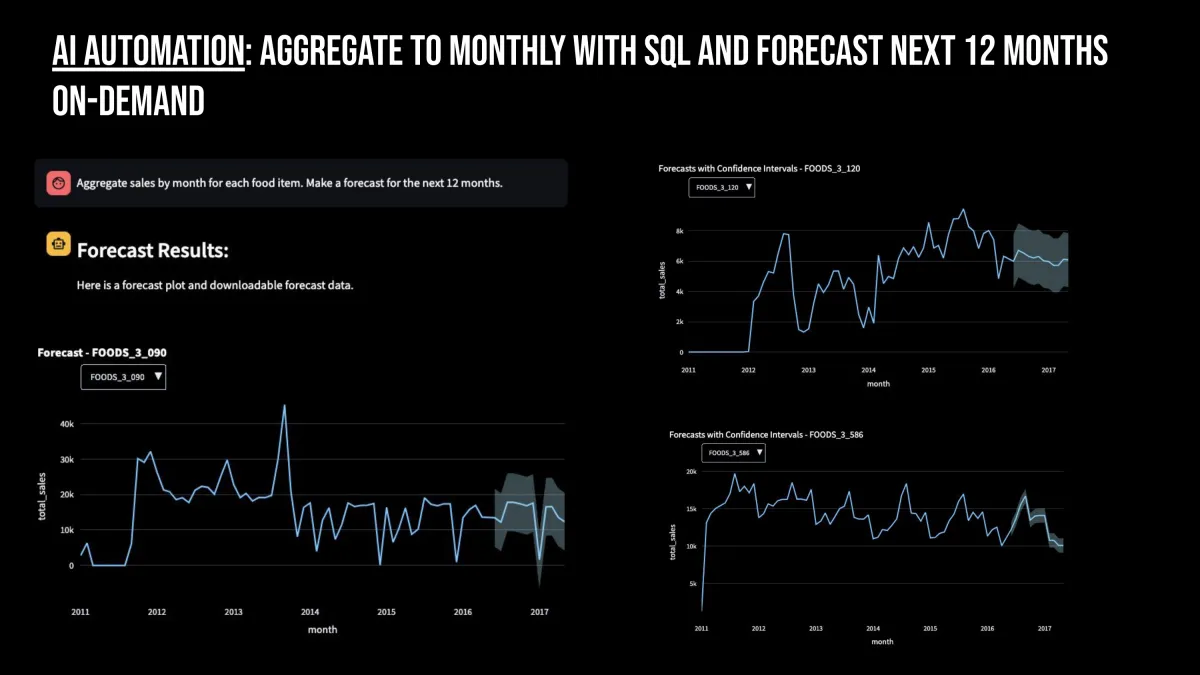
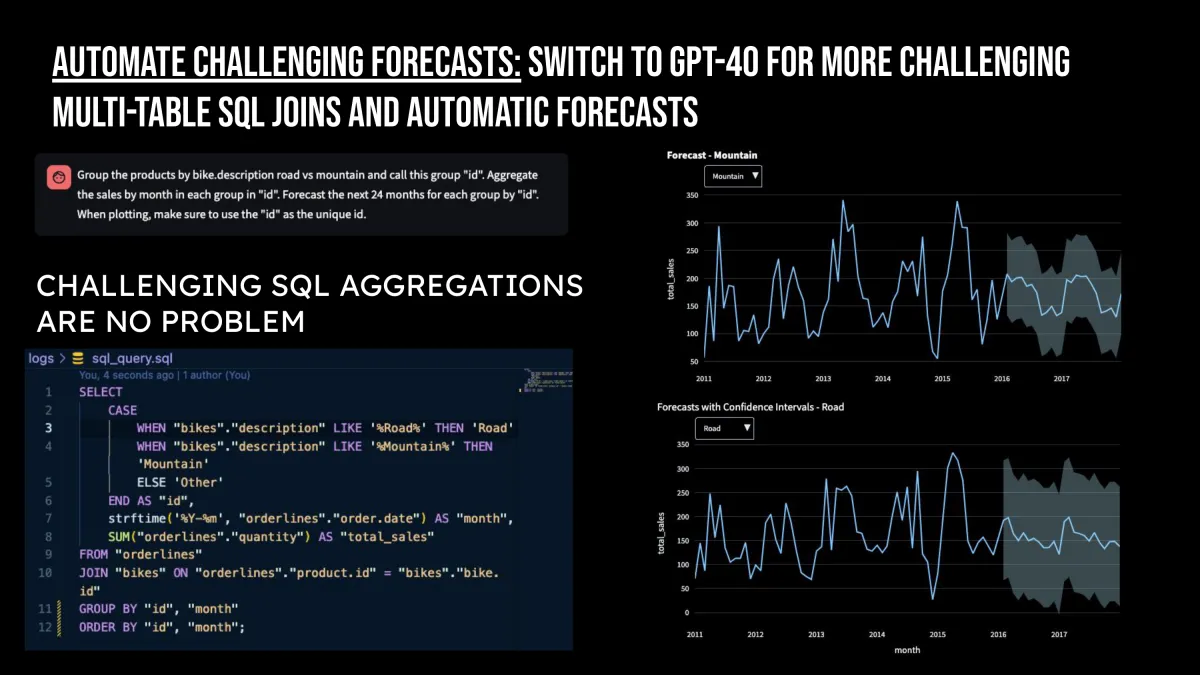
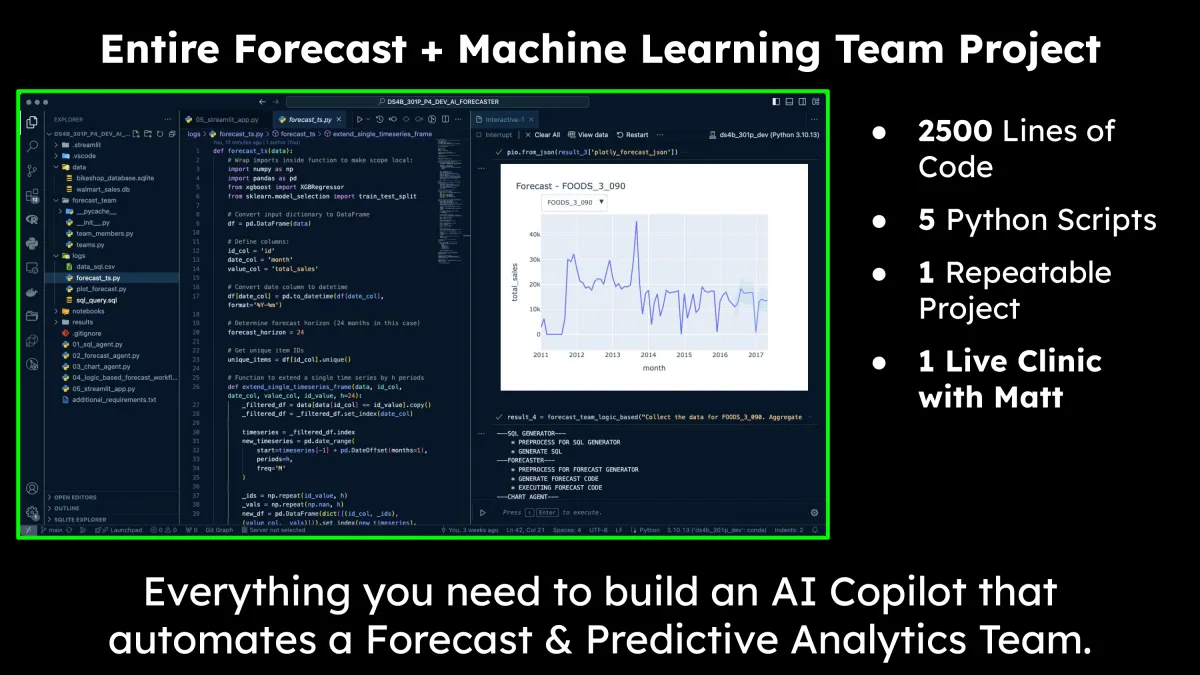
Time Series Forecasting Team
Here's The Highlights Of What's Inside:
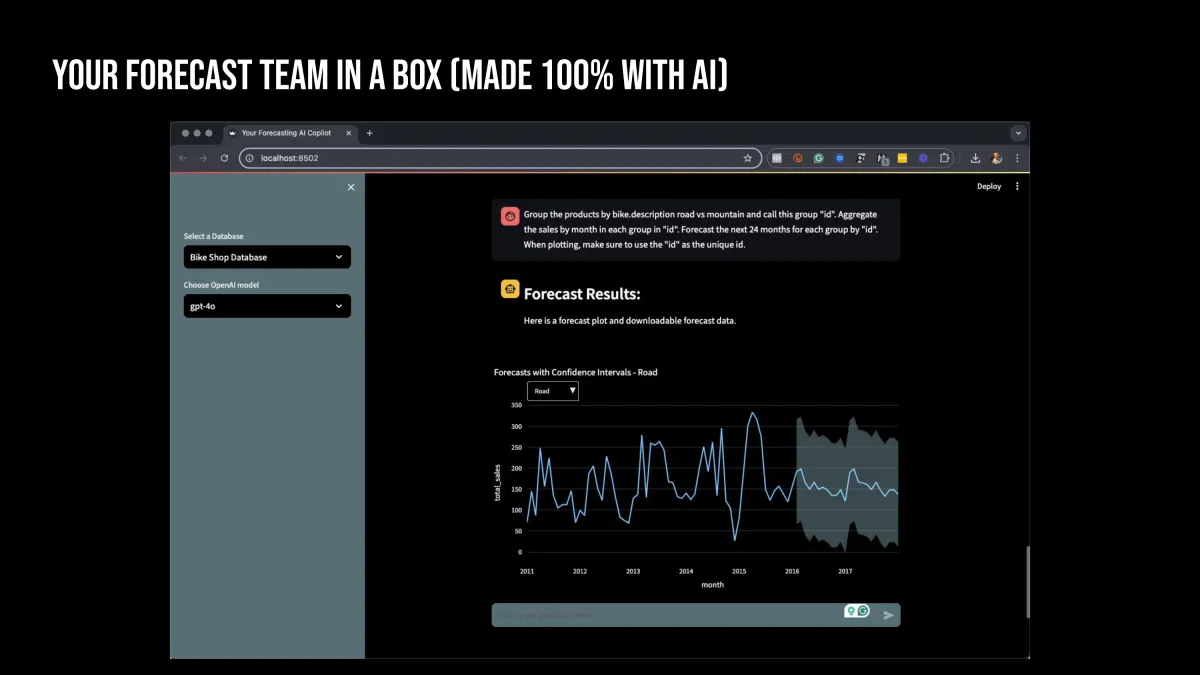
Discover How To Build A Forecasting Team Using An AI Agential Workflow
Learn how Matt replaced himself with this AI forecasting team
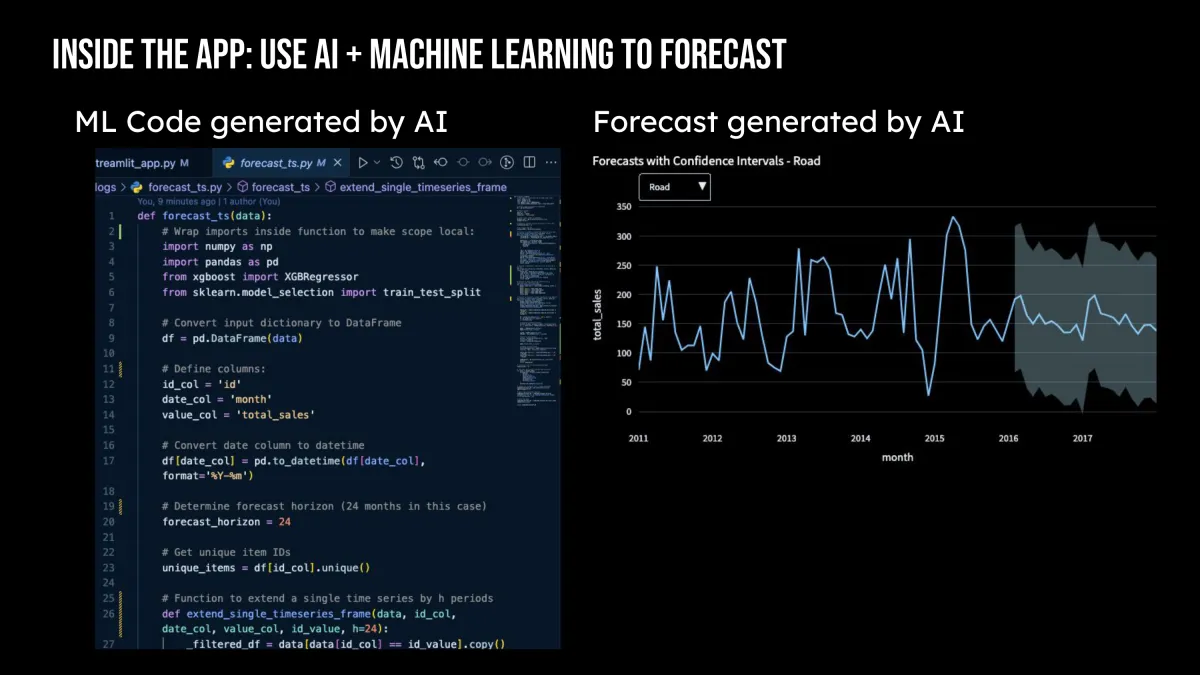
Uncover the secrets to training AI to write-and-execute Python code
AI Forecasting with XGBoost Machine Learning
Make a SQL Agent, Forecast Code Agent, and Plotly Charting Agent
These are the exact same cutting-edge skills that Google and OpenAI Engineers are using to develop write-and-execute AI agents.
$997 Value
Clinic #5:
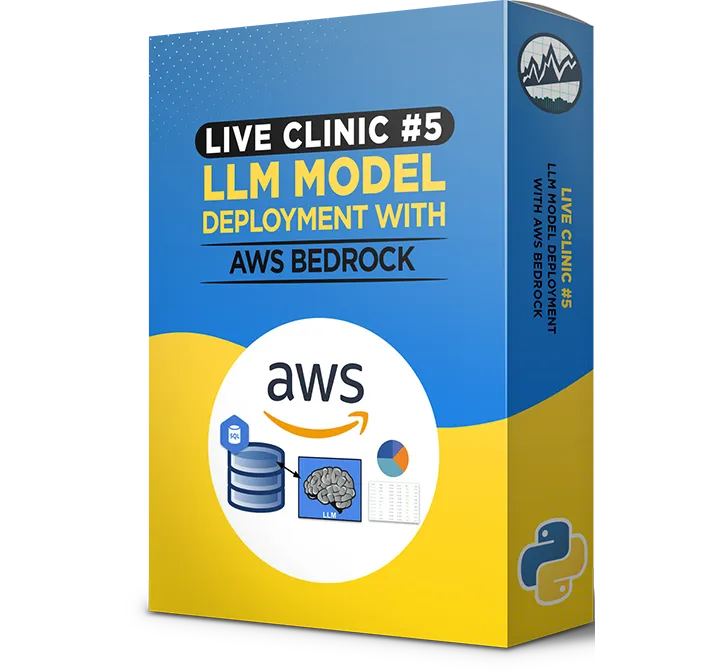
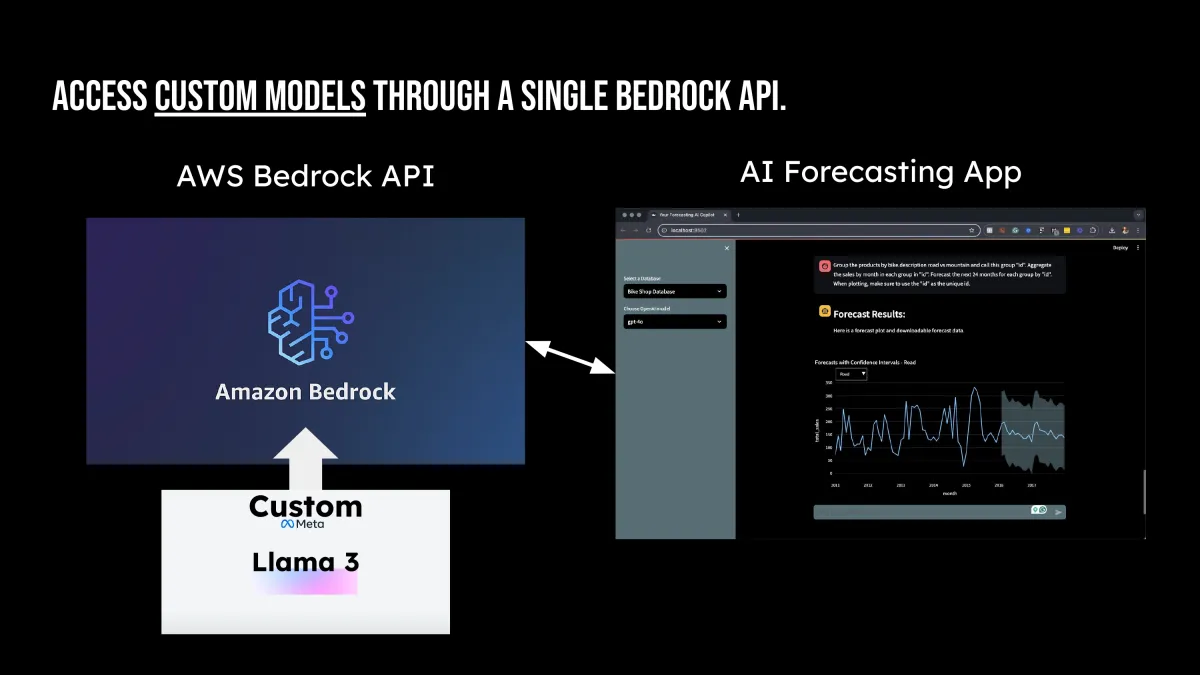
LLM Model Deployment with AWS Bedrock
Here's The Highlights Of What's Inside:
Solve the “My Company Cannot Use OpenAI” Problem
Prevents the “Samsung Giving Away Proprietary Information” Problem
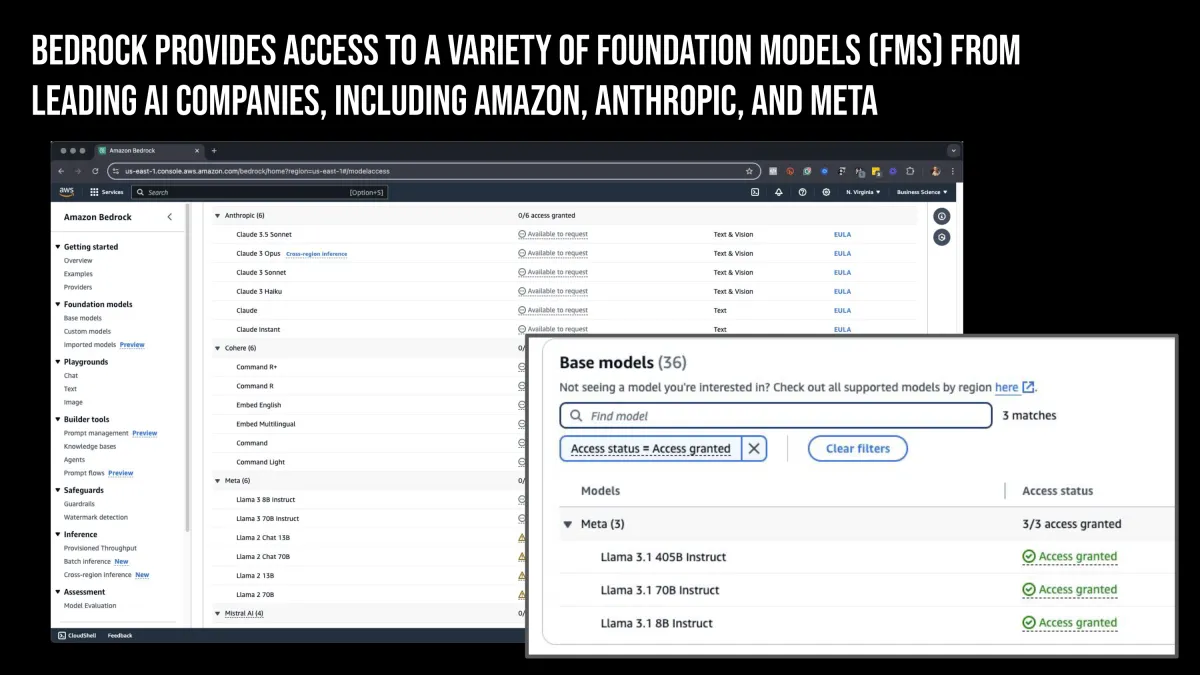
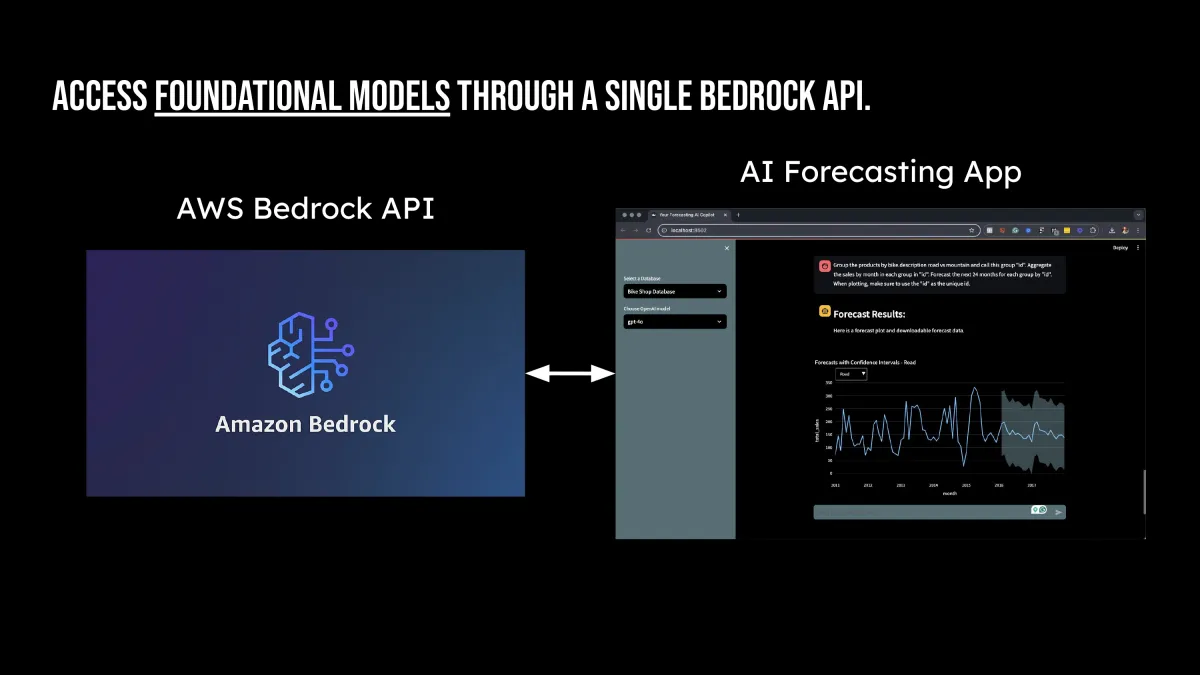
Discover AWS Bedrock, a GPU-Enabled Inference Service that helps developers build Generative AI Applications
Give your company enterprise security, safeguarding their data and code
Run inference extremely fast with GPUs
$997 Value
Clinic #6:
Fine Tuning LLM Models
Here's The Highlights Of What's Inside:
Solve the “My Company Needs Proprietary LLMs” Problem
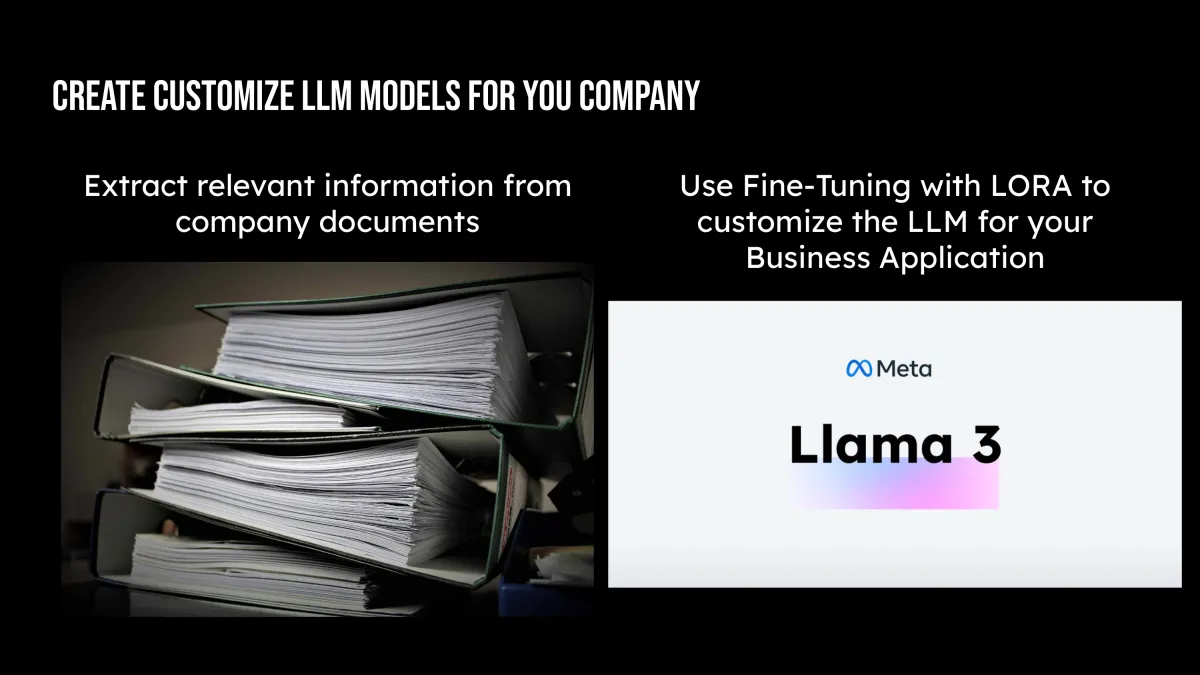
Discover how to make Proprietary LLM Models for you Company
Customize Foundational LLMs using Low Rank Adaption (LoRA)
Deploy Your Company’s Custom LLMs with AWS Bedrock
$997 Value
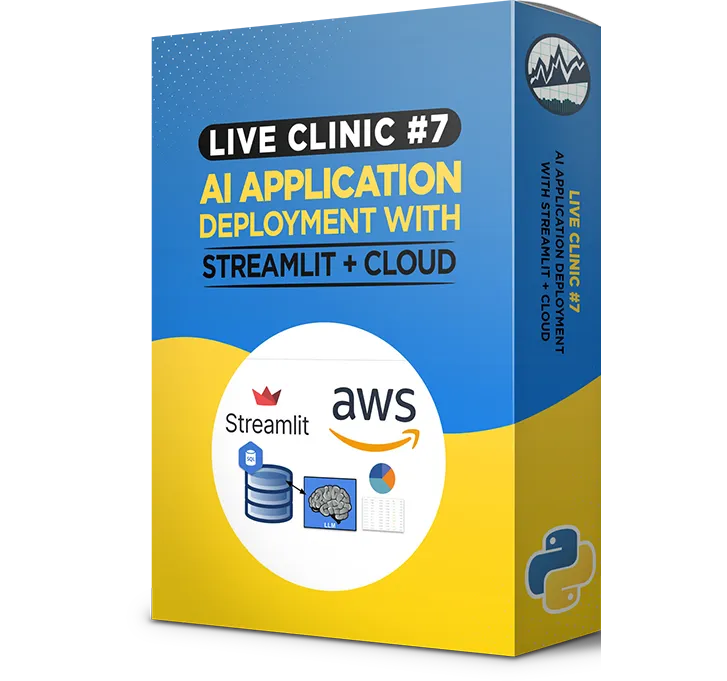
Clinic #7:
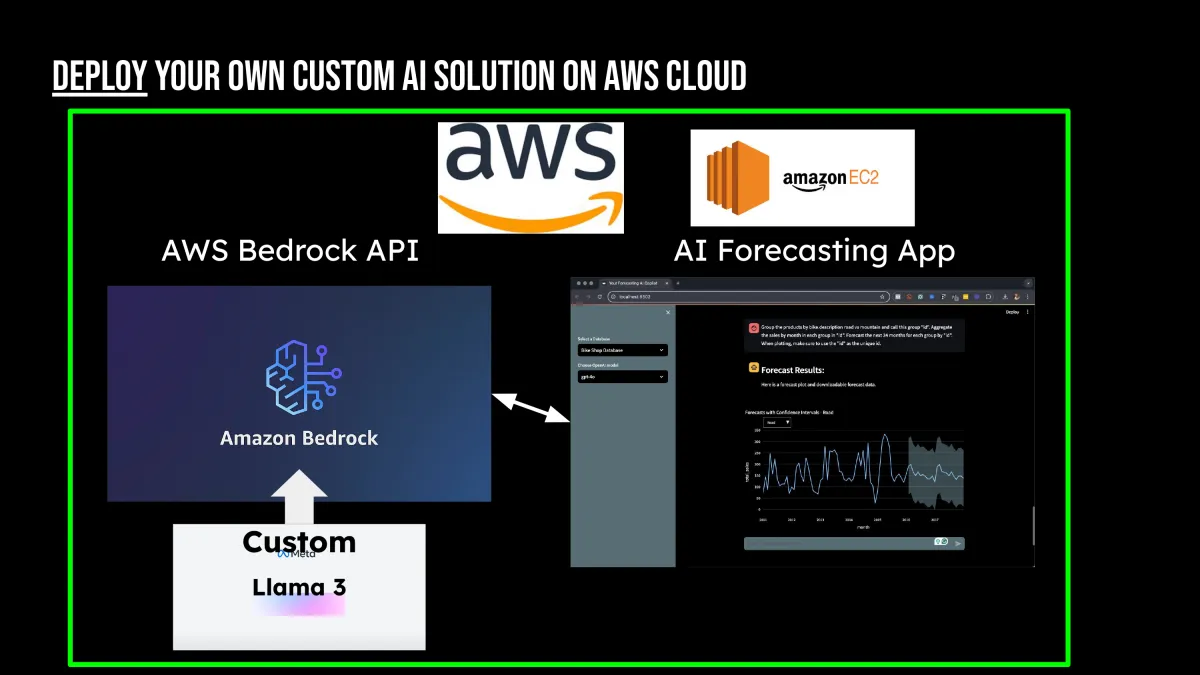
AI Application & Deployment with Streamlit and AWS Cloud
Here's The Highlights Of What's Inside:
Solve the “Last Mile” Problem (How do I take my AI app into production?)
Discover the 2 methods I use for deploying AI into production
Make a Job Portfolio App Deployment
Make an Enterprise-Grade Secure App Deployment
Add Security & Authentication
$997 Value
(Bonus #1)
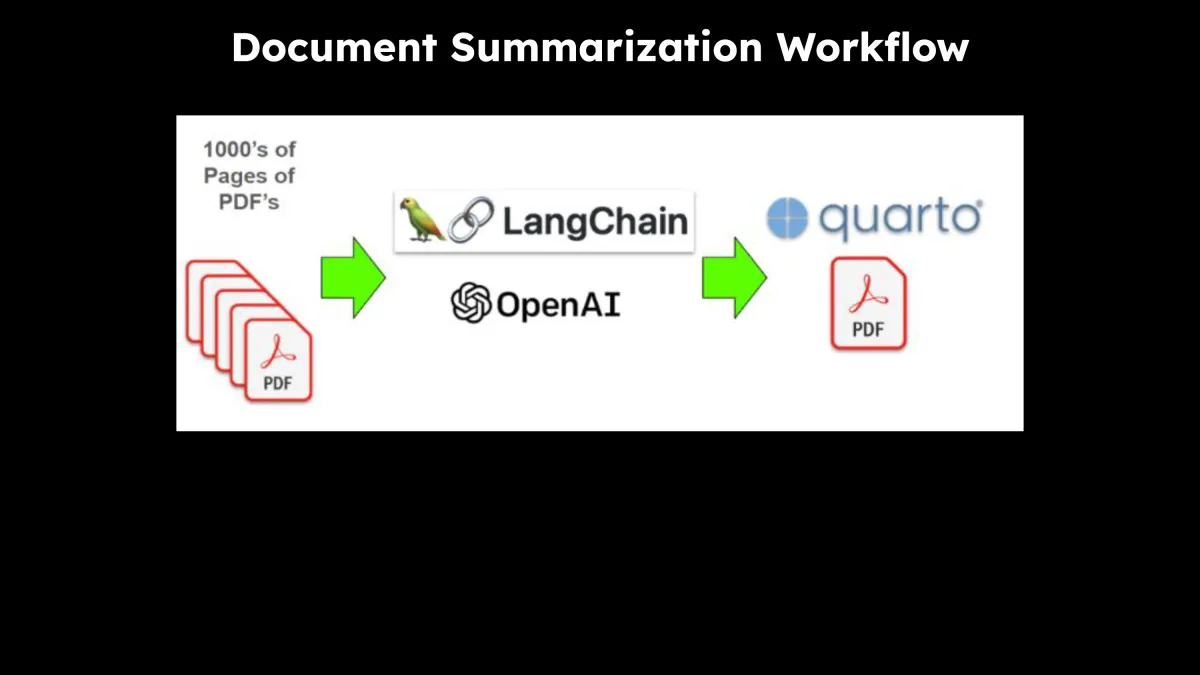
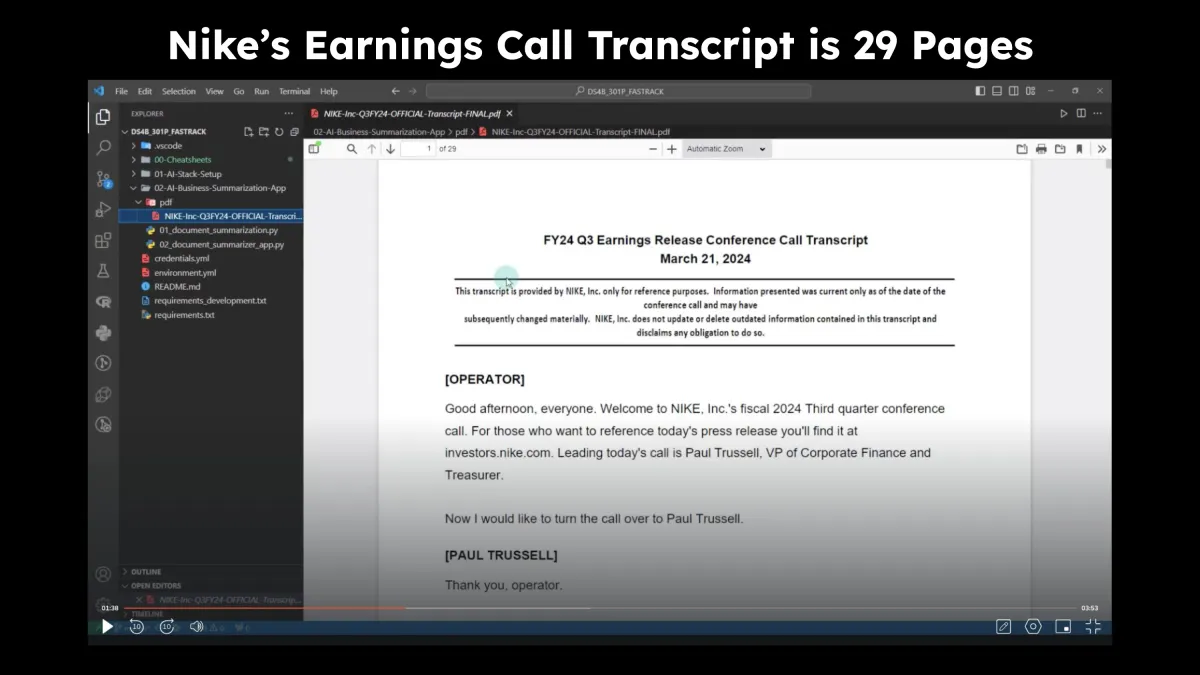
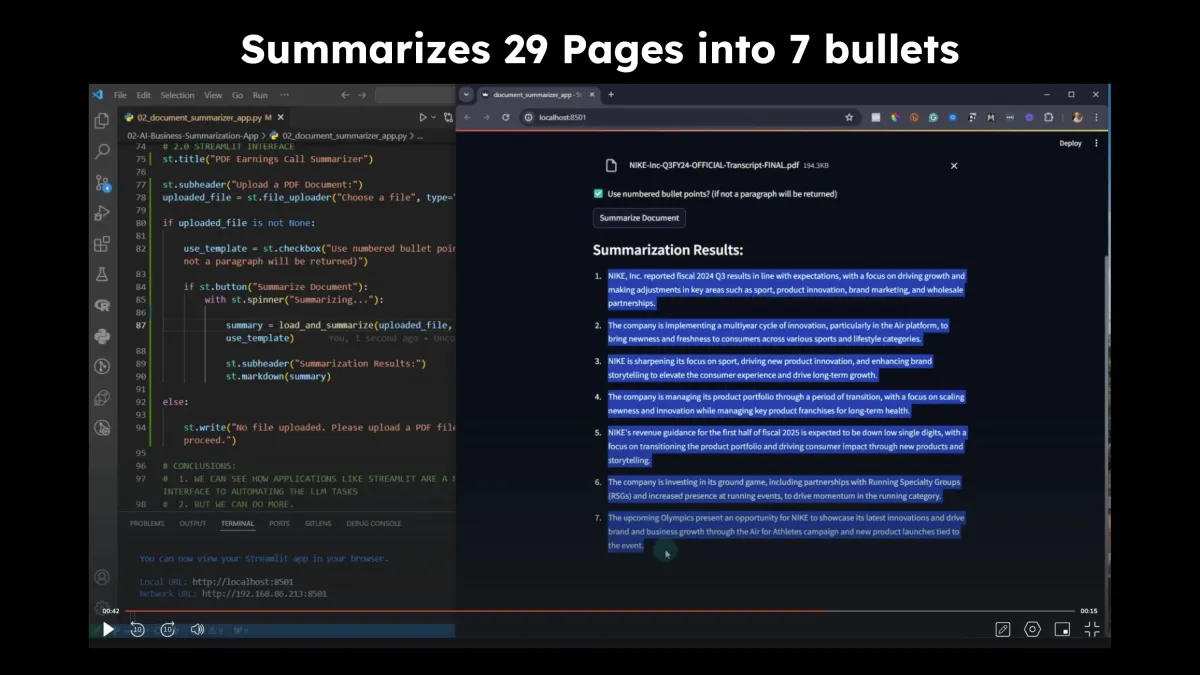
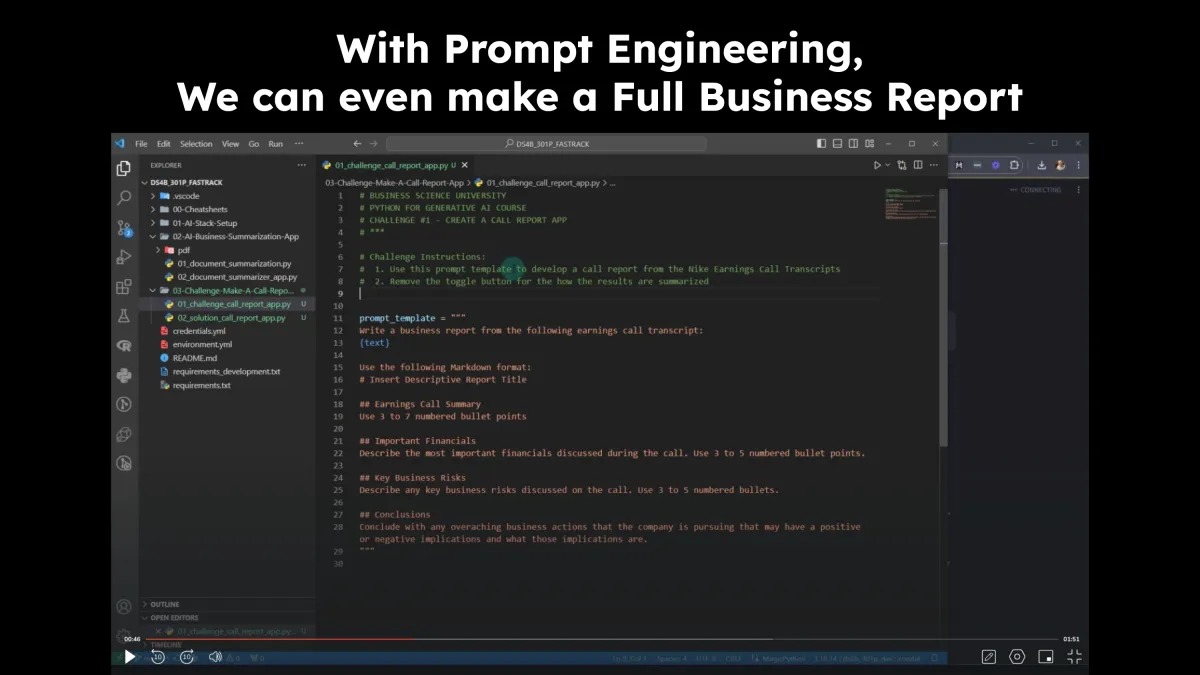
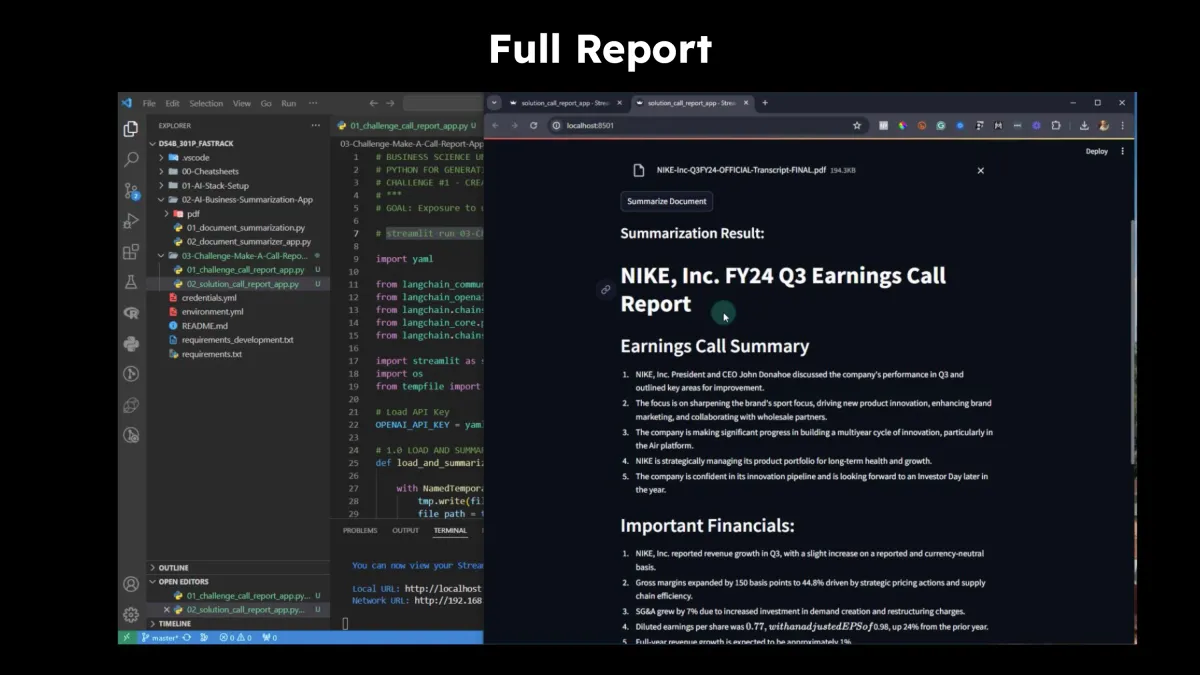
AI Fast Track Course
Here's The Highlights Of What's Inside:
Solves the “I need help getting set up problem”
Get the AI Stack Installed
Set Up VSCode
Set Up OpenAI
Make Your First AI
Make Your First AI App (Add to Your Portfolio)
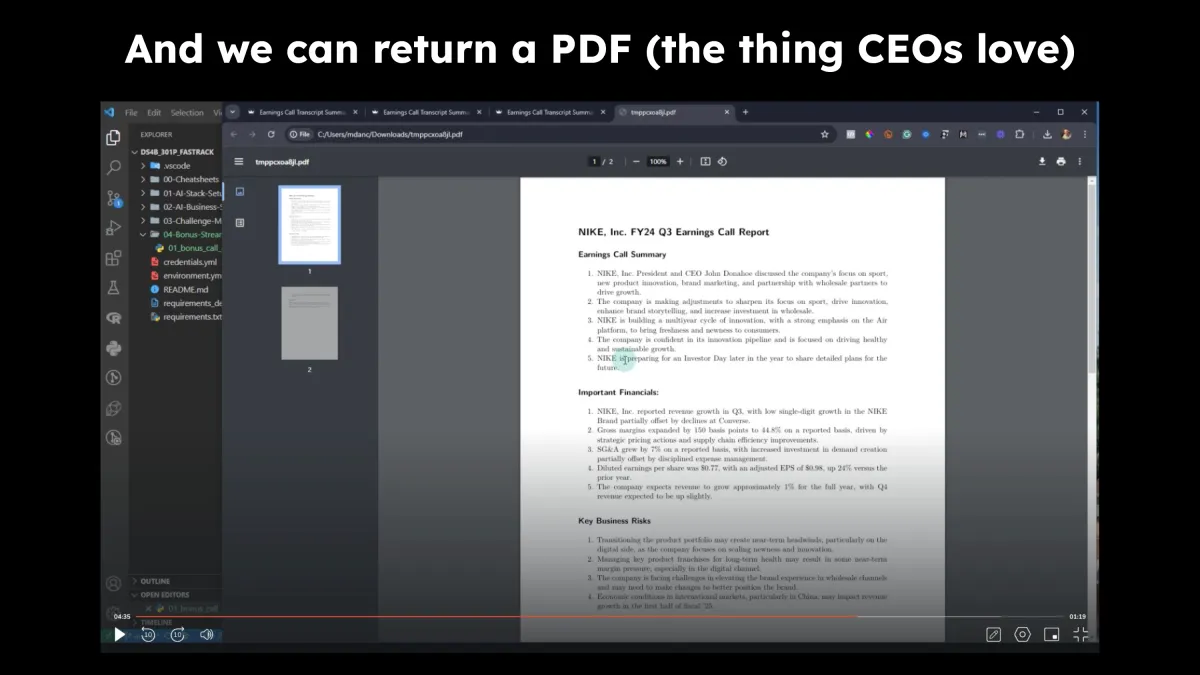
Challenge #1: Make an AI Report Generator
Bonus: Publish AI Report to PDF
The exact skills needed to get your company a Quick Win with AI.
$497 Value
(Bonus #2)
Live Kickoff Clinic + Local LLM Training
Here's The Highlights Of What's Inside:
Meet Your Mentor
How to Get Support
Get Your Cohort Schedule
Discover how to use this program (even if you’ve never taken a Python course before!)
Special Bonus Code: Extends the AI Fast Track Project with Llama 3.1 8B running locally on your computer
Solves the “My Company Can’t Use OpenAI” Problem with Local LLM
Everything you need to maximize the benefit of the Generative AI Bootcamp.
$997 Value
Frequently Asked Questions (FAQs)
I won't be able to attend some of the live clinics. What happens then?
I record everything. All of it goes into your Cohort recordings. You get lifetime access to the recordings, the code, and resources.
I have limited knowledge of Python. Is this OK to participate in the course?
Yes. In the kickoff session I go over what to do if you have not any Python experience. Students with little Python knowledge from Cohort 1 found it challenging but extremely rewarding and exciting. And they made tremendous strides in their development.
What is the schedule for the live clinics?
The schedule for each cohort is dynamically created for each cohort factoring in Holidays and breaks. See prior cohort schedules here.
In general, there is a Live Kickoff meeting that is held on Monday at Noon (12 PM EST). Live Clinics are held on Fridays at Noon (12 PM EST) following the kickoff meeting. The schedule for your cohort will be announced week of the Kickoff meeting.
What is the duration of each clinic?
Each clinic is between 1.5 and 2.5 hours.
How long will I have access to all the course materials
You get Lifetime access to the code and contents.
Is the code you provide with Bootcamp free for me to use and modify however I want?
Yes. You can run the code, modify it as you wish. You can use it for portfolio purposes or even on the job. However, you are not permitted to publish source code in a public forum.
Job Portfolio Projects: I do not permit sharing your app source code in the public (keep it private). I provide instructions on how to create Public-Facing Job/Client Portfolio Apps in Clinic 7.
Can you provide an invoice?
We can provide an invoices and receipts. Email Haley at [email protected], and she will assist you with your request.
When is the next bootcamp?
Each Generative AI Bootcamp is offered once a quarter. I run them 4X per year.
What is the refund policy?
Each Generative AI Bootcamp is a seat-based program, where we cap the seats to provide a high level of support and only allow the most committed students. Because of this there are no refunds.
What are the time commitments for this program?
There is 1 Live Kickoff Clinic and 7 Live Clinics. Each clinic lasts between 1.5 and 2.5 hours. In addition, you will be given independent challenges to apply your skills. This can take up to 3-5 hours per week of optional independent effort. The program lasts 8 weeks with typically one or two weeks for breaks/holidays. Students appreciate these breaks to catch up on studies.
Minimum time commitment: 16 hours (approximately 2 hours per week)
Max time commitment with optional independent studies: 48 hours (approximately 6 hours per week)
(Bonus #3 For The First 10 People)
Python For Data Science Automation
Bonus #1: Python For Data Science Automation
Transition repetitive business processes to Python automation workflows.
Project Flow for Python Course 1
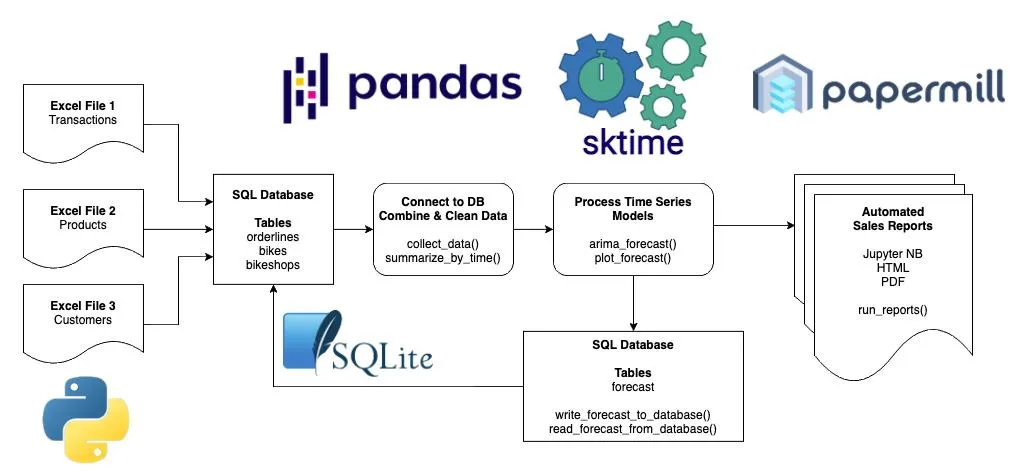
Python 1 Comes With 10 Modules:
Module 0: Project, Environment, and VSCode Setup
Module 1: Jumpstart (Sales Analysis)
Module 2: Working with SQL Databases
Module 3: Pandas Deep-Dive (3+ Hours Training)
Module 4: Exploratory Analysis & Time Series Basics
Module 5: Functional Programming in Python
Module 6: Building ARIMA Time Series Models with Sktime
Module 7: Data Visualization Deep-Dive (3+ Hours Training with Plotnine)
Module 8: Writing An Analysis To SQL Databases
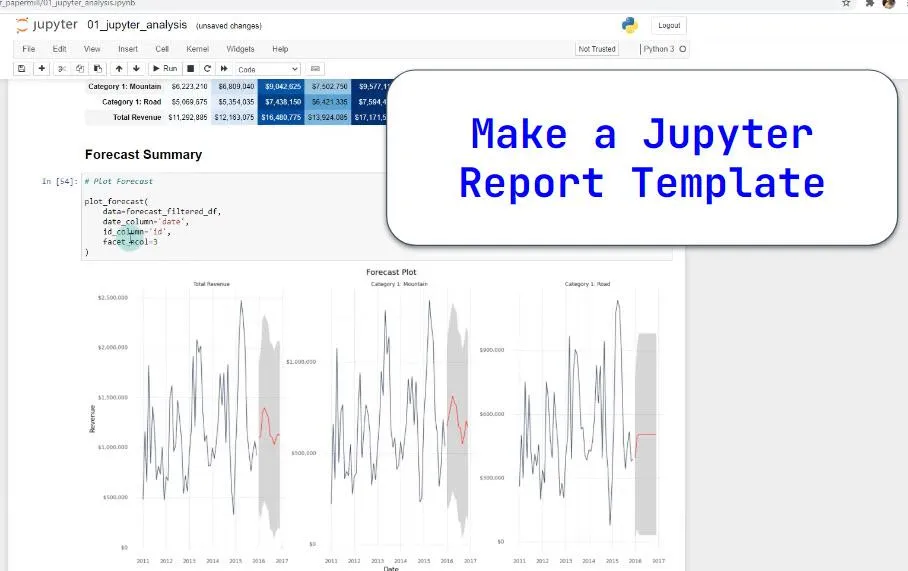
Module 9: Automated Sales Reporting with Jupyter + Papermill
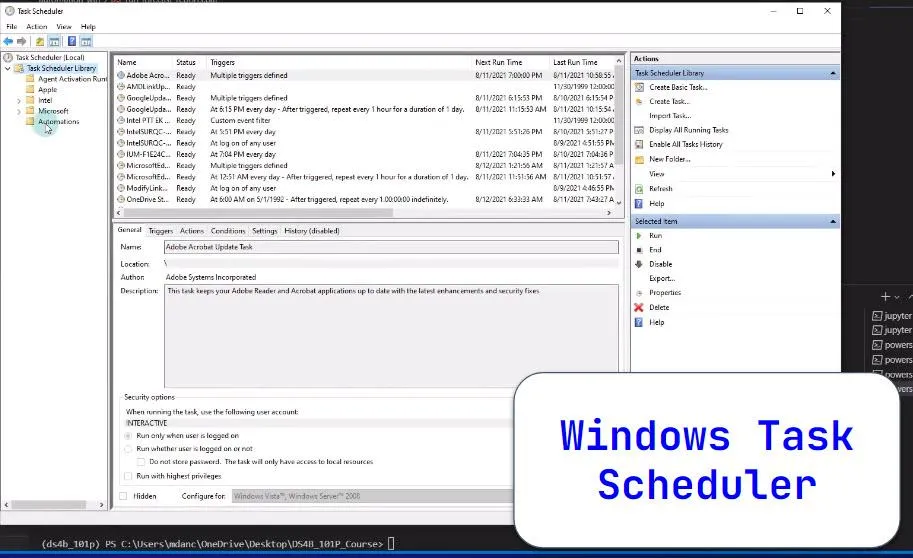
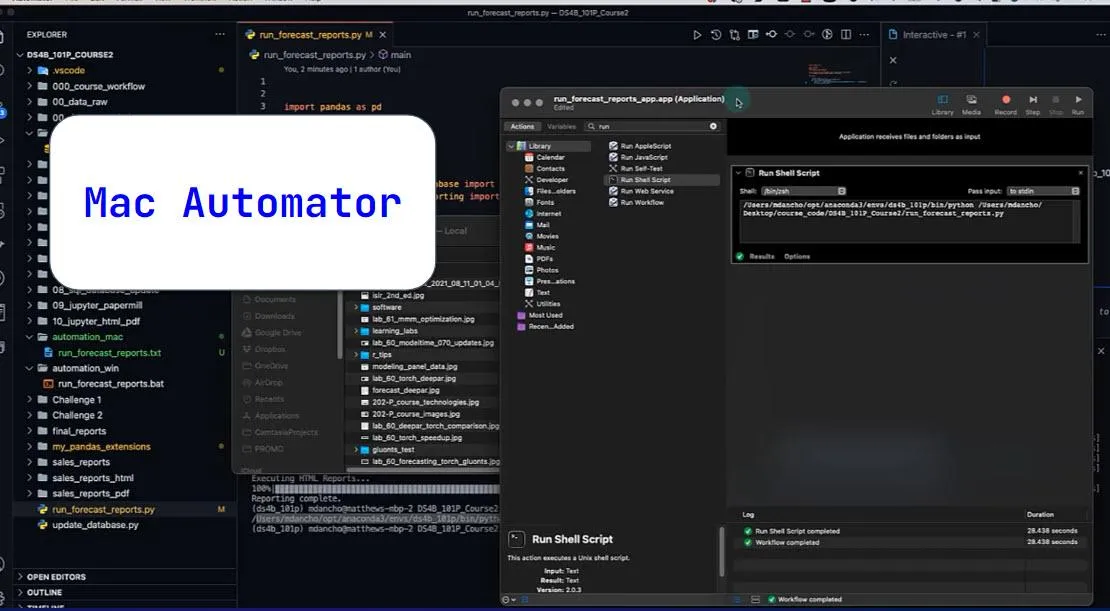
Module 10: Task Scheduling in Windows & MacOS
Here Are Some Screenshots From Within The Course
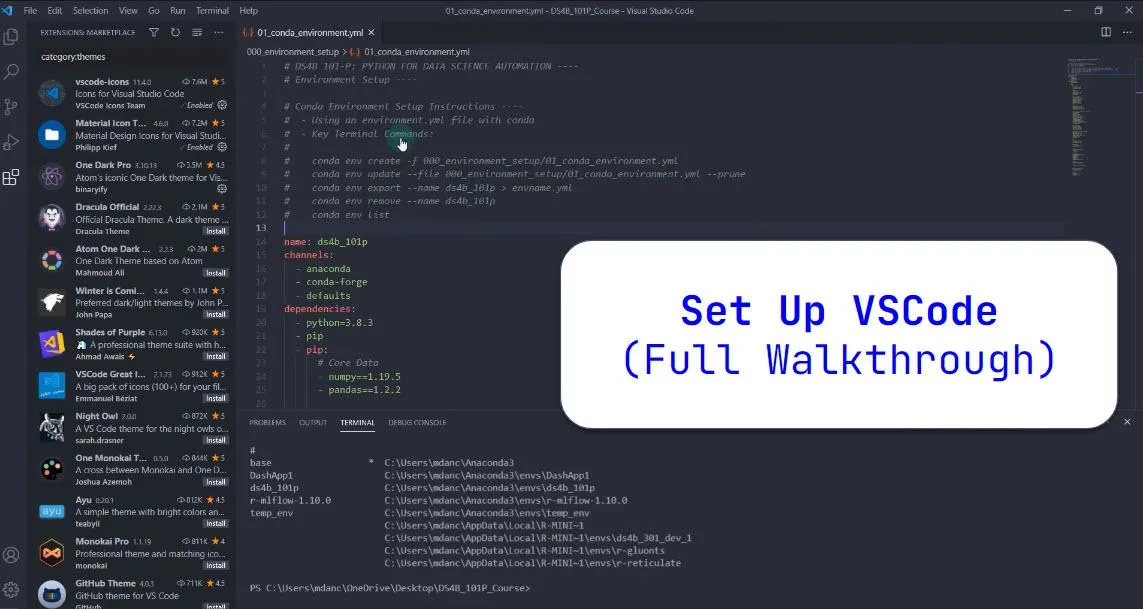
Learn how to set up VSCode
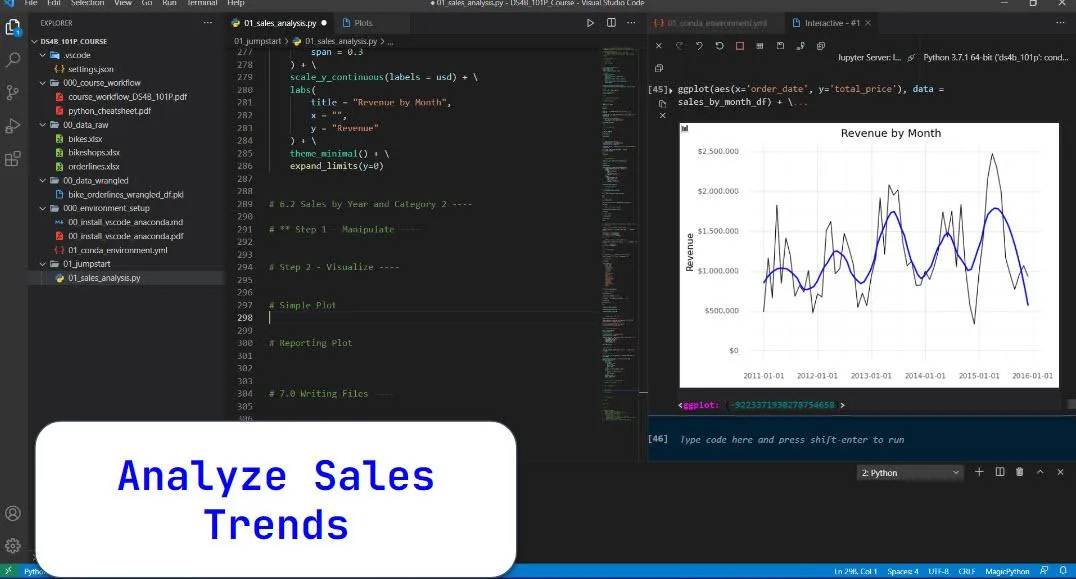
Analyze sales trends
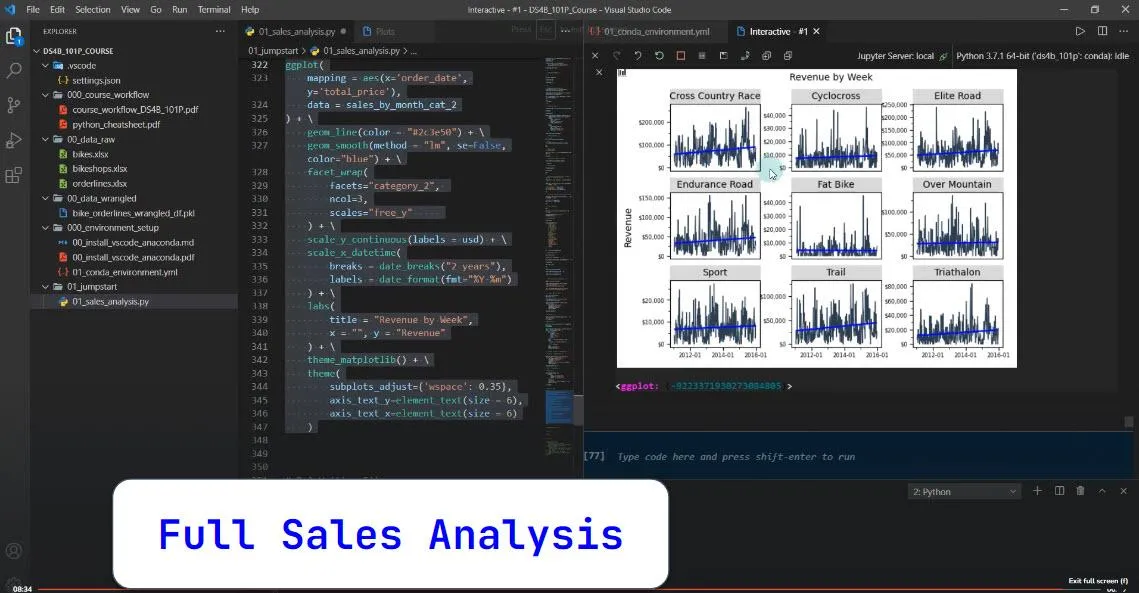
Perform a full Sales Analysis in just the first 45 minutes.
Learn how to read and write from SQL databases.

Convert SQL database tools into repeatable Python data collection functions.
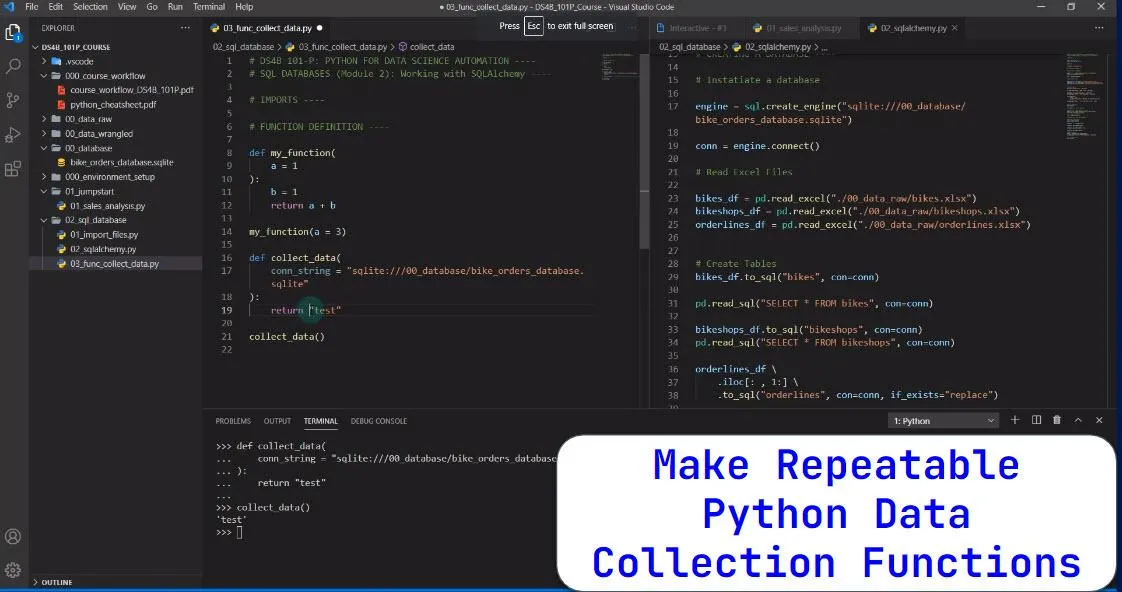
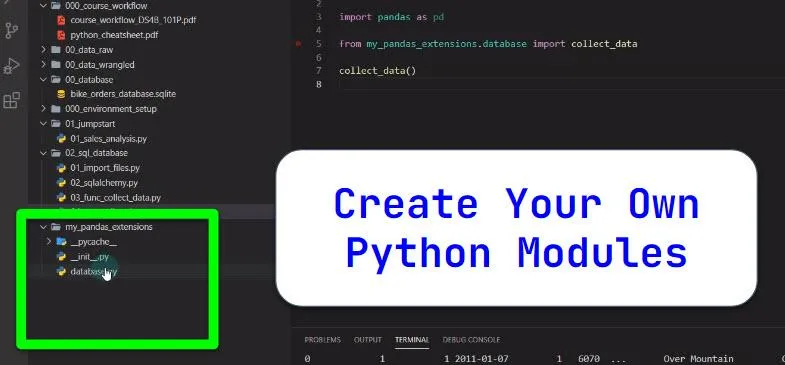
Create your very own python module (so you can use your custom functions throughout the project)
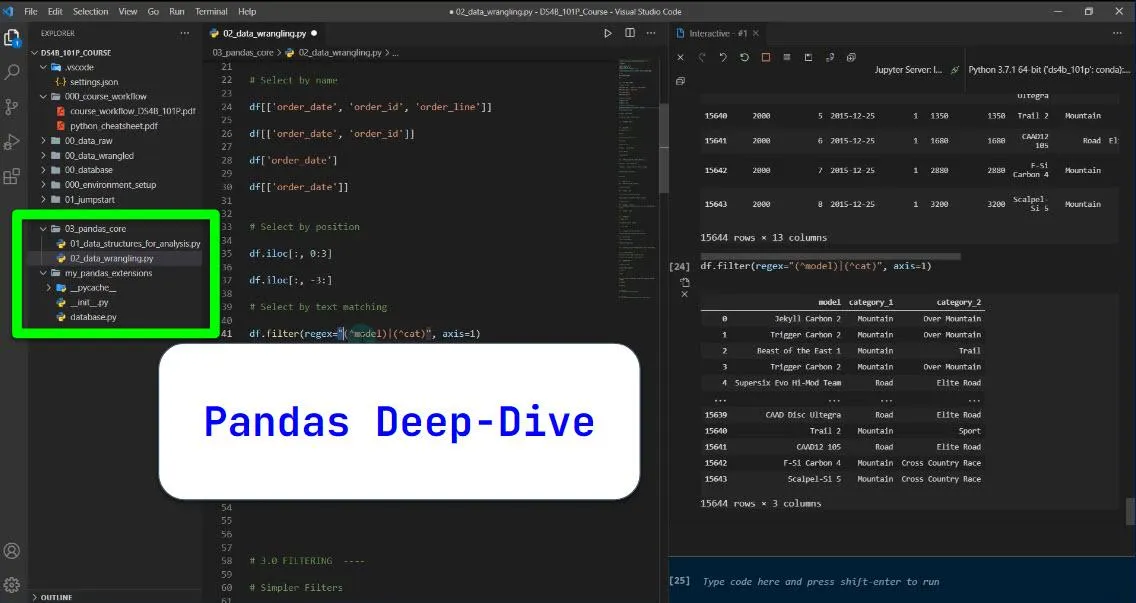
Take a 3-hour deep-dive into the Pandas Library.
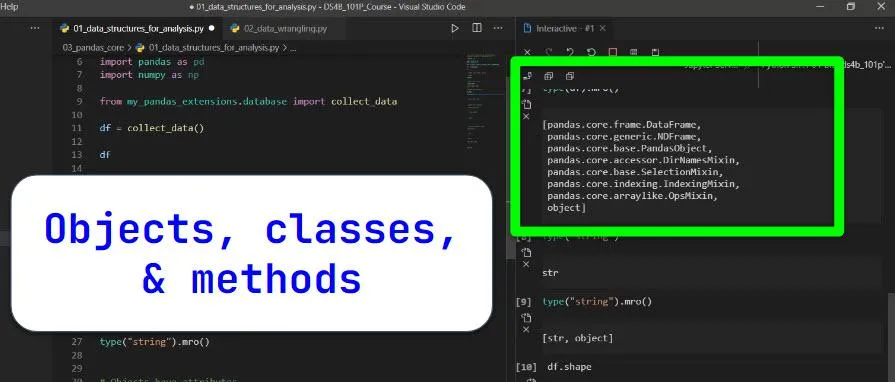
Learn about Pandas objects, classes, and methods.
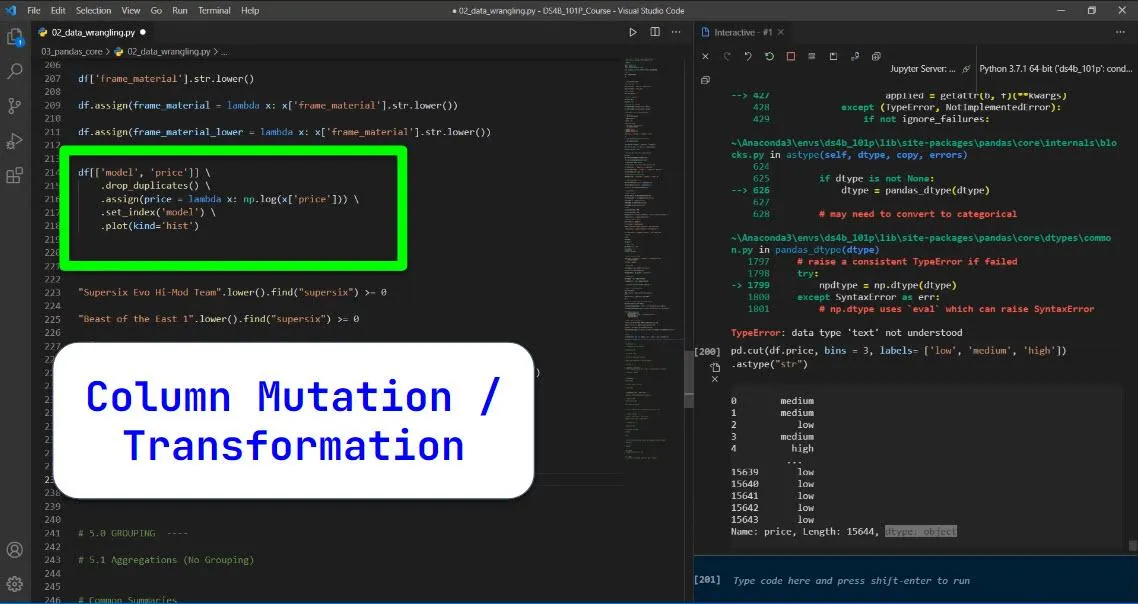
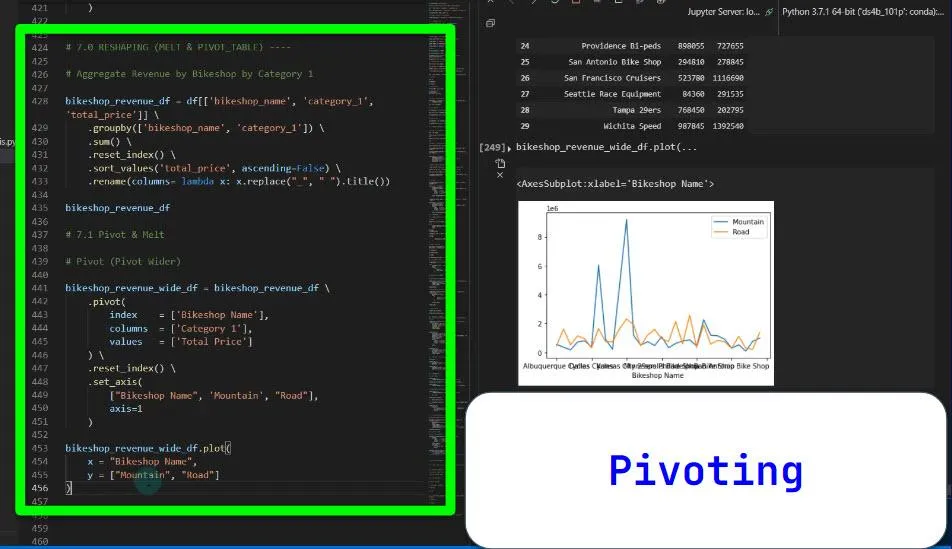
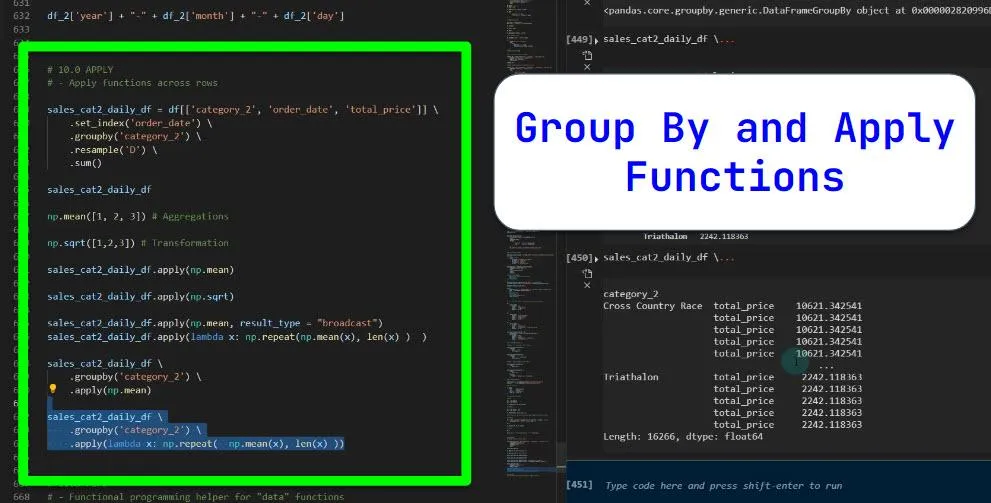
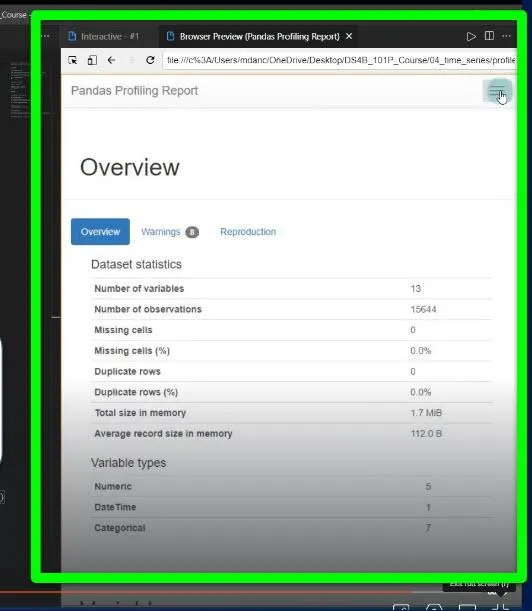
Learn common pandas techniques like…
Row-wise filtering
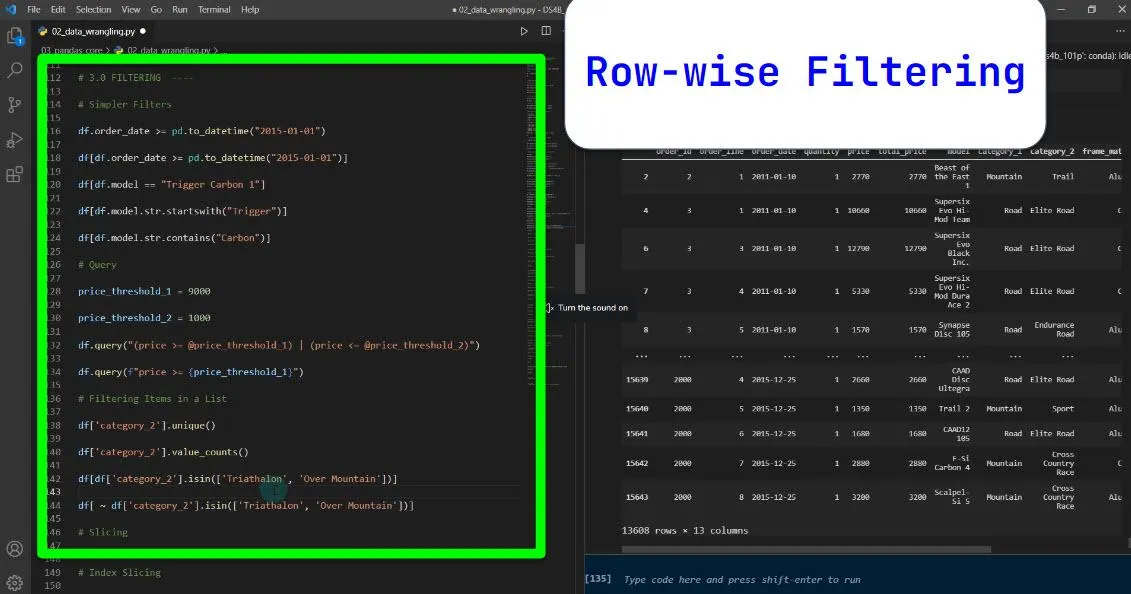
Column Operations
Pivoting
Group By and Apply
Make an Exploratory Data Analysis Report (and identify data issues)
Grouped Time Series Resampling
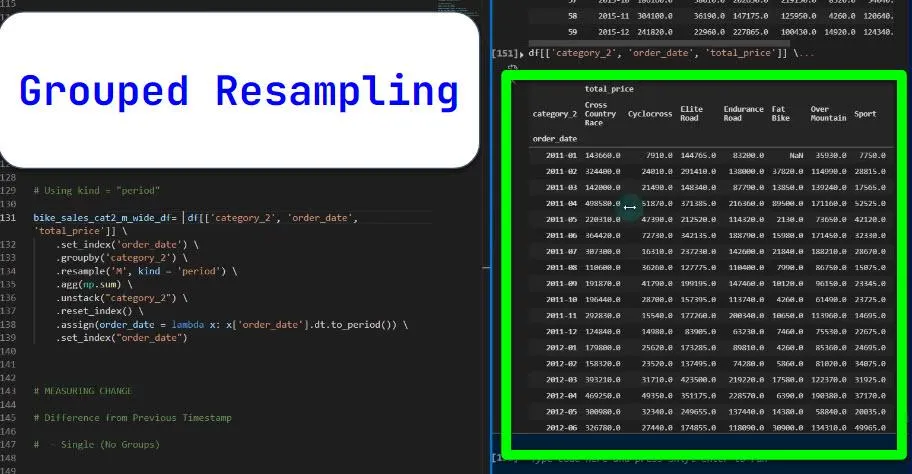
Outlier Detection

Make a Custom "Summarize By Time" Function

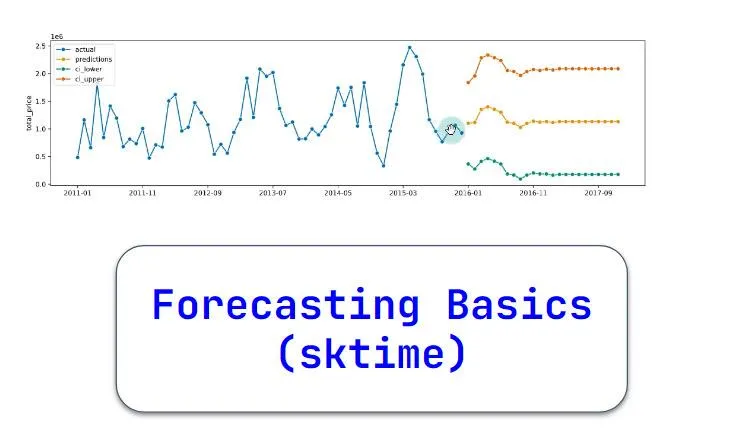
Learn forecasting basics with sktime
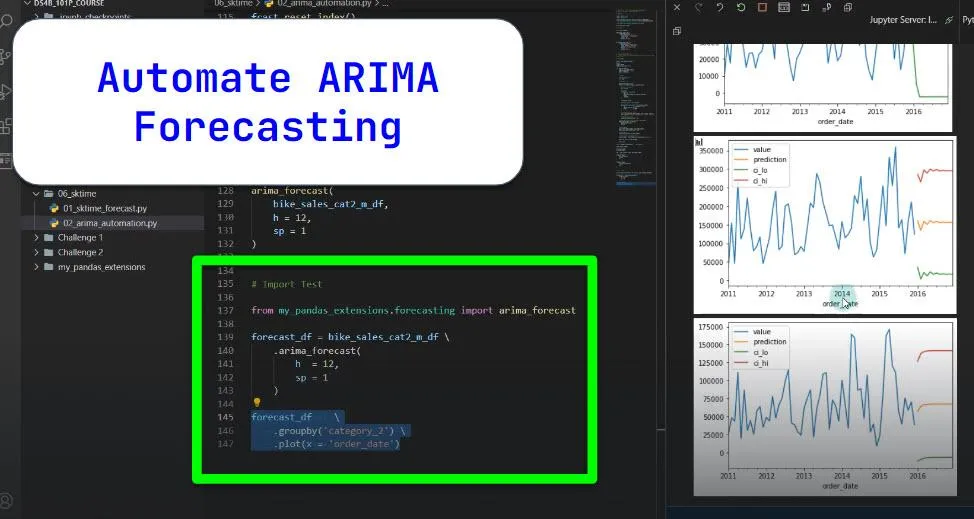
Automate an ARIMA Forecasting Function
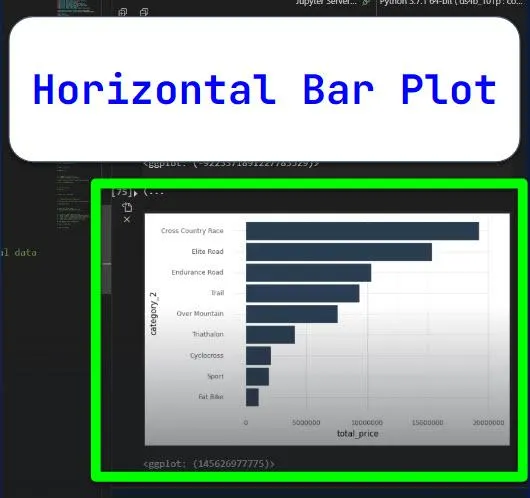
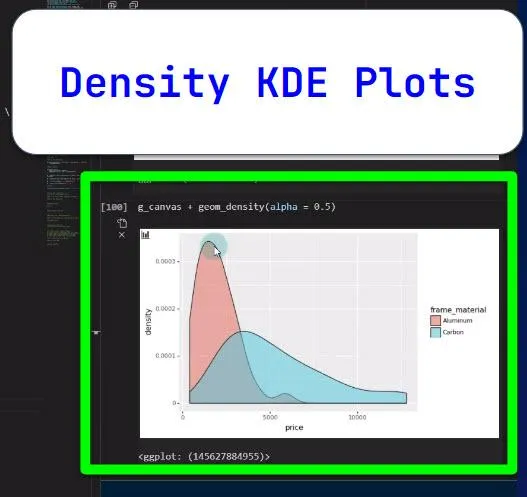
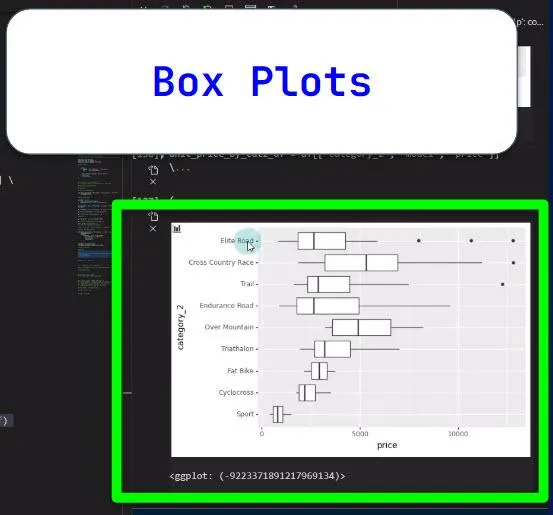
Learn 8 Types of Data Visualizations in the Deep Dive...
Scatter Plot

Line Plot

Bar Plot With Smoother
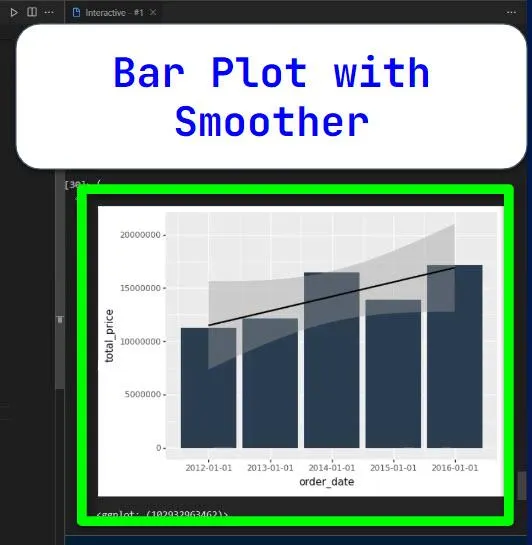
Horizontal Bar Plot
Density & Histograms
Box Plots
Put Your Analysis Into A Jupyter Report
Automate The Reporting With Papermill
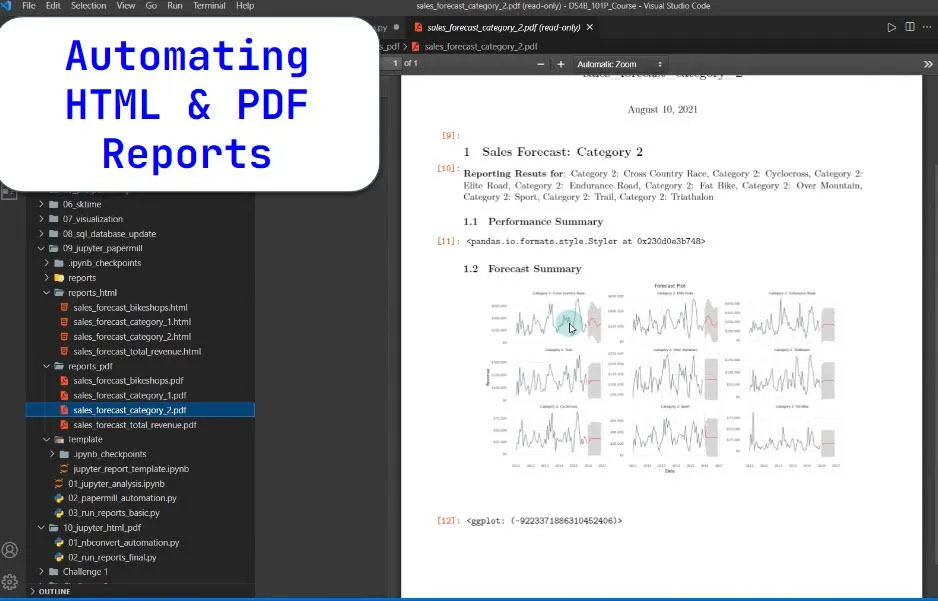
Task Schedule to Run Reports Each Day, Week, Month, or at a Custom Time Automatically
Windows Task Scheduler
Mac Automator
What Can This Course Do For You?
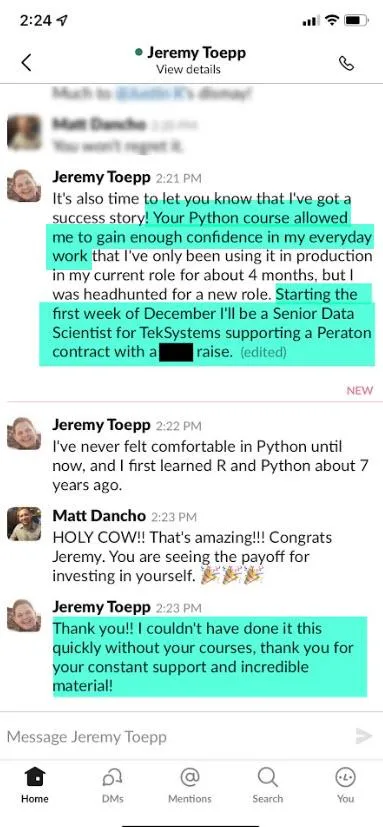
This is what just the first Python course in the program did for Jeremy...
How Jeremy got his 💰 6-Figure Senior Data Scientist Position:
Jeremy says...
"Your Python Course allowed me to gain the confidence in my everyday work."
"I've never felt comfortable in Python until now."
"I couldn't have done it this quickly without your courses."
"Thank you for your constant support and incredible material!"
"I've been using Python in production for 4 months, and I was headhunted for a new role."
"Starting the first week of December, I'll be a Senior Data Scientist [$150,000+ Position]"
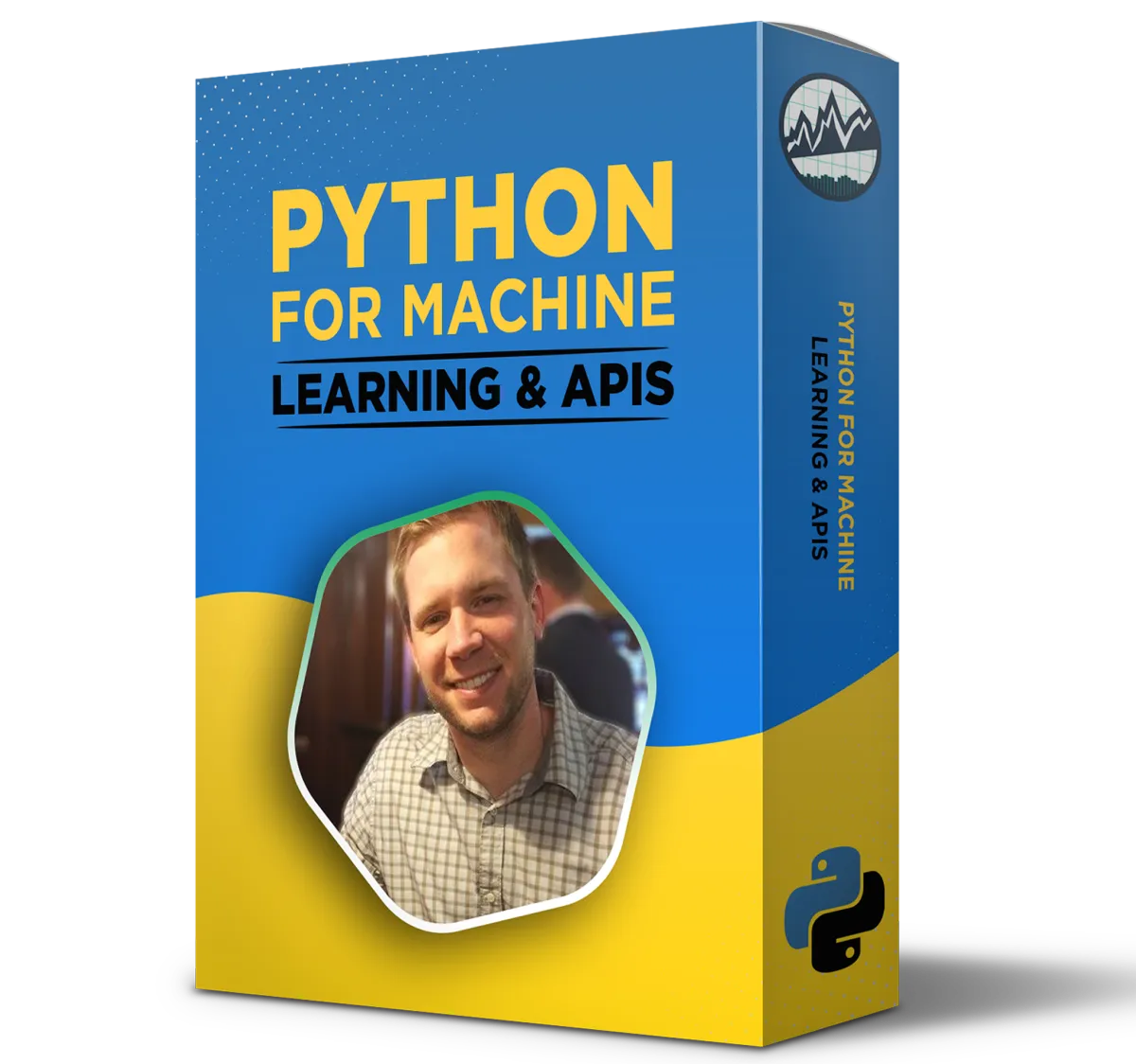
(Bonus #4 First 10 People)
Python For Machine Learning & API's
The Ultimate Python Course For Building Production-Ready Business Solutions

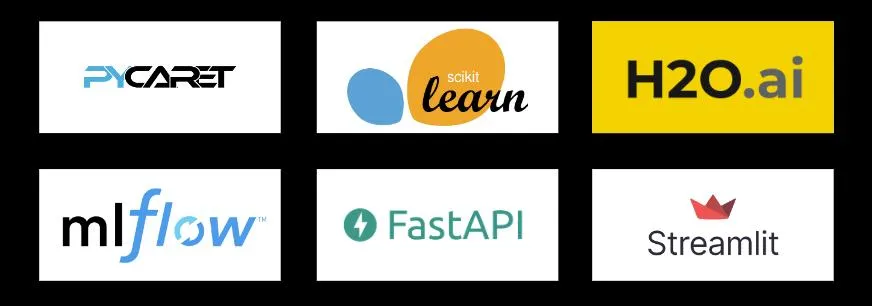
Project Flow For Python Course II
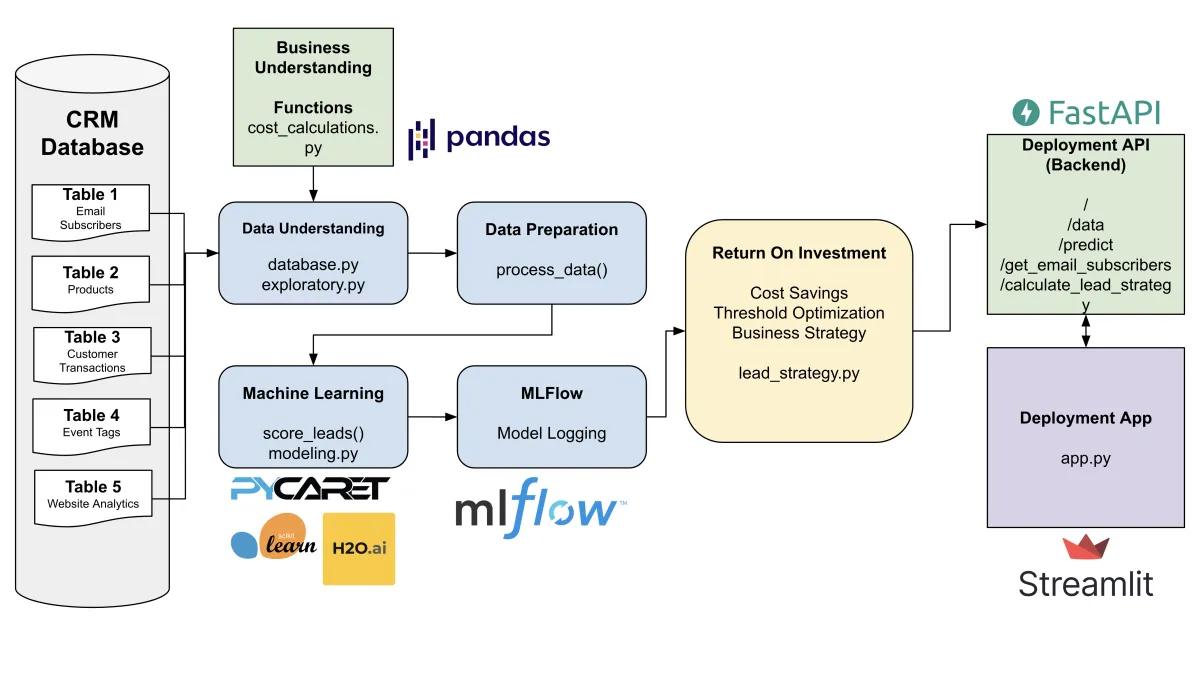
This is the project you work through in Python For Machine Learning & API's.
This is a lead scoring problem for a multi-million dollar business and I'm going to show you how to solve the entire project yourself.
Here are some of the highlights of the course:
Avoid the mistake which causes 87% of data science projects fail.
Simulate the cost of the problem under different scenarios.
Discover how to provide a range for how much the problem is costing the organization.
How to connect tables to a sql database.
Create a full blown exploratory report in 1 line of code.
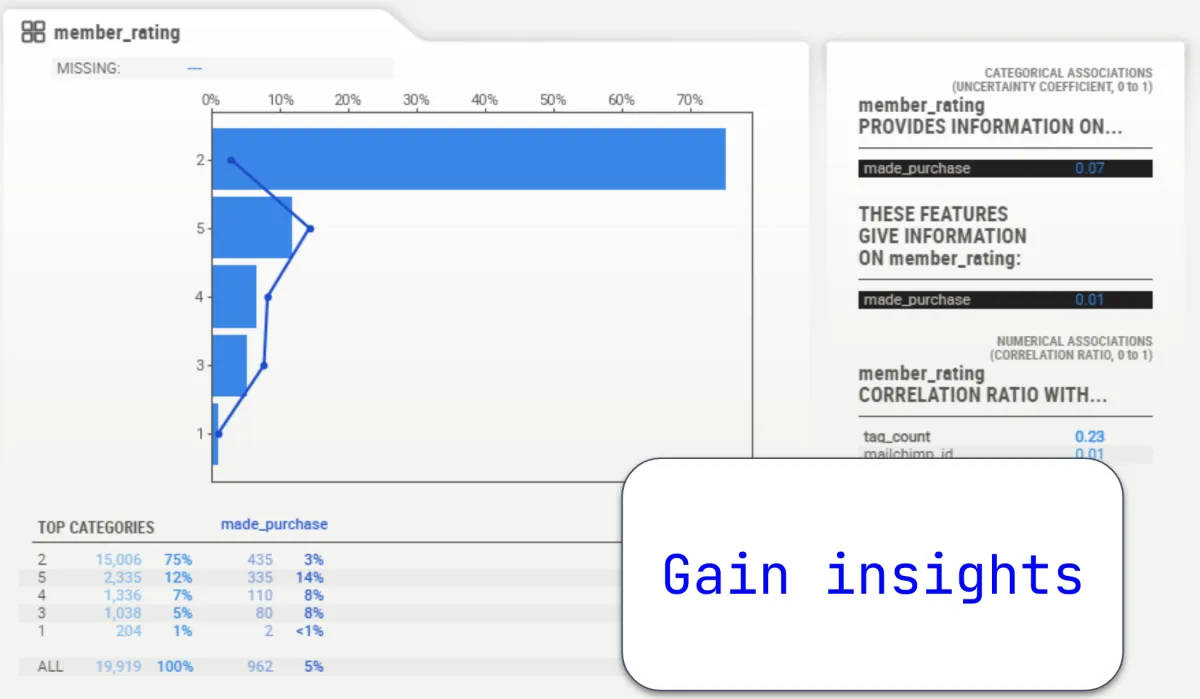
Discover how to gain insights to determine what increases the probability of customers making purchases.
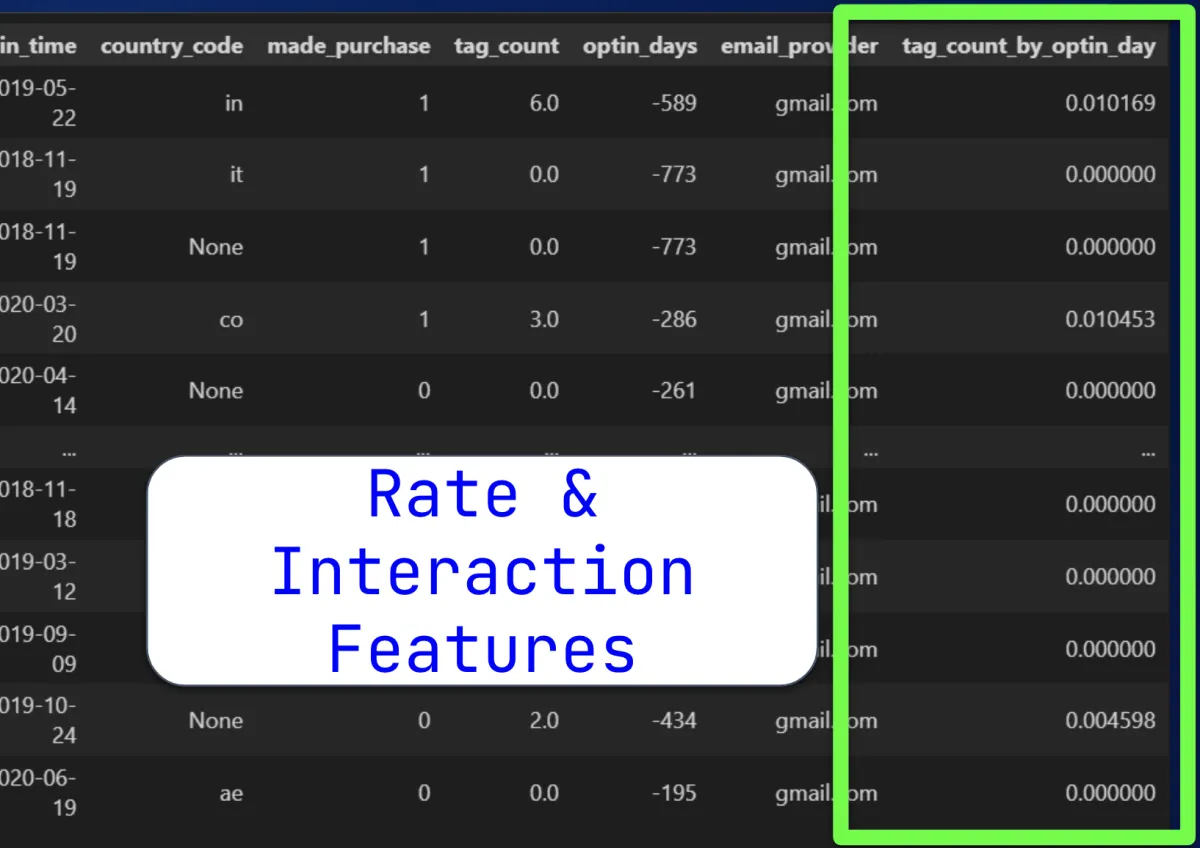
Learn how to make special engineered features to help you clean, sort, and manage data.
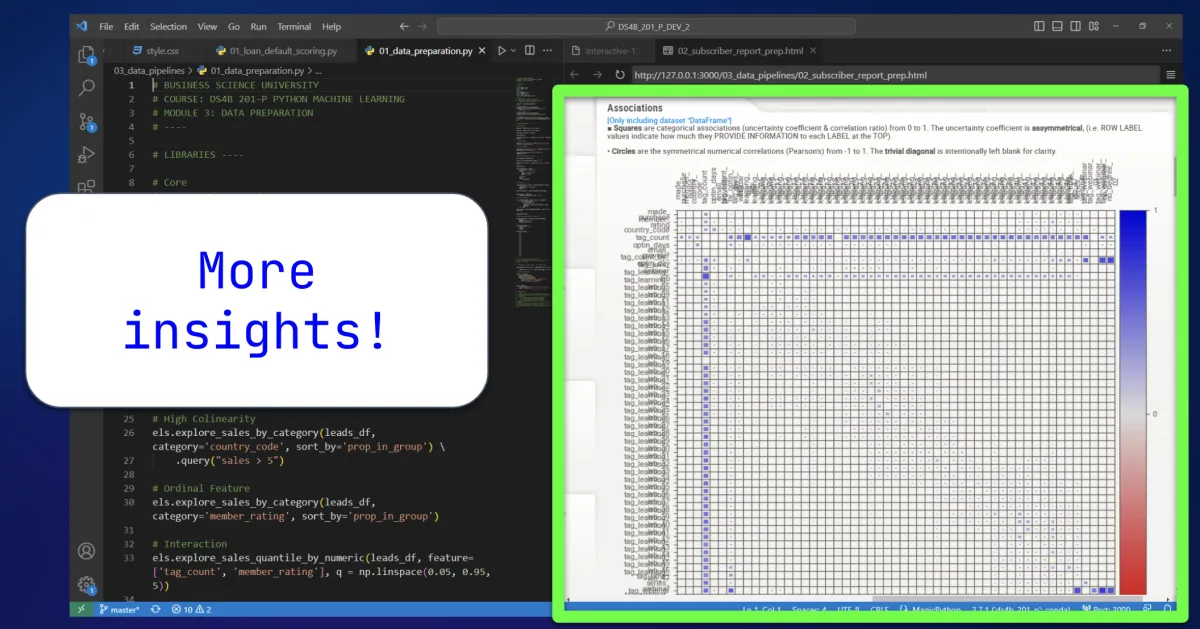
Learn how to create association analysis reports to help your company discover new customer insights.
Discover the one key feature I use to determine a 2900% increase in purchase.
Use Pycaret to access 19 model algorithms including XGBoost, LightGBM and Catboost. (and then use Machine Learning with ALL 19 models.)
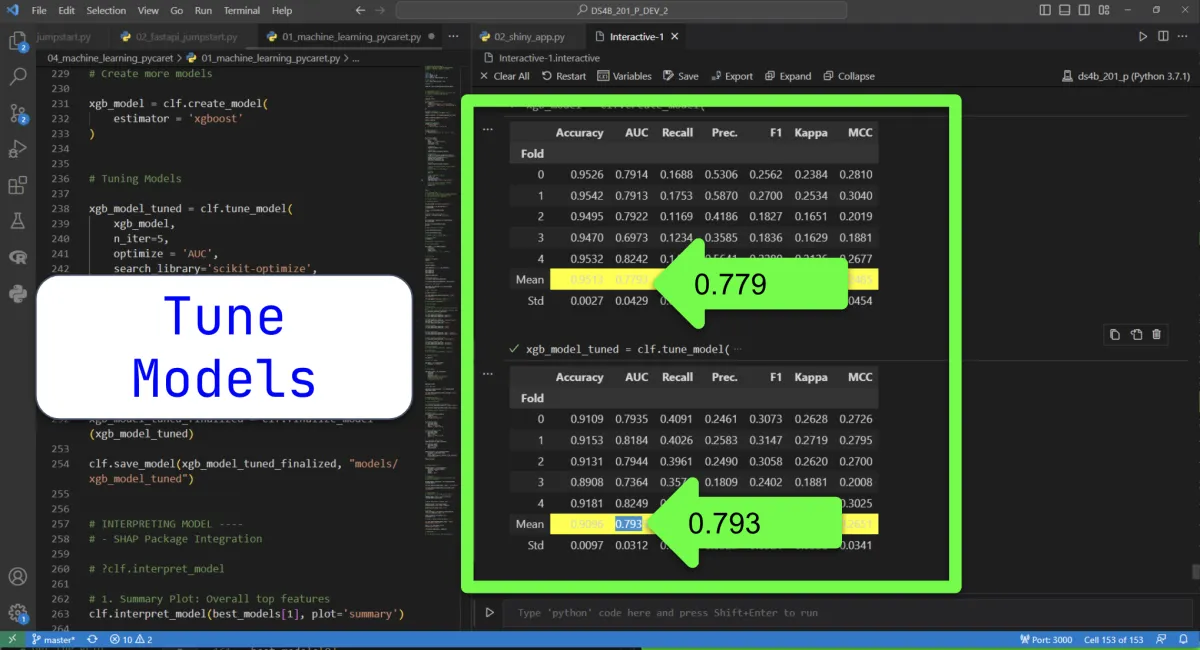
Discover how to tune models to stabilize predictions and increase performance.
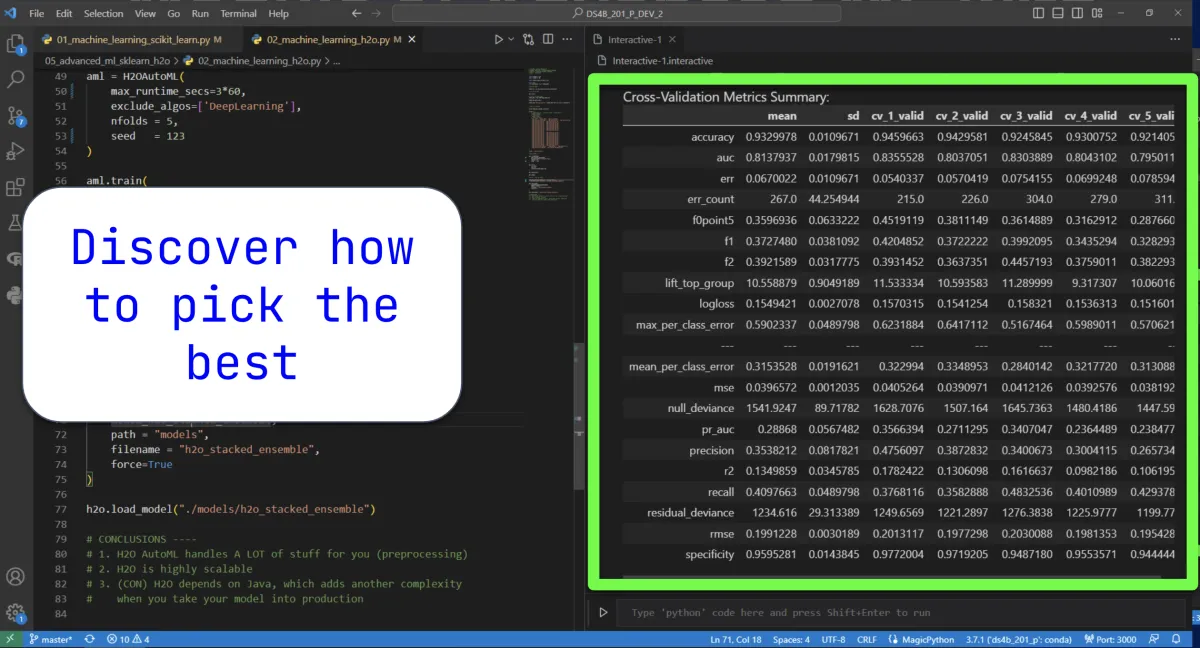
Use my overlooked technique to select the right model for your analysis (And another method to find the most important features of your model.)
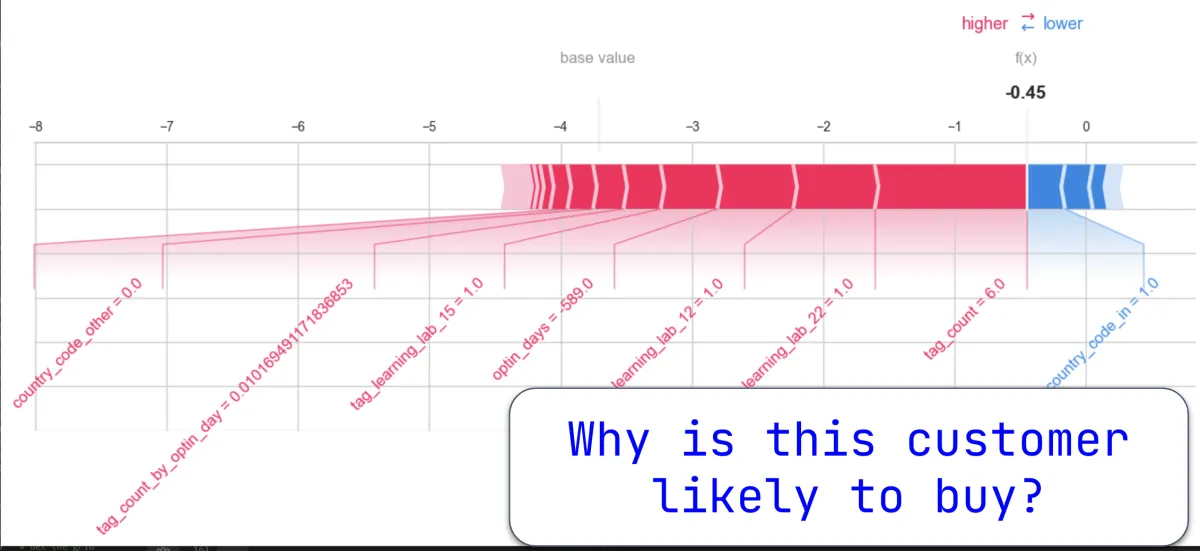
Find out WHY a model is predicting a customer to buy.
How to lead score customers based on probability of buying.
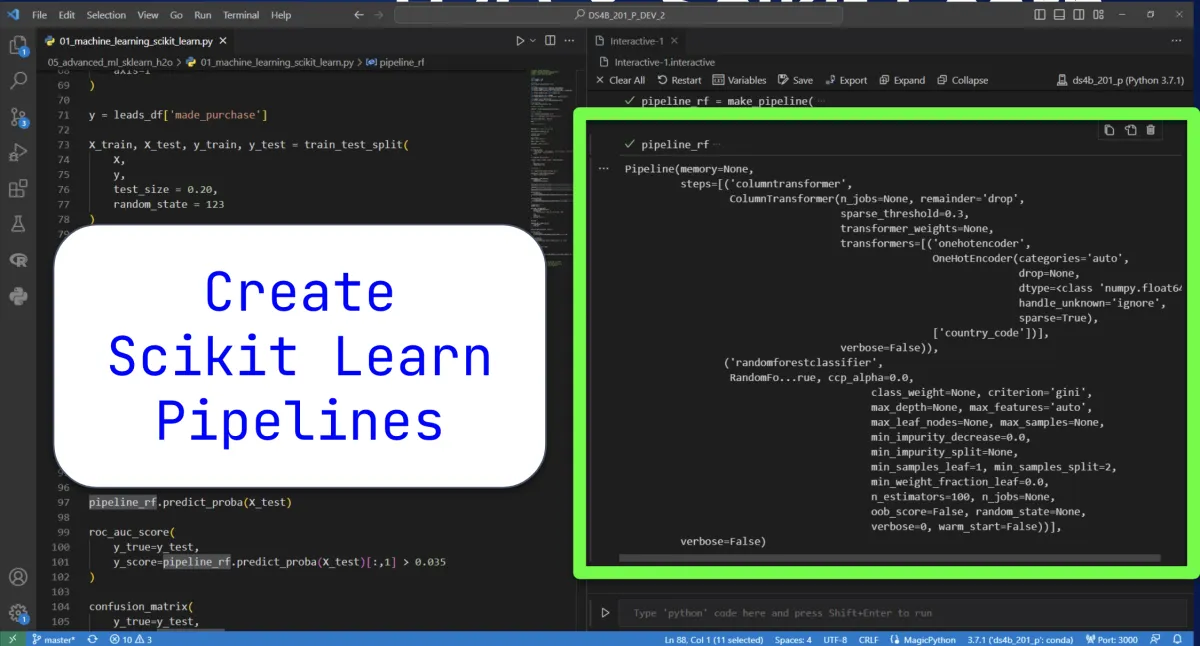
Discover how to create SciKit Learn Pipelines from scratch (plus how to tune them manually using GridSearch)
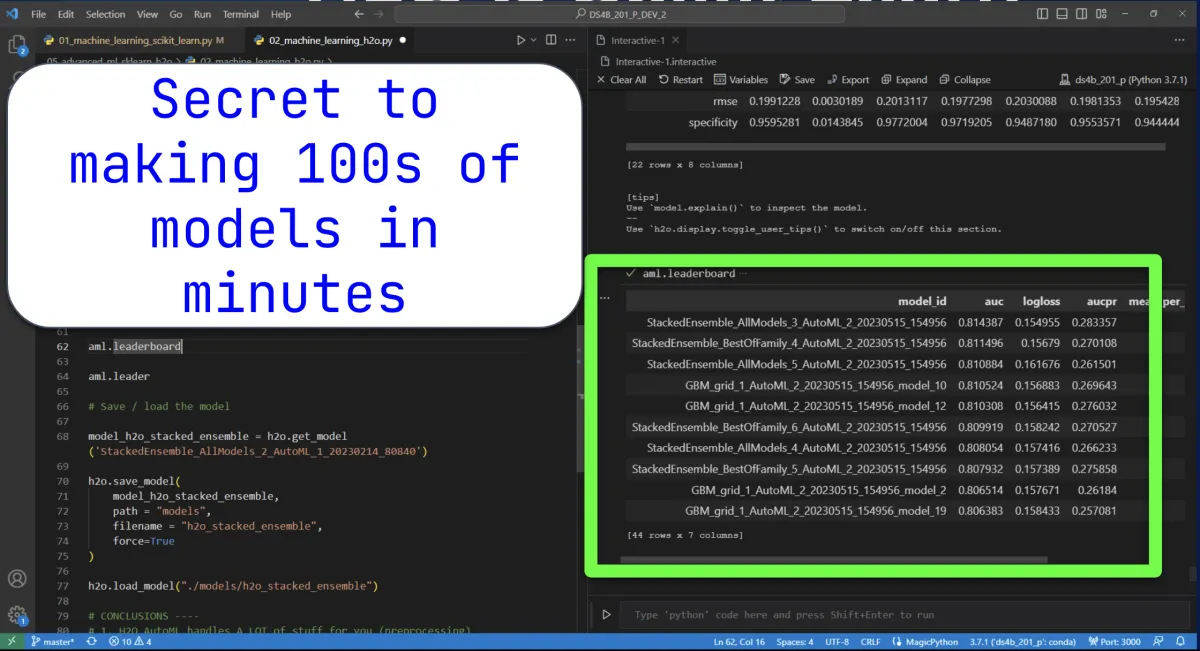
I have created a secret python code to make 100s of machine learning models in minutes (on top of that, I’ll also show you how to find the most accurate one.)
Learn how to log advanced models like H2O (and access the AutoML leader model).
How I created a monthly increase of $237,266 in new sales a month for a single company.
I show you the A-Z process for creating a stand alone app which allows ANYONE to use the algorithm you’ve created.
Here Are Some Screenshots From Within The Course
Avoid the mistake 90% of Data Science Teams Make
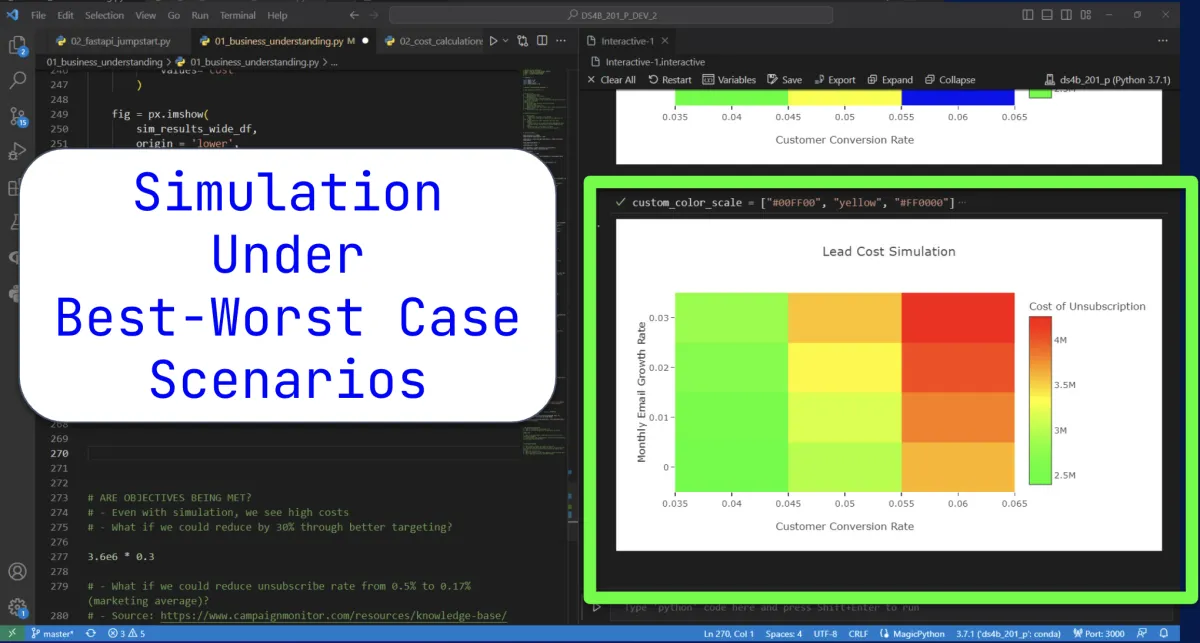
Perform Exploratory Data Analysis at the speed of light
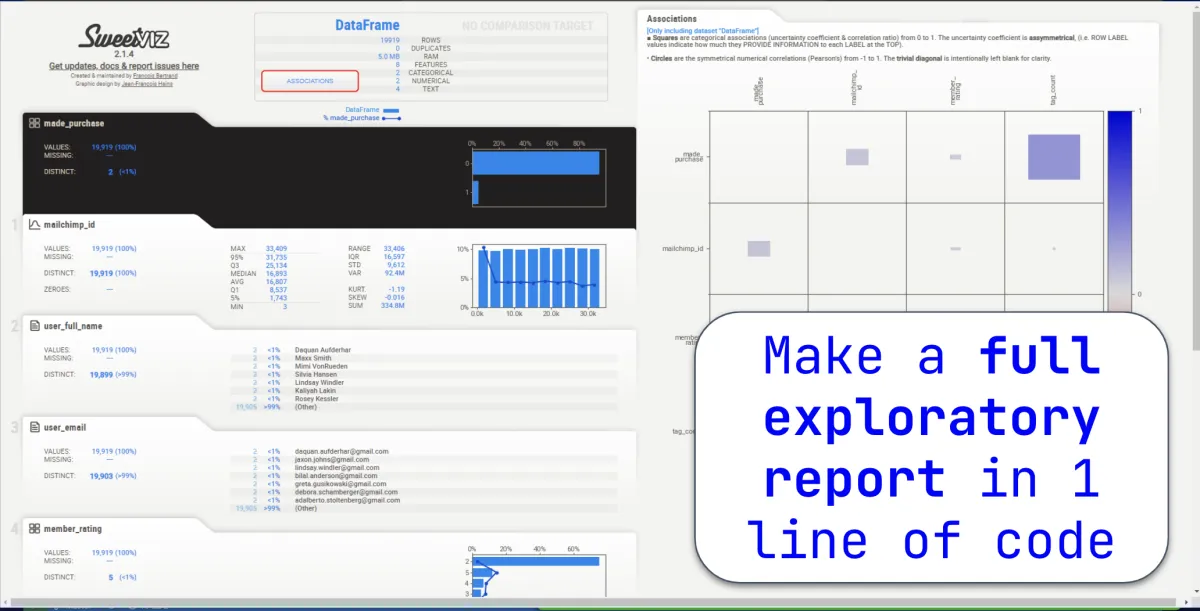
Gain insights fast (and get quick wins for your company)
Increase your Classifier AUC 15% with these Feature Engineering Tips.
Enhance your Feature Engineering Skills to uncover more insights!
Use this hack to make 19 Scikit Learn Models in under 1 minute.
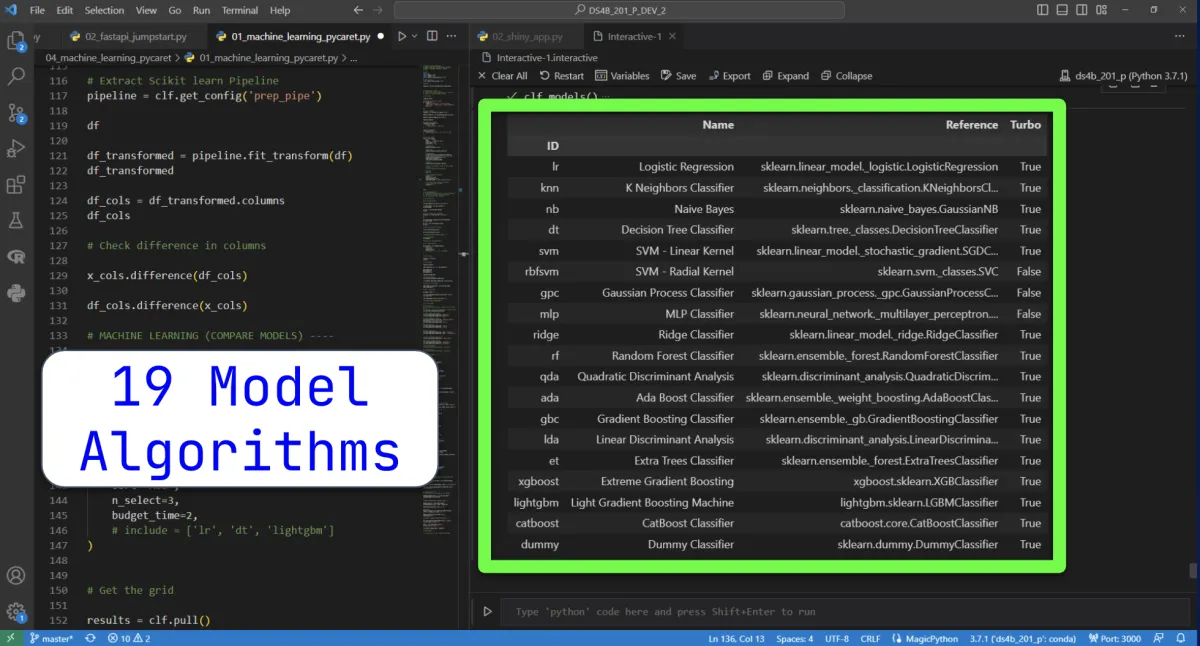
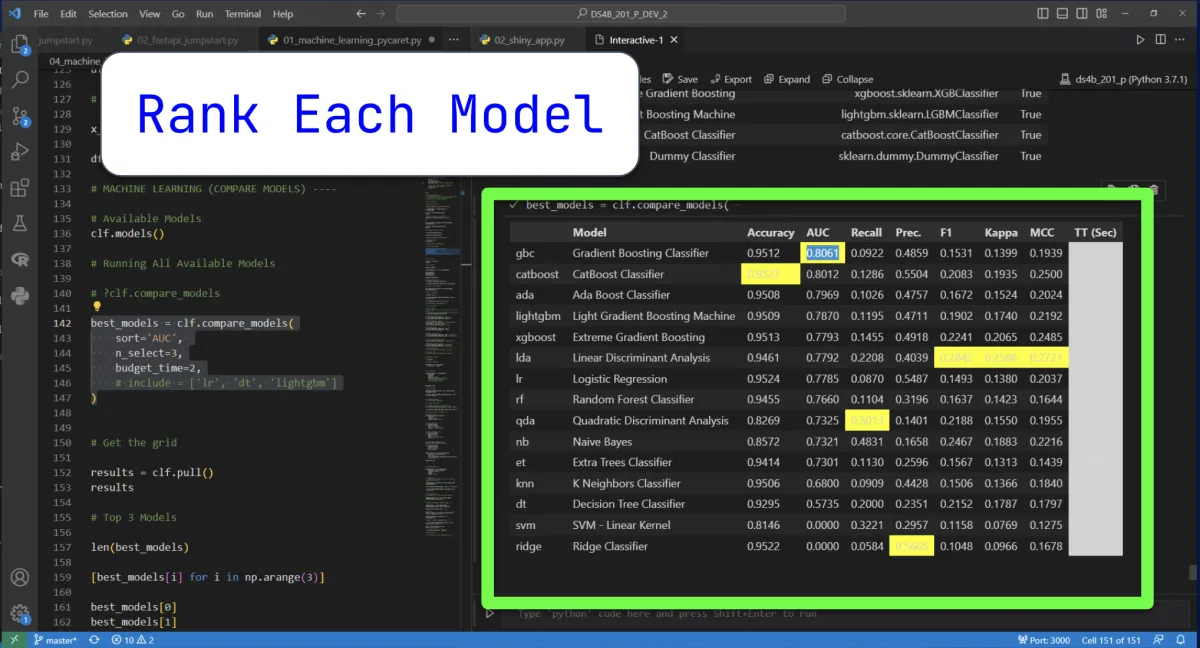
Automatically sort the models by performance with only 1 line of code.
Tune your models in 1 line of code.
Discover the most important features without introducing correlation bias.
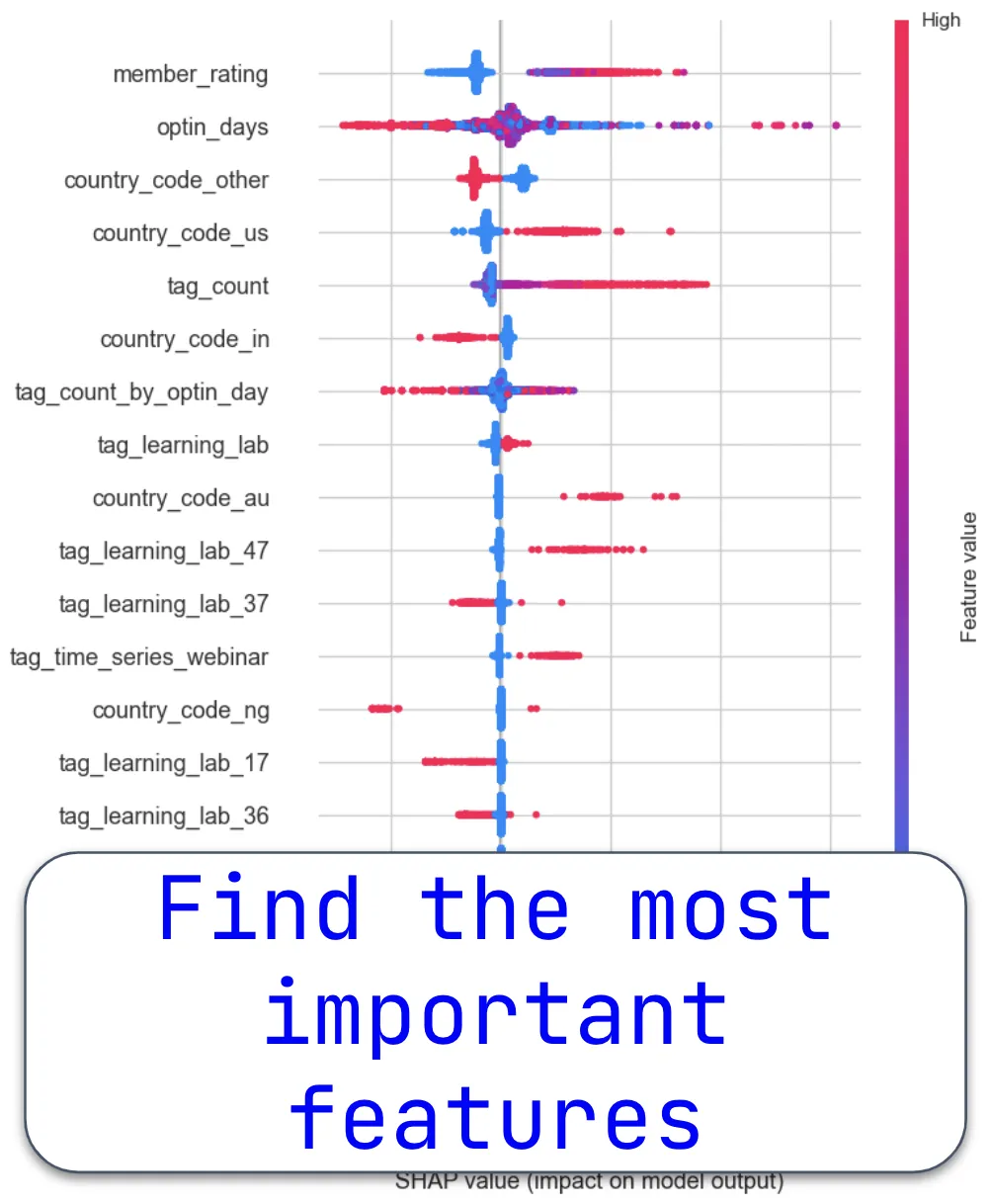
Uncover why a customer is likely to buy.
Use this trick to build scikit learn pipelines faster
Build 100's of machine learning models in under 1 minute with this technique.
Pick the best model with this time-tested trick.
Uncover a super-power: logging in MLFlow!
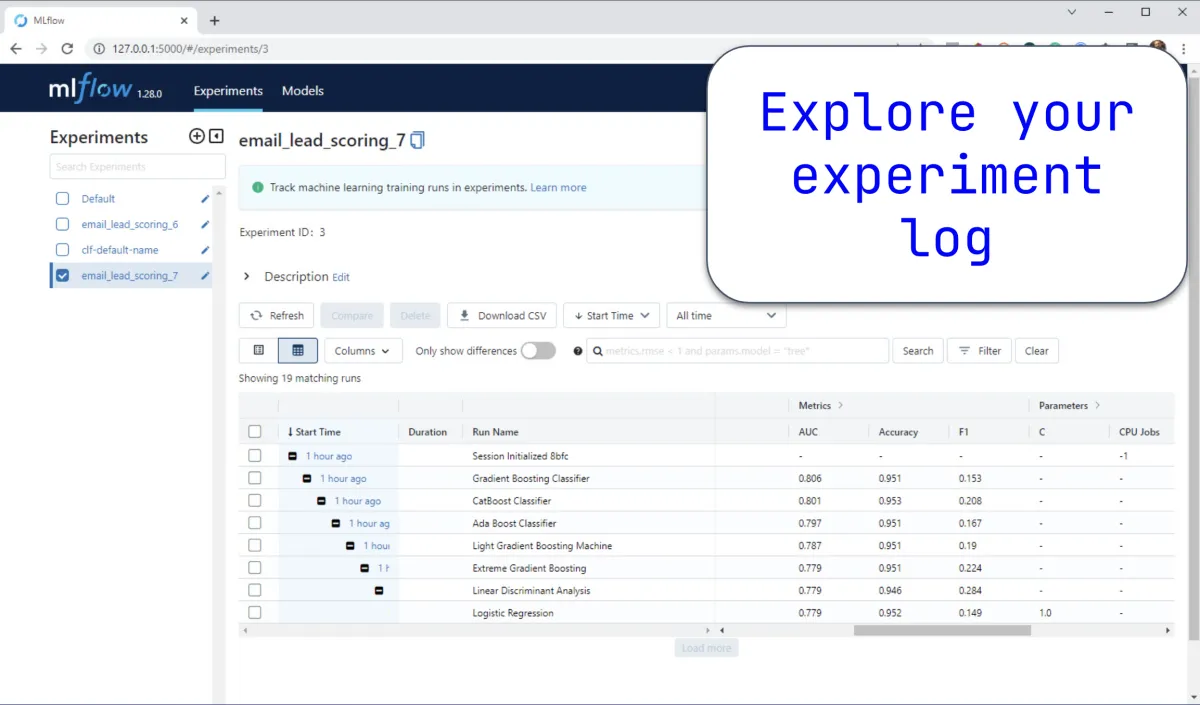
Use H2O & MLFlow to build the ultimate Production-Ready Machine Learning Models.
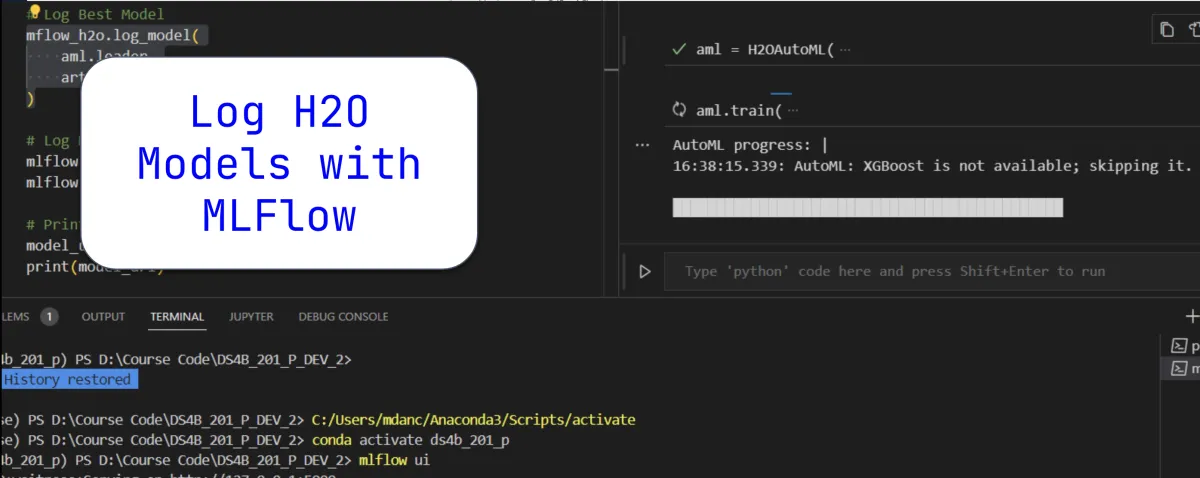
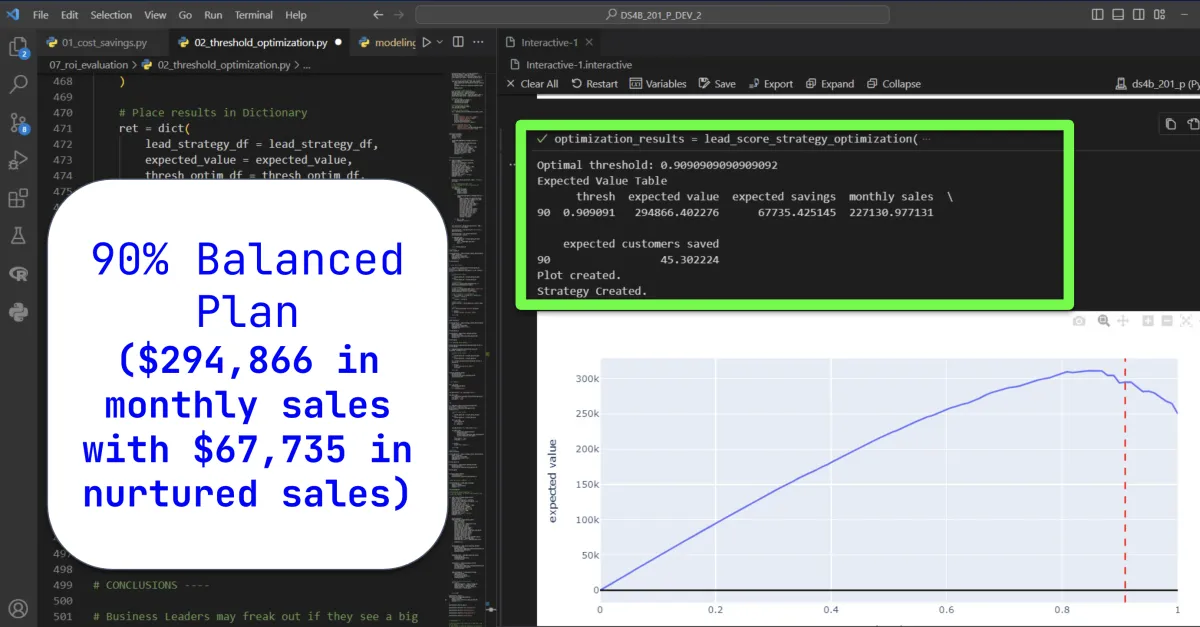
Wow your company by sharing how your algorithm makes them $311,105 in sales every month.
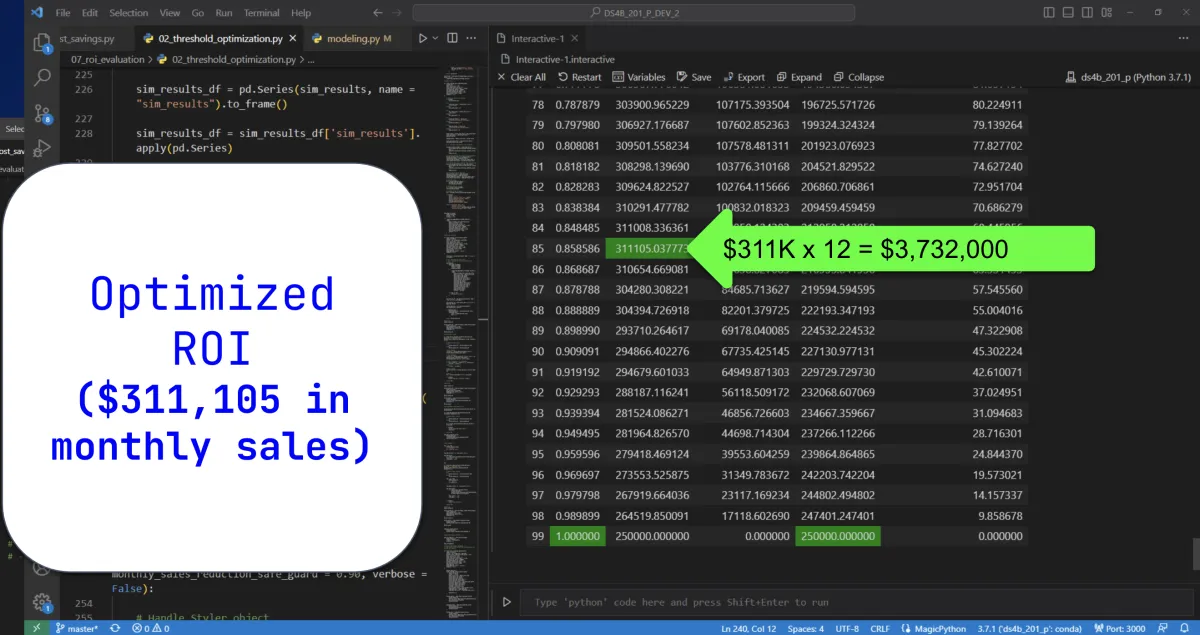
Store your leader H2O Models in MLFlow and track the Machine Learning Lifecycle.
Make an App that let's your company's "non-techie" people access your business solution automatically. (And instantly become a leader in your organization)
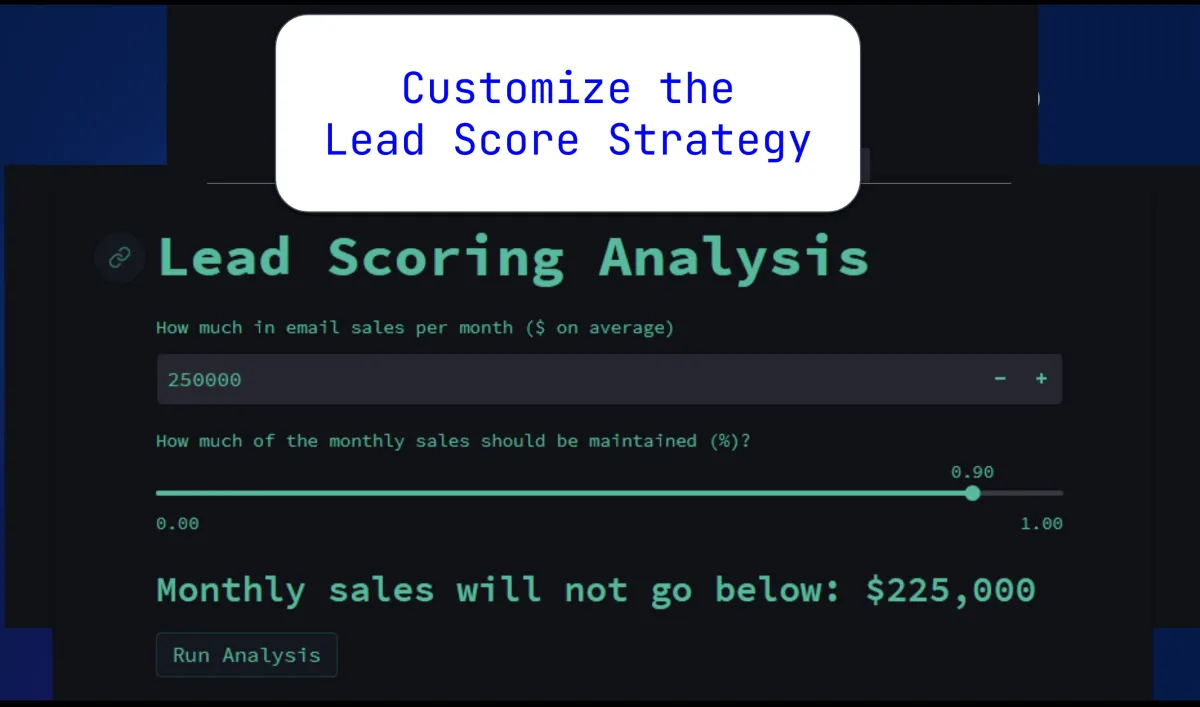
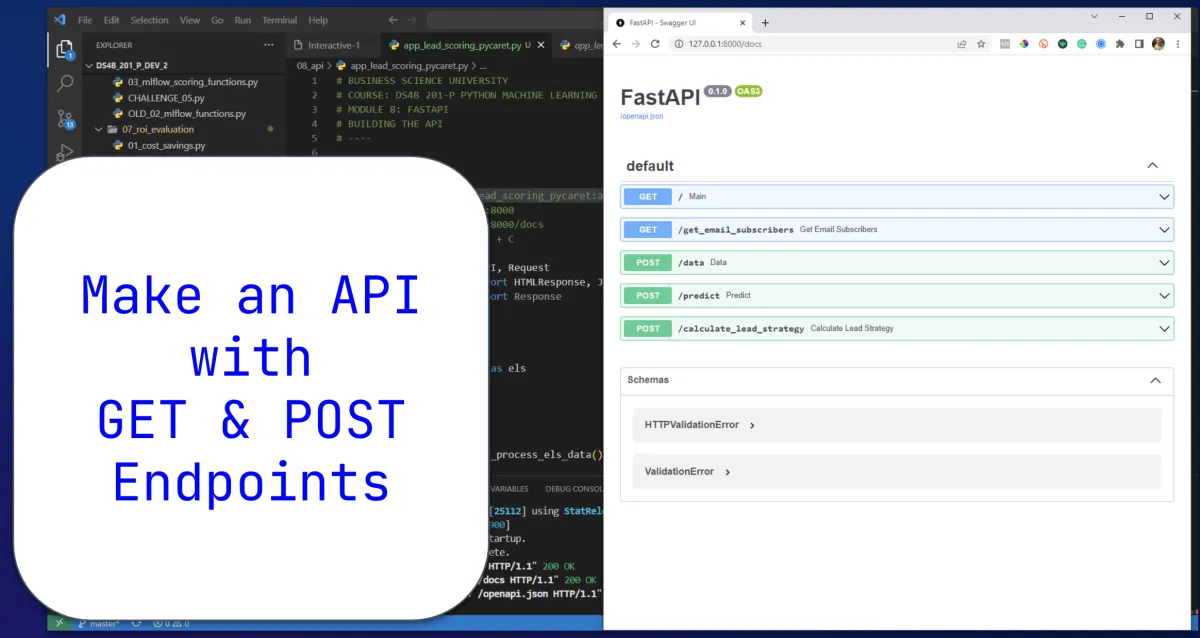
Unlock the ultimate production tool: APIs

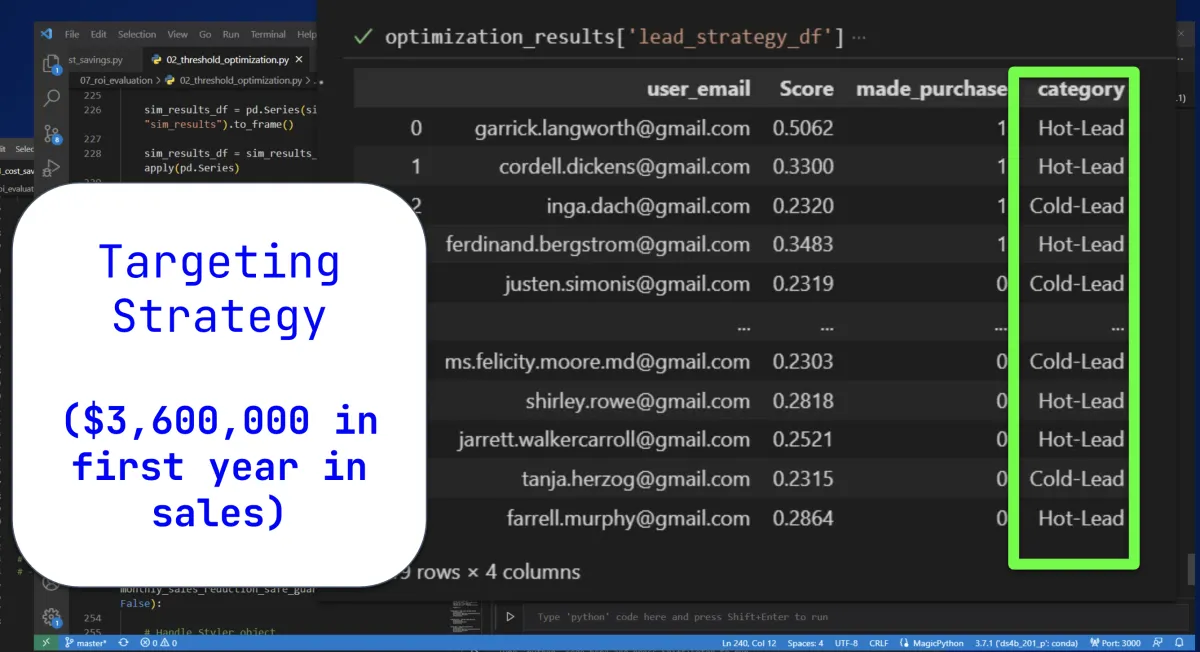
Make $3,600,000 in one year with your model! (and you'll likely get a promotion)
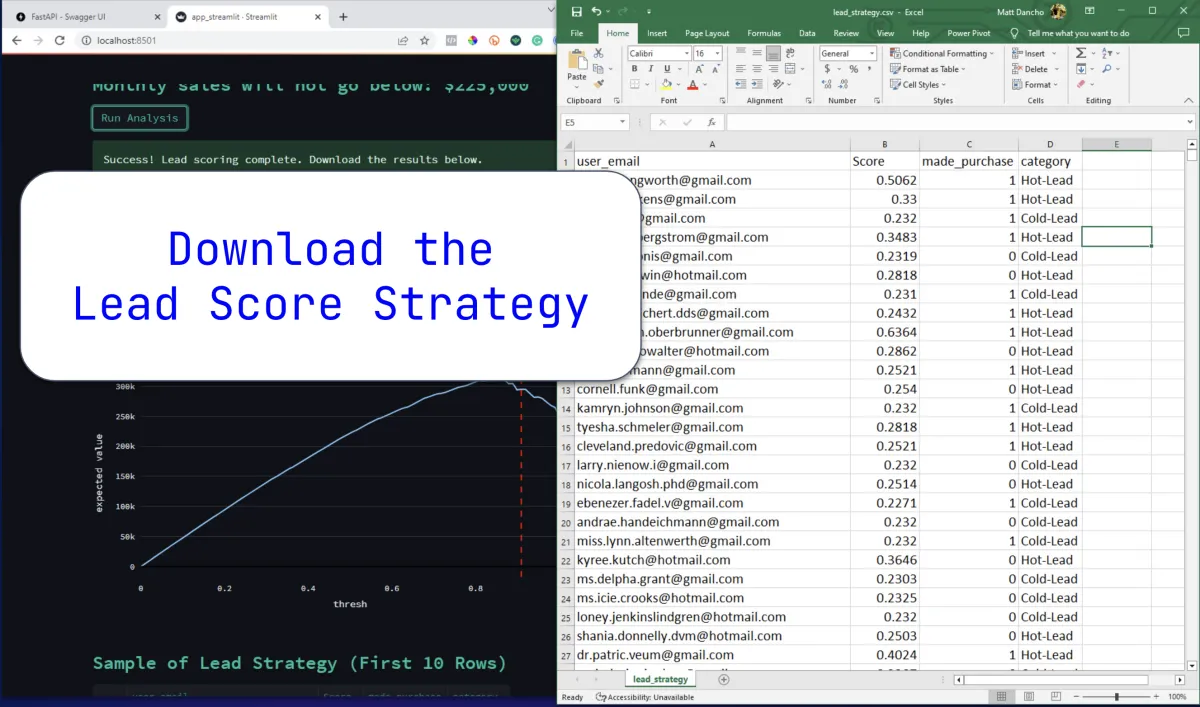
Empower non-techie people download their own Lead Scoring Strategies
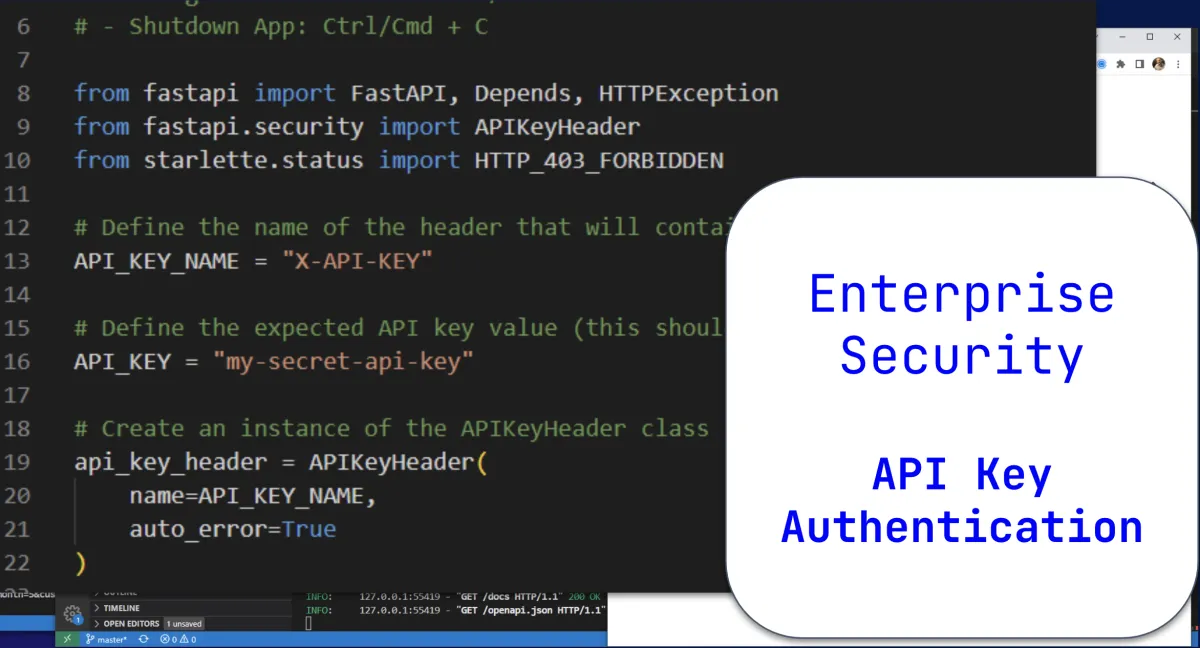
Secure your API (without involving the IT Department)
Build robust APIs in under 5 minutes
Show you're a team player by incorporating your management's input into your analysis and making a "Balanced Plan"
Python For Machine Learning & API's Retails For $997
Get It Now + Python for Data Science Automation ($697)
For only $799
Here's Everything You're Getting Today:
Live Clinic #1: Retrieval Augmented Generation ($997 value)
Live Clinic #2: Business Intelligence AI Copilot ($997 value)
Live Clinic #3: Customer Analytics Team ($997 value)
Live Clinic #4: Time Series Forecasting Team ($997 value)
Live Clinic #5: LLM Model Deployment With AWS Bedrock ($997 value)
Live Clinic #6: Fine Tuning LLM Models ($997 value)
Live Clinic #7: AI Application Deployment With Streamlit + AWS Cloud ($997 value)
Bonus #1: Fast Track Course ($497 value)
Bonus #2: Kickoff Clinic + Local LLM Workshop ($997 Value)
Total Value = $8,473
Only $2,499
Get $500 OFF Today!
Copyright Business Science 2025
www.business-science.io
