Masteriyo Features
Masteriyo comes packed with essential features to design, manage, and monetize online courses effortlessly, delivering a smooth and modern eLearning experience.
01 – Build engaging courses
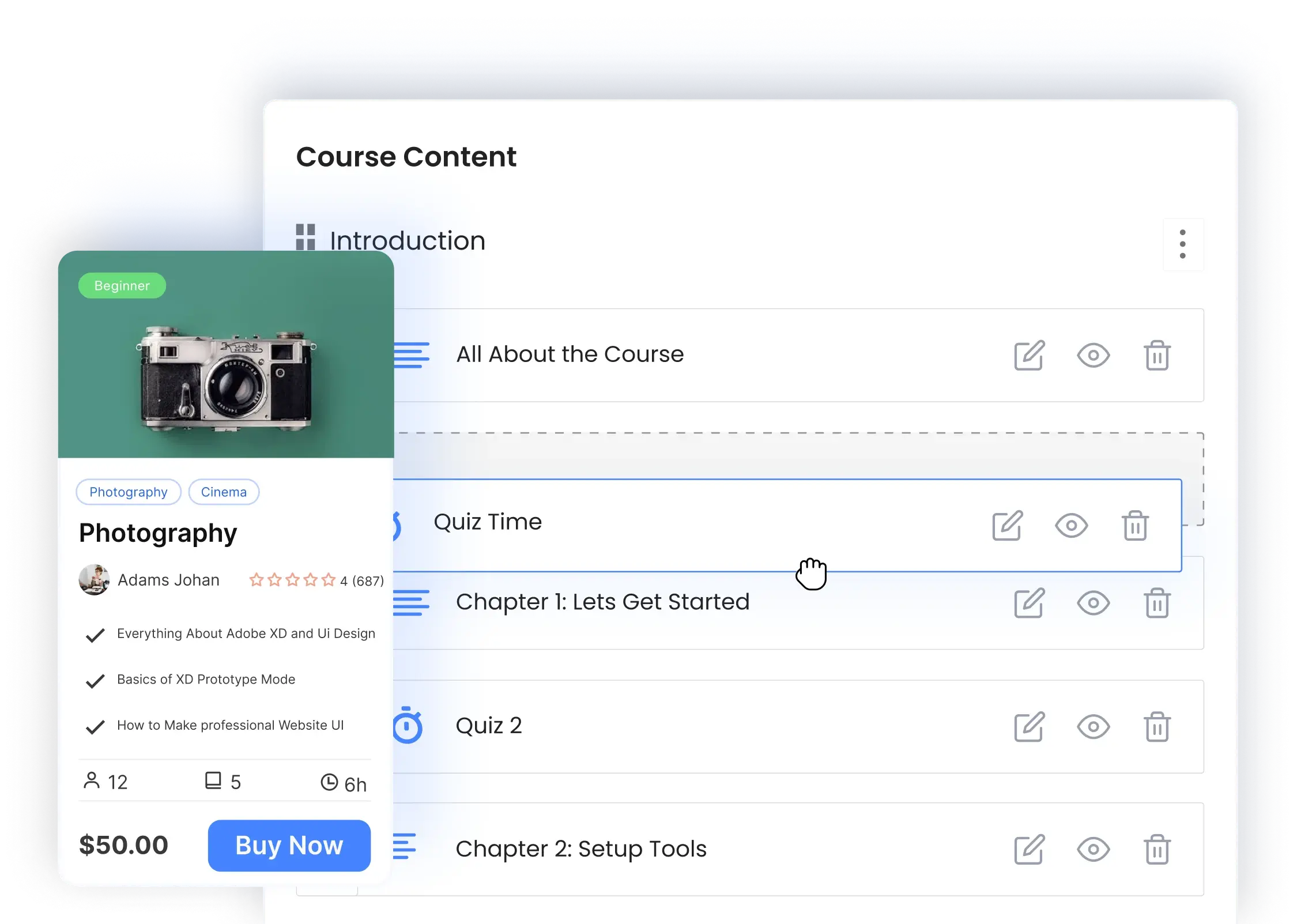
Course Creation
Masteriyo makes it easy to create, manage, and share online courses, so you can focus on teaching while we handle the setup.


Unlimited Courses
Create as many courses you want using multiple formats and question types.

Unlimited Lessons and Quizzes
Create as many courses, lessons, and quizzes as you want.

External URL Video Support

Embed videos from Google Drive, OneDrive, or other external sources.

Users Import and Export
Bulk upload users via CSV with field mapping (name, email, etc.)

Embed Video
Create as many courses, lessons, and quizzes as you want.

Course Badges
Highlight courses as bestsellers and best-rated using custom badges.

Course Retake
Allow students to reset course progress and start a course over.

Course End Date
Set a fixed completion date for all students regardless of start date.

Course FAQs
Add a dedicated FAQ tab to course pages to answer common questions.

Lesson Preview
Let users preview select lessons to showcase course value.
-

Distraction Free Learning Page
Provide an optimized, focused learning page to minimize distractions.


02 – Monetize your courses
Monetization
Turn your knowledge into revenue with flexible payment options, subscriptions, bundles, and integrations with top payment gateways.
-

In-built Order System
Utilize Masteriyo’s in-built order system and start selling courses online.
-

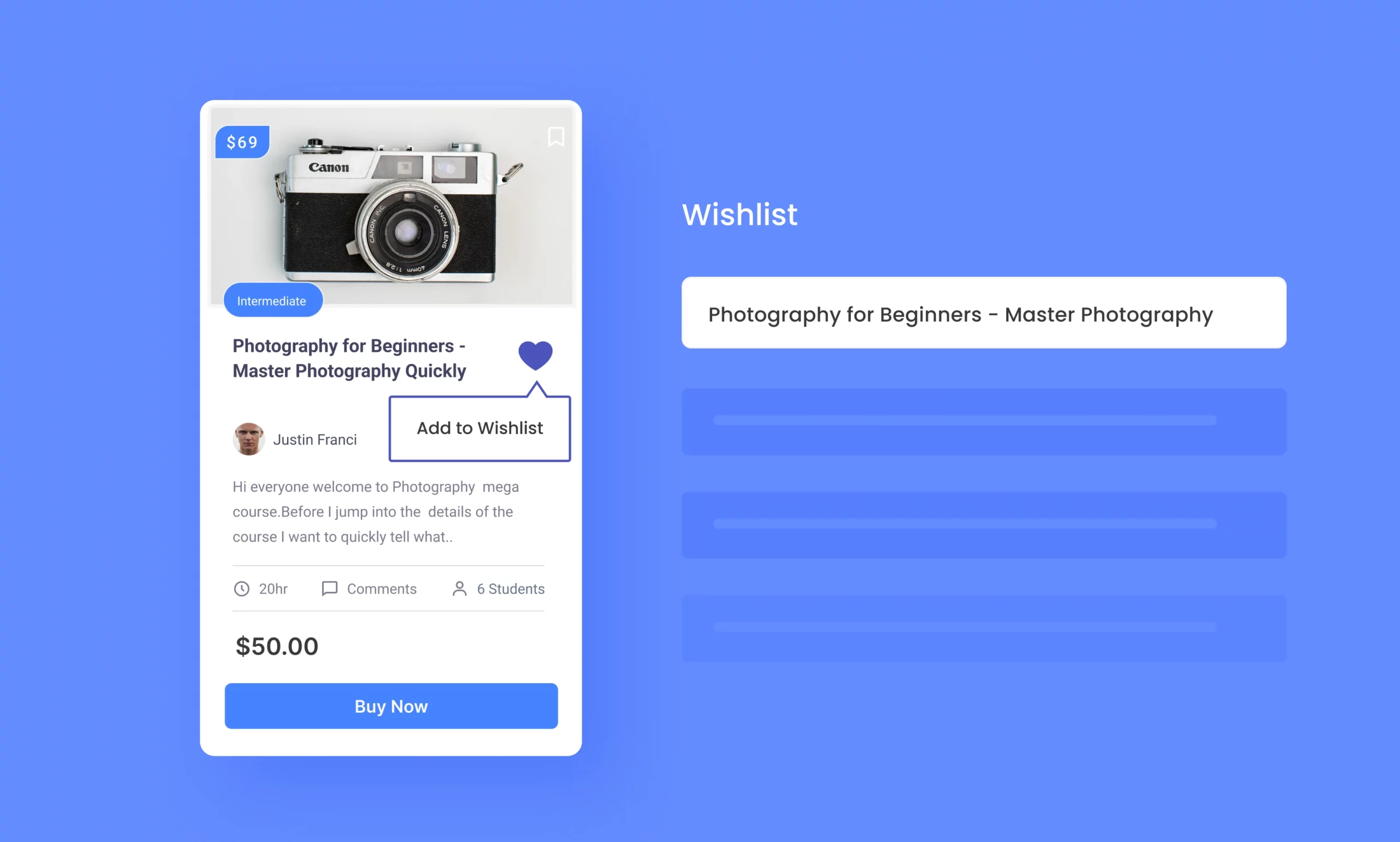
Wishlist
Let students save courses to their Wishlist for later enrollment.
-
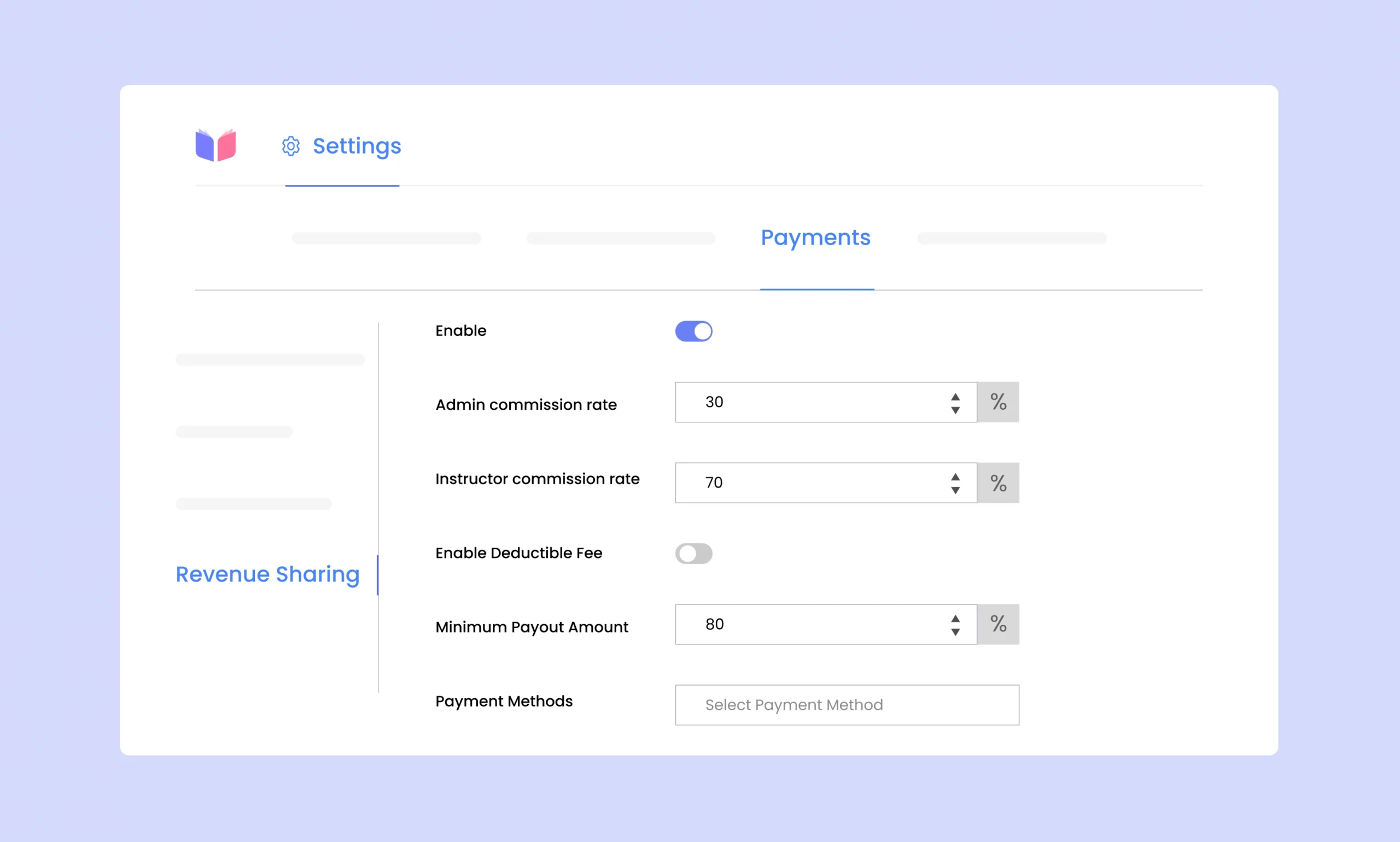
Revenue Sharing
Easily set up and manage fair revenue-sharing with instructors.
-

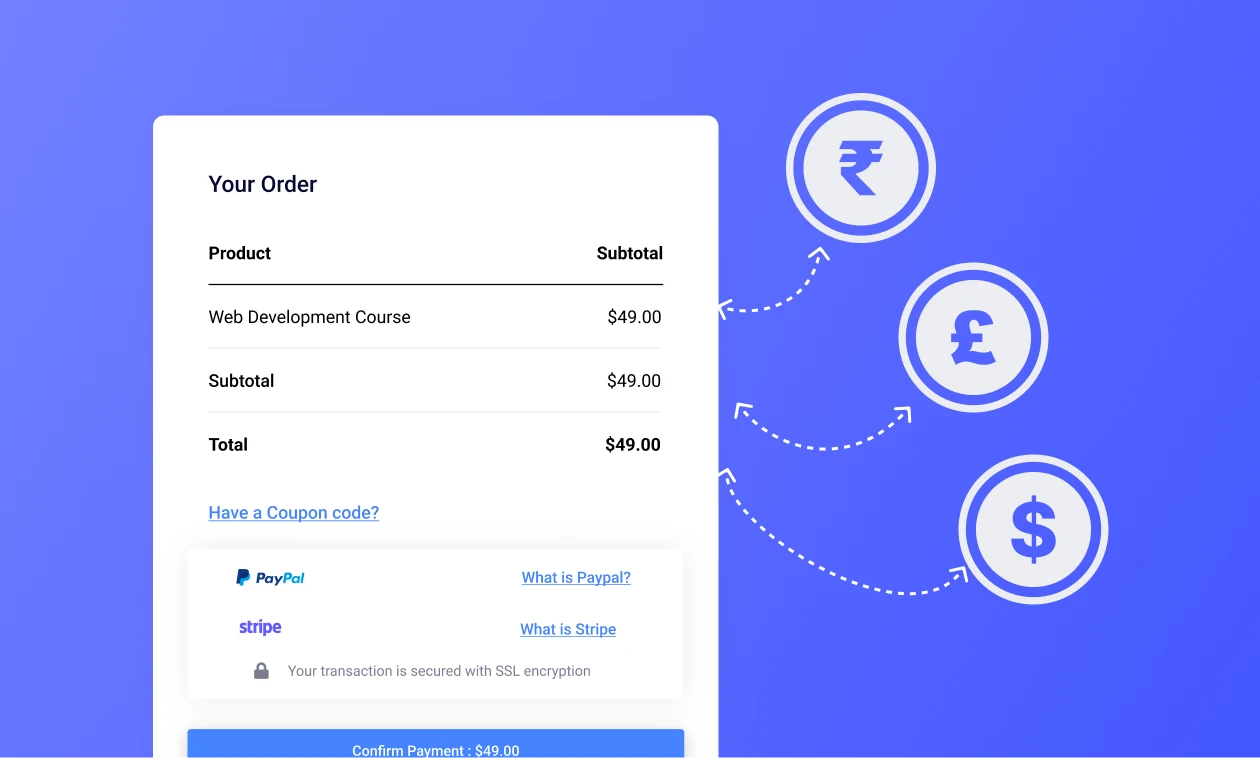
Multiple Currency
Sell courses in user’s local currency and implement geographical pricing.
-

Course Bundle
Bundle similar courses together and sell them as a package.
-

Coupons
Create coupon codes with fixed or percentage discounts and usage limits.



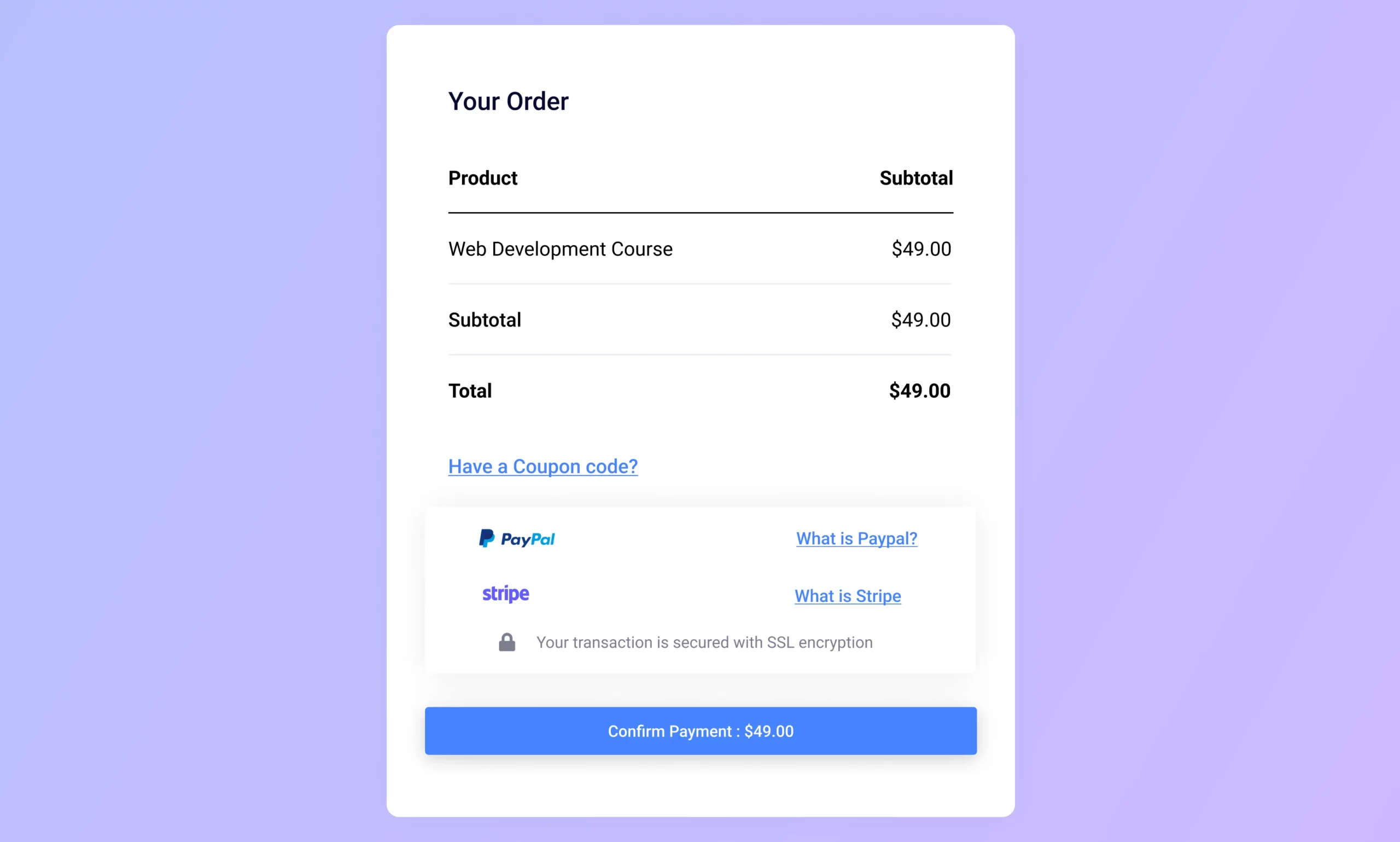
Course Subscription
Offer course subscriptions via PayPal and Stripe for recurring payments.
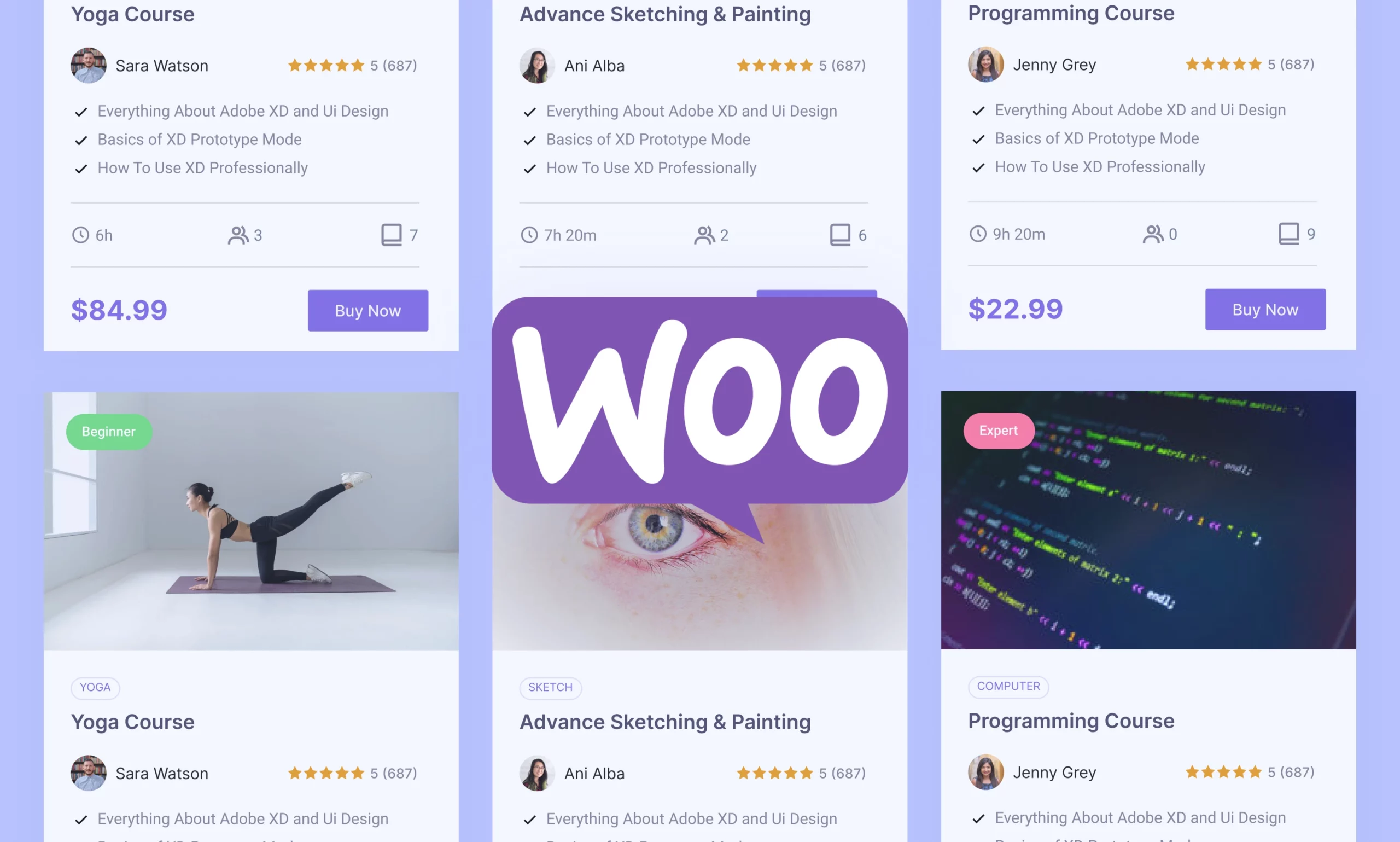
WooCommerce Subscription Support
Use WooCommerce to manage recurring payments, subscriptions, and discounts.
03 – Keep Everyone Connected
User Management
Manage your whole classroom with ease – add students, invite instructors, and keep everyone connected in one place
Unlimited Instructors and Students
Add unlimited instructors and students to your platform.

Notification System for Students
Keep students up to date with information regarding their courses.

Bulk Users Export to CSV
Bulk export student and instructor lists to CSV for easy management.

Manual Enrollment
Allow admins/instructors to manually enroll students, bypassing checkout.

Course Visibility
Control who can view course details by requiring login access.

Enrollment Expiration
Set expiration dates for course access for timely enrollment.

Social Login
Let users log in via Facebook or Google for easier onboarding.
Users Import and Export
Bulk upload users via CSV with field mapping and export basic user data.


04 – Make Learning Interactive
Quiz and Assignments
Keep learners engaged with interactive quizzes and assignments that make studying more fun and meaningful.
-

Quiz Builder
Create quizzes with multiple question types and assign points for each.
-

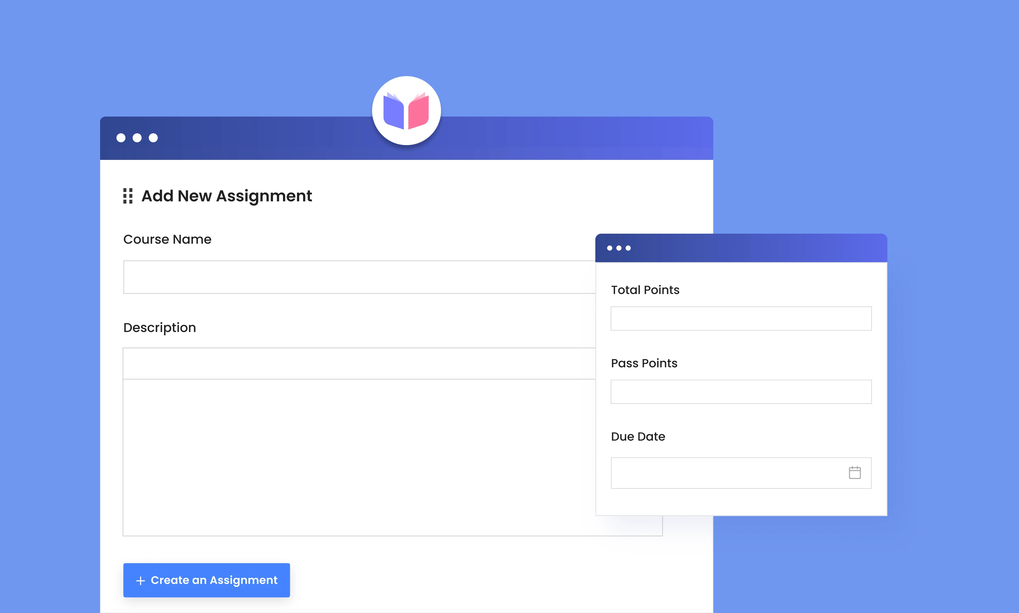
Assignments
Add assignments and assessments to engage students after courses.
-

Question Bank
Insert questions or full quizzes from the question bank into the course builder.


Quizzes Import/Export
Show students their exact progress in the course curriculum.
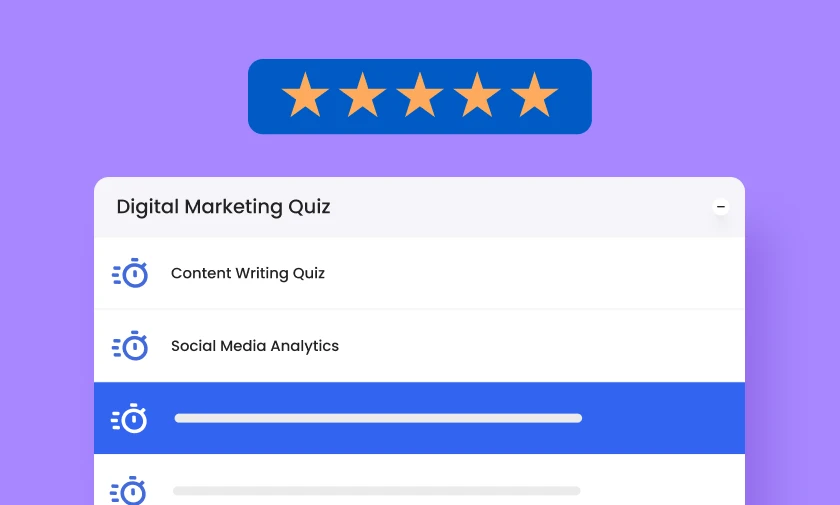
Quiz Review System
Show students their exact progress in the course curriculum.

Image Matching Question Type
Enable Match-the-Following answers via text or image combinations.
05 – Track Growth With Ease
Student Progress Tracking
See how your students are doing at a glance with simple progress reports, grade tracking, and activity insights.


Course Review
Gather structured feedback once students finish a course.

Student Progress Reports
Track student progress across courses, lessons, quizzes, and assignments.

Dynamic Course Progressive Bar
Show students their exact progress in the course curriculum.
Open Last Chapter/Lesson
Let students resume courses from where they left off.

Intuitive Setup Wizard
Quickly configure Masteriyo with the guided setup wizard.

Bulk Enrollment to Course
Upload CSV files to enroll multiple students at once.

Webhooks
Trigger external actions when events occur in Masteriyo.
Course Content Access
Let admins preview courses without enrolling first.

Advanced Email Settings
Customize email templates and messaging tone.
06 – Protect What Matters
Security
Keep your platform safe with built-in protections like two-factor login, reCAPTCHA, and content safeguards.
-
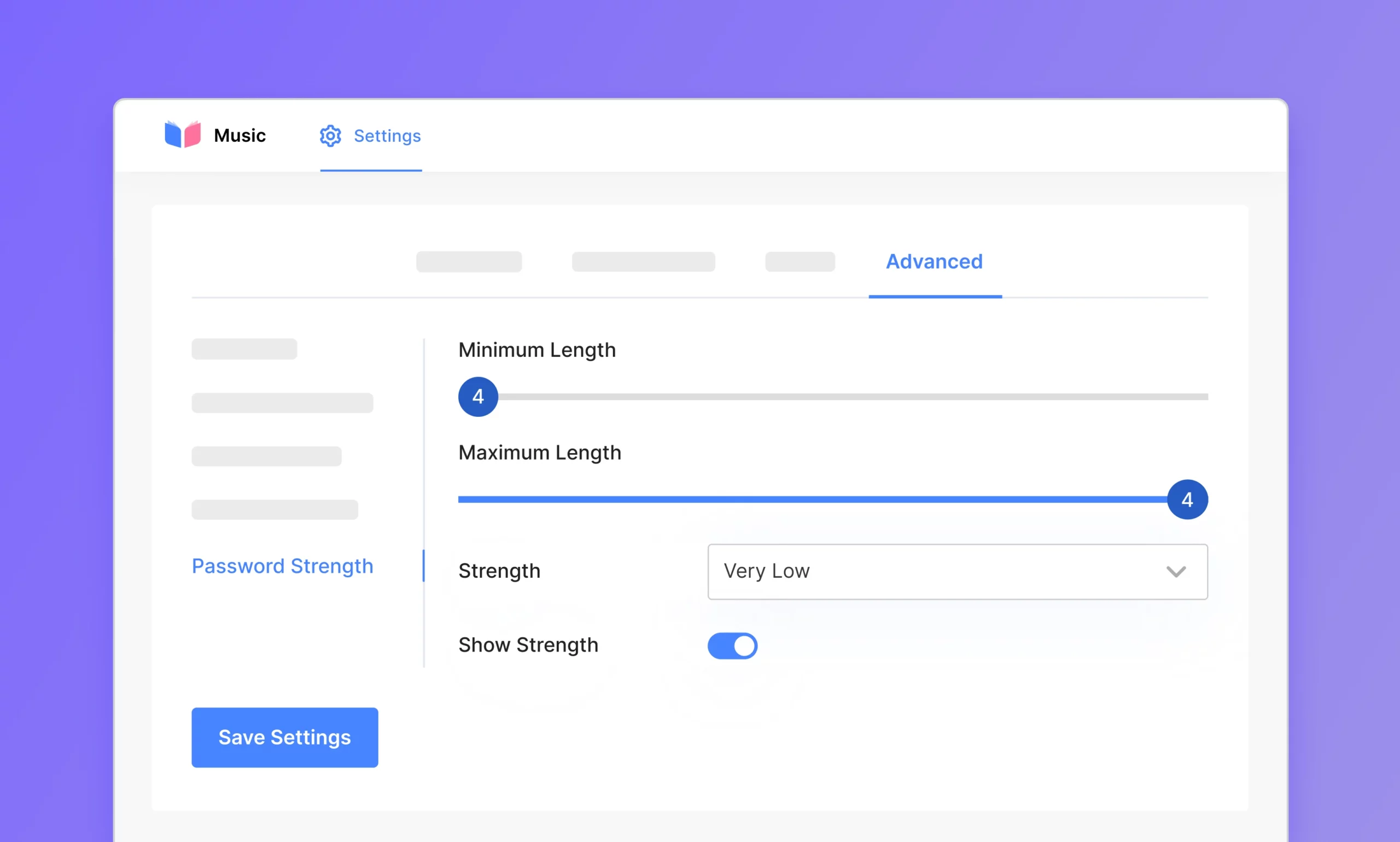
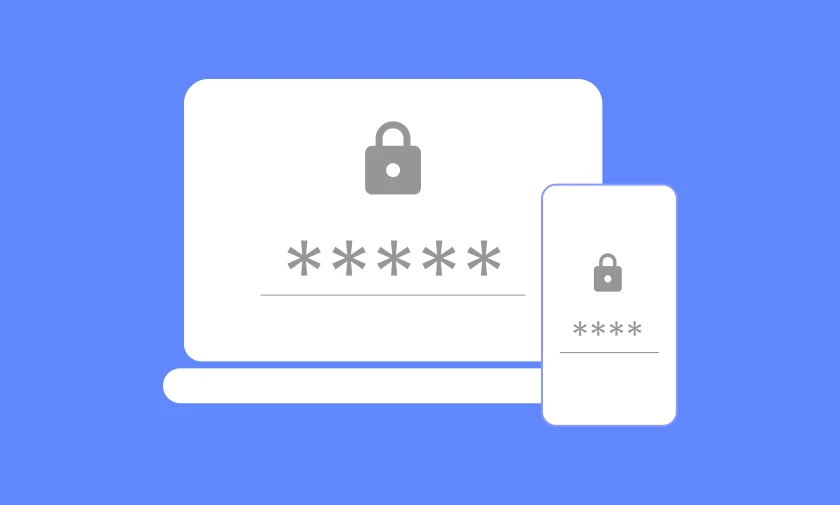
Password Strength Checker
Ensure students and instructors use strong passwords.
-
Two-Factor Authentication
Enhance security by requiring login via email One-Time Password (OTP).

Course Content/Video Protection
Block copying, right-clicking, and inspect tools to protect your content.
07 – Smarter Tools for Admins
Admin Tools
Save time on the busywork with bulk actions, automation, analytics, and powerful tools that make running your LMS a breeze.
-
Advanced Email Notification
Send emails to admins, instructors, and learners using pre-made templates.


08 – Design the Perfect LMS Website
Styles and Design
Customize your LMS effortlessly with intuitive design tools, global styling options, and site builders integration that save time and enhance user experience.
-
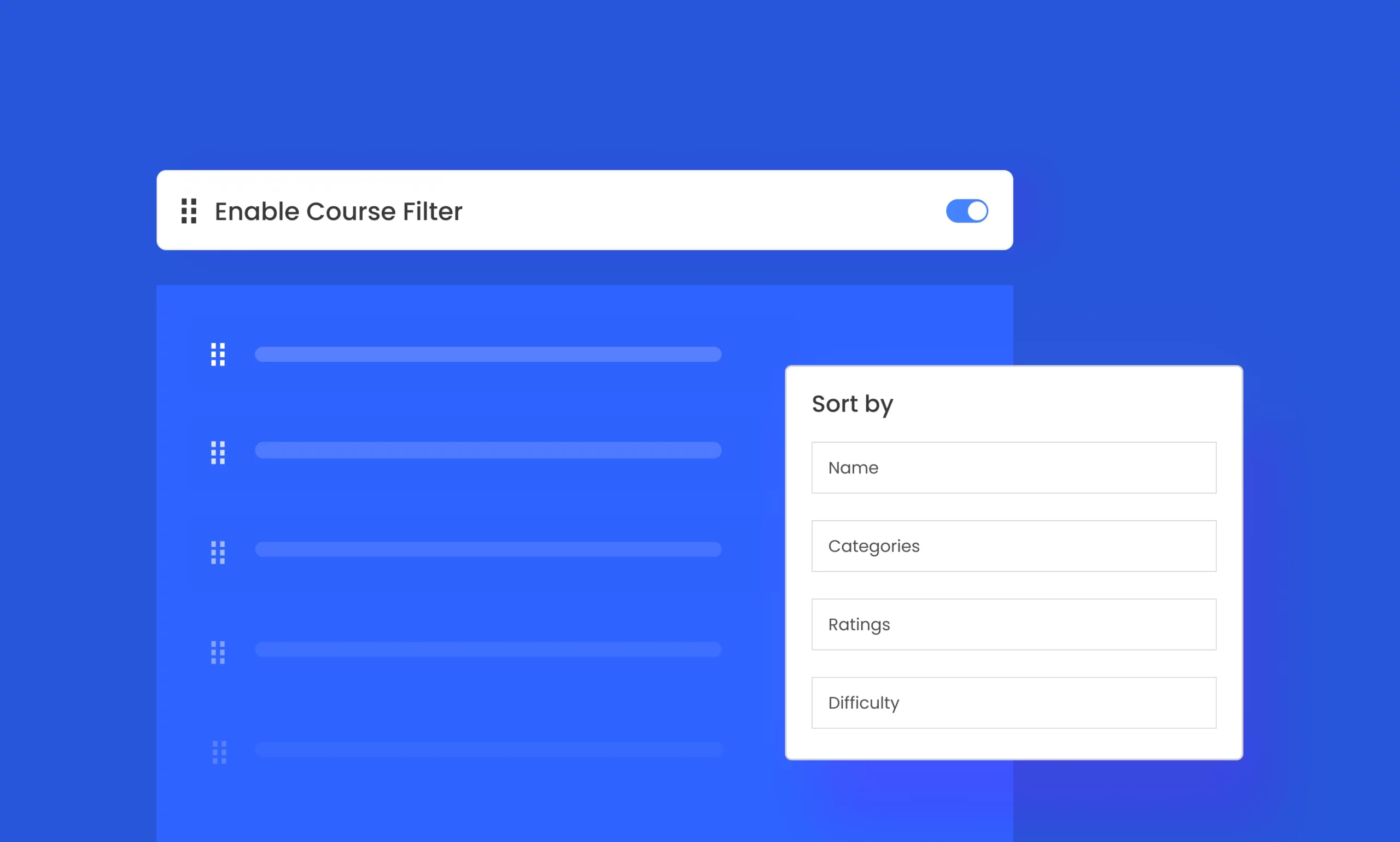
Course Archive Filter
Allow students to filter courses by category, difficulty, price, or rating.
-
Global Style Options
Customize the look and feel of your LMS website with global style settings.

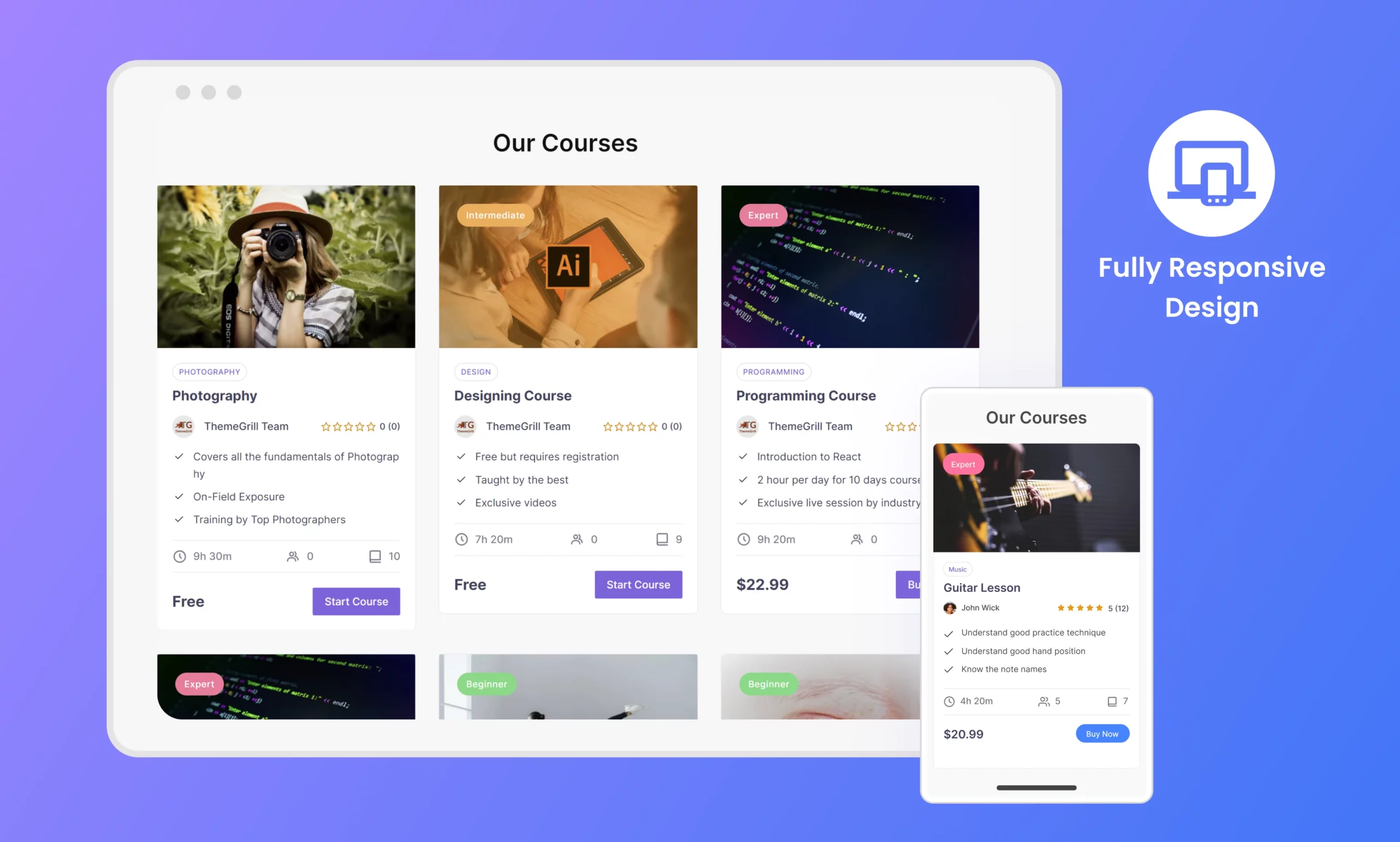
Fully Responsive Design
Your eLearning site looks perfect on all desktop, tablet and mobile devices.
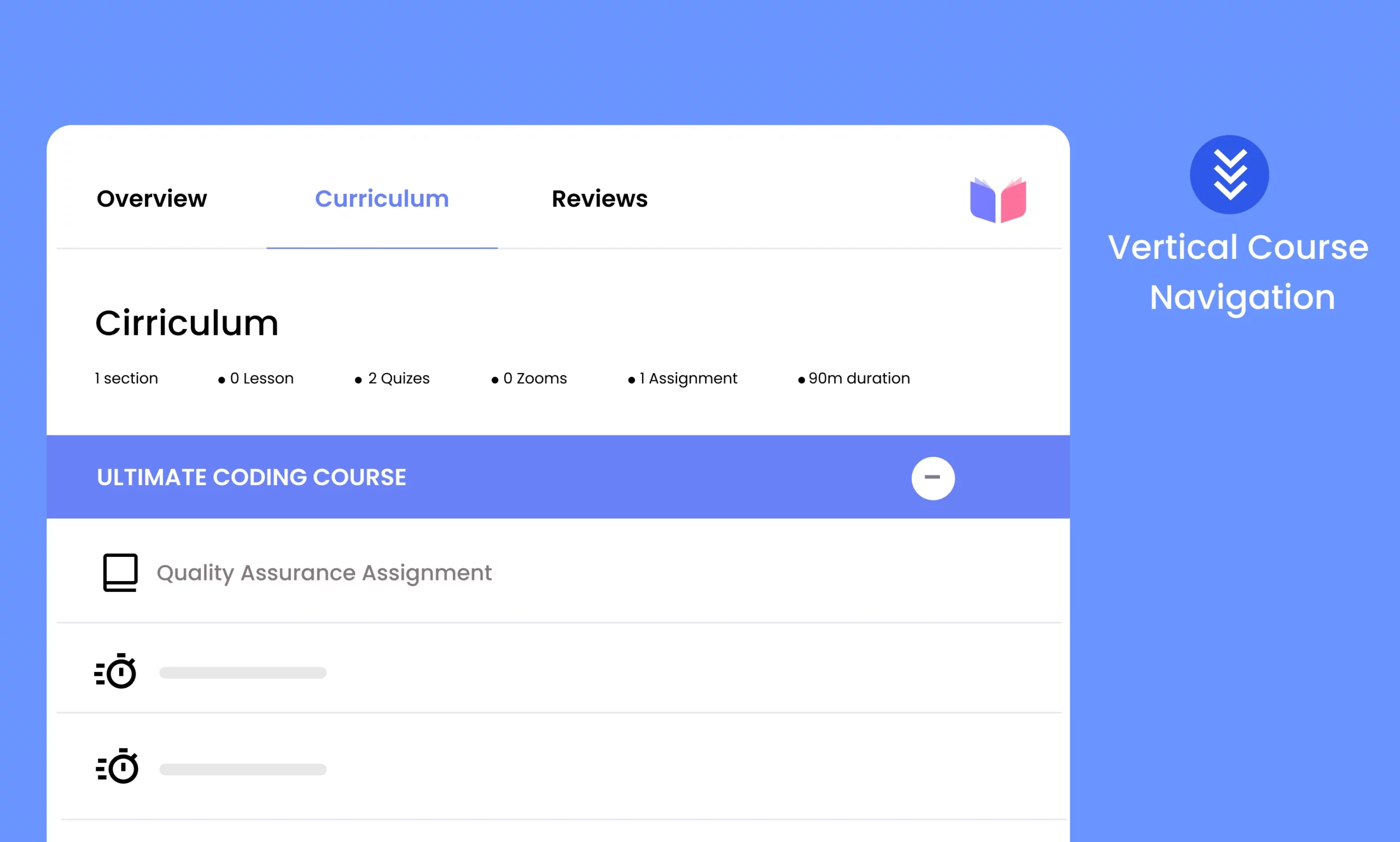
Vertical Course Navigation Section
Enable smooth navigation through course sections, lessons, and quizzes.
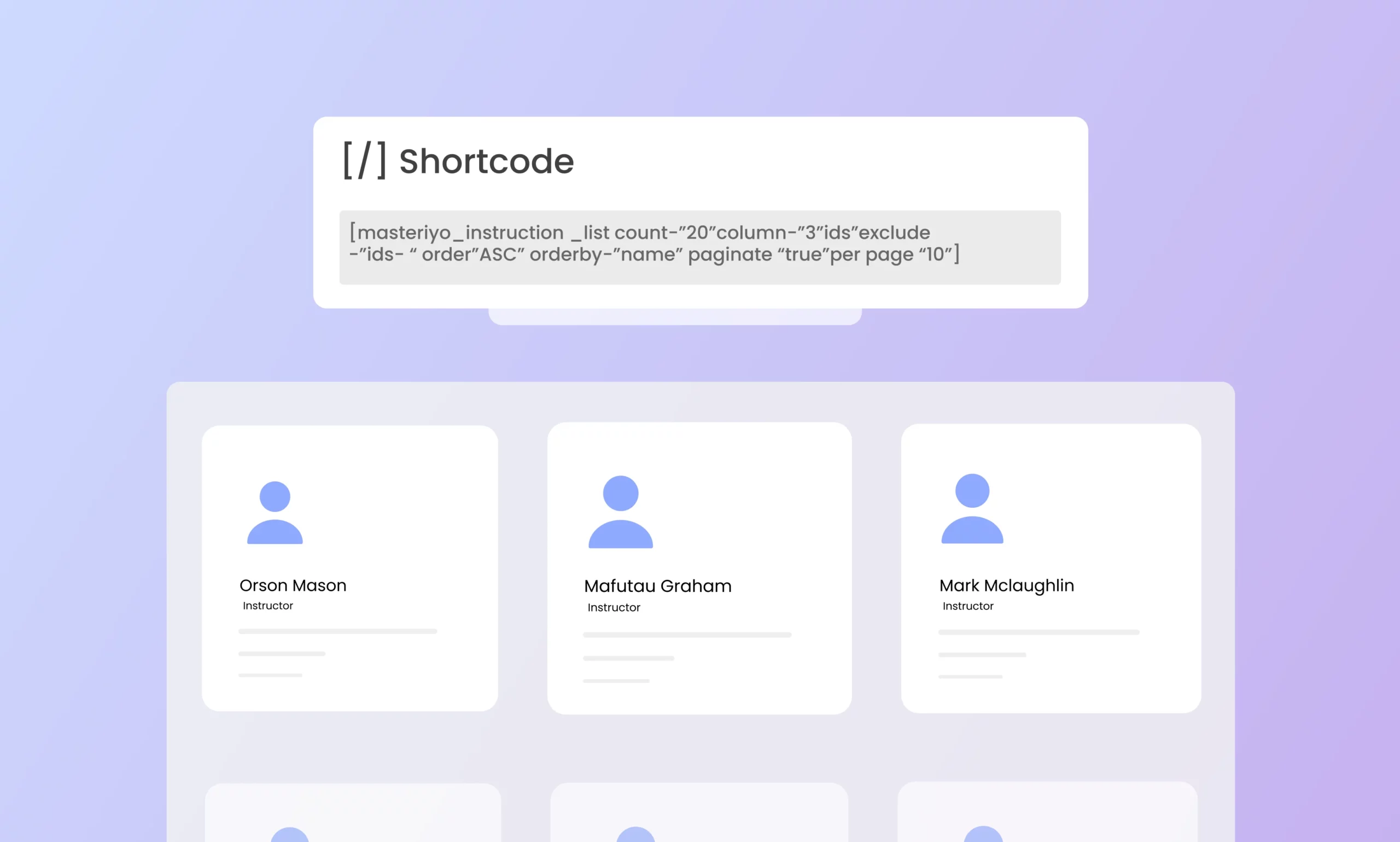
Instructors List Page and Shortcode
Utilize shortcode parameters to personalize the layout of instructor list.
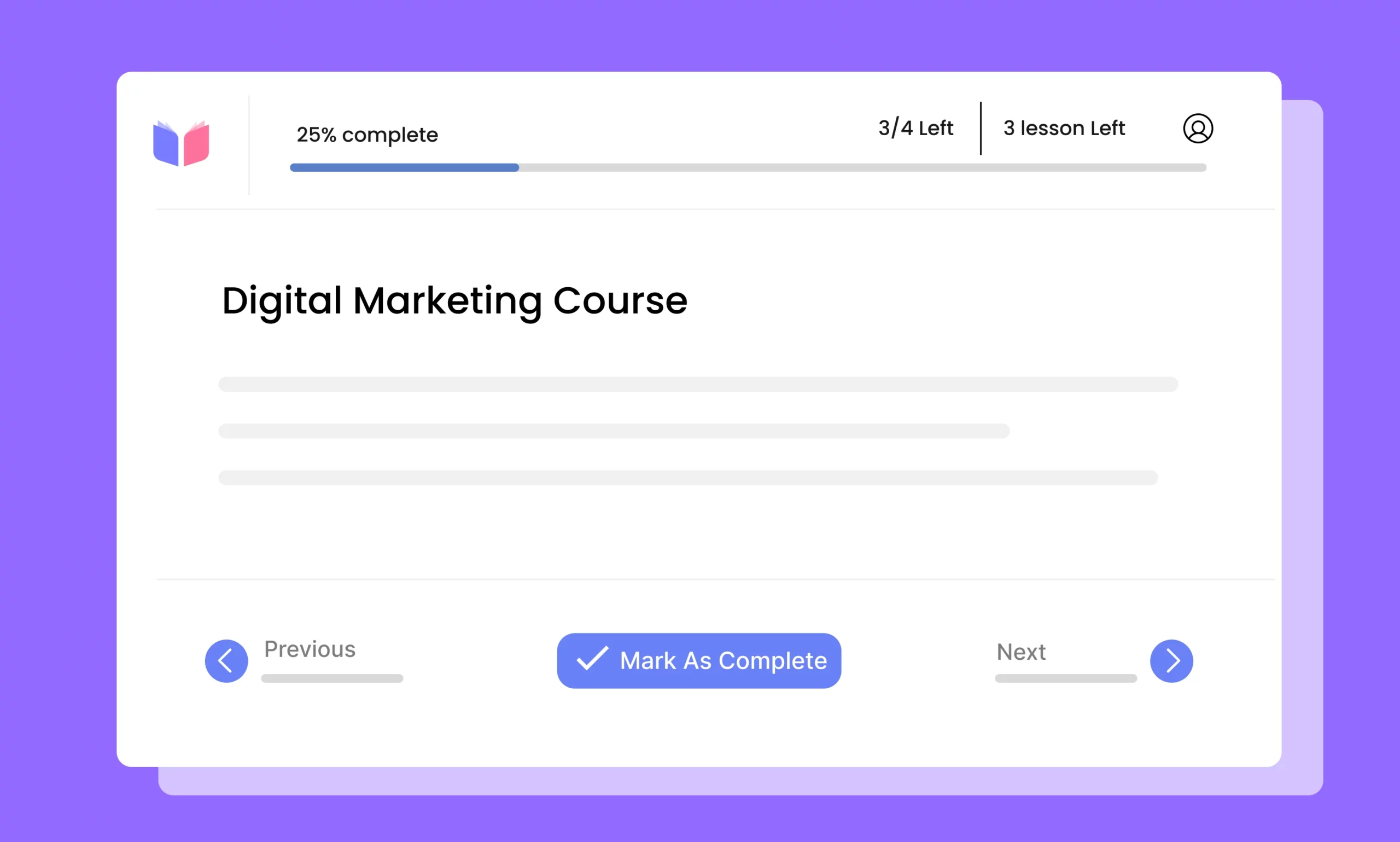
Dynamic Course Progressive Bar
Show students their exact progress in the course curriculum.
09 – Connect with What You Already Use
Integrations
Masteriyo seamlessly connects with your favorite tools to enhance course creation, delivery, and learner engagement.


Get started with free version first and later extend with premium packages as you need.
Join 4000+ professionals who use Masteriyo to sell online courses easily!