Codex
One agent for everywhere you code—included in ChatGPT Plus, Pro, Business, Edu, and Enterprise plans.


Trusted by engineering teams worldwide
Your new coding partner
Switch seamlessly between real-time collaboration and async delegation with Codex in all your tools.
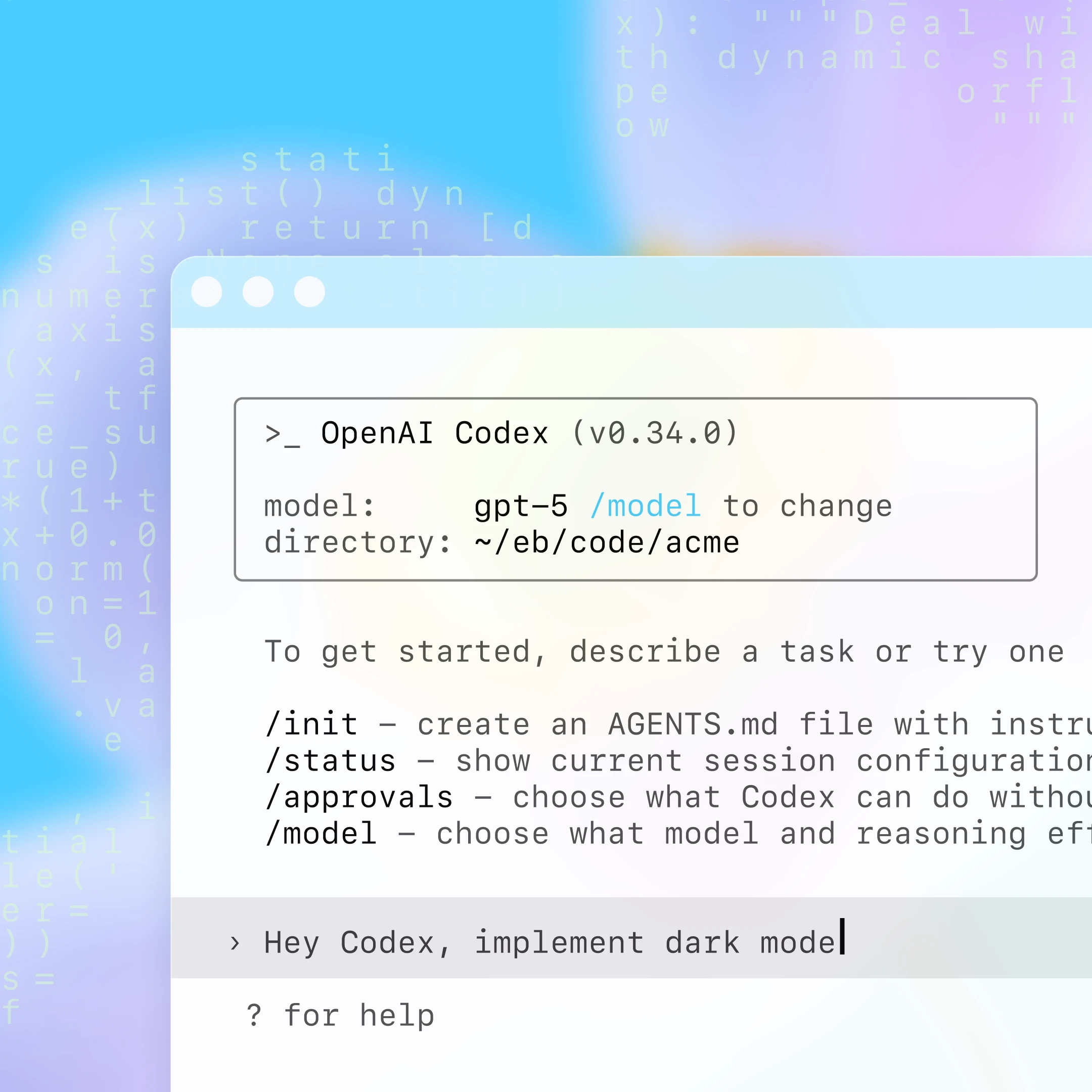
Pair with Codex in your terminal or IDE
Starting from a prompt or spec, Codex navigates your repo to edit files, run commands, and execute tests. Ship new features, fix bugs, brainstorm solutions, or tackle whatever’s next with the Codex CLI and IDE extension—available in VSCode, Cursor, and Windsurf.
Delegate to Codex in the cloud
Codex runs in the background so you can stay in flow and get more done. It runs each task in an isolated sandbox with your repo and environment, generating code you can review, merge, or pull down to your computer to keep working.
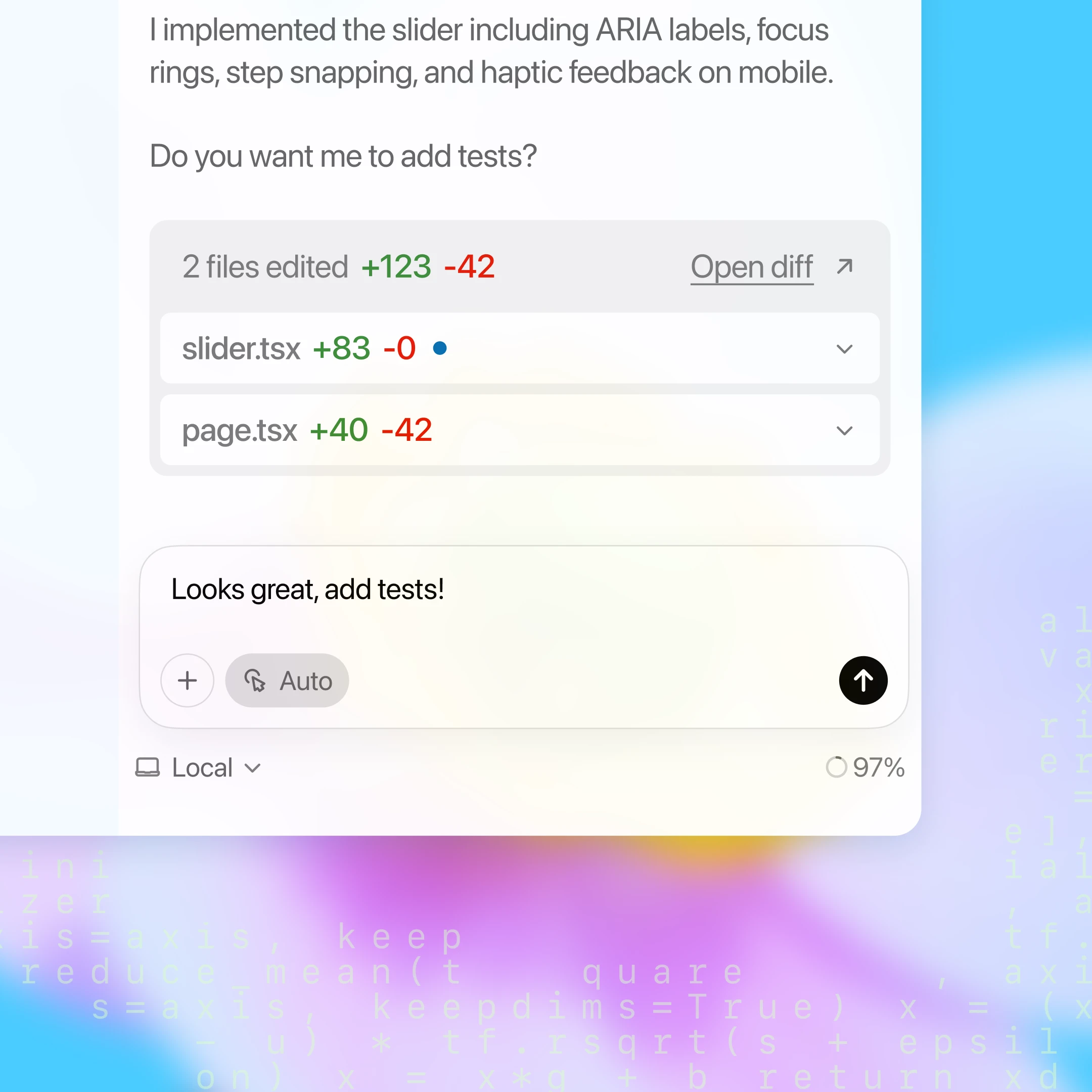
Code on your phone
Kick off tasks from the ChatGPT mobile app, wherever inspiration strikes. Track progress, review PRs, and merge changes to continue building on the go.

Accelerates your team
Codex plugs into your team’s most important workflows to help you ship faster and more confidently.
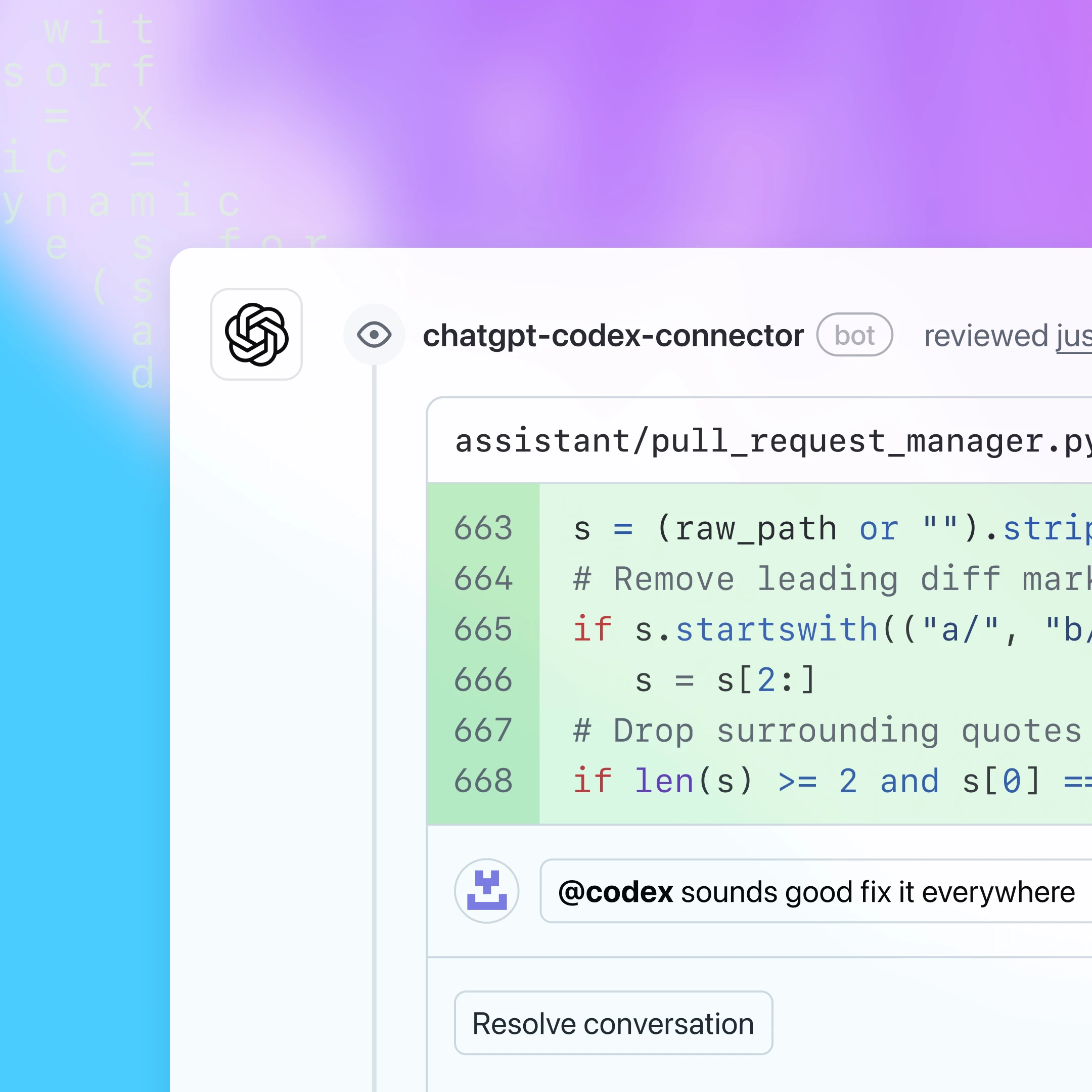
Set up Codex to automatically review new PRs and tag @codex to manually request reviews. It compares PR intent with changes, running the code if needed to provide a detailed review.
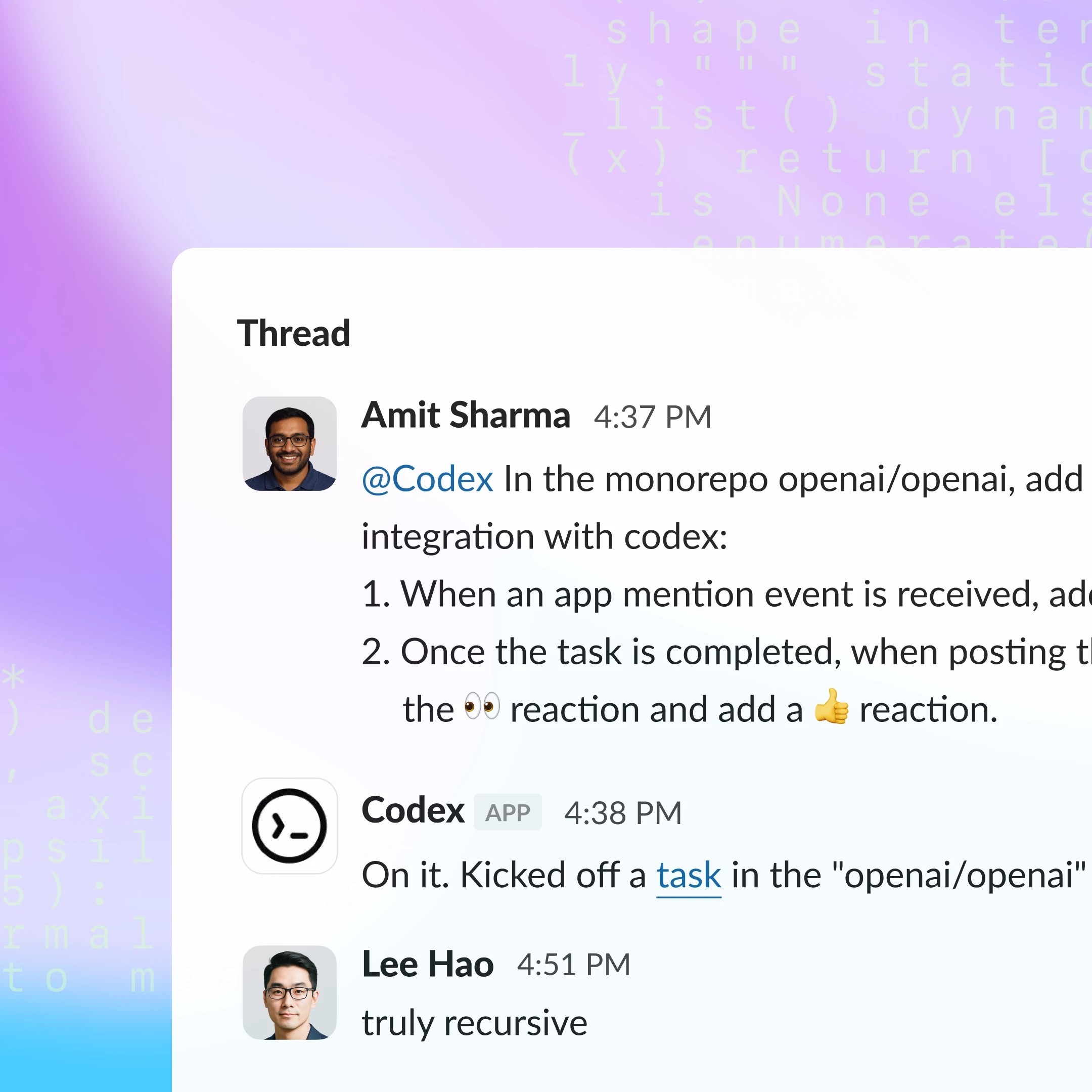
Codex can answer questions, fix bugs, and explore ideas right from your team’s Slack channels. It automatically pulls context from the conversation to choose the right repo and start working.
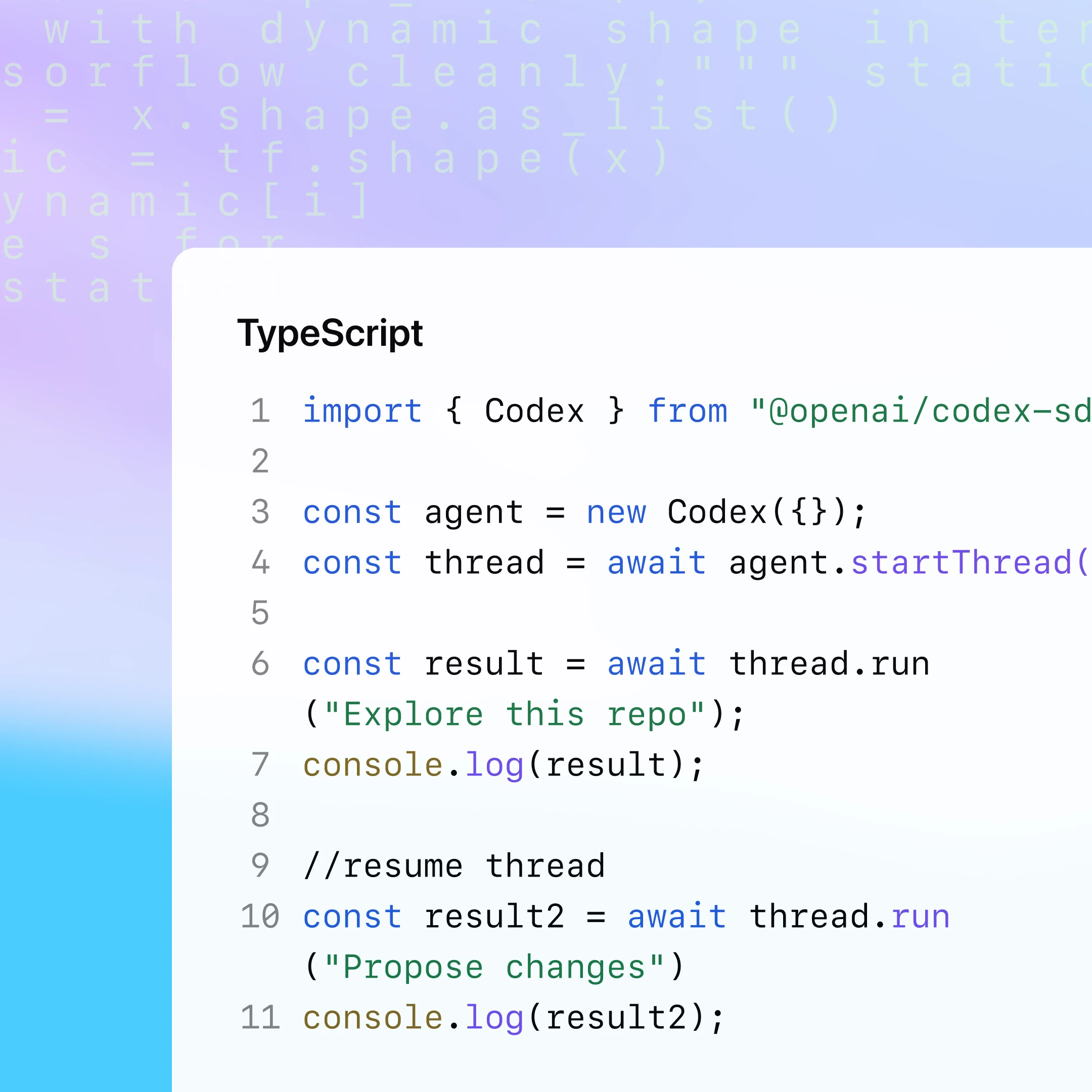
Embed Codex in GitHub Actions and internal tools to automate key engineering processes like CI/CD, code maintenance, and issue management so your team stays focused on shipping.
More resources
Codex is included in ChatGPT Plus, Pro, Business, Edu, and Enterprise. Get the most out of it with these guides.
FAQ
Codex CLI, IDE extension, and Codex web all allow you to sign in with ChatGPT if you have a Plus, Pro, Business, Edu, or Enterprise plan. Business and Enterprise admins can learn more about enabling Codex for their workspace here(opens in a new window).
