
Python Installation Guide | Install Python in Easy Steps
Boost Your Career with Our Placement-ready Courses – ENroll Now
Python is a high-level, general-purpose programming language that is interpreted. The ease of use and the readability of the language have made it one of the most popular coding languages.
To work with python, you need to first install the software. Let us walk through the steps that you would have to follow to install and set up the python environment.
- Install the latest version of python
- What is python IDLE?
- Working with IDLE
Install Python
To start the installation process first download the latest Python version you want to work with.
When you go to the python home page, this is what you will see:
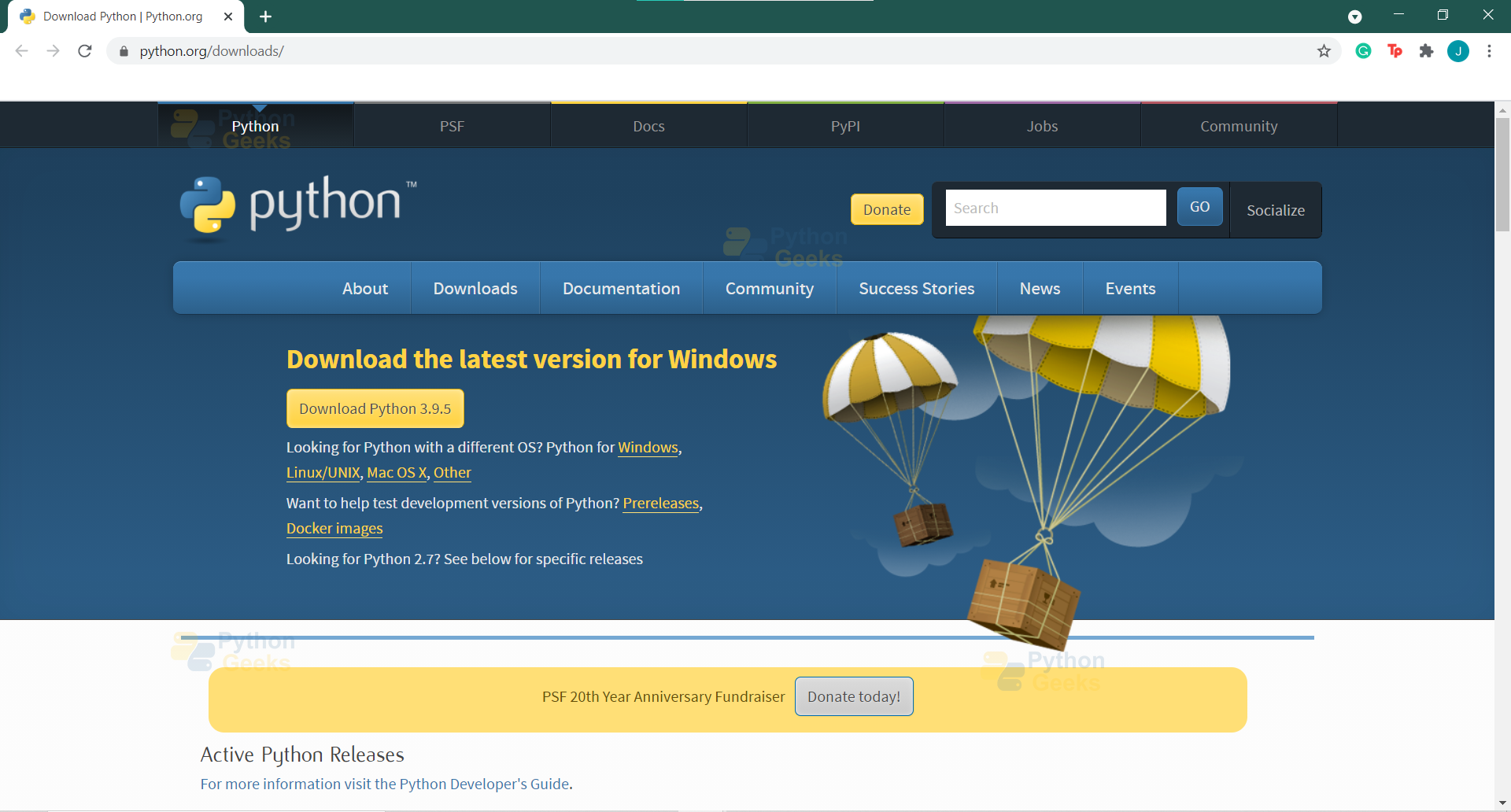
Here you see the option to download the latest version of python for windows, the current latest version is Python 3.9.4
The next step is to click on “Download Python 3.9.4”, after which the python-3.9.4-amd64.exe file will get downloaded to your system.
Once you start the installation process, you will see the following pop-up:

Once this process is completed, you will see the python icons on your home screen:
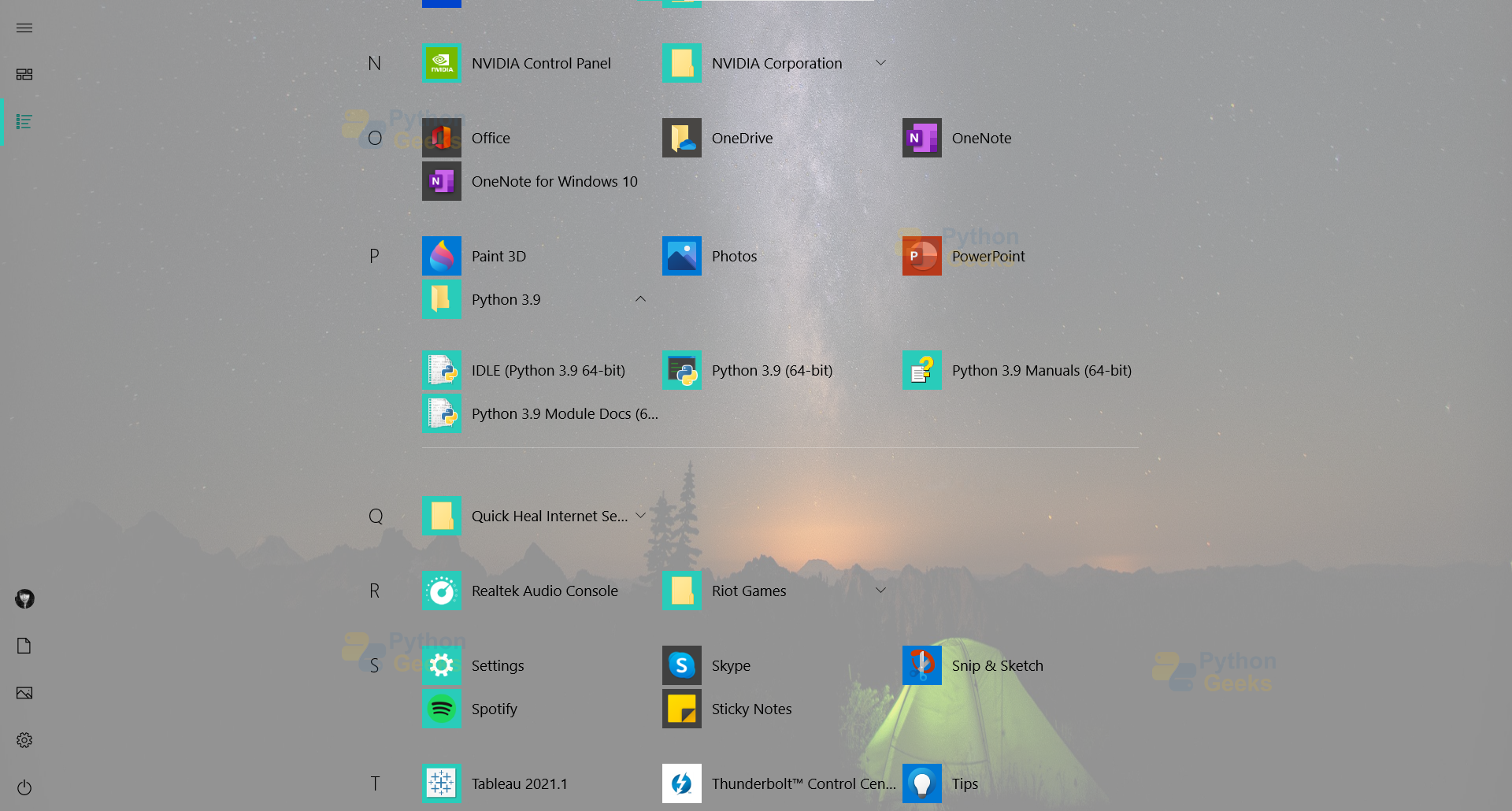
Now moving further you will be using python IDLE to work on python.
What is Python IDLE?
So now that you have installed python you will notice that IDLE is a default implementation with the package. IDLE stands for Integrated Development and Learning Environment. It works as an integrated development environment on which you can use the python programming language.
It is said that IDLE is named partly to honor Eric Idle, one of Monty Python’s founding members.
You can use IDLE to execute single-lined statements and it also has a fully-featured text editor for python scripts. Some of the features of using IDLE include Syntax highlighting, autocompletion, and smart indent. Python IDLE editor also provides a debugger with stepping, breakpoint features, and call stack visibility.
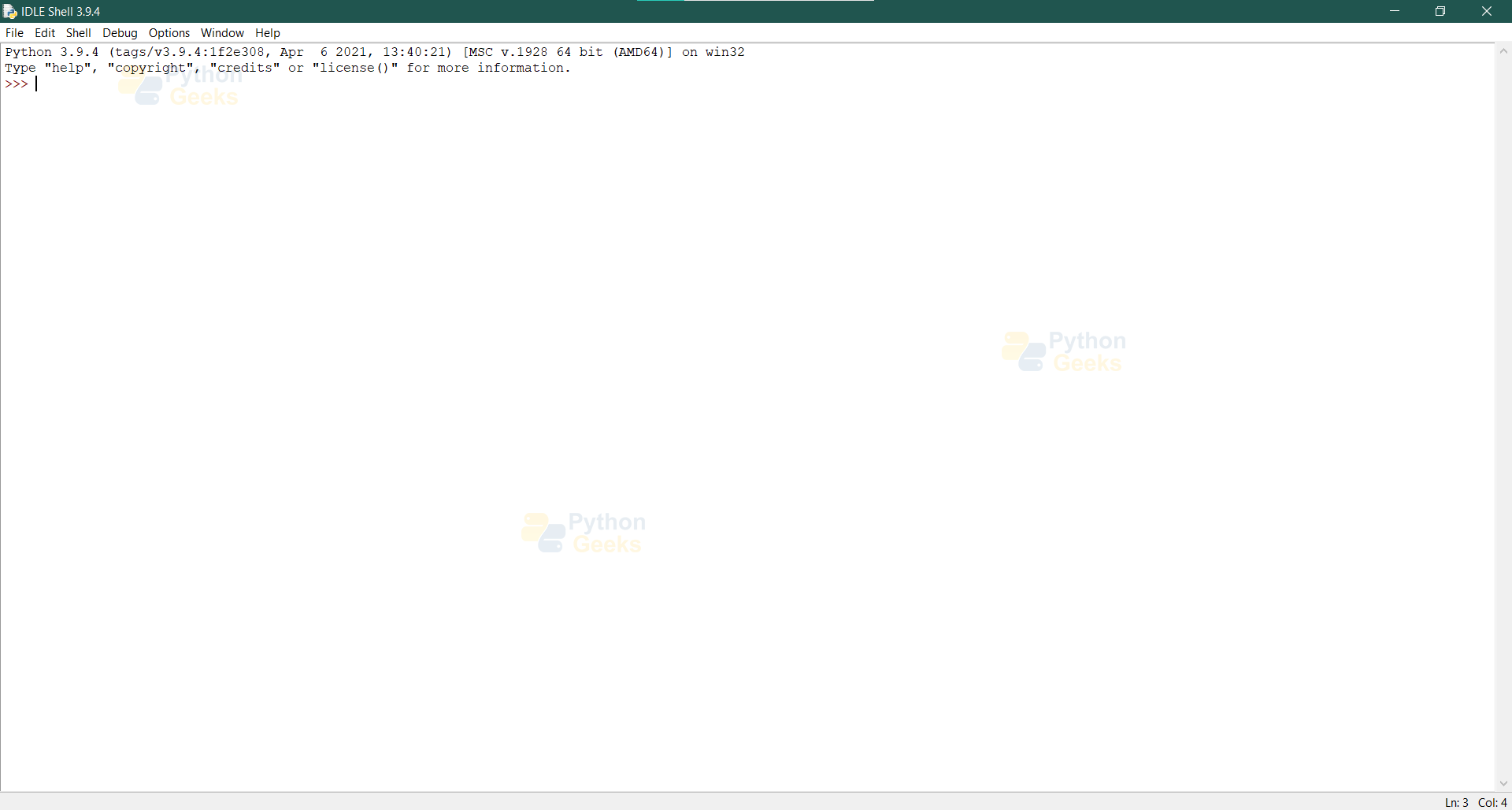
Working with Python IDLE
Now let us look at some of the simple tasks that can be computed on the IDLE shell.
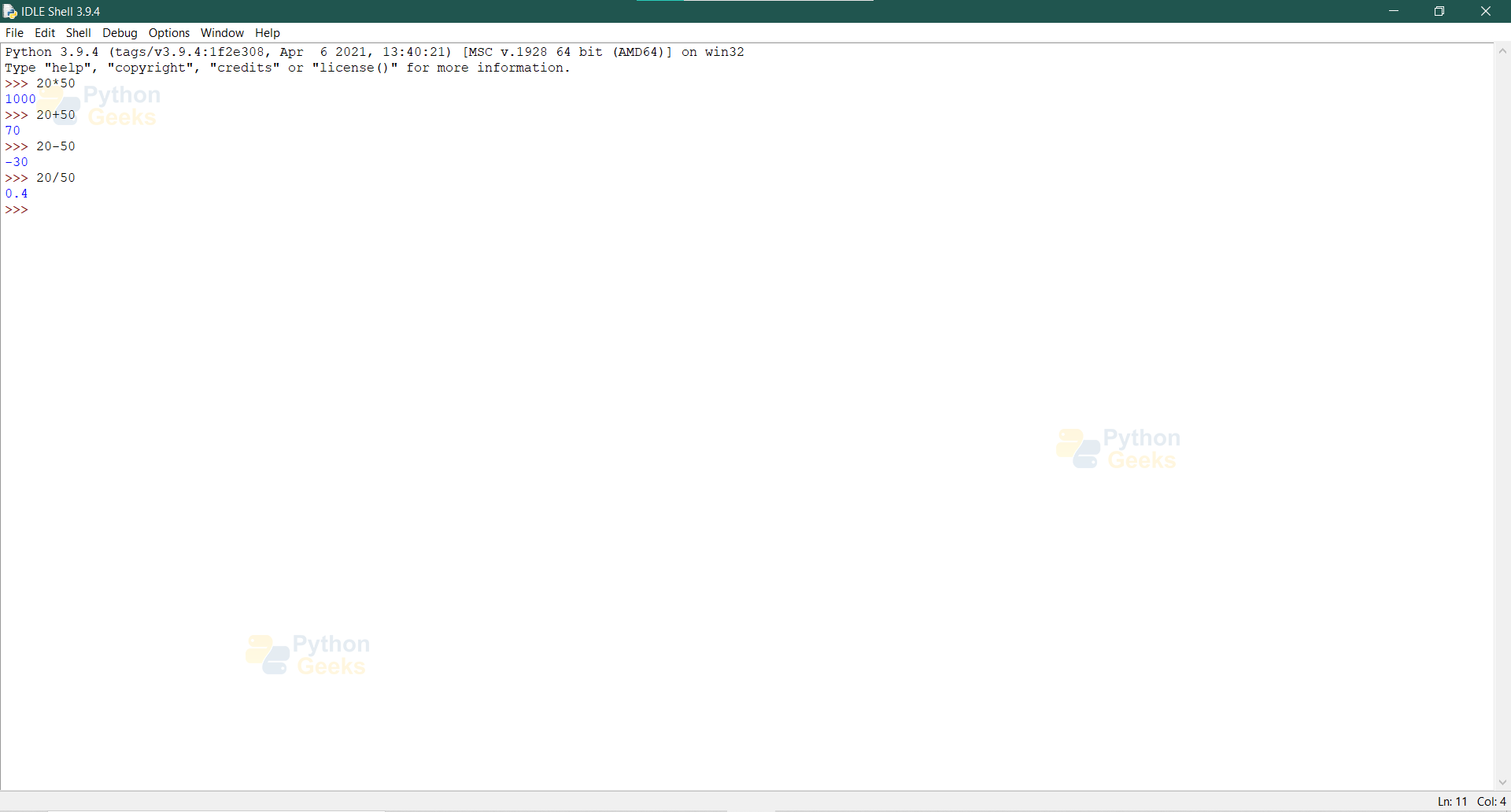
The above figure shows the different arithmetic computations that can be done on the IDLE shell.
Now let us look at creating codes that are not just single-lined codes. To do so you have to create a python script.
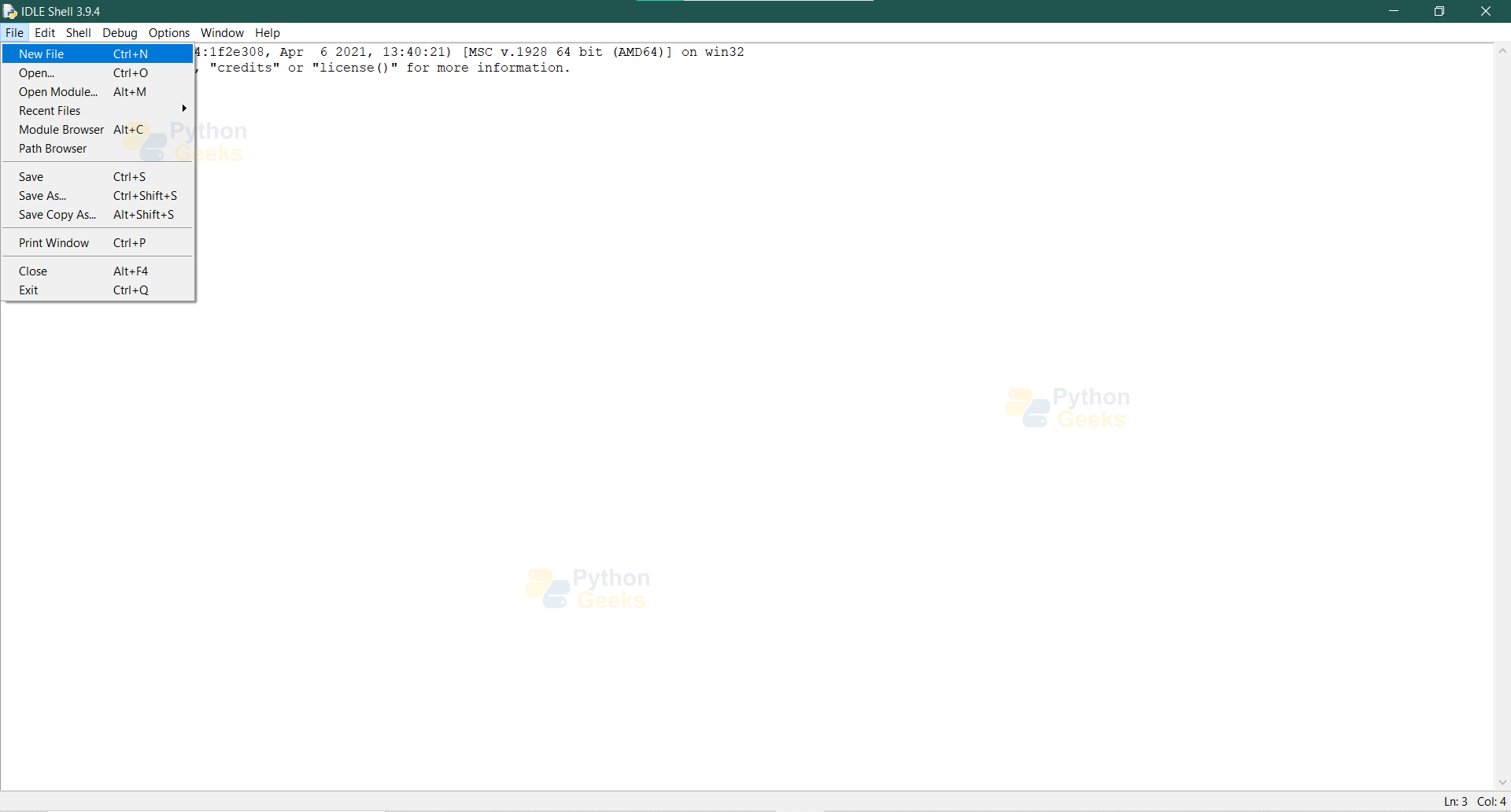
As shown in the above figure, to create an IDLE script you have to follow these steps:
- Go to the File tab
- Click on a new file
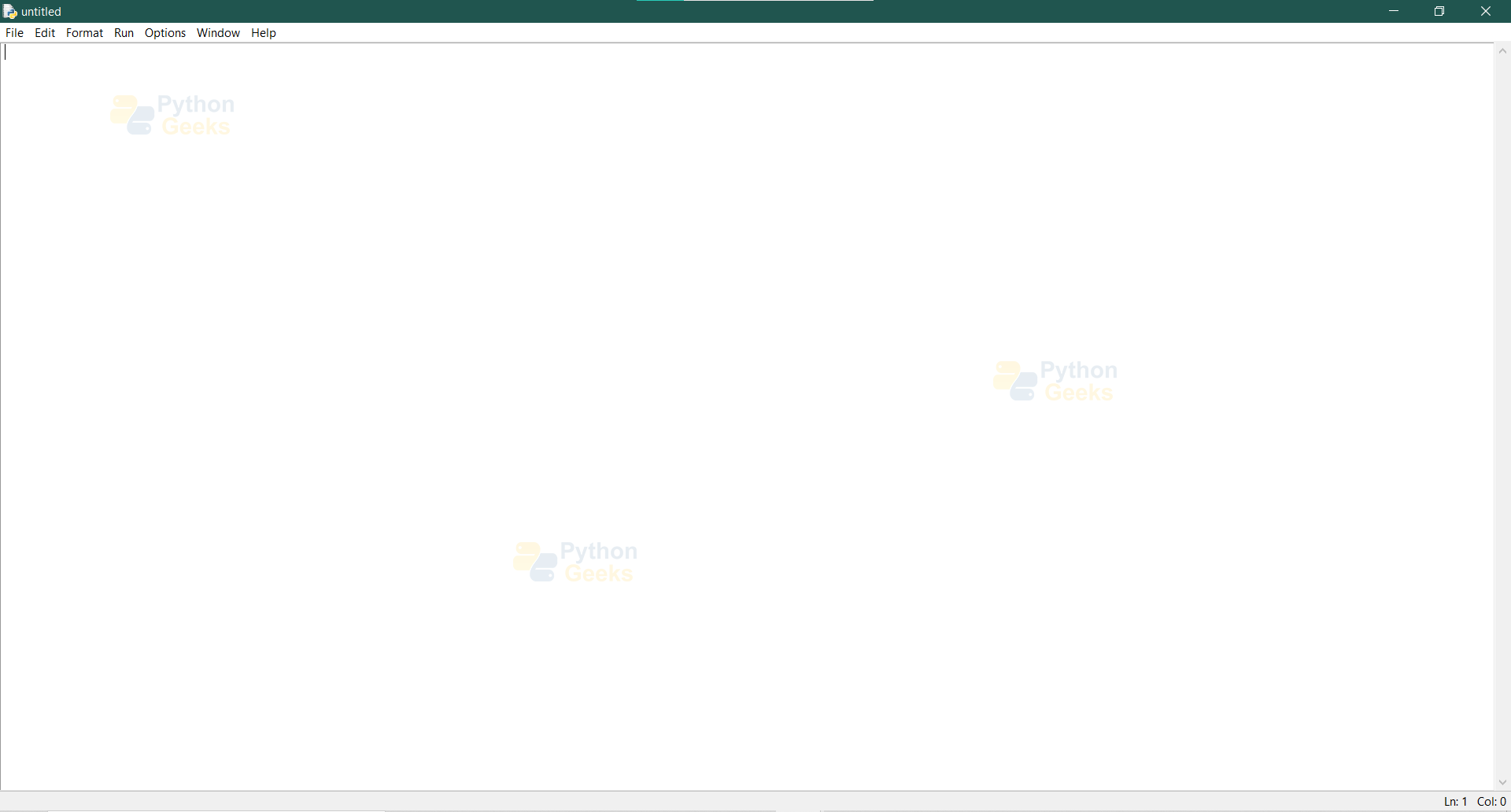
Once you complete the steps stated above, an untitled IDLE script will be created as shown. Now you can save this script to your local file and work with it.
Let’s try printing “Hello World” and “Welcome to PythonGeeks” using the IDLE script that has been created.
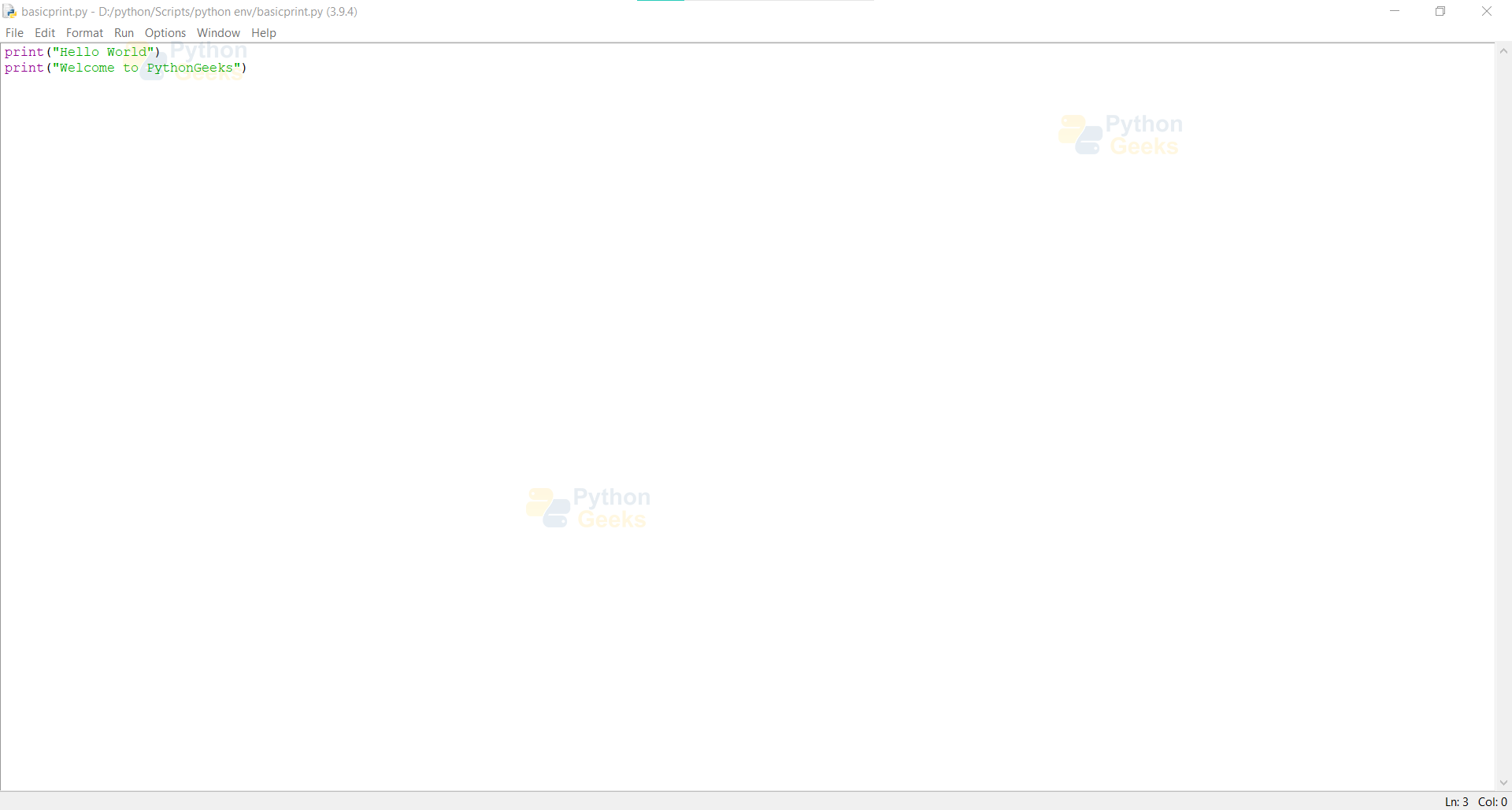
Now, let’s execute the code.
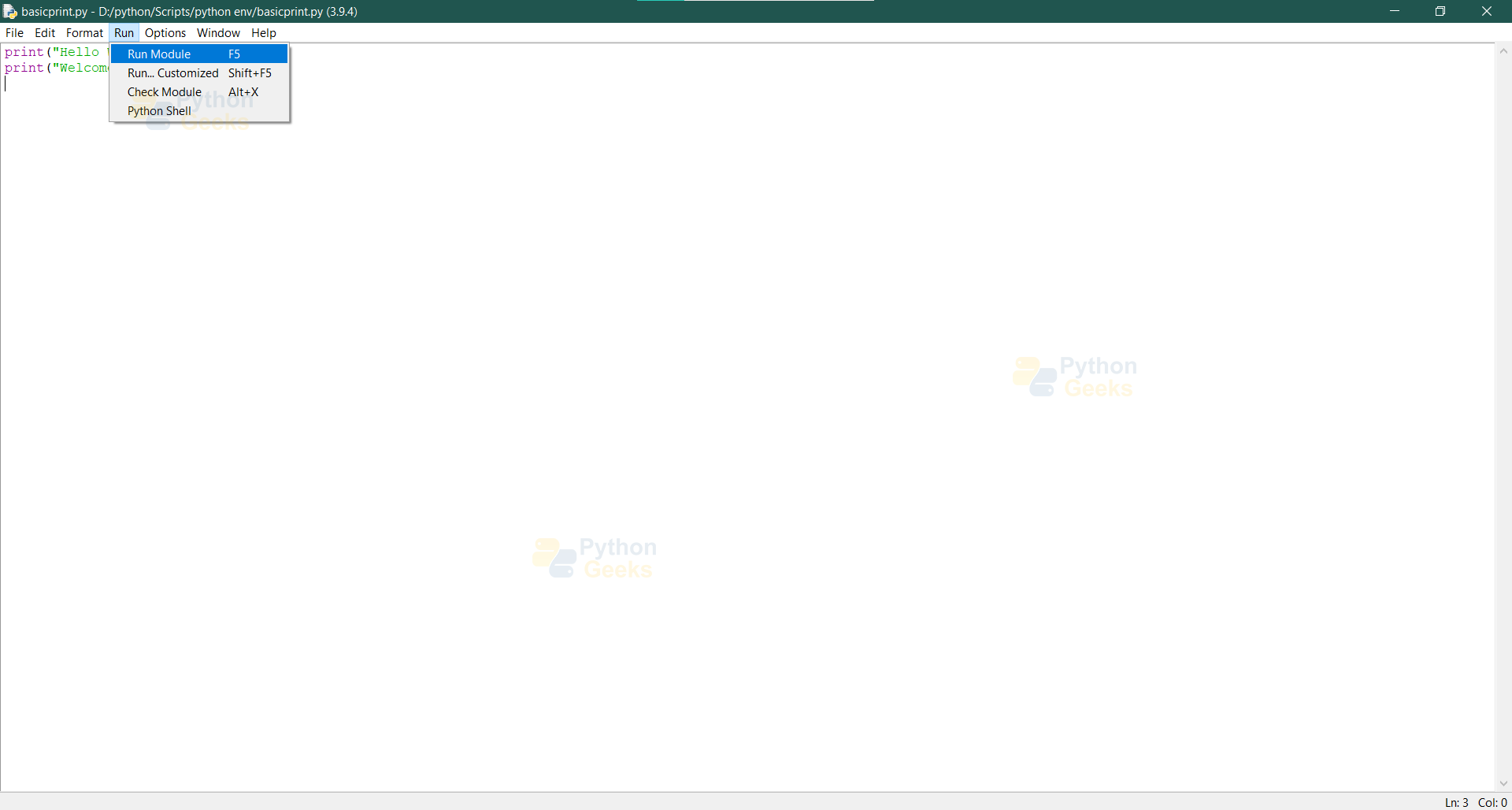
The above figure shows the process to run the code on the script. To do so you
- Go to the Run tab
- Click on the run module
Once you do this the IDLE shell

The figure above shows the outcome of following the steps stated above. Based on this basic introduction to how IDLE shell works and how IDLE scripts work, you can now dive into python.
Summary
In this article, we looked into how to install python and the environment setup that comes with it. We then dived into working on the IDLE shell and using an IDLE script for basic code.


I’m using Windows 7 ultimate, I have tried to download the supportive version for my windows but when I tried to run the file its shows me error – download the upper version like . Tell me what should i do now, how can i download python for my computer to learn python.