NiuJun
1
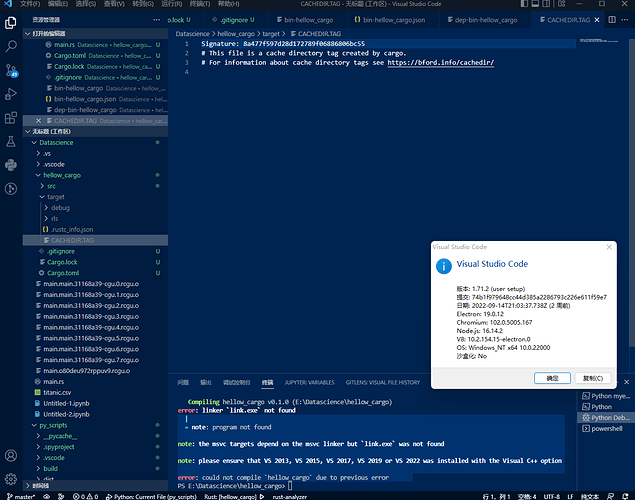
error: linker link.exe not found
|
= note: program not found
note: the msvc targets depend on the msvc linker but link.exe was not found
note: please ensure that VS 2013, VS 2015, VS 2017, VS 2019 or VS 2022 was installed with the Visual C++ option
error: could not compile hellow_cargo due to previous error
but I had installed VS code
H2CO3
2
VS Code has nothing to do with Visual C++ or Visual Studio. Visual C++ is a C++ toolchain with a C and a C++ compiler, a linker, the C and C++ standard libraries, Windows-specific DLLs, etc. Visual Studio is a complete IDE with optional support for several programming languages like C++, C#, etc.
VS Code is just a glorified text editor.
You'll need to install the Visual C++ components, such as the compiler, linker, and libraries. You won't get any of them with VS Code.
system
Closed
3
This topic was automatically closed 90 days after the last reply. We invite you to open a new topic if you have further questions or comments.