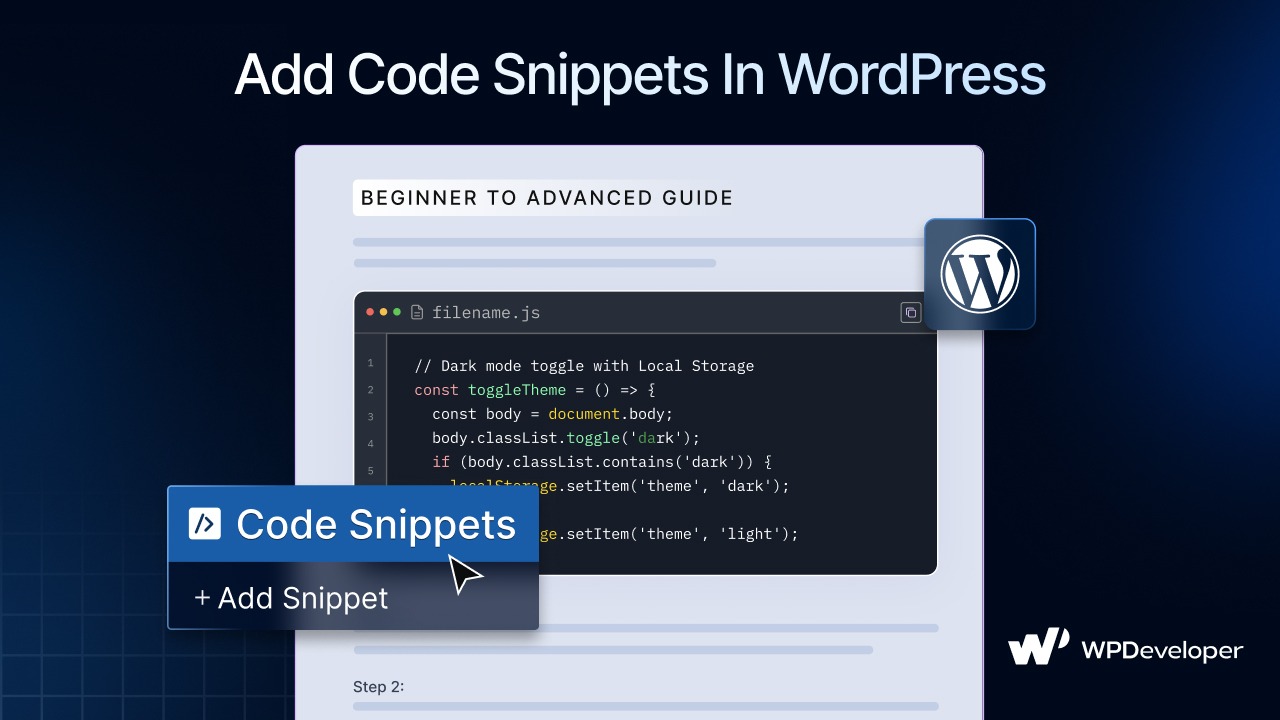
Discover how to add code snippets in WordPress to improve site functionality and performance, using PHP, CSS, JS, and Code Snippet widget for Elementor.
How to Do Bulk Updates in WordPress: 3 Fast And Easy Methods
Doing things one by one isn’t sustainable. Learn how to apply bulk updates in WordPress using simple tools and advanced plugins that cut hours of work down to minutes. We cover use cases for blog posts, WooCommerce products, and even content duplication.

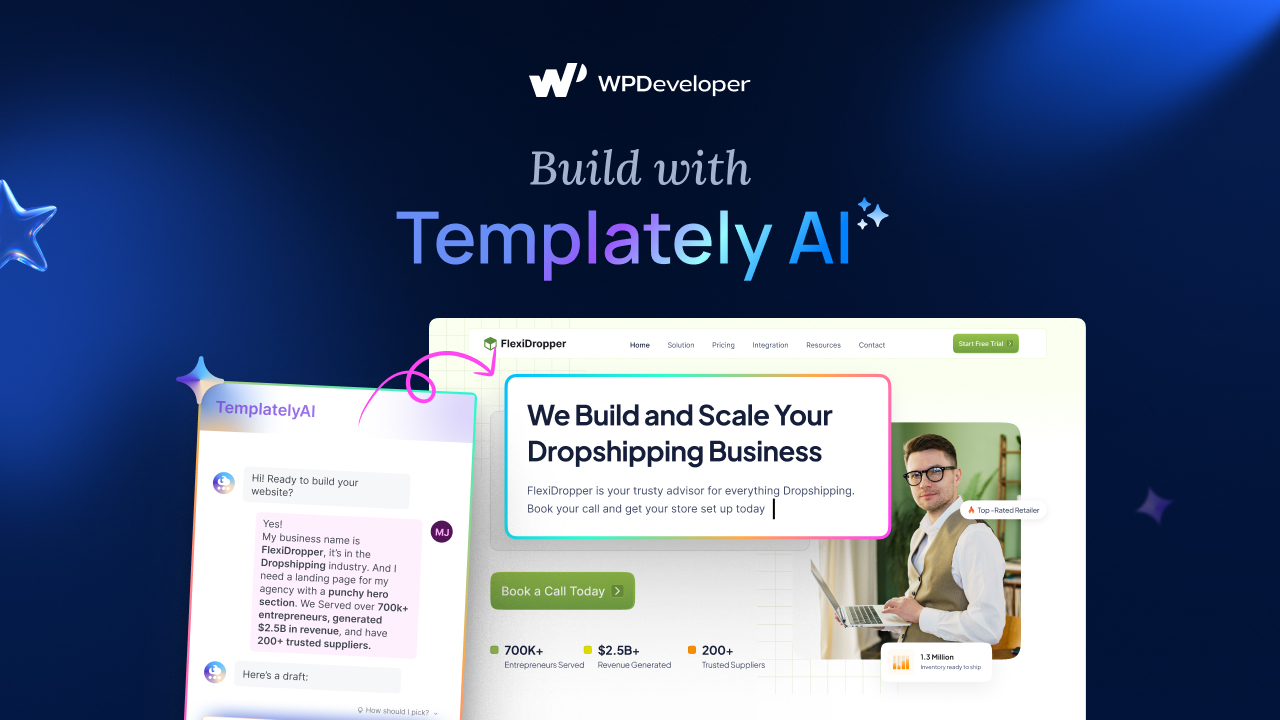
How to Use Templately AI for Content Creation & Image Replacement in WordPress Websites?
Discover how to simplify website building with AI for Content Creation. Learn how Templately AI can help you generate website copy and replace images instantly.

How AI Is Changing WordPress Development And Content Creation: A Deep Dive Into the Revolution
Explore how AI is reshaping WordPress with smarter development, automated content creation, personalized UX and stronger security for modern websites.

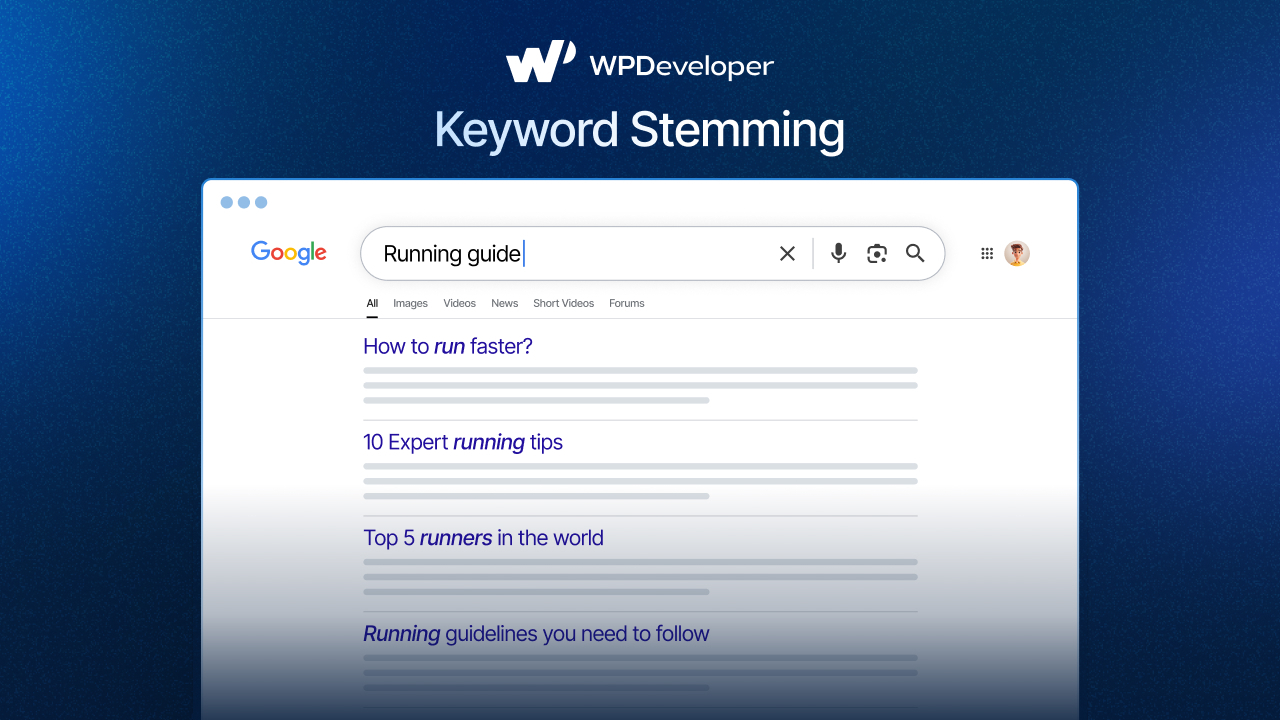
Keyword Stemming: How to Write Smarter for SEO And AI Search
Keyword stemming is no longer just a technical SEO tactic—it's essential for writing content that ranks higher on AI-driven search engines. Discover how to use variations, synonyms, and related phrases to capture more search intents and enhance your content's authority.

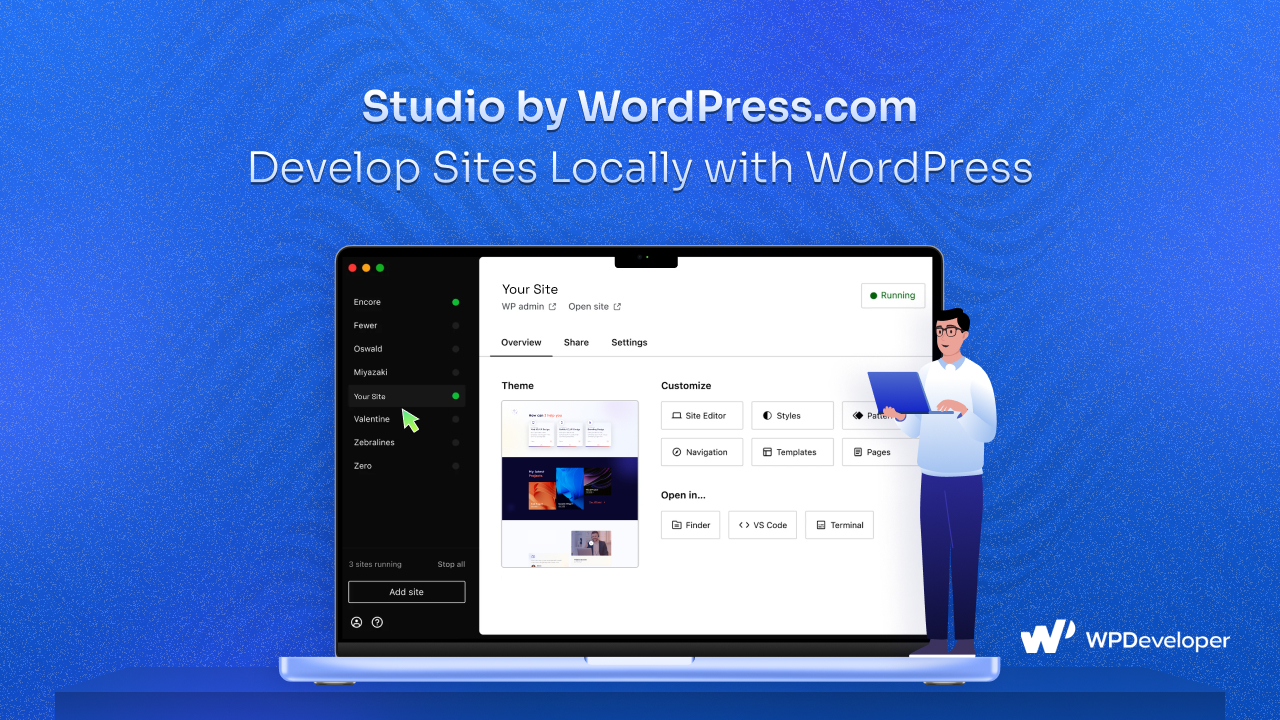
Studio by WordPress.com: A Fast & Free Way to Develop Sites Locally with WordPress
Studio by WordPress.com is a free, user-friendly local development tool that simplifies building, testing and managing WordPress sites offline with one-click setup, preview sharing and seamless live site integration.
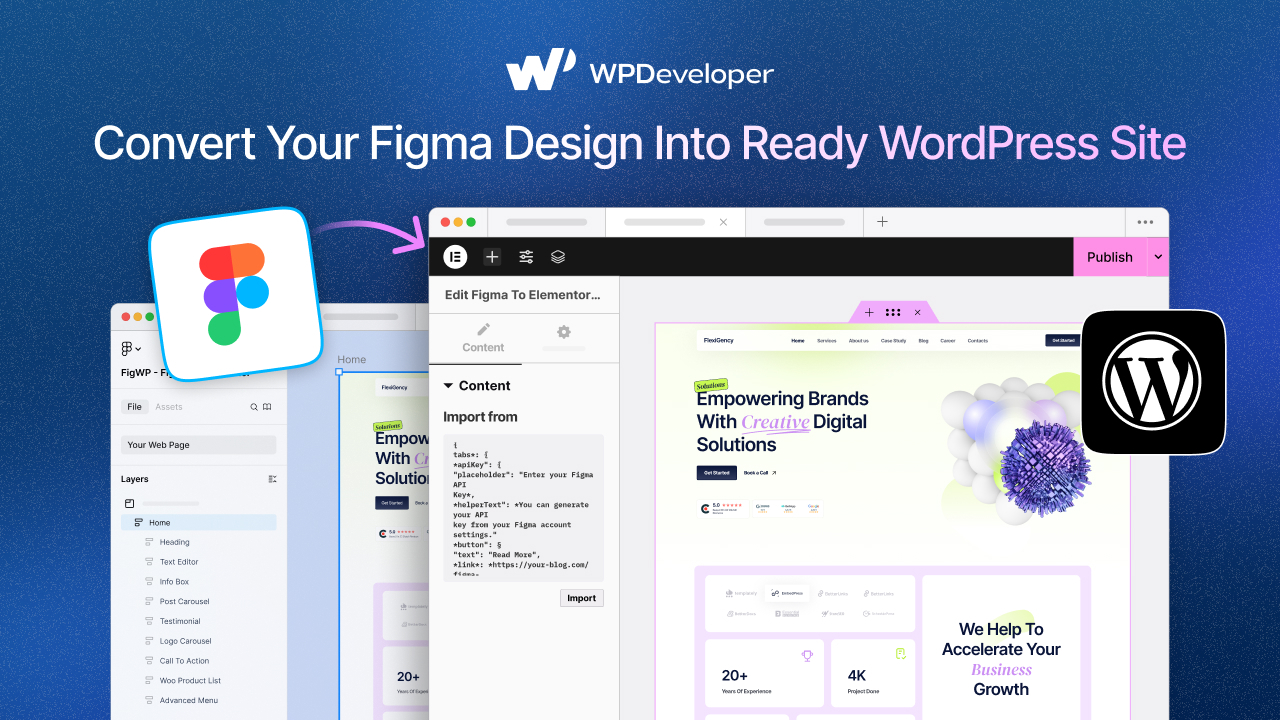
Figma to WordPress Conversion: Bridging the Gap Between Design & Development Instantly
Convert Figma designs to WordPress quickly with the Figma to Elementor Converter. No coding needed—just fast, consistent results for designers, freelancers, agencies, & more.
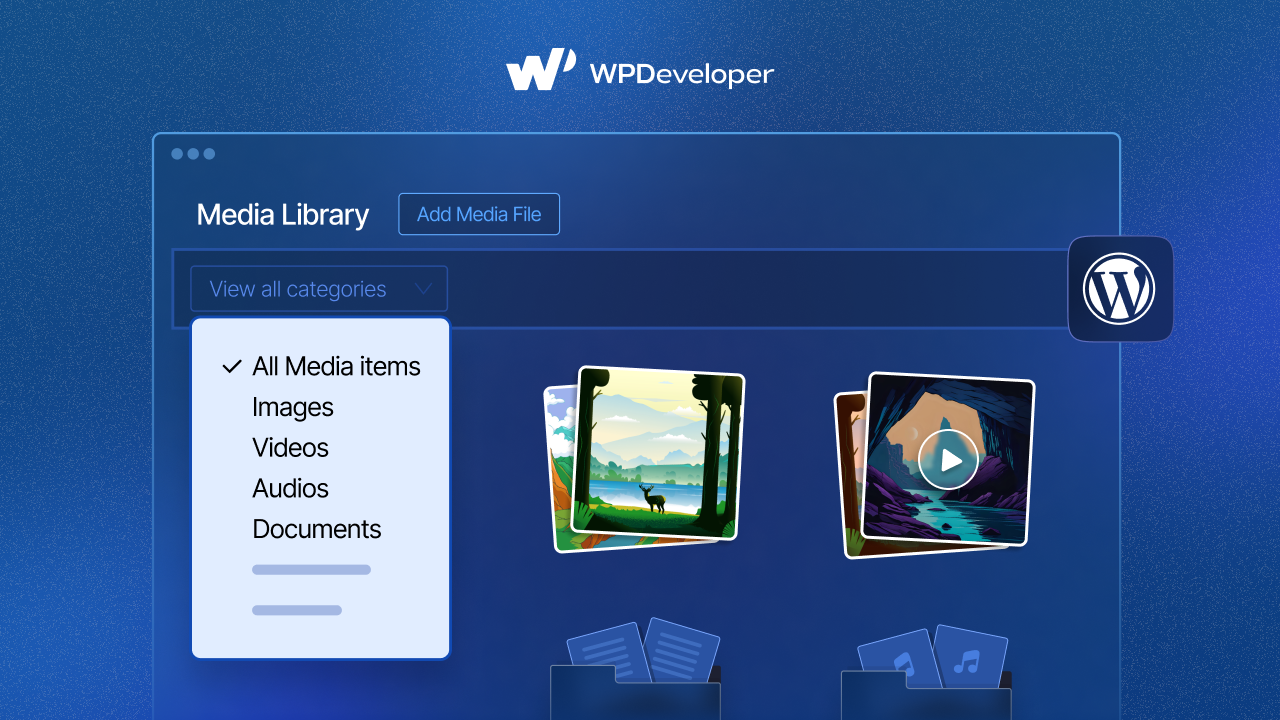
A Step-by-Step Guide: Add Categories And Tags to WordPress Media Library
Managing a growing WordPress media library can get overwhelming. Discover how to add categories and tags to streamline your workflow, plus plugin tips for advanced media organization.
How to Create Website Content with AI Using Essential Blocks
Learn how to create website content with AI using Essential Blocks to save time and stay consistent.