Building Robots
using Android and
     Arduino


Sudar Muthu
Research Engineer, Yahoo! Labs
http://sudarmuthu.com
http://github.com/sudar
http://twitter.com/sudarmuthu
Agenda
• Let’s start with a demo
• Anatomy of a robot
• Android
• Arduino
• Making them talk
   – Over Bluetooth
   – Over WIFI
   – Over USB wire
   – Over Audio Jacket
   – Over GSM
• Summary
• Questions
Let’s start with the demo


             Demo
    http://sudarmuthu.com/arduino/asimi
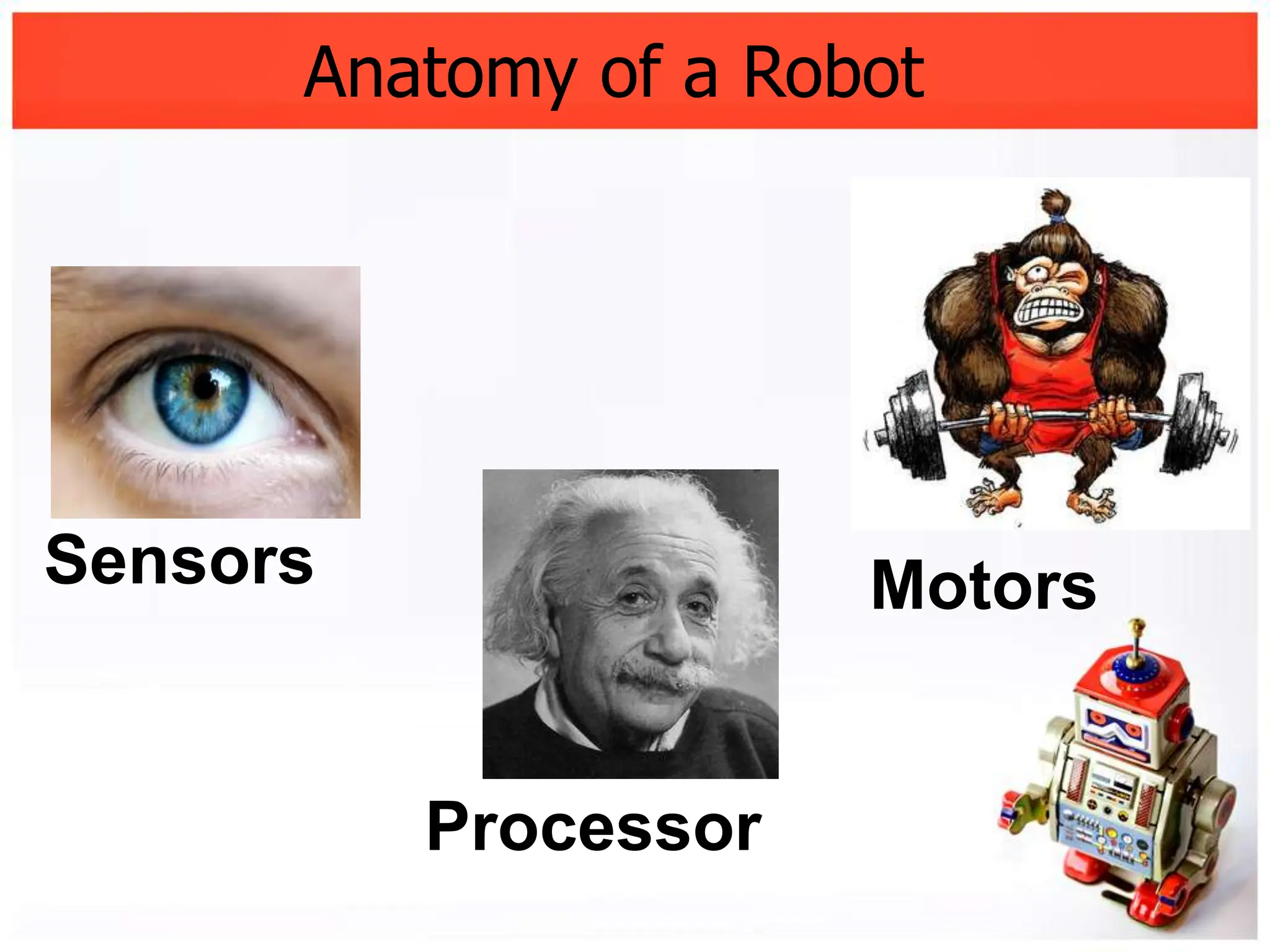
Anatomy of a Robot


Sensors               Motors


          Processor
Android can act as a ..
Sensor
  –   Accelerometer
  –   Camera
  –   Magnetic Compass
  –   GPS
  –   etc.


Processor
  – Native Java App
  – Android Scripting Environment (ASE)
Missing part is..
Missing part is..


           Motor
(and that’s where Arduino can help)
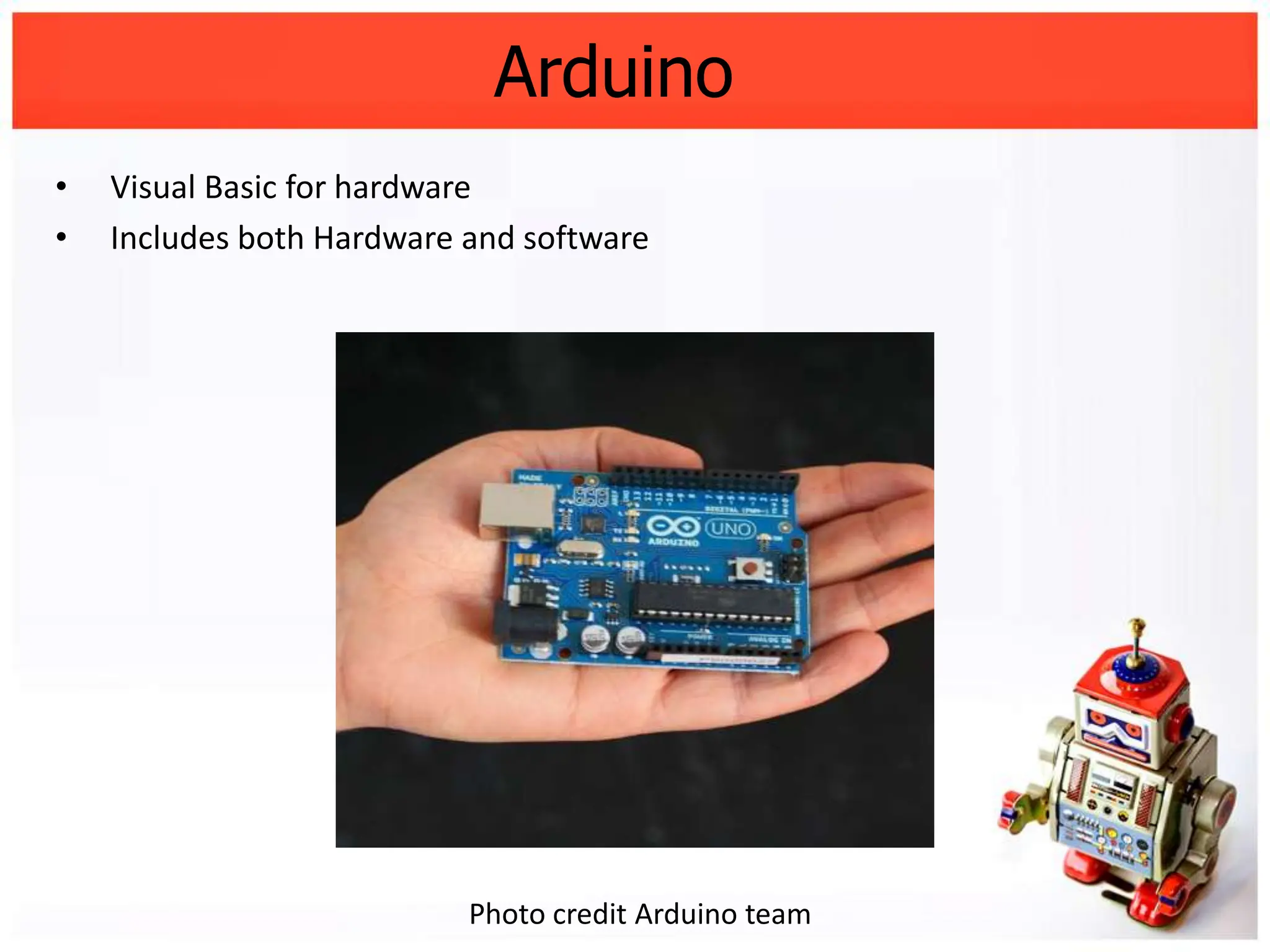
Arduino
•   Visual Basic for hardware
•   Includes both Hardware and software


                           Photo credit Arduino team
We have Android (Sensors &
processor) and Arduino (Motor)
We have Android (Sensors &
processor) and Arduino (Motor)

    Let’s make them talk
Making them talk
• Over Bluetooth
• Over WIFI
• Over USB
   – ADK
   – Normal Way
• Over Audio Jacket
• Over GSM
• Over C2DM
• Others (NFC, Intermediate computer etc)
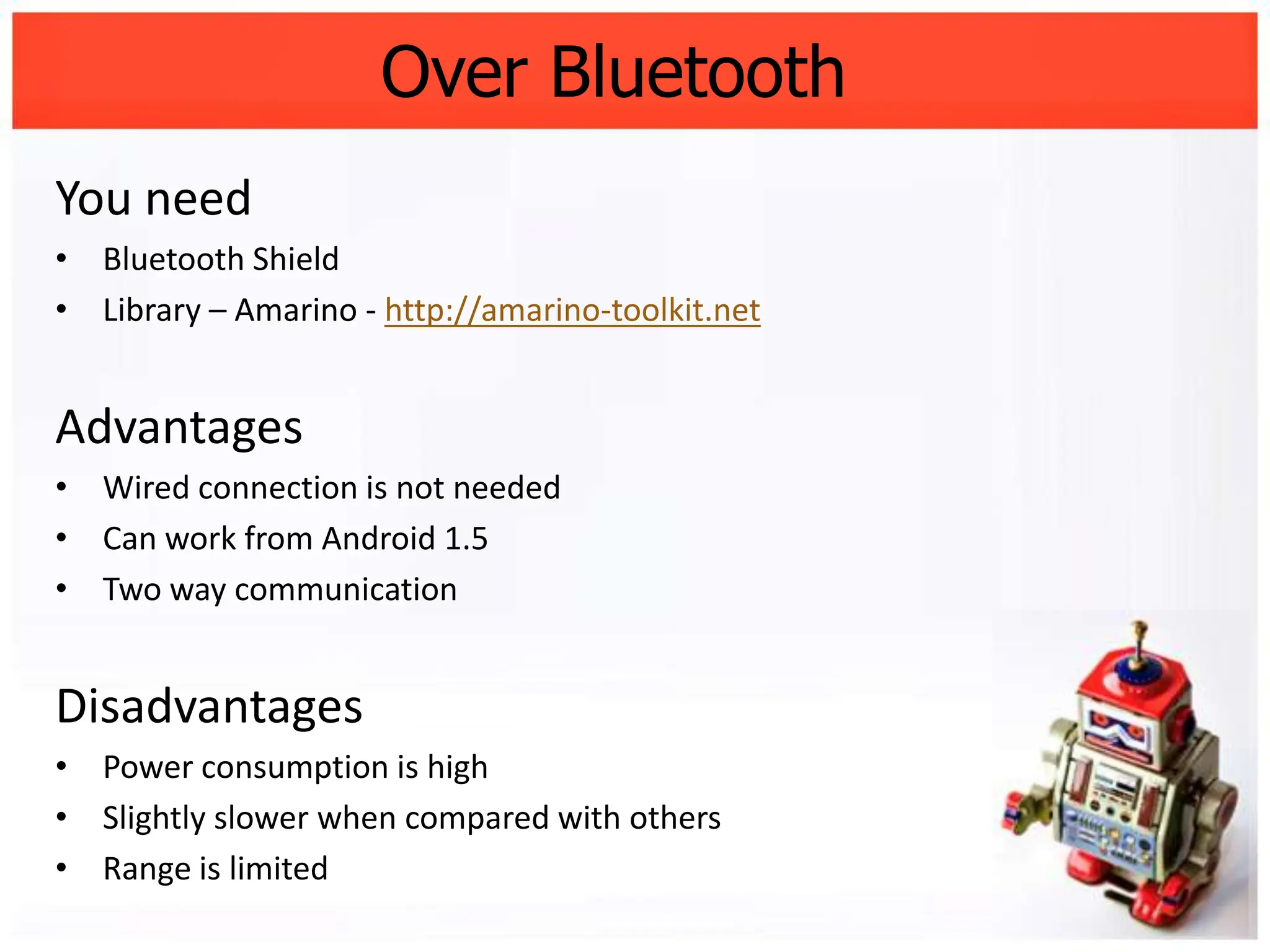
Over Bluetooth
You need
• Bluetooth Shield
• Library – Amarino - http://amarino-toolkit.net


Advantages
• Wired connection is not needed
• Can work from Android 1.5
• Two way communication


Disadvantages
• Power consumption is high
• Slightly slower when compared with others
• Range is limited
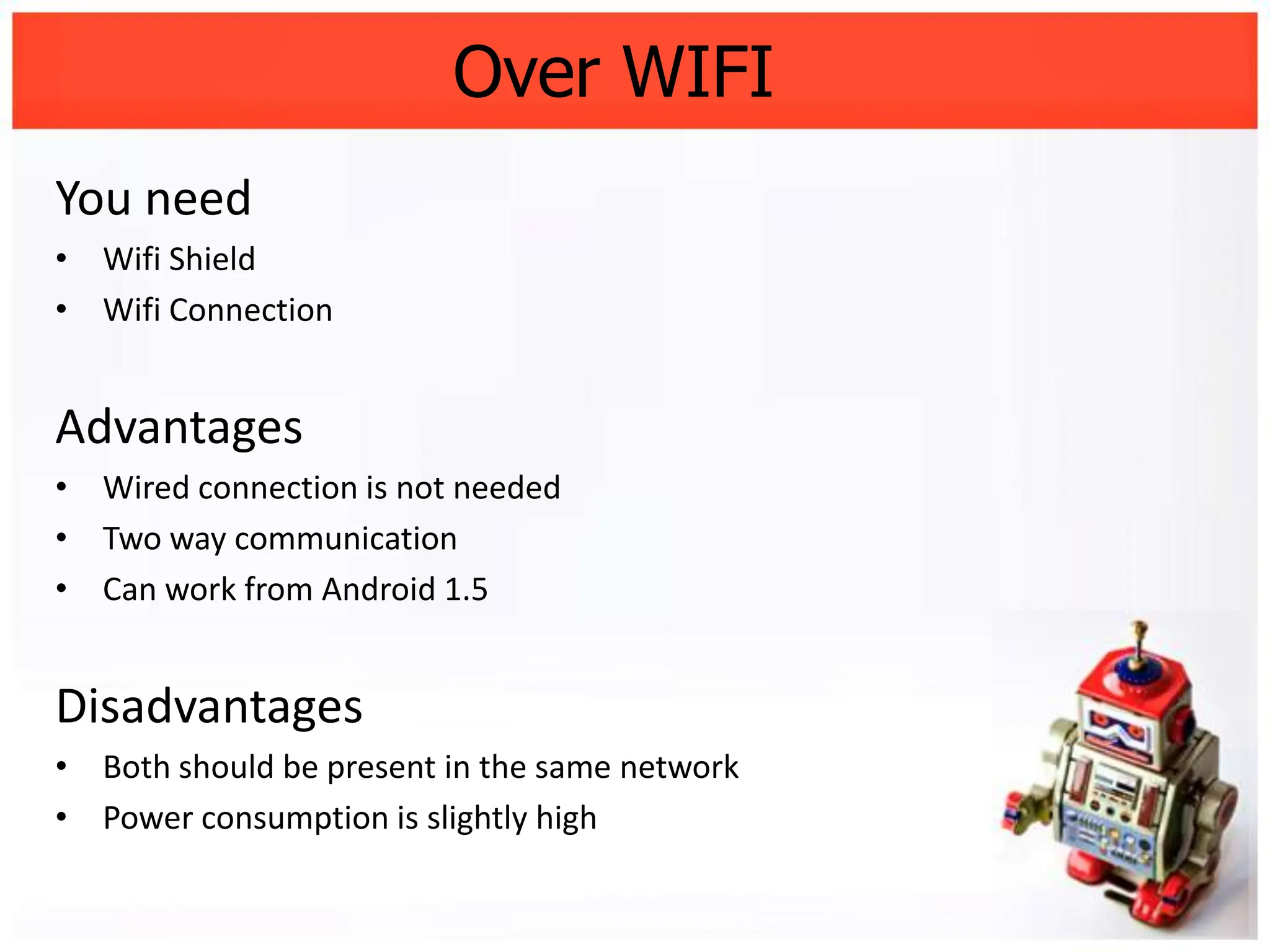
Over WIFI
You need
• Wifi Shield
• Wifi Connection


Advantages
• Wired connection is not needed
• Two way communication
• Can work from Android 1.5


Disadvantages
• Both should be present in the same network
• Power consumption is slightly high
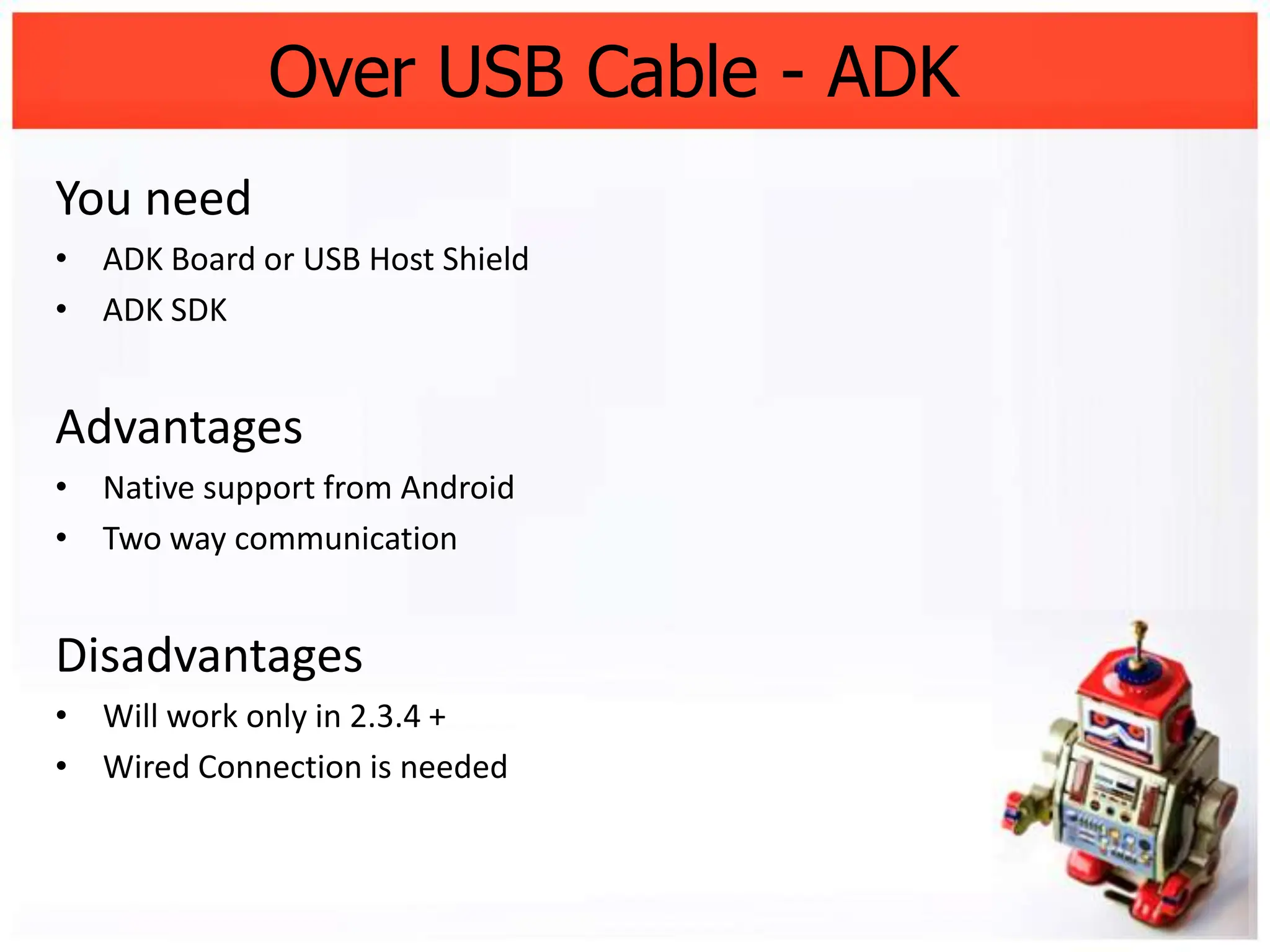
Over USB Cable - ADK
You need
• ADK Board or USB Host Shield
• ADK SDK


Advantages
• Native support from Android
• Two way communication


Disadvantages
• Will work only in 2.3.4 +
• Wired Connection is needed
Over USB Cable – Socket &Logcat
You need
• USB Host Shield
• Library – Microbridge - http://code.google.com/p/microbridge/


Advantages
• Works in older versions as well
• Two way communication (Socket &Logcat)


Disadvantages
• Wired connection is needed
Over Audio Jacket
You need
• Male Audio Pin
• Pre-encoded Wave/MP3 files


Advantages
• Very compact
• Less power consumption


Disadvantages
• Only one way communication is possible
• Slightly difficult to get it to work
Over GSM
You need
• GSM ArduinoShiled
• Two sim cards


Advantages
• Range is unlimited
• Very simple to setup
• Two way communication is possible


Disadvantages
• Operating cost (SMS)
• Potential to abuse
Over C2DM
You need
• Ethernet or WifiArduino Shield
• C2DM account


Advantages
• Good for notifications
• Very easy to setup in Android side


Disadvantages
• Only one way communication is possible
• Works only from v2.2+
• Need Wifi connectivity
Other Options

Somenotablealternateoptions

• NFC (Near Field Communication)
• Using Computer as a intermediate transmitter
• USB Host support (in case of tablet or rooted phones)
Don’t throw away
your old phones ;)
Links
•   Arduino – http://arduino.cc
•   Microbridge – http://code.google.com/p/microbridge/
•   Amarino –http://amarino-toolkit.net
•   USB Host Shield – http://circuitsathome.com/products-page/arduino-
    shields/usb-host-shield-2-0-for-arduino/
•   Using Arduino as ADK – http://sudarmuthu.com/blog/using-standard-arduino-
    board-as-googles-adk-kit
•   My articles about Arudino – http://sudarmuthu.com/blog/category/ardino
•   Demo source code – http://github.com/sudar/Asimi
•   Demo Project page – http://sudarmuthu.com/arduino/asimi
•   Cellbots– http://cellbots.com
Questions

Thank You

          Sudar Muthu
    http://sudarmuthu.com
   http://gitbub.com/sudar
http://twitter.com/sudarmuthu

Building robots-using-android-and-arduino

  • 1.
    Building Robots using Androidand Arduino Sudar Muthu Research Engineer, Yahoo! Labs http://sudarmuthu.com http://github.com/sudar http://twitter.com/sudarmuthu
  • 2.
    Agenda • Let’s startwith a demo • Anatomy of a robot • Android • Arduino • Making them talk – Over Bluetooth – Over WIFI – Over USB wire – Over Audio Jacket – Over GSM • Summary • Questions
  • 3.
    Let’s start withthe demo Demo http://sudarmuthu.com/arduino/asimi
  • 4.
    Anatomy of aRobot Sensors Motors Processor
  • 5.
    Android can actas a .. Sensor – Accelerometer – Camera – Magnetic Compass – GPS – etc. Processor – Native Java App – Android Scripting Environment (ASE)
  • 6.
  • 7.
    Missing part is.. Motor (and that’s where Arduino can help)
  • 8.
    Arduino • Visual Basic for hardware • Includes both Hardware and software Photo credit Arduino team
  • 9.
    We have Android(Sensors & processor) and Arduino (Motor)
  • 10.
    We have Android(Sensors & processor) and Arduino (Motor) Let’s make them talk
  • 11.
    Making them talk •Over Bluetooth • Over WIFI • Over USB – ADK – Normal Way • Over Audio Jacket • Over GSM • Over C2DM • Others (NFC, Intermediate computer etc)
  • 12.
    Over Bluetooth You need •Bluetooth Shield • Library – Amarino - http://amarino-toolkit.net Advantages • Wired connection is not needed • Can work from Android 1.5 • Two way communication Disadvantages • Power consumption is high • Slightly slower when compared with others • Range is limited
  • 13.
    Over WIFI You need •Wifi Shield • Wifi Connection Advantages • Wired connection is not needed • Two way communication • Can work from Android 1.5 Disadvantages • Both should be present in the same network • Power consumption is slightly high
  • 14.
    Over USB Cable- ADK You need • ADK Board or USB Host Shield • ADK SDK Advantages • Native support from Android • Two way communication Disadvantages • Will work only in 2.3.4 + • Wired Connection is needed
  • 15.
    Over USB Cable– Socket &Logcat You need • USB Host Shield • Library – Microbridge - http://code.google.com/p/microbridge/ Advantages • Works in older versions as well • Two way communication (Socket &Logcat) Disadvantages • Wired connection is needed
  • 16.
    Over Audio Jacket Youneed • Male Audio Pin • Pre-encoded Wave/MP3 files Advantages • Very compact • Less power consumption Disadvantages • Only one way communication is possible • Slightly difficult to get it to work
  • 17.
    Over GSM You need •GSM ArduinoShiled • Two sim cards Advantages • Range is unlimited • Very simple to setup • Two way communication is possible Disadvantages • Operating cost (SMS) • Potential to abuse
  • 18.
    Over C2DM You need •Ethernet or WifiArduino Shield • C2DM account Advantages • Good for notifications • Very easy to setup in Android side Disadvantages • Only one way communication is possible • Works only from v2.2+ • Need Wifi connectivity
  • 19.
    Other Options Somenotablealternateoptions • NFC(Near Field Communication) • Using Computer as a intermediate transmitter • USB Host support (in case of tablet or rooted phones)
  • 20.
  • 21.
    Links • Arduino – http://arduino.cc • Microbridge – http://code.google.com/p/microbridge/ • Amarino –http://amarino-toolkit.net • USB Host Shield – http://circuitsathome.com/products-page/arduino- shields/usb-host-shield-2-0-for-arduino/ • Using Arduino as ADK – http://sudarmuthu.com/blog/using-standard-arduino- board-as-googles-adk-kit • My articles about Arudino – http://sudarmuthu.com/blog/category/ardino • Demo source code – http://github.com/sudar/Asimi • Demo Project page – http://sudarmuthu.com/arduino/asimi • Cellbots– http://cellbots.com
  • 22.
    Questions Thank You Sudar Muthu http://sudarmuthu.com http://gitbub.com/sudar http://twitter.com/sudarmuthu