
AI-Assisted Development with the Kendo UI MCP Server for Angular
Run the Model Context Protocol (MCP) in your IDE. The Assistant generates accurate component code grounded in Progress® Kendo UI® docs and APIs, while the Agent builds full pages with layout, data and routing you can review and commit.
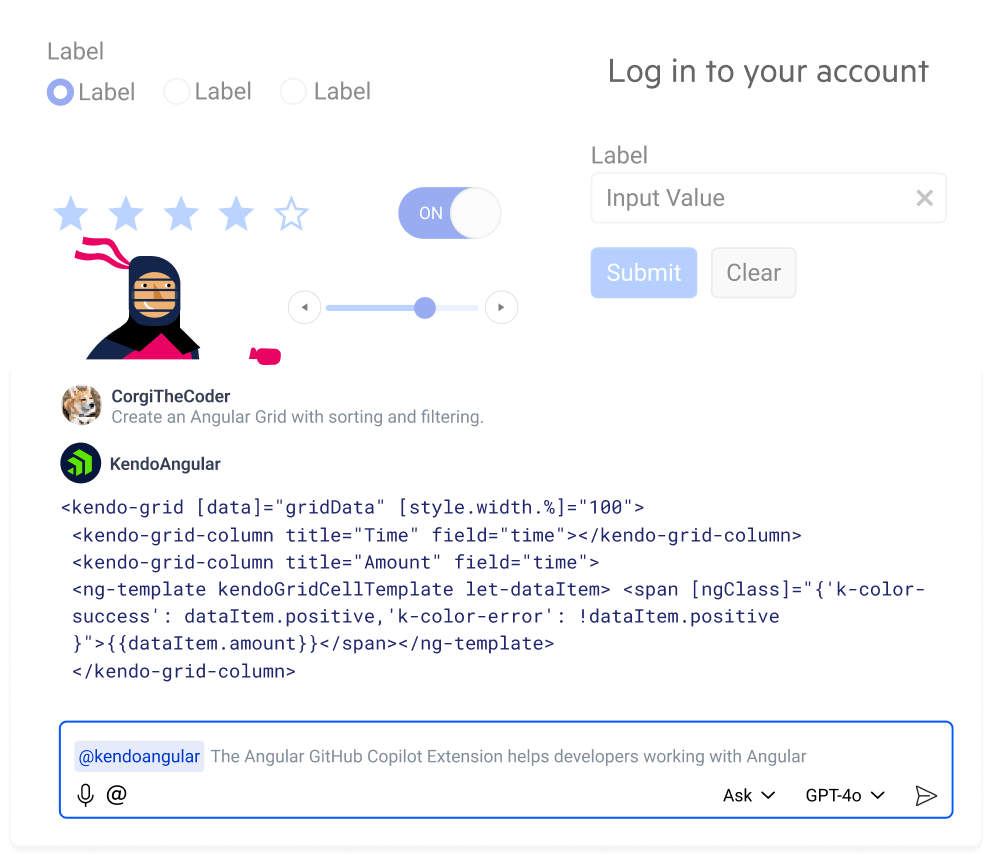
Struggling with AI-Generated Code?
Most developers are trying to incorporate AI into their workflows. It’s great for creating components, scaffolding and performing other repetitive tasks. The problem is that most code generators don’t have the context to create code and/or components to solve more complex business requirements. As a result, developers spend time on manual adjustments, fixes and other tasks that eat into the productivity gains they had expected.
Install the Kendo UI for Angular MCP Server
You can generate code with AI tools, but they often miss the product context that advanced UI work needs. The Kendo UI AI Assistant and the new AI Agent for Angular bring that context to your workflow, delivering accurate code, page assembly, and guidance so you can ship beautiful, functional UI.
Highlights:
- Install in your favorite IDE: Set up the Kendo UI AI services as an MCP server and plug into VS Code.
- Use your LLM of choice: All modern LLMs supported. Local models work too.
- Choose your mode: Ask the Assistant for component-level help or upgrade and give the Agent a prompt and get a full Angular page with layout, data binding and theming.
- Benefit from Kendo UI knowledge: Suggestions and generations are grounded in Telerik and Kendo UI docs, APIs, and examples for clean, reviewable code.
Use Cases:
The Kendo UI AI Assistant and Agent become part of your team.
- Automate repetitive tasks like adding new components, configuring bindings and fixing imports.
- Get answers from Kendo UI docs, API references and examples while you code.
- Troubleshoot component issues with targeted suggestions and explanations.
- Generate working pages from a prompt. The Agent picks components, wires data, applies layout and theme and adds routing you can review and commit.
 Video
Video
See the KENDO UI MCP Server for ANGULAR in action
Two Tiers of MCP Servers: AI Coding Assistant or Agentic UI Generator
MCP servers that add Kendo UI context to your AI-enabled editor. Generate and configure components, scaffold and refactor code, get API-aware explanations, and pull in docs to troubleshoot.
Kendo UI for Angular Agentic UI Generator
Turn prompts into working pages built on Kendo UI. Easily integrating with your already existing workflow, the AI UI Generator understands our components and patterns, fits enterprise needs and outputs clean code you can keep.
- Gain up to 50% extra productivity
- Automate layout building, scaffolding and styling of entire pages, connect multiple components together
- Works seamlessly with your own IDE, no workflow change needed
- Accessibility, performance, and best practices make it suitable for enterprise level complex projects
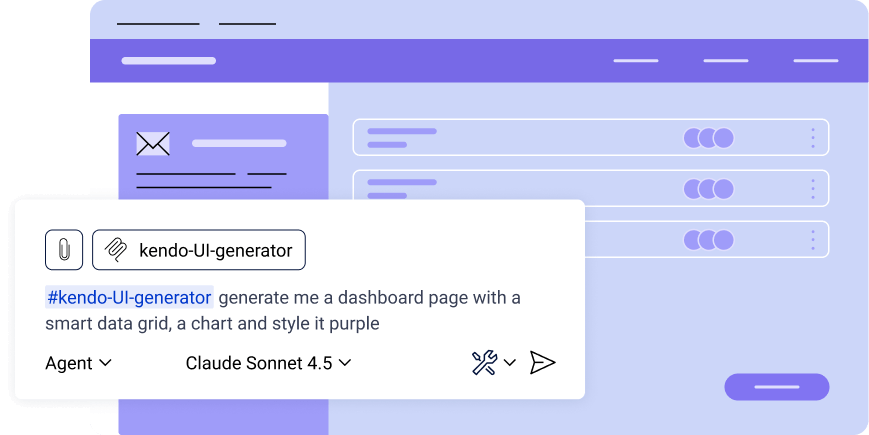
You hand-assemble a page. Choose layout, wire a grid to data, add a form, set routing, apply theme, repeat across screens.
You describe the page. The Agent picks the right components, sets layout and theme, binds data and writes code in your project. You review the diff, tweak props and commit.
- MCP server via NPM Prerequisite: To make use of the MCP servers you must have an already set up IDE and an active Telerik subscription or trial.
- DevCraft Complete subscription
- DevCraft Ultimate subscription
Kendo AI Coding Assistants
The Progress® Kendo UI® AI Coding Assistants are MCP servers that provide proprietary context to your AI-enabled IDE of choice.
- Gain up to 30% extra efficiency or more by generating specialized code
- Automate repetitive tasks such as generating code for adding new or configuring existing components
- Based on Kendo UI API, Docs, source code, and examples
- Fetches info from documentation and helps troubleshoot any component problem
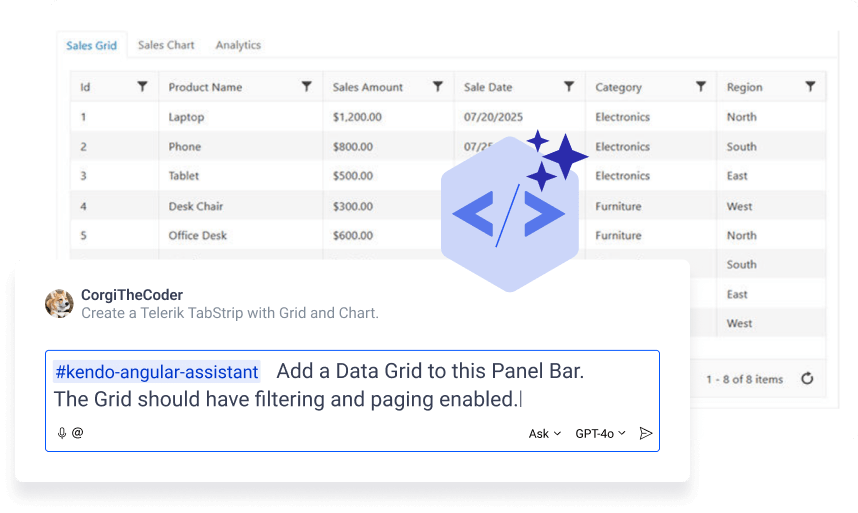
Generic AI guesses component names and props, gives wrong imports and outdated patterns. You spend time fixing bindings and examples.
The Assistant understands Kendo UI. It suggests the right APIs, adds the correct imports, configures bindings and explains why, so the code runs with less rework.
- MCP server via NPM Prerequisite: To make use of the MCP servers you must have an already set up IDE and an active Telerik subscription or trial.
- Included in all active subscriptions
Getting Started with the AI Tools for Kendo UI
Our Kendo UI MCP tools let you build complex components and full pages from a prompt. Here's how it all works together.
Start with Kendo UI for Angular
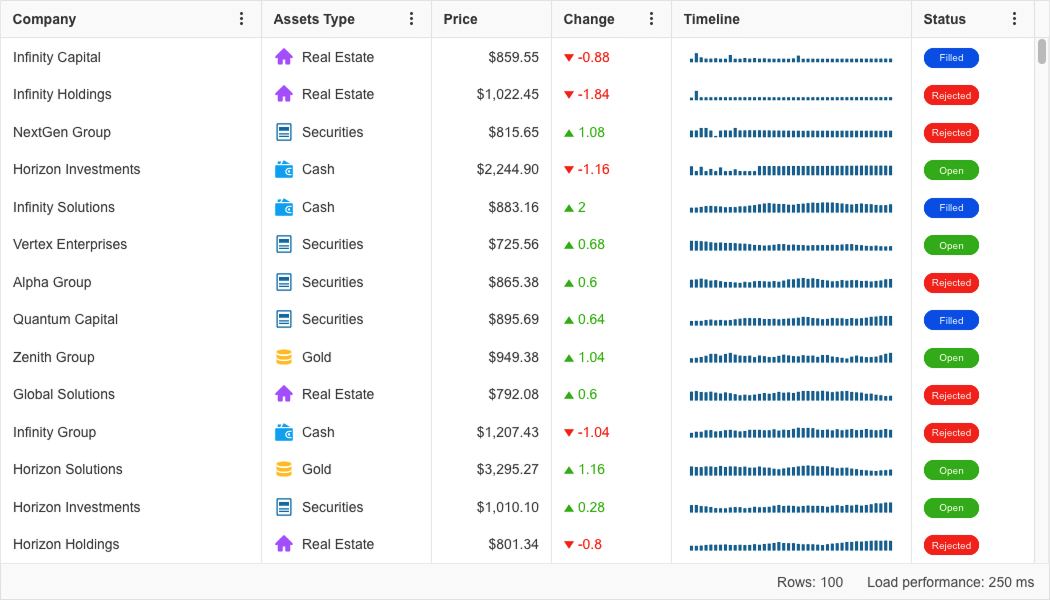
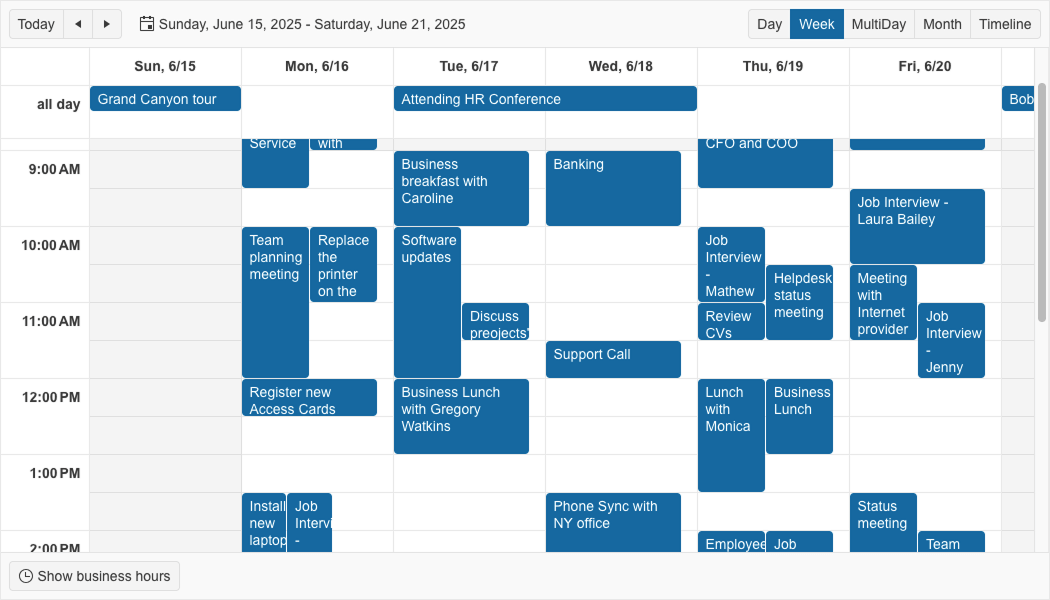
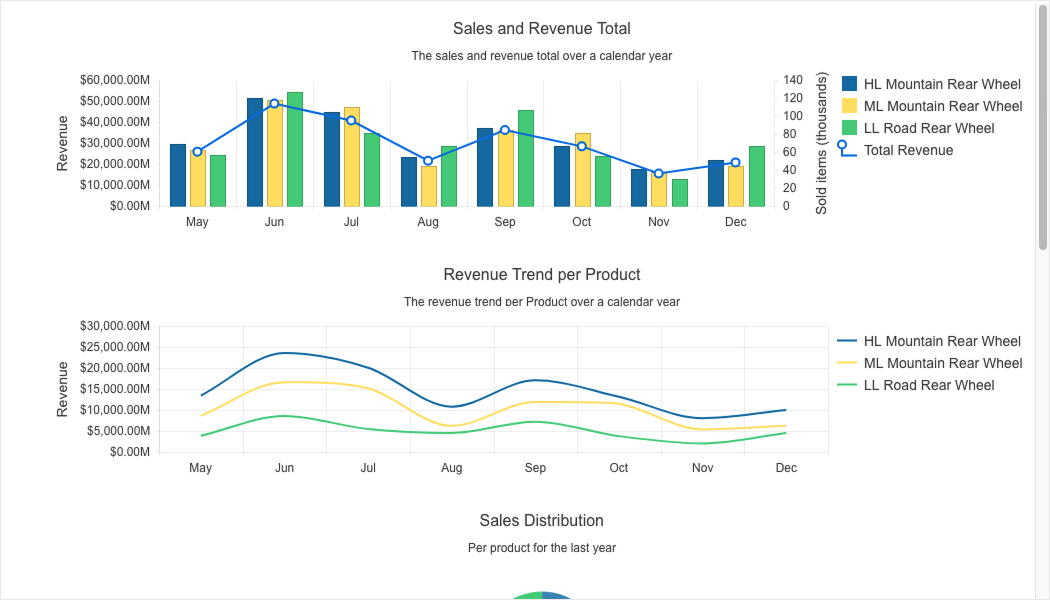
Kendo UI for Angular is a popular choice for business apps. The Kendo UI library covers everything from navigation and layout to complex data views and calendars. You also get detailed documentation, styling tools, IDE add-ins and more.
Get a free Kendo UI trial to access the Coding Assistant
Start a DevCraft trial to access the Agentic UI Generator
Install the Kendo UI AI Assistant and Agent
Do it in your IDE. Install our MCP servers to use the Assistant for component-level help and the Agent for page assembly. Bring your preferred LLM, keep your workflow, and generate clean, reviewable code grounded in Kendo UI.
See the Getting Started article for first steps

Enjoy the Results
Teams report big efficiency gains with AI. With Kendo UI for Angular, the Assistant speeds up component work while the Agent assembles pages, binds data, applies layout and theme and adds routing. You review the difference and commit. It's free to try, so why wait?

Already Have Kendo UI
for Angular?
Get Started with AINeed a Trial of Kendo UI
for Angular?
Get a Free Trial
How to Try
Trying is free and easy. Here is how.
Everything happens in your favorite IDE!
- Sign up for a Kendo UI trial account. This will give you 30-day free use of Kendo UI for Angular and access to professional support and our AI Tools.
- Install Kendo UI for Angular.
- Install the Kendo UI for Angular MCP Server.
Wondering What All This Costs?
You can choose from three buying options.
Kendo UI Subscription
per developer, per year
- Hundreds of components for Angular, React, Vue, and jQuery
- Kendo UI Coding Assistant
- ThemeBuilder Ultimate (for easy styling)
- 50+ Page Templates and Building Blocks
- Professional Support
DevCraft UI Subscription
per developer, per year
- Everything in Kendo UI Subcription
- Hundreds of Components for Popular .NET and JavaScript Frameworks
- Telerik and Kendo UI AI Coding Assistants
- Telerik Reporting (DevCraft Complete)
- Telerik JustMock (DevCraft Complete)
DevCraft Ultimate Subscription
per developer, per year
- Everything in Devcraft Complete Subcription
- End-to-end report management solution
- ThemeBuilder Enterprise
