

ማብራሪያ
Magical Blocks brings the Elementor experience to Gutenberg – build stunning websites with the same powerful design controls you love, but 100% native to the WordPress block editor.
🎯 Why Magical Blocks?
- Elementor-Style Workflow – Familiar container-based layouts with Flexbox controls
- Lightweight & Fast – Only loads assets for blocks you actually use
- Design-First – Professional styling with full customization options
- WordPress Native – Built entirely on the Gutenberg block editor
- Developer Friendly – Clean code following WordPress coding standards
🚀 Get the Elementor Vibe in WordPress Editor
Miss Elementor’s intuitive design controls? Magical Blocks brings that same power to Gutenberg:
- Flexbox Containers – Build complex layouts with direction, wrap, justify, and align controls
- Nested Containers – Create sophisticated multi-column designs with Inner Container blocks
- Full Responsive Control – Desktop, tablet, and mobile settings for every property
- Visual Design Panel – Intuitive controls just like your favorite page builder
📦 12 Free Blocks
Layout Blocks:
1. Container Block – Powerful Flexbox container with full layout controls (direction, wrap, justify, align)
2. Inner Container Block – Nestable container for complex multi-column layouts
3. Section Block – Full-width sections with backgrounds and inner blocks
Content Blocks:
4. Heading Block – Advanced typography controls with Google Fonts integration
5. Button Block – Stylish buttons with hover effects and icon support
6. Icon Box Block – Icon + text combinations for features and services
7. Testimonial Block – Customer reviews with avatar and star ratings
8. Info Box Block – Information cards with icons and call-to-action
9. Image Box Block – Image + text layouts with hover effects
10. Counter Block – Animated number counters for statistics
11. Progress Bar Block – Visual progress indicators with animations
12. Divider Block – Stylish separators with icons and text
⚡ Key Features
- Flexbox Layout System – Container blocks with full Flexbox controls like Elementor
- On-Demand Asset Loading – CSS/JS only loads when blocks are used
- Responsive Controls – Desktop, tablet, and mobile settings for all properties
- CSS Variables – Easy theme integration and customization
- Block Patterns – Pre-designed layouts (coming soon)
- Pro Blocks – Additional premium blocks available (coming soon)
🎨 Full Customization
Every block includes comprehensive styling options – just like Elementor:
- Typography (font family, size, weight, line-height, letter-spacing)
- Colors (text, background, borders with opacity support)
- Spacing (padding, margin with responsive controls)
- Borders (width, radius, style, color)
- Shadows (customizable box shadows)
- Hover effects (transitions and transforms)
- Layout Controls (Flexbox direction, wrap, justify, align, gap)
🔧 Developer Features
- PHPCS compliant (WordPress Coding Standards)
- ESLint & Prettier configured
- Webpack build system with @wordpress/scripts
- Proper internationalization (i18n ready)
- Documented codebase with PHPDoc/JSDoc
💡 Perfect For Elementor Users
Switching from Elementor to Gutenberg? Magical Blocks makes the transition smooth:
- Same container-based workflow you’re used to
- Familiar Flexbox layout controls
- Visual design panels for all styling options
- No learning curve – just start building!
Screenshots

Container Block with Flexbox layout controls 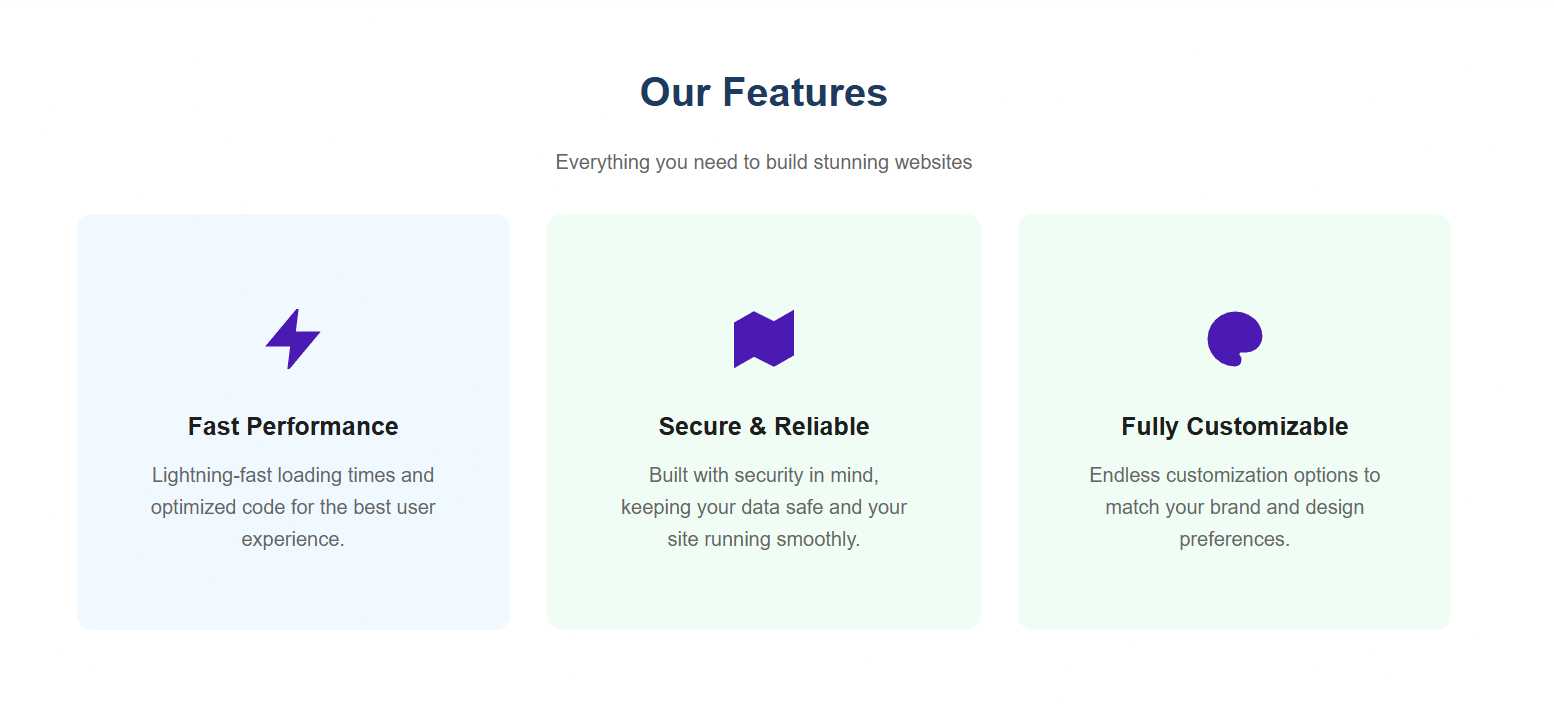
Multi-column layout using Container and Inner Container blocks 
Heading Block with typography controls 
Button Block with hover effects 
Testimonial Block with star ratings


Blocks
This plugin provides 12 blocks.
- Section A container block with background, padding, and layout options.
- Divider A customizable divider/separator with optional icon or text.
- Container A flexible container block with full layout and design control, similar to Elementor's Container widget.
- Icon Box Display an icon with a title and description in various layouts.
- Image Box An image with text content in flexible layouts.
- Info Box Display information with icon, title, content, and optional link in a styled box.
- Counter Animated number counter with prefix and suffix.
- Testimonial Display customer testimonials with avatar, rating, and customizable layout.
- Progress Bar Visual progress bar with animated fill and customizable styles.
- Magical Heading Advanced heading block with typography controls, styling options, and responsive settings.
- Magical Button Customizable button block with hover effects, icons, and gradient support.
- Inner Container A flexible inner container designed to be nested inside Container blocks. Automatically distributes width like Elementor.
መጫን
Automatic Installation
- Go to Plugins > Add New in your WordPress admin
- Search for “Magical Blocks”
- Click Install Now and then Activate
Manual Installation
- Download the plugin ZIP file
- Go to Plugins > Add New > Upload Plugin
- Choose the ZIP file and click Install Now
- Activate the plugin
After Activation
- Create or edit a page/post
- Click the + button to add a block
- Look for “Magical Layout” category for Container blocks
- Start with a Container block and add Inner Containers for columns
- Add content blocks inside your containers – just like Elementor!
የተለመዱ ጥያቄዎች
-
Is this like Elementor for Gutenberg?
-
Yes! Magical Blocks brings Elementor-style design controls to the native WordPress editor. You get Flexbox containers, responsive controls, and visual design panels – all without leaving Gutenberg.
-
Does this plugin work with my theme?
-
Yes! Magical Blocks works with any properly coded WordPress theme. It uses CSS variables that integrate seamlessly with modern themes like Twenty Twenty-Four, Astra, Kadence, and GeneratePress.
-
Will this slow down my website?
-
No. Magical Blocks uses on-demand asset loading, which means CSS and JavaScript files only load on pages that actually use the blocks. Pages without Magical Blocks have zero additional assets.
-
How do I create multi-column layouts?
-
Use the Container Block as a parent, then add Inner Container Blocks inside for each column. Set the parent container’s Flex Direction to “Row” and adjust the width of each Inner Container. It works just like Elementor’s sections and columns!
-
Is it compatible with the Gutenberg plugin?
-
Yes! We test with both WordPress core editor and the latest Gutenberg plugin to ensure compatibility.
-
Can I use this with other block plugins?
-
Absolutely. Magical Blocks is designed to complement other block plugins and won’t conflict with them.
-
Do you offer support?
-
Yes! Free support is available through the WordPress.org support forums. Pro users get priority email support.
-
Is there a Pro version?
-
Yes! Magical Blocks Pro includes additional premium blocks, advanced features, and priority support. Visit our website for details.
Reviews
There are no reviews for this plugin.
Contributors & Developers
“Magical Blocks – Elementor Style Blocks for Gutenberg” is open source software. The following people have contributed to this plugin.
Contributors

Translate “Magical Blocks – Elementor Style Blocks for Gutenberg” into your language.
Interested in development?
Browse the code, check out the SVN repository, or subscribe to the development log by RSS.
Changelog
2.0.0
- MAJOR UPDATE – Complete plugin rebuild from the ground up!
- Completely rewritten codebase with modern architecture
- All blocks rebuilt with improved performance and stability
- Enhanced responsive design controls
- Improved CSS variables system
- Better on-demand asset loading
- Cleaner, more maintainable code structure
- Improved WordPress 6.7 compatibility
- Note: This is a breaking change from the old WordPress.org version
