

Opis
Vitual EyeWear Try-On SpecFit allows customers to virtually try eye wears products on their face before buying it.
Premium Features
- Demo at SpecFit
- Automatic Eye Detection
- Live Try On via webcam or mobile camera
- Fully responsive design. Works well on any device.
- Upload Unlimited Eyewears
- Multiple try on images based on color
- Free Setup of 10 eyewears
Slike ekrana
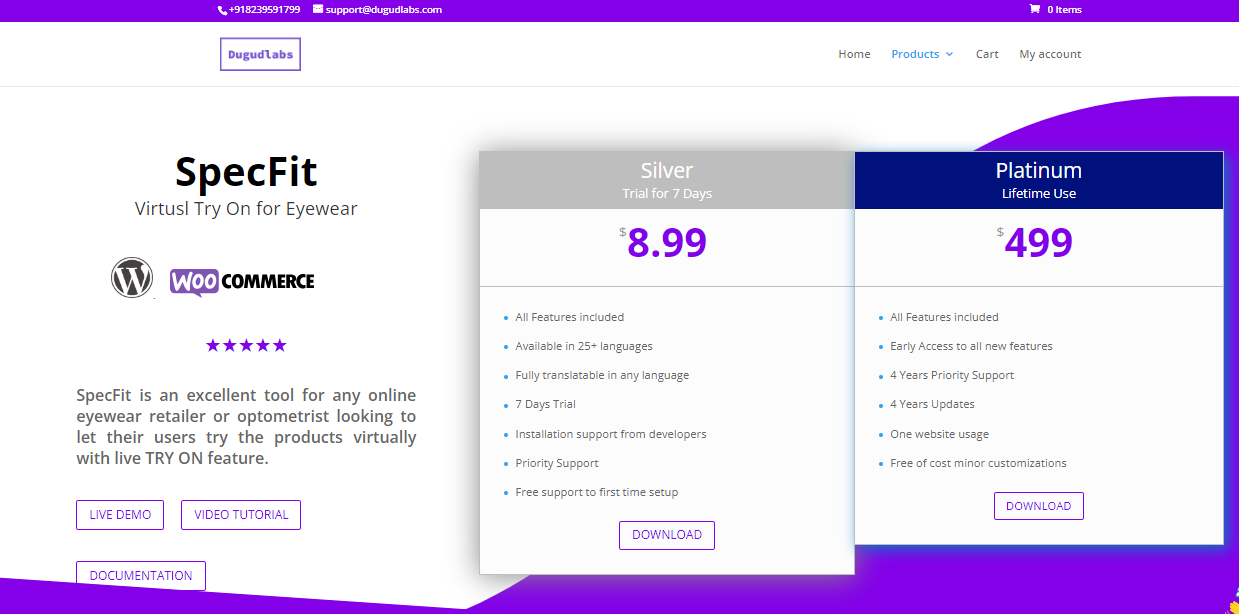
Frontend Page: Plans Available 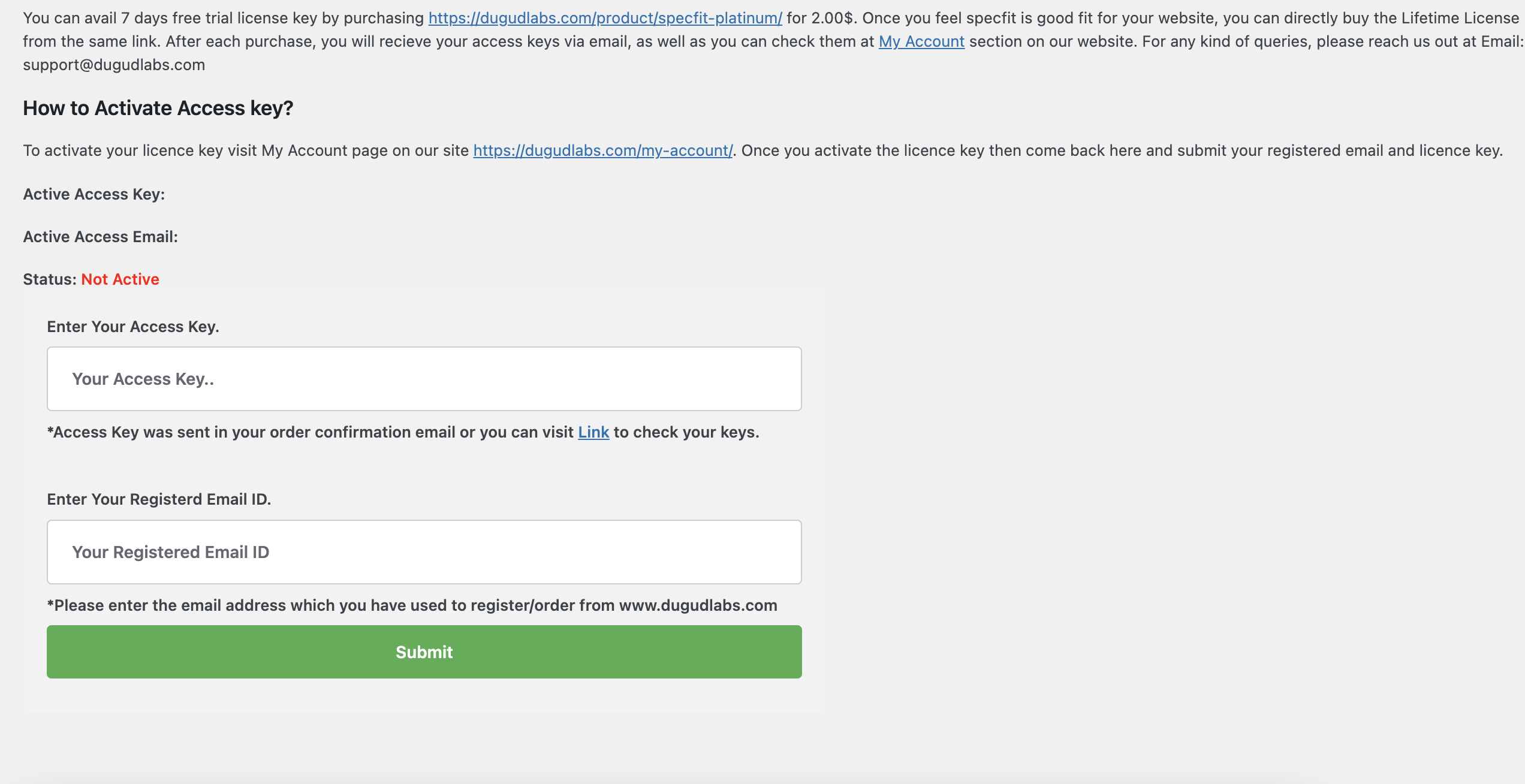
Admin Page: Admin page to validate license key 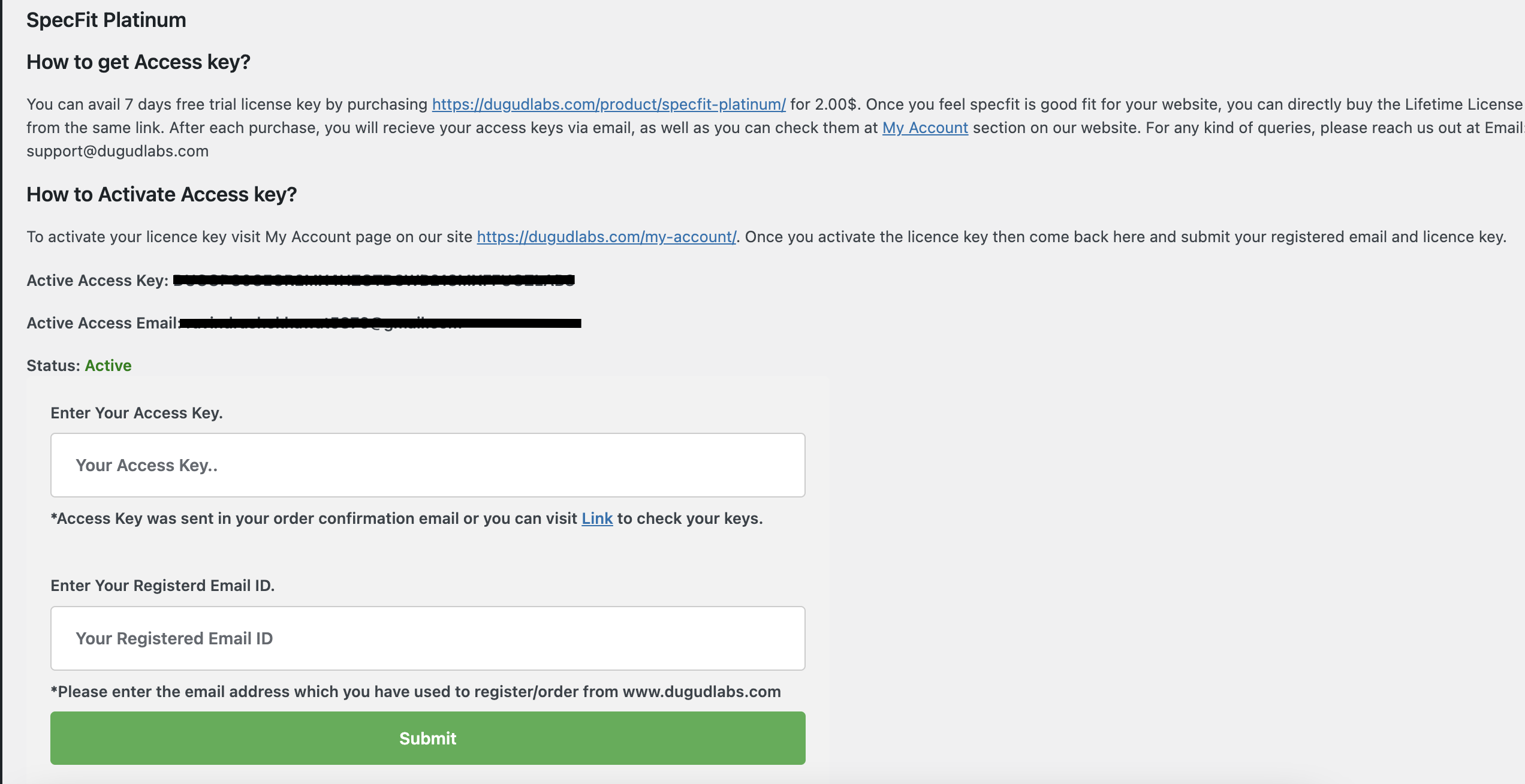
Admin Page: License key validated successfully 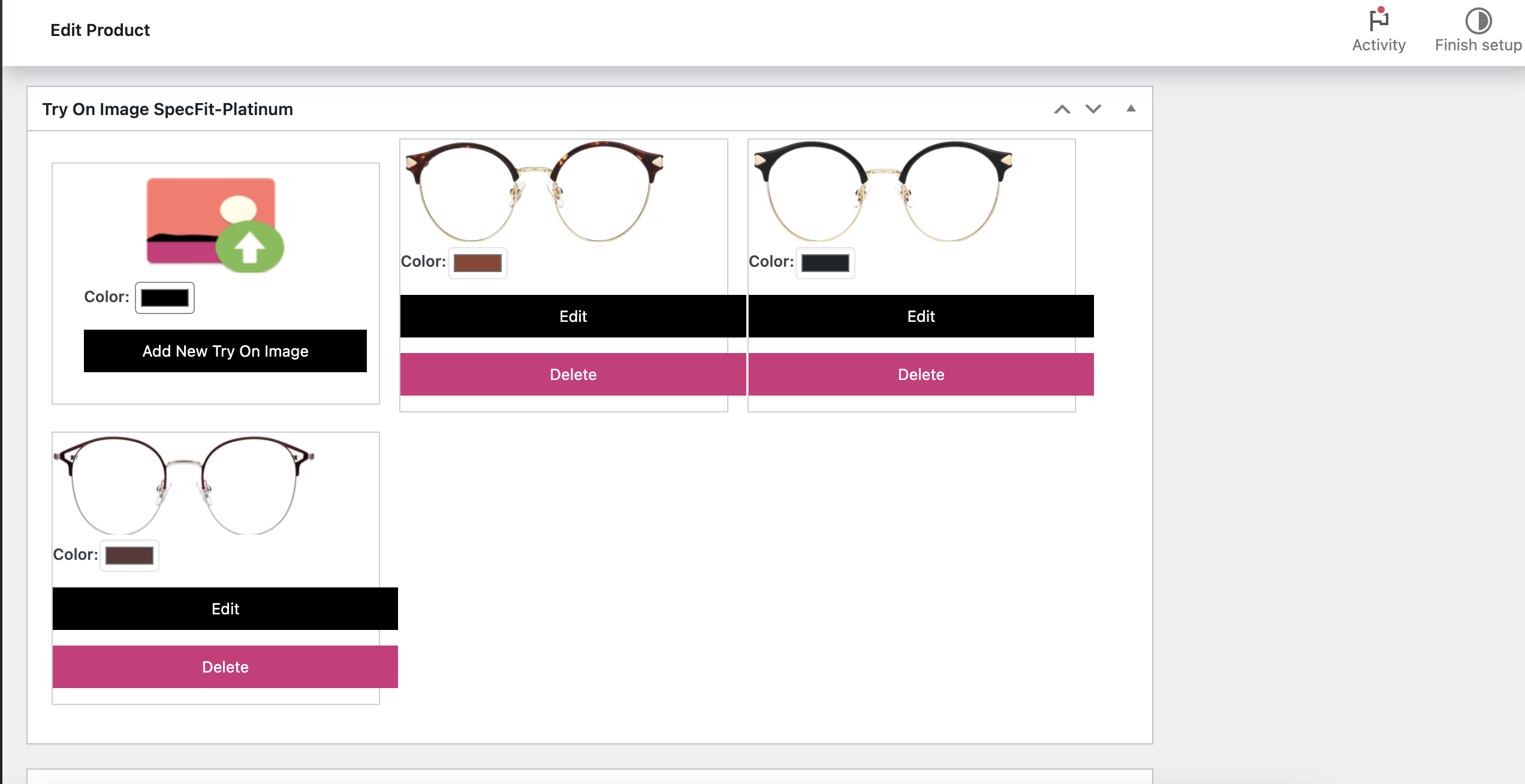
Admin Page: Add Try in images for product 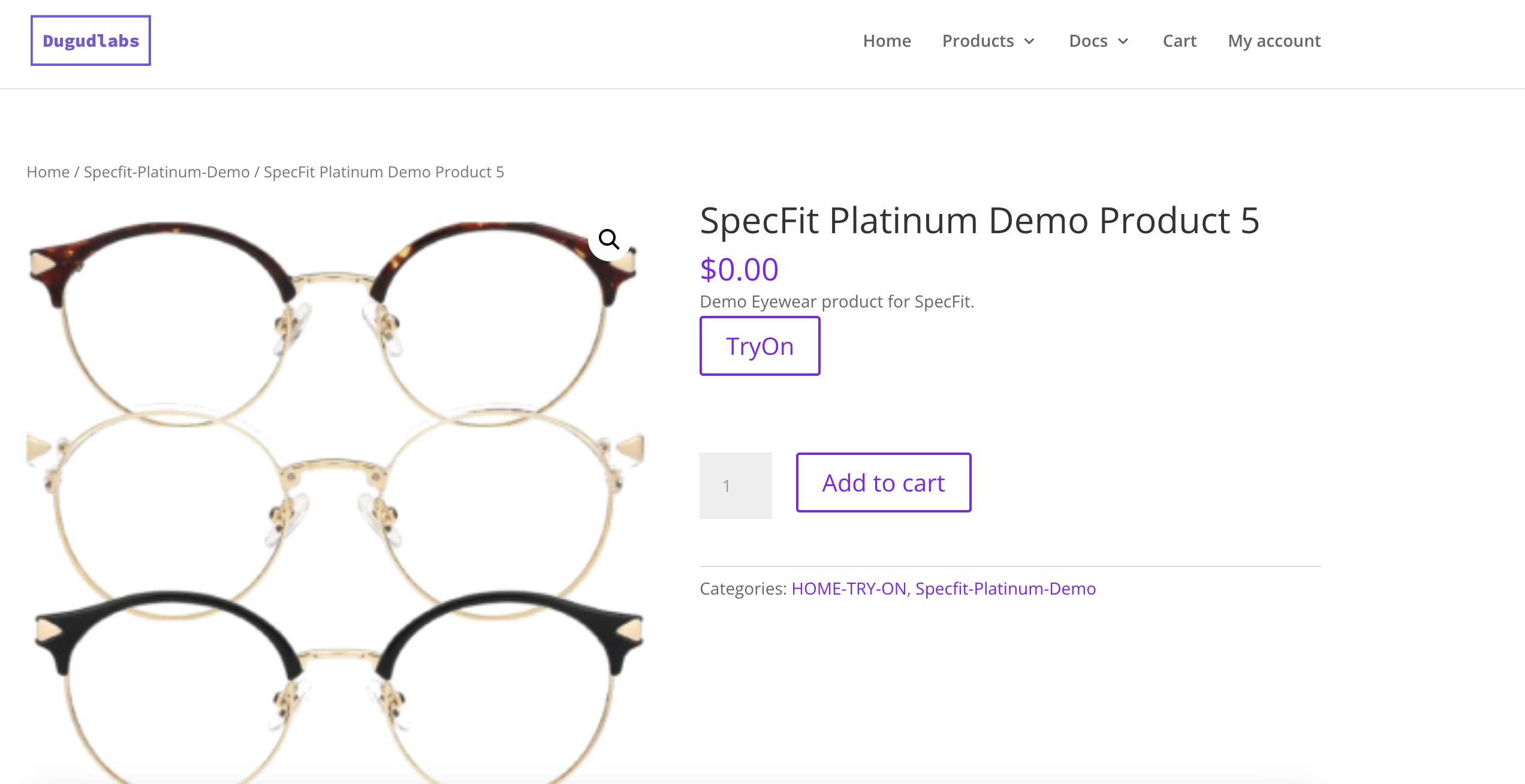
AdmFrontendin Page: Try On button shown o fornt end 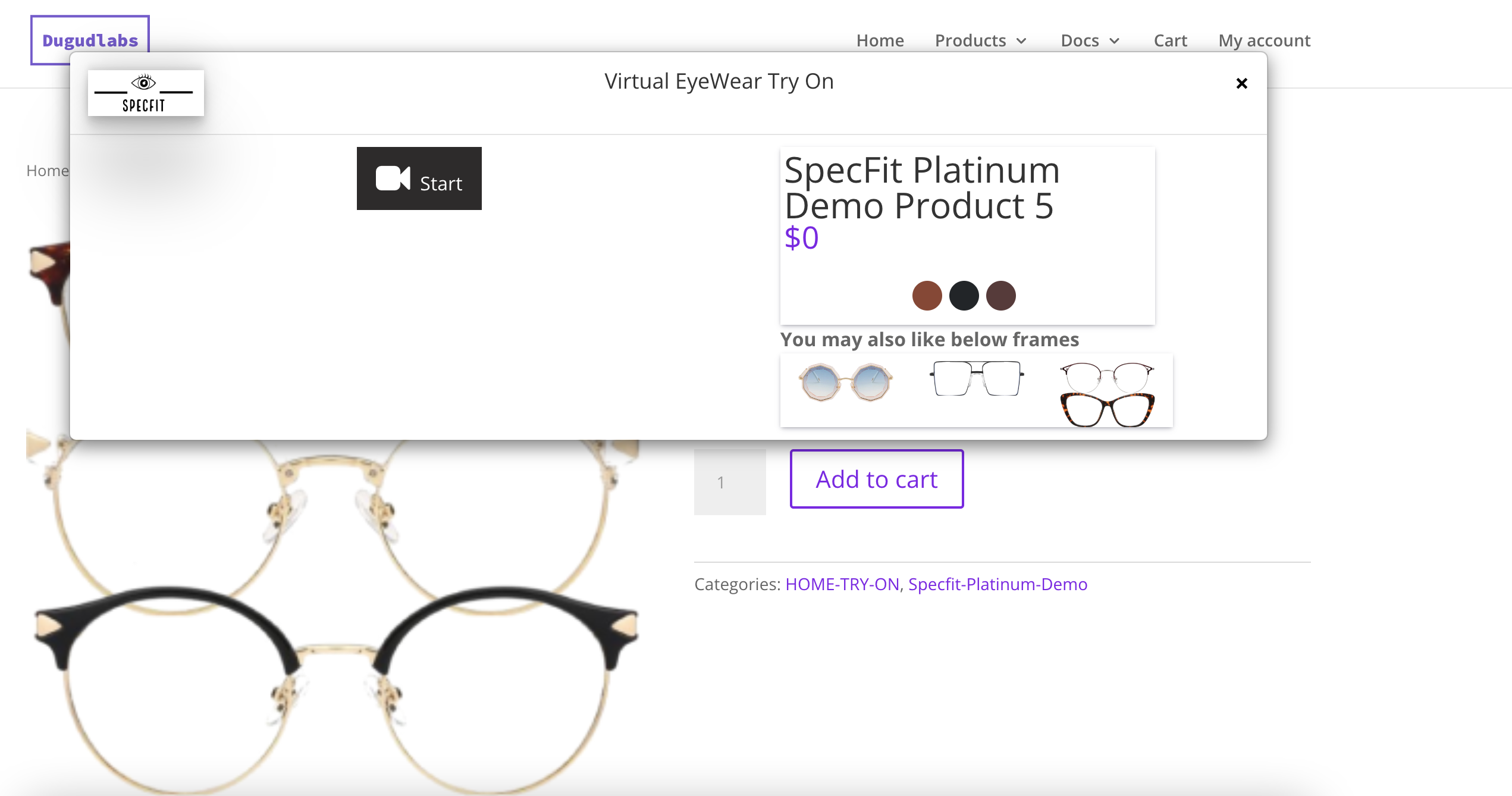
Frontend Page: Try on Popup open 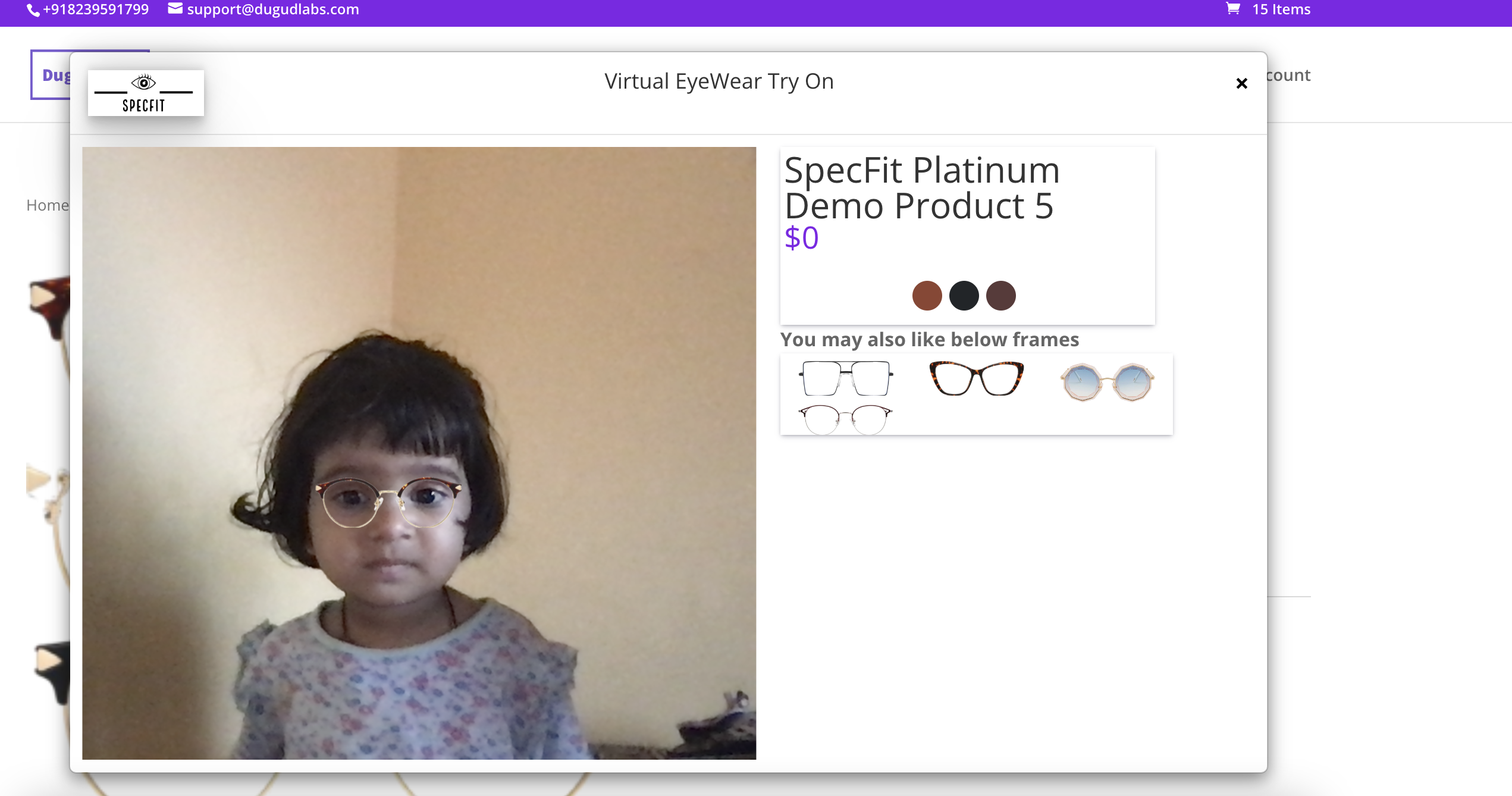
Try On pop up


Instalacija
- Upload
try-on-for-woocommerce.zipto the/wp-content/plugins/directory - Activate the plugin through the ‘Plugins’ menu in WordPress
- Purchase your trail/lifetime access key from SpecFit
- Add your access key and email id at SpecFit page on your admin console.
- Go to products page.
- Edit the Eye wear product.
- Scroll down and click on Add try on image.
- Select a transparent front image of eye wear.
- View Product.
- A try on button will be there.
- Click on the button and thats it.
ČPP
-
Is this require woocommerce to be installed
-
Yes.
-
How it works?
-
Our Development team’s main focus was to make this plugin more easy to use and customize.So we have designed this plugin in a way that only one step can reach your requirements.You just have to go to product page->Edit->Set try on image. That’s it. It will automatically render a try on button on that product.
-
What is Try on image?
-
To render try on button on any product detail page you will have to set a try on image via product edit page or create new product page.This try on image is a simple front facing view of your eyewear product.This should be a transparent image.Image dimensions and guide to make a perfect Try On image is available at Product edit page only.
-
Does this plugin automatically create a transparent image of eyewear?
-
No,For every product you will have to upload a Try On image which will be rendered on try on pop up.This image should be transparent background image.
Recenzije


Saradnici i programeri
“SpecFit-Virtual Try On Woocommerce” is open source software. The following people have contributed to this plugin.
Doprinositelji
Prevedi “SpecFit-Virtual Try On Woocommerce” na vaš jezik.
Zainteresirani za razvoj?
Pregledajte kôd, pogledajte SVN spremišteili se pretplatite na dnevnik razvoja od RSS.
Zapis promijena
- Major Stabality Fixes.
- Option to troubleshoot
