
描述
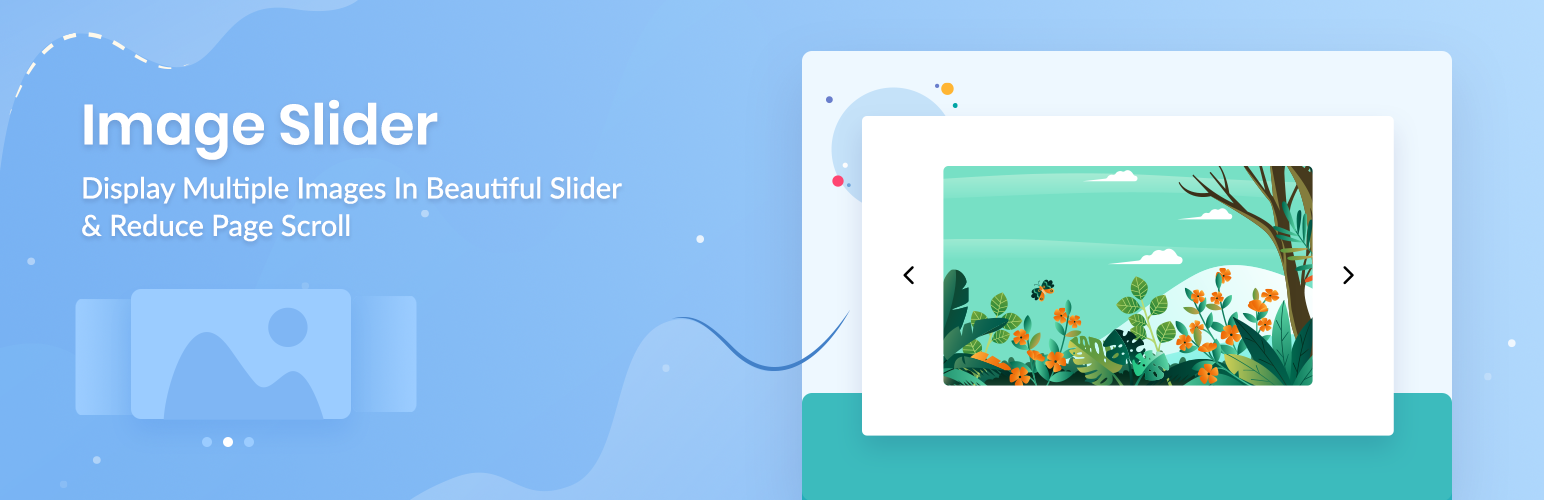
Image Slider is a great way to display multiple images on your WordPress website. It will make your website interactive and also help to reduce page scroll.
Use this Image Slider plugin for Block Editor & showcase your images in a beautiful slider to boost the impact of the overall design and user experience of your website.
Completely Customizable: You can customize the content, speed, colors, etc to make it suitable for your website design.
Super Light-weight: No extra resources used and it’s highly optimized for super fast loading & instant Live editing.
Dedicated Support: We’ve an extraordinary support team ready to help you. Ask your questions in the support forum, we’ll get back to you immediately.
🚀 BACKED BY A TRUSTED TEAM
This Block is brought to you by WPDeveloper, the team behind the most popular elements library Essential Addons for Elementor (used by almost 700,000 happy users from 180+ countries).
👨💻 DOCUMENTATION AND SUPPORT
- For documentation and tutorials go to our documentation
- To report issue and contribution visit Github.
- If you have any more questions, visit our support on the Plugin’s Forum.
- For more information about features, FAQs and documentation, check out our website at WPDeveloper.
🙌 JOIN THE COMMUNITY
🎦 Subscribe to our Youtube Channel to watch video tutorials on WordPress.
🤝 Join our Facebook Community & get connected with expert web creators like yourself.
🧡 LOVED Slider Block Block? Rate us on WordPress Repository
🔥 GET FREEBIES FOR YOUR WORDPRESS SITE
Consider checking out our other WordPress solutions & boost your WordPress website:
🔝 Essential Addons For Elementor: Most popular Elementor addons with 70+ widgets & ready blocks
☁ Templately: Free templates library for Elementor & Gutenberg along with the cloud collaboration for WordPress
🔔 NotificationX: Best Social Proof & FOMO Marketing Solution to increase conversion rates
📚 BetterDocs: Best Documentation & Knowledge Base Plugin for WordPress reduce manual support tickets & improve user experience.
⏰ WP Scheduled Posts: Advanced editorial calendar & complete solution for WordPress Post Scheduling, social sharing, missed scheduled alerts and more.
⭐ ReviewX: WooCommerce Product review plugin that allows users to submit product reviews with multiple criteria, photos, video and more
⚡ Flexia: Most lightweight, customizable & multi purpose theme for WordPress
Visit WPDeveloper to learn more about how to do better in WordPress with Help Tutorial, Tips & Tricks.
安装
Modern Way:
- Go to the WordPress Block/Gutenberg Editor
- Search For “Slider Block”.
- Install in 1-click
Old Way:
- Upload
slider-blockto the/wp-content/plugins/directory - Activate the plugin through the ‘Plugins’ menu in WordPress
- Follow the Documentation
常见问题
-
Does it work with any WordPress theme?
-
Yes, it will work with any standard WordPress theme.
评价


贡献者及开发者
「Image Slider Block」是开源软件。 以下人员对此插件做出了贡献。
贡献者


更新日志
1.3.8 – 08/04/2024
- Fixed: compatibility support with wordpress 6.5 version
- Improved: controls
1.3.7 – 29/01/2024
- Fixed: Slider arrow size & position issue
- Improved: font loader & controls
1.3.6 – 22/03/2023
- Improved: controls
1.3.5 – 02/03/2023
- Added: Alt text option for image
- Improved: font loader & controls
1.3.4 – 07/09/2022
- Fixed: slider gap broken issue
1.3.3 – 23/08/2022
- Fixed: style handler php warning
1.3.2 – 06/07/2022
- Added: Converted style-handler to php for working perfectly with Reusable blocks and FSE
- Added: Link for only image style
- Fixed: Image captions not syncing for the new image
1.3.1 – 29/05/2022
- Added: Slider title from caption
- Added: Animation, responsive controls
- Improved: Controls and structure
1.3.0 – 18/04/2022
- Added: Animation for all blocks
- Added: Responsive Block Show/Hide option
- Added: Custom CSS for all blcoks
- Improved: Image Height Control for ‘Image with Content’ layouts
- Improved: Controls and structure
1.2.0 – 09/02/2022
- Fixed: Block Base theme support
- Improved: Font Library Updated
- Improved: Controls and structure
1.1.0 – 05/10/2021
- Added: Responsive and more interactive controls
- Added: Margin, padding, background, border, shadow controls for wrapper
- Added: Content Slider
- Added: Custom height for slider
- Added: Vertical Slider
- Added: Advance and responsive typography option
- Added: More styling options
- Improved: Clean code and load resources in optimize way
1.0.0 – 23-08-2020
- Initial release
