

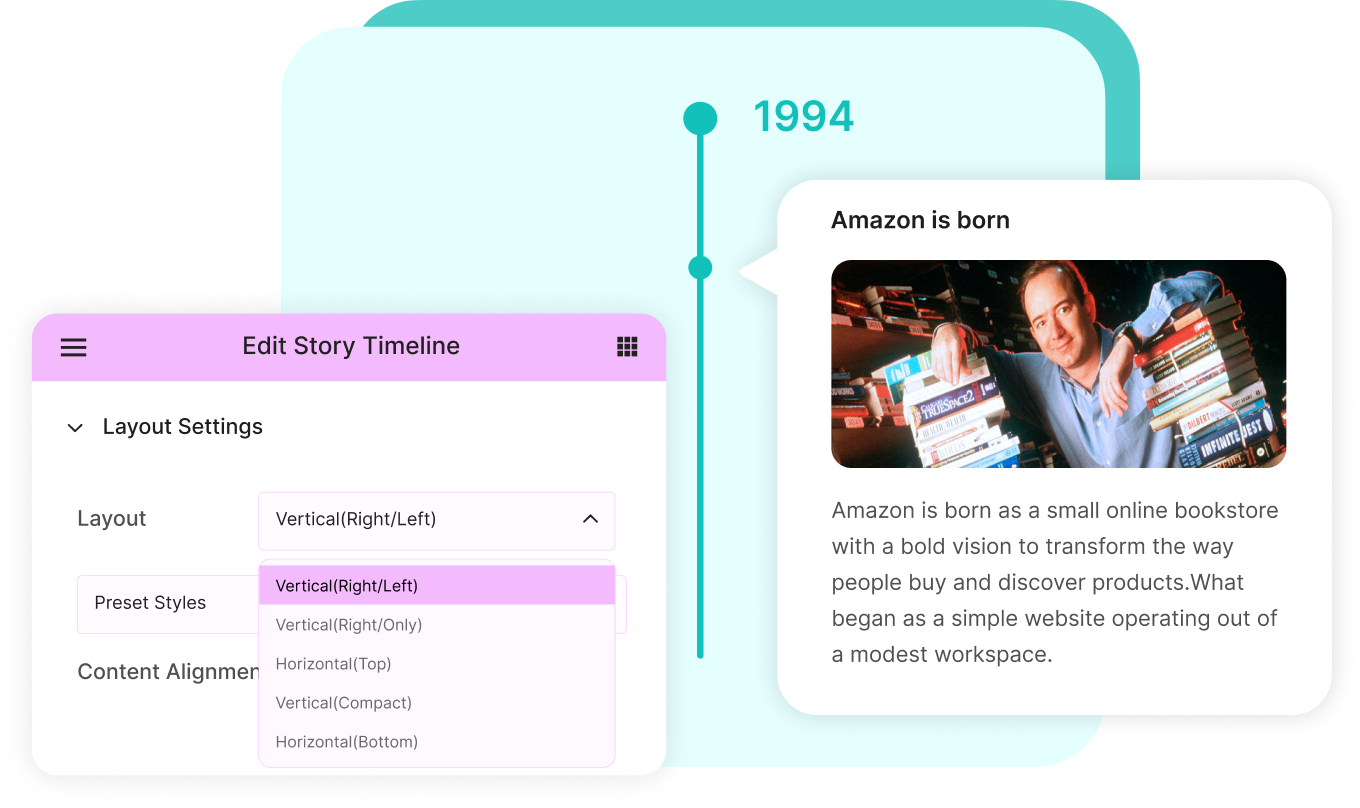
Choose from a range of timeline layouts, including vertical, horizontal, compact, and more, to create visually engaging timelines.
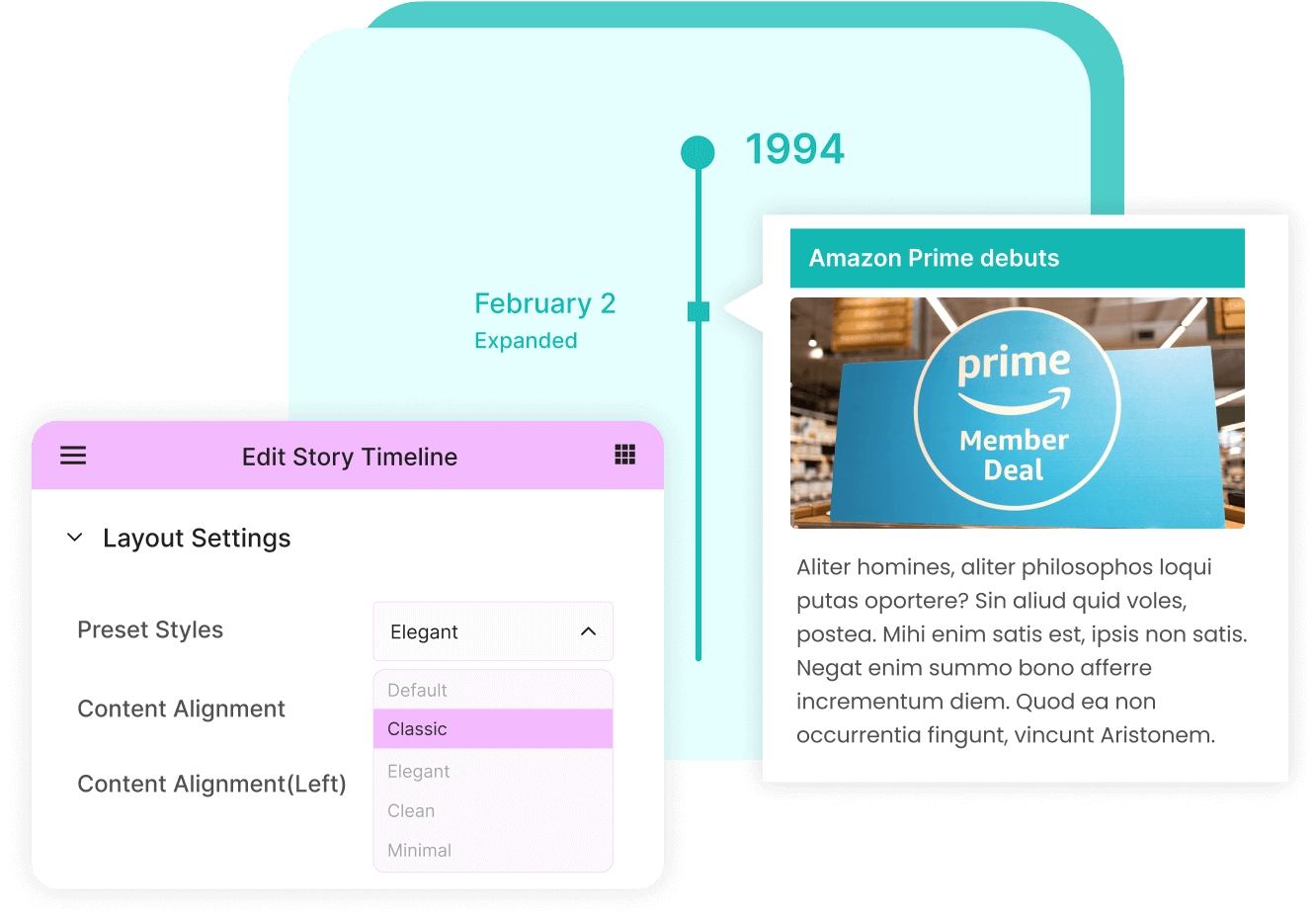
No need to invest a lot of your time inside Elementor styles, use pre-set styles that you can apply on your layout with one-click.
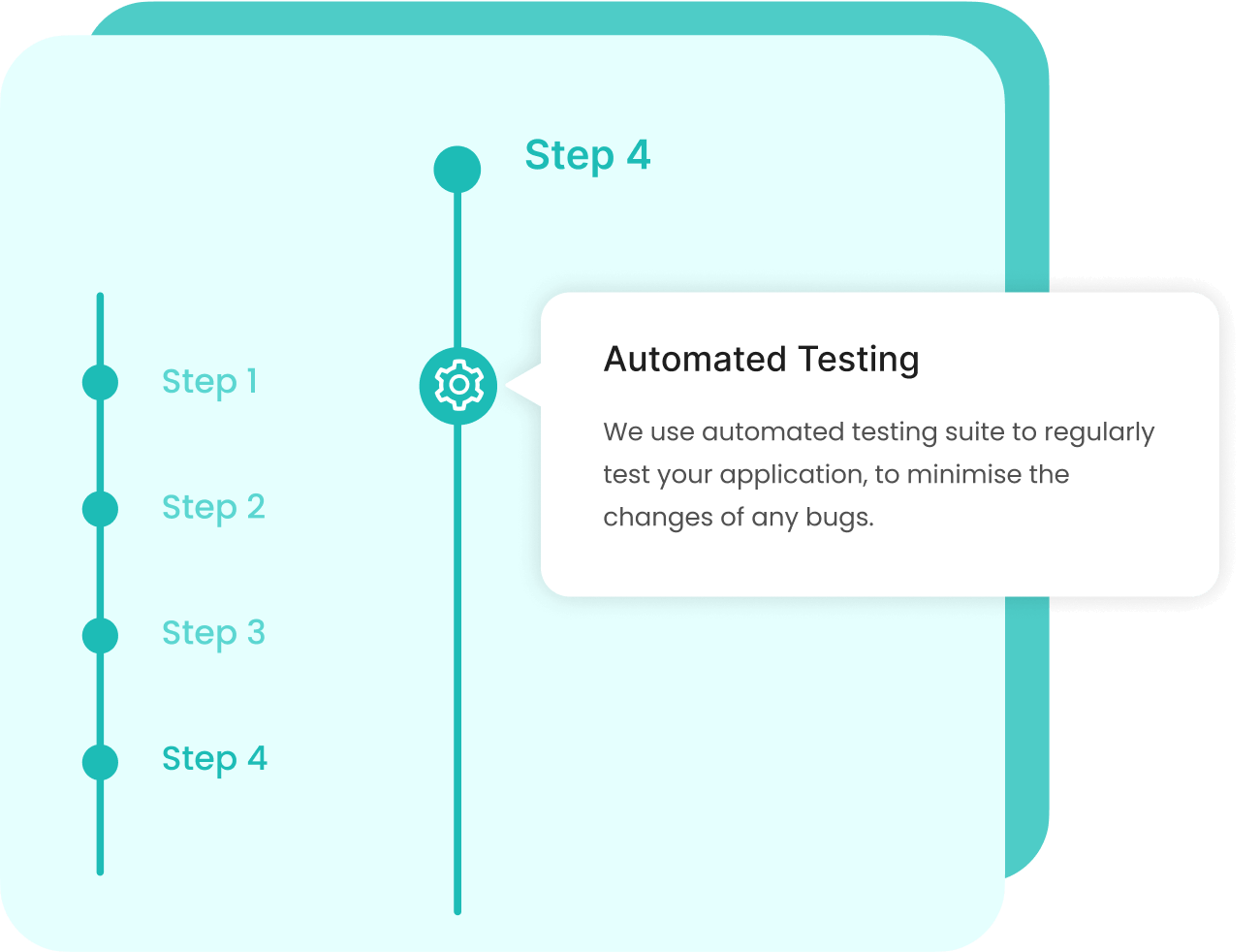
Enable users to navigate large timelines quickly with a scrolling navigation menu. Simply click on a specific year or menu label to instantly scroll to a story within the timeline.
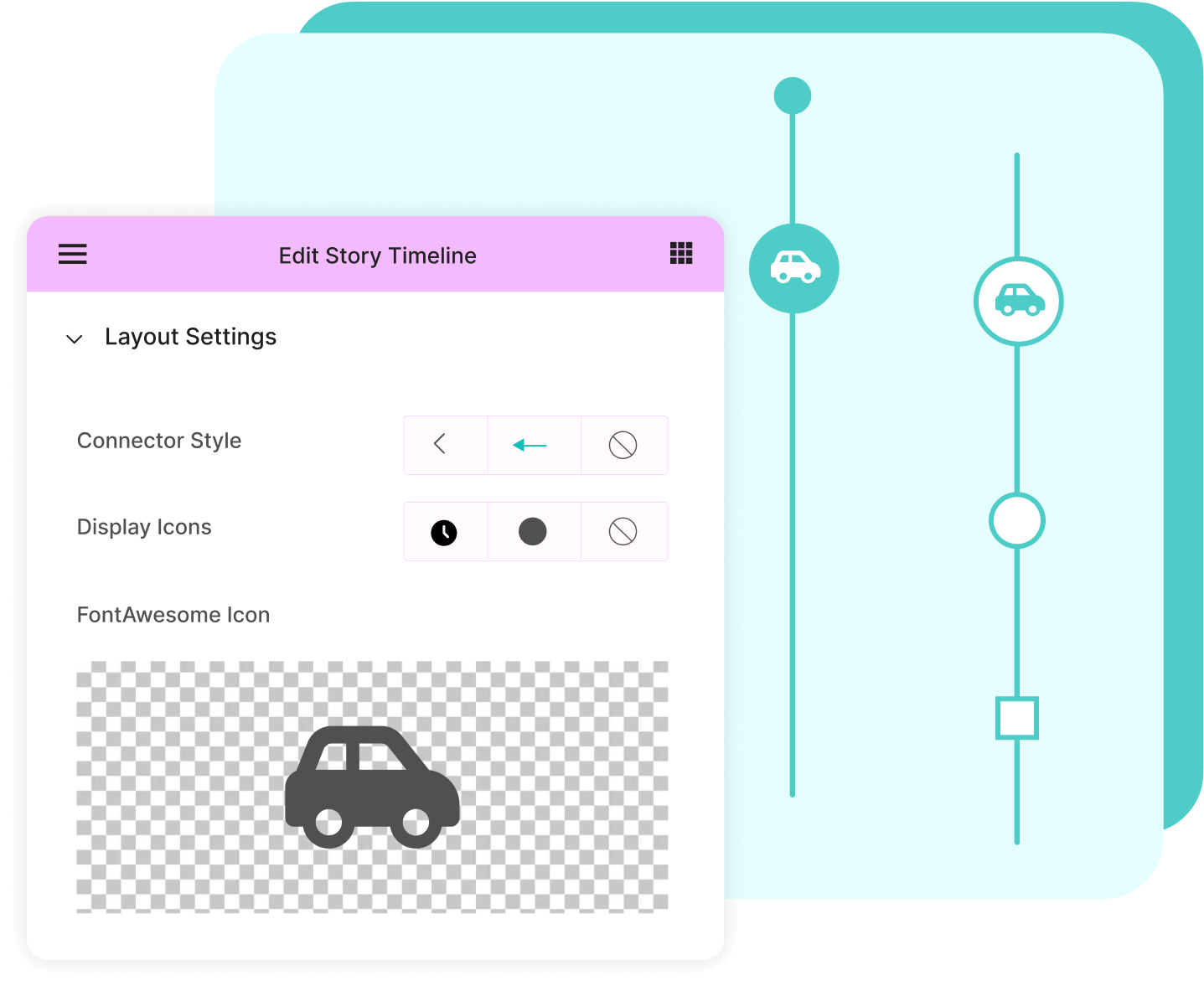
Personalize your timeline by selecting different icons and arrow connector styles for a unique look.
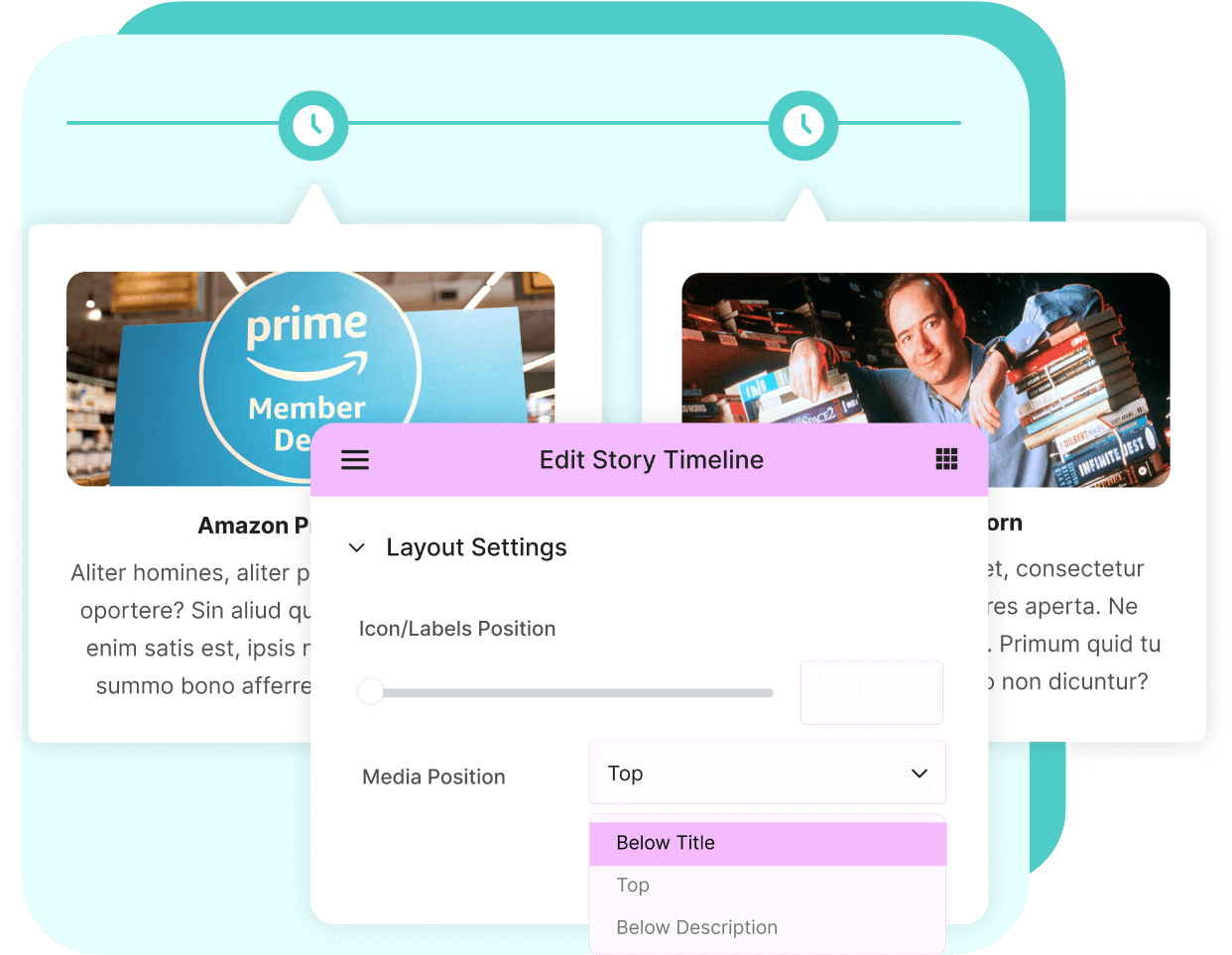
Change media & content position within your timeline, such as adding images above or below titles and descriptions as desired.
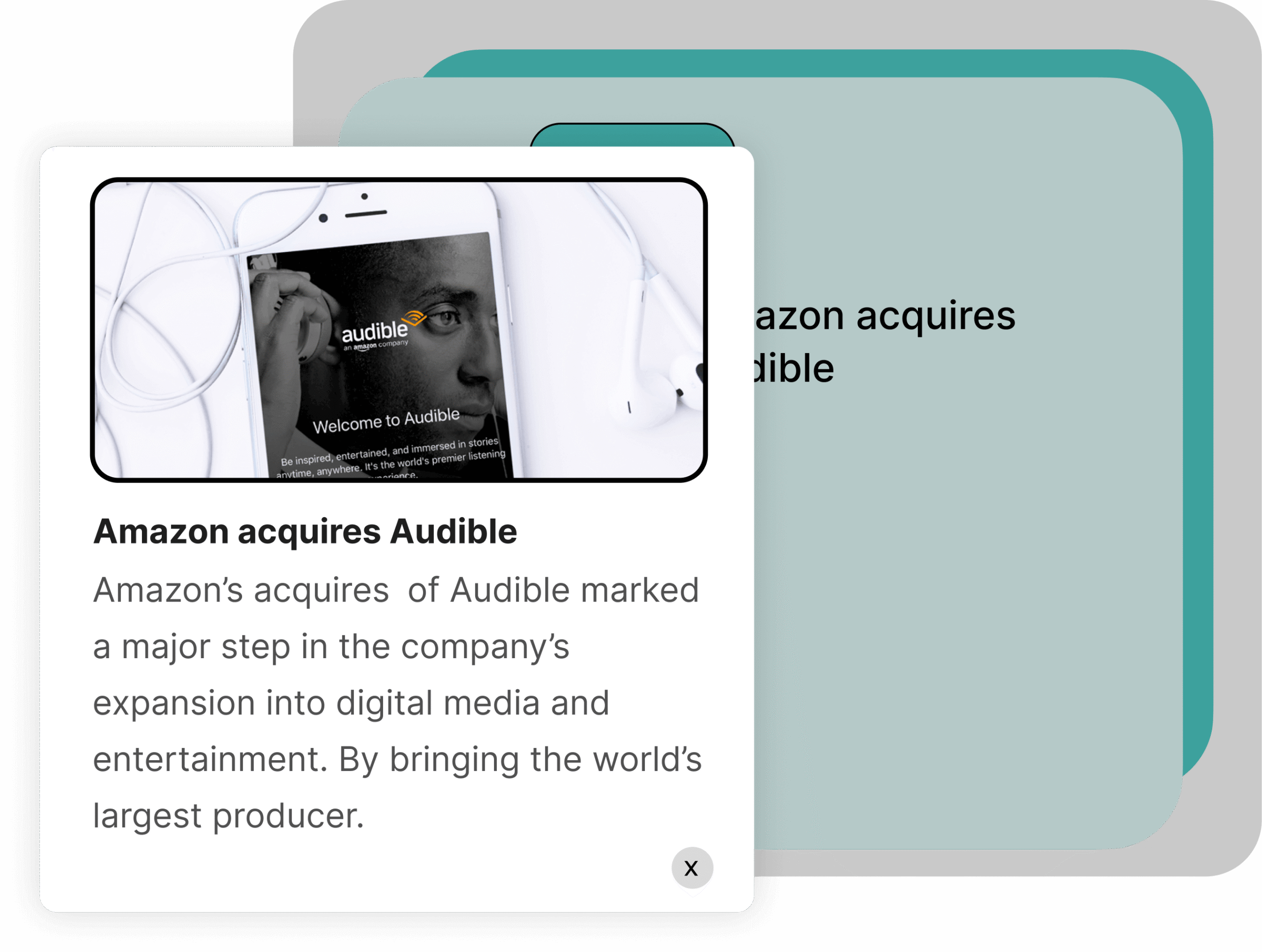
Create a small timeline where users can click on individual story titles to view their content in a pop-up window.
Create a small timeline where users can click on individual story titles to view their content in a pop-up window.
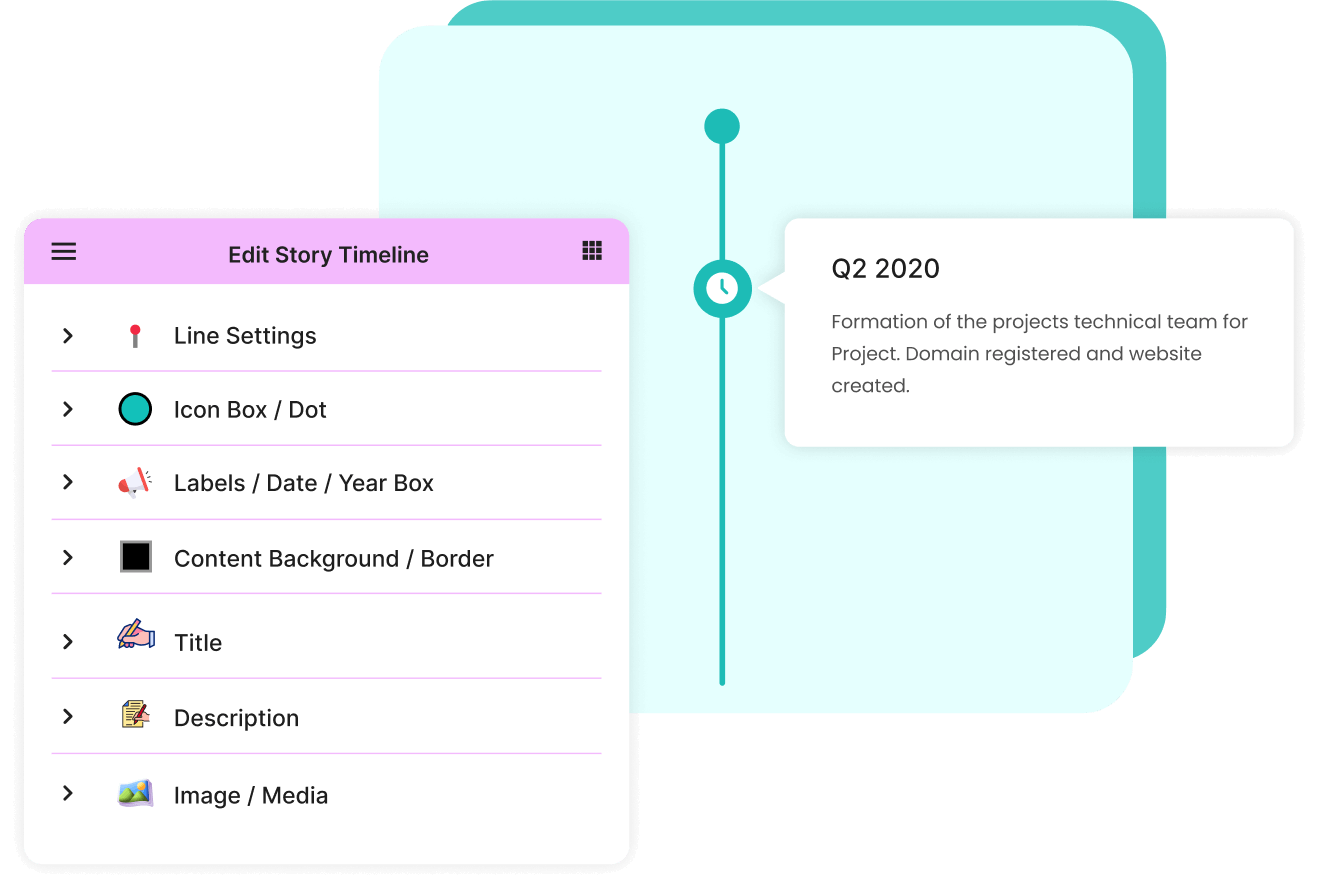
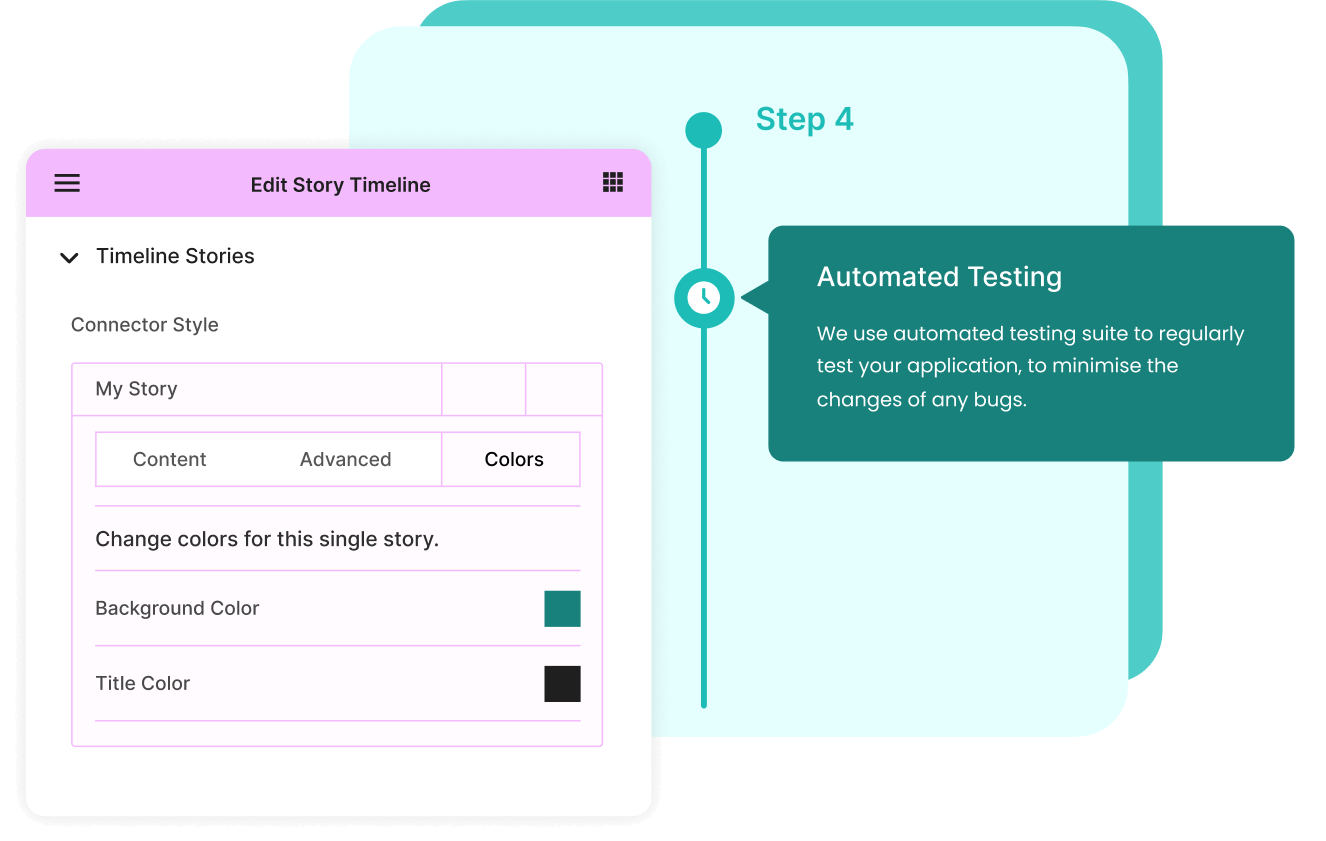
Customize various elements of your timeline, including the line, title, labels, content, and more. Adjust colors, dimensions, and typography.


 Simple and efficient – works perfectly with Elementor Pro
 I used it to create agenda for our wedding website. It is very powerful and straightforward
 It is easy to configure and the simple way of getting the implementation done as wanted.
 This plugin worked perfectly and was exactly what I needed. Very easy to modify as well.
 Plugin worked well as expected and clear documentation helped me to setup the desired result.
 This was easy to install, easy to setup, and it works well. It is a great Elementor integration.
 Very easy to use, allows to style it even with the free version, definitely recommended it.


146+ reviews on 

How to create a timeline in Elementor?
Can I create both horizontal & vertical timeline layouts?
Does Timeline Widget support images, videos, and icons?
Is the Timeline Widget compatible with Elementor Free and Pro?
What happens if my Timeline Widget Pro license expires?
Can I view the documentation and live demos for Timeline Widget Pro?
What is your refund policy for plugin purchases?
We offer a 14-day risk-free money-back guarantee on all premium plugin purchases. If you’re not satisfied, just contact us and we’ll process your refund. Read our refund policy here