
Find your perfect skin
Knives below $ 300

Slaughter
from
$ 299.00

Gamma Doppler Phase 1
from
$ 296.96

Gamma Doppler Phase 3
from
$ 296.65

Gamma Doppler Phase 4
from
$ 294.96

Autotronic
from
$ 294.54

Gamma Doppler Phase 4
from
$ 294.23

Gamma Doppler Phase 3
from
$ 292.49

Gamma Doppler Emerald
from
$ 287.72

Doppler Phase 4
from
$ 286.31

★ Flip Knife
from
$ 283.96
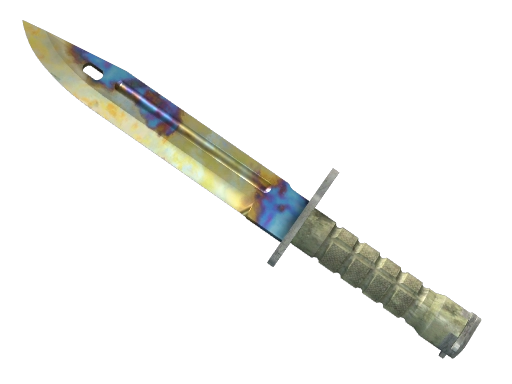
Case Hardened
from
$ 283.39

Fade
from
$ 281.24

Fade
from
$ 278.78

Fade
from
$ 277.42

Tiger Tooth
from
$ 276.60
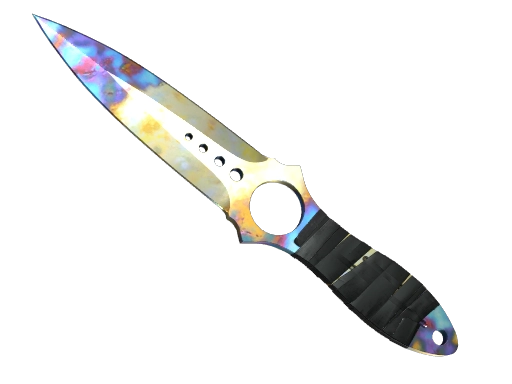
Case Hardened
from
$ 274.03
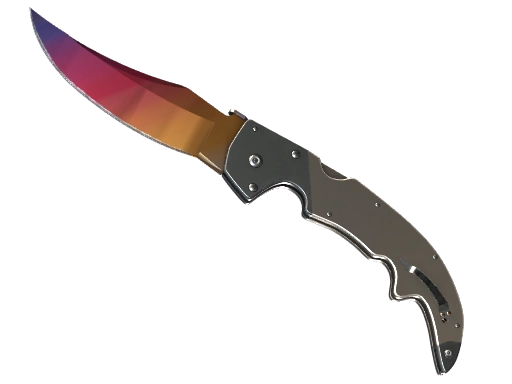
Fade
from
$ 273.99
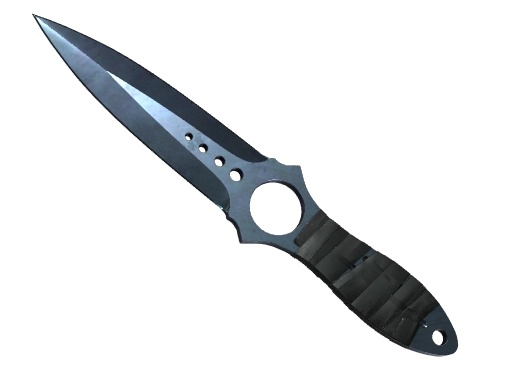
Blue Steel
from
$ 273.82
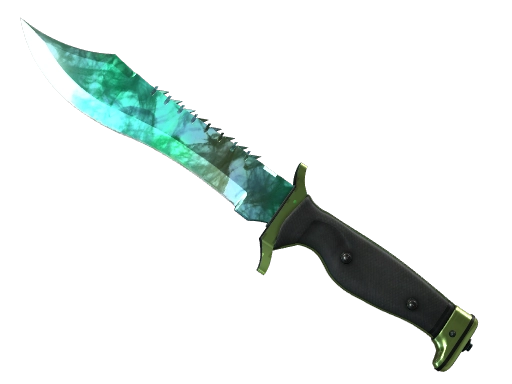
Gamma Doppler Phase 2
from
$ 272.64

Lore
from
$ 268.80

★ Stiletto Knife
from
$ 268.16

Night Stripe
from
$ 266.88

Tiger Tooth
from
$ 266.87

Doppler Phase 3
from
$ 266.40

Gamma Doppler Phase 4
from
$ 266.36
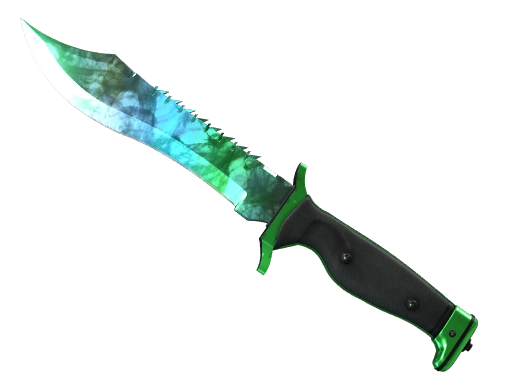
Gamma Doppler Phase 3
from
$ 265.02

Gamma Doppler Phase 1
from
$ 264.08

Doppler Phase 1
from
$ 258.54

Doppler Sapphire
from
$ 258.21

Doppler Phase 2
from
$ 255.73

Case Hardened
from
$ 252.93

Doppler Phase 1
from
$ 251.12

★ Classic Knife
from
$ 250.55

Urban Masked
from
$ 249.24

Doppler Phase 3
from
$ 248.08
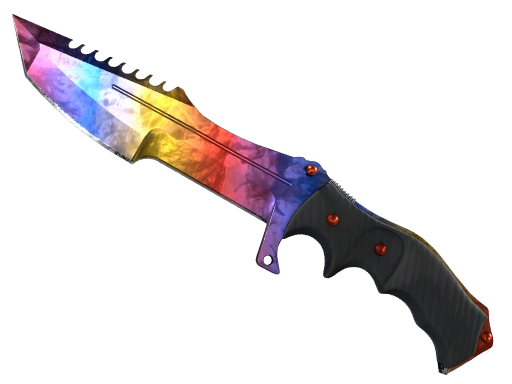
Marble Fade
from
$ 246.42
Live support 24/7
We know the game, we know the site. Fast answers, guaranteed!


Find your perfect skin
FAQ
Is CS.MONEY safe and trustworthy?
CS.MONEY creates all conditions for safe buying, trading and selling of skins. Before you trade in Steam, we show you all the data you need for a successful and safe transaction. You can always check the full list of our bots and contact our support team, which is available 24/7 to answer all your questions.
What payment and withdrawal methods are available?
There are several convenient ways to deposit and cashout on our site. You can use bank cards, PayPal, Apple Pay, Google Pay and crypto for deposits.
Withdrawal of funds in “Market” mode is available only to Visa cards.
How to trade my CS2 skins for new ones?
Trading is quick and easy:
1. Log in to your CS.MONEY account and select Trade mode
2. Add the items you want to trade from your inventory on the left
3. Select the items you are interested in from our bot's inventory located on the right
4. Click “Trade” and accept the trade offer in Steam
5. Done. Enjoy the game with fresh skins!
Make sure your Steam profile and inventory are open, and your account is not restricted — then the trade will be successful!
How to buy skins?
Buying skins is simple:
1. Log in to your CS.MONEY account and select the suitable mode
2. Find the desired items and add them to your cart
3. In Market mode click “Buy” and in Trade mode click “Trade”
4. Pay using the method convenient for you
5. Accept the trade offer in Steam — and enjoy your new skins!
If you have any doubts, our support team will be happy to answer all your questions and help you find a skin to suit your taste and budget.
How to sell skins?
You can sell skins on CS.MONEY in Market mode. If you want to sell a skin at your own price and with low fees, follow these steps:
1. Log in to your CS.MONEY account and select the Market mode, then select the “Sell” page
2. Select the item and set the desired price
3. Click “Put up for sale” and install our extension to confirm deals
4. Wait for the buyer, create a deal and accept the trade in Steam
5. After 8 days — log in to CS.MONEY browser extension or mobile app to receive funds
After the buyer accepts the trade, the funds will be credited to your balance in 8 days due to Steam Trade Protection feature and you can spend them to buy new items or withdraw them to your card.
How to sell skins instantly without waiting for a buyer?
"Instant sell" page allows you to sell some skins instantly, so you don't need to wait for a buyer. To sell skins instantly:
1. Log in to your CS.MONEY account, go to Market mode and open the “Instant Sell” page
2. Select an item available for instant sale
3. Click the “Instant Sell” button
4. Accept the trade offer in Steam and it's done — the Instant buy balance is credited.
Balance from the Instant sale can be used to buy skins with Instant delivery. After 8 days from sale, it transfers to Market balance that you can use to buy any items and cash out.
How to cash out?
Cashout is available after both Instant and regular P2P sale of items in the Market mode. To withdraw:
1. Open “Cashout” page and pass KYC verification* if you haven't done it before
2. Enter the amount you want to withdraw
3. Click “Withdraw”, enter payment details in a pop-up window and wait for the funds to be credited to your card!
Please note that withdrawal of funds is currently available only for Visa cards and is not available in some countries.
*KYC verification — Know Your Customer — is a procedure used to verify your identity to increase the security of money transfers.
How to use CS.MONEY balance?
CS.MONEY has two modes with different balances.
• In the Trade mode you can use your balance to buy skins and trade your skins for other skins that are more expensive.
• In the Market mode you can spend your balance to buy items or withdraw it to your bank card (if cashout feature is available in your country).
Are there any commissions for trading and selling?
Yes, just like on other trading platforms.
In the Trade mode, the commission is included in the items' price, so there will be no additional costs if you trade items for an equal amount.
In Market mode, commission is charged only on sales: 5% for items up to $1000 and 3% for items from $1000 and above.
Can I cash out my Steam wallet?
You can do this with CS.MONEY! To do so:
1. Buy an item from CS2 on the Steam Community Market and wait 8 days for the trade lock to expire
2. Open the CS.MONEY Market and sell this item on the Instant or regular P2P sell section
3. Receive the balance for sale and withdraw it to your bank card on the "Cashout" page
Please note that due to the Steam Trade Protection system, you will be able to withdraw the balance from a sale only 8 days after delivering the item to the buyer.
Withdrawal is not available for some countries. Please contact our support team if you have any questions.
СS Virtuаl Trаdе Ltd., rеg. nо. НЕ 389299. Registered address and the principal place of business: 705, Spyrou Araouzou & Koumantarias, Fayza House, 3036, Limassol, Cyprus
G2G Marketplace Limited, reg.no. 3064044. Registered address and the principal place of business: 8F, 30 Hollywood Road, Central, Hong Kong
Popular CS2 skins
AK-47
M4A1-S
Glock-18
Five-SeveN
Butterfly Knife
