-
-
Control Shape cover Devpost
-
Control Shape cover Youtube


💡 Inspiration.
The ability to have freeform shapes within your presentation is what drove me to create a precise shape manipulation tool. Having the ability to create suitable shapes at any time is something that adds a touch of flair to documents and presentations. Some of the examples provided with the development kit were a source of inspiration to start this adventure.
🎨 What it does?
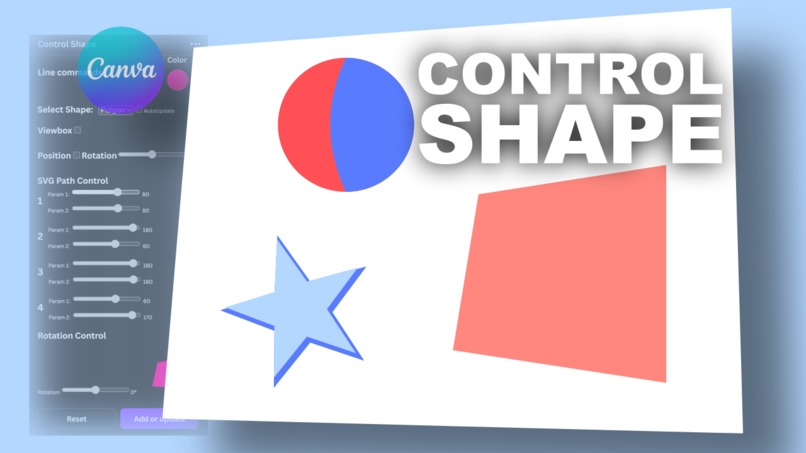
In practice, Control Shape allows you to manipulate shapes in SVG format and transfer them in real time to the canvas. By capturing the control points of the SVG path, cursors are activated that interactively allow you to modify the shapes. Control Shape took many attempts to be made and is still in development. Despite this, it already has some interesting features. But the most spectacular thing is that it is completely integrated with the functions already present in Canva. Currently, there is no way to capture the positions of elements in the canvas, so the solution was to act in real time with shape updates from the app to the canvas. Acting with shape updates directly on the canvas is a more immediate way to appreciate the final result better.
🔅 How we built it?
Control Shape was built using Canva's development environment, so a react and typescript environment, easy to access for app development. It took a lot of study to understand the underlying mechanisms of the SVG code, to be able to manipulate it and bring its potential to the surface.
💎 Challenges we ran into!
It was not easy to adapt the Control Shape to the Canva environment, considering that it had to work while preserving all the other features present in the canvas. Finally, a solution was found to make real-time changes to the canvas workspace, so that you can immediately appreciate the shapes you are working on. Even if it doesn't seem to be connected to AI, Control Shape has also been developed using new generative AI environments. So Control Shape incorporates some untapped potential that we hope to develop further.
🎯 Accomplishments that we're proud of!
We are therefore proud to present the best version of the Control Shape at the moment, to show its potential and give vent to creativity. Although there are problems due to the fact that complex shapes cannot be transferred to the workspace, we still have a solution for this and we will present it shortly.
📝 what we learned.
In the meantime, we've learned how to use the development tools available in Canva and will continue to improve the Control Shape. The development environment is really fluid and familiar, as it consists of the same working interface as Canva, while the examples provided are a source of inspiration.
🚀 What's next for Control Shape.
There are a lot of improvements in the future of the Control Shape, but the first thing to do is to reach the widest audience of creatives to gather feedback and increase their success.
Built With
- audacity
- canva
- gimp
- inkscape
- openshot
- react
- typescript


Log in or sign up for Devpost to join the conversation.