-
-
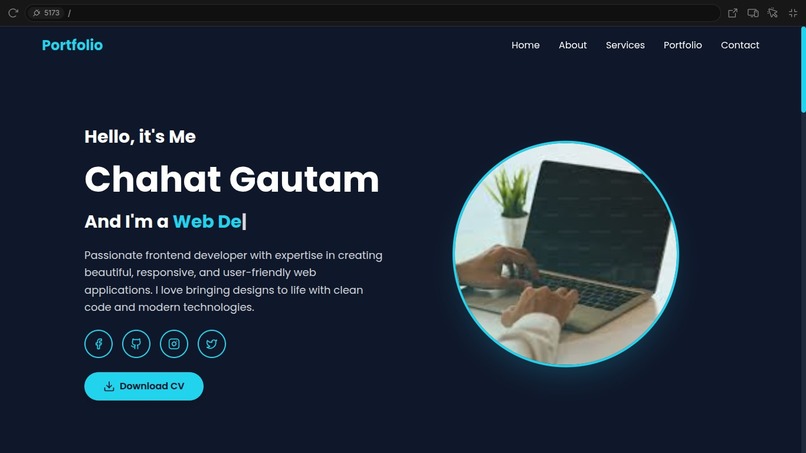
Home page
-
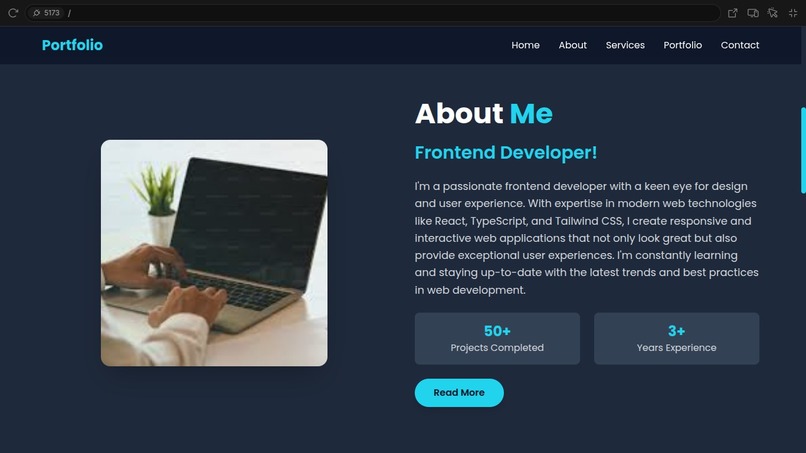
About Me page
-
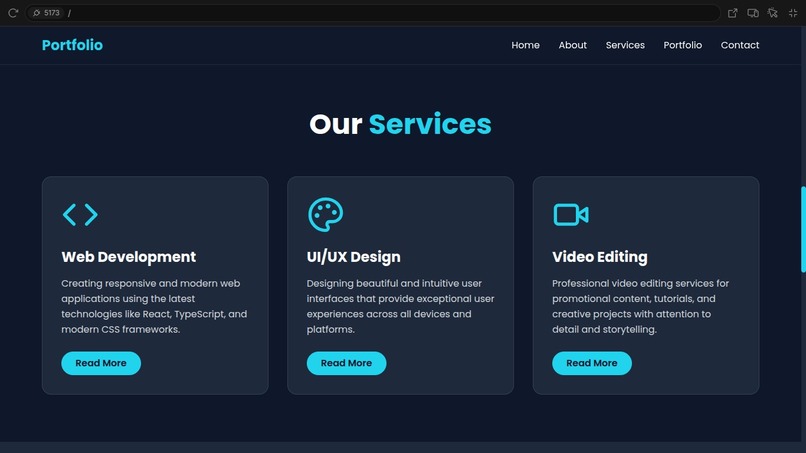
Service page
-
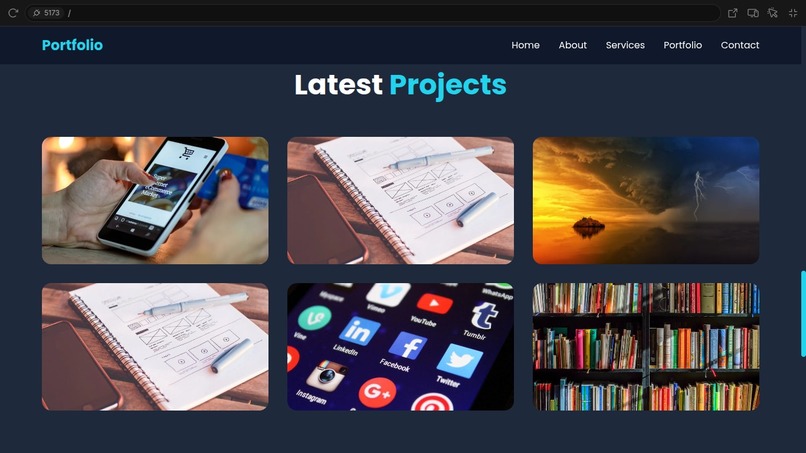
Projects page
-
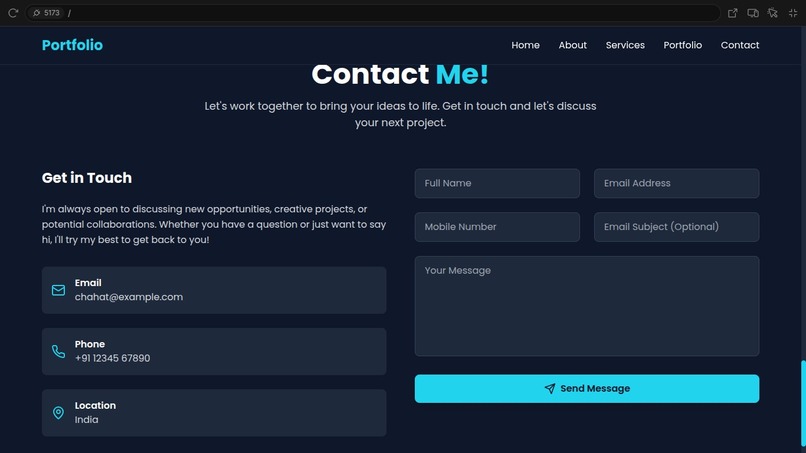
Contact page


🌟 Inspiration
As a developer and designer, I wanted a space that truly represents my identity, skills, and projects—something more than just a résumé. The idea was to build a Personal Portfolio that is interactive, professional, and performance-optimized. It should reflect not just my work but also the passion and creativity I bring to every project.
💻 What it does
This Personal Portfolio is a fully responsive, fast, and modern website that showcases:
- 🧑💼 About Me Section – A brief intro, bio, and what I do.
- 🛠️ Tech Stack – Lists my skills, languages, tools, and frameworks.
- 📁 Projects Showcase – Highlights selected works with descriptions, tech used, GitHub/live links.
- 📞 Contact Form – Lets visitors reach out easily via email.
- 📜 Resume Download – One-click CV download.
- 🌗 Dark/Light Mode Toggle – For better accessibility and user preference.
- 📱 Fully Responsive – Looks great on mobile, tablet, and desktop.
🔧 How we built it
This personal portfolio was built using Bolt to efficiently manage frontend/backend integration. The stack includes:
- Frontend: React + Tailwind CSS for fast and beautiful UI.
- Routing: Handled by Bolt’s internal routing engine.
- Deployment: Hosted on Vercel with CI/CD from GitHub.
- Backend (optional): Node.js + Express (for contact form handling if needed).
- Form Handling: Integrated with EmailJS or Bolt’s backend to send messages directly from the contact form.
- Extras: Framer Motion for smooth animations and transitions.
🧱 Challenges we ran into
- Design Consistency: Crafting a clean, minimal layout that also feels personalized.
- Responsive Layouts: Making sure every section adapts perfectly on all screen sizes.
- Performance Optimization: Reducing load times and improving Lighthouse scores.
- Form Integration: Setting up form handling without backend or with minimal infrastructure.
🏆 Accomplishments that we're proud of
- Built a portfolio that truly reflects who I am—clean, functional, and aesthetic.
- Learned and implemented best practices in accessibility and performance.
- Achieved fast load times and high Lighthouse scores.
- Integrated modern UI/UX elements like animations and toggles.
📚 What we learned
- How to build fully responsive, accessible web apps using modern frontend tools.
- Importance of developer branding and maintaining an online presence.
- Practical use of Bolt for organizing routes and managing full-stack functionality.
- Real-world deployment skills using Vercel, GitHub, and CI/CD tools.
🚀 What's next for the Personal Portfolio
- 🧩 Blog Integration – Share tutorials, thoughts, and project breakdowns.
- 🔗 Dynamic Content – Pull in GitHub repos, Dev.to articles, or LinkedIn posts automatically.
- 📝 Admin Dashboard – Allow real-time updates of projects without changing the code.
- 🌍 SEO Improvements – Improve discoverability with structured metadata.
- 💬 Live Chat Widget – Allow visitors to chat directly via Telegram or WhatsApp.
Built With
- axios
- babel
- bolt
- canva
- css
- emailjs
- eslint
- express.js
- figma
- firebase
- framer
- github
- html
- javascript
- lighthouse
- markdown
- mongodb
- netlify
- next
- node.js
- npm
- prettier
- react
- redux
- sass
- tailwind
- typescript
- vercel
- vscode
- webpack
- zustand


Log in or sign up for Devpost to join the conversation.