-
-
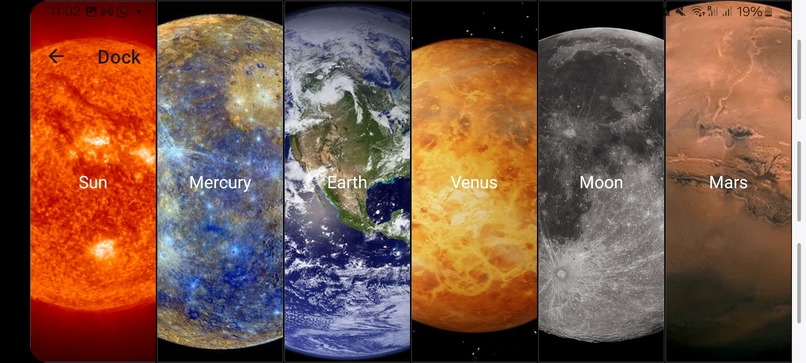
Stargazer App - Telescope Selection
-
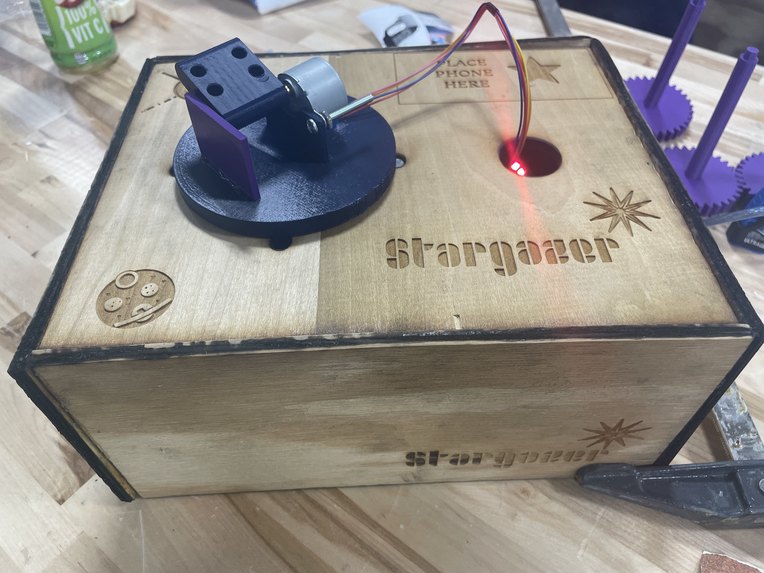
Top of the Stargazer Hardware Kit
-
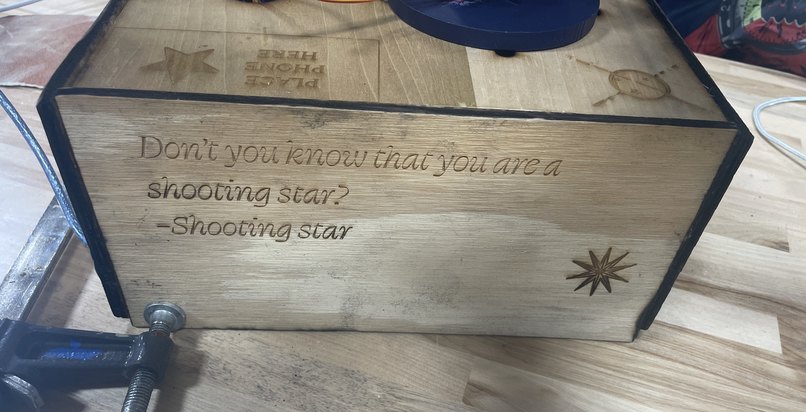
Side of the Stargazer Hardware Kit
-
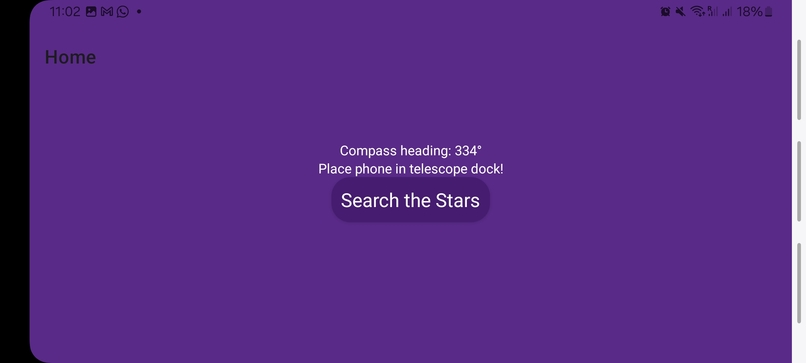
Stargazer App - Welcome Screen
-
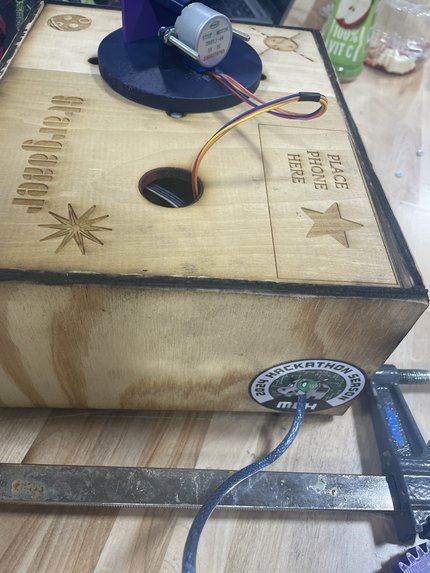
Side of the Stargazer Hardware Kit
-
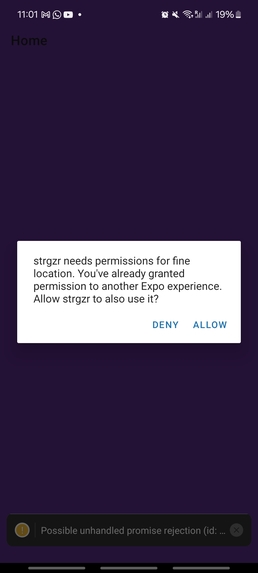
Stargazer App - Permissions


Every child is fascinated by space at some point growing up. But not every child can afford to visit the planetarium or has the resources to visit a full-sized observatory. Stargazer offers a cheap and simple way to mount an amateur telescope to a portable kit and get the real observatory experience, complete with planet-tracking and automatic telescope calibration!
What is Stargazer?
This entertainment/educational kit uses your phone to calibrate an automatic telescope orientation device. Place your telescope on the 3D-printed circular mount, and position your phone on top of the kit to face the same direction. The Stargazer app pulls from online information about the azimuth and altitude of visible celestial bodies and orientation/location metadata from your smartphone to calculate the exact movements needed to observe them.
How we built it
Inside the stargazer kit
We programmed an Arduino kit to receive serial port data corresponding to movement instructions for two unipolar steppers which manipulate a series of gears designed to distribute the weight of a telescope and precisely calibrate its horizontal and vertical orientation. We built our physical kit using a combination of woodwork, laser cutting, 3D printing, & wiring.
From your phone to outer space
This kit receives its data from the Stargazer app, which provides a simple, kid-friendly interface for selecting a specific planet, moon, or star and calculates the adjustments needed to the telescope mount on top of the kit. All the information about the celestial body locations are grabbed from our Flask server and displayed live in-app.
Our app
We wrote our app using React Native + Expo, wrote in C++ for the Arduino component, and implemented a full web stack with a Flask server to accommodate server requests between the mobile app and our Web-USB Serial connection to the Arduino. This serial connection is currently a USB running to a laptop, but would ideally be replaced with a USB-C port built-in to the smartphone dock of the Stargazer kit or an Arduino WiFi-enabled shield.
Challenges we ran into
There is very little infrastructure available for serial connections to the web, let alone React Native apps, and we grappled with many different packages while trying to implement direct communication between the smartphone app and the Arduino program. We eventually had to pivot to our current approach with a server as the middleman for the stepper instructions as we lacked the proper tools for communicating between Expo and more native features such as Serial port. The Web Serial browser API we decided to use to pass the information along to the Arduino is also currently in development and was very inconsistent in its communication, so we are manually completing this step for our demo.
Accomplishments that we're proud of
Half of us had never worked with Arduinos or any kind of hardware before! We learned a lot about C++ and had to set up new server requests which was new to some of us. We're also very proud of our hardware solution and the look of our stargazer kit, and think that our movement system is quite elegant.


Log in or sign up for Devpost to join the conversation.