-
-
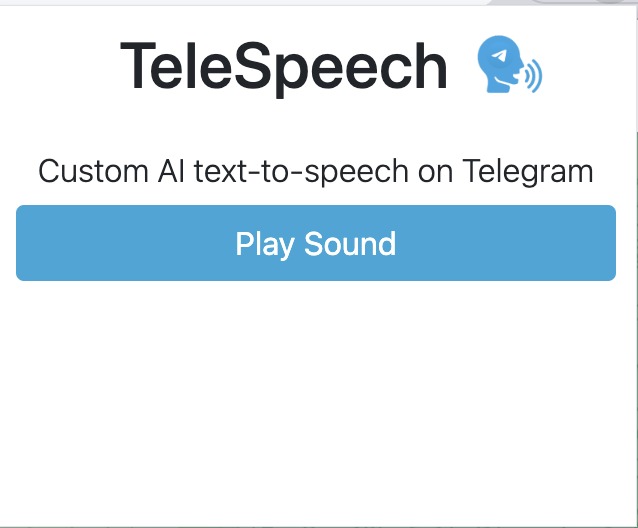
Sound Screen (Chrome Extension)
-
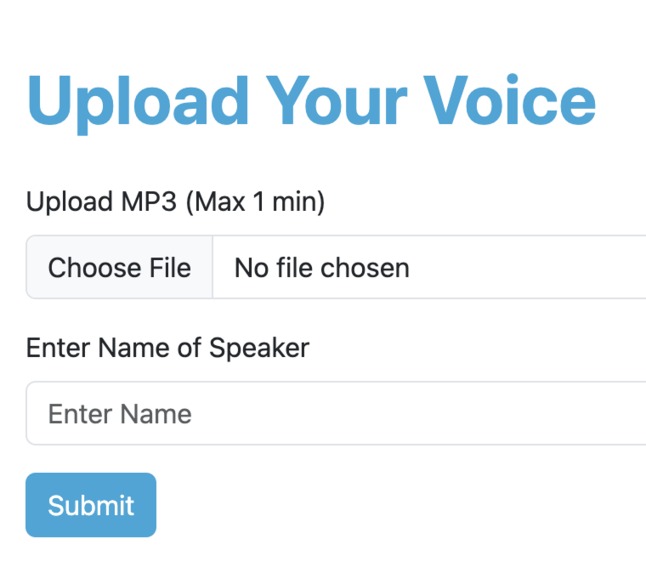
Audio Upload Screen (Web App)
-
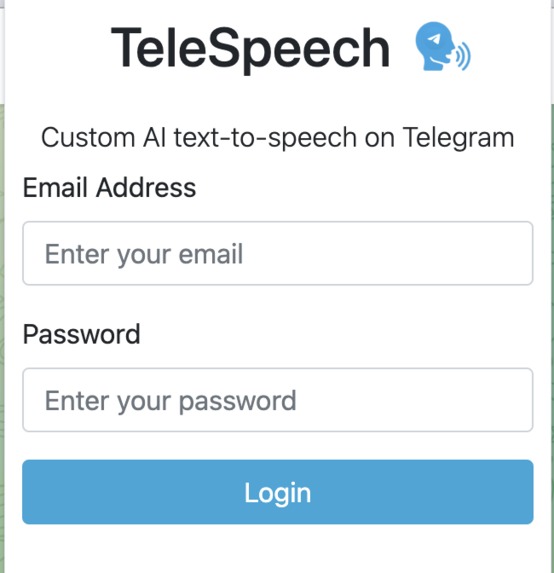
Login Screen (Chrome Extension)
-
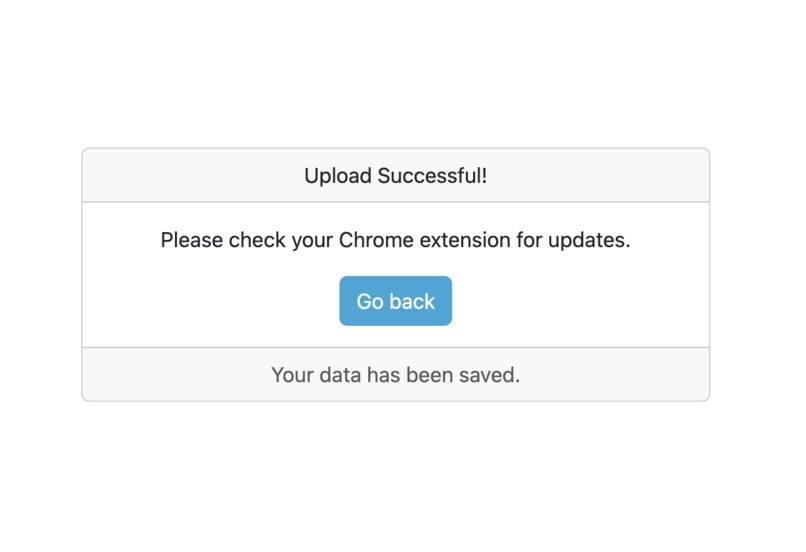
Audio Upload Complete Screen (Web App)


Inspiration
AI voices are stale and impersonal. Chrome extensions like "Free Text To Speech Online" use default voices to read text messages on the web out loud. While these default voices excel in cadence and clarity, they miss the nuance and emotion inherent in human speech. This emotional connection is important for a user, as it helps them feel engaged in online communication. Using personalized speech also helps users with special needs who rely on text-to-speech, as this feature assists them in identifying who is talking when vocalizing the messages.
What it does
TeleSpeech is a Chrome Extension that converts Telegram messages into custom AI-generated speech, mimicking the distinct voice of each sender. Using the chrome extension and the web app, you can upload anyone's voice and use it to read messages out loud in a Telegram group chat.
How we built it
We used a Chrome Extension (HTML/CSS, Vanilla JS) to read message data and run the text-to-speech, and a Next.js web app to manage the voices used for text-to-speech.
To use TeleSpeech, a user will first upload their voice on our Next.js web app (https://telespeakto.us), which will then use the Eleven-Labs Text-to-Speech API to send the AI-generated voice back to the Chrome extension. All user credentials and voice data are securely stored in a Firebase database.
On the Chrome extension, when a user has the Telegram Web App open, the extension's service worker will collect all the messages in a chat. When the Chrome extension is open and a user logs in, a "Play Sound" button appears. When pressed, the Chrome extension sends the web app all the message text, and the web app returns an audio file with an AI-generated voice saying the text data.
Challenges we ran into
We struggled the most with communicating between the Chrome extension and the web app. Using Vanilla JS with the extension's strict CSP policies made it hard to transfer data between the 2. We also struggled with learning how to use the Eleven-Labs API because we'd never used it before. Finally, two of the members of our team didn't know typescript as well had a decently steep learning curve as we headed into the projects.
Accomplishments that we're proud of
When we were first able to get one teammate's voice to come out of the speakers reading a message was so incredible. We all thought we could do this project before that happened, but after that, it felt so much more real and attainable. Another is that we built a fully functioning project despite it being our first time at a Hackathon.
What we learned
Two of the members in the group did not know a lot of JavaScript or typescript going in. The short time was not enough to completely prepare them. But, over the last 36 hours, they were able to figure it out to a higher degree than thought. The other two members learned a lot about how to use Chrome extensions, such as how to use service workers and how to have it communicate with a web app. Besides coding, the four of us also learned a lot about accessibility on screens.
What's next for TeleSpeech
The next big thing for TeleSpeech is for it to work for multiple platforms, not just Telegram. We want to expand it to WhatsApp, Instagram, and Facebook. It would also be nice if we could use it for news articles, where it would read news articles in the author's voice, or have the articles' quotes be read by the person's voice.
Built With
- bootstrap
- chrome
- eleven-labs-api
- firebase
- javascript
- next.js
- typescript




Log in or sign up for Devpost to join the conversation.