
Connecting to GitHub
Connect your GitHub account to Globe to enable automatic deployments from your repositories with GitHub integration and event triggers.
To use the GitHub integration, you’ll need an existing GitHub repository or create one before connecting.
Go to Account Settings
In the Globe dashboard, go to Account
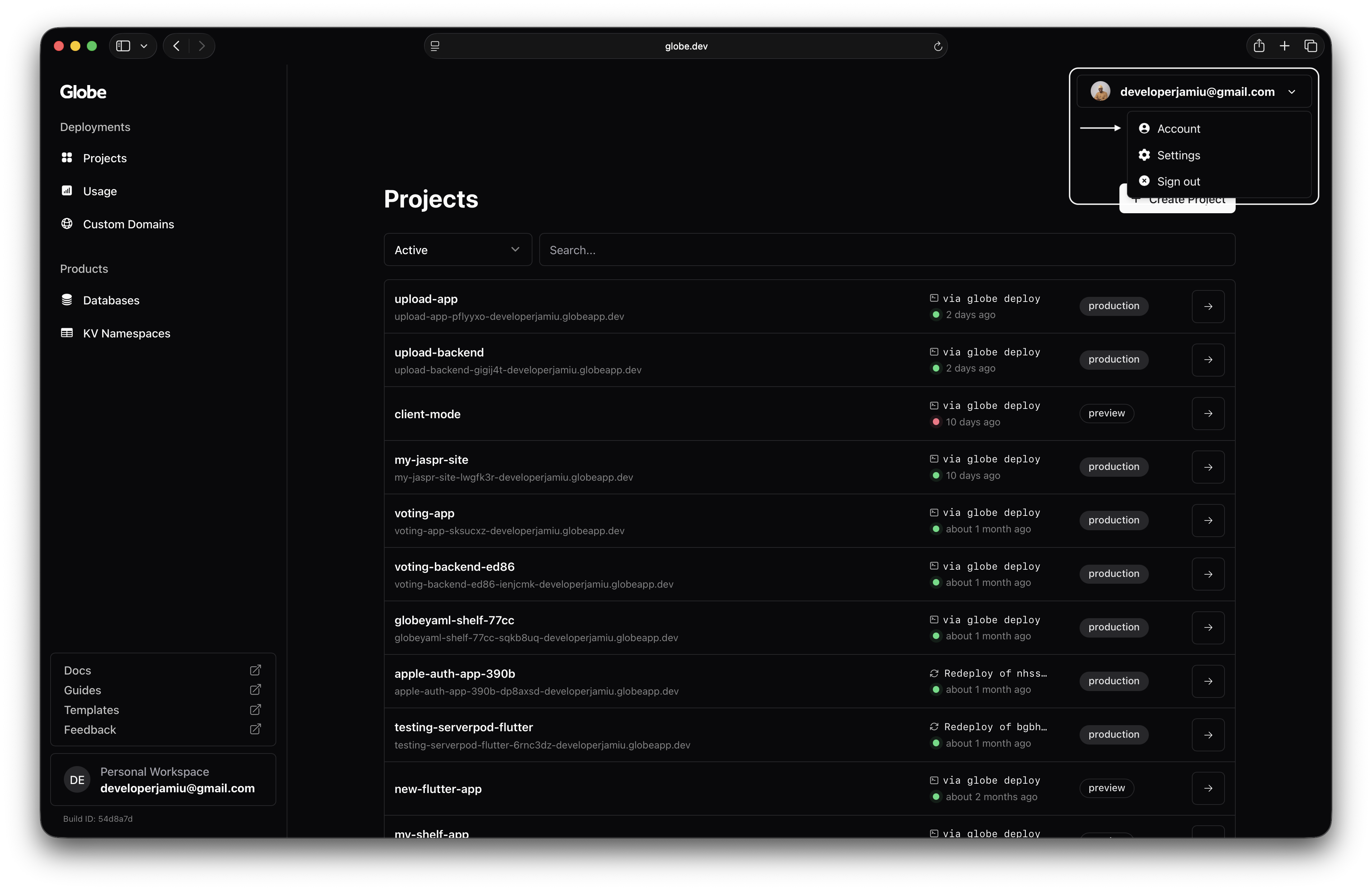
Connect Your GitHub Account
In the Connected Accounts section, select Connect your GitHub account
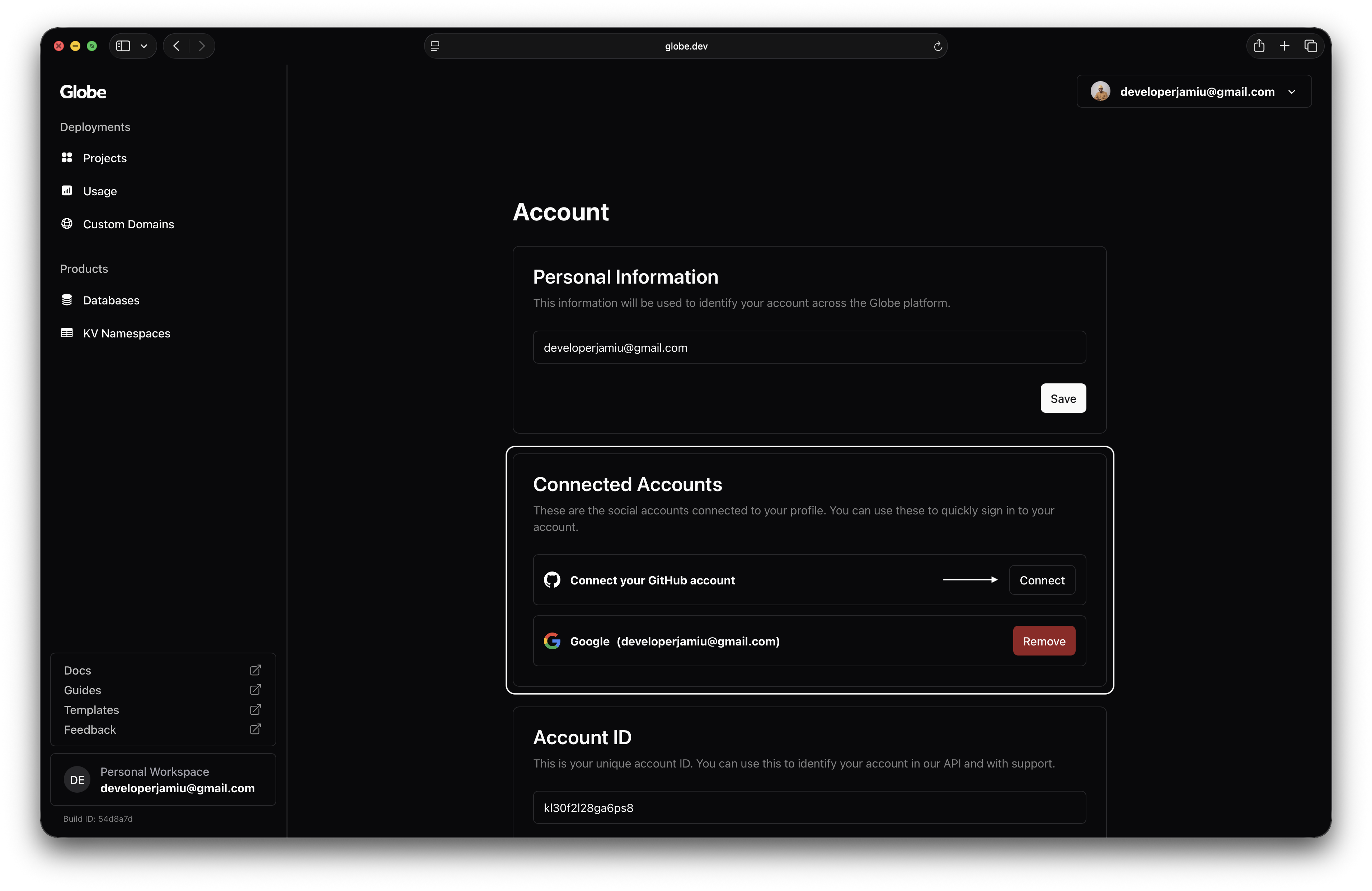
Authorize Dart Globe
Authorise access to your GitHub repositories
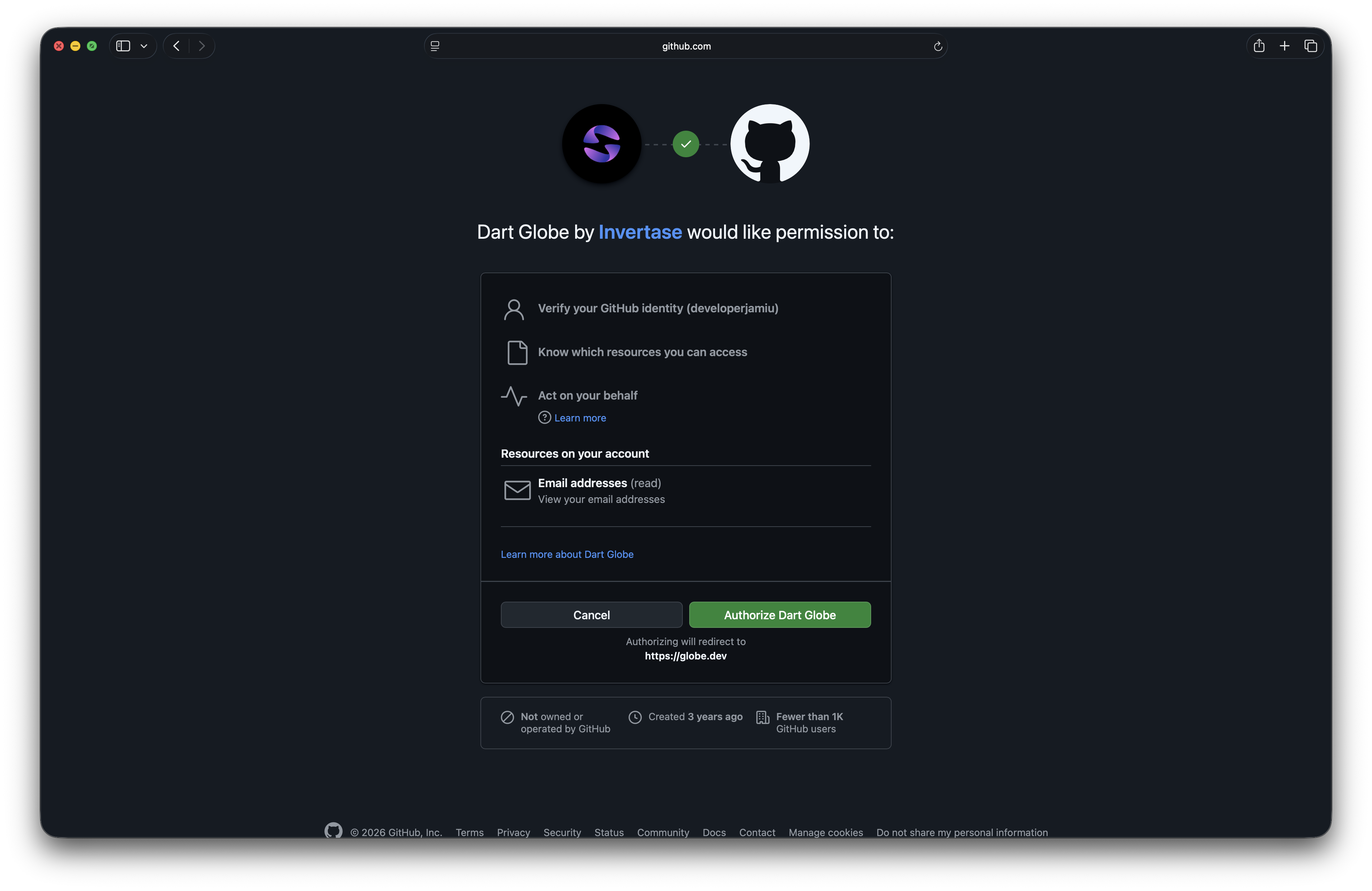
You can now deploy projects from your repositories using GitHub events triggers.
