
Descripción
Add a Table of Contents block to your posts and pages. The TOC is a nested list of links to all heading found in the post or page. To use it, simply add a block and search for «SimpleTOC» or just «TOC».
The maximum depth of the toc can be configured in in the blocks’ sidebar among many other options. There can hide the headline «Table of Contents» and add your own by using a normal heading block.
Cree una nueva instancia de WordPress con el plugin SimpleTOC ya instalado.
User Feedback
«It is lightweight, stable, and fully compatible with WordPress Full Site Editing. A reliable solution that integrates seamlessly and performs exactly as expected.»
— @js100 on wordpress.org«Does the job perfectly, and adds no bloat.»
— @clicknathan on wordpress.org«Simple yet powerful. Great plugin that does exactly what you need.»
— @mixey on wordpress.org
Accesibilidad
This plugin is designed & developed for WCAG 2.2 level AA conformance. The plugin is tested with assistive technology and intended to be accessible, however some third party plugins or themes may affect the individual accessibility on a given website. If you find an accessibility issue, please let us know and we’ll try to address it promptly.
Características
- Diseñado para Gutenberg.
- Zero configuration: Add the SimpleTOC block to your post and that’s it.
- Salida HTML mínima y válida.
- Utiliza la etiqueta nativa «details» del navegador para ofrecer una interfaz plegable.
- No se añade JavaScript ni CSS, a menos que active el menú acordeón.
- Estile SimpleTOC con las opciones de estilo nativas de los grupos de Gutenberg.
- Hereda el estilo de tu tema.
- Smooth scrolling effect using CSS.
- Accesibilidad integrada siguiendo los estándares web.
- Optional ARIA Label and navigation role attributes.
- Traducido a múltiples idiomas, incluidos alemán, japonés, chino (Taiwán), neerlandés, portugués de Brasil, francés, español y letón.
- Ideal para crear una sección de preguntas frecuentes en su sitio web.
Personalización
- Administrators can utilize global settings to supersede the individual block settings.
- Añada color de fondo y de texto mediante grupos de Gutenberg.
- Compatibilidad nativa de bloque para ancho amplio y ancho completo.
- Control the maximum depth of the headings.
- Choose between an ordered, bullet HTML list. Or indent the list.
- Select a heading level or turn it into a paragraph.
- Disable the h2 heading of the TOC block and add your own.
Compatibilidad
- Compatibilidad con GeneratePress y Rank Math.
- Funciona con los principales plugins AMP.
How to contribute
SimpleTOC is open-source and developed on GitHub Pages. If you find a bug or have an idea for a feature please feel free to contribute and create a pull request.
Créditos
Este plugin es un fork de pdewouters y utiliza código de Easy-Table-of-Contents.
Muchas gracias a Tom J Nowell y a Sally CJ, quienes me ayudaron enormemente con mis preguntas en wordpress.stackexchange.com.
And many more thanks to all the developers on GitHub who helped me making SimpleTOC what it is today!
Gracias a Quintus Valerius Soranus por inventar la tabla de contenidos alrededor del año 100 a. C.
Capturas
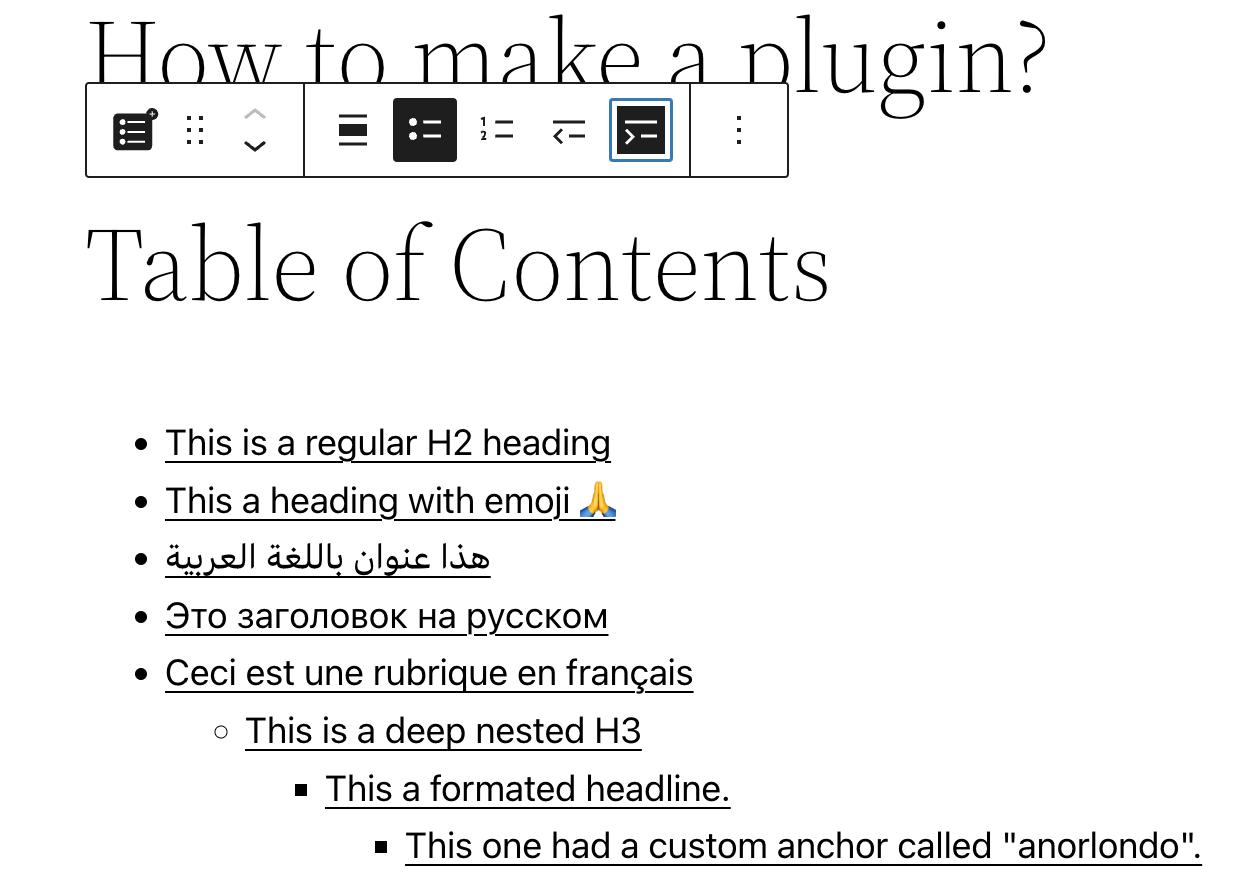
Bloque de SimpleTOC en el editor Gutenberg. 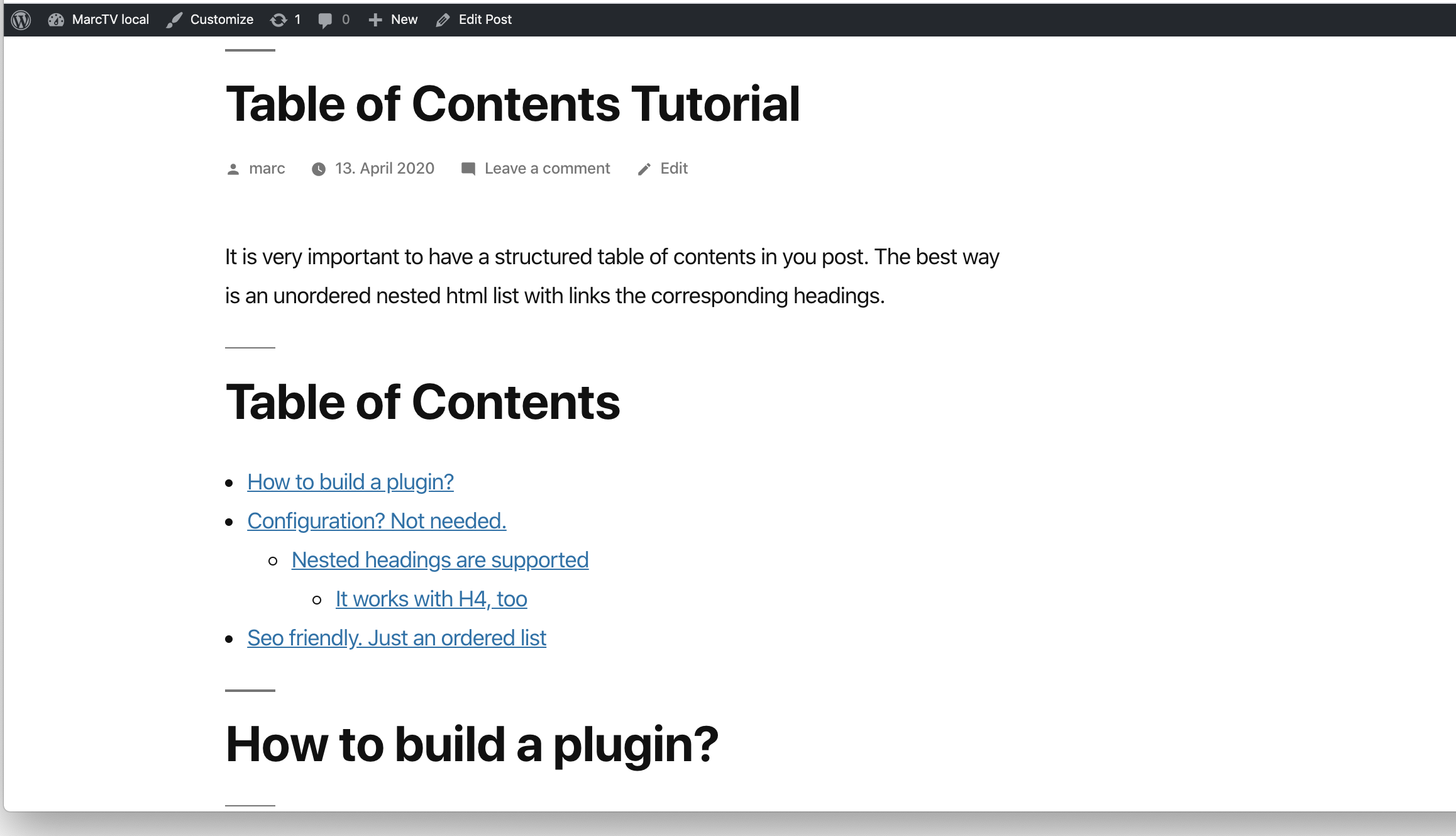
SimpleTOC en la entrada. 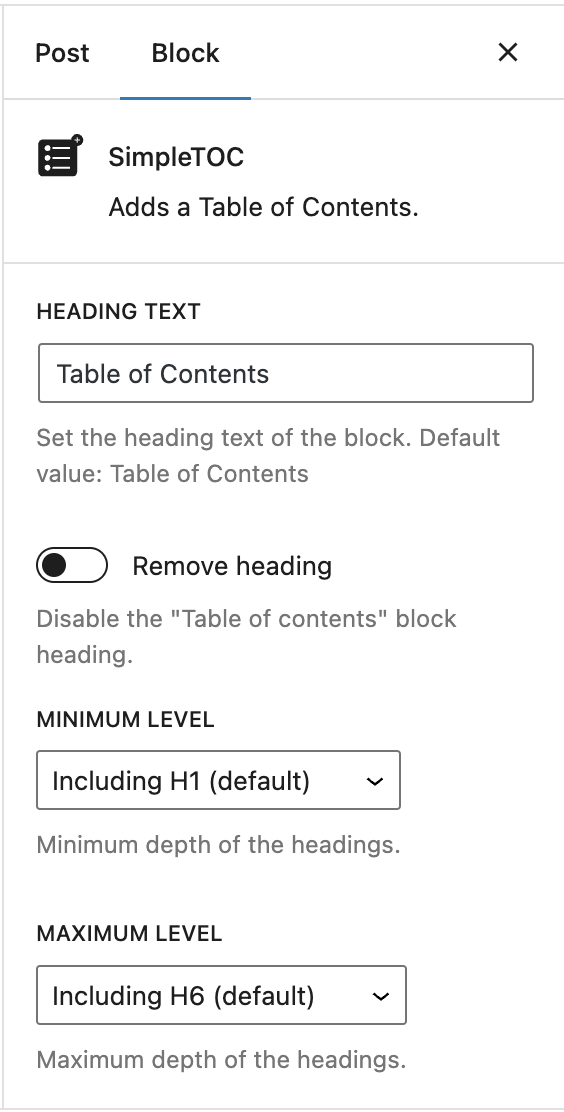
Simple but powerful. Customize each TOC as you like. 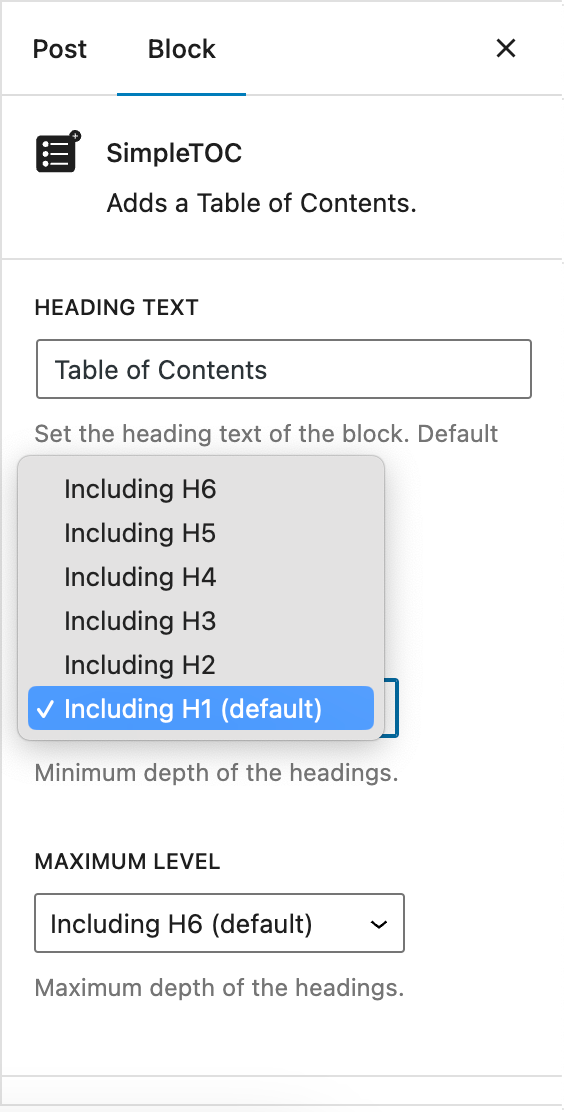
Control the maximum depth of the headings. 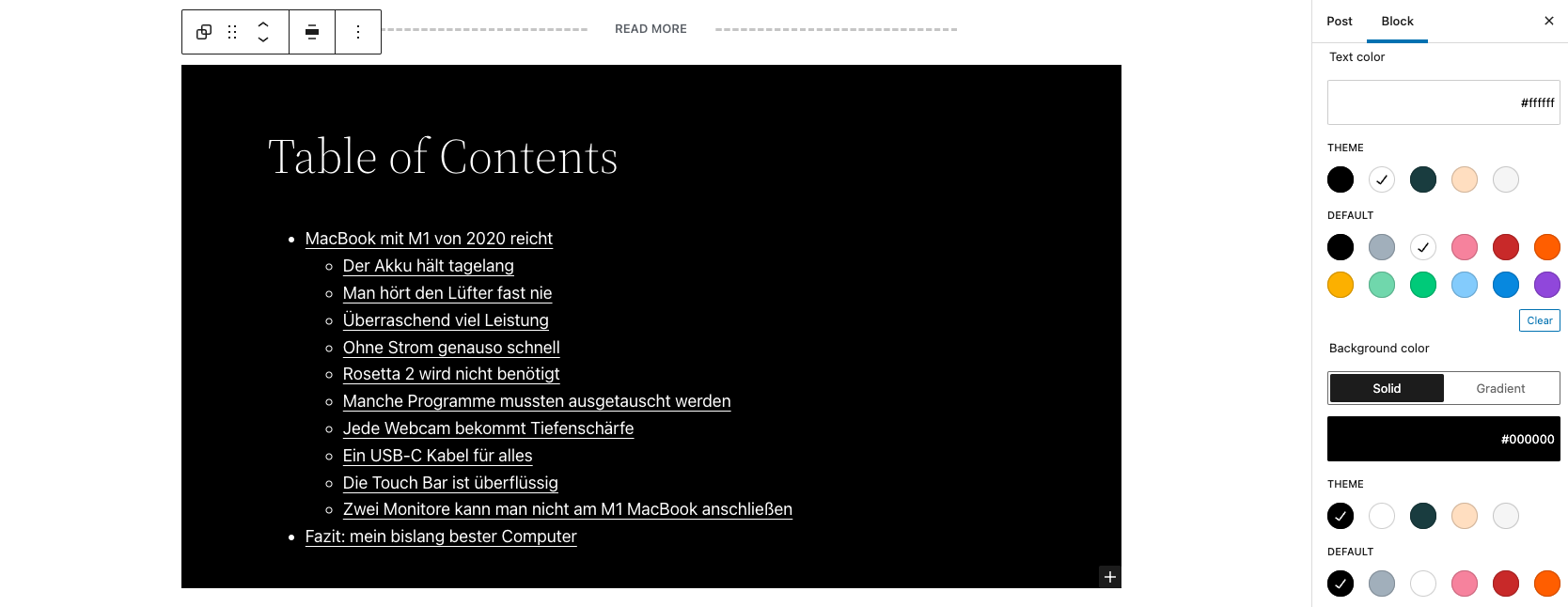
SimpleTOC con estilos nativos de grupos de Gutenberg. 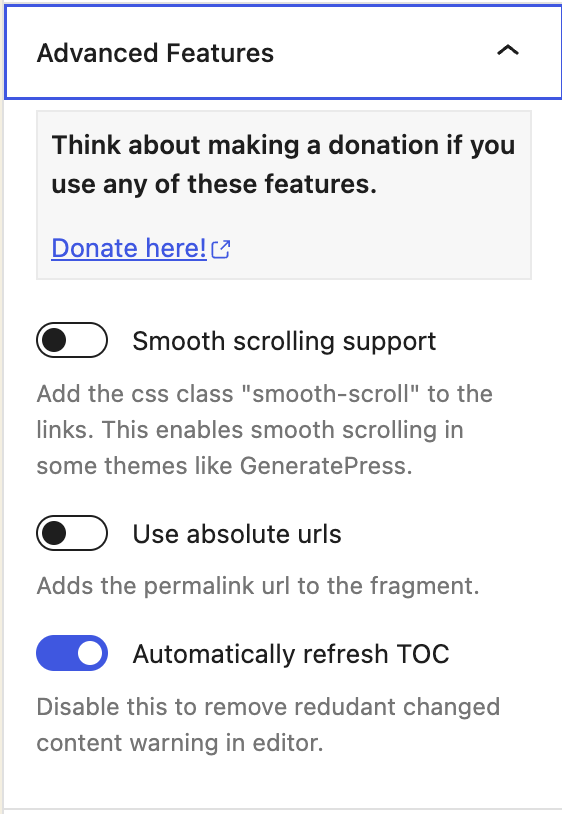
SimpleTOC Advanced Características 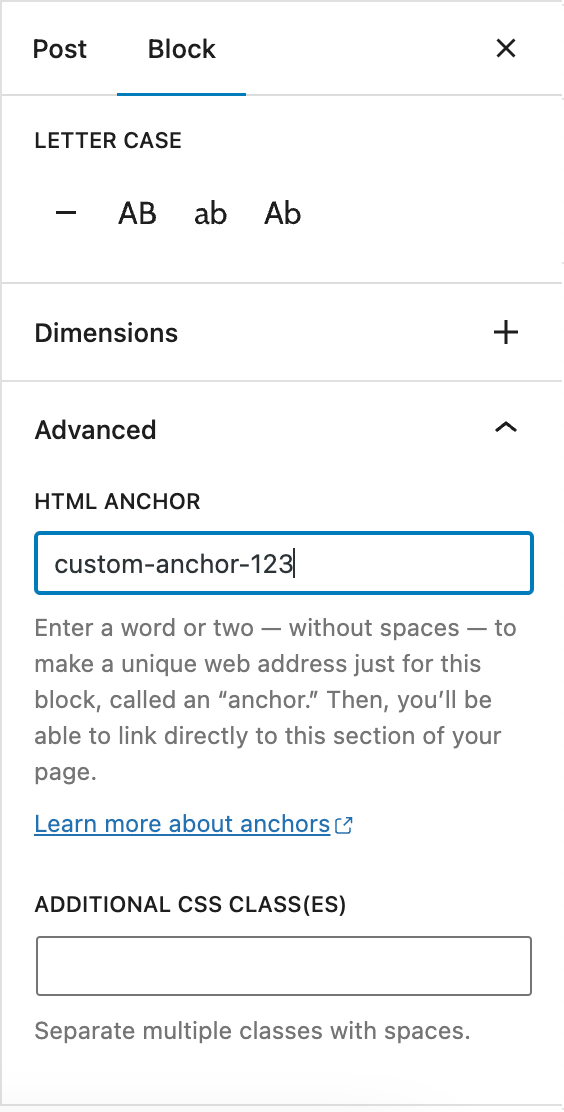
Bloque de encabezado de Gutenberg: Establecer un ancla personalizada 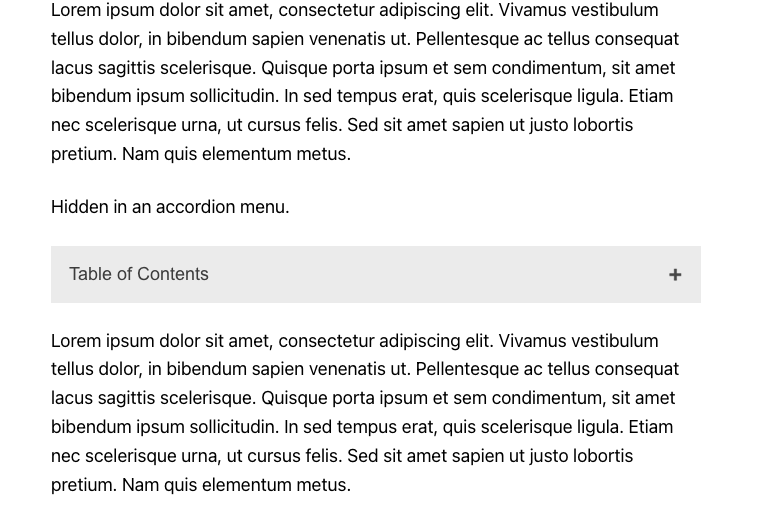
SimpleTOC oculto en el menú acordeón. 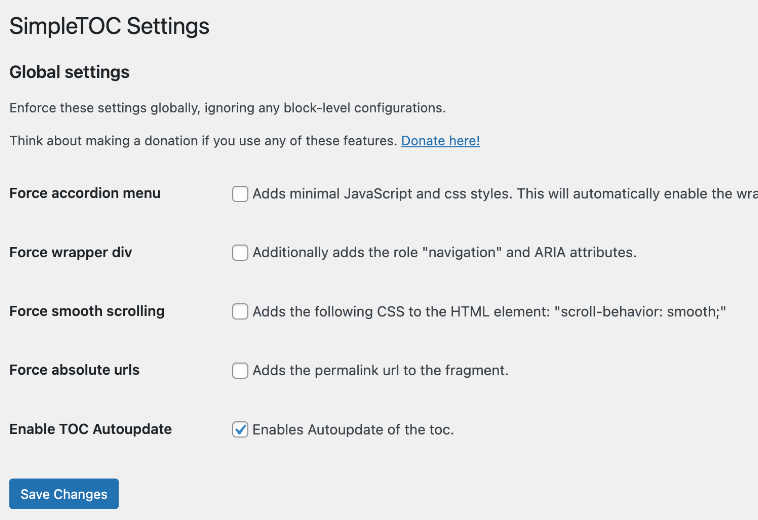
Ajustes globales de SimpleTOC.


Bloques
Este plugin proporciona 1 bloque.
- SimpleTOC Adds a Table of Contents.
Instalación
SimpleTOC se puede encontrar e instalar a través del menú «Plugins» dentro de la administración de WordPress (Plugins -> Añadir nuevo). Como alternativa, se puede descargar desde WordPress.org e instalarlo manualmente…
En Gutenberg, añade un bloque y busca «SimpleTOC» o simplemente «TOC». Por favor, guarda tu contenido antes de que uses el bloque.
FAQ
-
Configuración de ajustes globales en SimpleTOC
-
SimpleTOC allows you to configure global settings for your WordPress website. These settings can be enforced globally, overriding any block-level configurations that may exist. To access these settings, navigate to the SimpleTOC section of the WordPress Settings.
-
¿Cómo añadir un color de fondo a SimpleTOC utilizando grupos de Gutenberg?
-
Select the block and select «group» in the context menu. Apply «background color», «link color» and «text color» to this group. SimpleTOC will inherit these styles. You would like to use this styled SimpleTOC group next time you write a post? Convert it to a reusable block.
-
¿Cómo excluir un único encabezado de la tabla de contenidos?
-
If you really want to hide a single heading from the table of contents, then add the CSS class «simpletoc-hidden» to a heading block. You can find this field in the same place as the HTML anchor field: In the Block > Advanced sidebar. But first, think about the reason you would like to hide a specific heading. Maybe you would like to remove all headings of a specific depth level. Then there is an option for that in the blocks options in Gutenberg. If you think this heading should not be part of the toc perhaps it is not needed in the post itself?
-
I would like to save my SimpleTOC settings as default. Is that possible?
-
You can convert your configured SimpleTOC block into a reusable block in Gutenberg. It will keep its settings. This way, you can use your desired settings for each new post by adding the reusable block.
-
¿Cómo añadir un contenedor div a la tabla de contenidos?
-
If you add a custom class to the SimpleTOC block in «Advanced» and then «Additional CSS Class(es)» a div with that class will be wrapped around the HTML output.
-
¿Cómo permitir que los desarrolladores excluyan encabezados de forma programática?
-
Use the ‘simpletoc_excluded_blocks’ filter. For example, this code will exclude heading blocks that are inside a column block.
Ejemplo:
add_filter( 'simpletoc_excluded_blocks', function ( array $blocks ) { $blocks[] = 'core/column'; return $blocks; } ); -
The heavy plus character I used can not be colored with css without hacks. But you can change the icon to something else and change the color of the new icon.
.simpletoc-collapsible::after { content: "✖"; color: #e94c89; } -
¿Cómo añadir SimpleTOC automáticamente a todos los artículos?
-
No veo una solución sencilla por el momento. SimpleTOC es únicamente un bloque que se puede añadir manualmente a cada entrada. Si existiera un plugin que añadiera bloques automáticamente a todas las entradas, esa sería la solución. Considero que esto debería ser un plugin independiente para mantener el código de SimpleTOC limpio y, en fin, simple.
Reseñas


Colaboradores y desarrolladores
«SimpleTOC – Table of Contents Block» es un software de código abierto. Las siguientes personas han colaborado con este plugin.
Colaboradores
«SimpleTOC – Table of Contents Block» está traducido en 17 idiomas. Gracias a los traductores por sus contribuciones.
Traduce «SimpleTOC – Table of Contents Block» a tu idioma.
¿Interesado en el desarrollo?
Revisa el código , echa un vistazo al repositorio SVN o suscríbete al registro de desarrollo por RSS.
Registro de cambios
6.9.6
- Added: Coding standards cleanup with improved rules, cleaner code, safer output, and consistent naming. Thanks @ronalfy
- Added: Minimum PHP version requirement set to 7.3
6.9.4
- Added: Introduced proper PHP namespaces to avoid class and function name conflicts and improve overall code robustness. Thanks @ronalfy.
- Added: Improved sidebar sub-menu for the “Hide SimpleTOC” option
6.9.3
- Fix: Fix Multiple IDs in Table of Contents Thanks @ronalfy
- Added: Support for GenerateBlocks 2.1.0 Thanks @ronalfy
6.9.1
- Added: Support for the new V3 block api.
- Added: Tested compatibility with WordPress 6.9
6.7.3
- Added: Tested compatibility with WordPress 6.8
6.7.2
- Added: Support for GenerateBlocks 2.0. Thanks @blronaldhuereca
- Added: Included an accessibility statement in the plugin description. Thanks Gen Herres.
