
Descripción
Travel Engine System
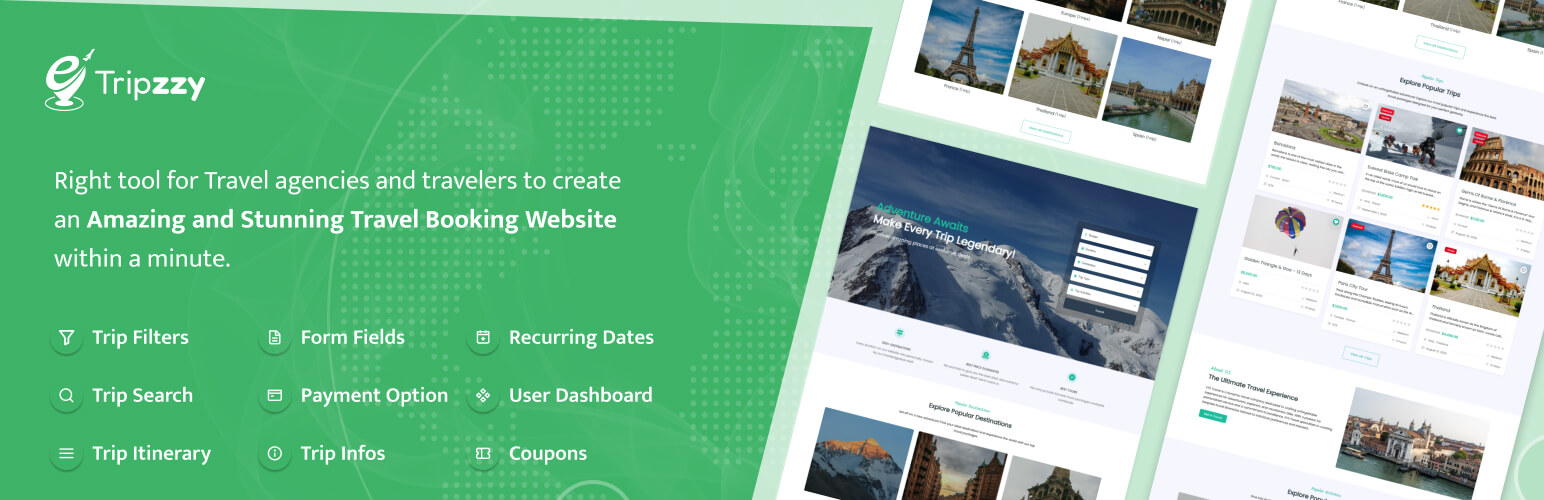
Tripzzy is a powerful, feature-rich WordPress plugin designed for travel agencies, tour operators, and adventure businesses to create and manage their online booking platform. Built with flexibility and ease of use in mind, Tripzzy provides everything you need to showcase tours, manage bookings, and grow your travel business.
View Documentation | View Demo | View Backend Demo
Features
- Unlimited Tours & Packages: – Create and manage unlimited tour packages with detailed itineraries, pricing options, and dates availability.
- Advanced Booking System – Accept online bookings with customizable booking forms, instant confirmations, and automated email notifications.
- Trip dates – Create and manage fixed and recurring trip dates.
- Discount coupon – Tripzzy allows you to add coupons for the trips.
- Display trip infos – Display additional infos according to trip.
- Trip itineraries – Create detailed day-by-day itineraries with images, descriptions, and activity highlights.
- Image gallery – Add and display the trip gallery.
- Trip map – Display Google map or iframe map for each trip.
- Trip difficulties – Display the trip difficulty level for the users.
- Review & Rating System – Build trust with authentic customer reviews and ratings for your tours.
- Search form shortcode – Search Shortcodes help find the desired trips as per your search parameters.
- Trip Filters – Use the existing search filters or create custom filters to let your customers find the matching trip.
- Enquiry form – Customer can easily send their enquiry for the trips by filling in the enquiry form. You can now get more Inquiries about your trip packages.
- User Dashboard – User Dashboard helps you to find your bookings, wishlists, reviews, etc.
- Translation ready – The plugin is fully translation ready. So feel free to translate your website into your own or any other language.
- Payment Gateway Integration – Accept payments through popular gateways including PayPal, Stripe, and bank transfers.
If you need help with the Tripzzy plugin, please visit our support forum on the WordPress plugin repository or the official website. We’re always happy to help!
Travel Booking Themes Compatible With Tripzzy
- Travel Me by Refresh Themes
Contribute
Tripzzy is developed and maintained by Refresh Themes. Find out how you can help by visiting the Tripzzy GitHub Repository.
Third Party Libraries
Font Awesome – Toolkit to display icons.
Copyright 2022 Fonticons, Inc.
Version: 6.2.0
License: https://fontawesome.com/license/free (Icons: CC BY 4.0, Fonts: SIL OFL 1.1, Code: MIT License)
Source: https://fontawesome.com
React Google Maps API – Library to display Google Maps.
Copyright (c) 2020 Alexey Lyakhov
Version: 2.20.7
License: Licensed under the MIT license – https://github.com/JustFly1984/react-google-maps-api/blob/develop/LICENSE
Source: https://github.com/JustFly1984/react-google-maps-api
Google Maps JavaScript API
Copyright (c) Google LLC
License: Licensed under the Google Maps Platform Terms of Service.
React Date Picker – UI component that allows you to select a date or a range of dates.
Copyright (c) 2014-2025 HackerOne Inc. and individual contributors
Version: 8.0.0
License: Licensed under the MIT license – https://github.com/Hacker0x01/react-datepicker/blob/main/LICENSE
Source: https://github.com/Hacker0x01/react-datepicker
React Select – Library for building custom, accessible, and flexible select inputs for React applications.
Copyright (c) 2022 Jed Watson
Version: 5.10.0
License: Licensed under the MIT license – https://github.com/JedWatson/react-select/blob/master/LICENSE
Source: https://github.com/JedWatson/react-select
Rrule – It is used to define recurring events or schedules in a calendar.
Copyright 2010, Jakub Roztocil jakub@roztocil.name and Lars Schöning
Version: 2.8.1
License: Licensed under the BSD-3-Clause – https://github.com/jkbrzt/rrule/blob/master/LICENCE
Source: https://github.com/jkbrzt/rrule
Paypal js – Render Paypal Payment button to checkout.
Copyright 2020 PayPal
License: Apache License – https://github.com/paypal/paypal-js/blob/main/LICENSE
Source: https://github.com/paypal/paypal-js
React Sortablejs – Library to sort HTML elements.
Copyright (c) 2020 All contributors to react-sortablejs
Version: 6.1.4
License: Licensed under the MIT license – https://github.com/SortableJS/react-sortablejs/blob/master/LICENSE
Source: https://github.com/SortableJS/react-sortablejs
Tripzzy Themes API – This API is used to fetch Tripzzy compatible themes.
Copyright Tripzzy
License: Licensed under the GNU General Public License v2 or later – https://wptripzzy.com/terms-of-services
Source: https://wptripzzy.com/wp-json/wp/v2/tripzzy-themes
Capturas

Frontend : Archive Page 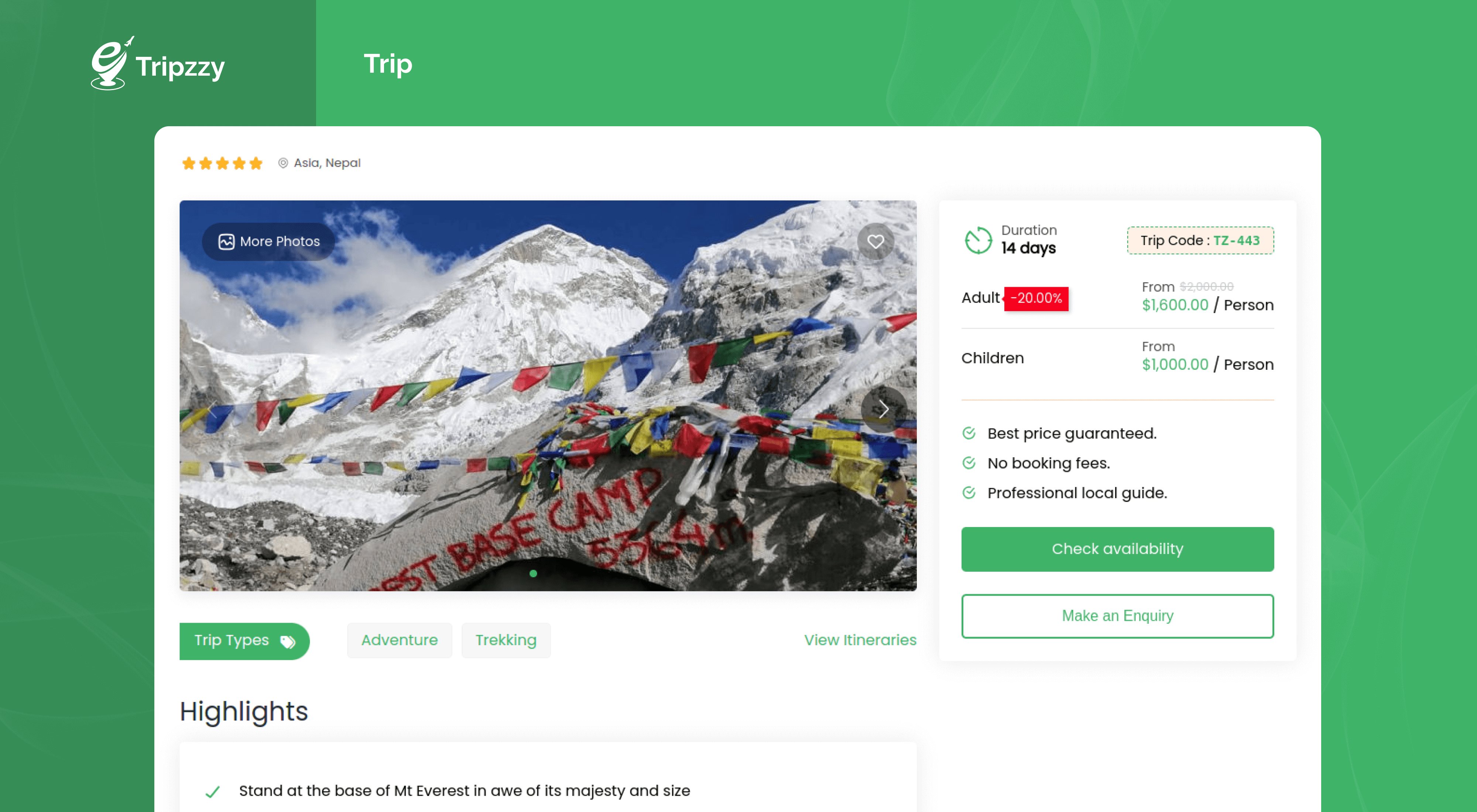
Frontend : Trip 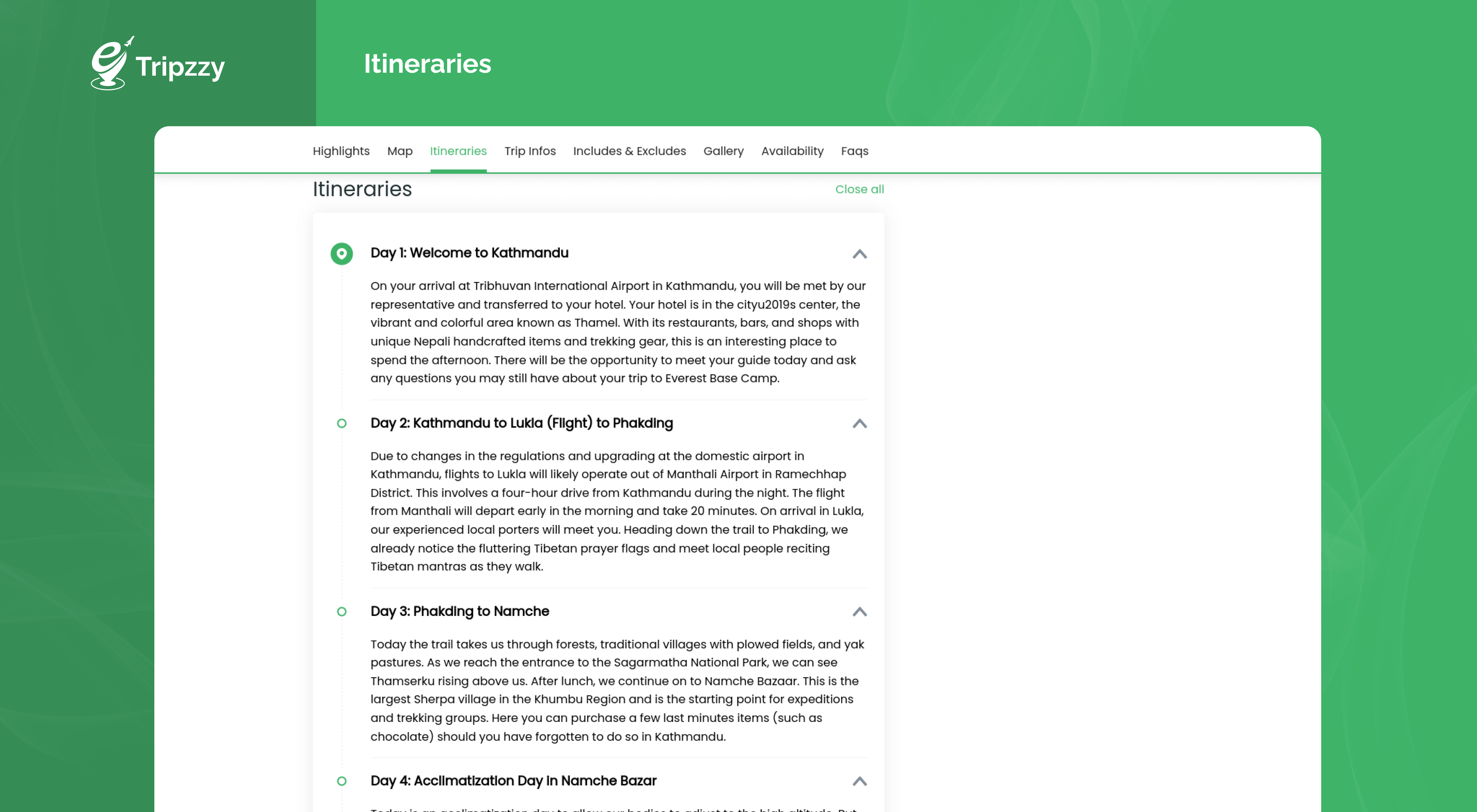
Frontend : Itineraries 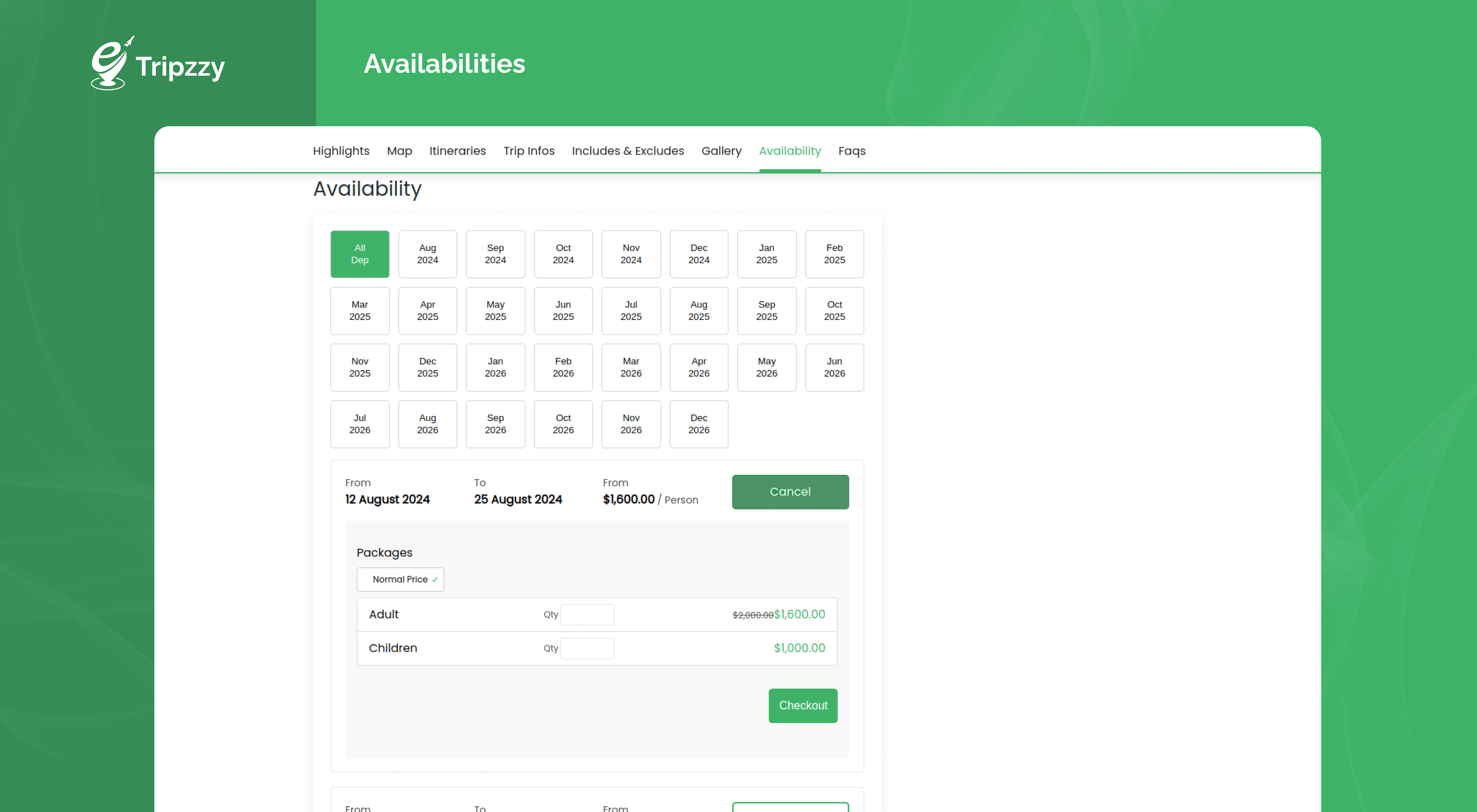
Frontend : Availability 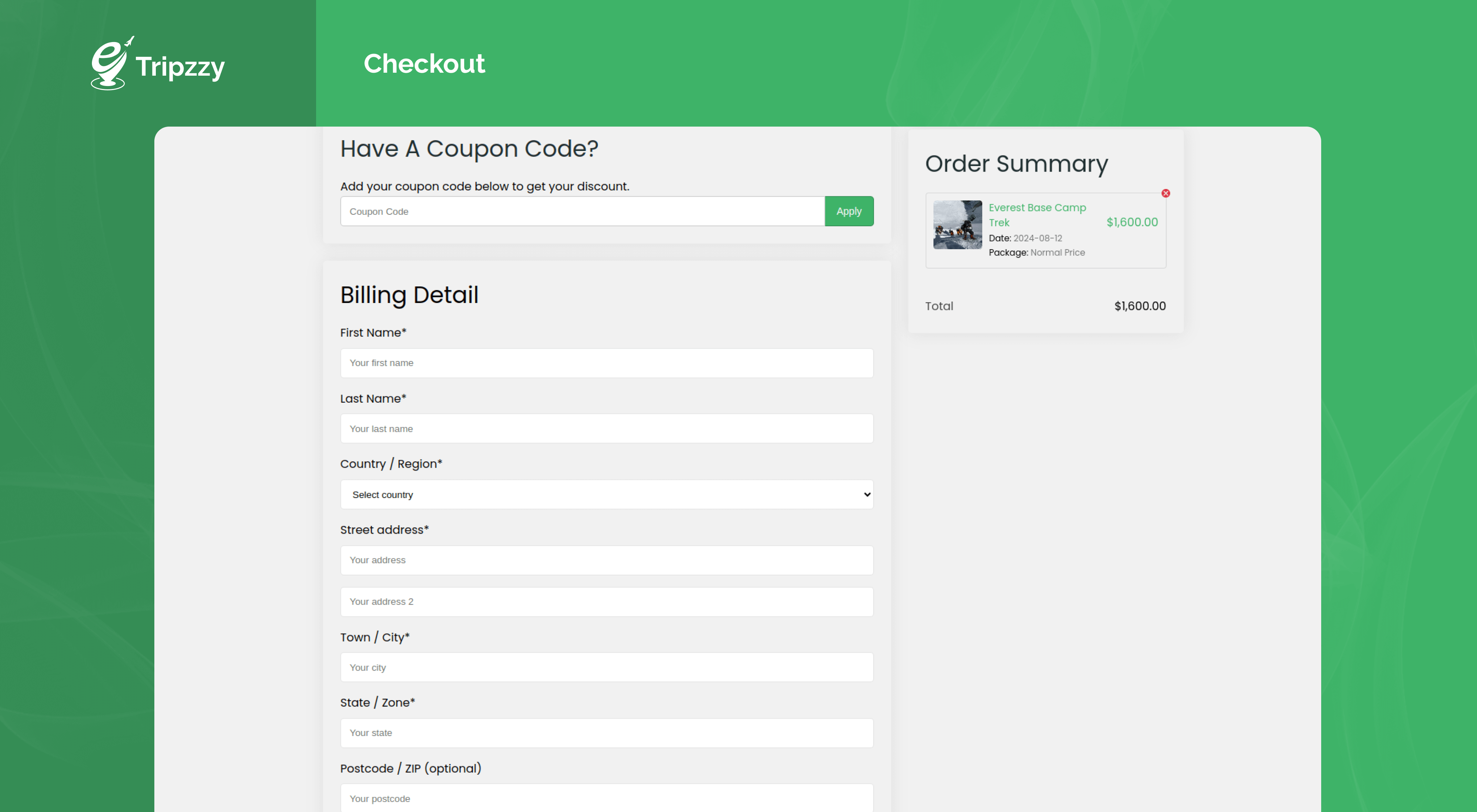
Frontend : Checkout 
Admin : New Trip 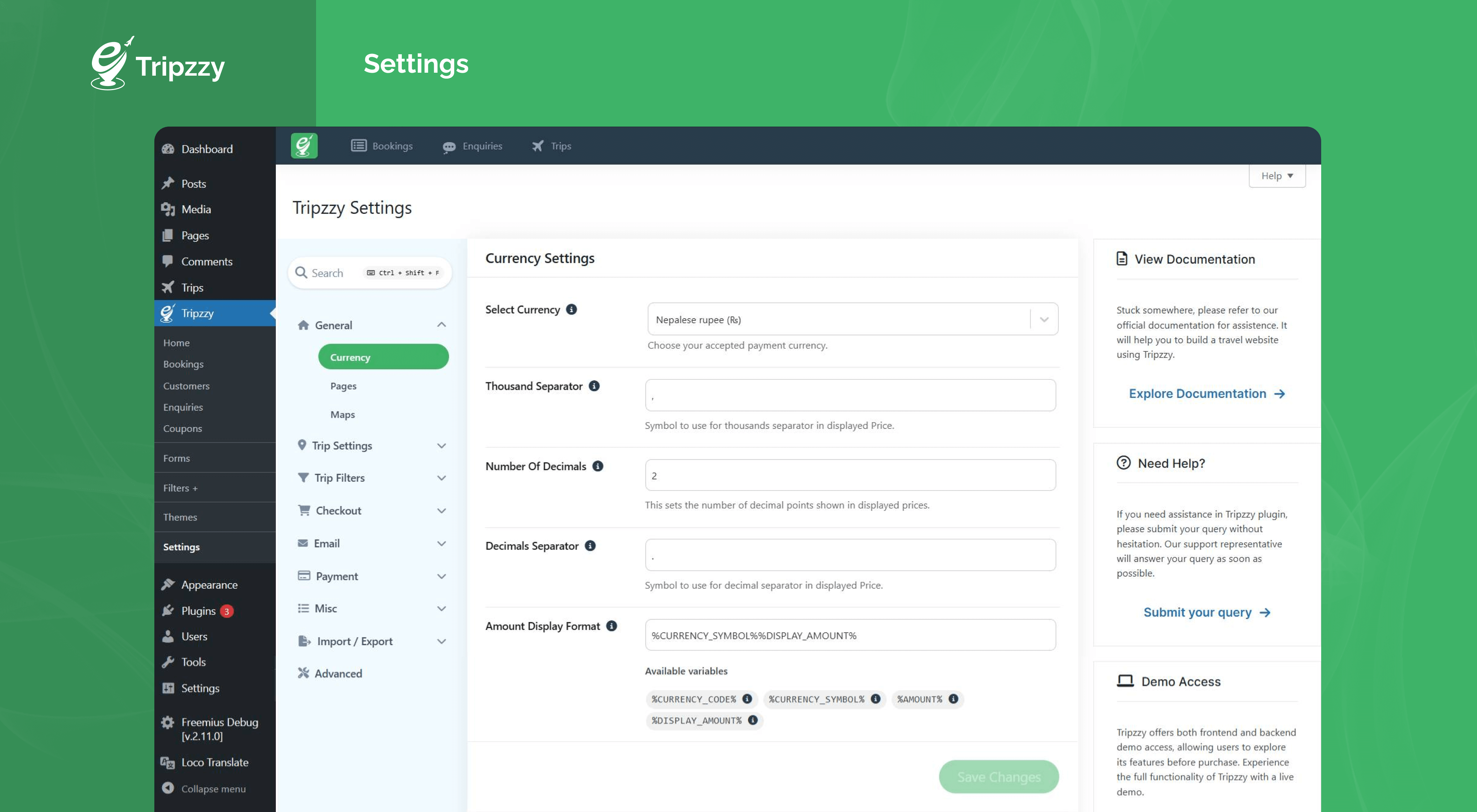
Admin : Trip Settings 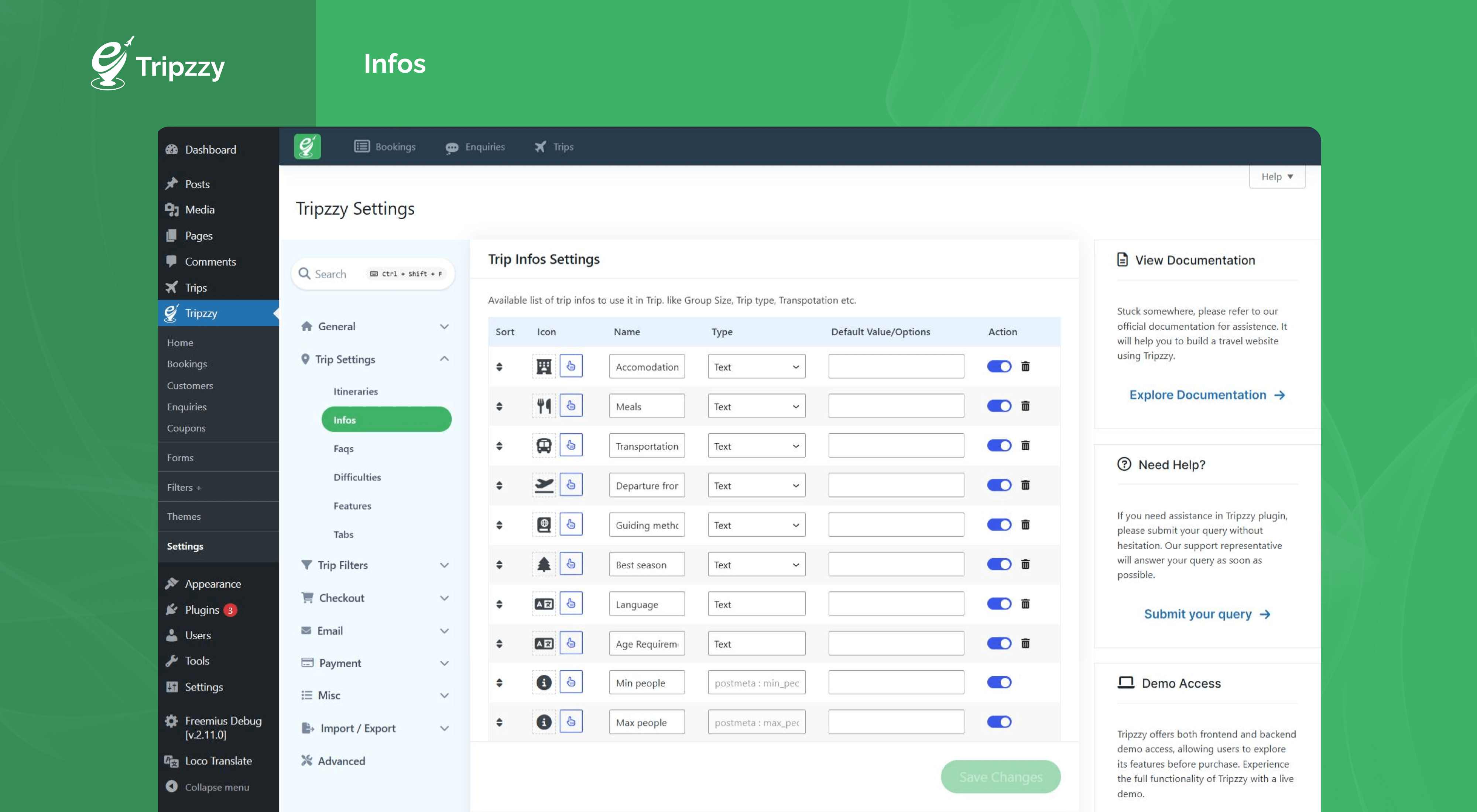
Admin : Trip Infos Settings 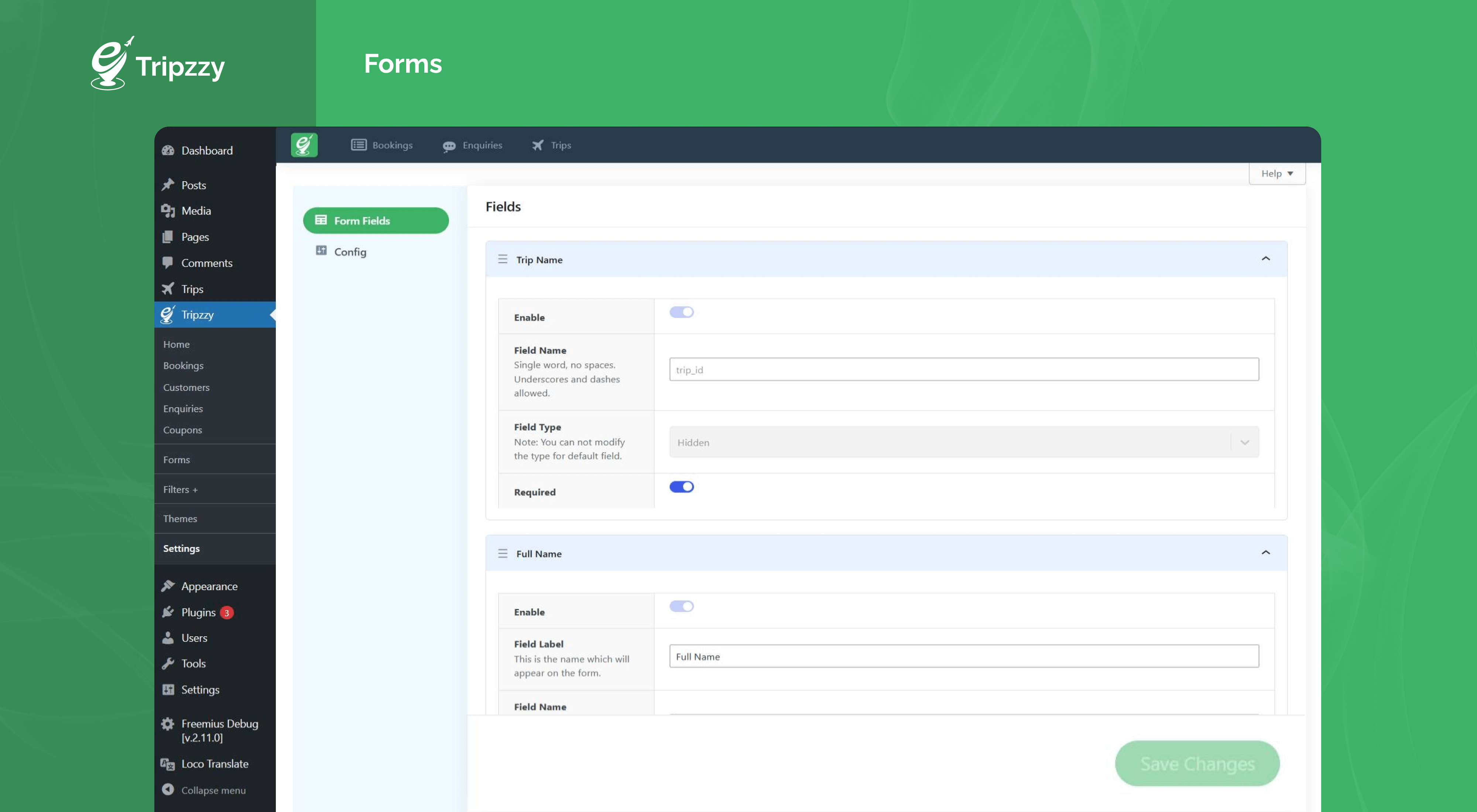
Admin : Forms


Bloques
Este plugin proporciona 8 bloques.
- Tripzzy Trips List trips as per selected taxonomies. i.e Trip type, Trip Destination, Trip activities etc.
- Slider Display your images in a horizontal carousel.
- Icon Picker Icon Picker allows users to easily search, select, and insert icons directly into your page.
- Icon Box Icon Box allows users to easily search, select, and insert icon along with text directly into your page.
- Tripzzy Trip Taxonomies List all Trip Taxonomy terms.
- Tripzzy Search Search trips according to the provided search fields.
- Tripzzy Trip Slider Display trip / video slider as per option selected.
- Slide Single Slide block to be used with Slider block
Instalación
Using The WordPress Dashboard
- Navigate to the ‘Add New’ on the plugins dashboard page.
- Search for «Tripzzy».
- Click Install Now.
- Activate the plugin on the Plugin dashboard page.
Uploading in WordPress Dashboard
- Download tripzzy.zip
- Navigate to the ‘Add New’ on the plugins dashboard page.
- Navigate to the ‘Upload’ section.
- Select tripzzy.zip from your computer.
- Click ‘Install Now’.
- Activate the plugin on the Plugin dashboard page.
Using FTP
- Download tripzzy.zip
- Extract the tripzzy directory to your computer
- Upload the tripzzy directory to the /wp-content/plugins/ directory
- Activate the plugin in the Plugin dashboard.
FAQ
-
Where can I get support?
-
If you get stuck and need assistance, you can ask for help in the Tripzzy Support Forum.
-
Do I need to have coding knowledge to use Tripzzy?
-
No. To utilize Tripzzy, you don’t need to know how to code. Alternatively, you can make a travel booking website by following our documentation step-by-step.
-
Do you have Tripzzy-supported themes?
-
Yes, We have recently added Tripzzy Supported Themes which is Tripzzy compatible. Additionally, Tripzzy is tested with most WordPress themes. So, it should work perfectly with any theme.
-
Do you have a Payment gateway integrated into Tripzzy?
-
Yes, We have a PayPal Payment gateway integrated with Tripzzy. For additional Payment gateway Please contact Tripzzy Support Forum.
-
I have further questions. Where can I contact you?
-
Please send us an email via support ticket, and we will be happy to help you.
Reseñas


Colaboradores y desarrolladores
«Tripzzy – Travel Engine System» es un software de código abierto. Las siguientes personas han colaborado con este plugin.
Colaboradores
Traduce «Tripzzy – Travel Engine System» a tu idioma.
¿Interesado en el desarrollo?
Revisa el código , echa un vistazo al repositorio SVN o suscríbete al registro de desarrollo por RSS.
Registro de cambios
1.3.6 – 7th December 2025
- Compatibility: WordPress 6.9 compatibility update.
- Tweaks: Google Map Library replaced with React Google Map/API.
- Fixes: Fixed the Admin Settings page and Trip Pricing tab error in WordPress 6.9
- Fixes: Fixed Export Tripzzy not working in WordPress 6.9
- Style: Removed border radius on email content editor.
1.3.5 – 24th November 2025
- New: Added GDPR Consent on checkout.
- Tweak: Added Icon Change option in Trip Search Block.
- Update: Updated Font Awesome to v7.2.
- Fixes: Fixed Error on Homepage after activation due to recent changes.
- Fixes: Fixed Email Template settings section scroll issue.
- Fixes: Dashboard Page redirects to the redirect URL instead of the profile tab.
- Fixes: Fixed Import and export issues.
1.3.4 – 16th October 2025
- New: Added Booking via admin to book a trip on behalf of a customer.
- New: Added Filter by Trip date.
- New: Added the Trip date field in the search form.
- Fixes: No trips are displayed when the duration filter is applied.
- Fixes: Duration label showing plural even if the duration is one.
- Fixes: Fixed issue with decimal places in settings when a value is empty.
- Tweaks: Added status circle before booking details heading in the admin booking detail page.
