
Deskripzioa
Media Slider helps you create engaging image and video slideshows for your WordPress site. Whether you want to showcase a photo gallery, display product images, or embed video content, this slider handles it all in one place.
View Free Demo: Media Slider | View Pro Demo: Media Slider Pro
Learn More About Pro: Media Slider Pro | Purchase Pro: Buy Slider Factory Pro
The plugin works with images from your media library and supports YouTube and Vimeo videos. You can add unlimited slides to each slider and display them anywhere using a simple shortcode. Each slide can include a title, description, and custom link.
What You Can Create:
- Image slideshows with smooth transitions
- Video slideshows (YouTube, Vimeo supported)
- Mixed media sliders (images + videos together)
- Carousel layouts with multiple visible slides
- Thumbnail navigation sliders
- Full-width and boxed sliders
Key Features (Free Version):
- Responsive design that adapts to all screen sizes
- Fade and slide transition effects
- Previous/Next navigation arrows
- Thumbnail navigation option
- Custom slider dimensions
- Autoplay with adjustable speed
- Full-screen slider mode
- Widget support for sidebars
- Works with any WordPress theme
- No coding required
Pro Version Features:
The premium version includes additional customization options for professional websites:
- 4+ navigation arrow styles
- 3+ thumbnail display styles
- 9+ text position options for slide captions
- Advanced video controls (autoplay, loop, mute)
- Breakpoint settings for different devices
- 3+ image scaling modes
- Force size option to maintain exact dimensions
- Priority support
Free vs Pro Comparison:
Free Version:
* Unlimited sliders and slides
* Image and video support
* Basic navigation (arrows, thumbnails)
* Fade effect
* Responsive design
* Widget ready
* Shortcode embed
Pro Version (Everything in Free, plus):
* Multiple navigation styles
* Multiple thumbnail styles
* Advanced text positioning
* Video autoplay and loop controls
* Device-specific breakpoints
* Image scaling options
* Dedicated support
How to Use:
- Go to Media Slider menu in your dashboard
- Click “Add New Slider” to create a slider
- Upload images or add video URLs
- Configure slider settings as needed
- Copy the shortcode and paste it in any page or post
Support
Have questions or found a bug? Post your query on our support forum. We respond to all requests within 24-48 hours.
Pantaila-argazkiak

Slider Preview – Frontend display 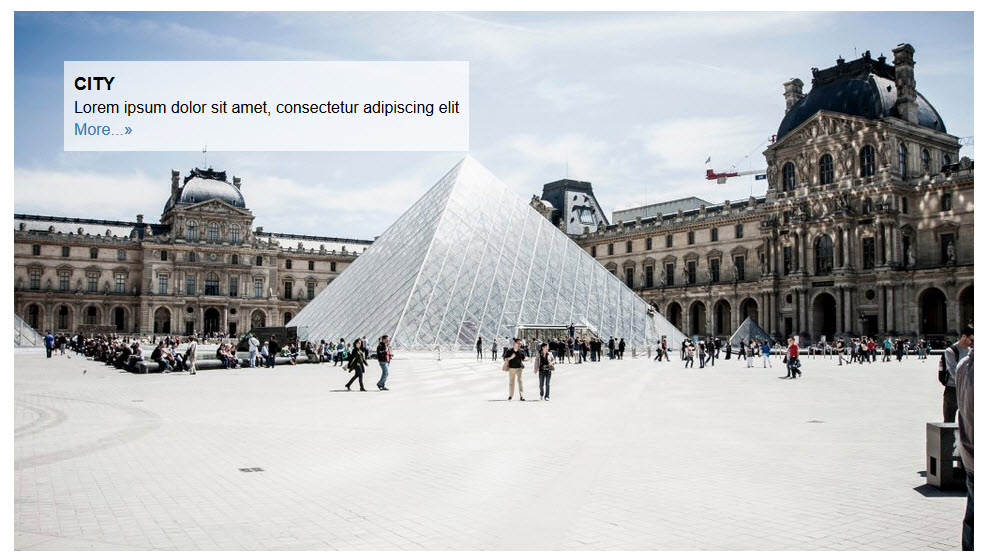
Slider Preview – With thumbnails 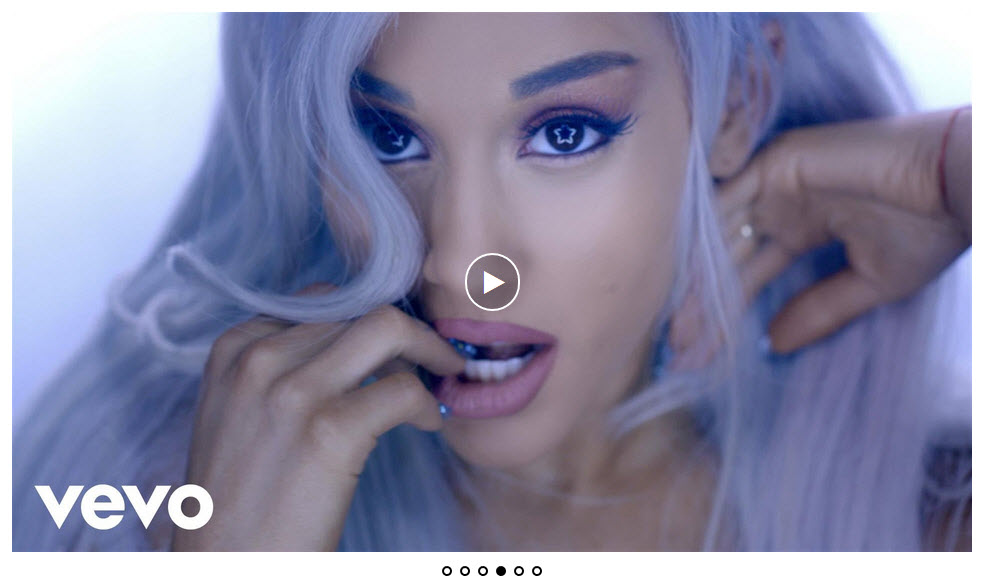
Slider Preview – Video slider 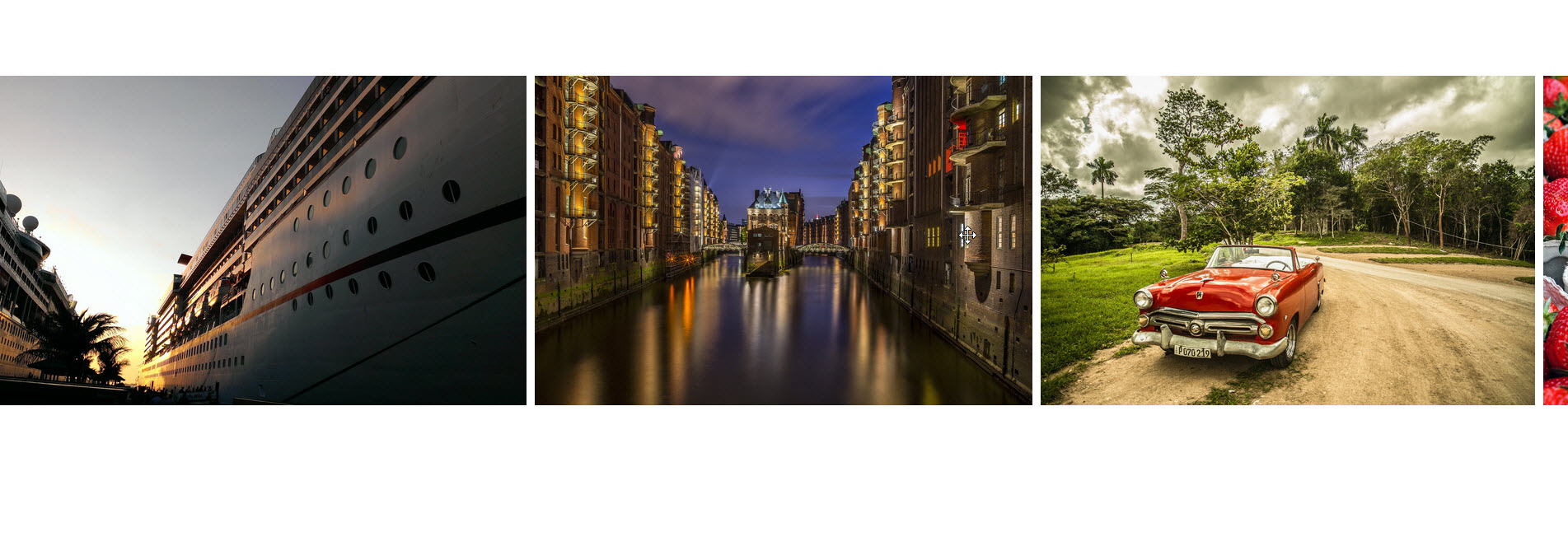
Slider Preview – Admin settings


Instalazioa
- Upload the plugin folder to
/wp-content/plugins/directory, or install directly through the WordPress plugins screen. - Activate the plugin through the ‘Plugins’ menu in WordPress.
- Navigate to Media Slider in your admin menu.
- Click “Add New Slider” and start adding your images or videos.
- Configure slider settings according to your needs.
- Copy the generated shortcode from the slider settings page.
- Paste the shortcode into any page, post, or text widget where you want the slider to appear.
MEG
-
How do I create a new slider?
-
Go to Media Slider in your WordPress dashboard, click “Add New Slider”, upload your images or add video URLs, configure the settings, and save. You will get a shortcode to embed the slider anywhere on your site.
-
Can I add both images and videos in the same slider?
-
Yes, Media Slider supports mixed media. You can combine images from your media library with YouTube and Vimeo videos in a single slider.
-
Is the slider mobile responsive?
-
Yes, the slider automatically adjusts to fit any screen size. Your slides will look good on desktops, tablets, and mobile phones.
-
How do I display the slider on my website?
-
After creating a slider, copy the shortcode shown at the bottom of the slider settings page. Paste this shortcode into any page, post, or text widget where you want the slider to appear.
-
The free version includes standard navigation arrows. The Pro version offers 4+ different arrow styles to match your site design.
-
What video platforms are supported?
-
The plugin supports YouTube and Vimeo videos. Simply paste the video URL when adding a new slide.
-
How many sliders can I create?
-
There is no limit. You can create as many sliders as you need, each with unlimited slides.
-
Can I add text captions to my slides?
-
Yes, each slide supports a title and description. The Pro version offers 9+ text positioning options for precise placement.
-
Does this work with page builders?
-
Yes, you can use the shortcode in any page builder that supports shortcodes, including Elementor, Beaver Builder, and Divi.
-
How do I enable autoplay?
-
In the slider settings, look for the autoplay option and enable it. You can also set the delay time between slides.
-
Can I show thumbnails below the slider?
-
Yes, thumbnail navigation is available in both free and Pro versions. Enable it from the slider settings.
-
What is the difference between free and Pro version?
-
The free version includes all core features for creating image and video sliders. The Pro version adds more navigation styles, thumbnail styles, advanced text positioning, video controls, and priority support.
Berrikuspenak


Laguntzaileak eta Garatzaileak
“Slider for Photos Images Videos” software librea da. Ondoko pertsonek egin dizkiote ekarpenak plugin honi.
Laguntzaileak


Slider for Photos Images Videos 1 eskualde-ezarpenera itzuli da. Eskerrik asko itzultzaileei beraien ekarpenengatik.
Itzul zaitez Slider for Photos Images Videos zure hizkuntzara.
Garapena interesatzen zaizu?
Araka kodea, begiratu SVN biltegia edo harpidetu garapen erregistrora RSS bidez.
Aldaketen loga
1.5.1
- Text domain error fixed.
- Tested with WordPress 6.8.3
1.5.0
- Bug fixes.
- Tested with WordPress 6.8.1
1.4.9
- Bug fixes.
- Tested with WordPress 6.7.2
1.4.8
- Bug fixes.
- New plugin icons and banner updated.
- Tested with WordPress 6.7.1
1.4.7
- Bug fixes.
- Tested with WordPress 6.7.1
1.4.6
- Bug fixes.
- Tested with WordPress 6.6.2
1.4.5
- Tested with WordPress 6.6.2
1.4.4
- Tested with WordPress 6.6.1
1.4.3
- Tested with WordPress 6.5.4
1.4.2
- Fixed multiple gallery shortcode issues.
- Tested with WordPress 6.4.3
1.4.1
- Security improvements.
- Tested with WordPress 6.4.3
1.4.0
- Security improvements.
- Tested with WordPress 6.4.3
