
What you can do with
Segmentation
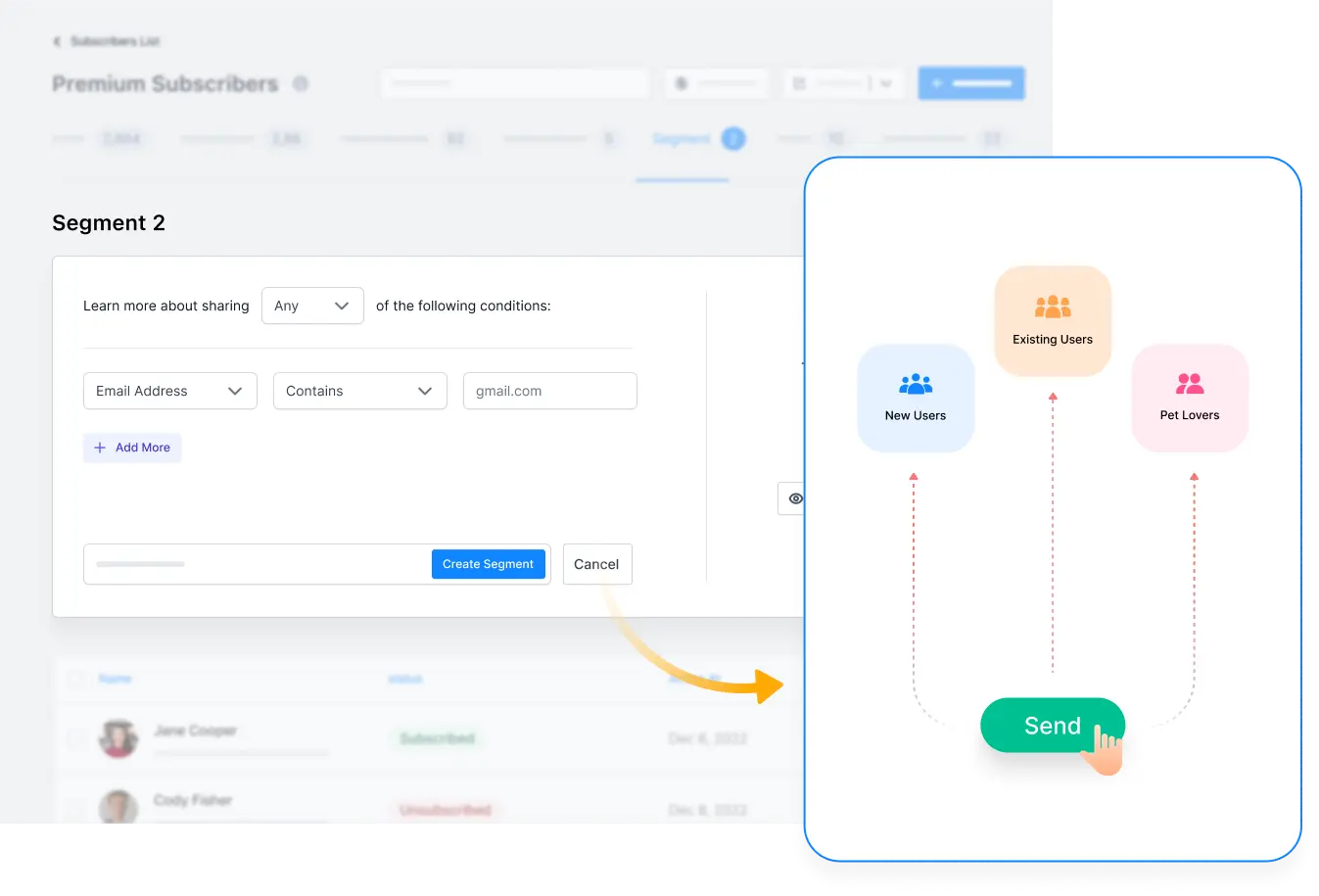
Define your target group
Find or filter your subscribers using required criteria to define the target audience easily.
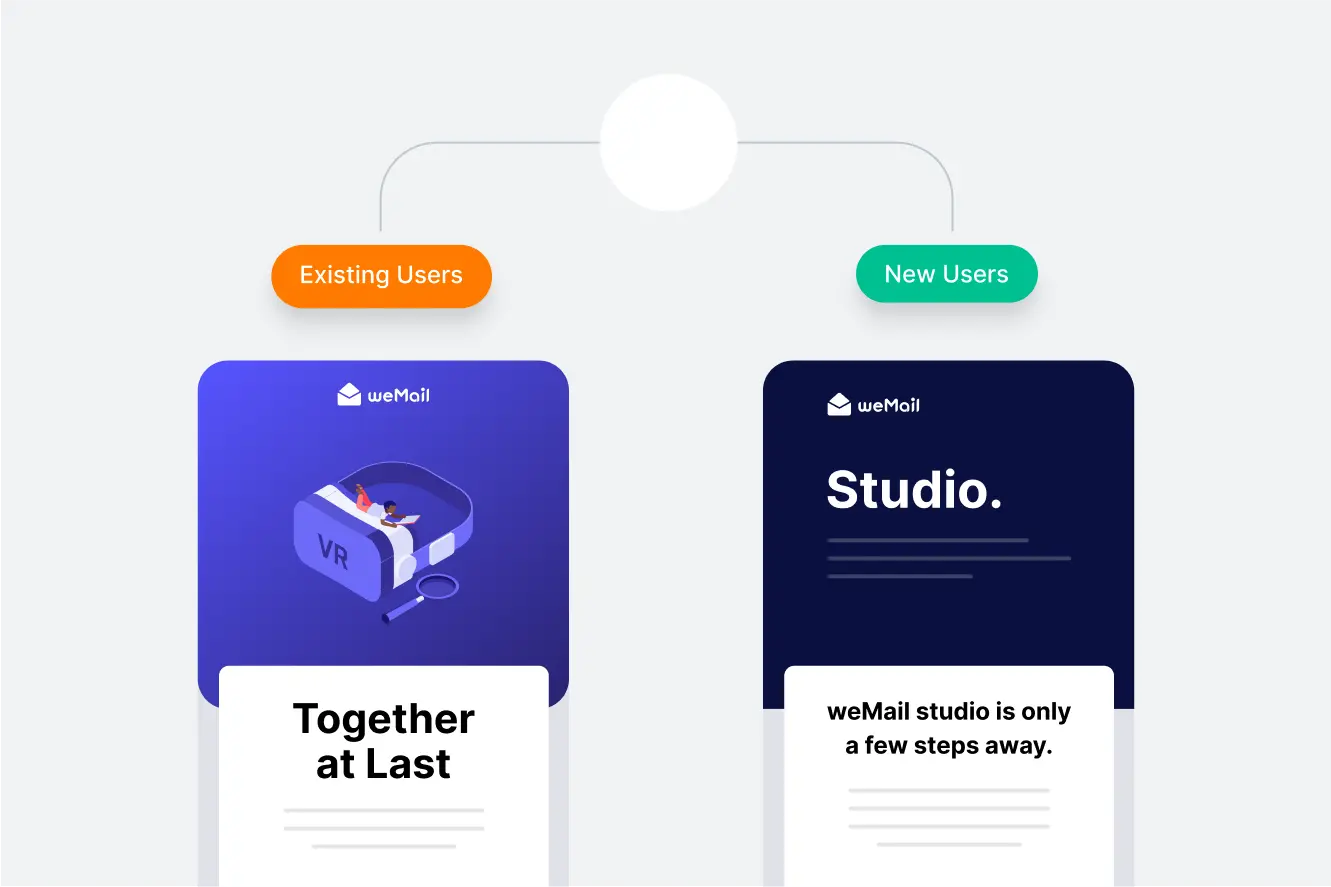
Create message that’s personal
When you know your audience’s attributes, you get to tailor your messages accordingly.
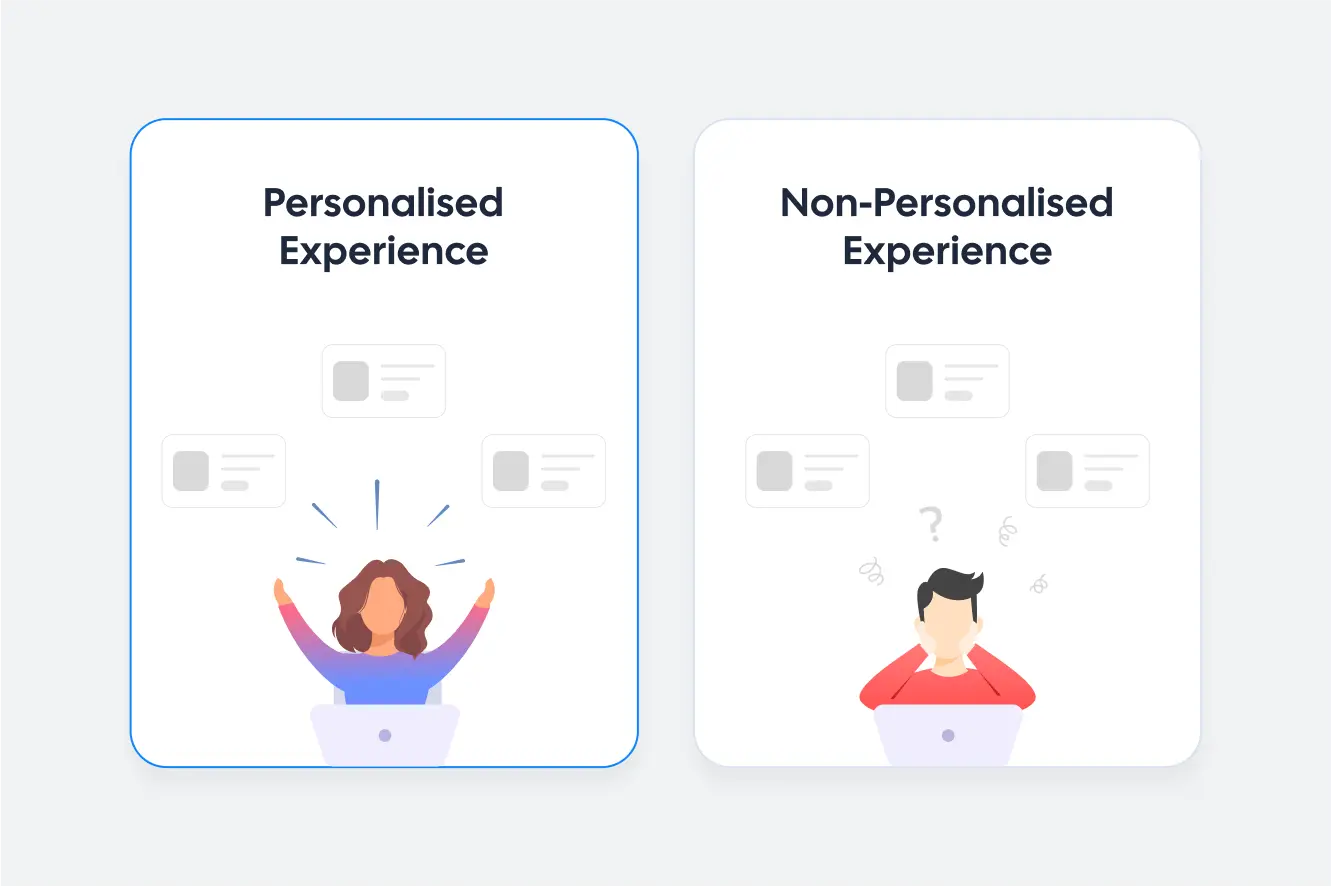
Scale up conversion rate
When you send relevant emails, that too at proper time, the chance of conversion increases.
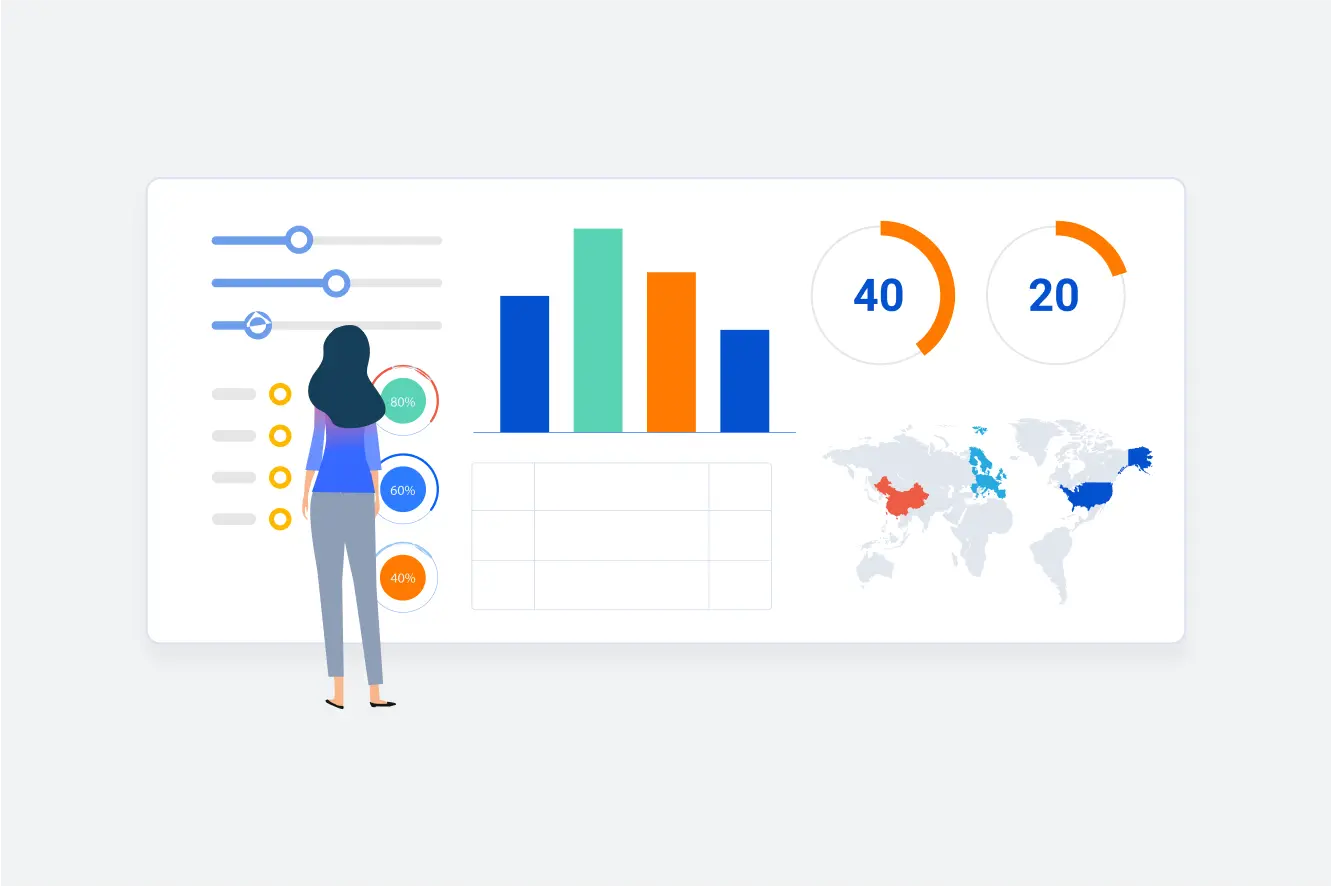
Test & improve your strategy
Try out your marketing strategies with small segments before using them for the entire audience.
Endless ways to segment
Approach the right audience in the right way
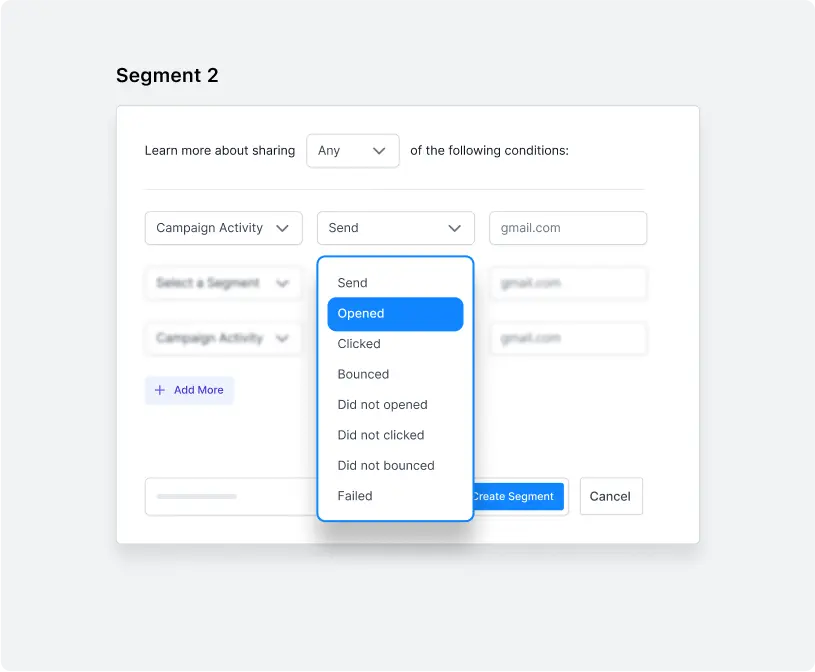
Campaign activity
Refine who opened or not, clicked or not previously sent campaign(s).
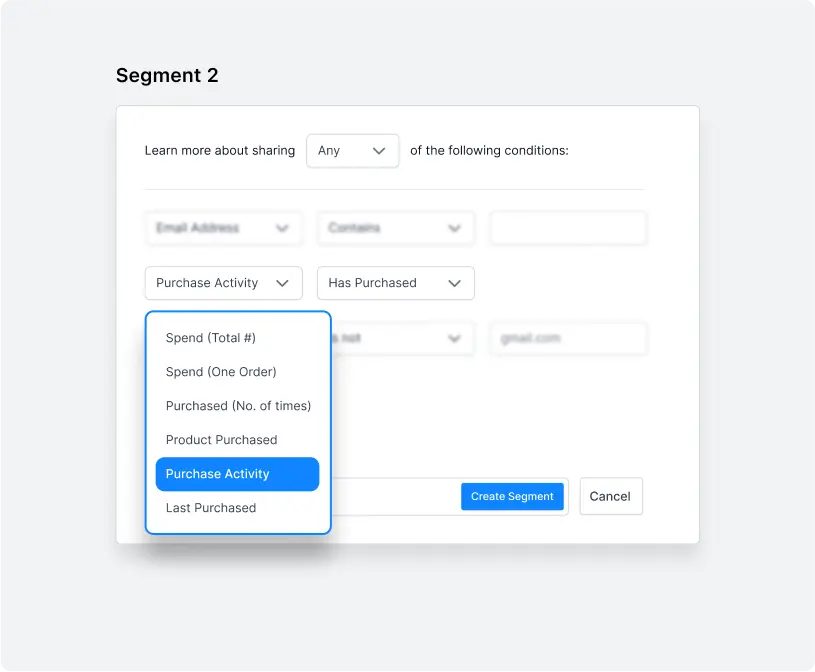
Purchase activity
If someone purchased or not, total spent, items purchased, and more.
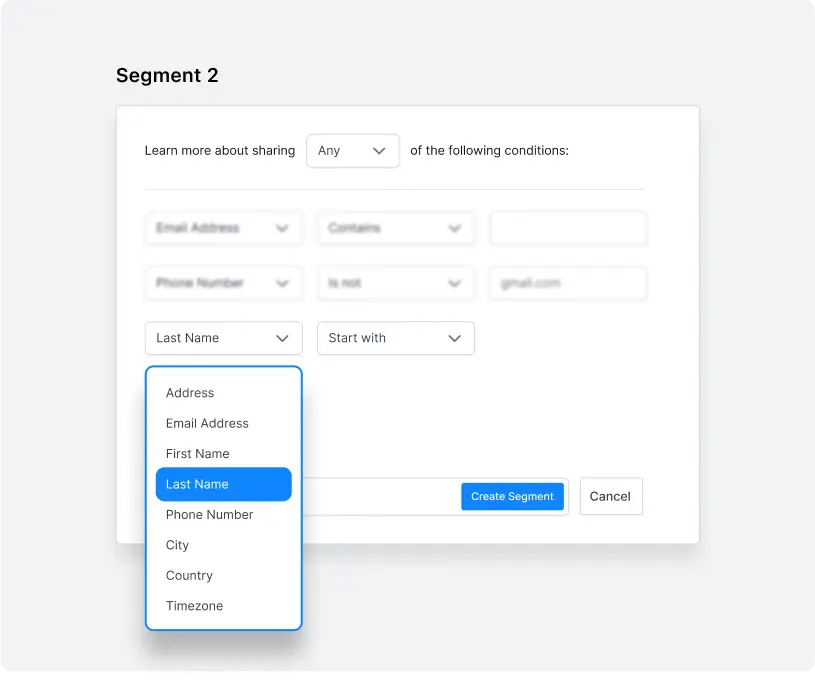
Default fields
Utilize individual fields like email address, name, timezone, country, etc.
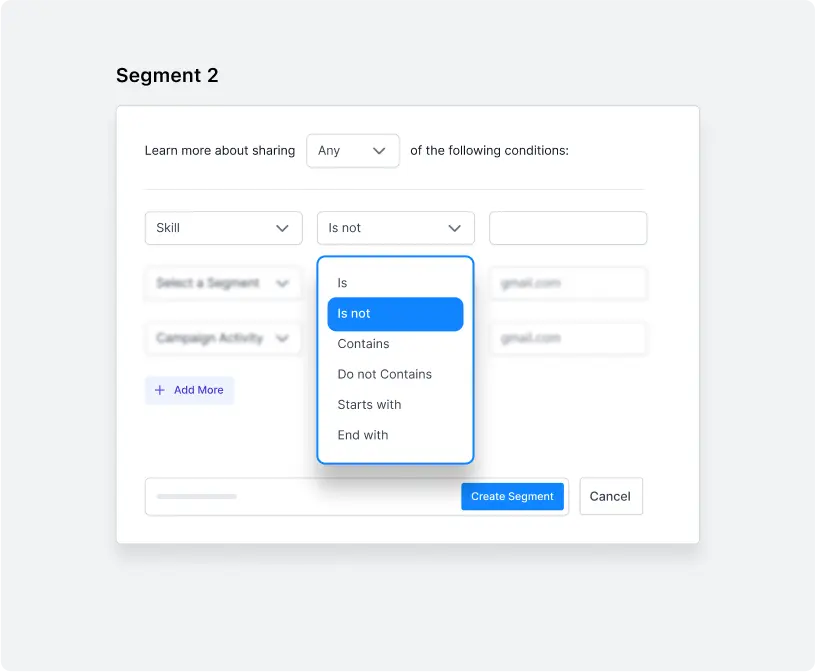
Custom fields
Use those extra fields you added to store custom data to segment.
Combine multiple rules to get more
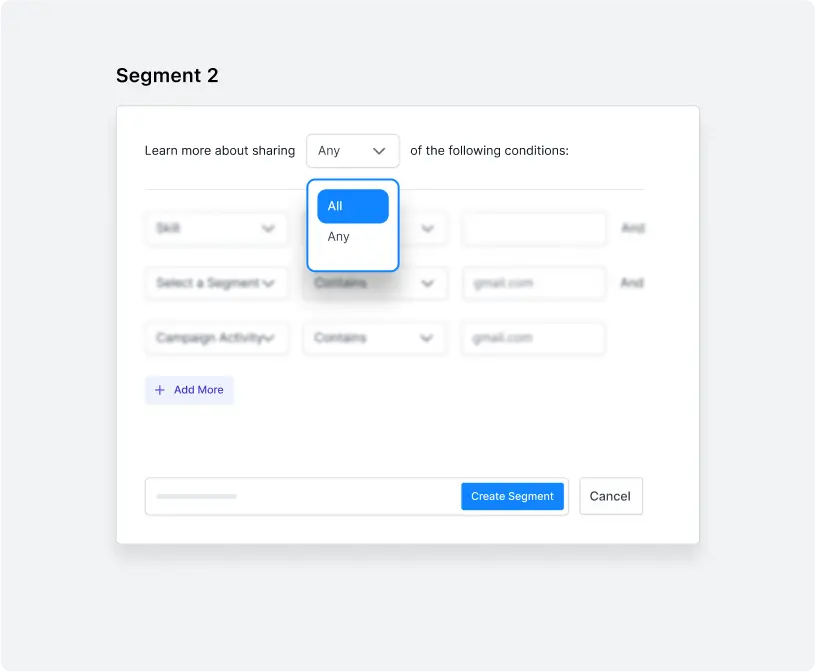
Use the AND/OR logic to merge multiple conditions and generate your desired segments just the way you need.
Utilize tags
to categorize contacts
Automate the tag assigning process
When someone visits a page, purchases a product, or perform other actions, automatically add a tag based on their activity.
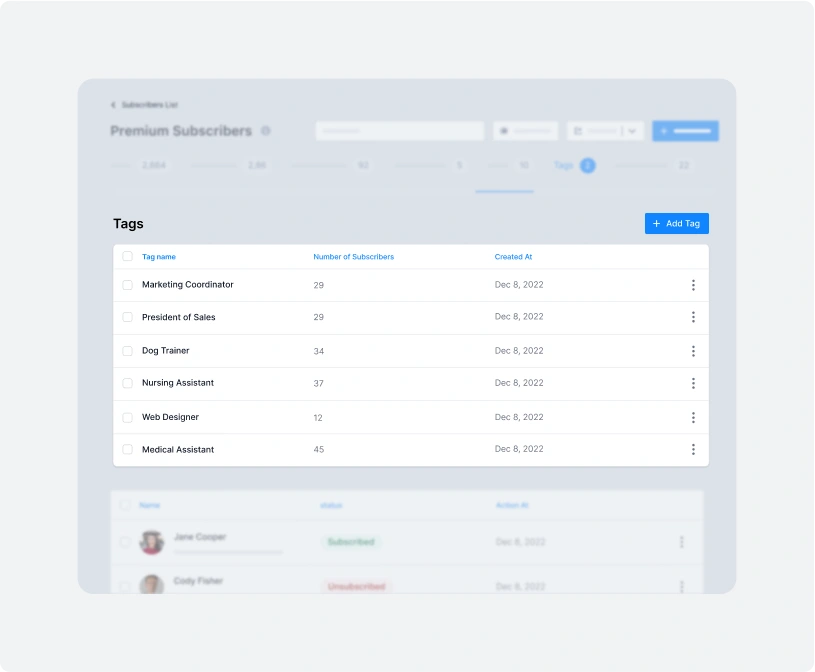
Manually tag individual or bulk contacts at once
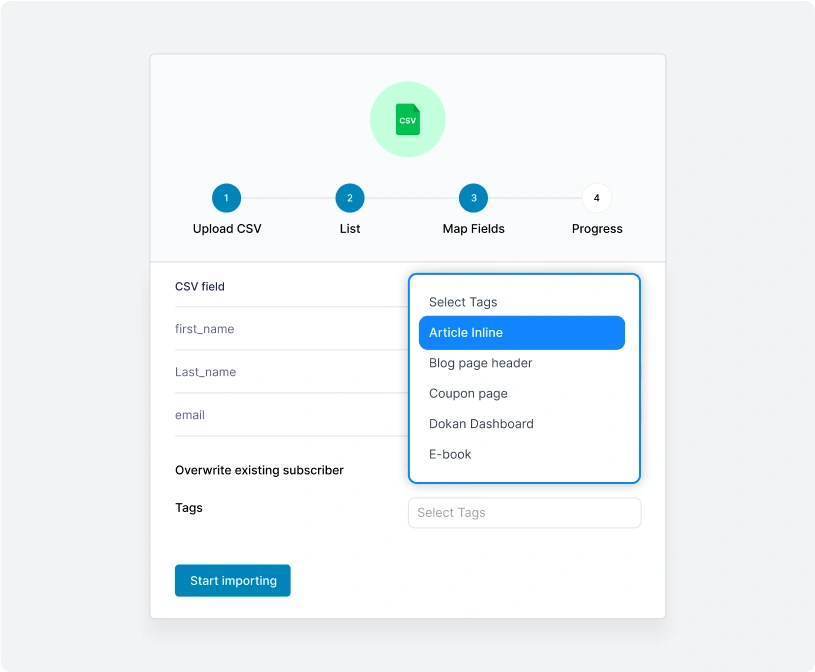
Based on engagement level, history, demographic, or other criteria, you can manually put a tag on your subscribers. Bulk tagging is also available during importing contacts.
Personalize your content with real-time data
Deliver relevant content to the right audience, improve engagement and conversions efficiently.

Send single campaign to multiple
lists and segments so that no one
receives duplicate emails.
Utilize the Exclude Recipients
option to keep out subscribers
from certain lists, segments, or
tags who shouldn’t receive a
certain campaign.
Use short-codes to personalize content for every single users and reach your marketing goals more efficiently.
And that’s nowhere near everything
Packed with more powerful features, weMail ensures you get a complete package for list building, subscriber management, timely communication – everything your email marketing requires.

Full activity of contacts

weMail time warp

Double opt-in confirmation

Popup forms to collect leads

Custom fields

Permission management

Slide-in form to collect leads

Exclude tags/list before sending

Advanced segmentation

Suppressions & auto clean

Detailed stats & digests

Add contacts remotely with API key



