Note: Custom consent requirements are available to customers on our Bundle subscription or have the Branding & Customization add-on.
To customize your consent checkbox text, first ensure you are the account owner. Then, head to Custom library in the main navigation bar > Messages.
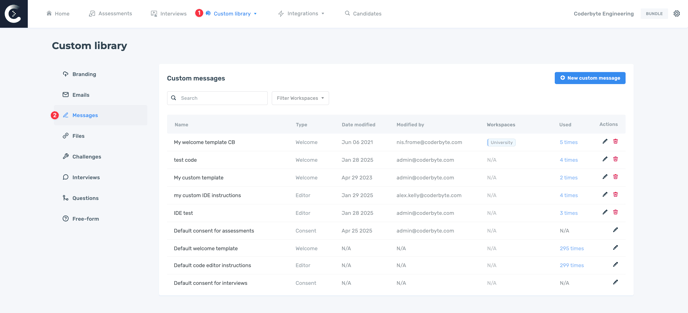
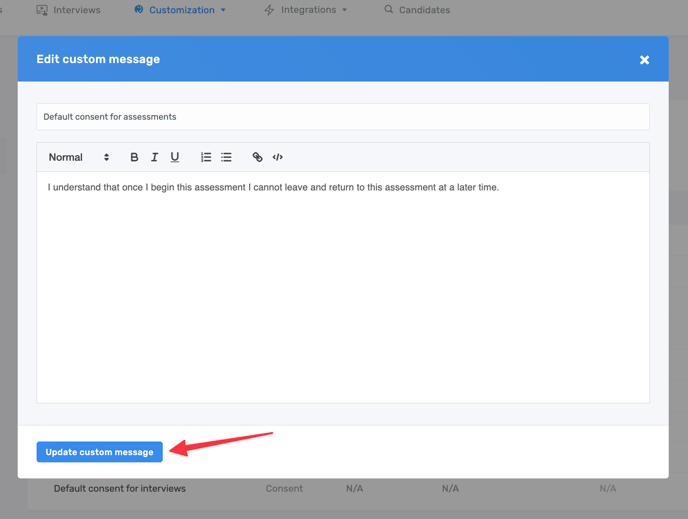
Click Edit on either the Default consent for assessments and/or Default consent for interviews to see a modal appear where you can edit your message.
Assessments
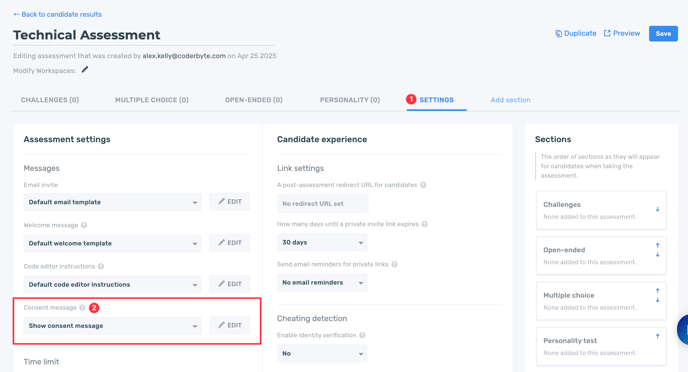
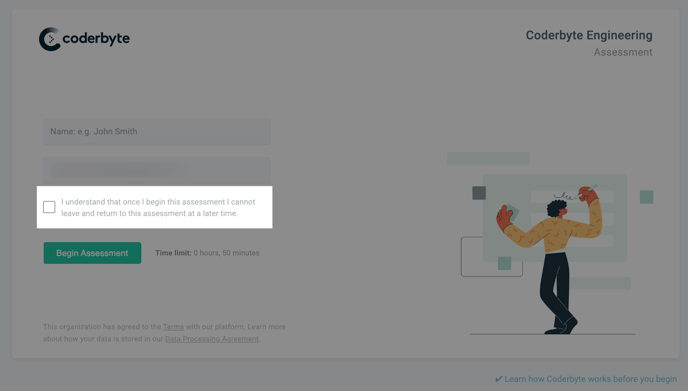
On assessments you can choose whether you want to show the consent checkbox or hide it. First, Edit any assessment, then go to the Settings, and select Show consent message or Do not show consent message.
By default, all assessments will show a consent checkbox with the following text:
Interviews
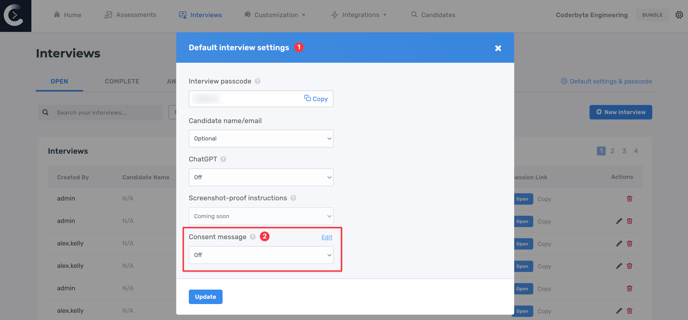
Interviews will have the consent checkbox and text hidden by default. To show your consent message go to Interviews in the main navigation bar. Then, click on Default settings & passcode. When the modal appears select on for Consent message.
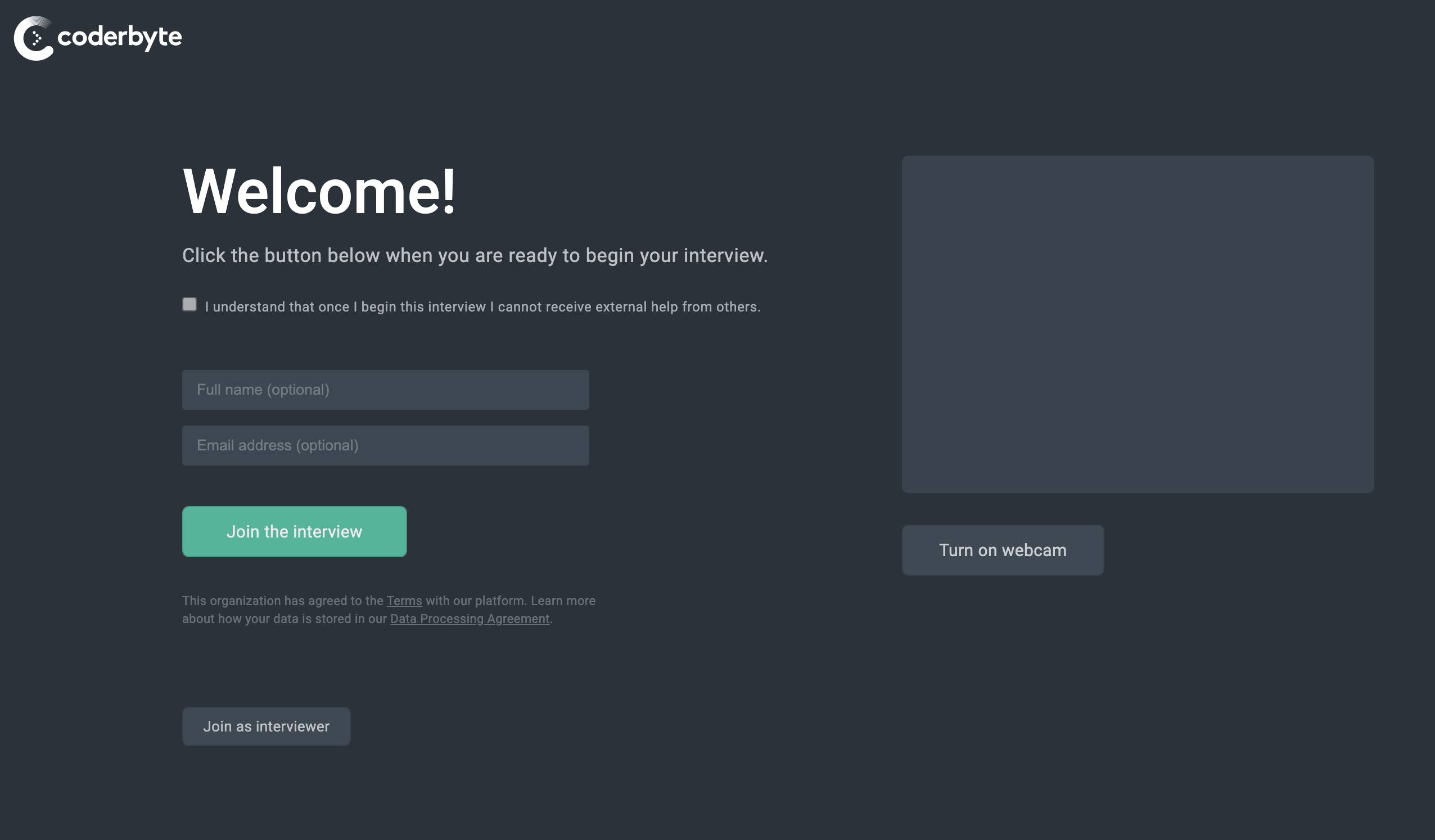
All interviews will show the following consent message until you customize the default template: