

Description
Cursor Image Lite is a lightweight and beginner-friendly plugin that allows you to replace the default mouse cursor on your WordPress site with a custom PNG cursor image. It works with any theme and requires no coding knowledge.
This plugin is ideal for websites that want a unique visual experience, such as portfolios, creative blogs, design studios, landing pages, gaming sites, and personal projects.
You can customize:
— A primary PNG cursor image
— An optional hover-state PNG image (shown on links, buttons, etc.)
— Custom cursor sizes using pixel-based controls for each image
Cursor Image Lite provides a simple way to personalize the look and feel of your website by using custom mouse pointers.
Features
- Set a custom mouse cursor image (PNG)
- Optional hover-state cursor image
- Compatible with all major browsers
- Works with any WordPress theme
- Lightweight — minimal performance impact
- No coding required
- Automatic fallback to the native cursor
- Clean and simple settings page
Screenshots
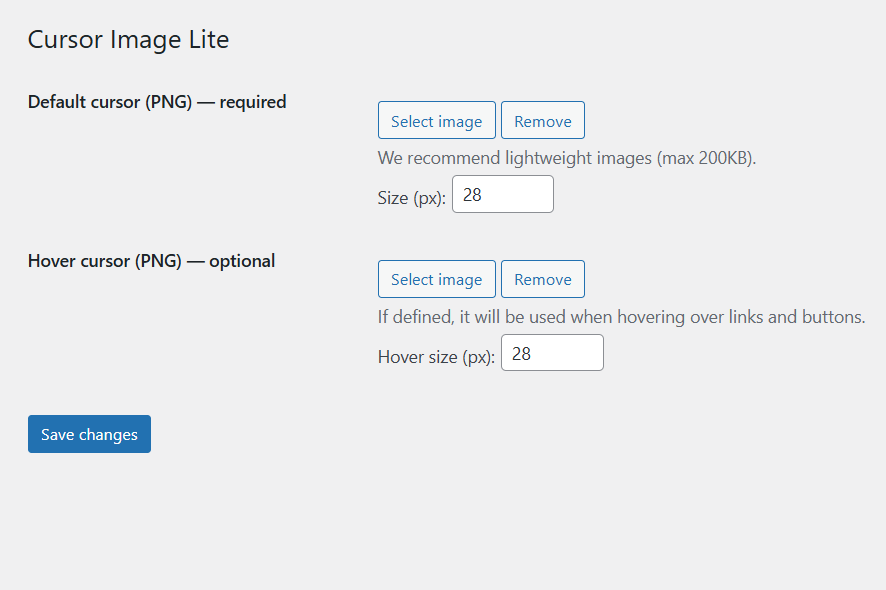
Settings screen with upload fields for the primary and hover PNG cursor images. 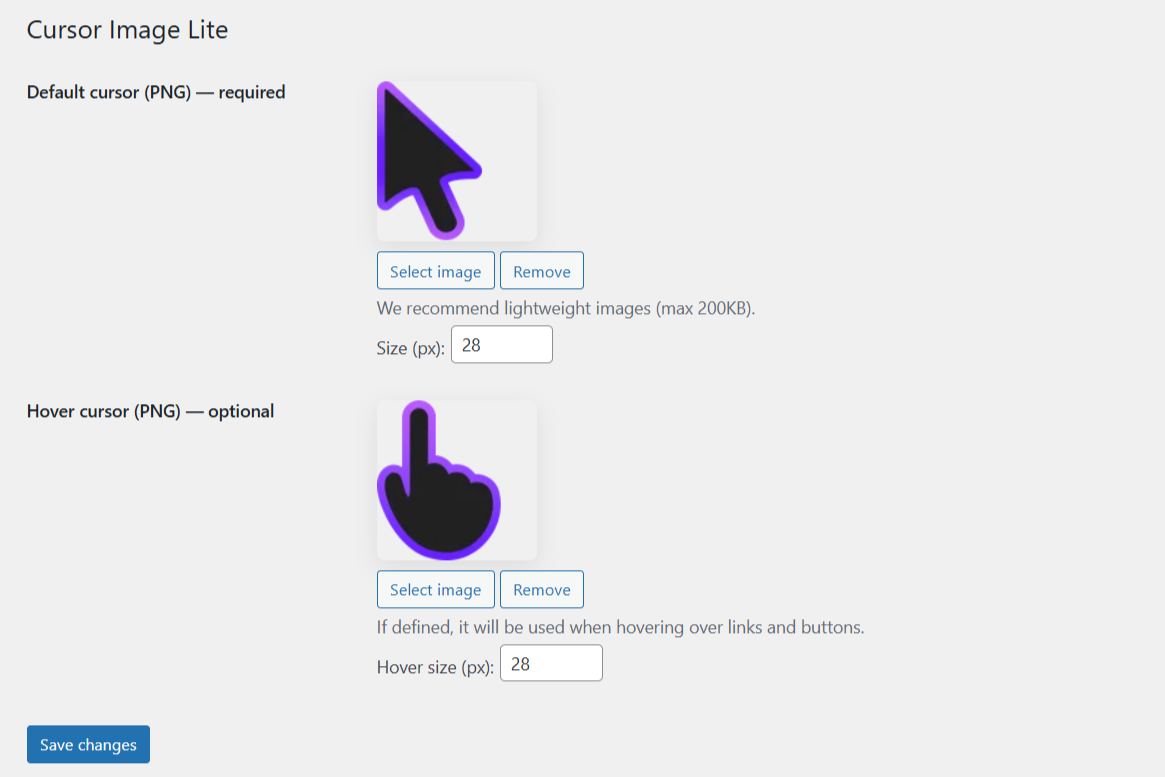
Settings screen after selecting both cursor images, showing how the custom PNG files appear when configured. 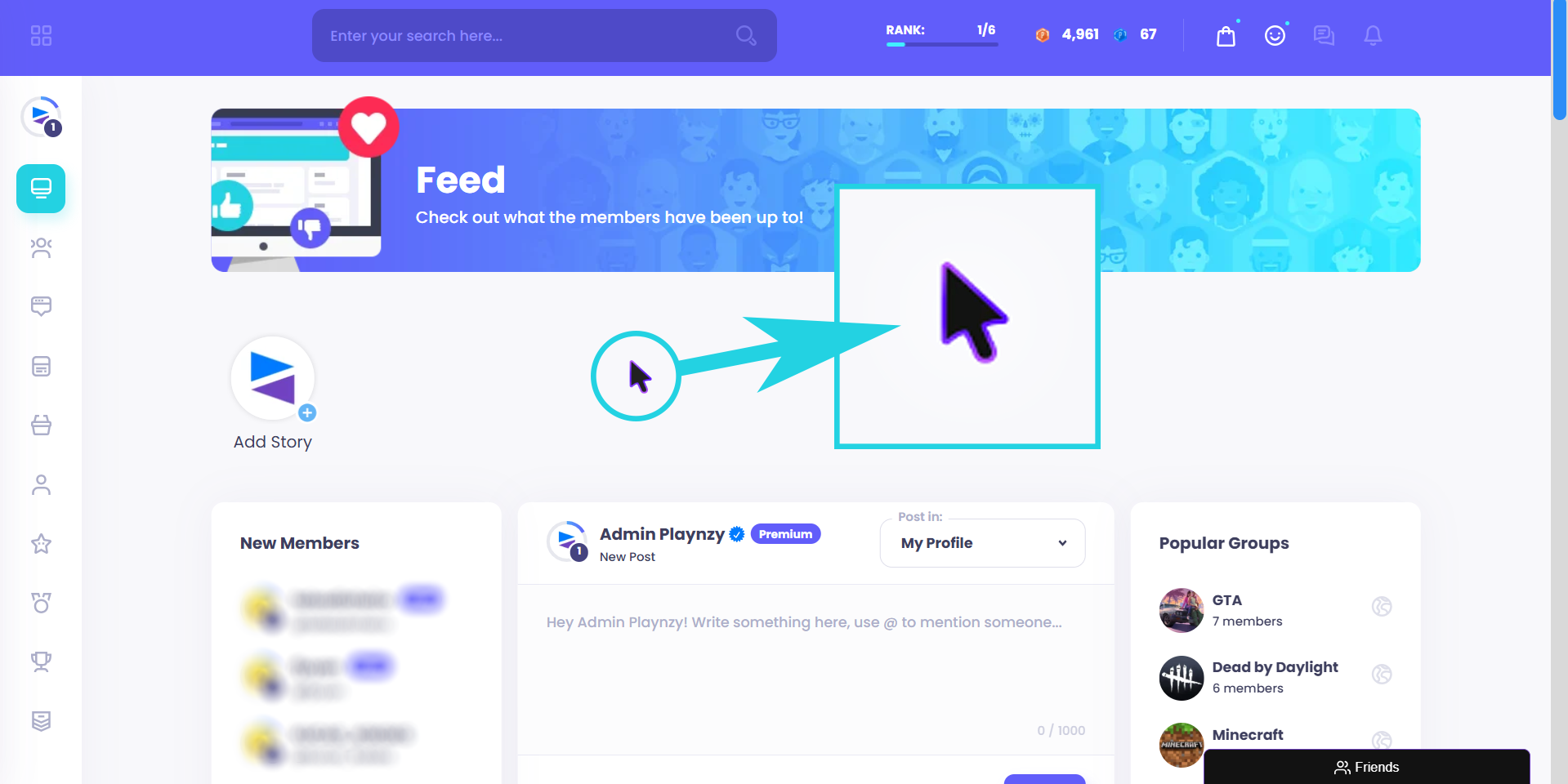
Front-end preview demonstrating the custom cursor in action on a live website.


Installation
- Upload the plugin files to
/wp-content/plugins/cursor-image-liteor install directly through the WordPress Plugins page. - Activate the plugin through the “Plugins” menu in WordPress.
- Go to Settings Cursor Image Lite.
- Upload your PNG cursor image and optional hover image.
- Save your settings.
- Your custom cursor will be applied immediately.
FAQ
-
What image formats are supported?
-
The plugin currently supports only PNG images. Transparent PNGs are recommended for best results.
-
Does the plugin work on mobile devices?
-
Most mobile browsers do not display custom cursors. In these cases, the system’s default cursor or touch behavior will be used.
-
What happens if I remove all images?
-
The browser will automatically revert to the default cursor.
This issue was improved in version 1.0.1. -
Does it work with page builders?
-
Yes. The plugin works with all major page builders because it applies cursor styles globally.
Reviews

Contributors & Developers
“Cursor Image Lite” is open source software. The following people have contributed to this plugin.
Contributors
Translate “Cursor Image Lite” into your language.
Interested in development?
Browse the code, check out the SVN repository, or subscribe to the development log by RSS.
Changelog
1.0.3
- Fixed: Custom cursor no longer appears on mobile and tablet devices (touch-enabled devices).
- Improved: Added notice in settings page clarifying that custom cursors are only applied to the website frontend, not the WordPress admin panel.
1.0.2
- Improved: Support notice now has two action buttons — «Never show again» (dismisses permanently) and «Remind me in 2 days» (defer reminder).
- Fixed: Support notice now respects the defer option and reappears correctly after 2 days instead of persisting indefinitely.
1.0.1
- Fixed: native cursor not appearing when no images were selected.
1.0.0
- Initial release.
