

説明
Library Management System is a WordPress plugin designed to streamline and enhance the management of libraries, offering an intuitive and powerful solution for organizing books, users, bookcases, transactions, etc. Whether you are running a small community library or a large institutional library, our plugin provides the tools you need to operate efficiently and effectively.
Empower Your Institution with Our LMS Plugin
✔ Limitless Organization: Seamlessly manage an unlimited number of categories, bookcases, sections, and books, providing unparalleled flexibility in library organization.
✔ User Management: Effortlessly handle unlimited user branches and LMS users, empowering administrators to efficiently manage access and permissions across the system.
✔ Streamlined Transactions: Enable users to borrow and return multiple books simultaneously, while the system meticulously tracks transactions and maintains a comprehensive history.
✔ Comprehensive Multilingual Support: Cater to a global audience with multilingual support for 5 languages – English, Hindi, Turkish, Vietnamese, and Italian – ensuring inclusivity and accessibility.
✔ Robust Data Management: Utilize advanced tools for data management, including a test data import tool, CSV data import, and a data backup tool for seamless export and import operations.
✔ Detailed Reporting: Generate detailed reports in PDF, print, or CSV format with customizable filters, providing valuable insights into library usage and trends.
✔ Flexible Listing Options: Customize book listings with filters via shortcode, enabling users to easily navigate and discover library resources based on their preferences.
✔ Interactive Public LMS Page: Enhance user experience with a public LMS page featuring data filters for category and book availability, empowering users to explore the library’s offerings effortlessly.
✔ Enhanced Viewing Experience: Provide users with a rich viewing experience through a dedicated single book page view, facilitating in-depth exploration of individual titles.
✔ Tailored Settings: Customize settings according to your institution’s specific requirements, including options for borrow days, fines, country, currency, data backup, and shortcode configurations.
✔ WooCommerce Integration: Integrate with WooCommerce to sell books directly from your library store, combining the power of e-commerce with library management.
✔ Multi-Librarian Support: Allow one or more librarians to manage the library, ensuring smooth operations even with multiple staff members.
✔ Public Book Requests: Enable users to request to borrow books from a public page, making it easy for them to access the library’s resources.
✔ Self-Checkout and Return: Users can self-checkout and self-return books from a public page, providing a convenient and efficient experience.
✔ User History Shortcodes: Use shortcodes to display users’ history of borrowed and returned books, giving users easy access to their transaction records.
✔ WordPress User Sync: Synchronize WordPress users with the LMS, ensuring a seamless integration between your website’s user base and the library system.
Library Management System is perfect for:
✔ Small Library Community Owners
✔ Large Institutional Library
✔ Schools and Colleges
Free Version Features
➜ Manage Categories (Up to 30)
➜ Manage Bookcases (Up to 30)
➜ Manage Sections (Up to 30)
➜ Manage Books (Up to 40)
➜ Manage User Branches (Up to 30)
➜ Manage LMS Users (Up to 40)
➜ Borrow a Single Book
➜ Return Books
➜ Track Book Transactions and History
➜ Manage User Late Fines
➜ Test Data Import Tool
➜ Generate Reports (PDF / Print / CSV) with Filters
➜ Multilingual Support (English / Hindi)
➜ Book Listing with Filters (via Shortcode)
➜ Book Listing with Pagination
➜ Public LMS Page (No Filters)
➜ Single Book Page View
Documentation (Free version)
How to Work? Click here
Now, if you have decided to get this plugin to use for your library, please look into this list of premium features as well. These features make it more powerful to manage everything efficiently. This is the full list of features provided by LMS.
Basic Premium Features
➜ Manage Unlimited Categories
➜ Manage Unlimited Bookcases
➜ Manage Unlimited Sections
➜ Manage Unlimited Books
➜ Manage Unlimited User Branches
➜ Manage Unlimited LMS Users
➜ Borrow Multiple Books
➜ Return Multiple Books
➜ Track Book Transactions and History
➜ Manage User Late Fines
➜ Test Data Import Tool
➜ Generate Reports (PDF / Print / CSV) with Filters
➜ Multilingual Support (5 Languages: English, Hindi, Turkish, Vietnamese, Italian)
➜ Data Backup Tool (Export and Import)
➜ CSV Data Import
➜ Book Listing with Filters (via Shortcode)
➜ Book Listing with Pagination
➜ Public LMS Page with Data Filters (Category, Book Availability)
➜ Single Book Page View
➜ Customizable Settings (Borrow Days, Fines, Country, Currency, Data Backup, Shortcode)
Unlock all the Basic Premium Features in just @ $49.
Feel free to contact us via Email ID: [email protected]
Addons of Full Premium Version
➜ Sync WordPress Users to LMS
➜ Self Checkout / Self Return by User from Frontend
➜ Borrowed Books / Returned Books list for Users
➜ User can Request to Borrow Book
➜ Data Clone Function for any module like Bookcases, Sections, Categories, Books, etc
➜ Bulk Data Operation for Delete, Move to Active Status, Inactive Status for any module like Bookcases, Sections, Categories, Books, etc
➜ More than one Library Admin can manage LMS
➜ Website owner can market (Sell) PDF eBooks with WooCommerce store
BUY PRO VERSION
More details Click here
Additional Notes
We would be happy to assist you anytime.
If you are interested in paid service, feel free to contact me via email [email protected] or drop me a query in our website https://onlinewebtutorblog.com/
スクリーンショット
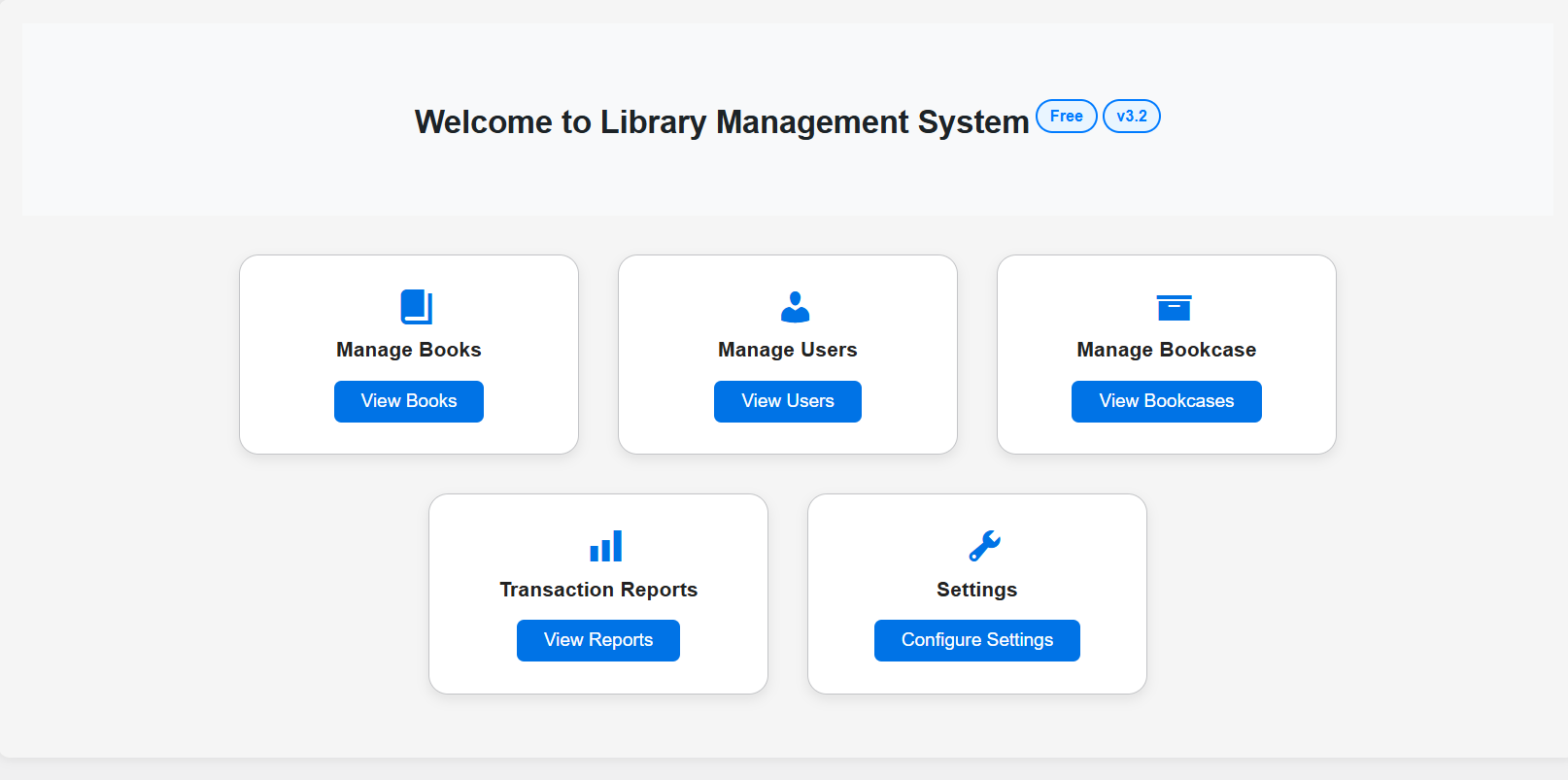
Dashboard of LMS 
Users List 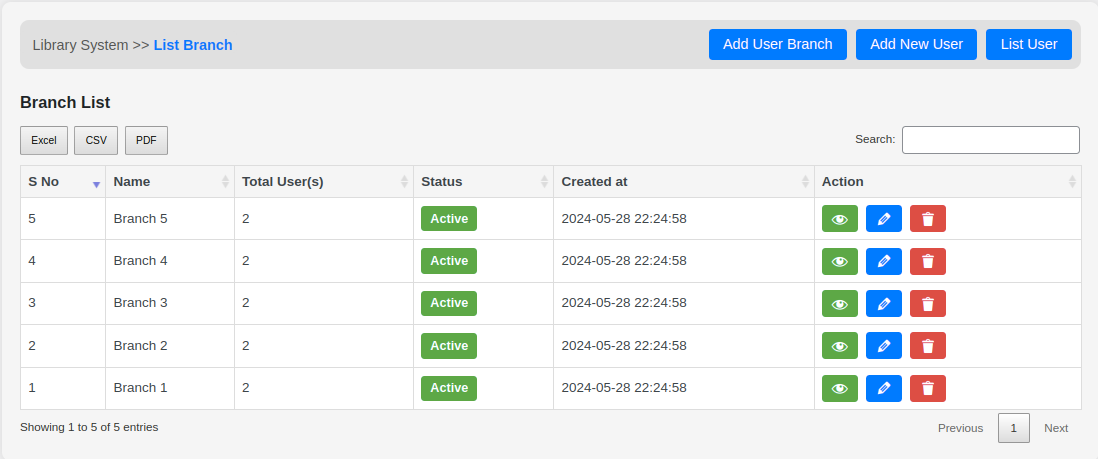
User Branches List 
Add New User 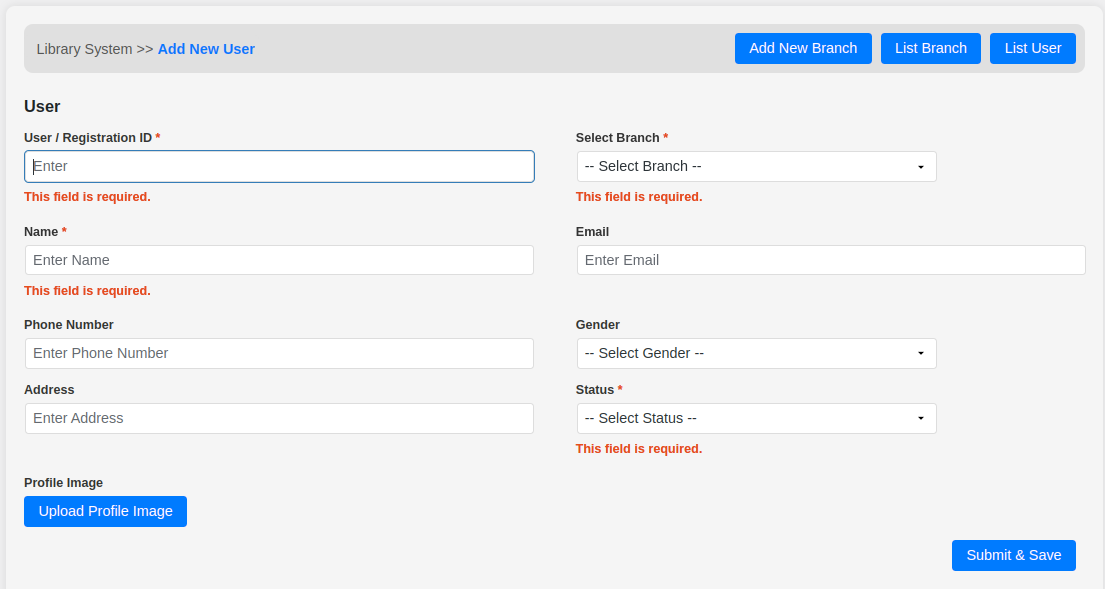
Add New User Form Validation 
Add New Branch 
List of Books 
Add New Book 
Borrow a Book 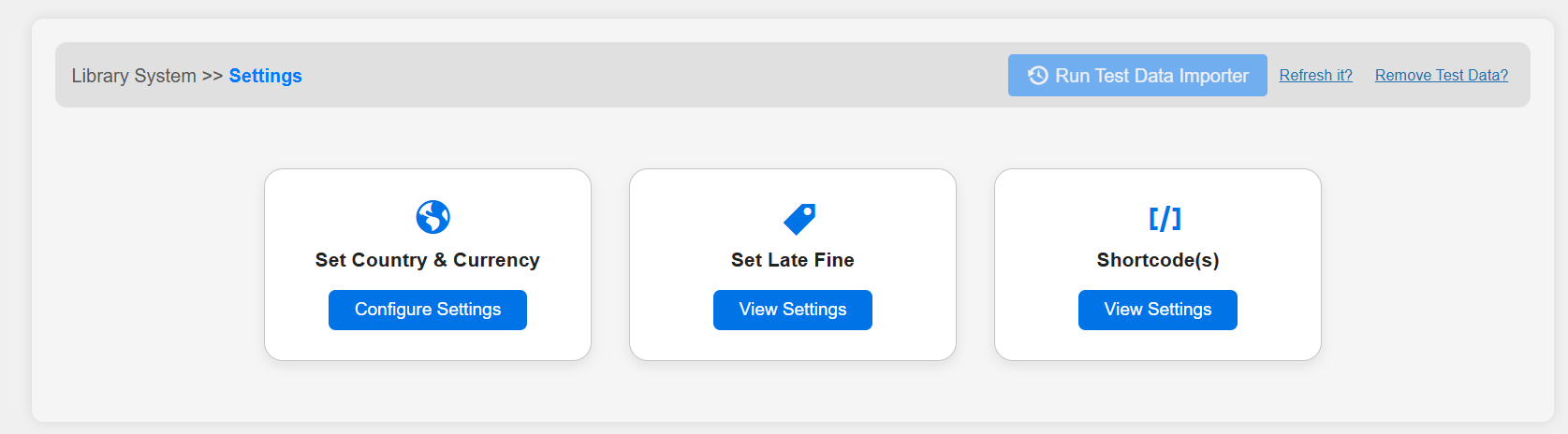
Free Version Settings 
Country and Currency Settings 
Free Vs Pro LMS 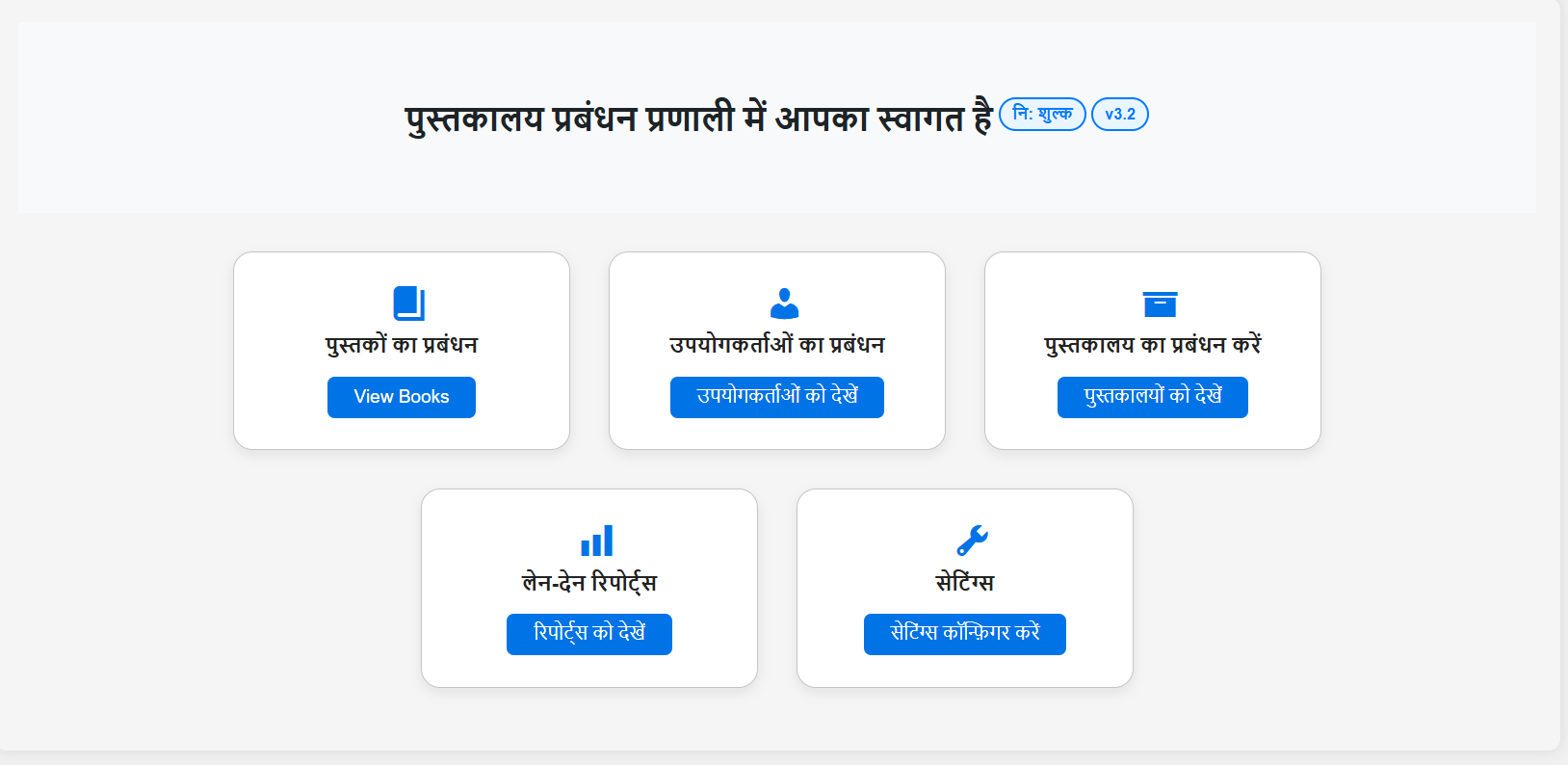
LMS in Hindi Language 
Add New Book in Hindi Language 
Filter User By Branch 
Books Borrow History 
Book Return Form 
Book Return History 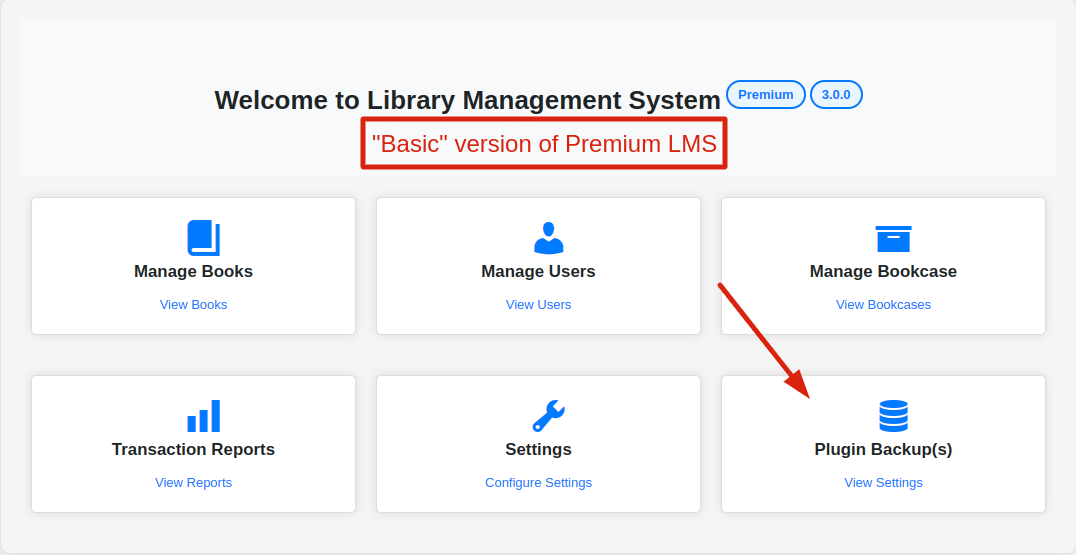
Pro: Plugin Data Backup 
Pro: All LMS Settings 
Pro: Data Backup Feature 
Pro: All LMS Books on Frontend 
Pro: Single Book view Page 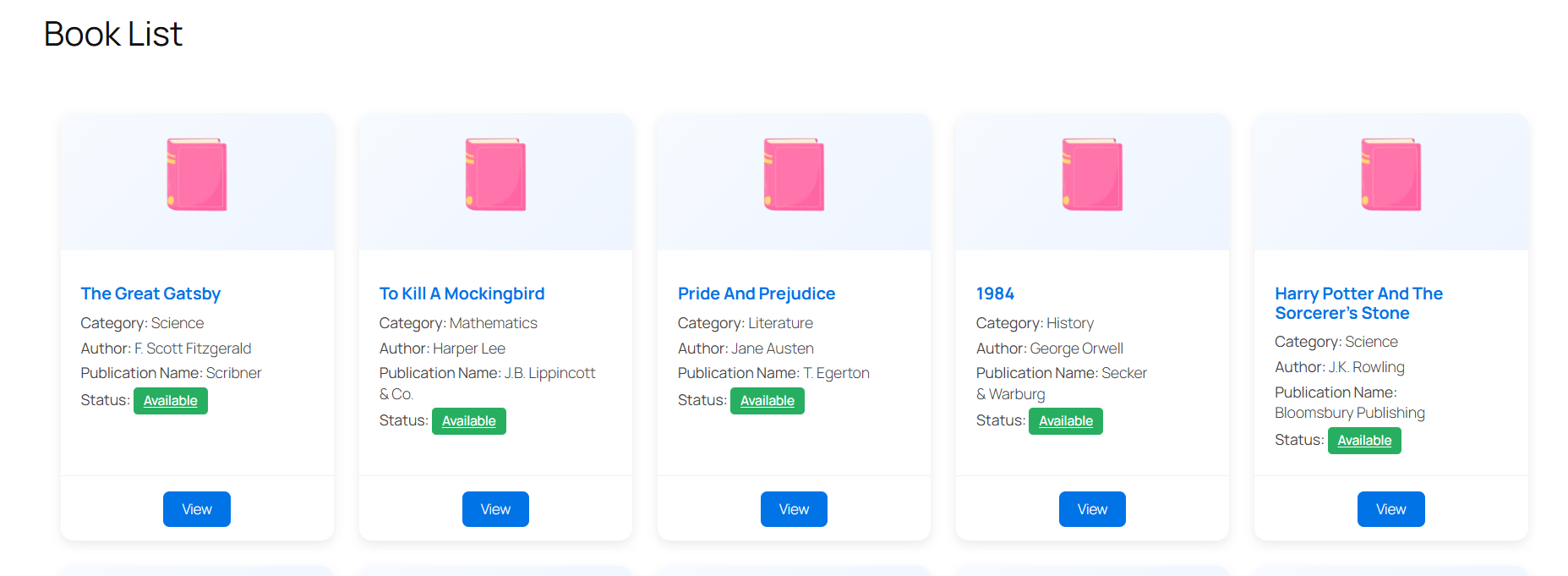
Free: Books listing on Public Page via Shortcode 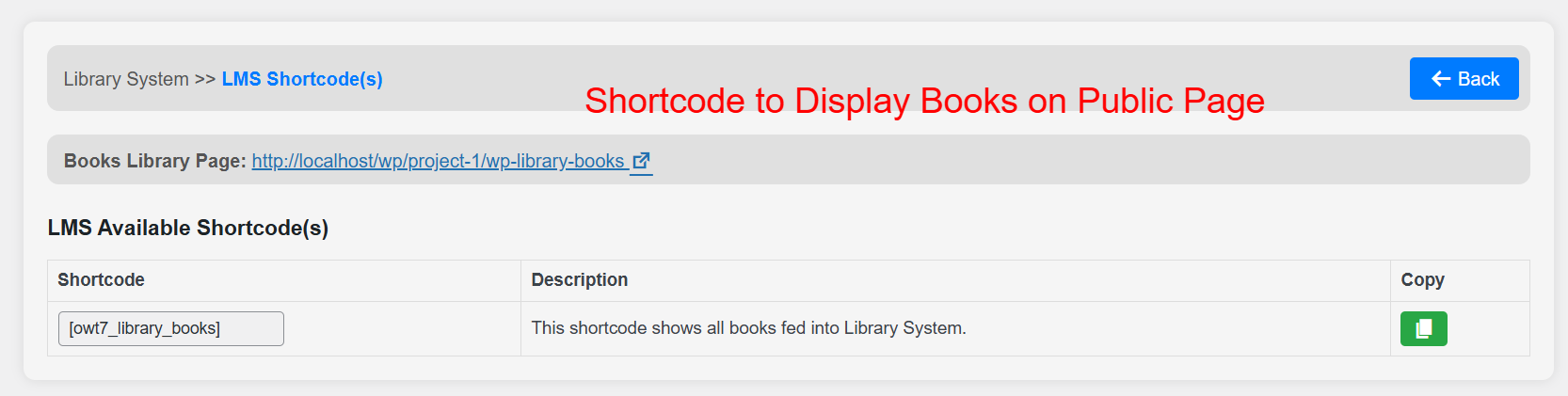
Free: Shortcode to Display Books 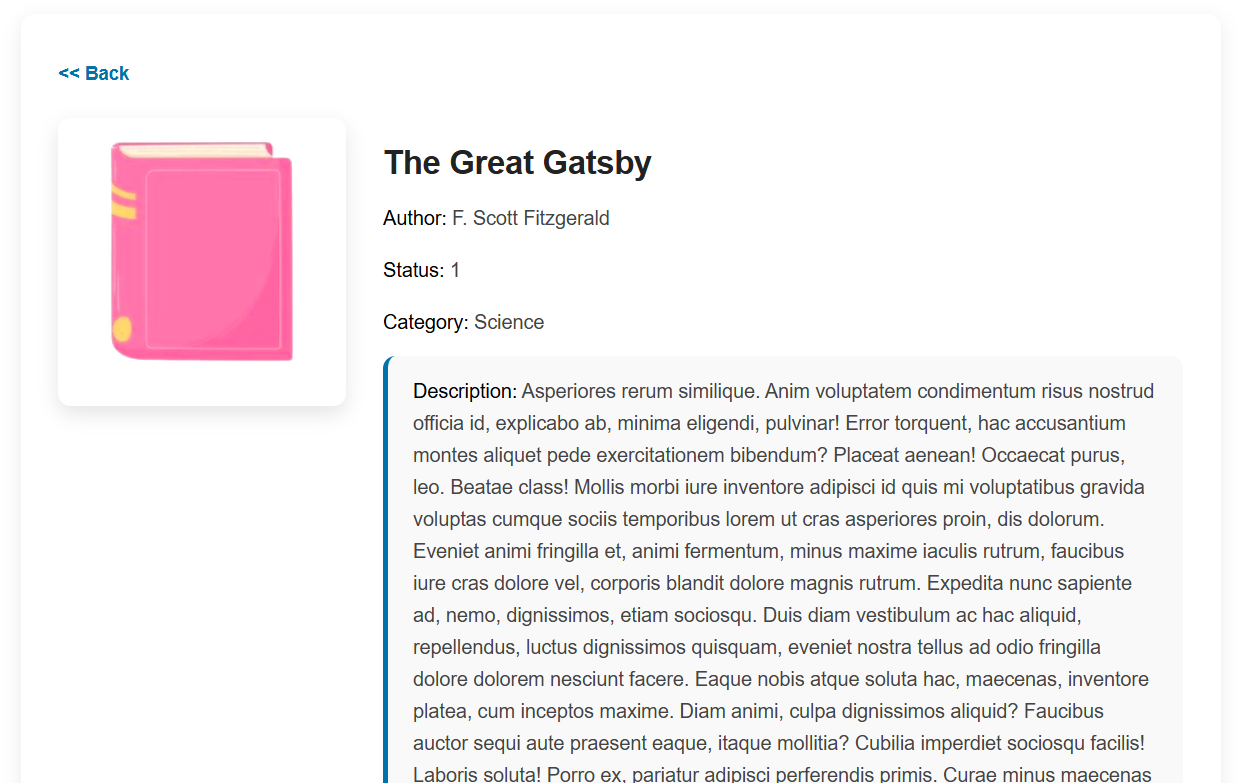
Free: Single Book Page View


インストール
From your WordPress dashboard
1. Visit ‘Plugin > Add new’.
2. Search for ‘Library management system’.
3. Activate Library management system from your Plugins page.
From WordPress.org
1. Search, select and download “Library management system”.
2. Activate the plugin through the ‘Plugins’ menu in WordPress Dashboard.
FAQ
-
Is LMS plugin free of cost for lifetime?
-
The plugin will always be available for Free. There are no hidden charges. We do have 2-tiers of premium versions of LMS (Basic, and Full). You can buy to use it with full features and functionalities.
-
Is LMS plugin is compatible with other WordPress themes and plugins?
-
Yes, it is friendly with all WordPress stuff like if you have your existing themes or plugins. It will work without having any issues.
-
If you have license key verification issues with your premium LMS setup. Please make sure your website runs with https:// (SSL Certification must be Enabled).
-
The plugin is free to download. To purchase its premium basic version, please do an enquiry mail to Email: [email protected], you will get reply and proceed accordingly to buy the extra addon features.
-
LMS comes with 2-tier Premium Levels. Tiers are Basic, Full. You will feel the real magic of the Library Management System plugin by using its Full Version.
-
Can I use the plugin on multiple sites?
-
No, you can use the plugin according to the license key for a specific WordPress site.
-
Do I need to know any coding to use this plugin?
-
No, we have built Library management system to be extremely easy to use and manage.
-
Do you provide support?
-
Yes, We have an LMS Support team available. You can drop your query with the email mentioned.
-
Is plugin data backup feature available?
-
Yes, but it is available in a Pro version of the LMS plugin. By using this, you can take plugin data backup anytime and restore it in future to the same website or a different website.
評価


貢献者と開発者

変更履歴
3.2.1
- Added more free credit limits to use plugin
- Shortcode is available to display books on Frontend
- Single book page is also available
- Added More Plugin Screenshots
- Updated “Upgrade to Pro” Screen
- Added CSS for Single Book Page View
- Added WP_Editor for Textarea in Add / Edit Book
- Add Book Page View Preview Link to Edit Book Page
- Book Filter by Category Issue Fixed
3.2
- Added Security to plugin functions handler
- LMS Cards designs updated
- Added Code to escape unwanted characters entry with data for Italian language.
3.1
- Updated ‘Upgrade Feature Screen’: Added Sync WordPress Users to LMS
- Updated ‘Upgrade Feature Screen’: Self Checkout / Self Return by User from Frontend
- Updated ‘Upgrade Feature Screen’: Borrowed Books / Returned Books list for Users
- Updated ‘Upgrade Feature Screen’: Users can Request to Borrow Book
- Updated ‘Upgrade Feature Screen’: Data Clone Function for any module like Bookcases, Sections, Categories, Books, etc
- Updated ‘Upgrade Feature Screen’: Bulk Data Operation for Delete, Move to Active Status, Inactive Status for any module like Bookcases, Sections, Categories, Books, etc
- Updated ‘Upgrade Feature Screen’: Multi-Librarian Support
- Updated ‘Upgrade Feature Screen’: Sell PDF eBooks with WooCommerce store
3.0
- Feature – Added WooCommerce Integration
- Feature – Enhanced User History Management
2.5
- Fix – Improved Transaction Tracking
- Fix – Enhanced Reporting Options
2.0
- Feature – Multilingual Support
1.0
- Initial release.
